Labor Day Appliances SaleEnds 9/16. Limited quantities. No rainchecks.Shop now

Main Content

Questions & Answers

Page Showing 1-20 of 58 questions
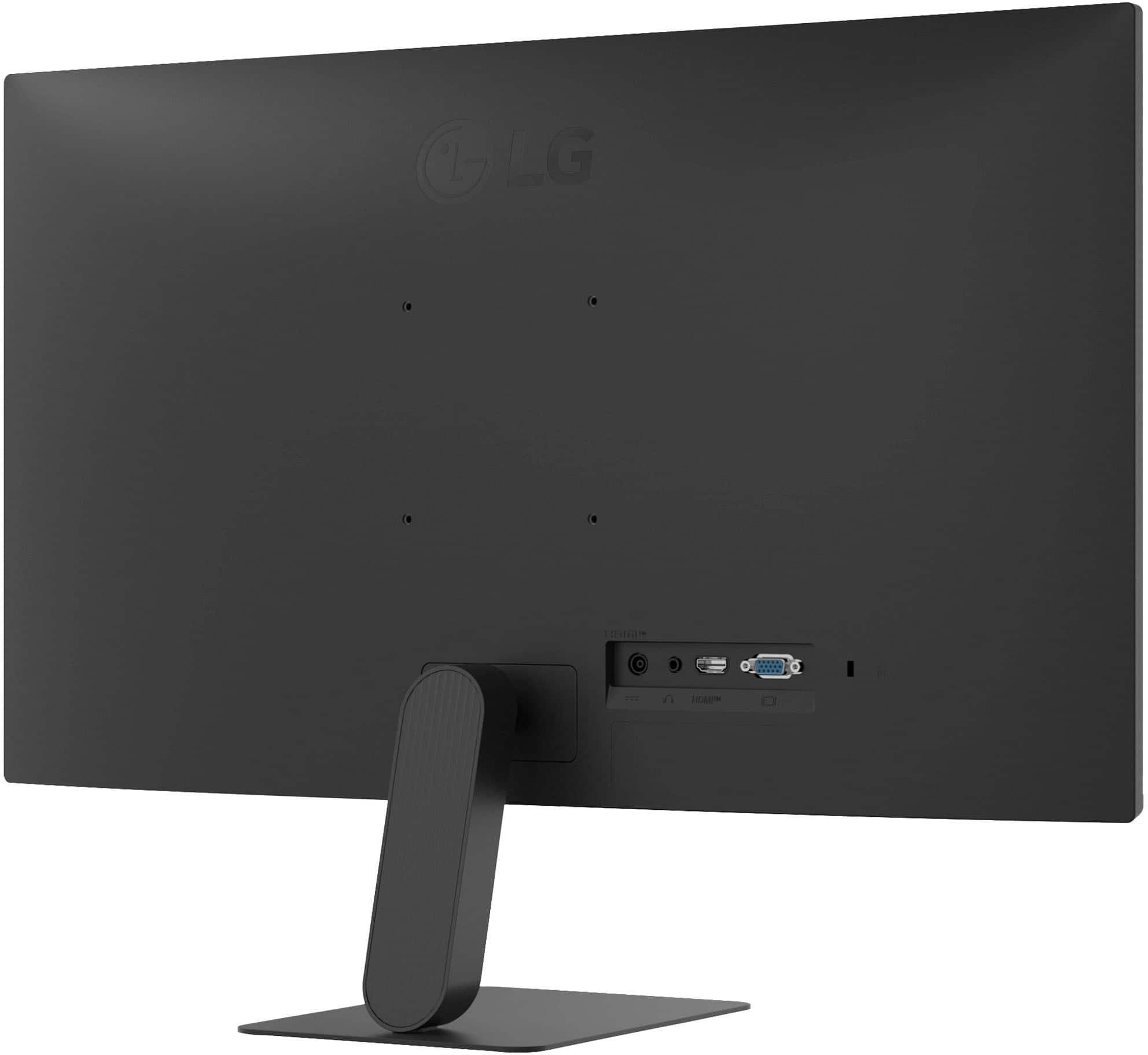
  • QuestionDoes this monitor have a headphone jack?

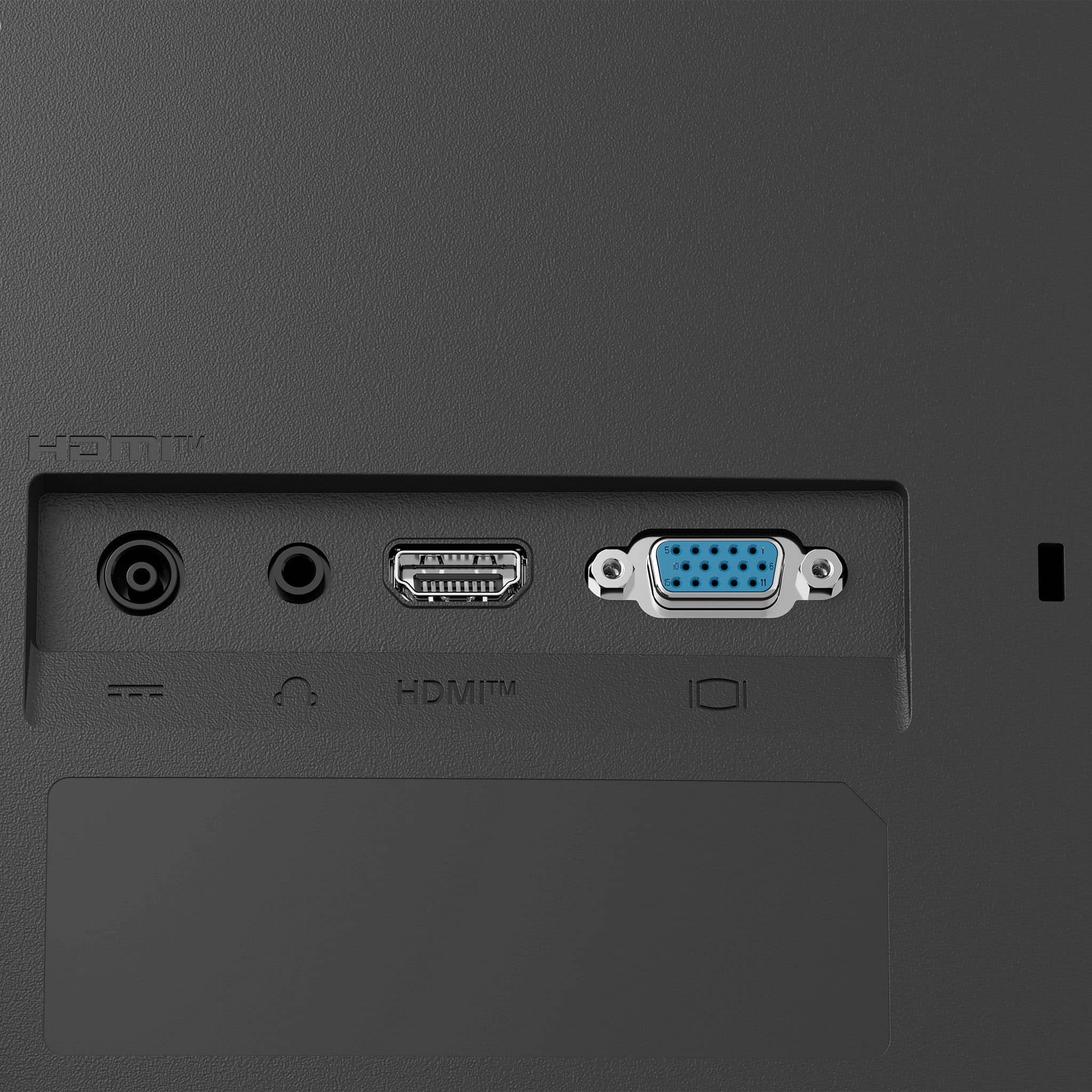
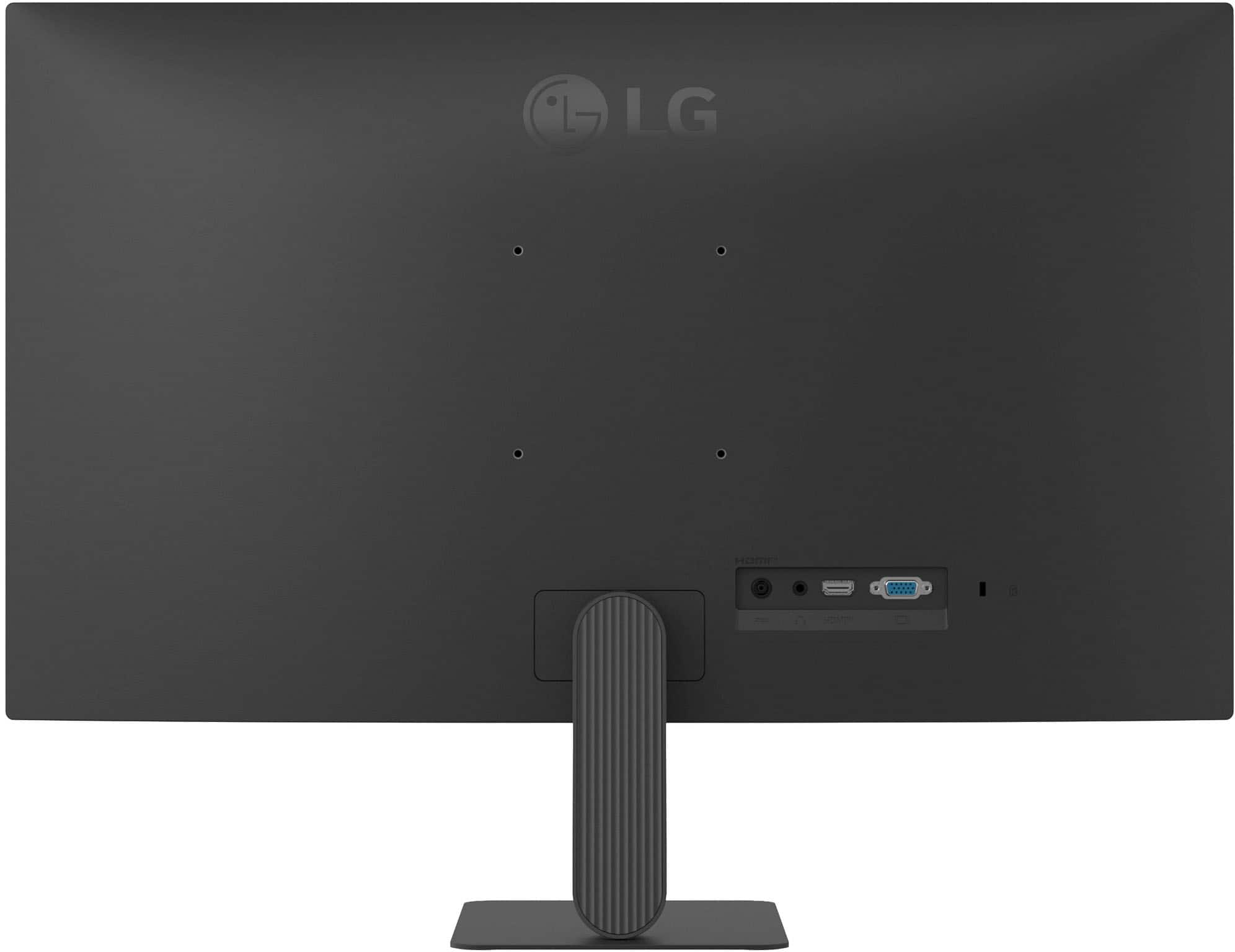
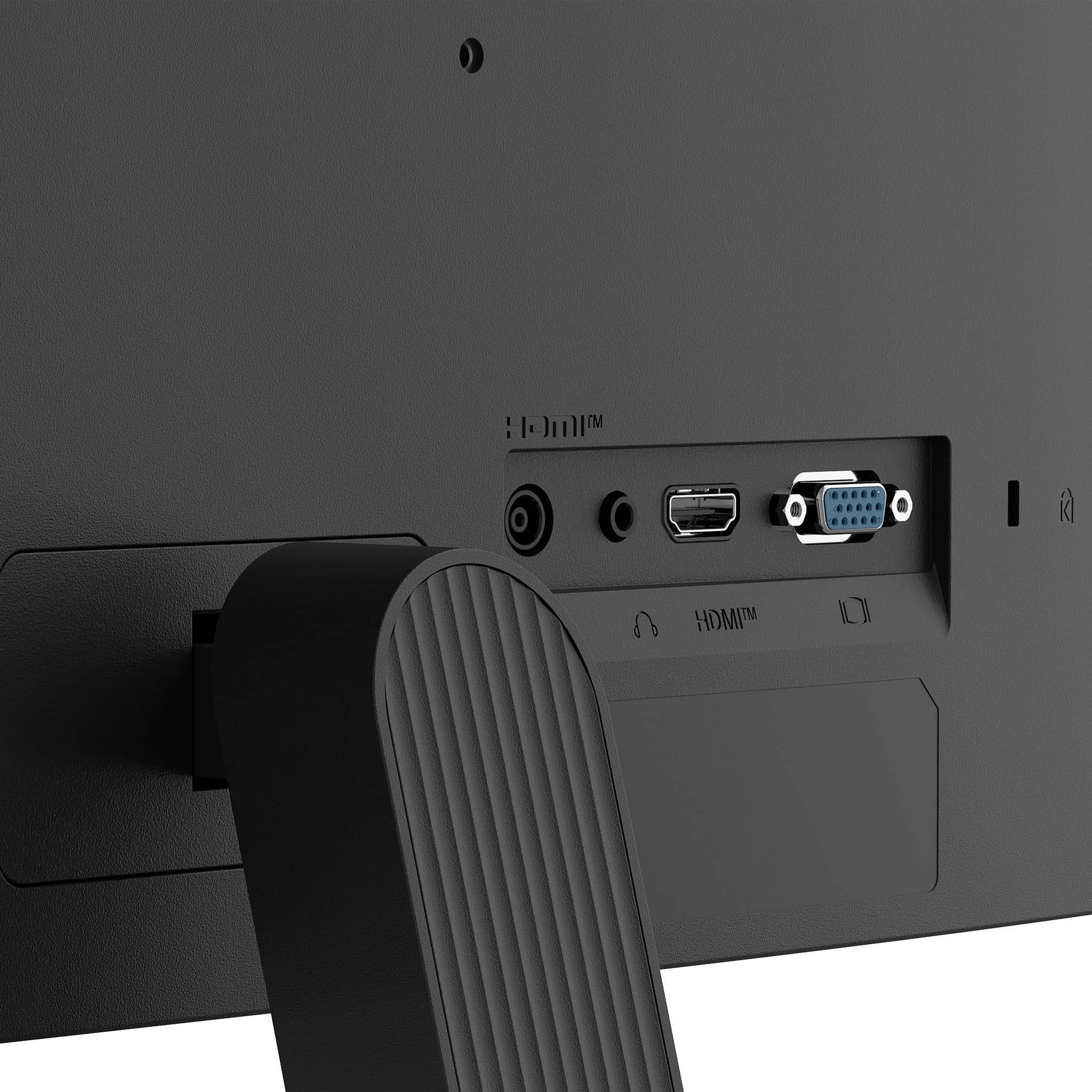
    • Answer Yes, this monitor has a headphone jack.
    This question and answer was generated by AI based on customer and product data.
  • QuestionWhat is the refresh rate of this monitor?

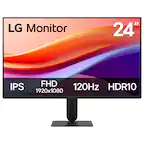
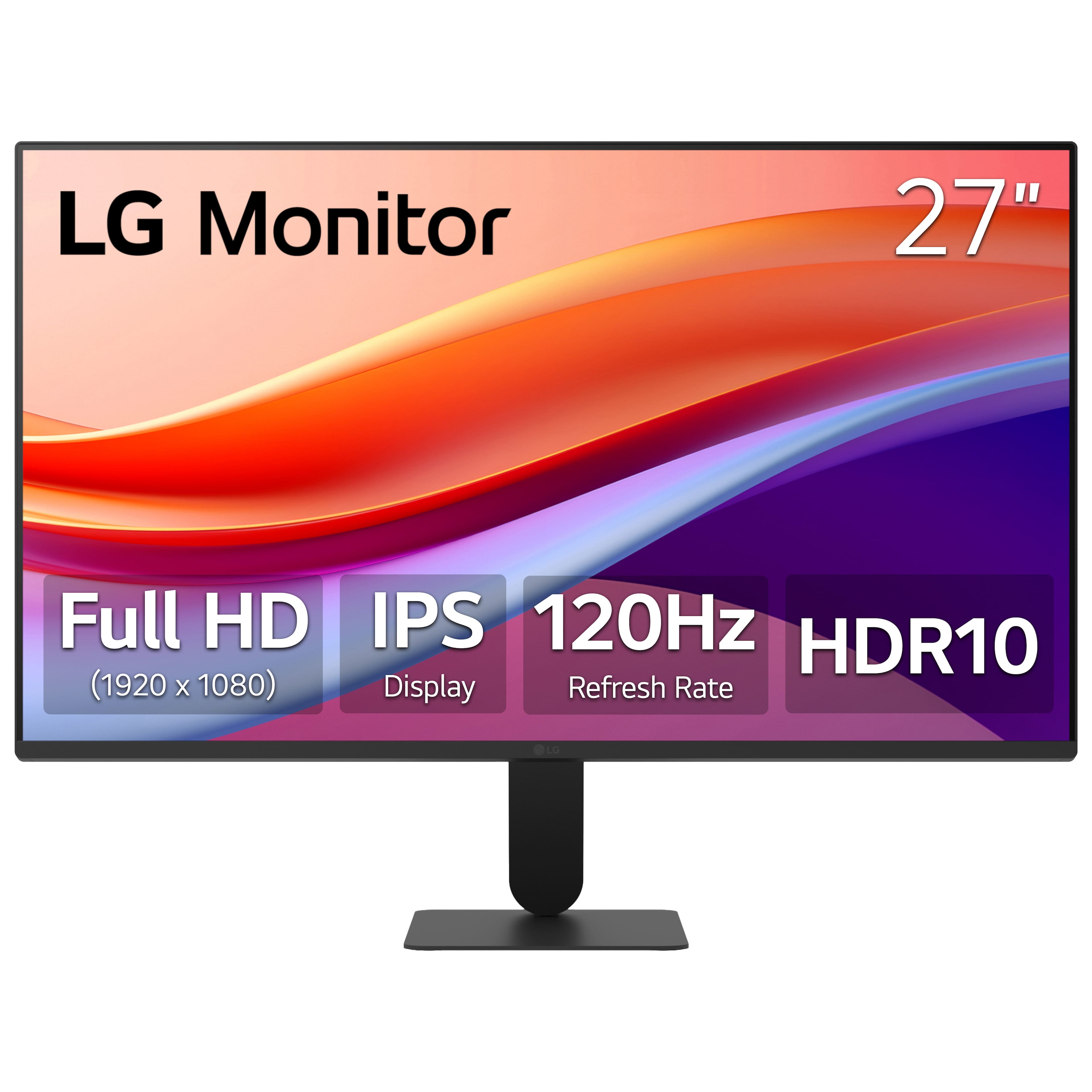
    • Answer The refresh rate of this monitor is 120Hz.
    This question and answer was generated by AI based on customer and product data.

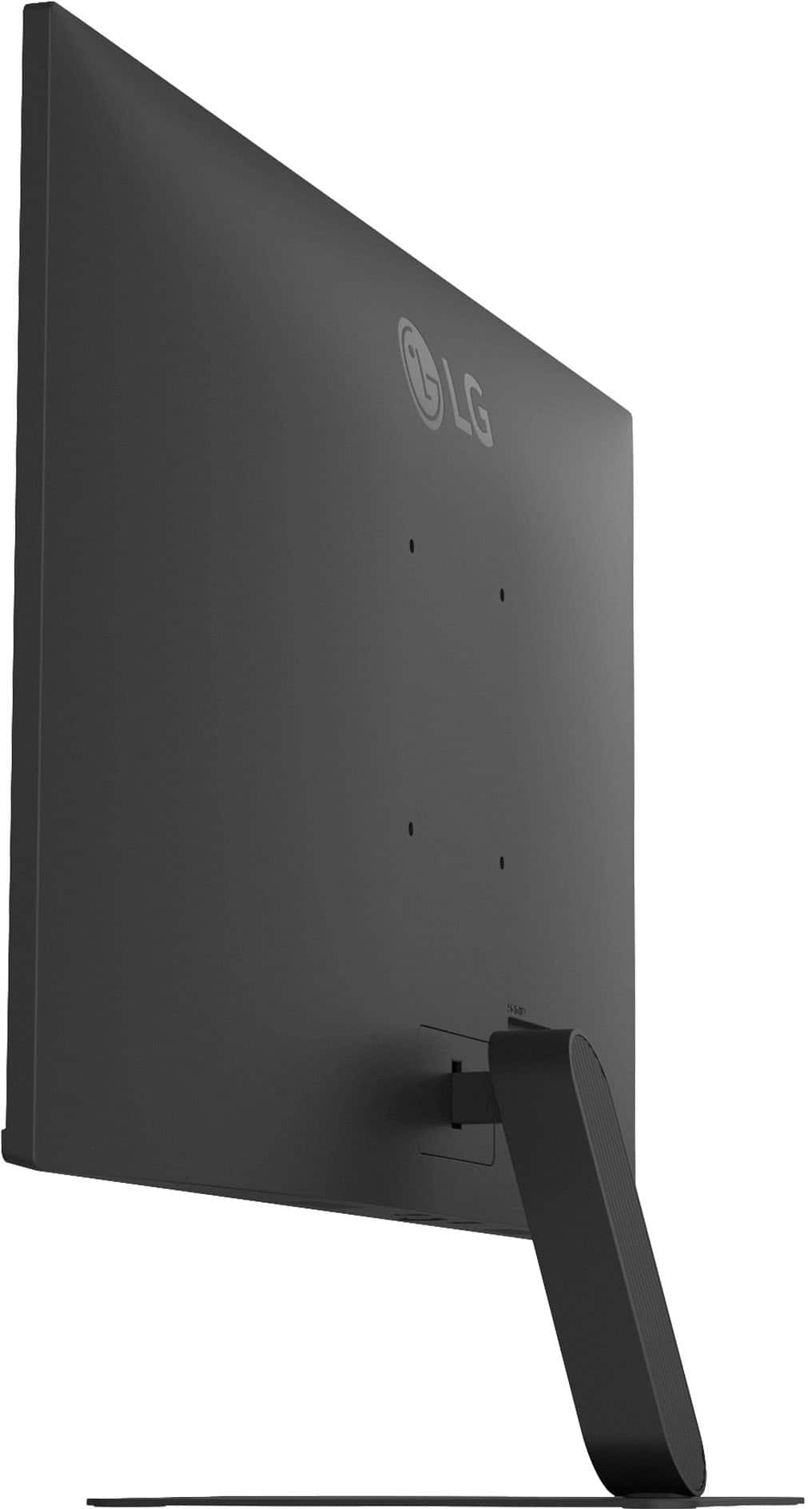
  • QuestionCan this monitor be mounted on a wall?

    • Answer Yes, this monitor is wall mountable.
    This question and answer was generated by AI based on customer and product data.
  • QuestionDoes the monitor have integrated speakers?

    • Answer No, the monitor does not have integrated speakers.
    This question and answer was generated by AI based on customer and product data.
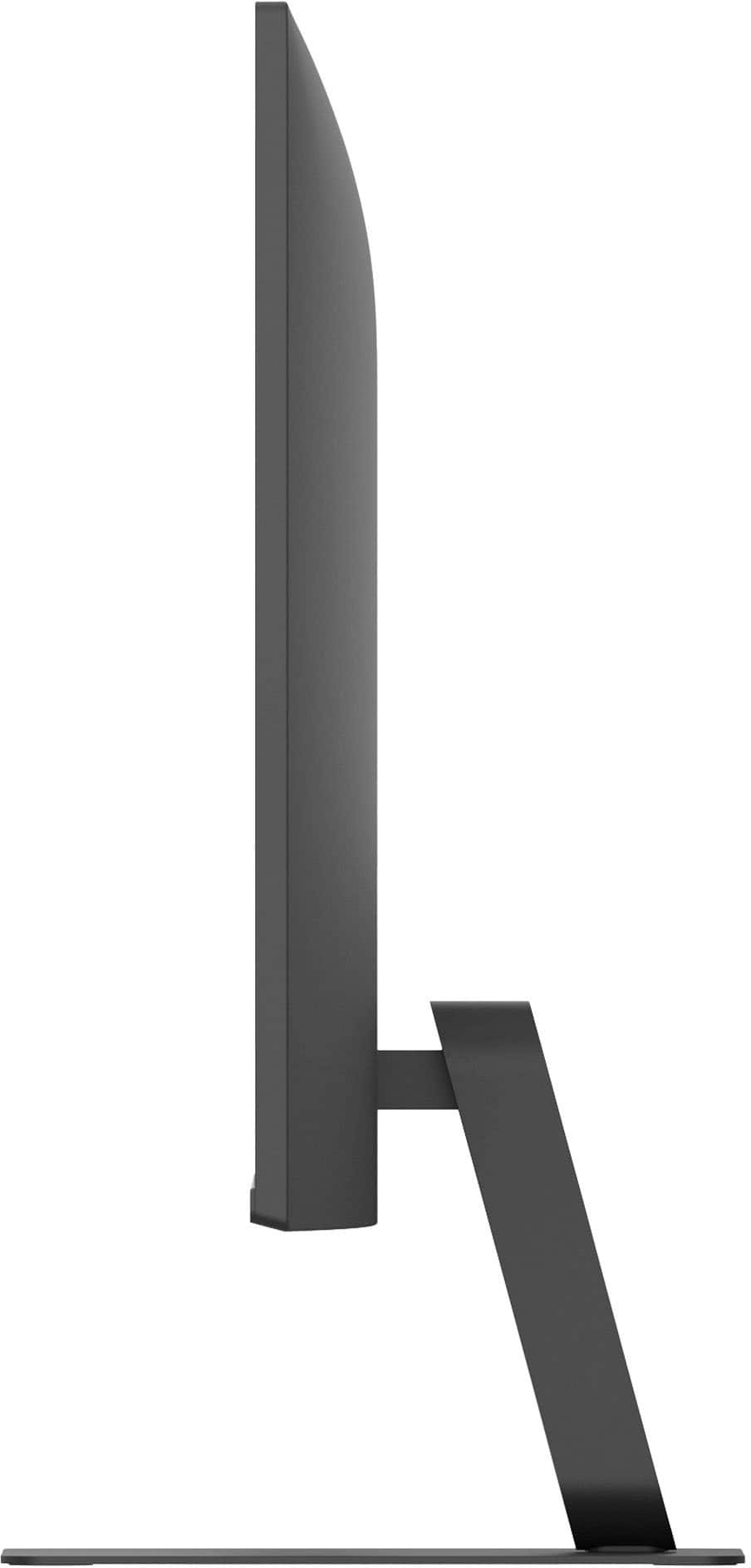
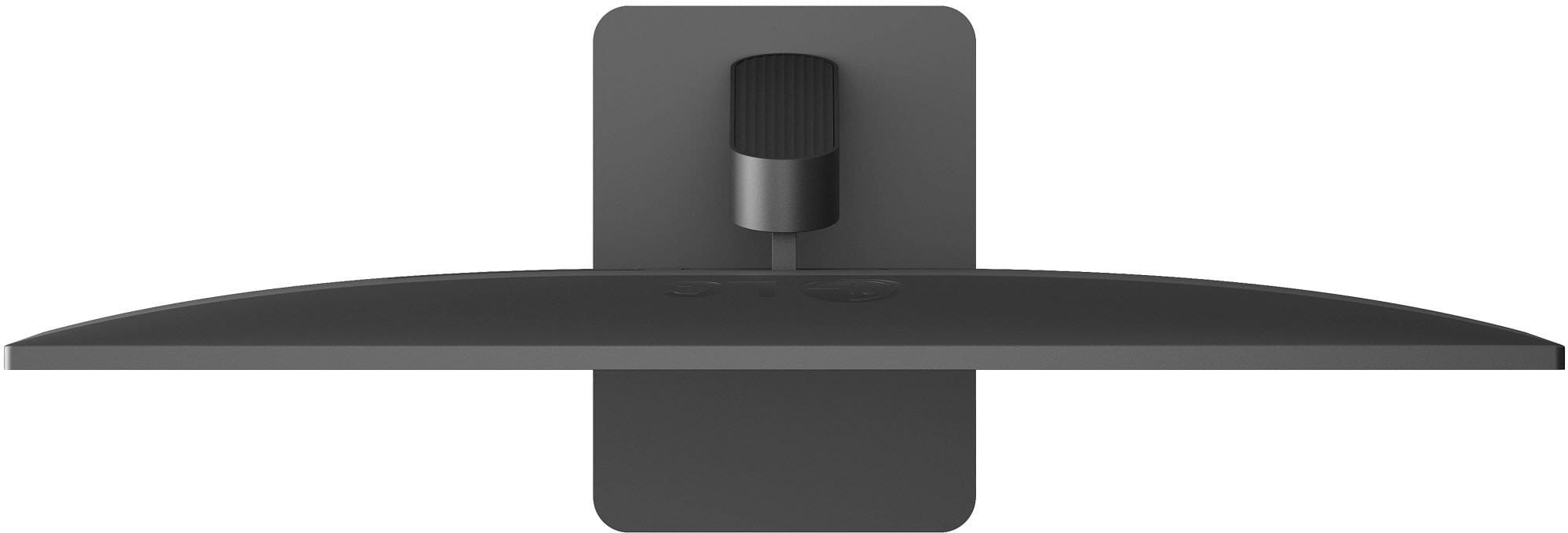
  • QuestionIs the screen tiltable for better viewing?

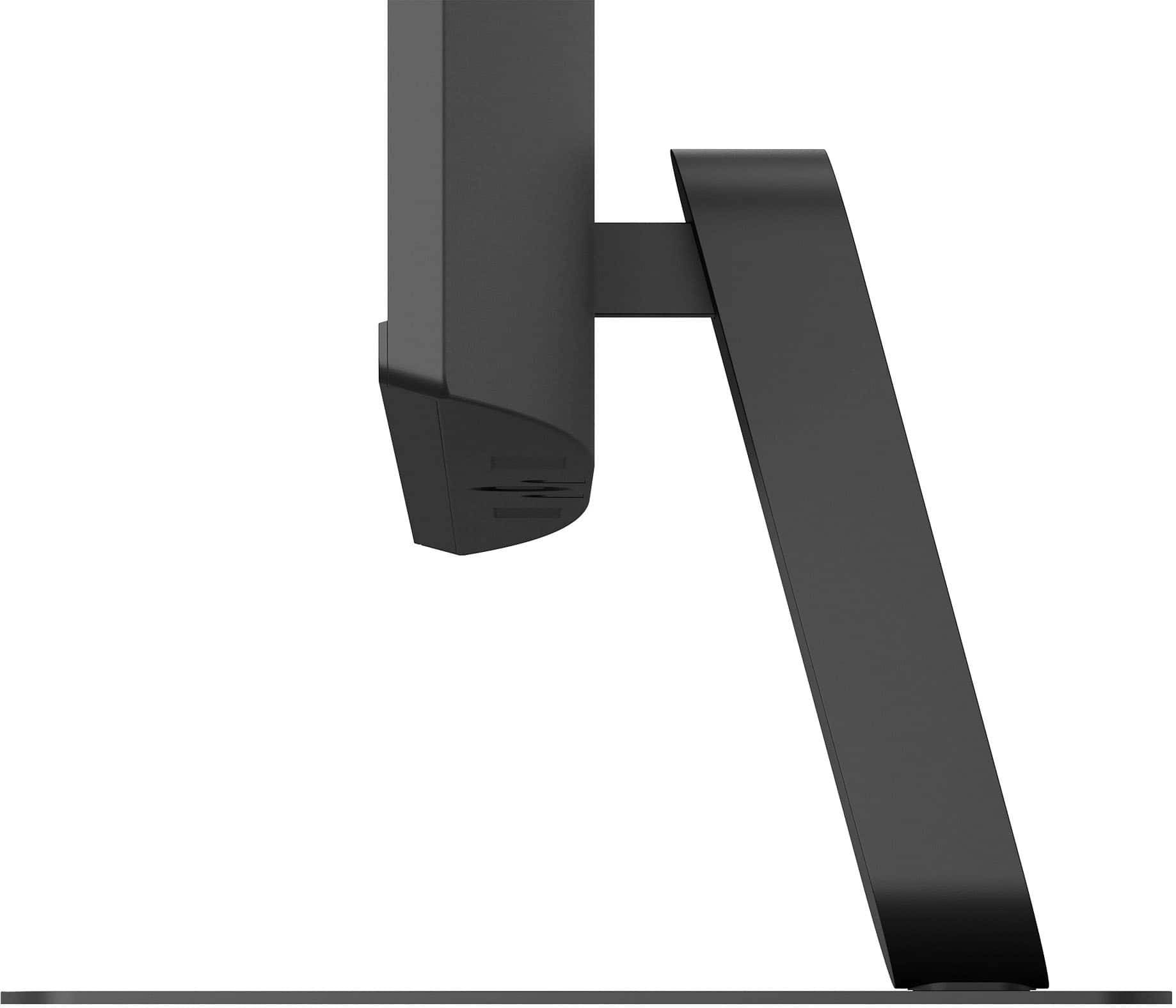
    • Answer Yes, the screen is tiltable, ranging from -5° to 20°.
    This question and answer was generated by AI based on customer and product data.
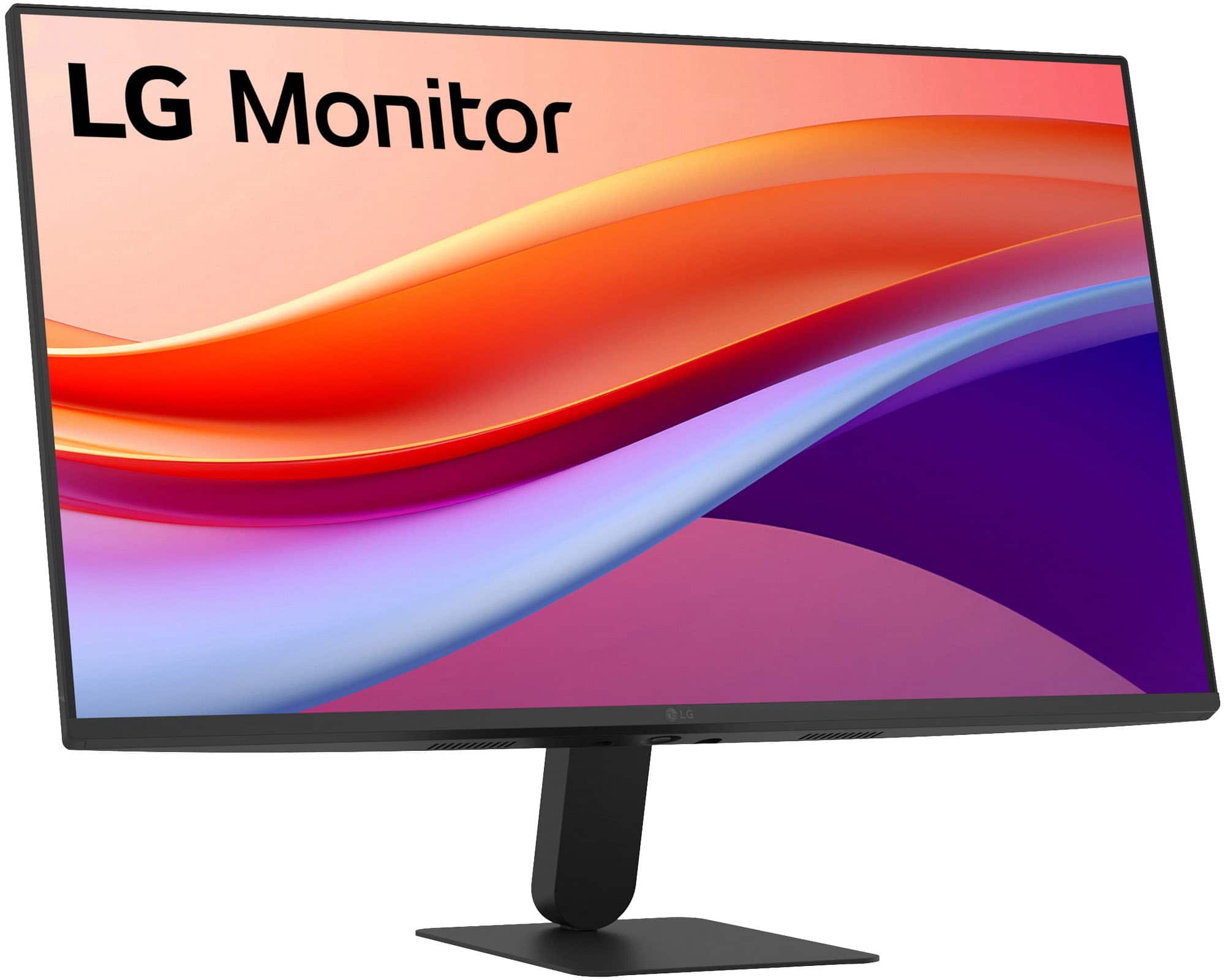
  • QuestionWhat is the native resolution of the monitor?

    • Answer The native resolution of the monitor is 1920 x 1080.
    This question and answer was generated by AI based on customer and product data.
  • QuestionDoes this monitor support HDR?

    • Answer Yes, this monitor supports HDR10.
    This question and answer was generated by AI based on customer and product data.
  • QuestionDo both wired and wireless speakers work with the monitor?

    Asked by Sam.

    • Answer The LG 27" IPS FHD 120Hz Monitor with HDR10 (HDMI) - Black, Model # 27U41YA-B, does not support Bluetooth. It has a 3.5 mm Headphone Out port that you can connect external computer speakers to...^Ivan.

      Answered by LG Digital Customer Care

  • Questiondoes it have a 2.1 hdmi

    Asked by Jack.

    • Answer Hello there, Jack. Thank you for sharing your experience with us. We understand your inquiry about the HDMI connection on the 27U411A-B monitor. We can confirm that your 27U411A-B monitor does include an HDMI port. However, the specifications explicitly list the included port as HDMI Version 2.0. This means the monitor is equipped with HDMI 2.0, and it does not have the newer HDMI 2.1 standard. https://www.bestbuy.com/product/lg-27-ips-fhd-120hz-monitor-with-hdr10-hdmi-black/JJ8VPZKPZ6 If you have any further questions about connecting devices or the monitor's features, please send us a private message on Social Media @LGUSSupport, and our team will be more than happy to assist you. —Renzo

      Answered by LG Digital Customer Care

  • QuestionDoes the product comes with an hdmi cable?

    Asked by JordonC.

    • Answer Yes.

      Answered by MikeC

  • QuestionI feel like this monitor is dark, brightness can't be adjusted to a better setting. Does anyone notice the brightness is not great?

    Asked by DomPat.

    • Answer If the LG 27" IPS FHD 120Hz Monitor with HDR10 (HDMI) - Black Model # 27U41YA-B, appears to be dark and you are unable to adjust the brightness using the Brightness setting in the Picture Adjust settings on the monitor, check to make sure you do not have the Night Light setting on your connected PC/laptop is not set to on, if it has one. Depending on what operating system you are running, you can also adjust the brightness manually, or let your PC/Laptop adjust it automatically based on lighting conditions or content...^Ivan.

      Answered by LG Digital Customer Care

  • Questionhow long is the warranty?

    Asked by steve.

    • Answer The LG 27" IPS FHD 120Hz Monitor with HDR10 (HDMI) - Black, Model:# 27U41YA-B, comes with a Limited Manufacturer's Warranty of One (1) year from the date of original retail purchase for Parts, labor, backlight, and controller...^Ivan.

      Answered by LG Digital Customer Care

  • Questionwhat kind of screws are needed to install?

    Asked by LT.

    • Answer Screws are included wwwith product.

      Answered by banne

  • Questionis it compatible with apple air Mac?

    Asked by Anonymous.

    • Answer Hello, there! Thank you for sharing your question with us about the LG Monitor (27U41YA‑B). Yes, the LG Monitor (27U41YA‑B) is compatible with the Apple MacBook Air. LG measures this model with HDMI connectivity, so you can connect your MacBook Air using a USB‑C to HDMI adapter or cable. Once connected, macOS will automatically detect the monitor, allowing you to configure resolution, refresh rate, and display arrangement in System Settings and Displays. You can explore the full feature list and support details here: https://www.bestbuy.com/product/lg-27-ips-fhd-120hz-monitor-with-hdr10-hdmi-black/JJ8VPZKPZ6. Should you need further assistance, feel free to email us at lgdigitalcare@lg.sprinklrsupport.com. — Avril

      Answered by LG Digital Customer Care

  • QuestionDoes this come with built in speakers?

    Asked by Jamal.

    • Answer no but is compatible with my logitech speakers.

      Answered by banne

  • QuestionWhat are contents of box? Is there a hdmi cord?

    Asked by Anonymous.

    • Answer yes

      Answered by banne

  • QuestionOn off switch not press and hold?

    Asked by Sizy.

    • Answer Hello, Sizy! Thank you for sharing your question with us about the LG Monitor (27U41YA-B). The power button is a simple press once to turn on or off — it does not require a press‑and‑hold action. This makes powering the unit straightforward, as a single press toggles the monitor’s state. You can explore the full feature list and support details here: https://www.bestbuy.com/product/lg-27-ips-fhd-120hz-monitor-with-hdr10-hdmi-black/JJ8VPZKPZ6. If you’d like more details on operation or setup, please email us at lgdigitalcare@lg.sprinklrsupport.com. — Avril

      Answered by LG Digital Customer Care

  • QuestionDoes this monitor contain usb ports so I can connect my keyboard and mouse

    Asked by Derr.

    • Answer Yes this has the connection that you asked about.

      Answered by DEBORAH

  • QuestionIs this compatible for windows and MacBook Pro both ?

    Asked by Nisha.

    • Answer Yes

      Answered by MARIOV

  • QuestionI have 6 security cameras,what all do I need to hook them to the monitor

    Asked by Renee.

    • Answer What type of security cameras do you have & what connectivity do they require? You will need to check your manual for the security cameras for instructions on how to connect them to a monitor and if any software is required. If in doubt, contact your security camera's manufacturer for assistance. Whether you need software depends on your setup. Hardwired systems (using a DVR/NVR) display directly on a monitor without extra software. However, standalone Wi-Fi or cloud-based cameras do not output video directly to a monitor and require a mobile app, client software, or a bridge. Connectivity for the LG 27" IPS FHD 120Hz Monitor with HDR10 (HDMI) - Black, Model # 27U41YA-B, includes an HDMI 2,0 input and a 15-Pin D-Sub connector...^Ivan.

      Answered by LG Digital Customer Care