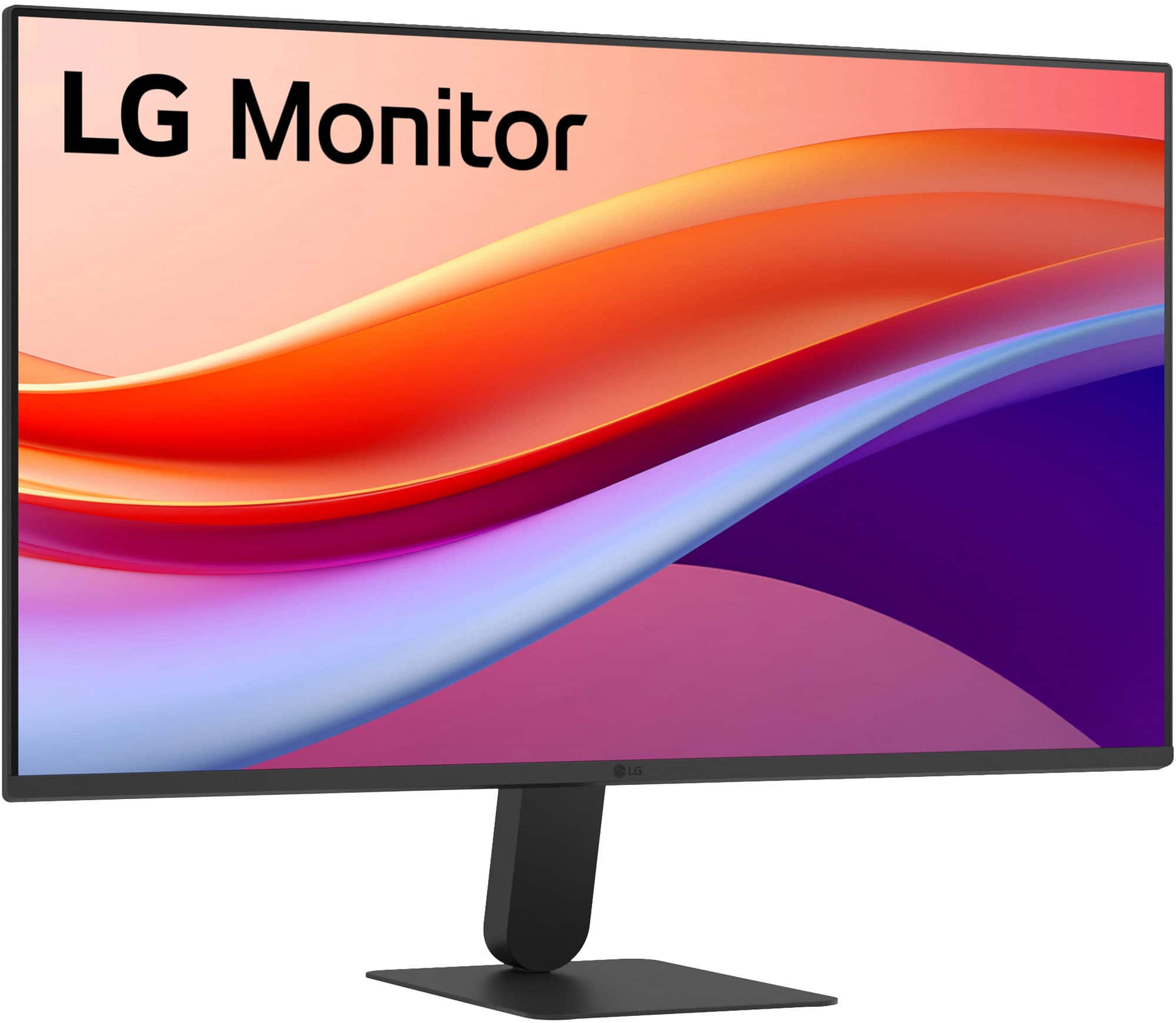
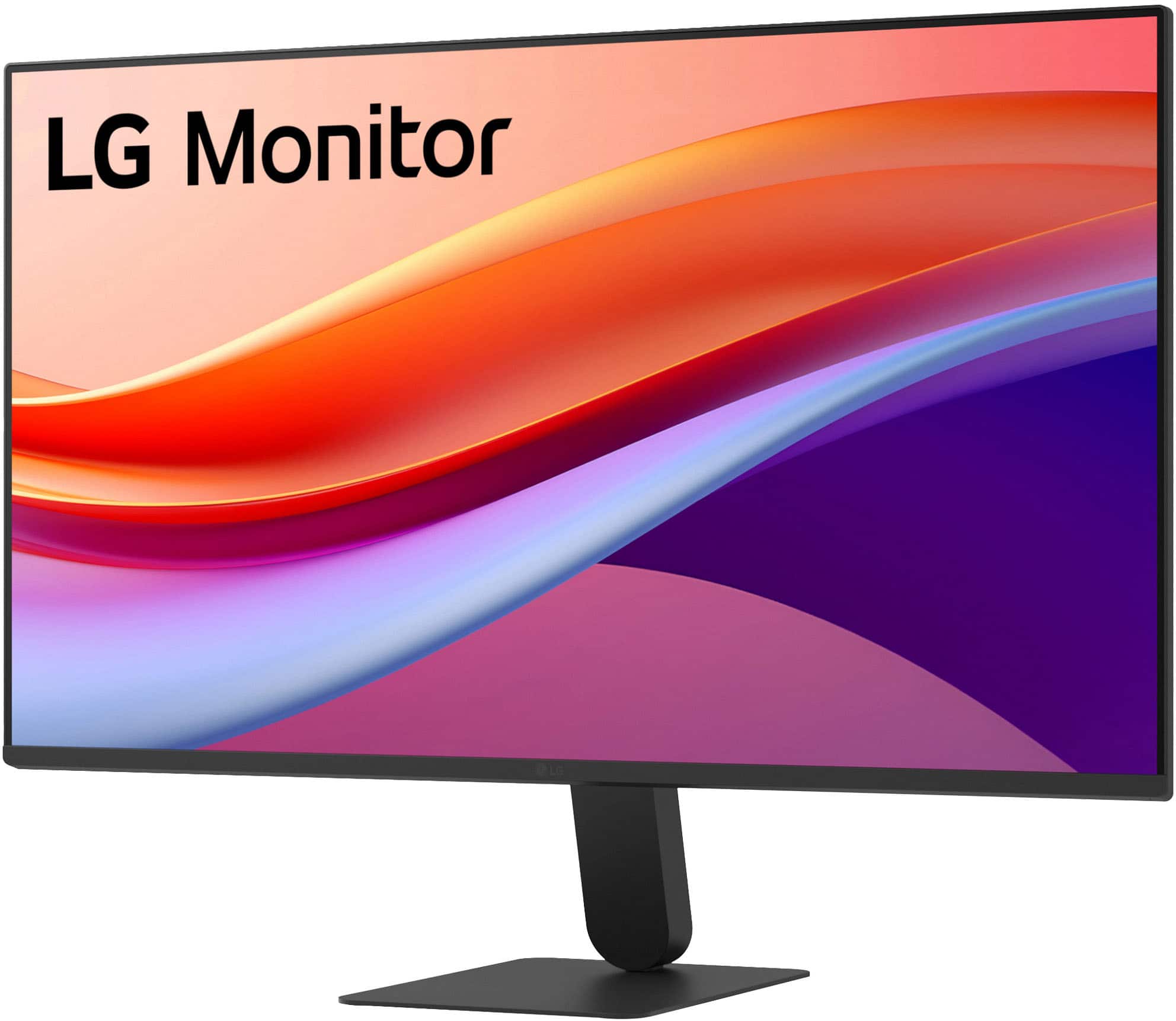
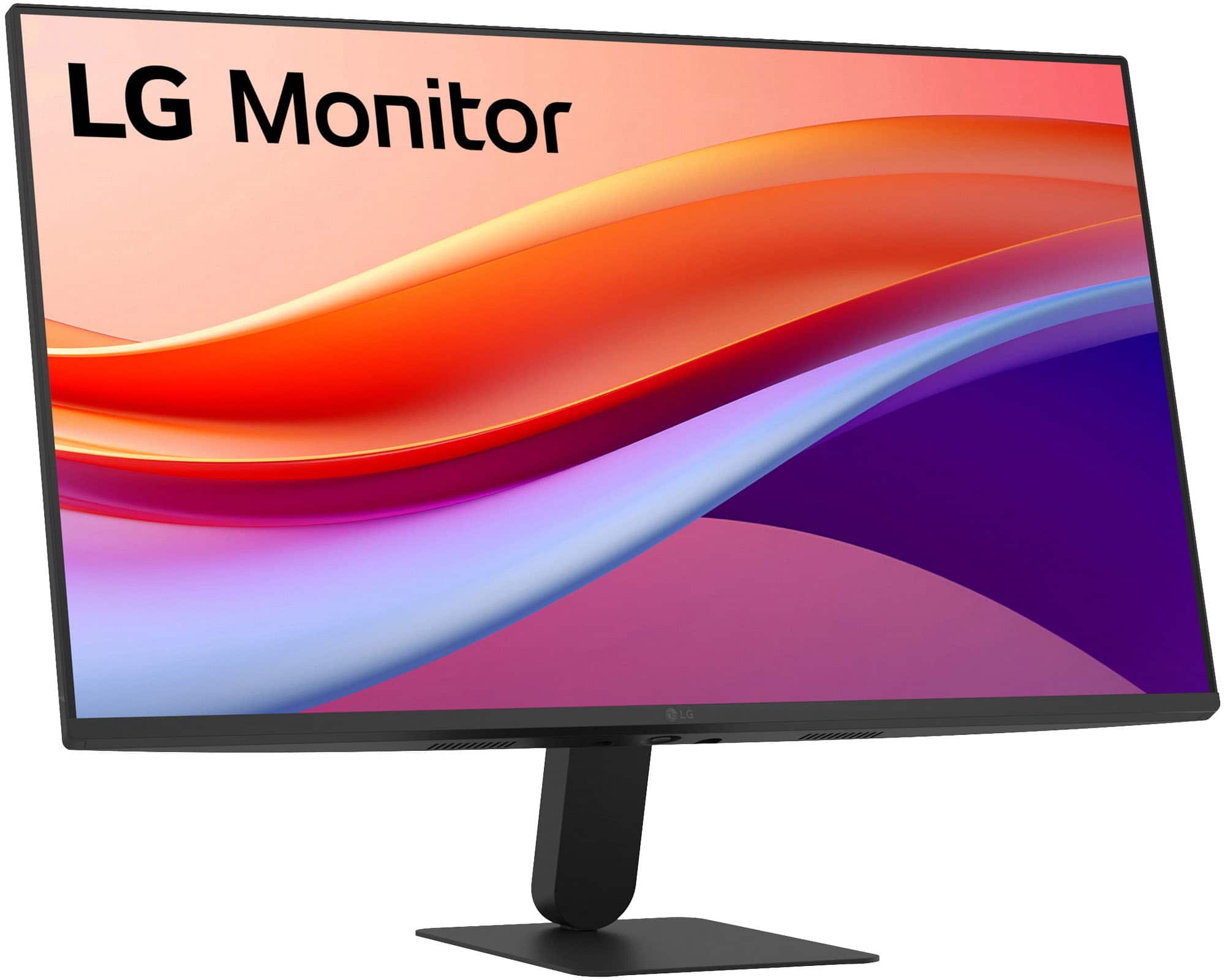
A:AnswerHello there, Bob. Thank you for your question about your LG Monitor, model 27U411A-B. We understand you are inquiring about its available connection ports.
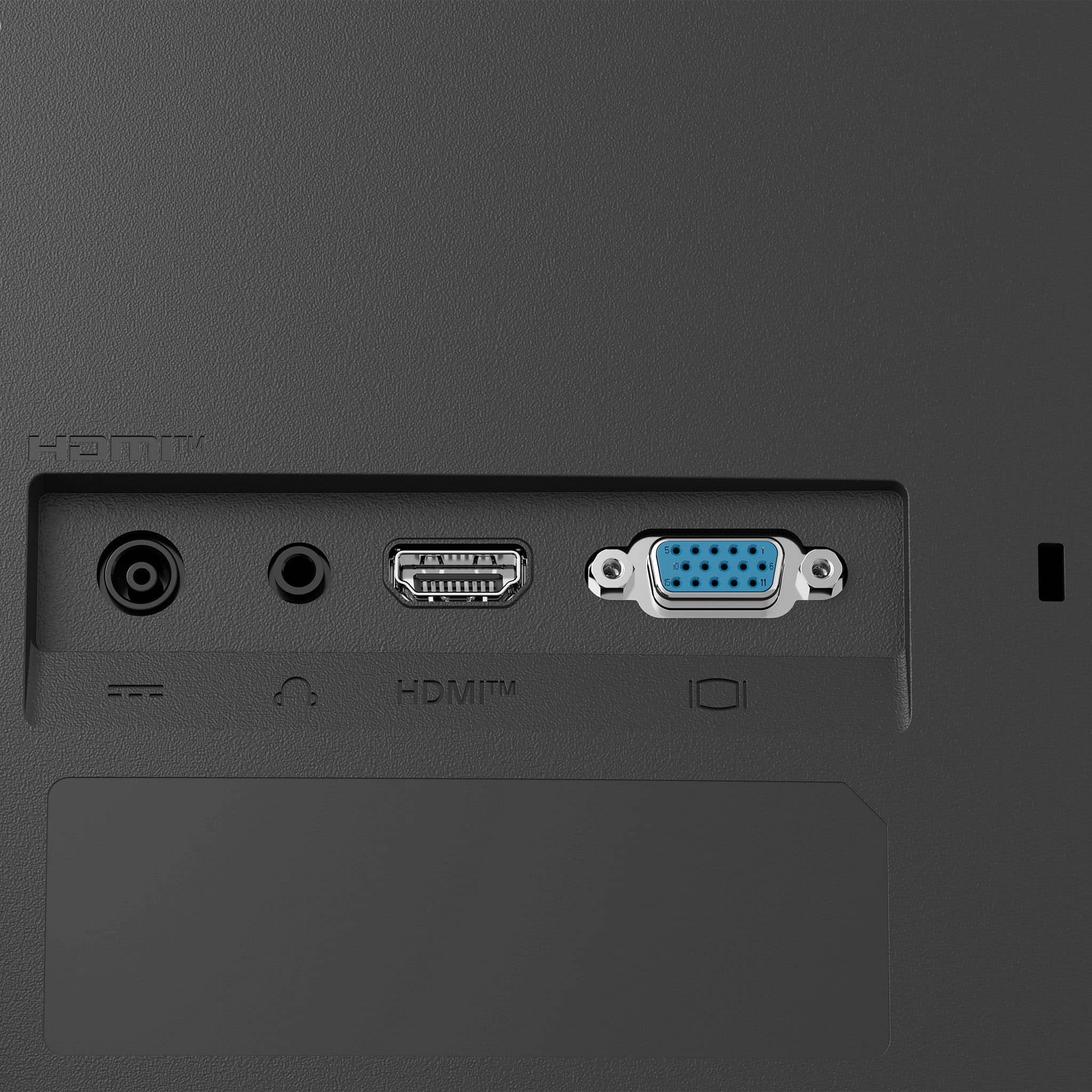
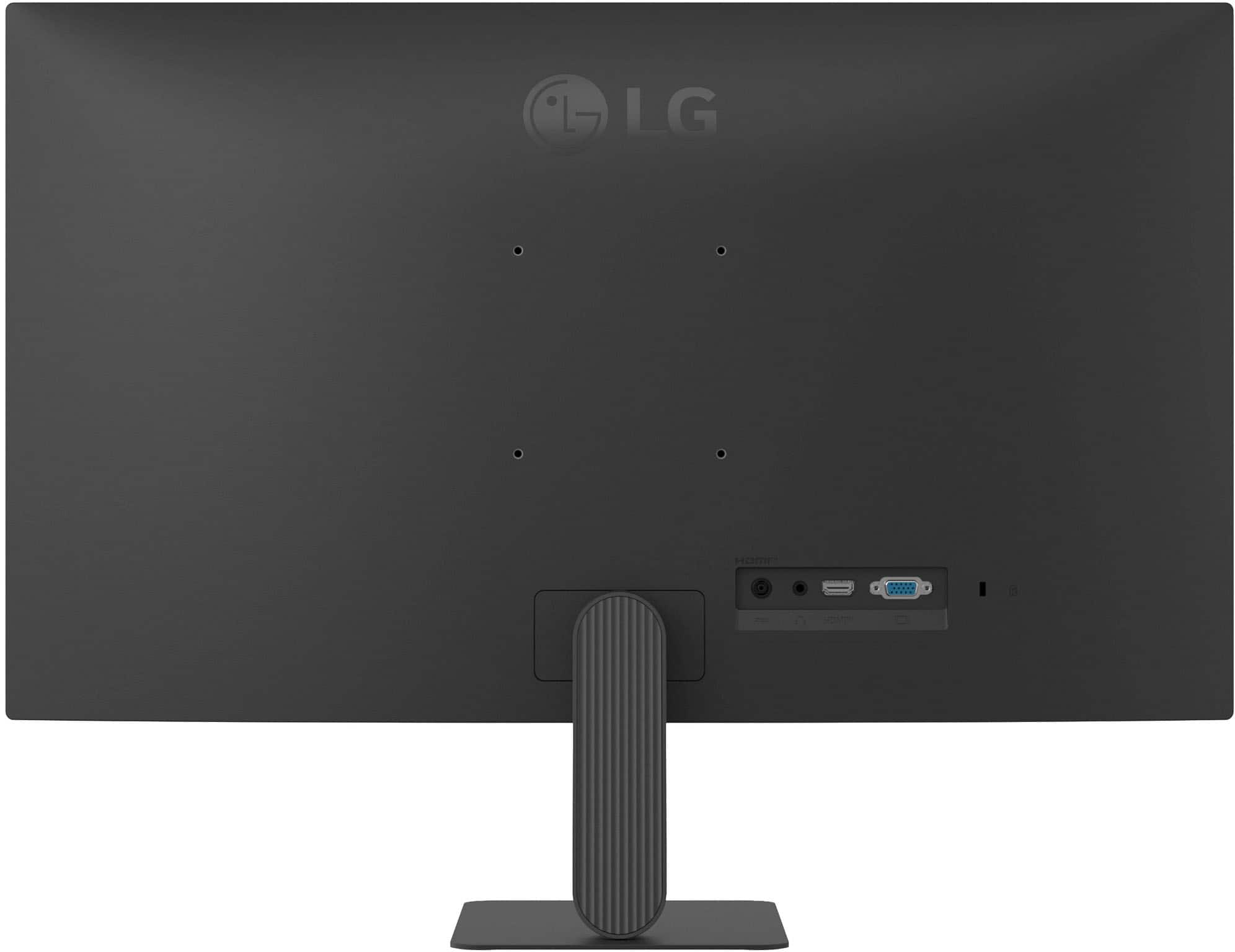
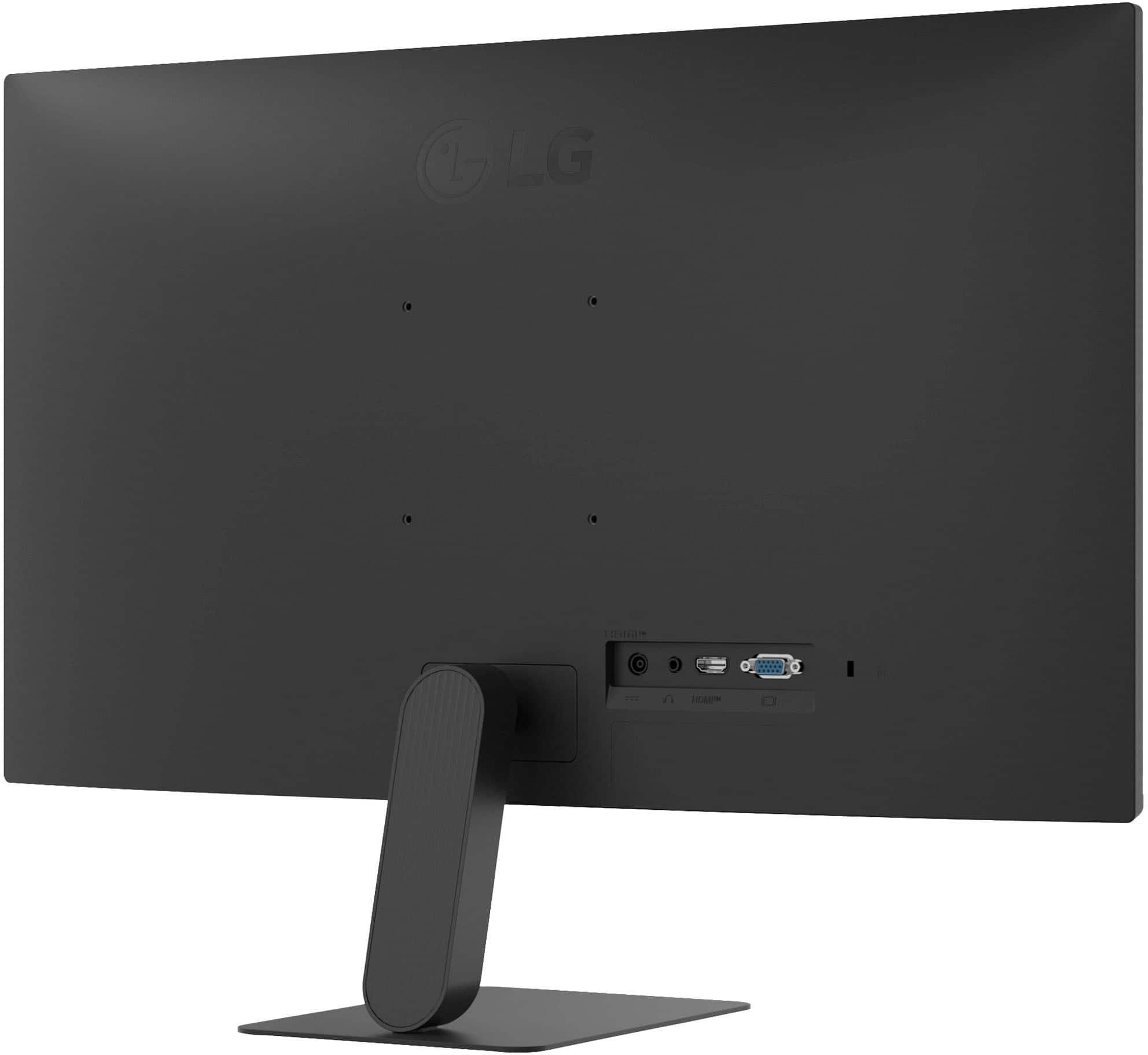
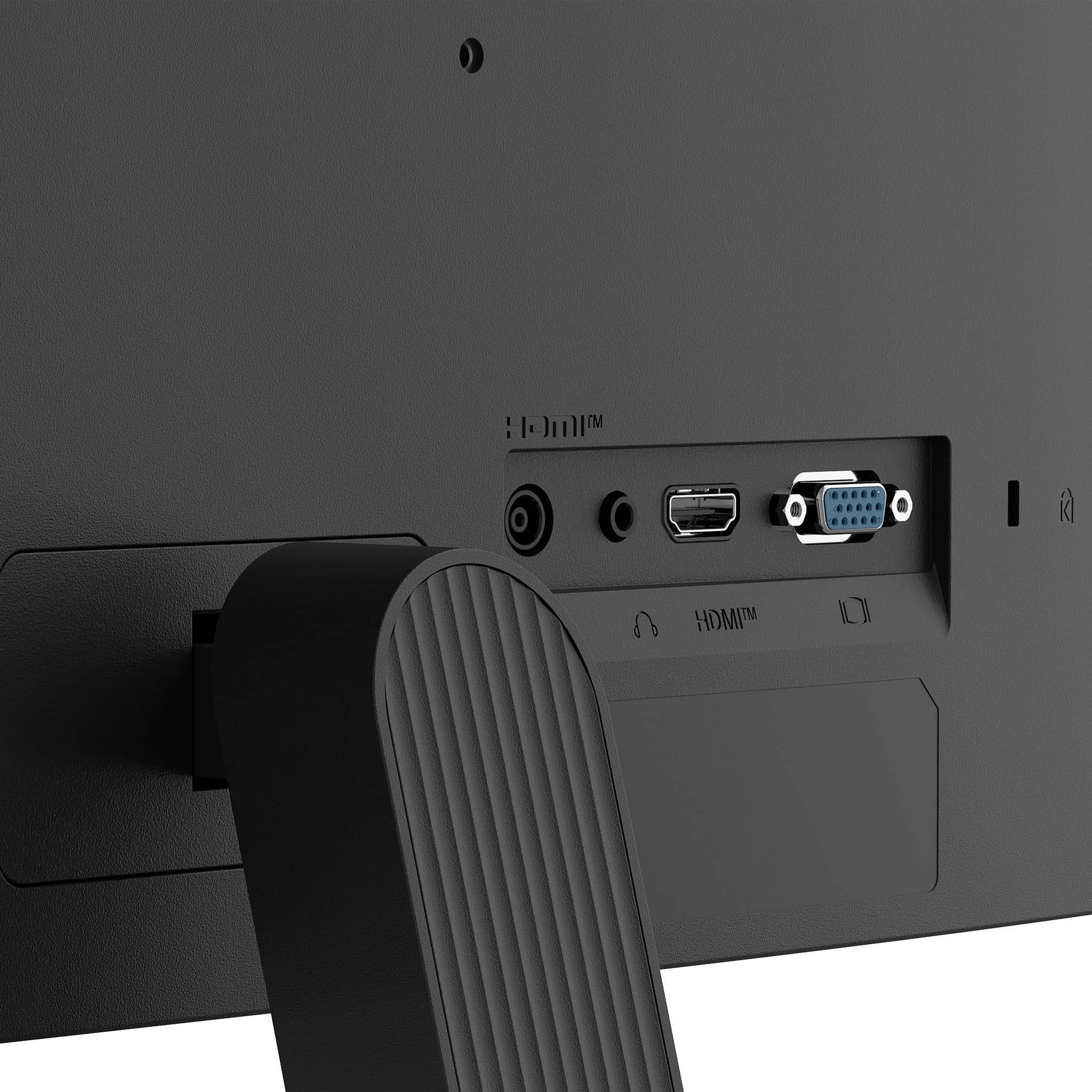
Yes, this monitor does include a VGA port. In the technical specifications under the "Input/Output" section, this connection is listed as "D-Sub," which is the standard industry name for the connector commonly known as a VGA port.
https://www.bestbuy.com/product/lg-27-ips-fhd-120hz-monitor-with-hdr10-hdmi-black/JJ8VPZKPZ6
If you have any further questions about its features, please send us a private message on Social Media @LGUSSupport, and our team will be more than happy to assist you. —Renzo
A:AnswerHi there. Thank you for your question about your LG Monitor, model 27U411A-B. We understand you're looking for a way to connect it to an iPad for use in your shop or garage.
Yes, you can connect this monitor to an iPad. To do so, you will need to use the monitor's HDMI port and an appropriate adapter for your specific iPad model. For an iPad with a USB-C port, you would need a "USB-C to HDMI" adapter. For an older iPad with a Lightning port, you would need a "Lightning to HDMI" adapter.
https://www.bestbuy.com/product/lg-27-ips-fhd-120hz-monitor-with-hdr10-hdmi-black/JJ8VPZKPZ6
If you have any further questions about its features or how to set it up, please send us a private message on Social Media @LGUSSupport, and our team will be more than happy to assist you.
—Renzo
A:AnswerThe LG 27-inch FHD IPS 120Hz HDR10 Monitor with Slim Stand, Model # 27U41YA-B, does not support daisy chaining so you cannot connect two of these monitors to use as dual monitor.
If your PC/laptop has two or more video outputs and your graphics card supports multiple monitors, you can connect two of these monitors to each video output...^Ivan.
A:AnswerThe ENERGY STAR® Certified LG 27" IPS FHD 120Hz Monitor with HDR10 (HDMI) - Black, Model # 27U41YA-B, has an HDMI 2.0 input that can be connected to an HDMI output on external devices, including cable set-top boxes...^Ivan.
A:AnswerHi there. Thank you for reaching out with your inquiry regarding the 27U411A-B monitor.
We understand your inquiry about the touchscreen capability. The LG 27U411A-B monitor is a standard display and does not feature a touchscreen.
https://www.bestbuy.com/product/lg-27-ips-fhd-120hz-monitor-with-hdr10-hdmi-black/JJ8VPZKPZ6
If you have any further questions about its features, please send us a private message on Social Media @LGUSSupport, and our team will be more than happy to assist you.
—Renzo
A:AnswerWhat connectivity does your iMac Mini have and what resolutions does its graphics card support?
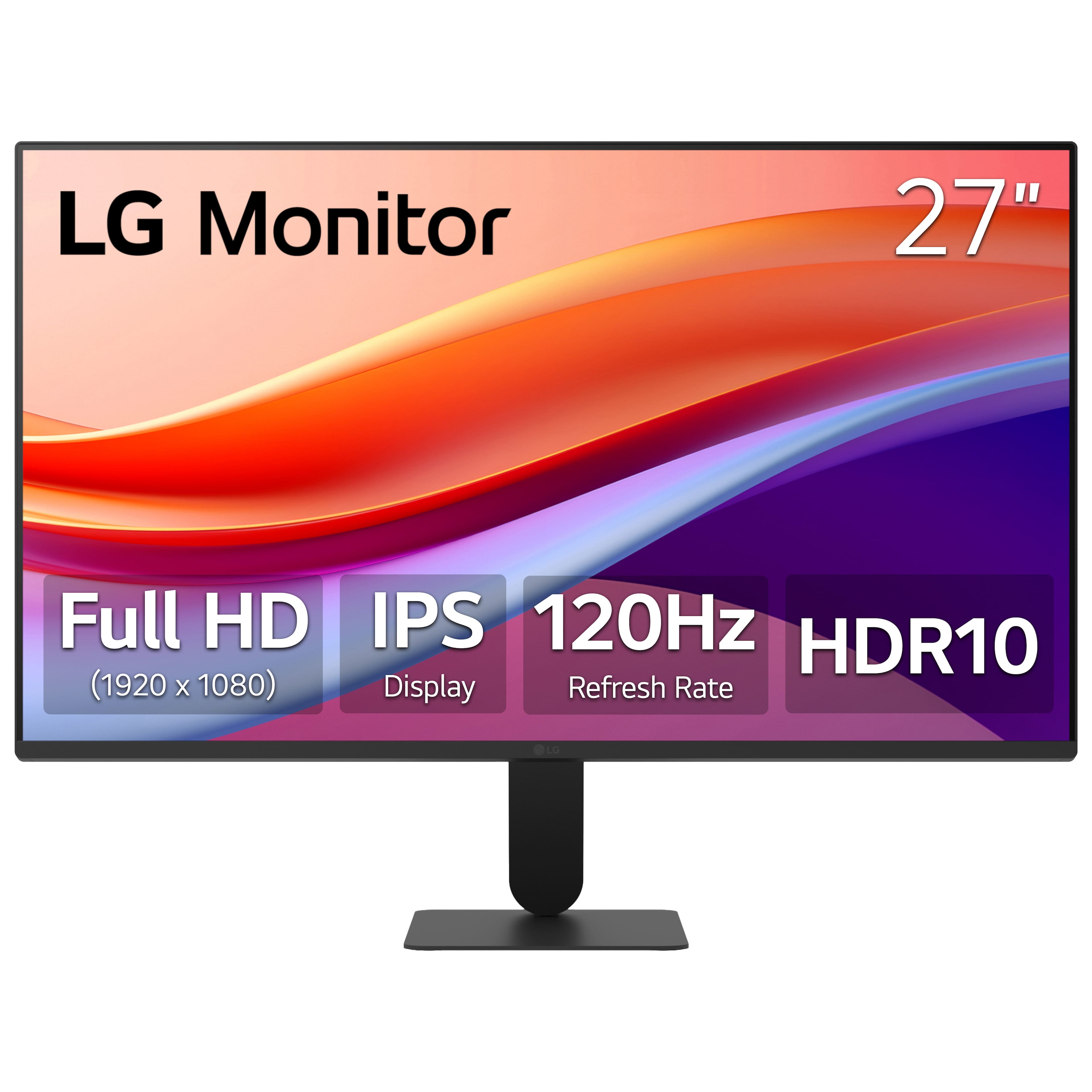
The LG 27" IPS FHD 120Hz Monitor with HDR10 (HDMI) - Black, Model # 27U41YA-B, has a Full HD (1920 x 1080) resolution, and connectivity for the monitor includes an HDMI 2.0 input, and a 15-Pin, D-Sub connector.
The monitor supports Plug and Play, which is a feature that allows you to add a device to your computer without having to reconfigure anything or install any manual drivers...^Ivan.
A:AnswerHi there. Thank you for sharing your experience with us regarding the 27U411A-B monitor. We understand your inquiry about its display resolution.
The LG 27-inch monitor, Model 27U411A-B, is not a 4K monitor. The specifications confirm that this unit has a native display resolution of 1920 x 1080. This resolution is also known as FHD (Full High Definition), which provides a clear and detailed picture suitable for various computing tasks, including gaming due to its 120Hz refresh rate. A 4K monitor would typically have a resolution of 3840 x 2160 or higher.
https://www.bestbuy.com/product/lg-27-ips-fhd-120hz-monitor-with-hdr10-hdmi-black/JJ8VPZKPZ6
If you have any further questions about the features of this monitor or need assistance with its settings, please send us a private message on Social Media @LGUSSupport, and our team will be more than happy to assist you. —Renzo