Questions & Answers
- Model:
- 27MQ44B-B
- |
- SKU:
- 6505040
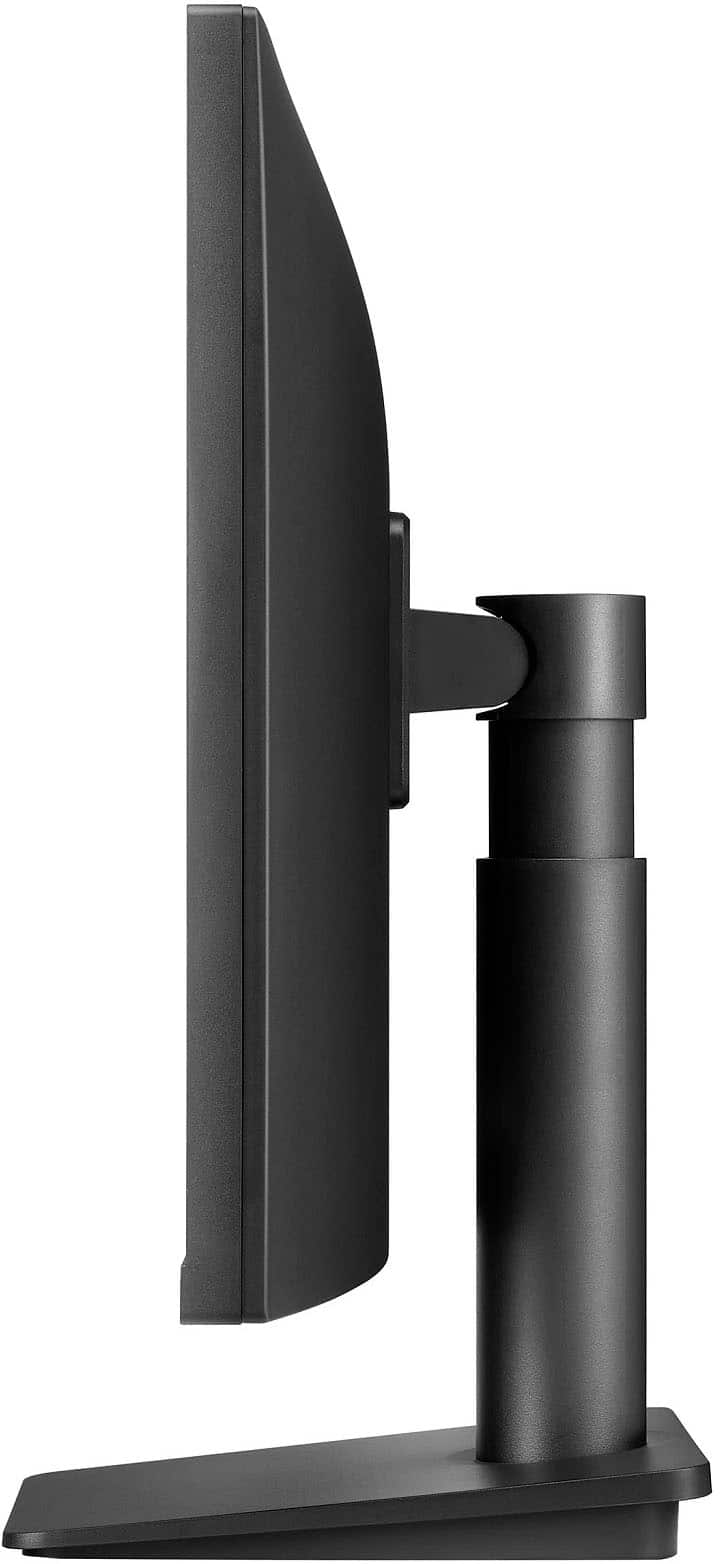
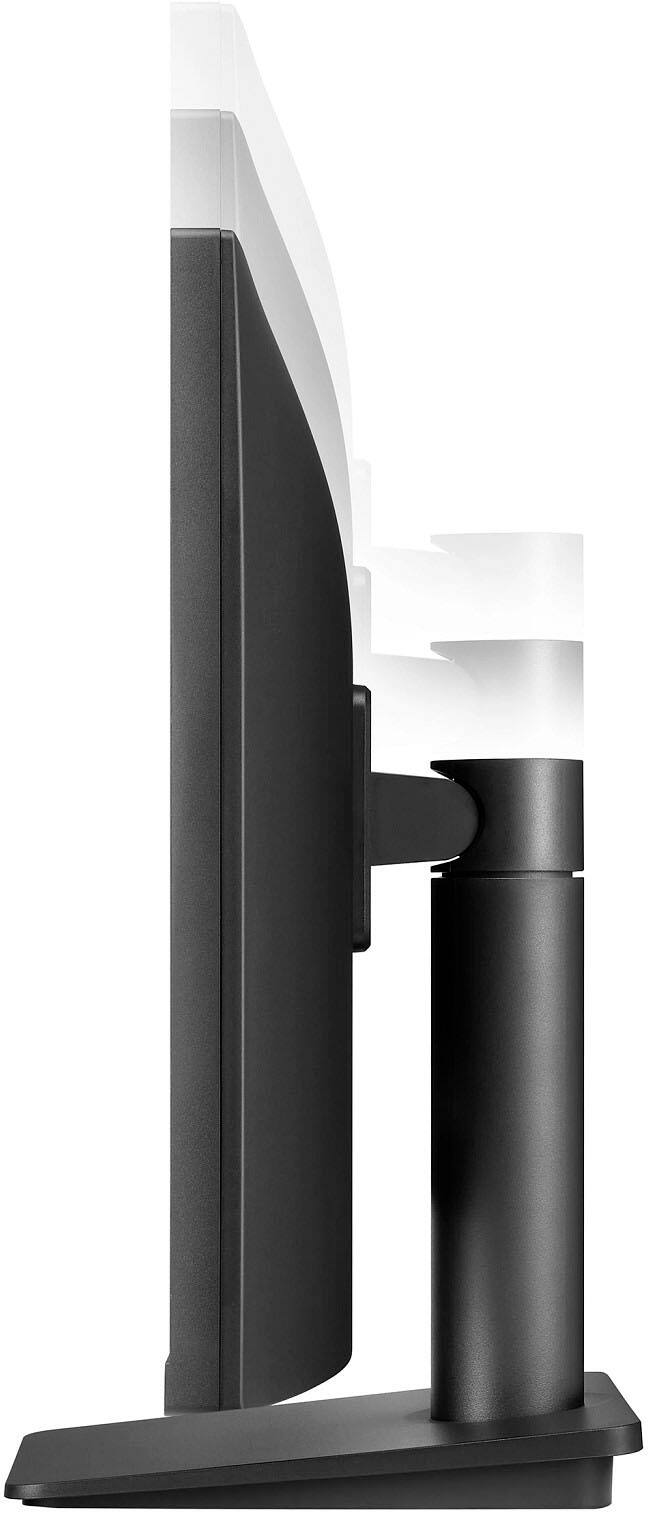
Q: QuestionCan I move the monitor from horizontal to vertical?
Asked by Blue.
- A:Answer No it can not.
Answered by NiceMann
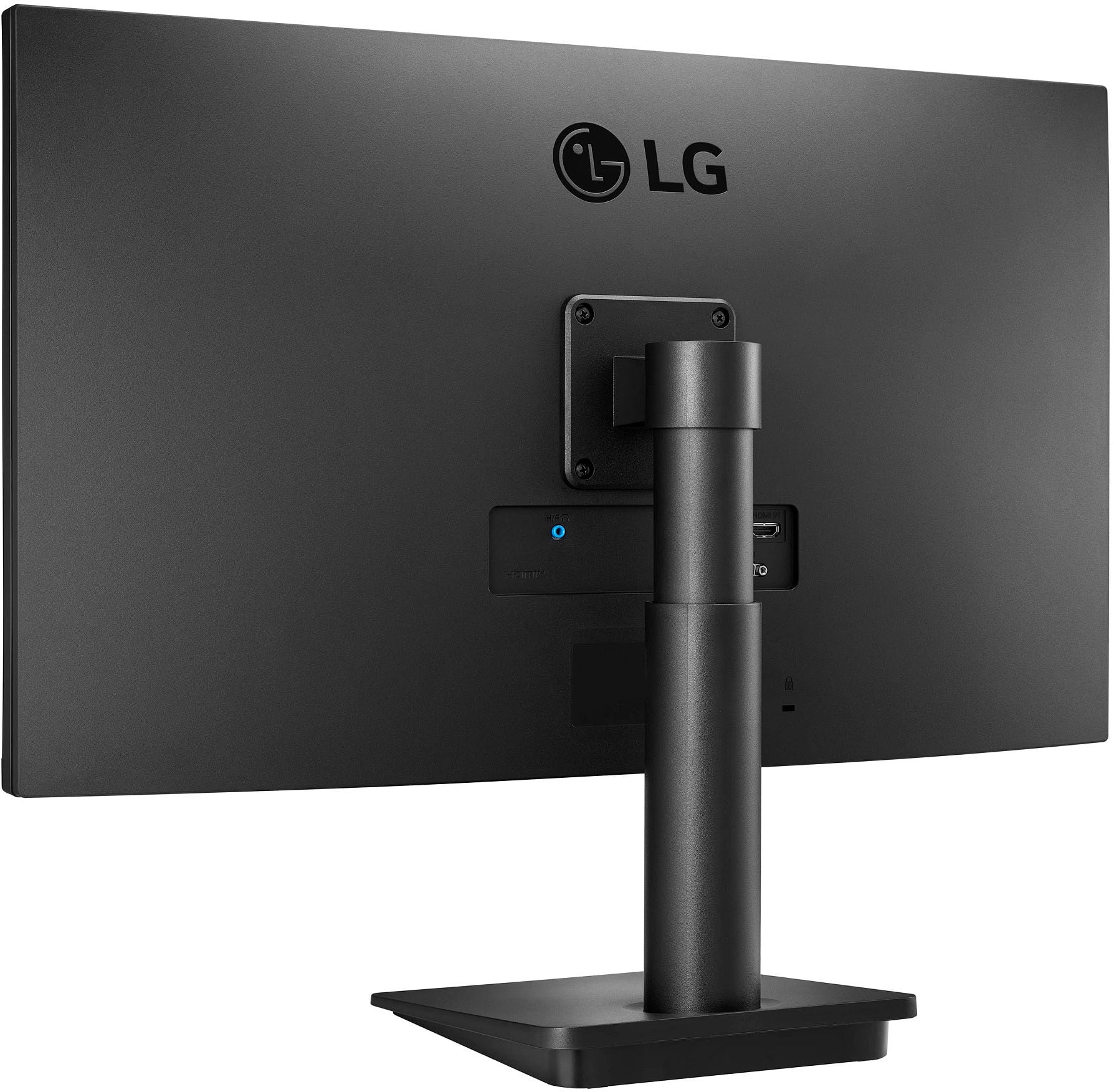
Q: QuestionDoes anyone have this monitor set up near a window with glare issues?
Asked by Mushmouse.
- A:Answer Hi, this monitor does not have a Anti-glare feature. ^Vanessa
Answered by LG Digital Customer Care

Q: QuestionDoes this monitor have speakers?
Asked by Mike.
- A:Answer Hi, this model does not have a built-in speaker or integrated speaker. ^Vanessa
Answered by LG Digital Customer Care

Q: QuestionCan this monitor display in Portrait mode?
Asked by RajB.
- A:Answer Hi, When 'Auto-rotation screen' is enabled, the screen automatically switches to portrait or landscape mode depending on the orientation of the screen. 'Auto-rotation screen' can be enabled in settings. ^Vanessa
Answered by LG Digital Customer Care

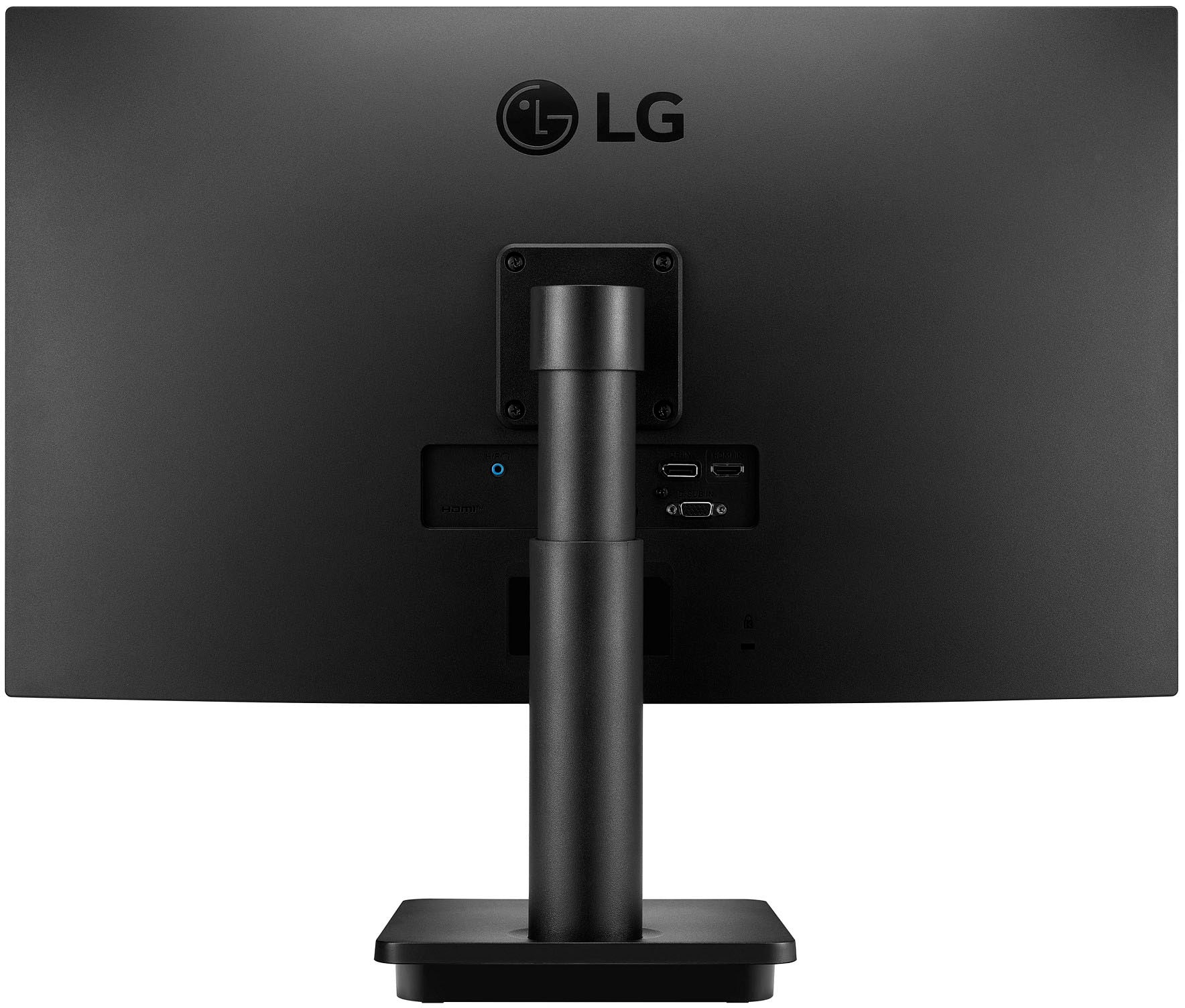
Q: QuestionCan this be connected to 2 computers at once using the HDMI for one and the Display Port for the other? If so where are the controls on the monitor to switch between the computers?
Asked by Ericj.
- A:Answer Hi, the monitor cannot be connected to 2 computer. ^Vanessa
Answered by LG Digital Customer Care

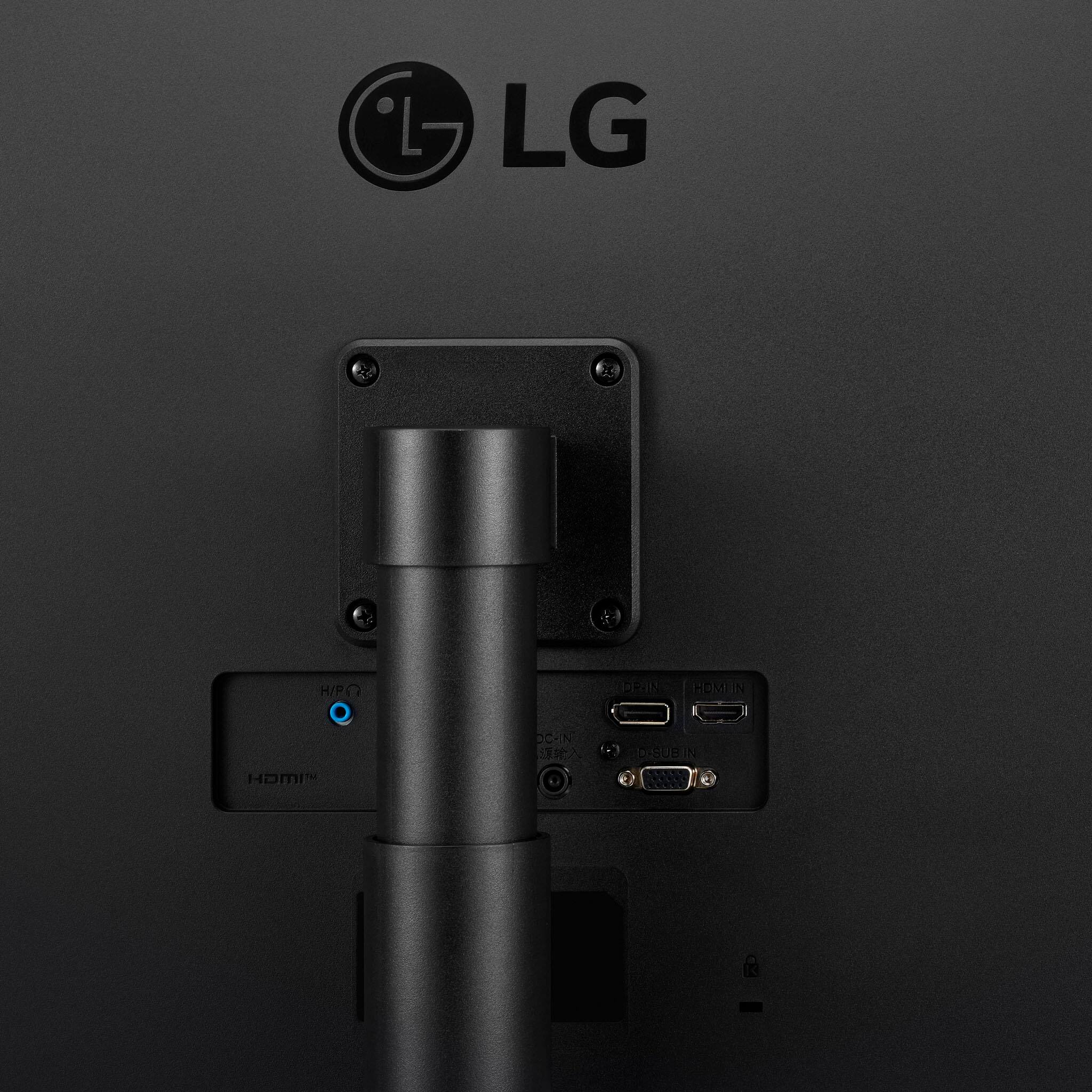
Q: QuestionDoes this monitor accept vesa 100X100 external mount
Asked by WGS.
- A:Answer Hello, Wall Mount Size (mm) : 75 x 75 mm. ^Vanessa
Answered by LG Digital Customer Care

Q: QuestionIs this a touch screen?
Asked by Ronyx.
- A:Answer Hi, this is not a touch screen. ^Vanessa
Answered by LG Digital Customer Care

Q: QuestionWhat is the Response Time? Usually on a monitor description it shows this.
Asked by Cateyes428.
- A:Answer Hi, Response Time (GTG) 5ms (GtG at Faster). ^Vanessa
Answered by LG Digital Customer Care

Q: Questionhow do I connect to the display port? and what do I need?
Asked by vinny.
- A:Answer Hi, If this is connecting to laptop/PC- Connect the monitor to the PC using the provided 15-pin D-Sub signal cable as illustrated. Note: This may also be called RGB, VGA, or Monitor Cable. Connect the D-SUB cable and turn the screws in the direction of the arrow. To prevent disconnection secure the cable firmly, do not over tighten.^Vanessa
Answered by LG Digital Customer Care

Q: QuestionWhat is the power consumption of this monitor a) when in use and b) standby mode?
Asked by Simpson26.
- A:Answer Hello there' Input 100 ~ 240 Vac 50/60 Hz, Power Save/Sleep Mode (Max) Less than 0.3W, Power Consumption (Typ.) 22W and Power Consumption (Max.)26W. ^Vanessa
Answered by LG Digital Customer Care

Q: QuestionWhat audio output can i use besides headphones for this monitor?
Asked by Angelo.
- A:Answer Hello there. You can try speaker as this model has 1 port for HDMI. ^Vanessa
Answered by LG Digital Customer Care

Q: QuestionWhat are the dimensions of the screen (h x l)?
Asked by EVMU.
- A:Answer Hi, Product Height With Stand 19.4 inches, Product Width 24.1 inches and Product Depth (With Stand) 8.6 inches. ^Vanessa
Answered by LG Digital Customer Care

Q: QuestionWill this monitor work with a fire stick?
Asked by V.
- A:Answer I'm not sure why Vanessa says it's not fire stick compatible. It has an HDMI port and should work fine with a firestick or roku, flexbox etc. If you google search computer monitor and roku it seems it would be very odd if a computer monitor would not support it.
Answered by BenB
Q: Questiondoes it come with the cable to connect?
Asked by Anonymous.
- A:Answer Yes, it comes with an HDMI cable included, but not a VGA.
Answered by Anonymous
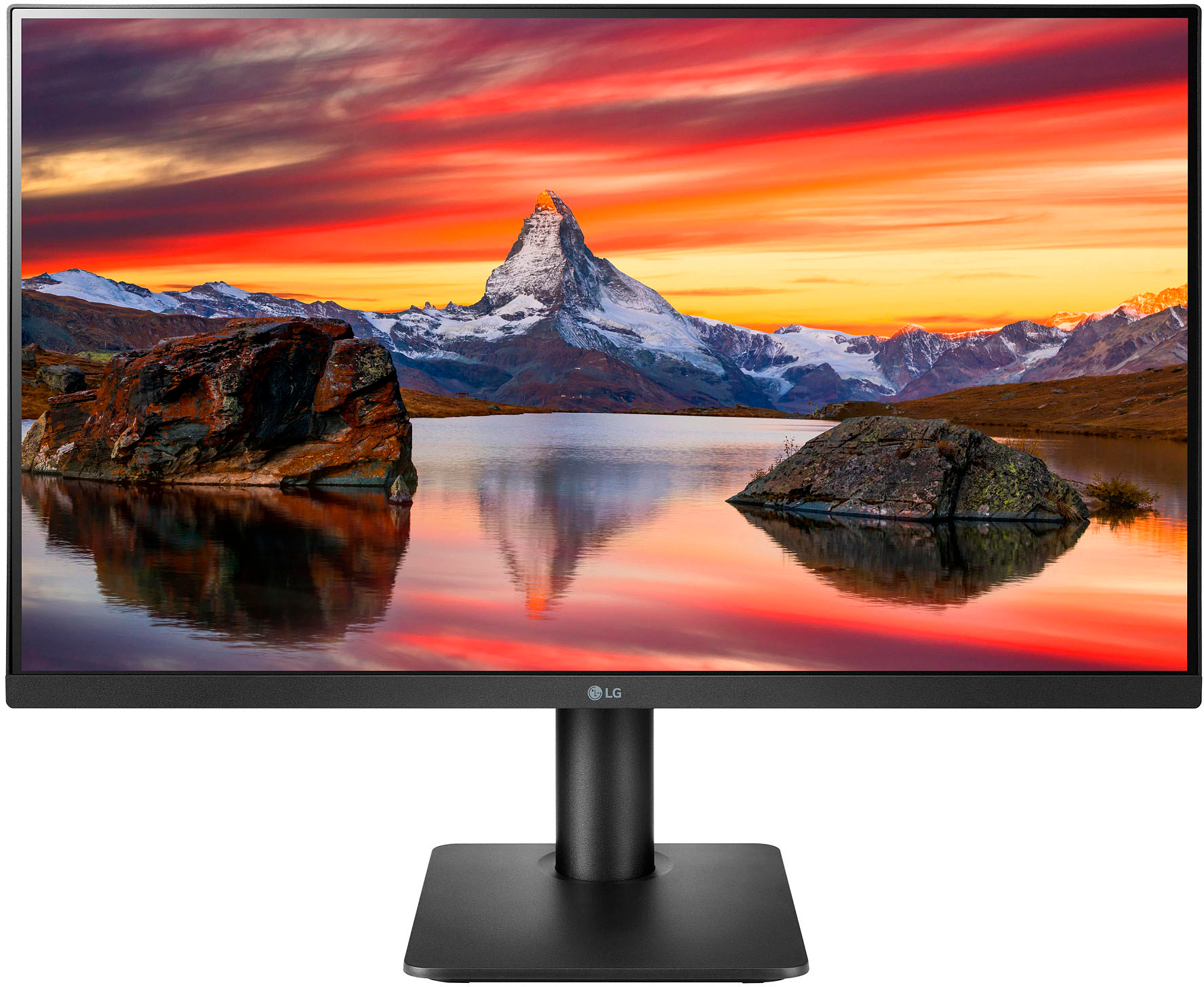
Q: QuestionIs the surface matte or glossy?
Asked by djrichard.
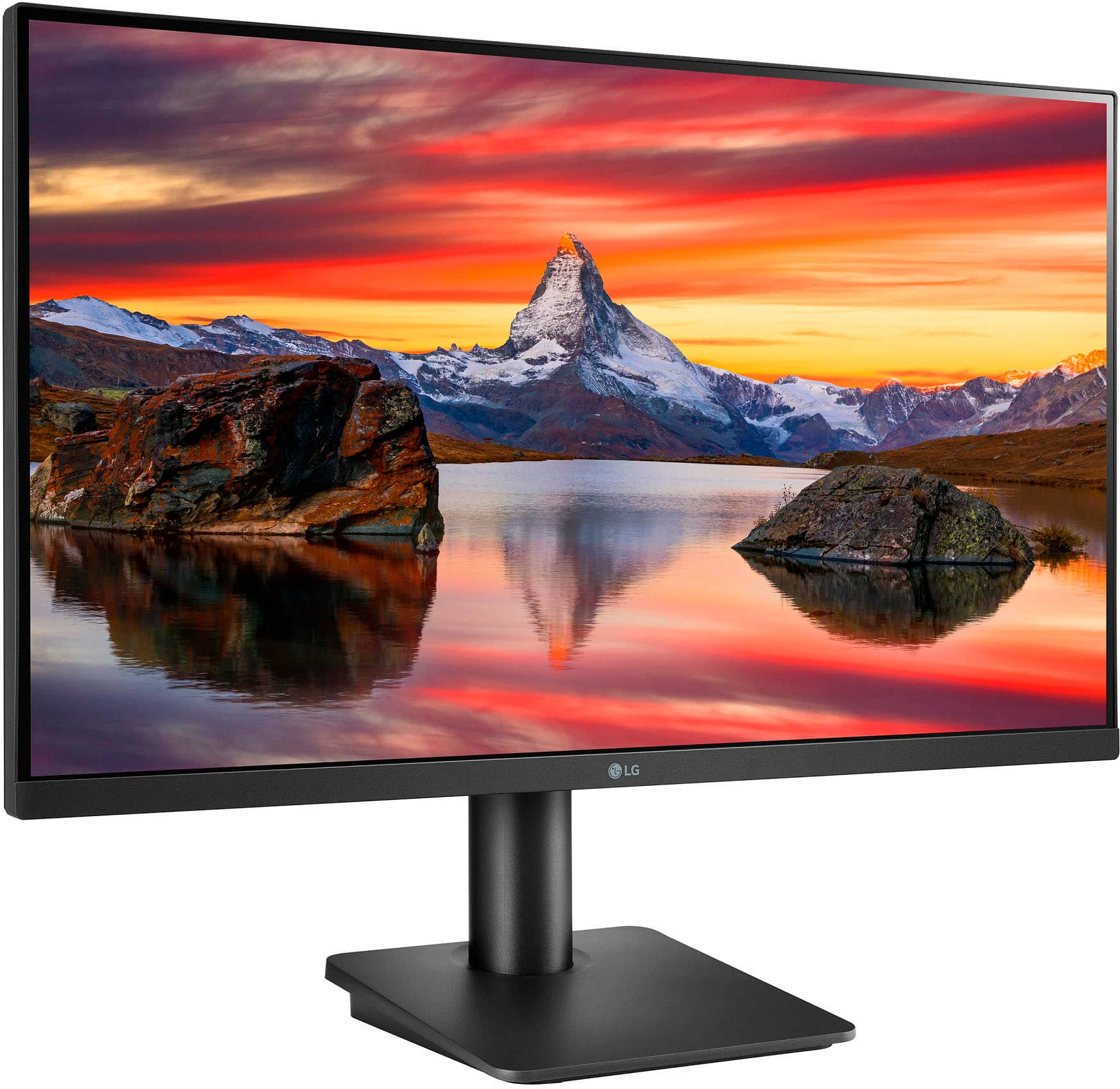
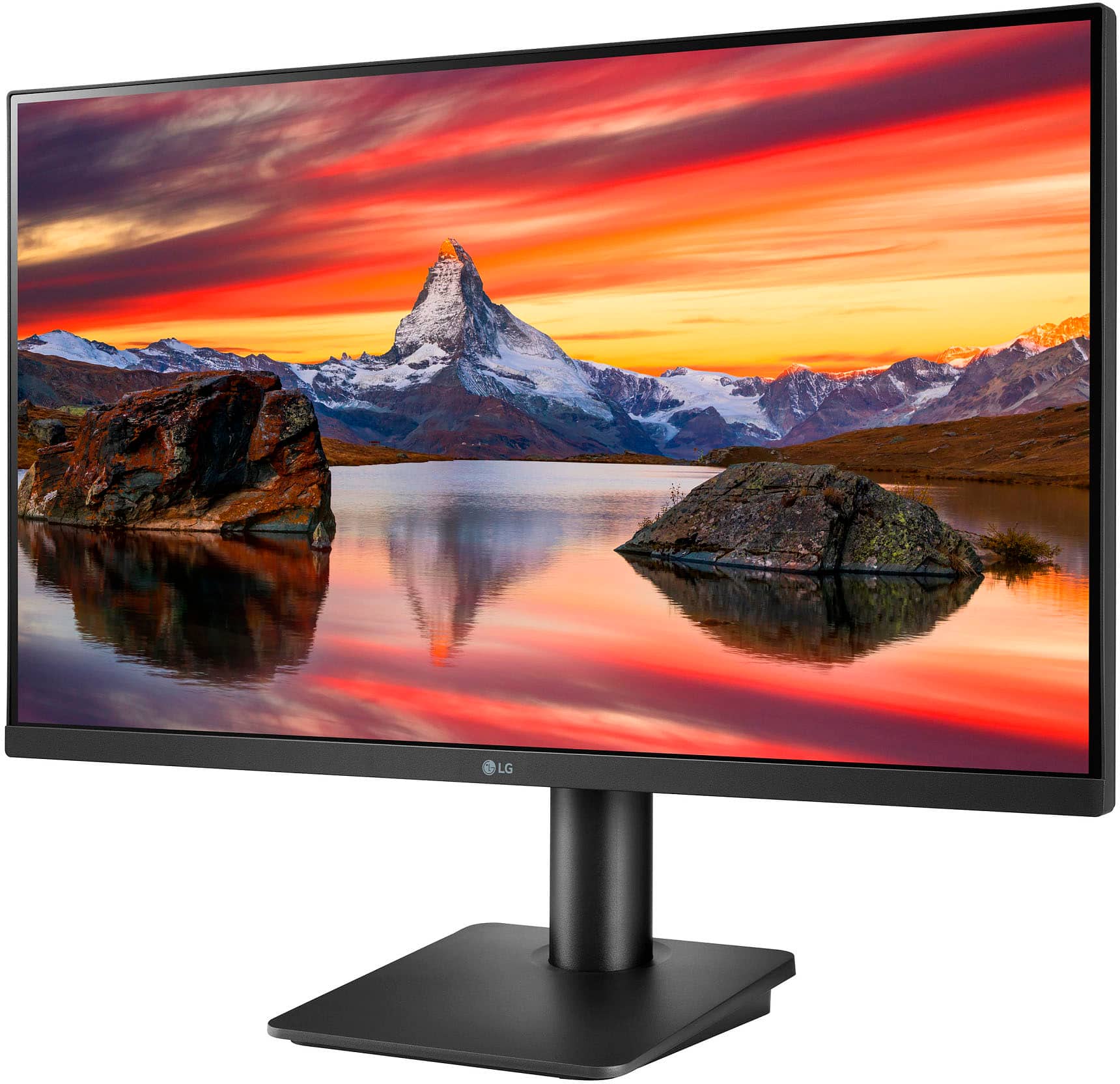
- A:Answer It's Matte. So doesn't collect fingerprints
Answered by Youngprophet51
Q: QuestionCan this monitor be used with an Apple Silicon Mac?
Asked by Coopersmith.
- A:Answer Hi, This model Operating System Compatibility is Windows. Maximum Resolution 1920 x 1080. ^Vanessa
Answered by LG Digital Customer Care

Q: Questiondoes the lg 27 monitor have built in speakers
Asked by joey.
- A:Answer Hello there. There's no built in speaker, no integrated speaker. ^Vanessa
Answered by LG Digital Customer Care

Q: QuestionDoes the monitor come with a display port to HDMI cable?
Asked by Jene.
- A:Answer Vanessa is wrong. It is a HDMI to HDMI cable only that is included. It has a HDMI port and and a display port connection on the monitor.
Answered by NiceMann
Top Rated
- Black Friday Deal$279.99Your price for this item is $279.99
- Black Friday Deal$104.99Your price for this item is $104.99
- Black Friday Deal$86.99Your price for this item is $86.99
- Black Friday Deal$99.99Your price for this item is $99.99
- Black Friday Deal$259.99Your price for this item is $259.99
- Black Friday Deal$209.99Your price for this item is $209.99
- Black Friday Deal$179.99Your price for this item is $179.99
- Black Friday Deal$219.99Your price for this item is $219.99
- Black Friday Deal$79.99Your price for this item is $79.99
- Black Friday Deal$149.99Your price for this item is $149.99
- $279.99Your price for this item is $279.99$499.99The comparable value for this item is $499.99
- $69.99Your price for this item is $69.99$159.99The comparable value for this item is $159.99
- Black Friday Deal$114.99Your price for this item is $114.99
- $179.99Your price for this item is $179.99$389.99The comparable value for this item is $389.99
- Black Friday Deal$99.99Your price for this item is $99.99
- Black Friday Deal$129.99Your price for this item is $129.99
- Black Friday Deal$1,449.99Your price for this item is $1,449.99
- $139.99Your price for this item is $139.99$179.99The comparable value for this item is $179.99
- Black Friday Deal$89.99Your price for this item is $89.99