Outlet EventEnds Jan. 19. Limited quantities. No rainchecks.Shop now

Main Content

Questions & Answers

Your price for this item is $104.00
The comparable value price is $119.99
Page Showing 1 of 1 question
  • QuestionI need to connect 2 monitors to my lab top. What is needed

    Asked by Doglover26.

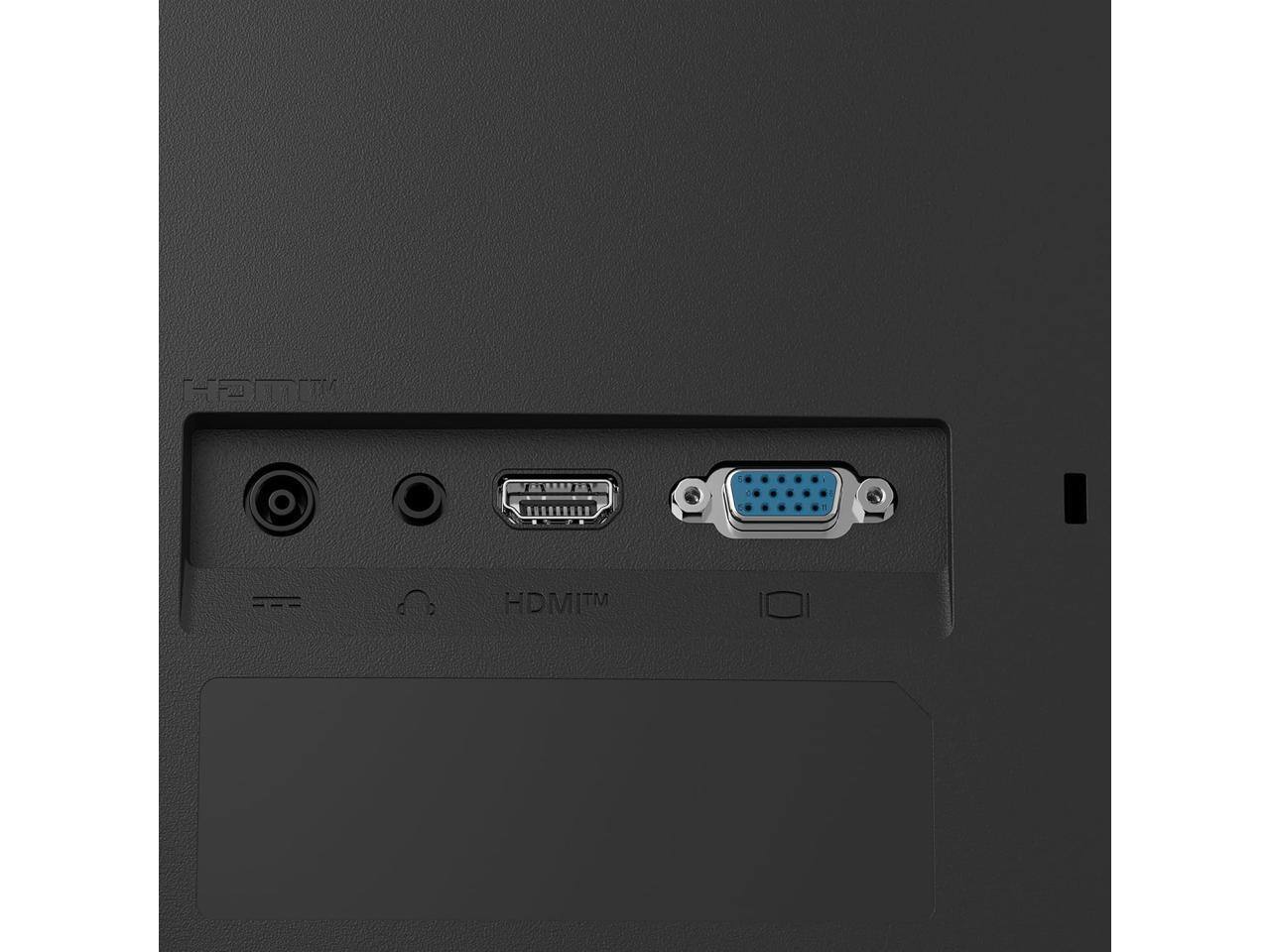
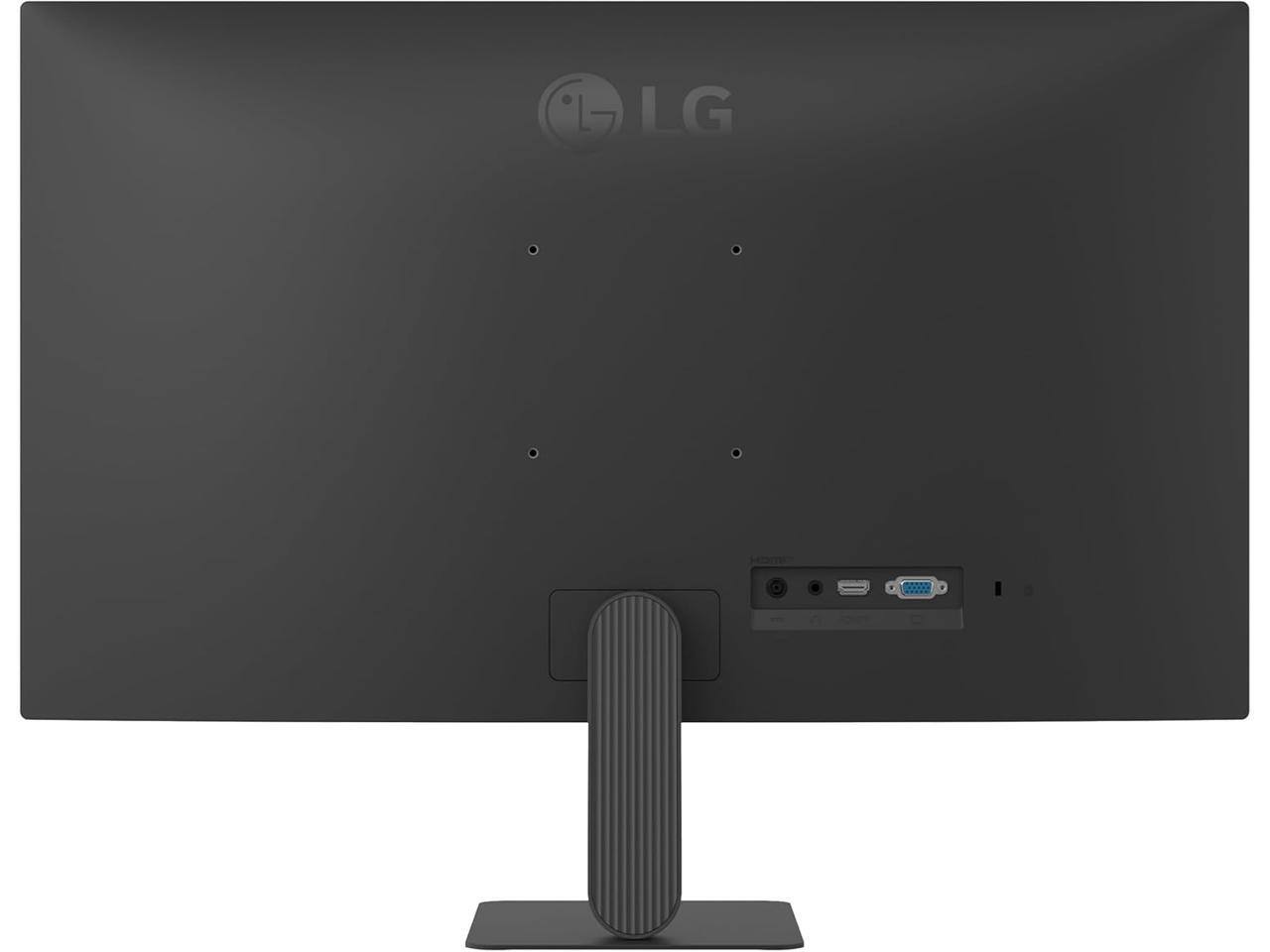
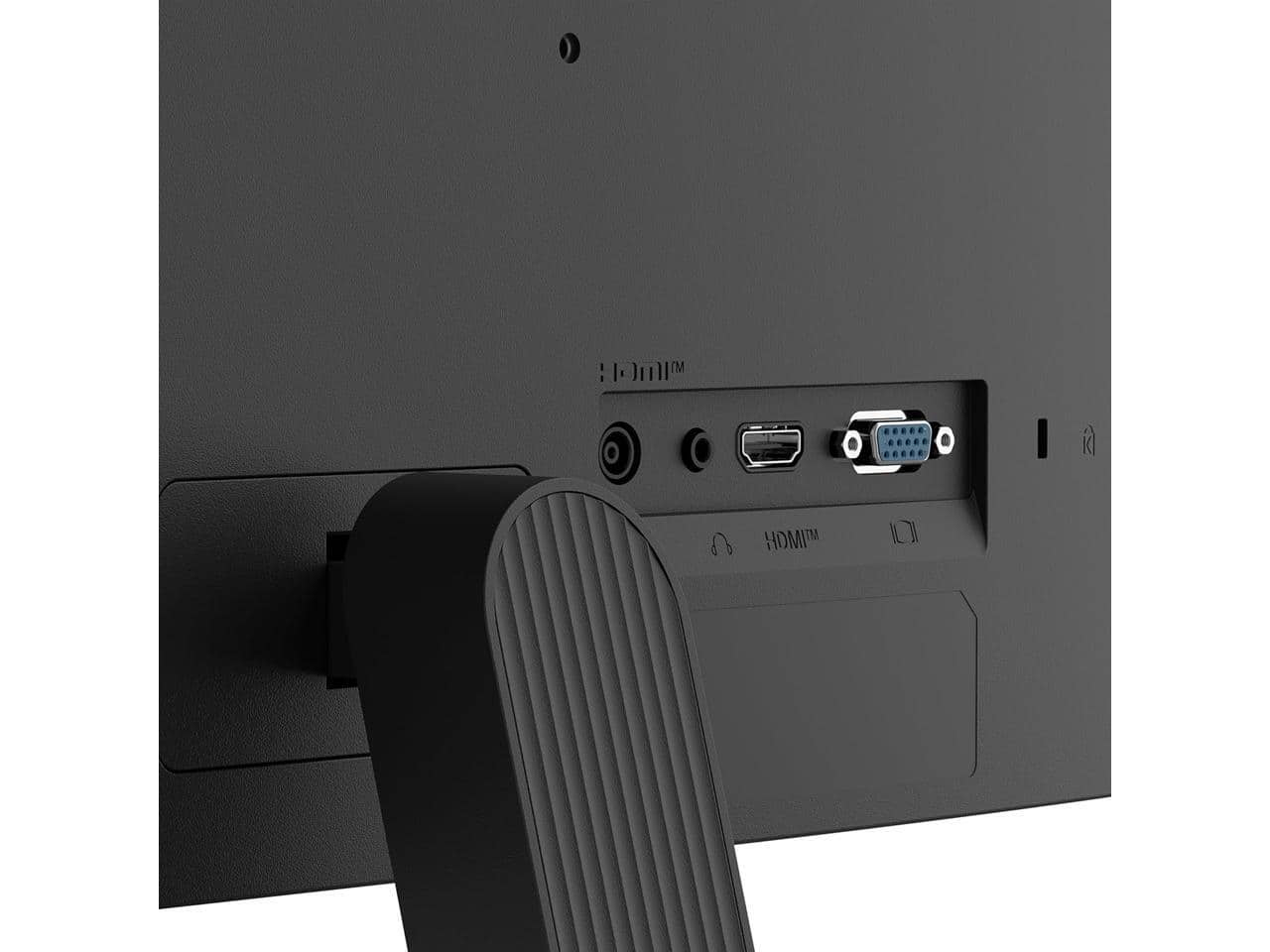
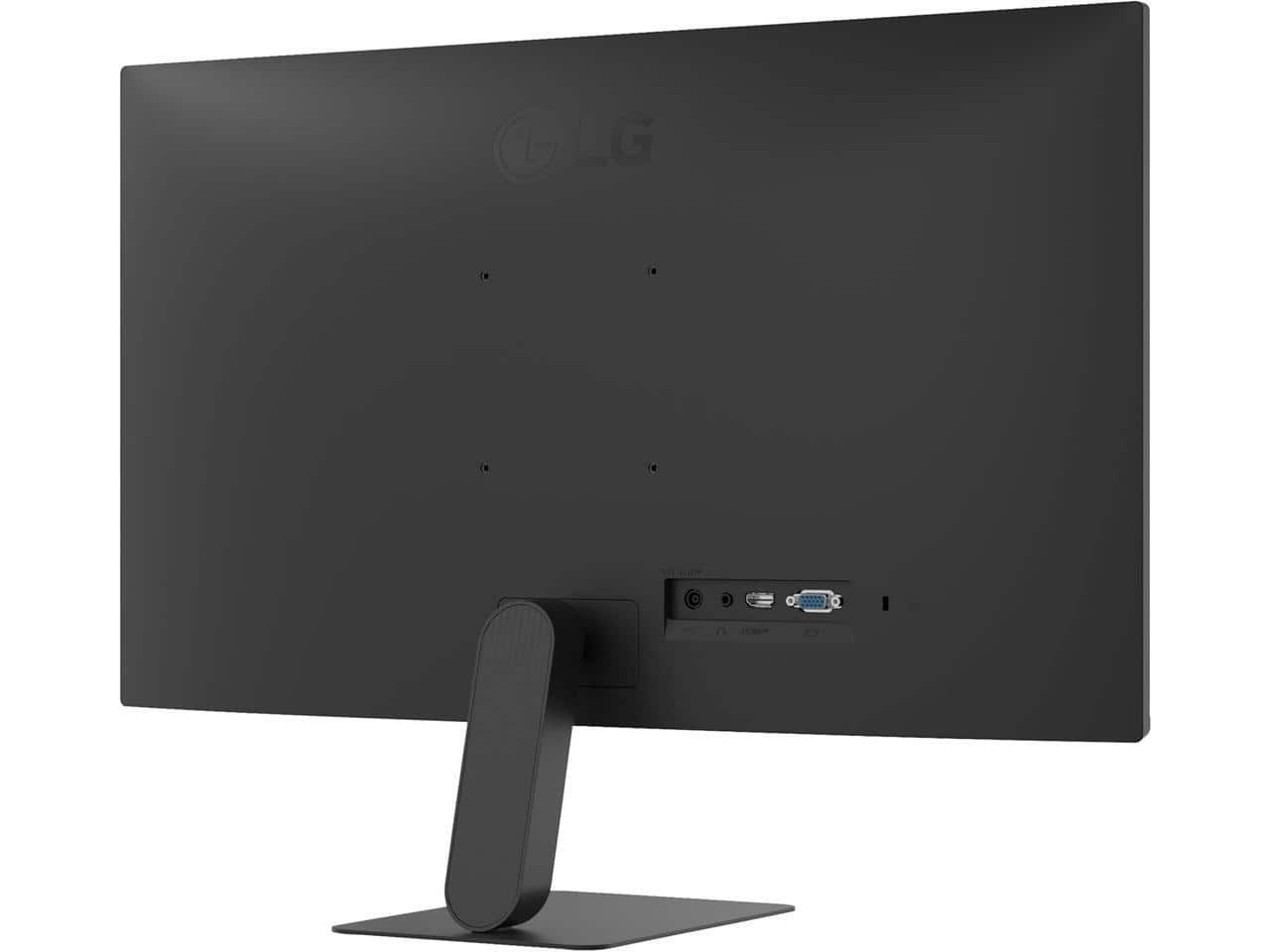
    • Answer Hi there. Thank you for sharing your experience with us. We understand that the 27U411A-B didn't meet your expectations regarding the setup information for a dual-monitor configuration. We understand your inquiry and are happy to provide the information you need to get your workspace ready. We understand your inquiry regarding the necessary components for connecting two monitors to your laptop. To connect two 27U411A-B monitors, which feature HDMI and D-Sub inputs, we recommend checking the available ports on your laptop first. Since most laptops have limited video outputs, the most efficient way to connect two monitors is by using a docking station or a USB-C to Dual HDMI adapter. This allows your laptop to send a signal to both screens simultaneously for an extended display. If your laptop has an HDMI port and a USB-C port that supports video output (DisplayPort Alt Mode), you can connect one monitor directly via HDMI and the second one using a USB-C to HDMI adapter. We want to ensure you have a seamless experience with our 120Hz IPS displays. https://www.bestbuy.com/product/lg-27u411a-b-27-full-hd-ips-monitor-120hz-hdr10-reader-mode-flicker-safe-hdmi-black/JJ8VPZKJ2V If you have any further questions about its features, please contact us on [email protected], and our team will be more than happy to assist you. —Renzo

      Answered by LG Digital Customer Care