Deals Worth GiftingShop now

Skip to content
Gift Ideas
26 Cypress St
Williston, VT 05495
Open until 10 pm
Find Another Store
Main Content

Questions & Answers

Your price for this item is $51.99
Clearance
The comparable value price is $229.99
Page Showing 21-40 of 52 questions
  • QuestionCan it work with two devices simultaneously, e.g. a computer and a smart phone?

    Asked by VanSG.

    • Answer Yes, along with my tower, I can connect the smartphone to the Tower, via hard wire or Bluetooth, and access it through the monitor.

      Answered by Carrie

  • QuestionDoes this monitor require a plug into an electric outlet.

    Asked by Kathy.

    • Answer Yes

      Answered by MarieL

  • QuestionDOES THIS MONITOR COME WITH SPEAKERS BUILT IN?

    Asked by SAMMY.

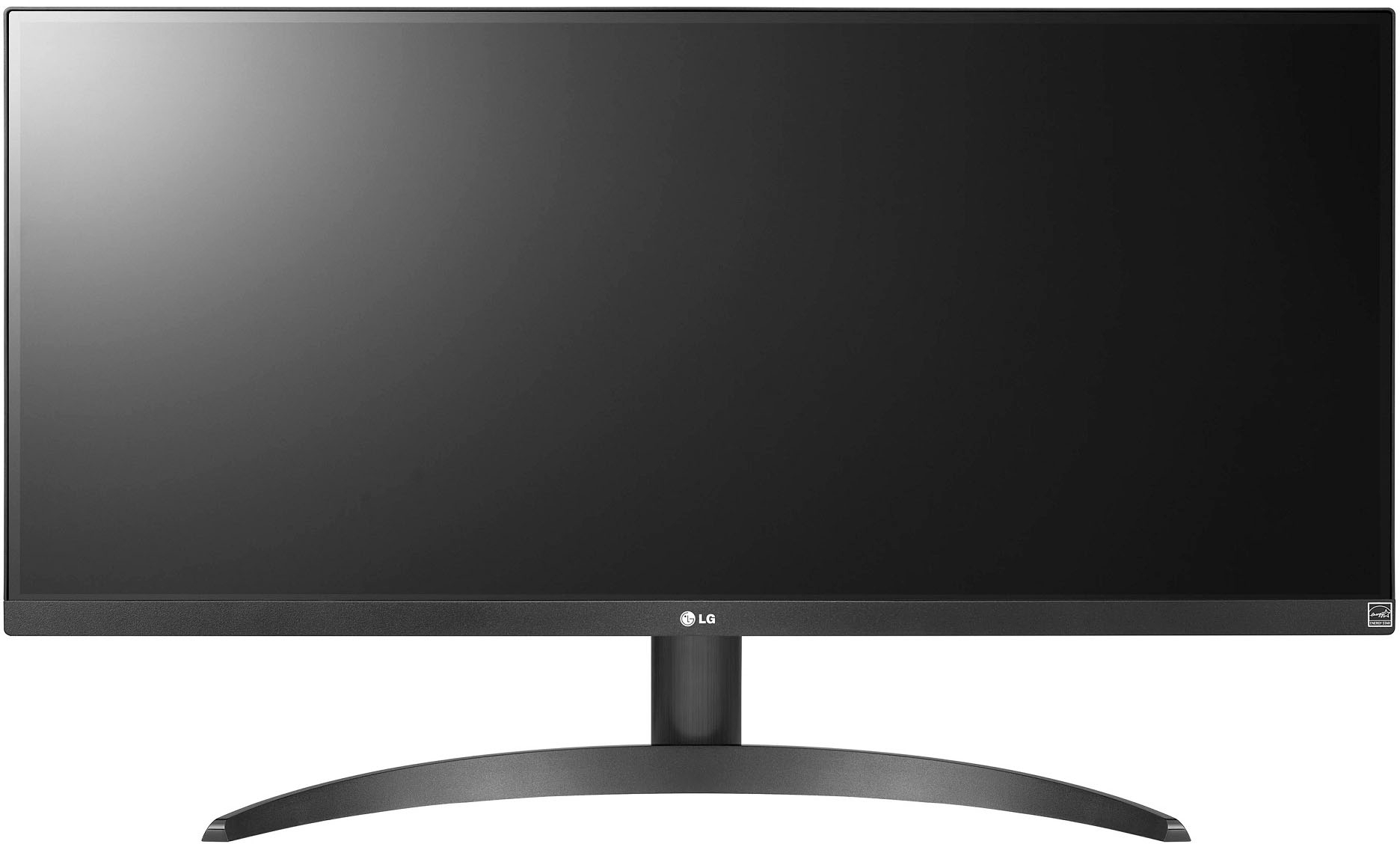
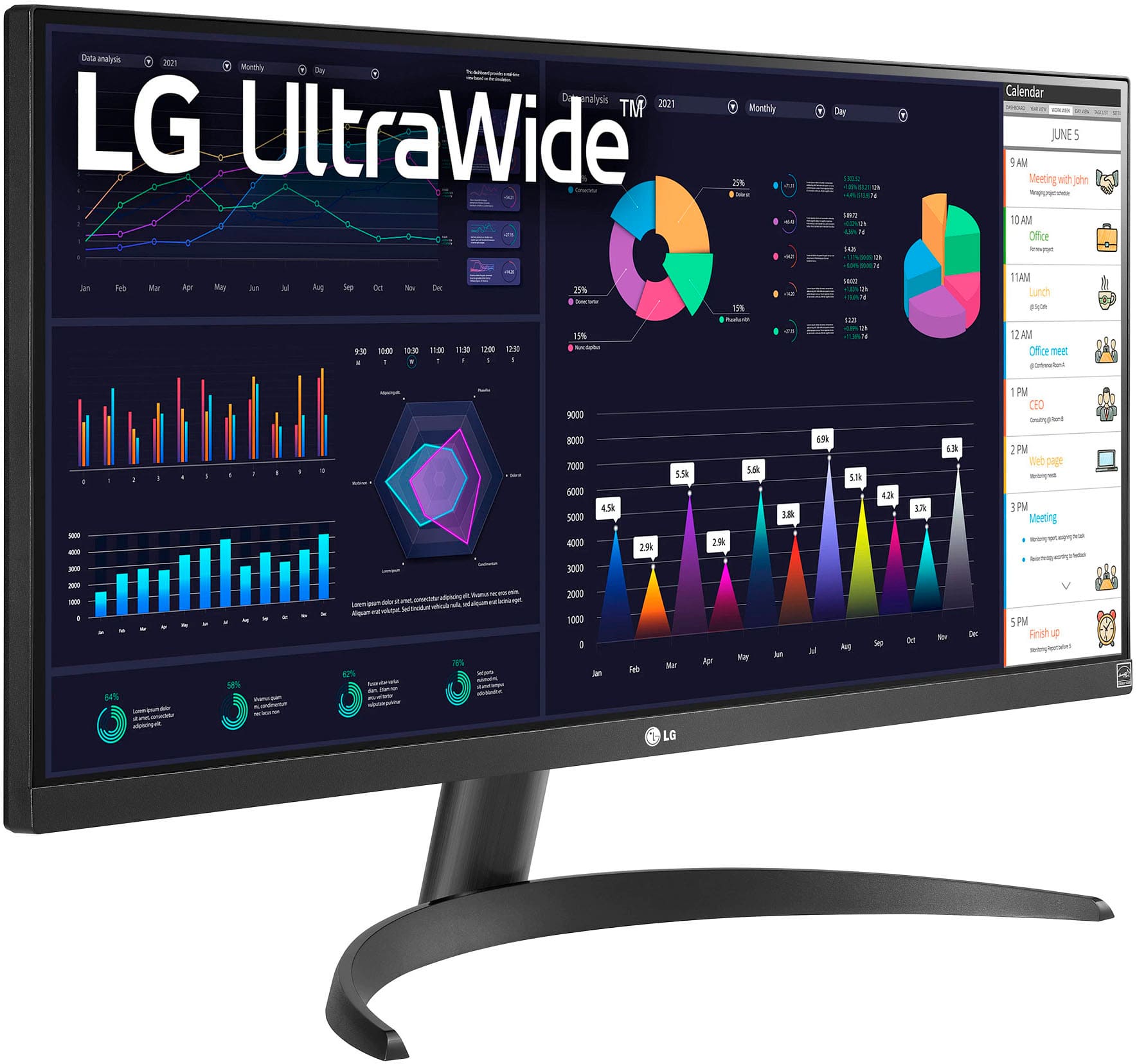
    • Answer Thank you for your interest in the LG 29” UltraWide FHD HDR10 IPS Monitor with AMD FreeSync™ (29WQ500-B) model. The LG 29WQ500-B monitor does not come with built-in speakers. The monitor is equipped with AMD FreeSync, a 29" UltraWide FHD HDR10 IPS display, and a 100Hz refresh rate, but it does not include integrated speakers. You can download its owner's manual through this link for more information: https://www.lg.com/us/support/product/lg-29WQ500-B.AUS. ^Cris

      Answered by LG Digital Customer Care

  • QuestionCan be mount on a horizontal position?

    Asked by RicoBezerra.

    • Answer Yes

      Answered by Carrie

  • QuestionMy HP Spectre laptop has "Thunderbolt" ports. Will this monitor plug in or would I need an adapter?

    Asked by DaveW.

    • Answer Thank you for your interest in the LG 29” UltraWide FHD HDR10 IPS Monitor with AMD FreeSync™ (29WQ500-B) model. The LG 29WQ500-B monitor has an HDMI input, and your HP Spectre laptop has Thunderbolt ports. You can download its owner's manual through this link for more information: https://www.lg.com/us/support/product/lg-29WQ500-B.AUS. ^Cris

      Answered by LG Digital Customer Care

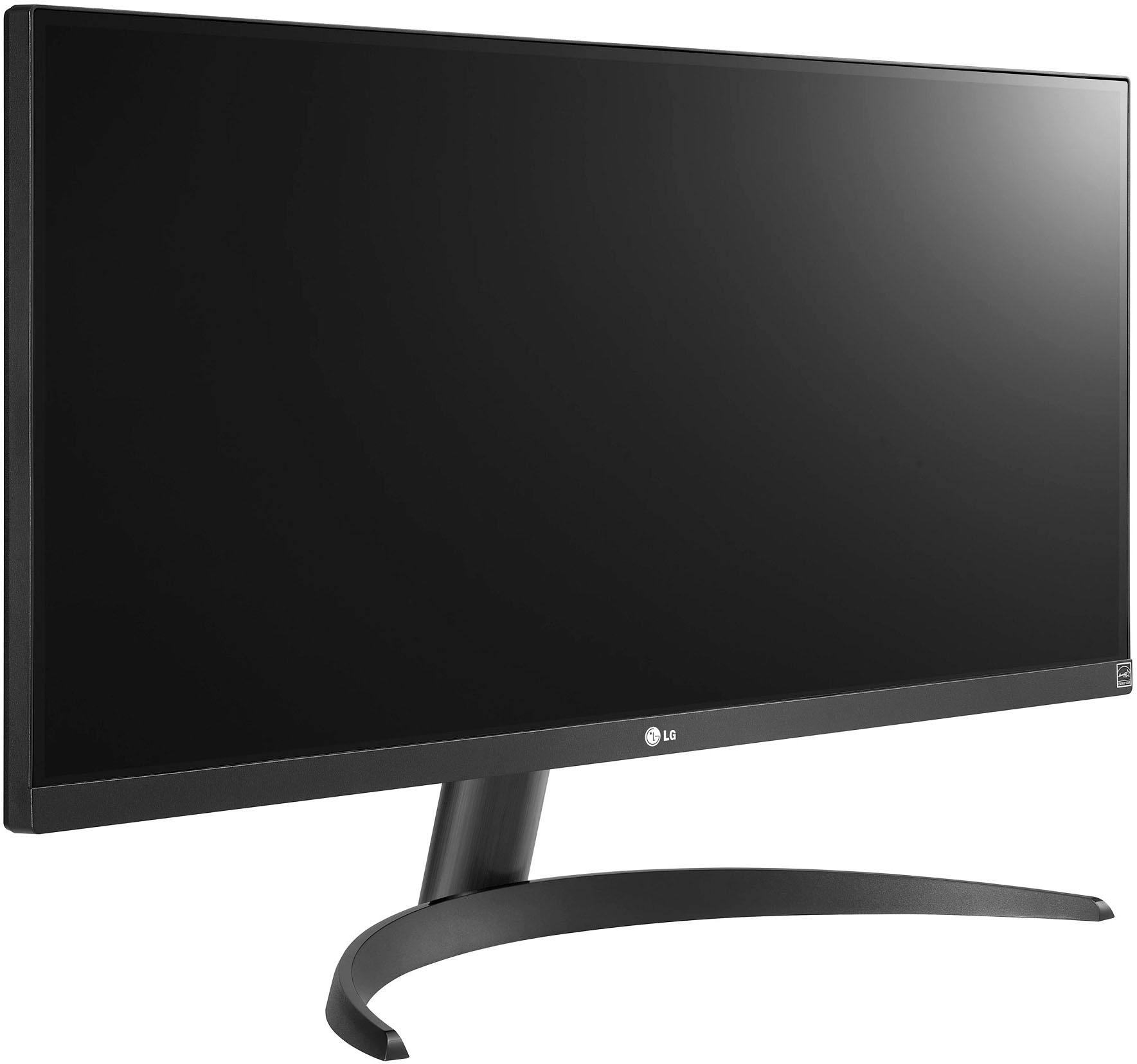
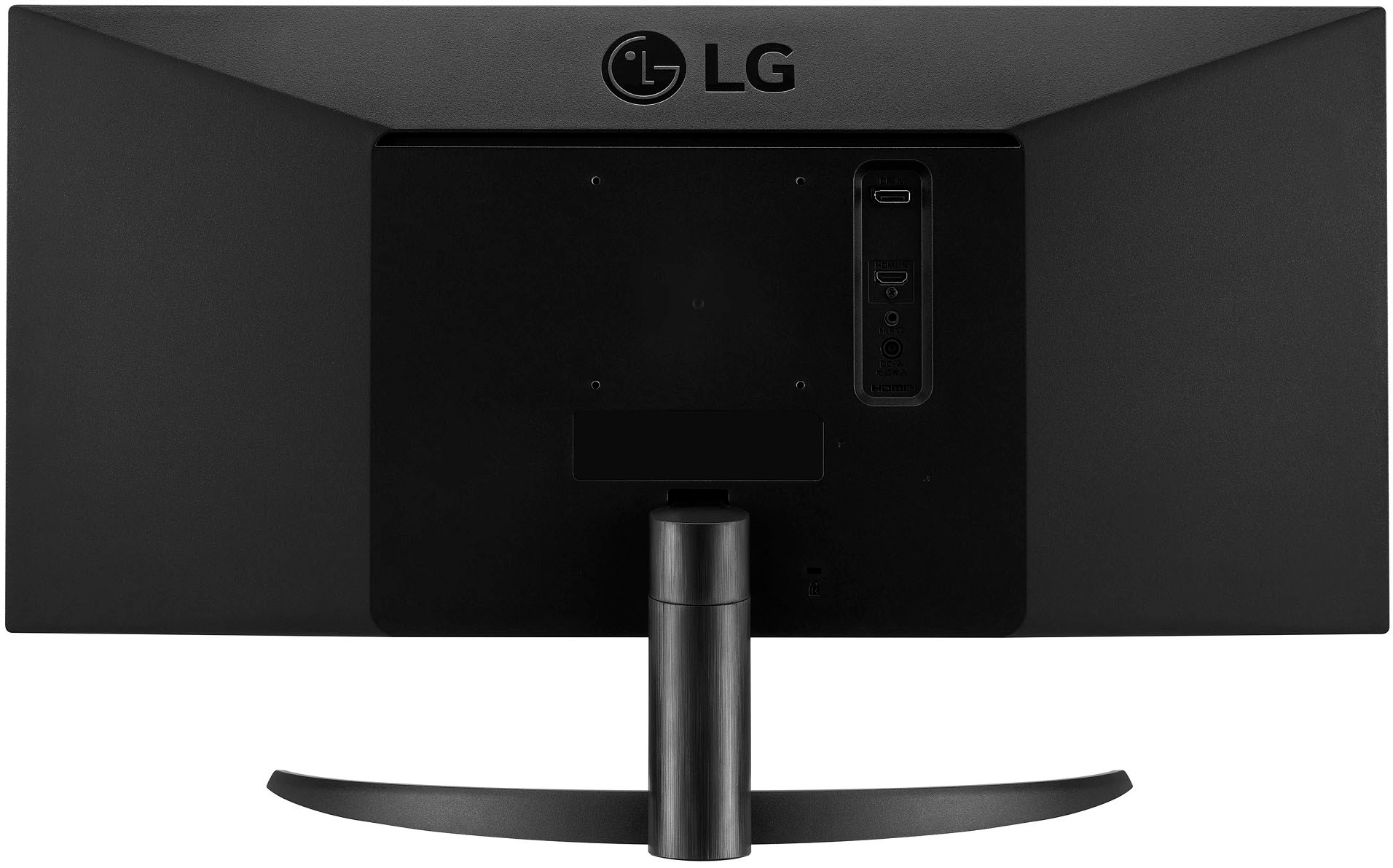
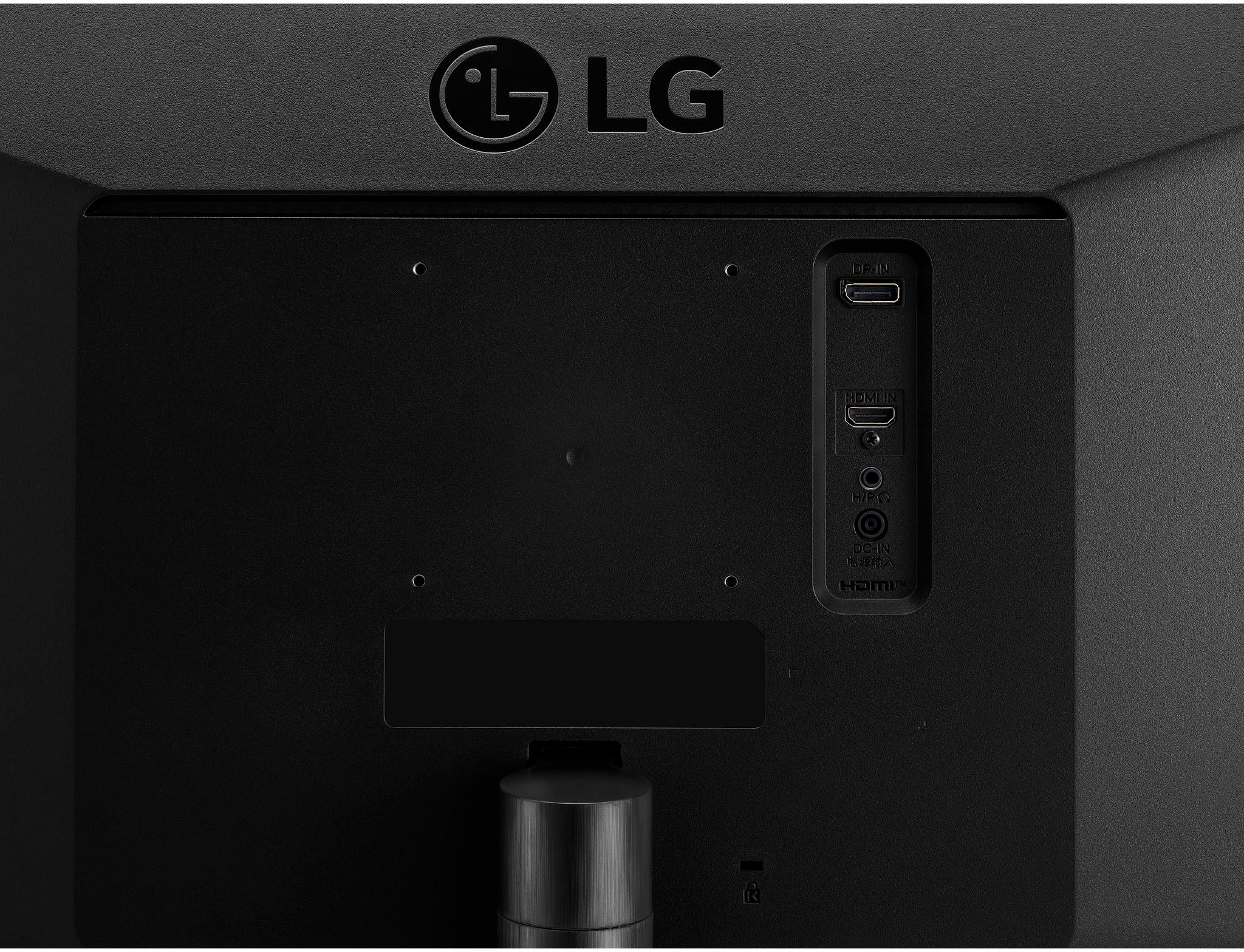
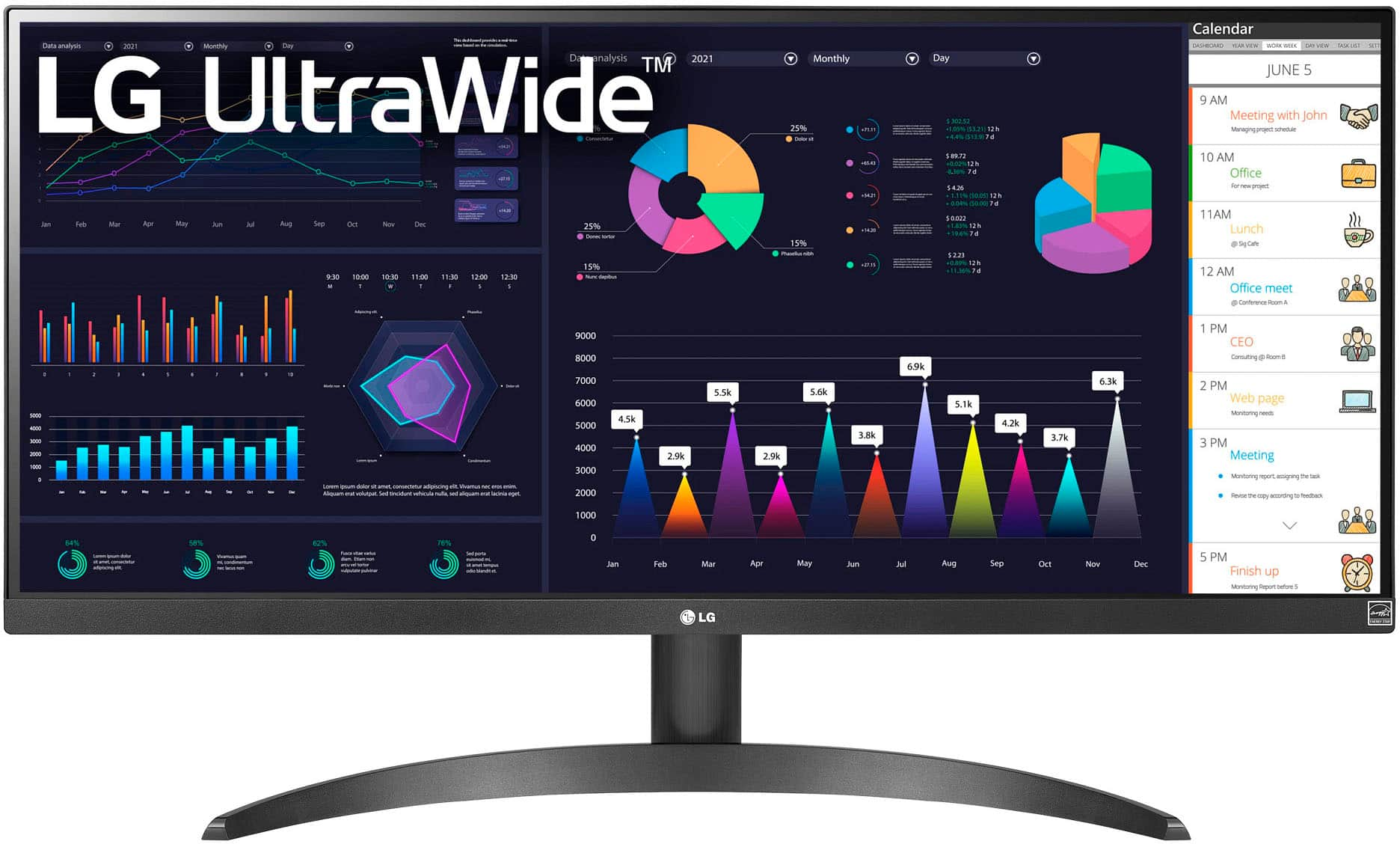
  • QuestionThe description says there are two HDMI ports, but in the picture I only see one. Are there two or one?

    Asked by IanH.

    • Answer Thank you for your interest in the LG 29WQ500-B.AUS model. Yes, the LG 29WQ500-B UltraWide FHD HDR10 IPS Monitor is equipped with two HDMI ports. You can download its owner's manual through this link for more information: https://www.lg.com/us/support/product/lg-29WQ500-B.AUS. ^Cris

      Answered by LG Digital Customer Care

  • QuestionWhat is the distance form the bottom of the monitor to the desktop?

    Asked by Norman.

    • Answer About 4”.

      Answered by DaveS

  • QuestionI have a 3 year old windows 10 computer that doesn't display this resolution on the display options. Is there anyway to make these two work together?

    Asked by Stephen.

    • Answer Hi Stephen. If your Windows 10 computer does not display the 2560x1080 resolution option in the display settings for the LG 29” UltraWide FHD HDR10 IPS Monitor with AMD FreeSync™, Model #29WQ500-B, try to check the graphics card compatibility of the computer to see if it supports the said resolution. You may also update the graphics card drivers or install the latest monitor's driver. You may also check out this link for more troubleshooting tips to get the two devices working together: https://www.lg.com/us/support/help-library/lg-monitor-troubleshooting-resolution-issues-CT10000030-20153186663370. If you still need further assistance, please don't hesitate to reach out to us on Facebook or Twitter at @LGUSSupport. `Alice

      Answered by LG Digital Customer Care

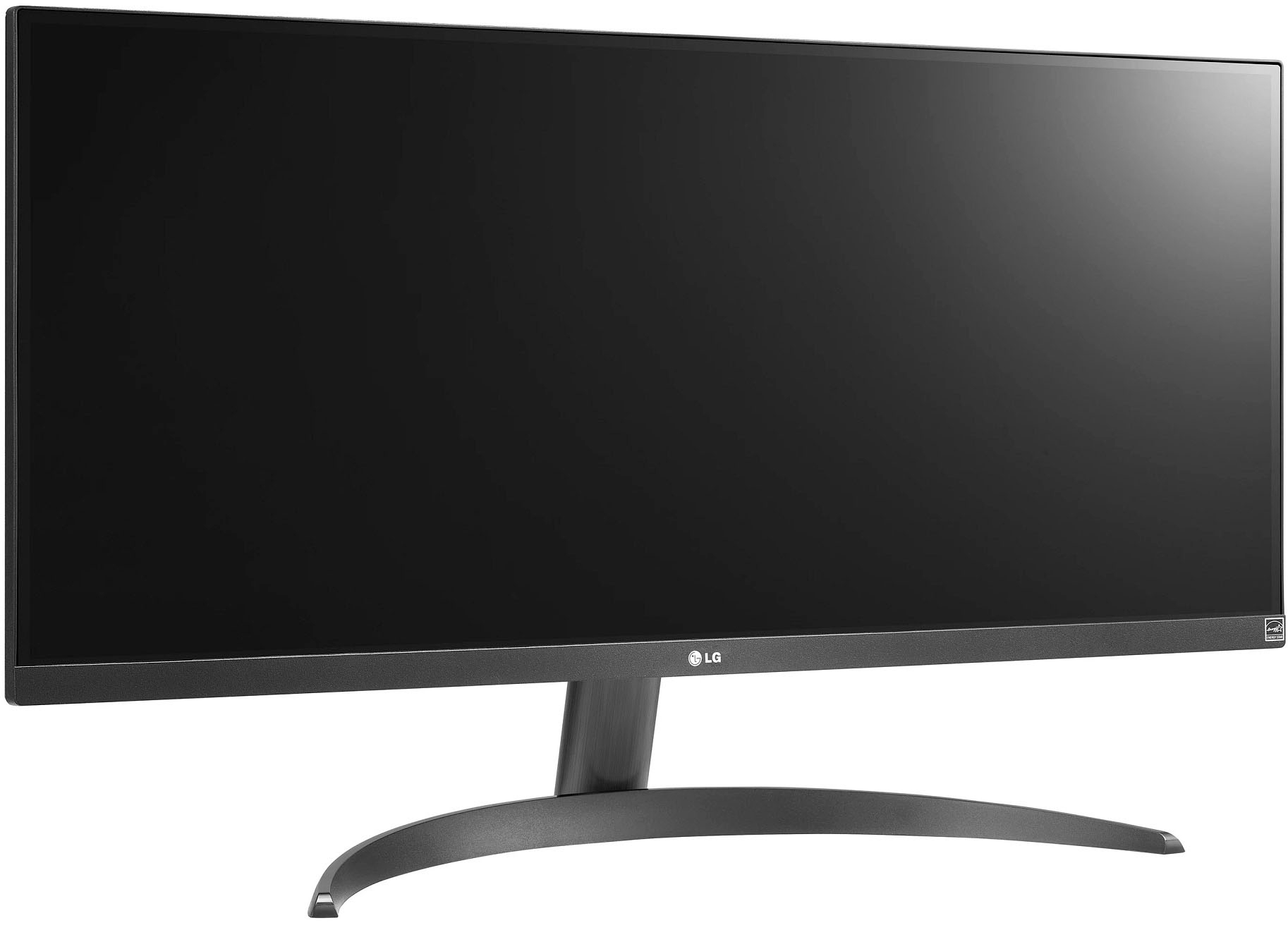
  • QuestionIs the stand removable?

    Asked by sshinn.

    • Answer Hey! Yes, the LG UltraWide Monitor stand can be removed. Check out the owner's manual for instruction on disassembling the stand here: https://www.lg.com/us/support/product/lg-29WK500-P.AUS. ~Rita

      Answered by LG Digital Customer Care

  • QuestionWhy is there an option to adjust the volume and mute, but there are no speakers integrated in the monitor?

    Asked by Veronica503.

    • Answer It's an option that would allow you to adjust the volume directly from your PC should you speakers/ headphones connected not have any volume adjustability on their own. ^Chris

      Answered by LG Digital Customer Care

  • QuestionDo I need a PC to use this monitor?

    Asked by Anonymous.

    • Answer It has a standard HDMI port on the back of it. So technically, anything that will support this type of connection can use this monitor!

      Answered by Anonymous

  • QuestionWill this work with my apple tower? See photo below

    Asked by JJ.

    • Answer Yes, it will work with the proper port cables. ~Tanisha

      Answered by LG Digital Customer Care

  • QuestionWill this work with a 2013 MacBook air with Thunderbolt 2?

    Asked by Airhead.

    • Answer The LG 29” UltraWide FHD HDR10 IPS Monitor with AMD FreeSync™, Model # 29WQ500-B does not have any Thunderbolt ports on it. Connectivity for the monitor includes an HDMI input and a DisplayPort input. Thunderbolt uses the same miniaturized connector as USB Type-C (Mini DisplayPort on previous versions), but different hardware to control it. This hardware allows PCI Express, DisplayPort, HDMI, and USB to be transmitted over a single cable. You will need an appropriate adapter or an appropriate conversion cable to make the necessary connections.You also need to check if the GPU in your 2013 MacBook Air supports the monitor's native Ultrawide resolution of 2560 x 1080...^Ivan
      Answered by LG Digital Customer Care

  • QuestionIs this a horizontal and vertical monitor or just horizontal?

    Asked by Gamingdude.

    • Answer If you use a vesa mount that can be rotated then Yes! it can be used in portrait mode which is how i have mine.

      Answered by Ager

  • QuestionDoes this have an audio output jack?

    Asked by MarkV.

    • Answer Yes, this monitor has an audio out jack

      Answered by Nell

  • QuestionWhere can I find LG 29VM68-P power supply cord replacement?

    Asked by reddbugg.

    • Answer Hi, You can reach out to our Parts distributors: Eastern Time Zone: C.E. Sundberg Company (800-621-9190) www.sundbergamerica.com Mar-Cone Appliance Parts Company (866-678-9132) http://marcone.com/ Central Time Zone: Dey Appliance Parts Service (800-397-1339) www.deydistributing.com Encompass Supply Chain (855-371-0084) www.encompass.com ^Vanessa

      Answered by LG Digital Customer Care

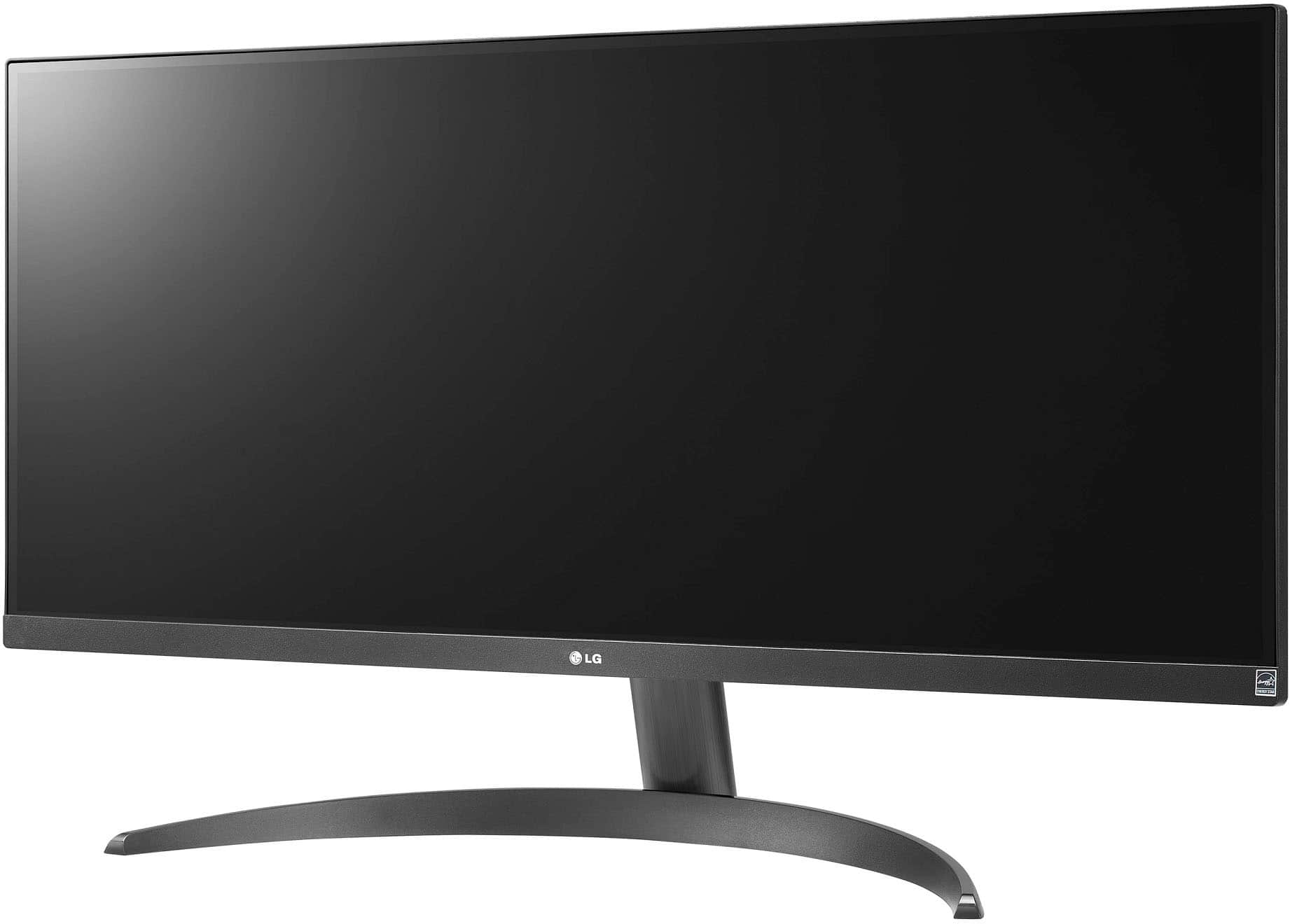
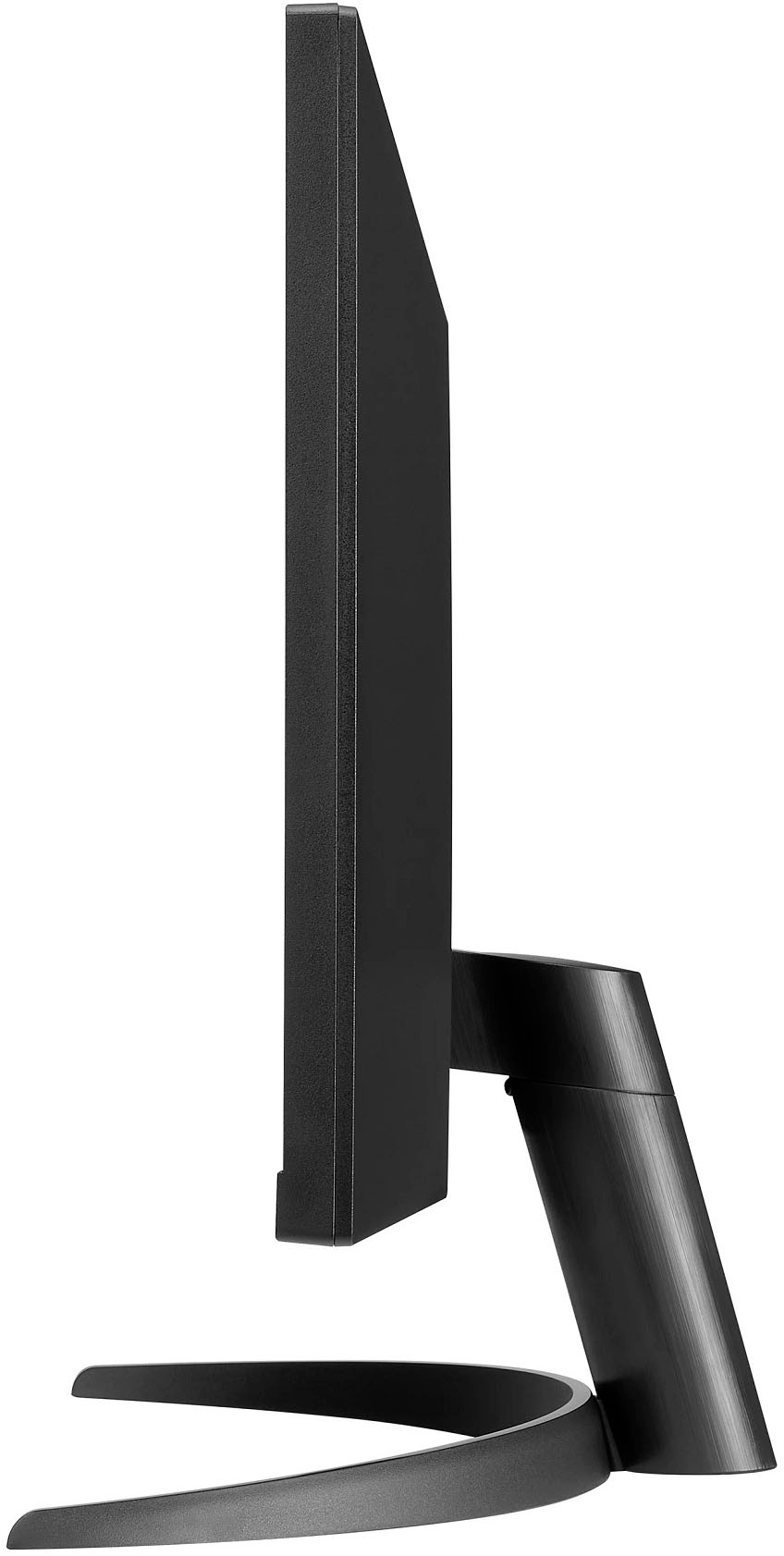
  • QuestionWhy does the stand make the monitor tilt downward?

    Asked by Feelingfleeced.

    • Answer At the bottom of the monitor that ligned up to the stand, there is a little button to press for the tilt adjustment.

      Answered by Lexus

  • QuestionIs it 4K?

    Asked by Zay.

    • Answer No it is not.^Venette

      Answered by LG Digital Customer Care

  • QuestionDoes it have a camera?

    Asked by msn.

    • Answer No.

      Answered by Bill

  • QuestionHow do you raise the monitor?

    Asked by Dani.

    • Answer You don’t the height is not adjustable

      Answered by Marvjzwerks1