Questions & Answers
- Model:
- 34WQ500-B
- |
- SKU:
- 6505062
Q: QuestionCan this monitor be removed from the stand to utilize a desk mount for multiple monitors?
Asked by Nic.
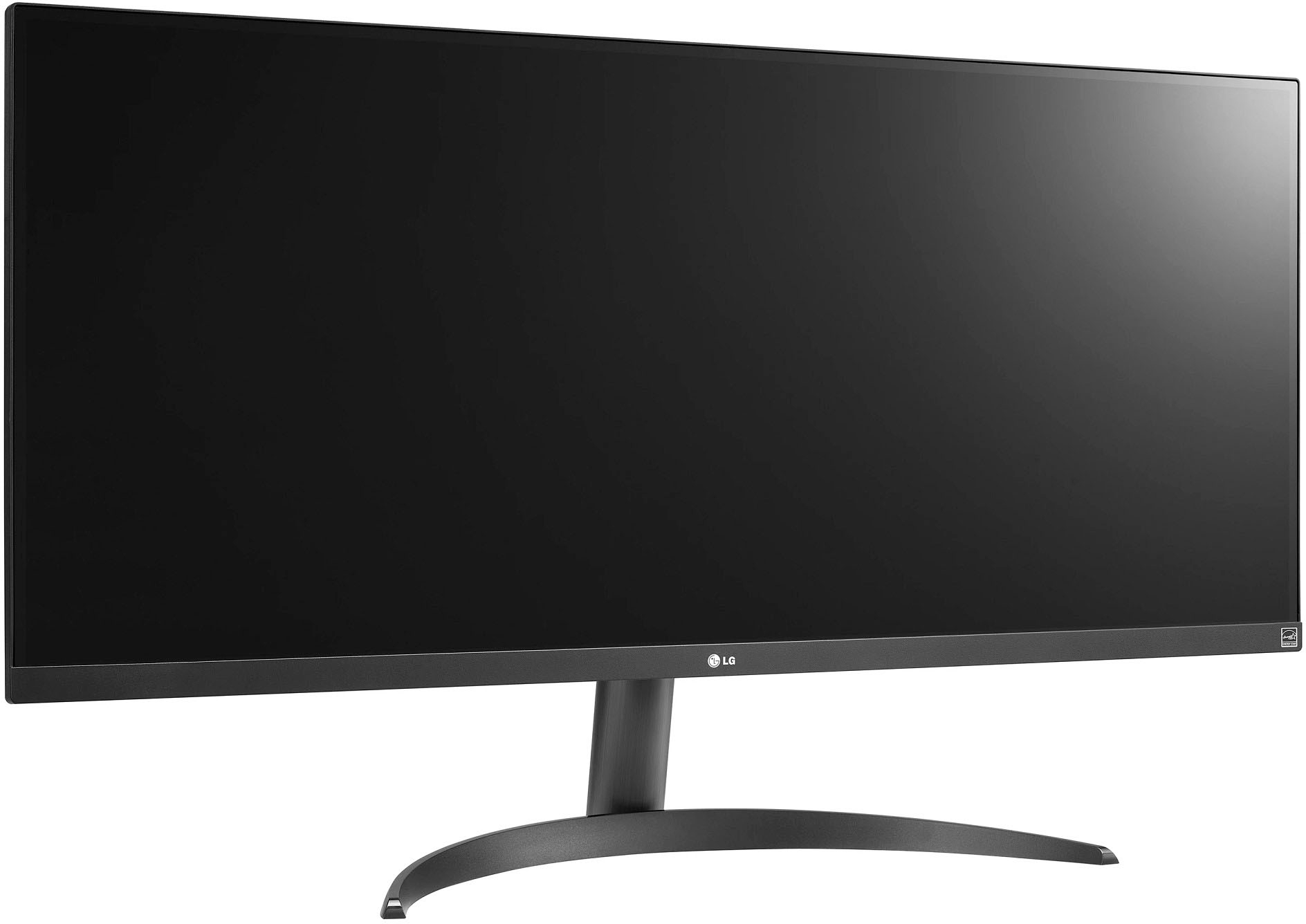
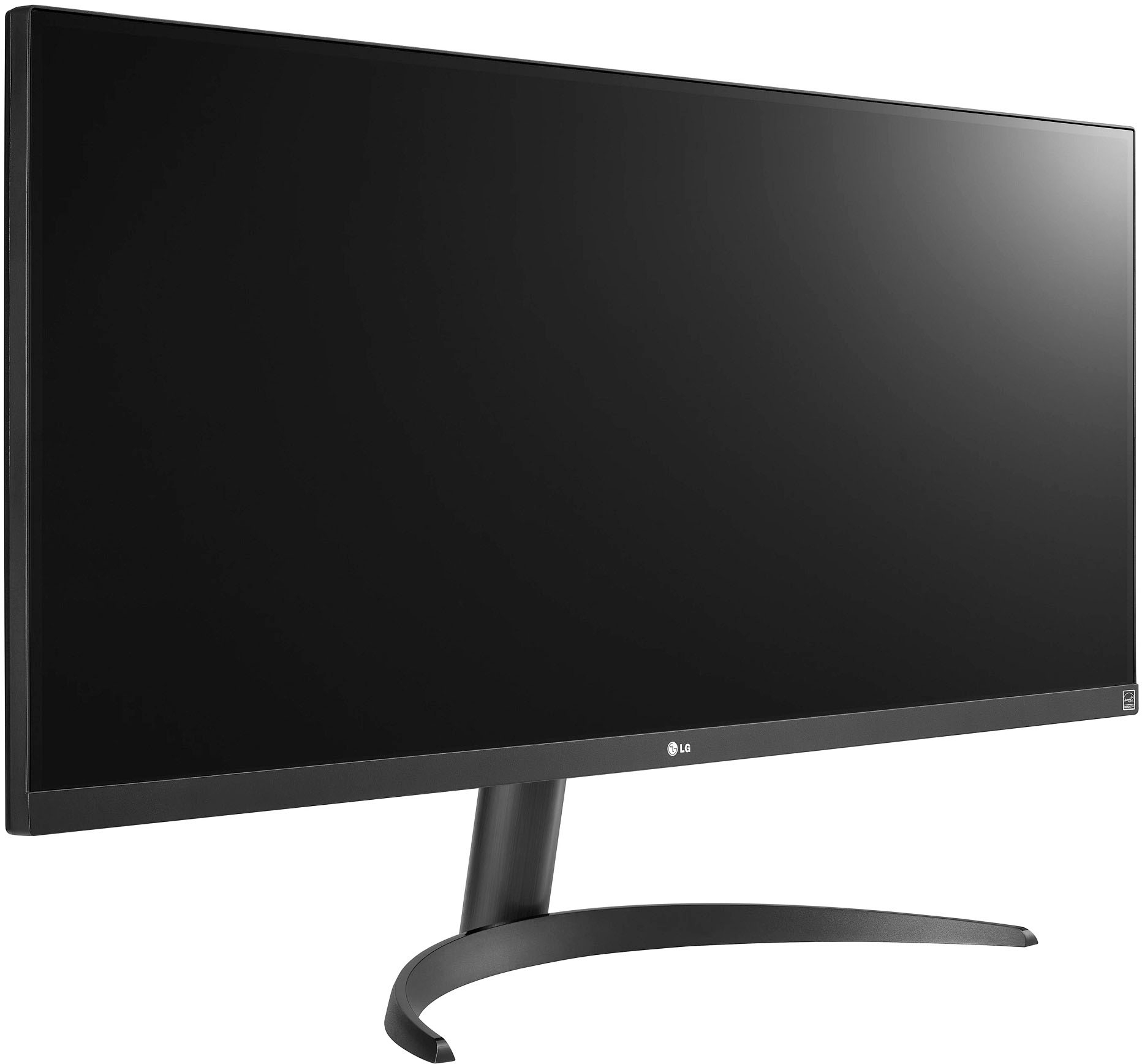
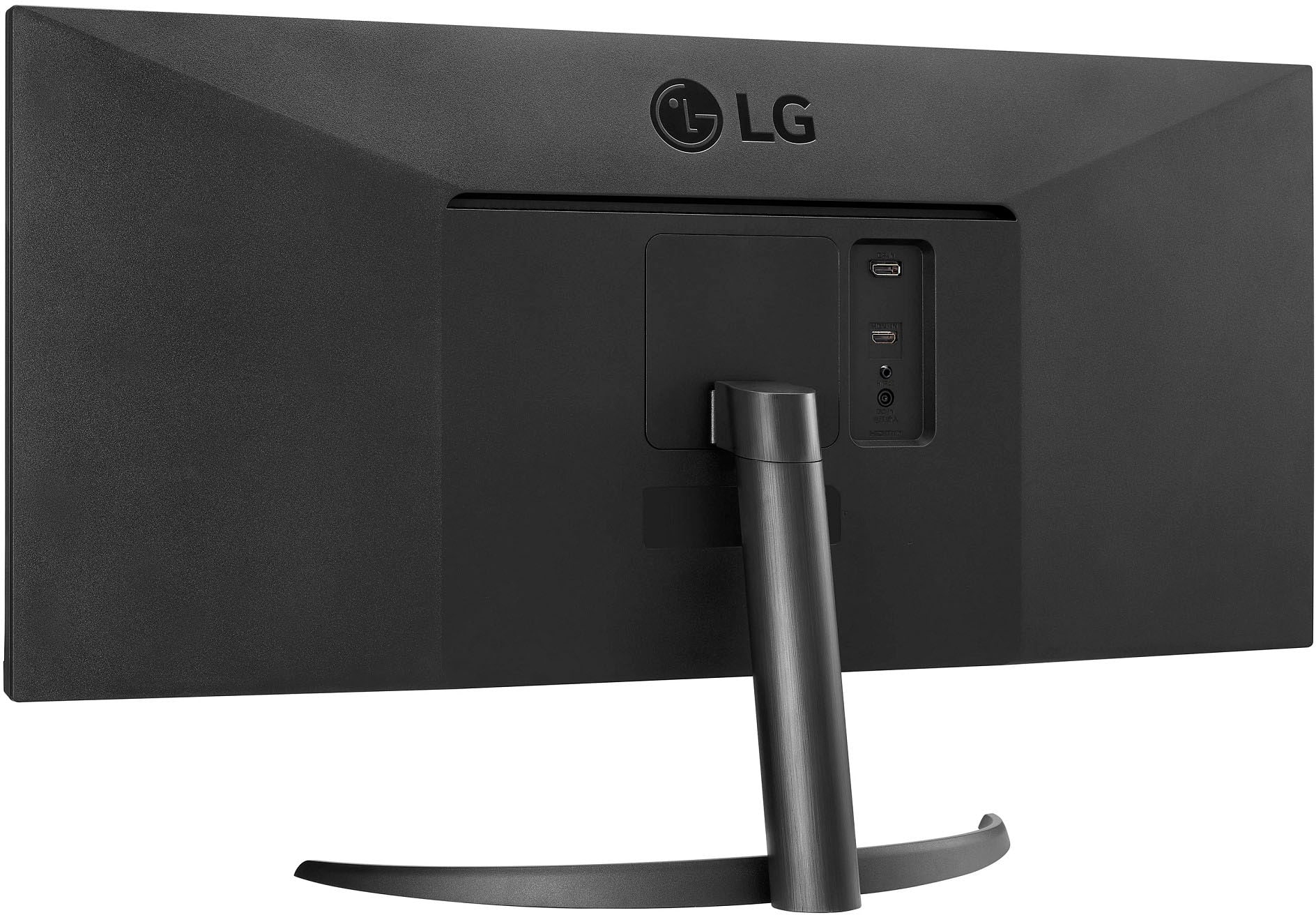
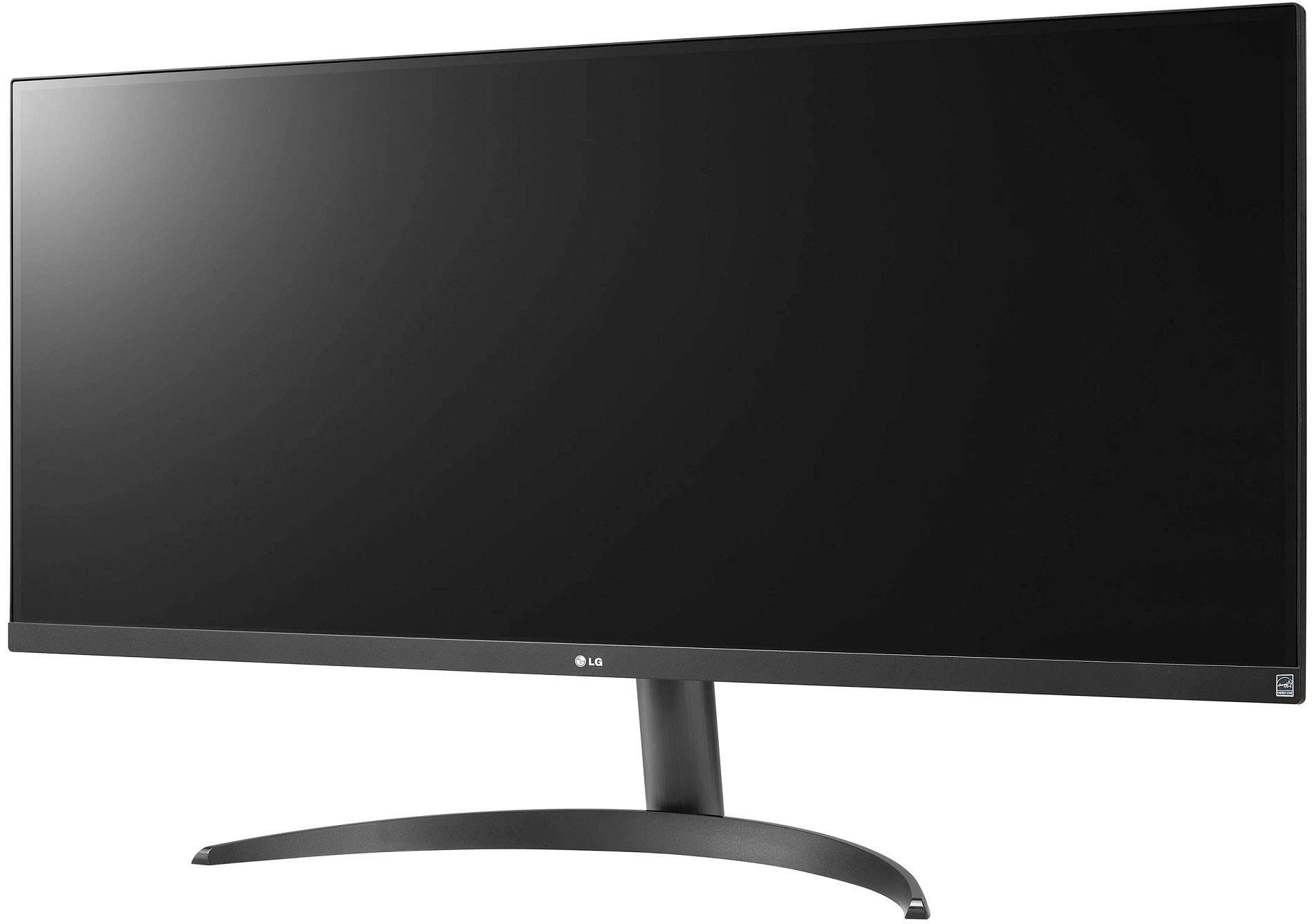
- A:Answer Hi. The LG 34" IPS LED UltraWide FHD 100Hz AMD FreeSync Monitor with HDR (HDMI, DisplayPort) - Black, Model # 34WQ500-B, does not come with the stand attached so if you prefer to utilize a desk mount for multiple monitors, you don't have to attach the stand when you unbox the monitor. The stand is detachable and can always be removed should you attach it to the monitor...^Ivan.
Answered by LG Digital Customer Care

Q: QuestionCan I use a keyboard and mouse with this monitor?
Asked by Jaz.
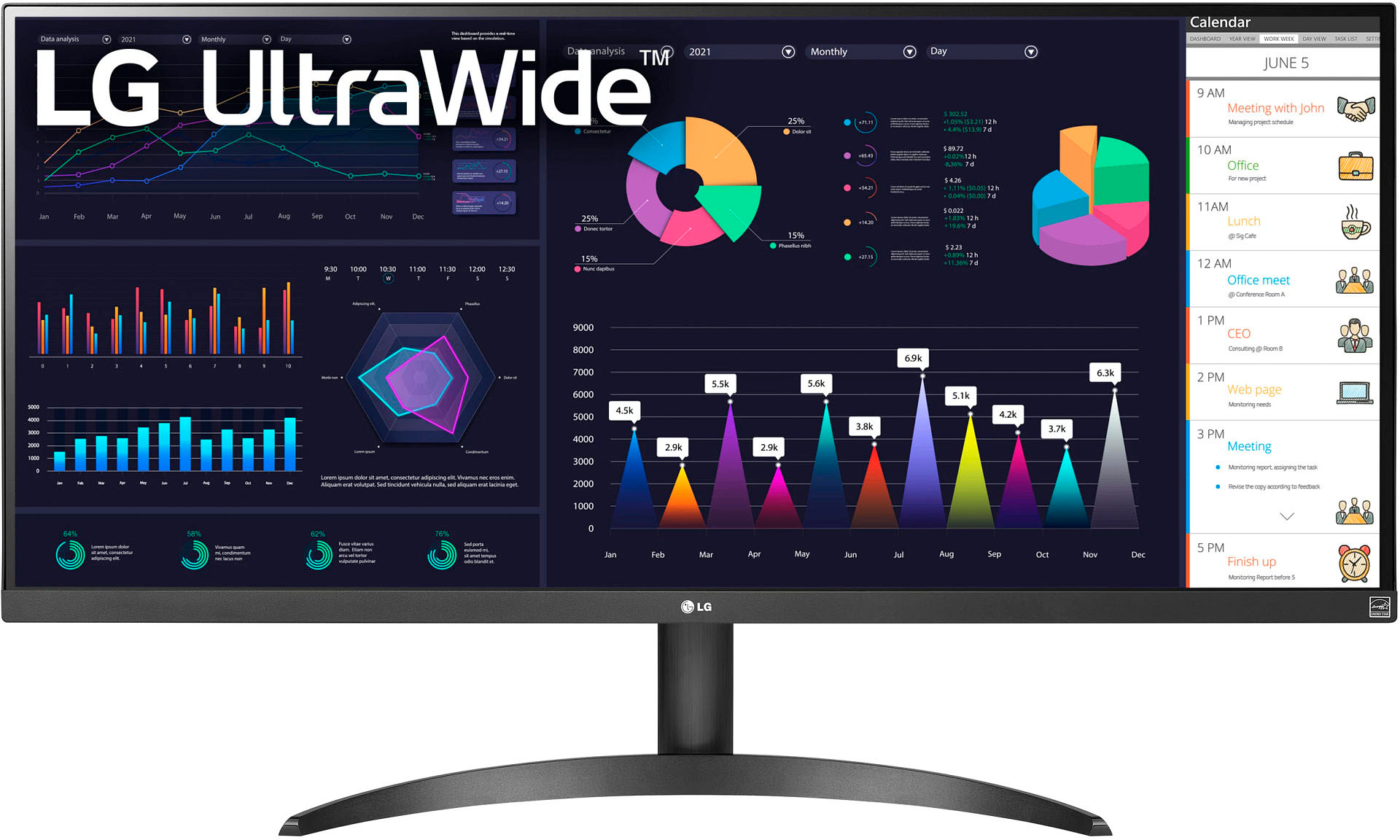
- A:Answer Thank you for your interest in the LG Monitor. Yes, you can use a keyboard and mouse with the LG 34WQ500-B monitor. You can download its owner's manual through this link for more information: https://www.lg.com/us/support/product/lg-34WQ500-B.AUS. ^Cris
Answered by LG Digital Customer Care

Q: QuestionI got my son Dell - G15 15.6" FHD 120Hz Gaming Laptop - AMD Ryzen 5 6600H - 8GB Memory - NVIDIA GeForce RTX 3050 - 512GB SSD. Will this work with it?
Asked by Anonymous.
- A:Answer Yes, It will work with that configuration.
Answered by Anonymous
Q: QuestionDoes this monitor allow on-screen control for split-screen functionality? Can I use the LG split screen function if I download driver from the LG website?
Asked by AP.
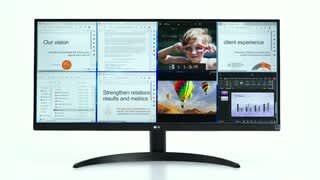
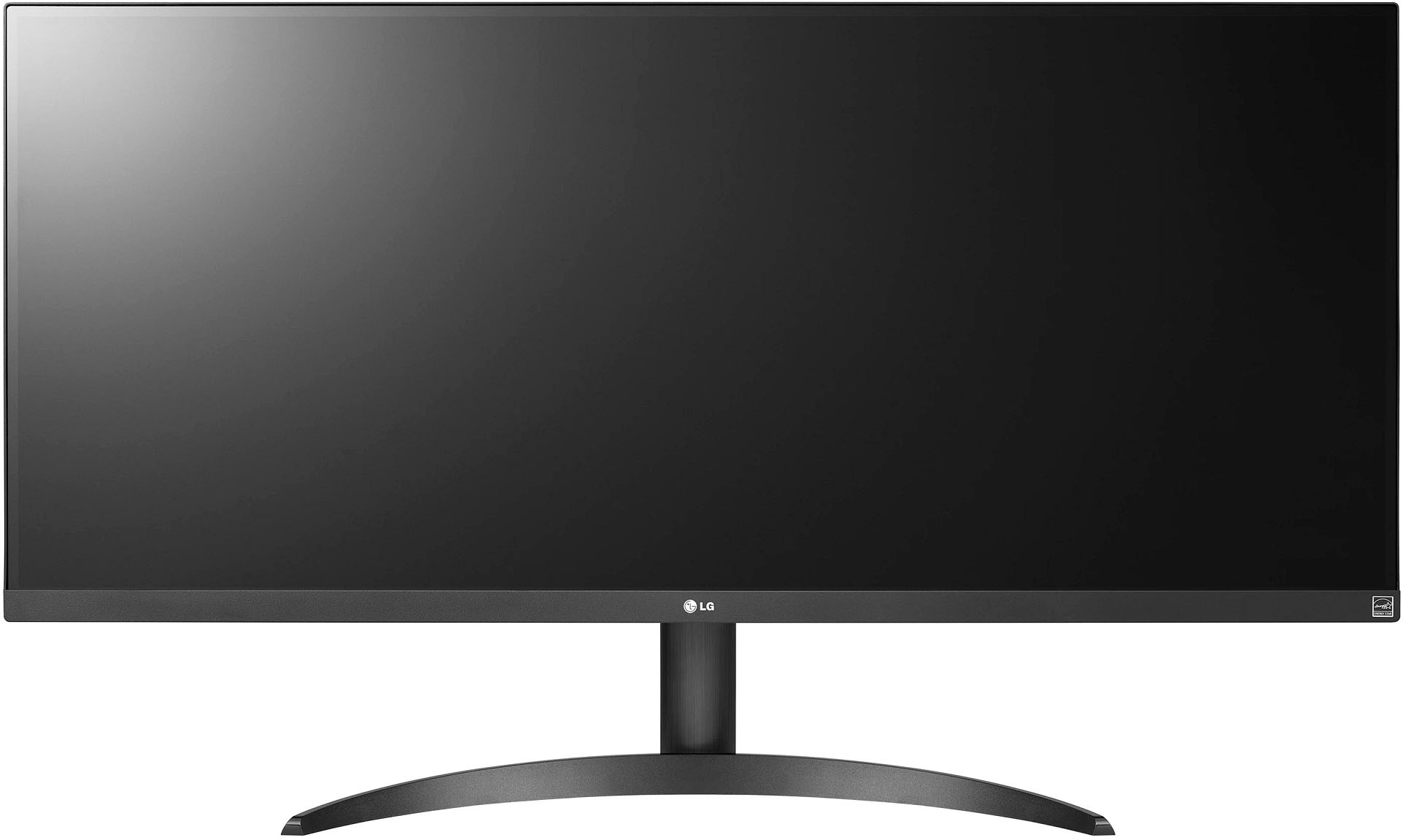
- A:Answer Thank you for your interest in the LG 34” UltraWide FHD VESA DisplayHDR™ 400 IPS Monitor with AMD FreeSync™ (34WQ500-B) model. Yes, the LG 34WQ500-B monitor supports split-screen functionality through the LG OnScreen Control program. The OnScreen Control program allows users to divide up the screen and adjust monitor settings directly from their PC environment. You can download its owner's manual through this link for more information: https://www.lg.com/us/support/product/lg-34WQ500-B.AUS. ^Cris
Answered by LG Digital Customer Care

Q: Questionis this a touch screen monitor if not can you point me to a good one
Asked by Medic237.
- A:Answer Thank you for your interest in the LG 34” UltraWide FHD VESA DisplayHDR™ 400 IPS Monitor with AMD FreeSync™ (34WQ500-B) model. No, the LG 34WQ500-B is not a touch screen monitor. LG has a range of touch screen monitors with different features for various applications. Some examples include the Advanced UHD IPS Touchscreen Displays, 23ET83V-W 10 Point Touch LED IPS Monitor, 65TR3BF-B Series IR Multi-Touch Point UHD IPS Digital Display, 86TN3F-B In-Cell UHD IPS Multi-Touch Screen, and the StanbyME 27" Rollable Smart Touch Screen. They offer multi-touch, writing and dual pen compatibility, webOS and Android™ OS, Air Class and web browser, IDB Whiteboard Software, and rollable design with adjustable stand and built-in battery. You can download its owner's manual through this link for more information: https://www.lg.com/us/support/product/lg-34WQ500-B.AUS. ^Cris
Answered by LG Digital Customer Care

Q: QuestionWill this monitor work with my MacBook Air M2? If so, will it connect to thunderbolt or to I need an adapter?
Asked by Dan.
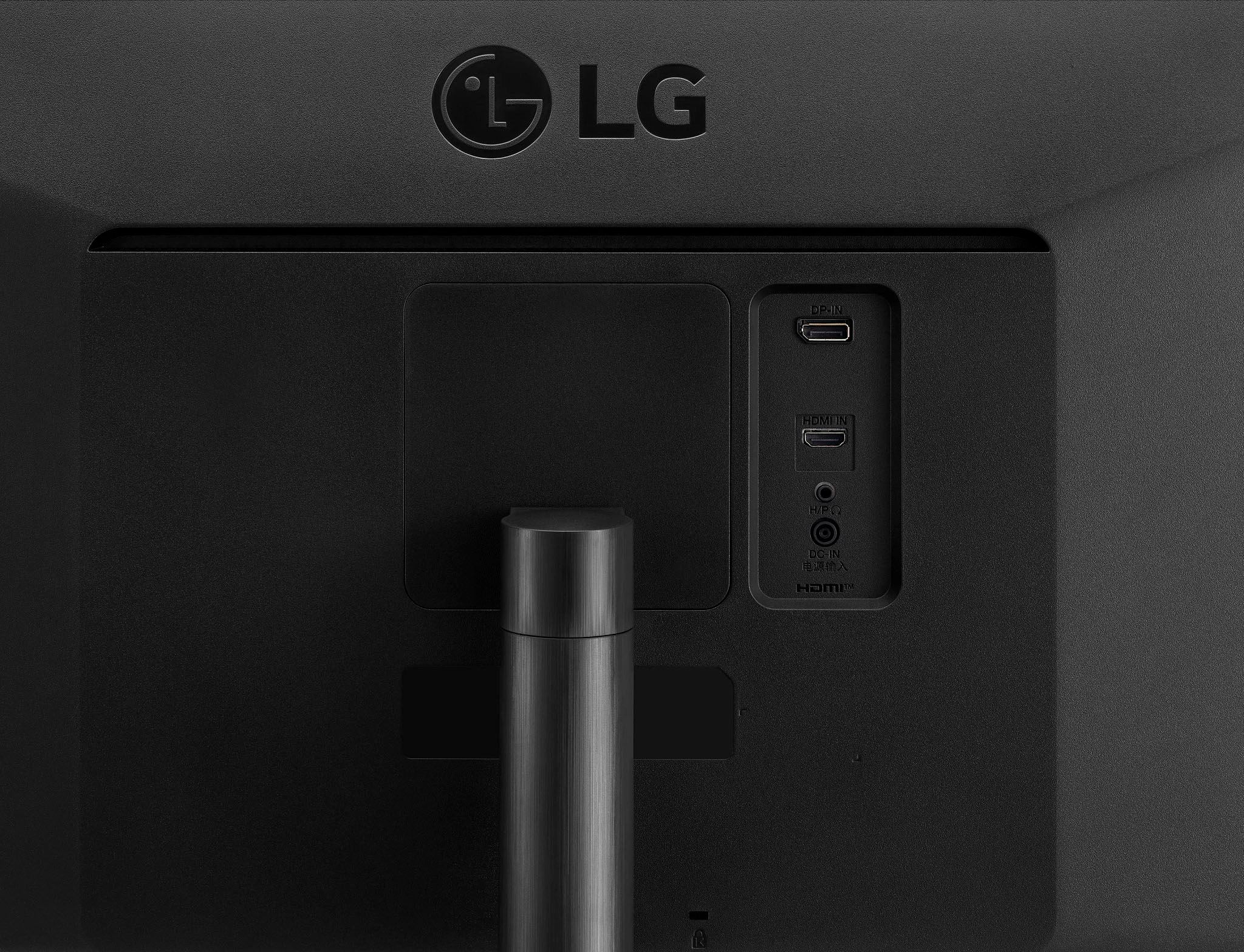
- A:Answer Yes, the LG-34" Class UltraWide FHD HDR Monitor with FreeSync 34WQ500-B is compatible with the MacBook Air M2. However, you will need an adapter to connect the monitor to your MacBook Air M2. The monitor has an HDMI port and a DisplayPort, but the MacBook Air M2 has only Thunderbolt 4/USB-C ports. Therefore, you will need a Thunderbolt 4/USB-C to HDMI or DisplayPort adapter to connect the monitor to your MacBook Air M2. You can find these adapters on Apple's website or other online retailers. Once you have the adapter, you can connect the monitor to your MacBook Air M2 and use it as an external display.
Answered by LG Digital Customer Care

Q: QuestionWhat if I cannot get my monitor to display, once connected to my laptop.
Asked by GNo.
- A:Answer You have to have the right cables- this one is Hdmi to Hdmi, some are Data to Hdmi, so you've got to be sure which cables to use for the right amount of laptop ram, to power an external monitor. If you dont have enough ram on the laptop, the external monitor will not function. Also, you may need a "jump box","dock station", lightening bolt", "port" to connect between the cables and each piece of equipment. If you have 4GB of ram, this may not work. All depends on compatibility of each piece of equipment and if the Hz size is enough or too much.
Answered by AB23
Q: QuestionIs this monitor good for photography edition?
Asked by figue.
- A:Answer No.
Answered by Scamb2022
Q: QuestionIs the display antiglare and has a matte finish?
Asked by Ela.
- A:Answer Hello Ela.The LG 34” UltraWide FHD VESA DisplayHDR™ 400 IPS Monitor with AMD FreeSync™, Model # 34WQ500-B does not have an Anti-Glare Surface Treatment so it is a glossy screen...^Ivan
Answered by LG Digital Customer Care

Q: QuestionIs there anyway to adjust the height of the monitor via the stand provided? possibly lower it couple of inches?
Asked by heather.
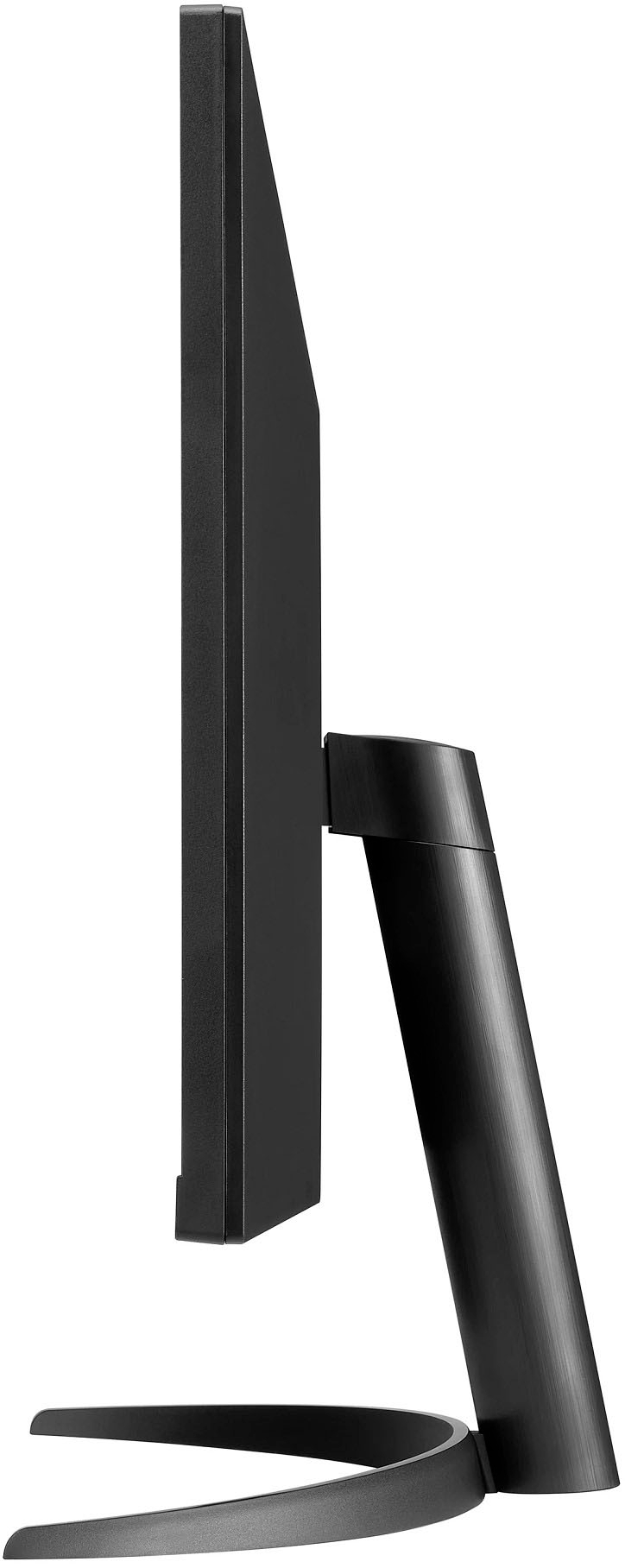
- A:Answer Hi Heather. The only adjustable feature this stand is equipped with is a tilt option, so you wouldn't be able to lower it a couple of inches with the stand provided. ^Chris
Answered by LG Digital Customer Care

Q: QuestionCan I use this monitor to game with my Xbox
Asked by Victor.
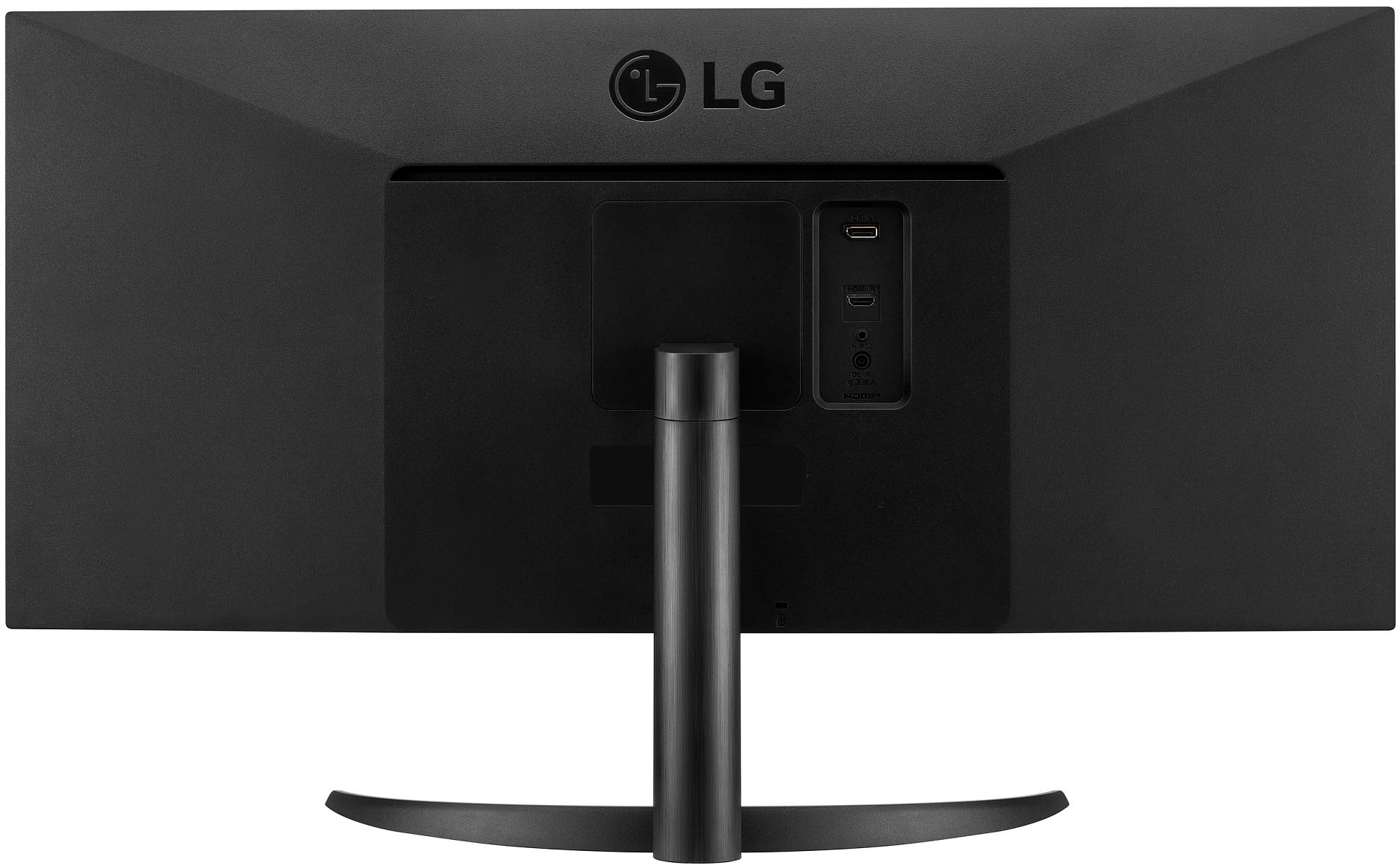
- A:Answer Hi Victor. Connectivity for the LG 34” UltraWide FHD VESA DisplayHDR™ 400 IPS Monitor with AMD FreeSync™, Model # 34WQ500-B includes 2 x HDMI inputs and a DisplayPort input. The monitor has a native resolution of 2560 x 1080 which is an Aspect Ratio of 21:9. It supports a maximum resolution of 2560 x 1080 @ 60/75/100 Hz over HDMI. If your Xbox supports 2560 x 1080, you will get a full screen on the monitor,if is doesn't the monitor also supports 1920 x 1080 @ 60Hz but you will get black bars on the screen since 1920 x 1080 is a 16:9 Aspect Ratio...^Ivan
Answered by LG Digital Customer Care

Q: QuestionWhat is the power cable used for this specific monitor? I lost mine
Asked by Tyler.
- A:Answer The power cord is a standard issue and can be procured from any online vendors.
Answered by KUMAR
Q: QuestionHow adjustable is the resolution with a Macbook. Dell does not have a mac driver and I can not adjust.
Asked by Vicki.
- A:Answer I have this hooked up to a MacBook and it looks crisp no settings required, im using hdmi cable with an hdmi to usbc dongle. It will set to the highest resolution possible.
Answered by stevetheitguy
Q: QuestionHow long will the monitor stay on before going black.
Asked by pajackjo.
- A:Answer You have to set it
Answered by Noya
Q: QuestionCan this Monitor be connected with NEW Mac Mini? Any special cables required?
Asked by Me.
- A:Answer Yes if you have an adapter for HDMI like I do
Answered by JeromeB
Q: QuestionCan you stream games online and be doing something else at the same time in a split screen
Asked by Cameron0597.
- A:Answer Yes
Answered by lubedude
Q: QuestionCan it work with two devices simultaneously, e.g. a computer and a smart phone?
Asked by VanSG.
- A:Answer Yes, It has a split screen feature I can have both working on my screen.
Answered by Maxzarmar
Q: QuestionI understand this monitor does not have speakers, but can I connect speakers to it? I’ll need sound for videos and for Zoom calls.
Asked by Kristi.
- A:Answer Yes you can.
Answered by Maxzarmar
Q: QuestionDoes this monitor work with a Dell 5550?
Asked by Melissa.
- A:Answer Hello there! The LG 34WQ500-B monitor should be compatible with the Dell 5550, as long as the necessary connection ports match. For the best experience, ensure that your Dell 5550 has the correct input ports (like HDMI or DisplayPort) to connect to the monitor. If you encounter any issues or need further assistance, please send us a private message on Social Media @LGUSSupport, and our team will be more than happy to assist. We appreciate your patience. —Renzo
Answered by LG Digital Customer Care

Q: Questionwill this monitor work with the latest Ipad pro? If so, what cable do I need?
Asked by clueless.
- A:Answer Thank you for your interest in the LG Monitor. The LG 34WQ500-B monitor works with the latest iPad Pro models. To connect your iPad Pro to the LG 34WQ500-B monitor, use a USB-C to HDMI cable or a USB-C to DisplayPort cable, depending on your choice of input. The monitor supports both HDMI and DisplayPort. You can download its owner's manual through this link for more information: https://www.lg.com/us/support/product/lg-34WQ500-B.AUS. For additional assistance, please reach out to us on social media @LGUSSupport so we can help you further. ^Cris
Answered by LG Digital Customer Care

Best-selling monitors
- Black Friday Deal$86.99Your price for this item is $86.99
- Black Friday Deal$104.99Your price for this item is $104.99
- Black Friday Deal$89.99Your price for this item is $89.99
- Black Friday Deal$99.99Your price for this item is $99.99
- Black Friday Deal$79.99Your price for this item is $79.99
- Black Friday Deal$159.99Your price for this item is $159.99
- Black Friday Deal$279.99Your price for this item is $279.99
- Black Friday Deal$129.99Your price for this item is $129.99
- Black Friday Deal$259.99Your price for this item is $259.99
- Black Friday Deal$219.99Your price for this item is $219.99
- Black Friday Deal$179.99Your price for this item is $179.99
- Black Friday Deal$114.99Your price for this item is $114.99
- Black Friday Deal$149.99Your price for this item is $149.99
- Black Friday Deal$99.99Your price for this item is $99.99
- $134.99Your price for this item is $134.99
- $69.99Your price for this item is $69.99$159.99The comparable value for this item is $159.99
- $169.99Your price for this item is $169.99
- Black Friday Deal$129.99Your price for this item is $129.99
- Black Friday Deal$99.99Your price for this item is $99.99
- Black Friday Deal$209.99Your price for this item is $209.99