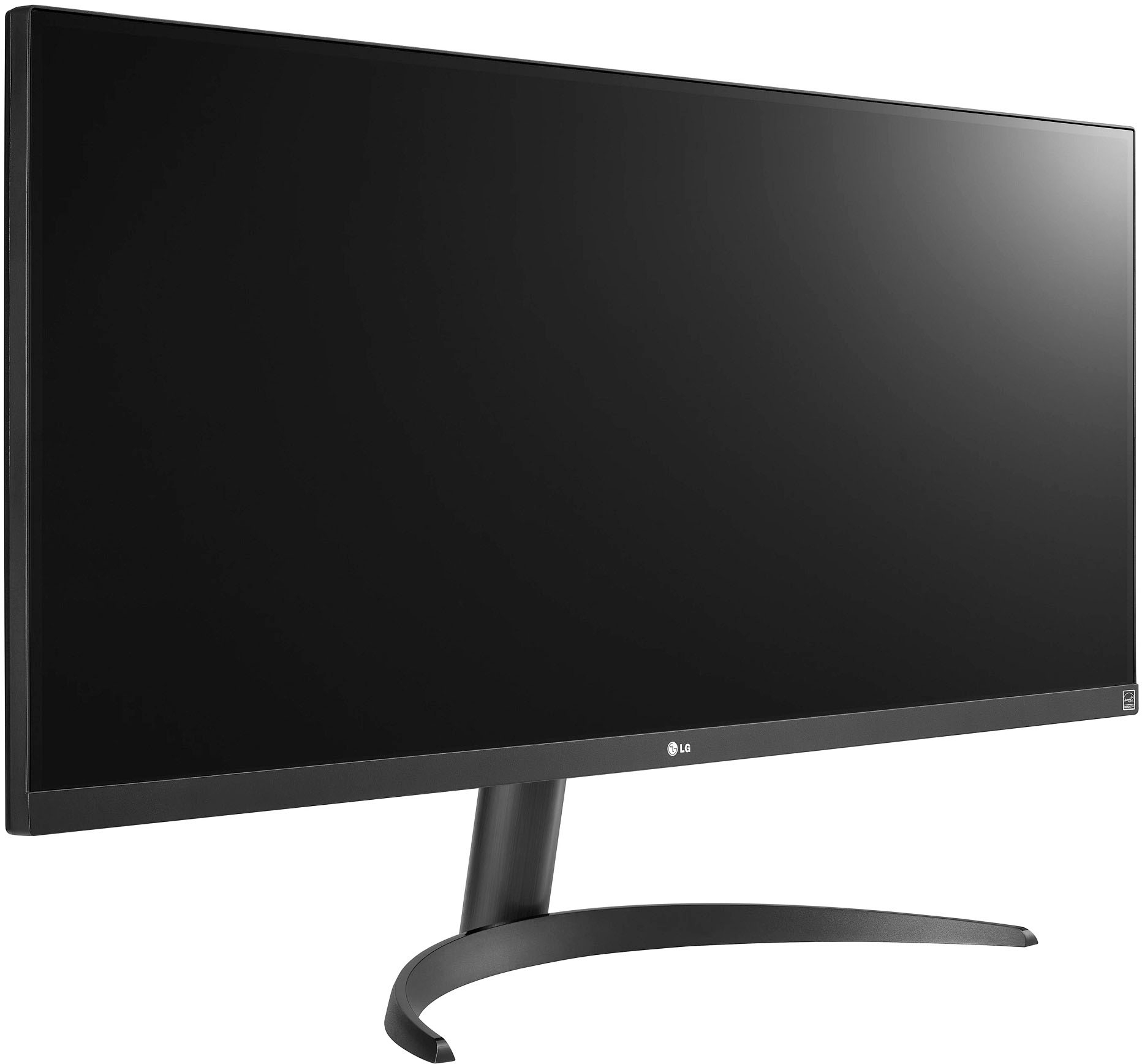
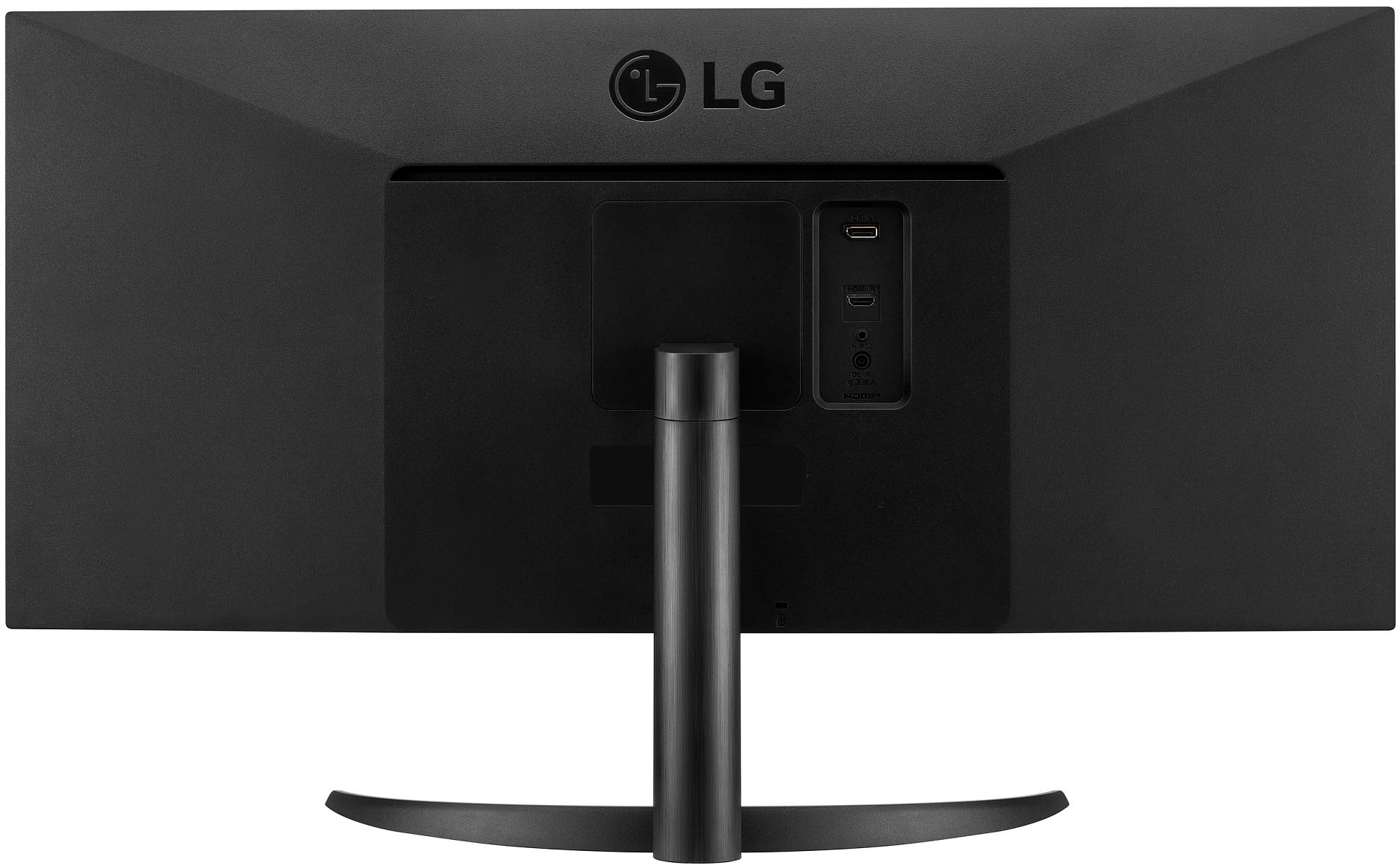
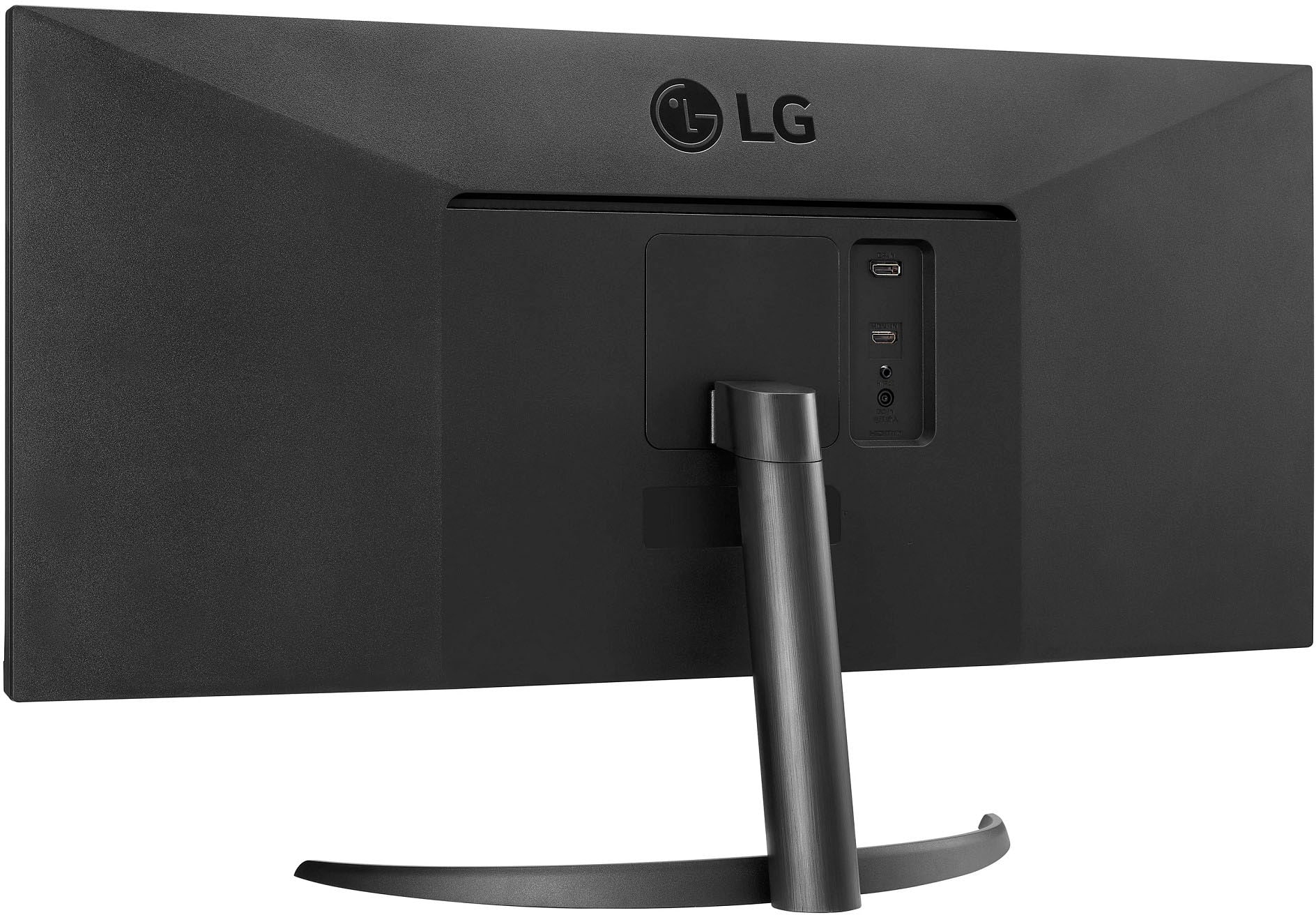
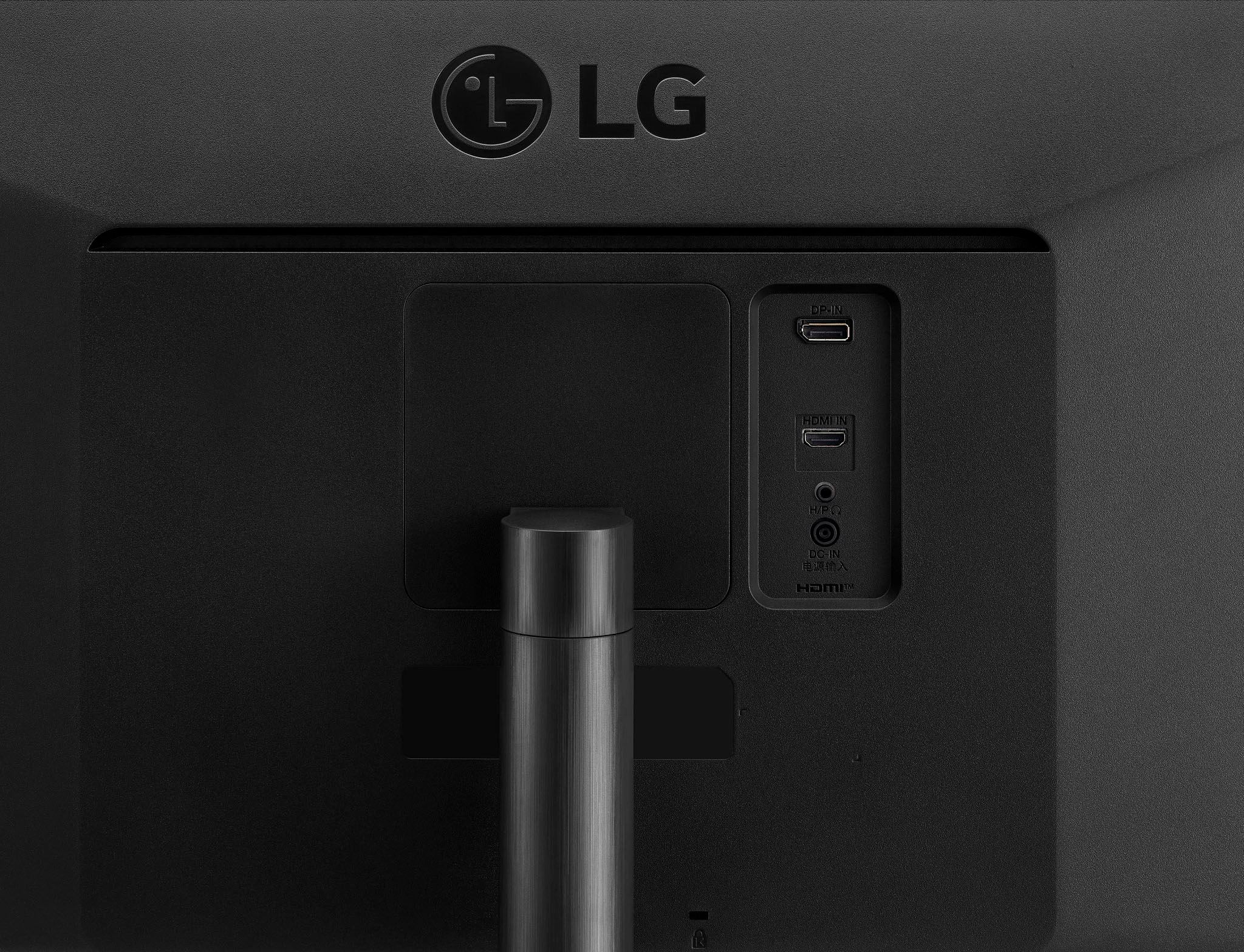
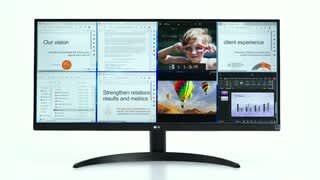
A:Answer Hi there! Thank you for reaching out about your 34WQ500-B monitor. It sounds like there may be an issue with the connection or settings. To troubleshoot the "No Signal" message, first, ensure that the monitor's cable is securely connected to both the monitor and your Dell XPS laptop. If possible, try using a different cable or port. Additionally, check that the monitor is set to the correct input source (HDMI, DisplayPort, etc.) that matches your connection. In your laptop settings, click "Detect" in the display settings to refresh the connection and see if it recognizes the second monitor. If you continue to experience issues, please send us a private message on Social Media @LGUSSupport, and our team will be glad to assist you further. We appreciate your patience! —Avril