Black Friday is hereShop new DoorbustersShop now

Skip to content
Gift Ideas
26 Cypress St
Williston, VT 05495
Opens at 9 am
Find Another Store
Main Content

Questions & Answers

Your price for this item is $75.99
Clearance
The comparable value price is $349.99
Page Showing 21-39 of 39 questions
  • Questiondoes this monitor have a built in camera

    Asked by doug.

    • Answer Hi there, Doug. We understand your inquiry about your LG 27SR73U‑W My View 27" IPS UHD Smart Monitor. This model does not have a built‑in webcam, but you can easily set up an external USB camera for your video calls: Troubleshooting Step: Connect a UVC‑compatible USB webcam to one of the monitor’s USB‑A ports (or via a USB‑C hub). On your PC or Mac, open your video conferencing app and select the external camera under Settings > Video/Input. If the camera isn’t recognized, please ensure your monitor’s firmware is up to date by navigating to Settings > All Settings > General > About This Monitor > Check for Updates. https://www.bestbuy.com/site/lg-my-view-27-ips-uhd-60hz-smart-monitor-hdmi-usb-c-white/6587156.p?skuId=6587156 If you need any further assistance or run into connectivity issues, please send us a private message on social media @LGUSSupport and our team will be more than happy to explore possible solutions. We appreciate your patience and are here to help. —Renzo

      Answered by LG Digital Customer Care

  • Questiondoes a photo on screen resolution of 3840 x 2160 look better than on screen resolution of 1980 x 1080 with the same graphics card ?

    Asked by Anonymous.

    • Answer Depends on the graphics card and photo resolution (higher rate GPUs like a 3080ti or high res photos will be noticeable on 4k vs 1080) Low res photos or a 20series GPU not noticable

      Answered by user666312

  • QuestionCan the display be oriented in portrait mode?

    Asked by William.

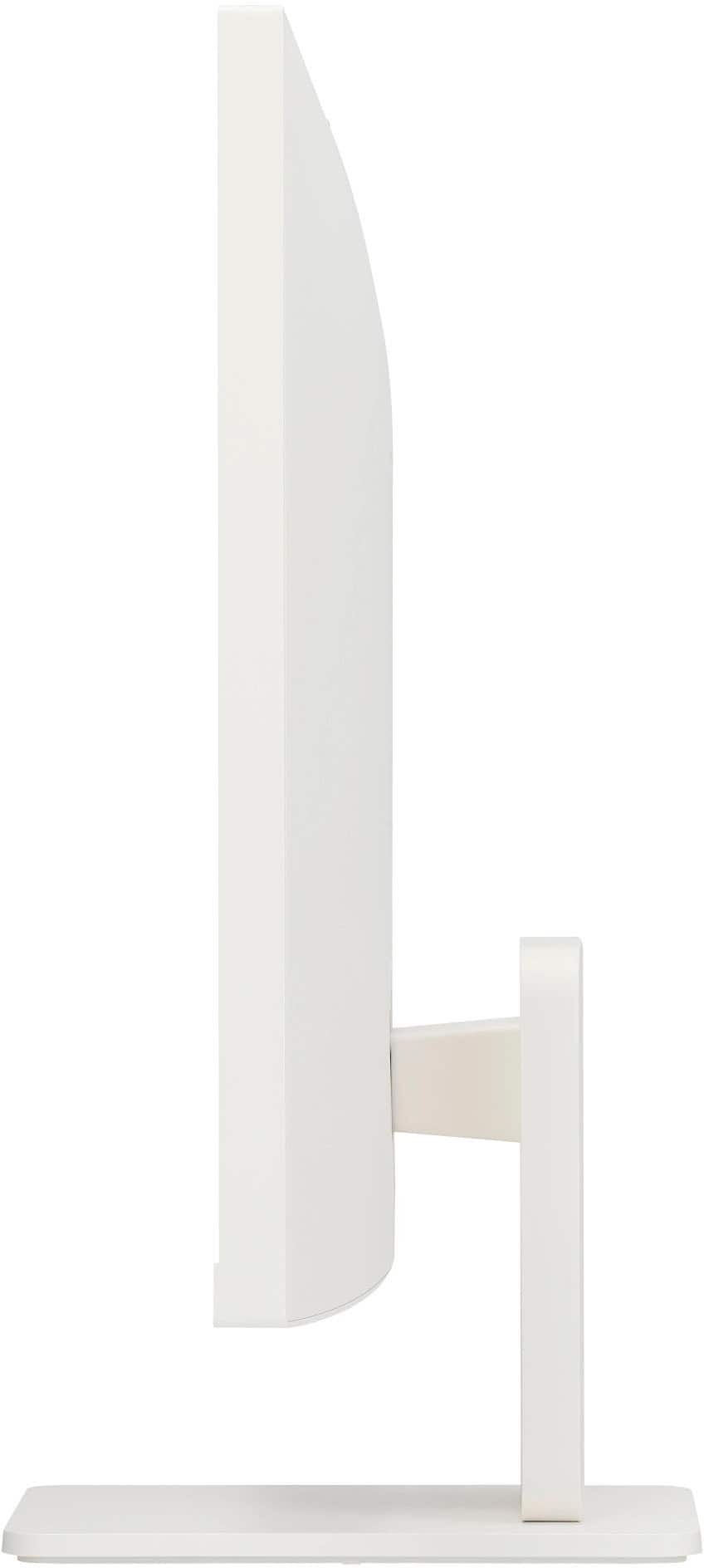
    • Answer Hi there, William. The LG 27SR73U-W Smart Monitor does not have a built-in stand that supports pivot adjustment, meaning it cannot be rotated to portrait mode using the included stand. However, since it is VESA mount compatible (100 x 100 mm), you can use a third-party monitor arm or stand that supports rotation to achieve a portrait orientation. https://www.lg.com/us/monitors/lg-27sr73u-w-smart-monitor#pdp_specs If you have any other questions, feel free to send us a private message on social media @LGUSSupport, and we’ll be happy to help! —Renzo

      Answered by LG Digital Customer Care

  • Questiondoes this have TV also

    Asked by Anonymous.

    • Answer Yes. It uses the LG Smart TV interface.

      Answered by mrawesome

  • QuestionDoes this monitor have a built-in camera/WebCam?

    Asked by Ann.

    • Answer No it does not

      Answered by mrawesome

  • Questionwill this work with a Mac book Air?

    Asked by kate.

    • Answer It should work fine, however you will need either a converter cable (to go from the monitor’s hdmi to the MBA’s TBolt ports), or a port extender for your MBA to create an available HDMI connection

      Answered by mrawesome

  • QuestionIS this compatible with Surface book 3

    Asked by KEL.

    • Answer Hi there, Kel. Thank you for sharing your inquiry regarding your LG 27SR73U-W Smart Monitor. We understand your situation and are happy to help clarify compatibility with your Surface Book 3. This monitor offers multiple connectivity options, including a USB-C port that supports data transmission and power delivery as well as an HDMI input. The Surface Book 3 comes equipped with a USB-C port that can output video, making it generally compatible with our monitor. As a troubleshooting step, please ensure that you are using a compatible USB-C cable that supports video output, or if you prefer, try connecting via the HDMI port using an appropriate adapter. Additionally, checking that your Surface Book 3’s display settings and drivers are up-to-date can help optimize the connection for the best experience. https://www.lg.com/us/monitors/lg-27sr73u-w-smart-monitor#pdp_specs For further assistance or if you encounter any connectivity issues, please send us a private message on Social Media @LGUSSupport, and our team will be more than happy to explore possible solutions with you. We appreciate your patience and are here to support you every step of the way. —Renzo

      Answered by LG Digital Customer Care

  • QuestionCan you get a attachable camera for the monitor.

    Asked by Mark.

    • Answer I guess that you could, however, there is one that has the camera already attached to it. Did not purchase it because it was not available at the time.

      Answered by CarlosU

  • QuestionCan you hook an HD antenna to it to view over the air television?

    Asked by BobbyM.

    • Answer Hi there, BobbyM. Thank you for reaching out about your LG 27SR73U‑W Smart Monitor. We understand your situation and appreciate you taking the time to ask about integrating an HD antenna with your monitor. This smart monitor is designed primarily for computing and smart applications and does not include an integrated TV tuner for over‑the‑air television. That means you cannot directly hook up an HD antenna to the monitor to receive broadcast TV signals. If you’d like to view over‑the‑air television on this display, you would need to use an external digital tuner or set‑top box that accepts an antenna input and then connect that device to one of the monitor’s HDMI ports. This way, the tuner processes the antenna signal, and the video output is sent to your monitor. https://www.lg.com/us/monitors/lg-27sr73u-w-smart-monitor#pdp_specs For further guidance on setting up an external tuner or any additional questions you may have, please send us a private message on Social Media @LGUSSupport. Our team is more than happy to help you explore possible solutions. We appreciate your patience and interest. —Renzo

      Answered by LG Digital Customer Care

  • QuestionCan you install other streaming apps like YouTube TV that are not pre-loaded?

    Asked by KCByTheBay.

    • Answer I guess you could, after all, it's a Smart Monitor

      Answered by CarlosU

  • QuestionWhat is included in package ?

    Asked by IB.

    • Answer Monitor, stand, power cable and remote control

      Answered by CarlosU

  • QuestionDoes this monitor have a built in web cam?

    Asked by Anonymous.

    • Answer No, this particular model does not, however, there is one that has the web cam already built in, I did not purchased it, because it was not available at the time.

      Answered by CarlosU

  • QuestionCan you use a LG Smart Tv remote with this monitor like the LG Magic Remote Control Voice?

    Asked by mkrysa.

    • Answer Hi there, Mkrysa. The LG 27SR73U-W Smart Monitor supports ThinQ Home Dashboard and Magic Remote Support. This means you can indeed use an LG Smart TV remote, such as the LG Magic Remote Control Voice, to control the monitor, provided the monitor is compatible with that remote and the necessary features are enabled. https://www.lg.com/us/monitors/lg-27sr73u-w-smart-monitor#pdp_specs So yes, you can use the LG Magic Remote with this monitor, allowing for voice commands and more intuitive control. If you need more detailed assistance or have any other questions, feel free to send us a private message on Social Media @LGUSSupport. Our team is happy to assist you further! We appreciate your patience. —Renzo

      Answered by LG Digital Customer Care

  • QuestionCan you pair with AirPods?

    Asked by Luke615.

    • Answer Hello there, Luke. Thank you for reaching out. We understand your interest in connecting your AirPods to the LG 27SR73U-W Smart Monitor. While this model includes built-in speakers and has audio output options, it does not natively support Bluetooth audio devices like AirPods directly. However, you can connect your AirPods through a Bluetooth transmitter that can be plugged into the monitor’s audio output jack or connect them to a device that is paired with your monitor. https://www.lg.com/us/monitors/lg-27sr73u-w-smart-monitor#pdp_specs If you need further assistance or recommendations, feel free to send us a private message on Social Media @LGUSSupport. We’re happy to help! —Renzo

      Answered by LG Digital Customer Care

  • QuestionDoes being 'smart' for this model mean it is equipped to function both as a monitor and a television?

    Asked by StantheMan63.

    • Answer Yes! Cool!

      Answered by DemonofMaxwell

  • QuestionDoes this monitor have any audio output

    Asked by Thetater.

    • Answer Yes, it has speakers.

      Answered by ElaineB

  • QuestionWhen connected to a laptop, will one usb-c cable connect the laptop and also provide power to the laptop?

    Asked by Cam.

    • Answer Yes! Cool!

      Answered by DemonofMaxwell

  • QuestionAre you able to remove the monitor from the stand?

    Asked by sam.

    • Answer Yes. The stand is held on with two phillips-head screws. The stand does not come attached in the box, you have to attach it yourself.

      Answered by MarcD

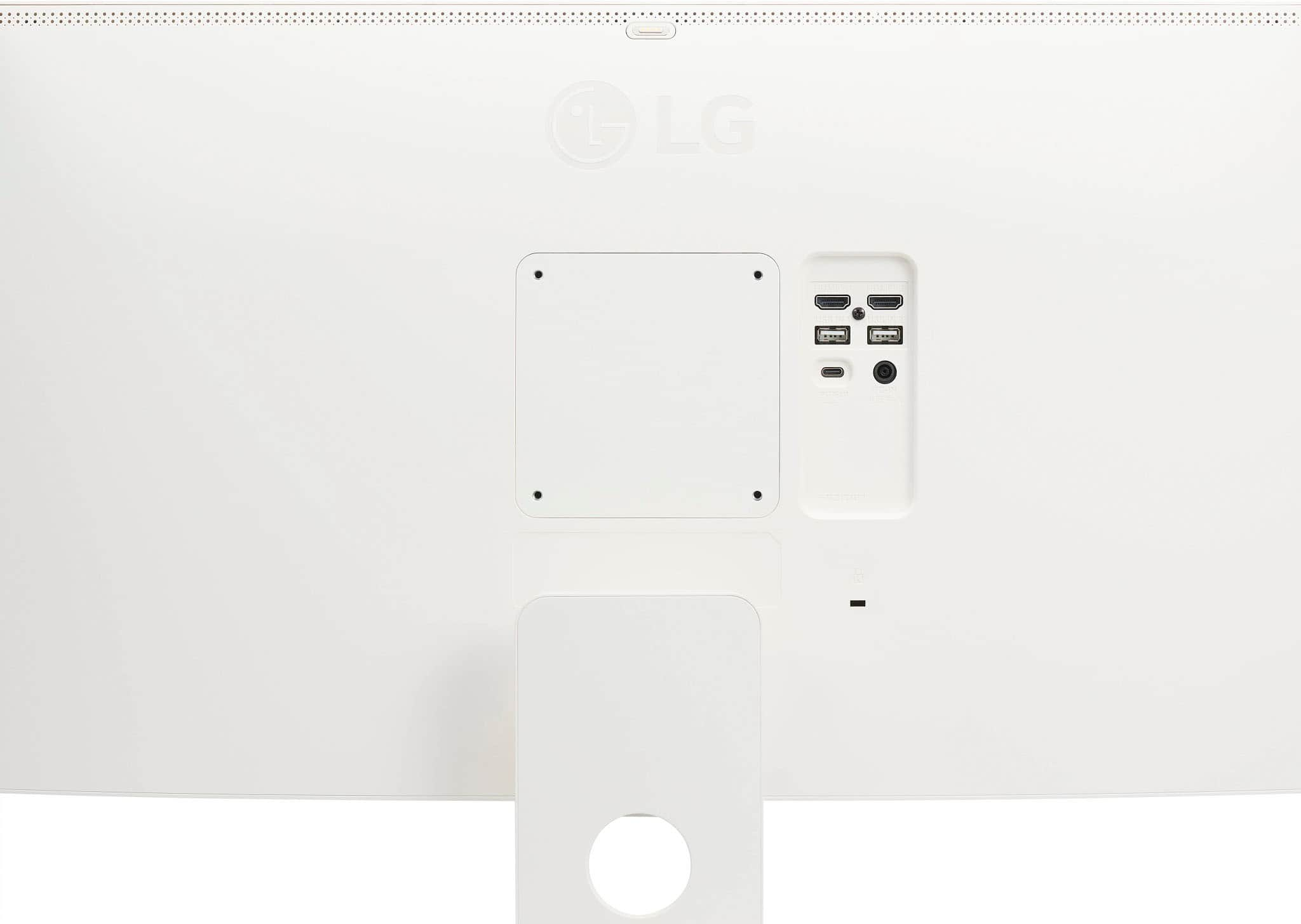
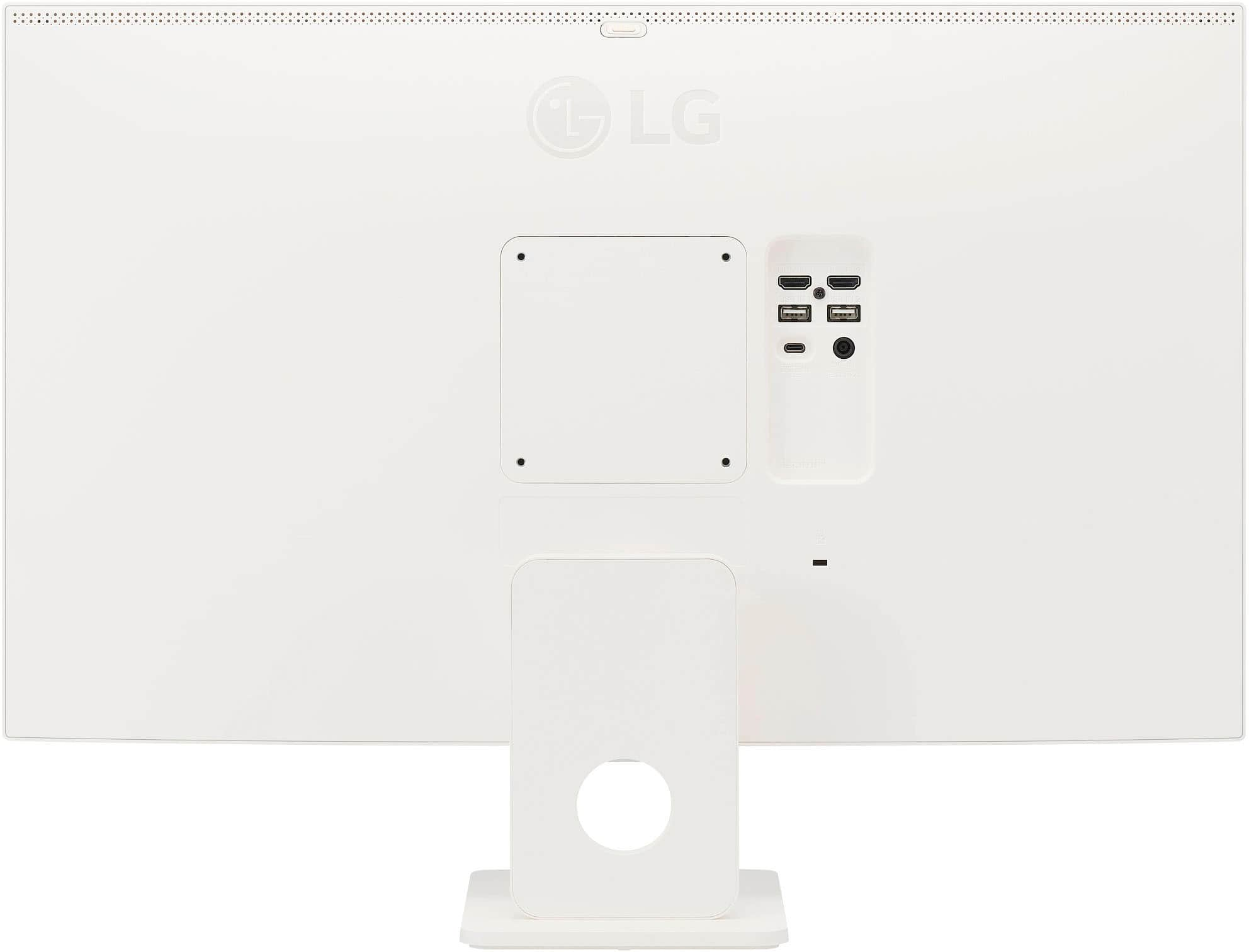
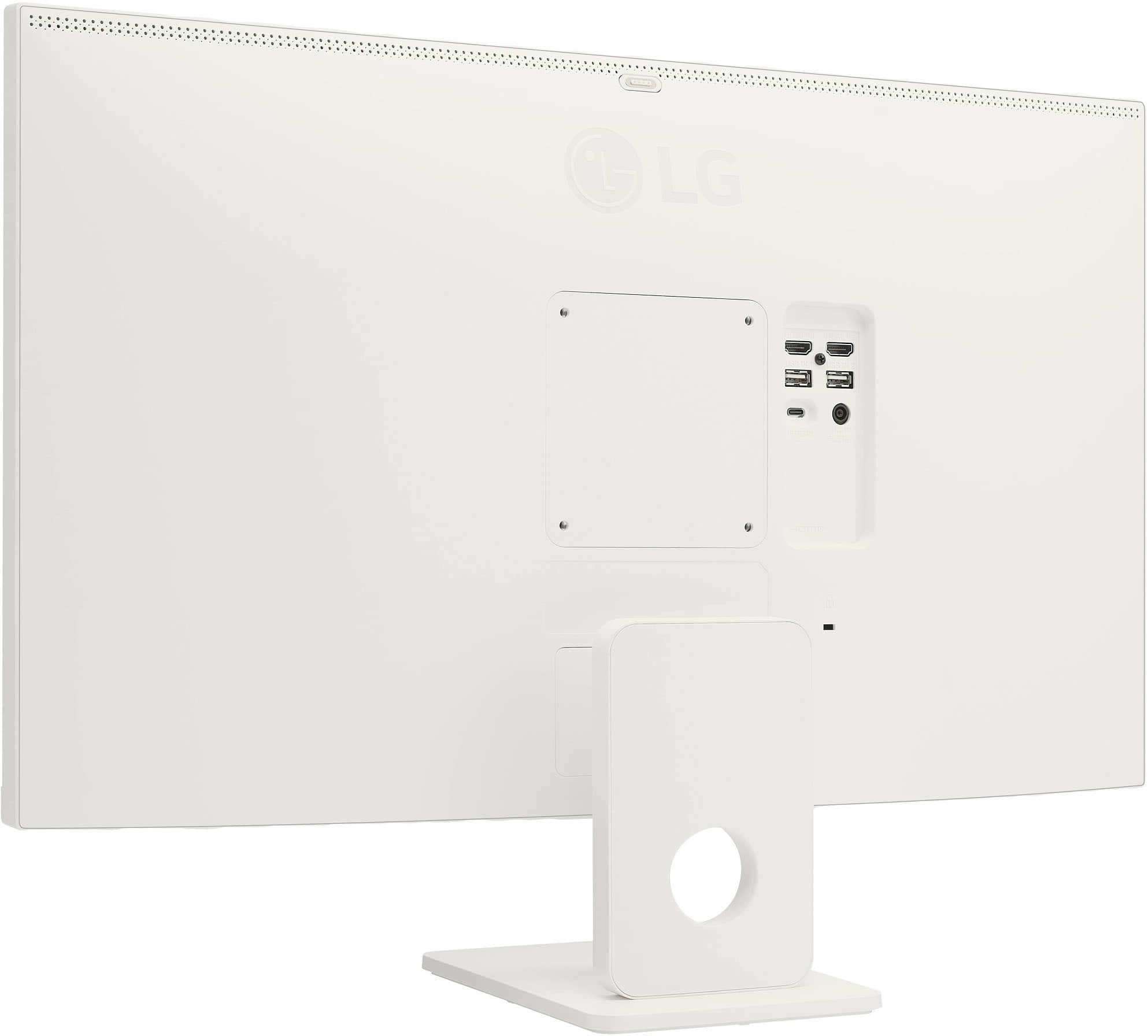
  • QuestionWhat webcam is compatible with this monitor. There appears to be a webcam input on back top center of monitor.

    Asked by Chad.

    • Answer Camera Model #: CAM23PW

      Answered by Sasoon