Black Friday is hereShop new DoorbustersShop now

Main Content

Questions & Answers

Your price for this item is $349.99
Page Showing 1-20 of 43 questions
  • QuestionWhat is the size of this monitor?

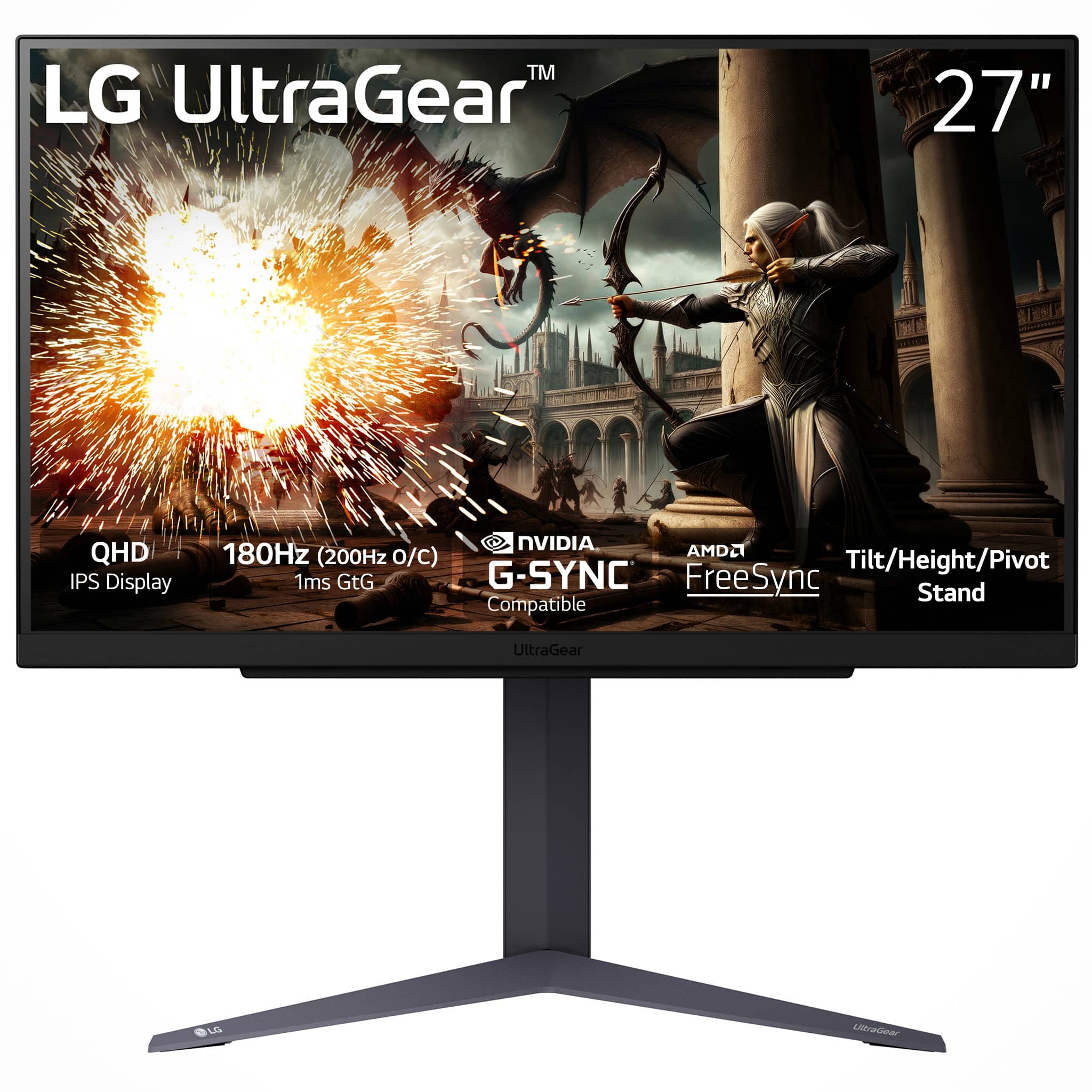
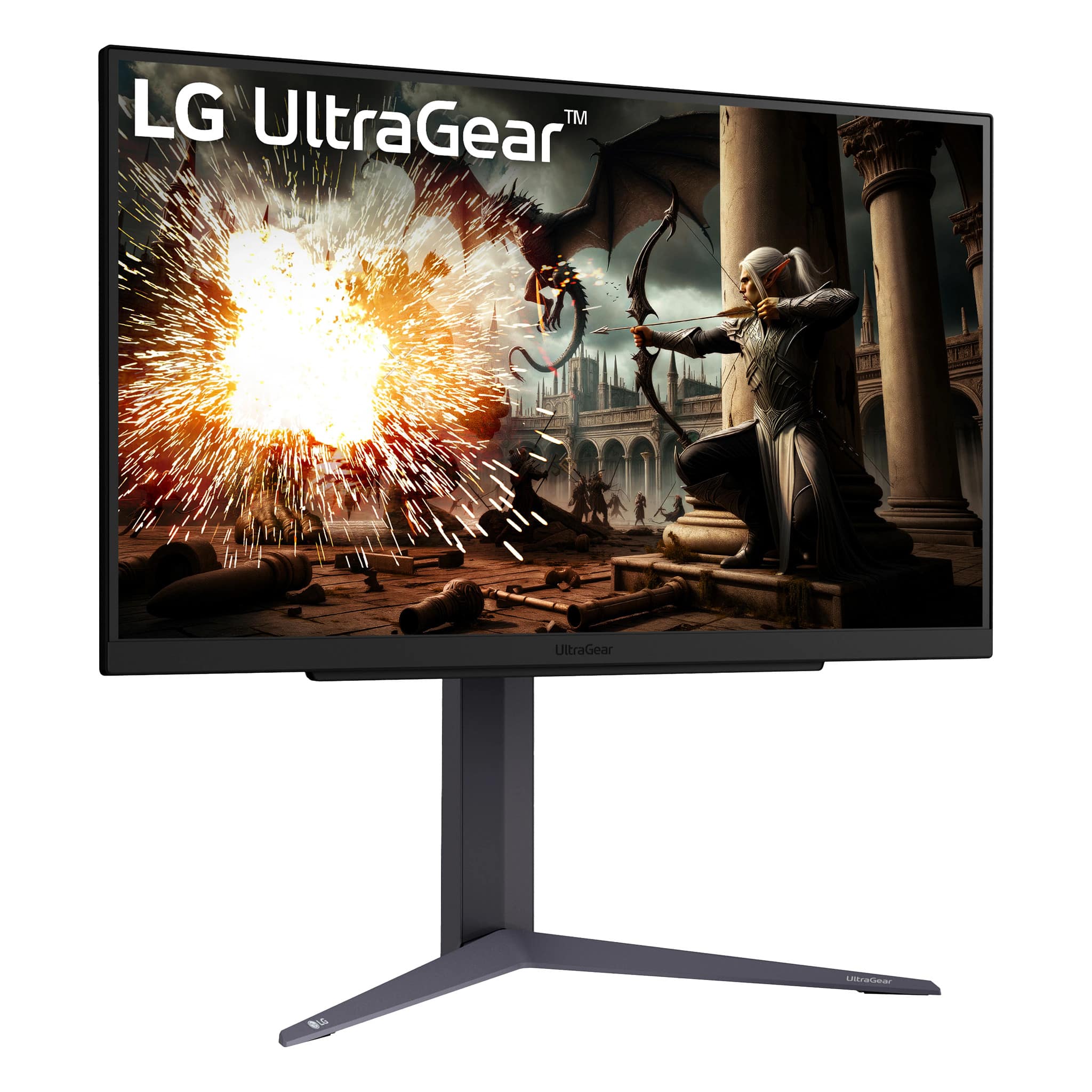
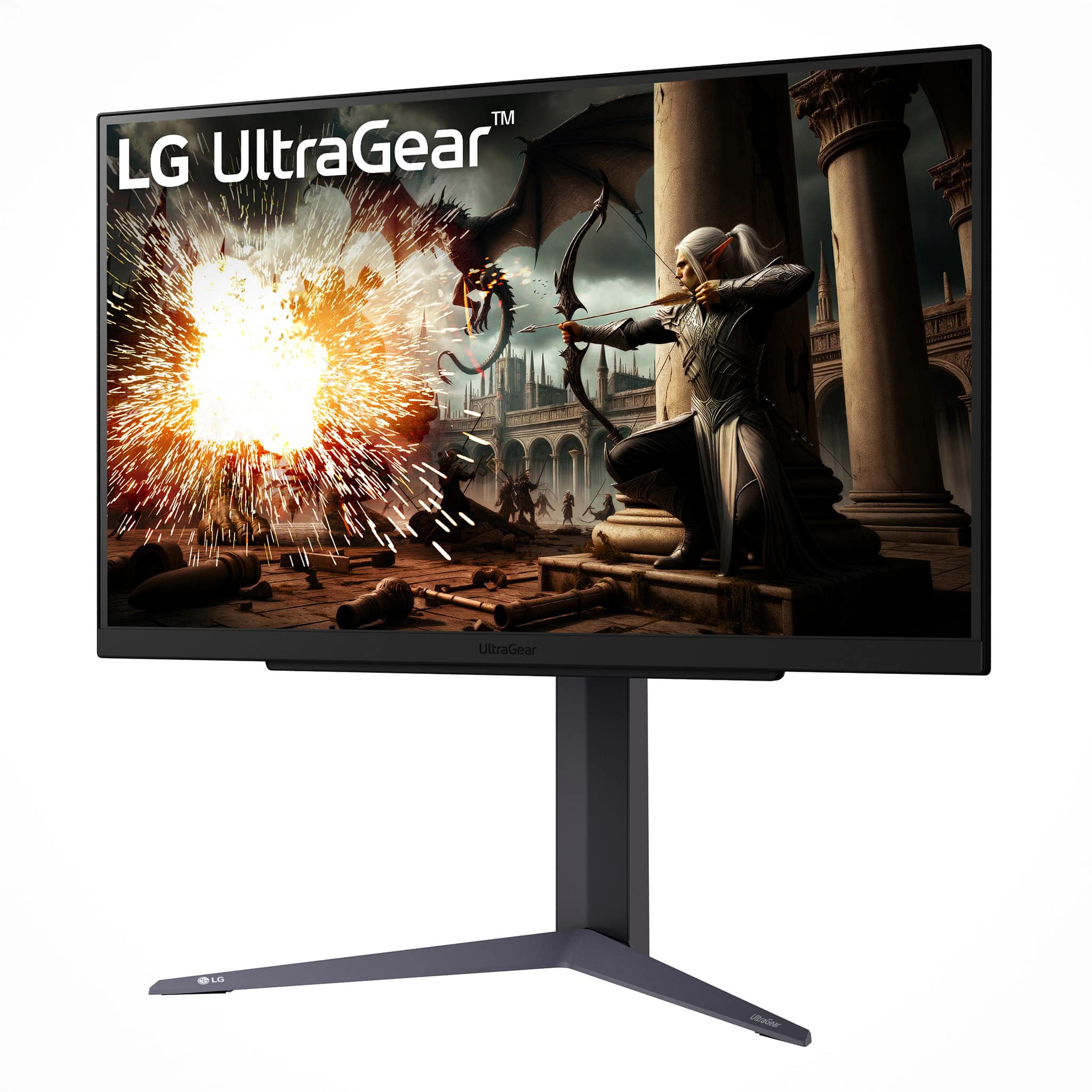
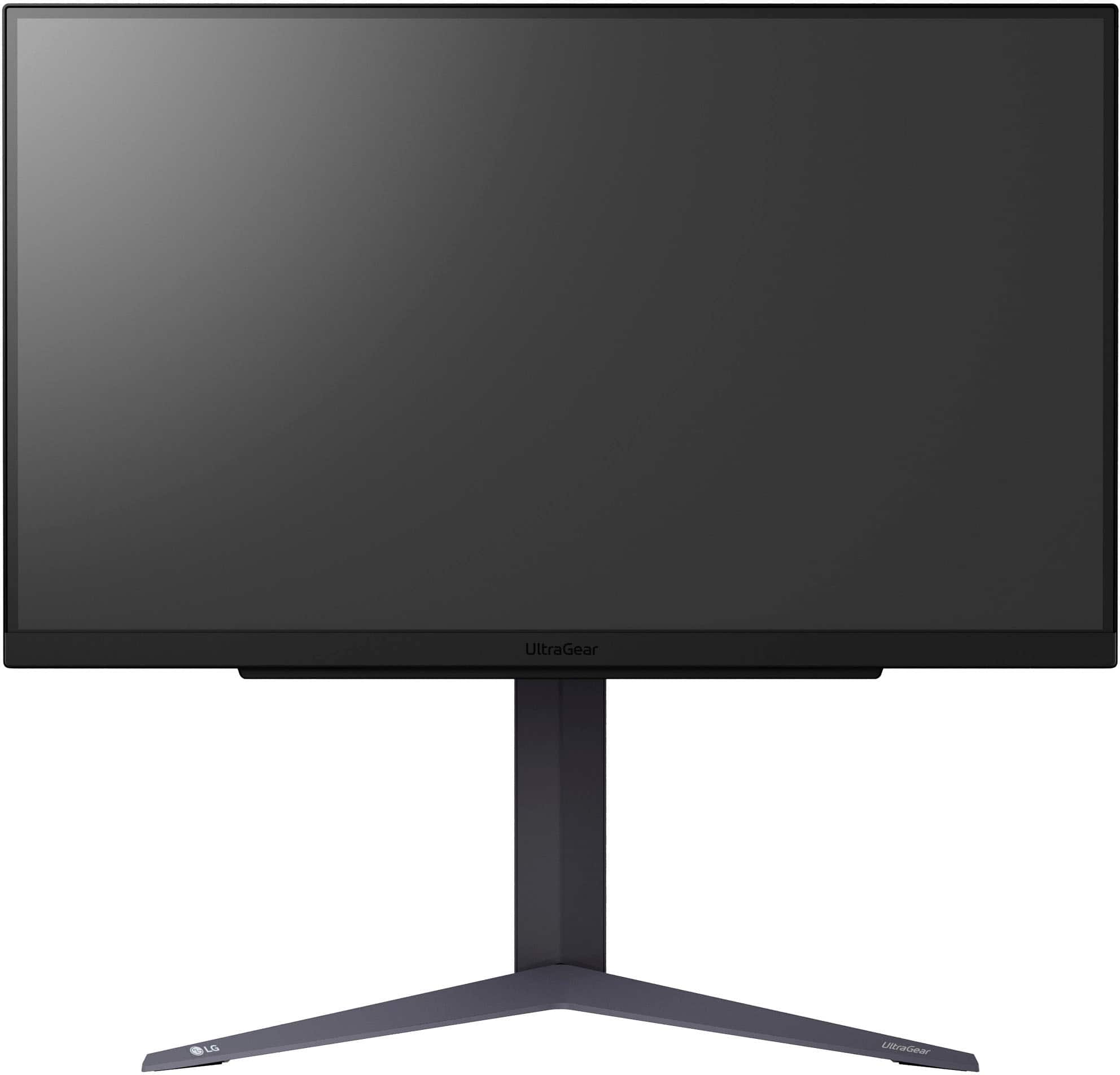
    • Answer This is a 27-inch QHD IPS display monitor.
    This question and answer was generated by AI based on customer and product data.
  • QuestionWhat type of connections does this monitor support?

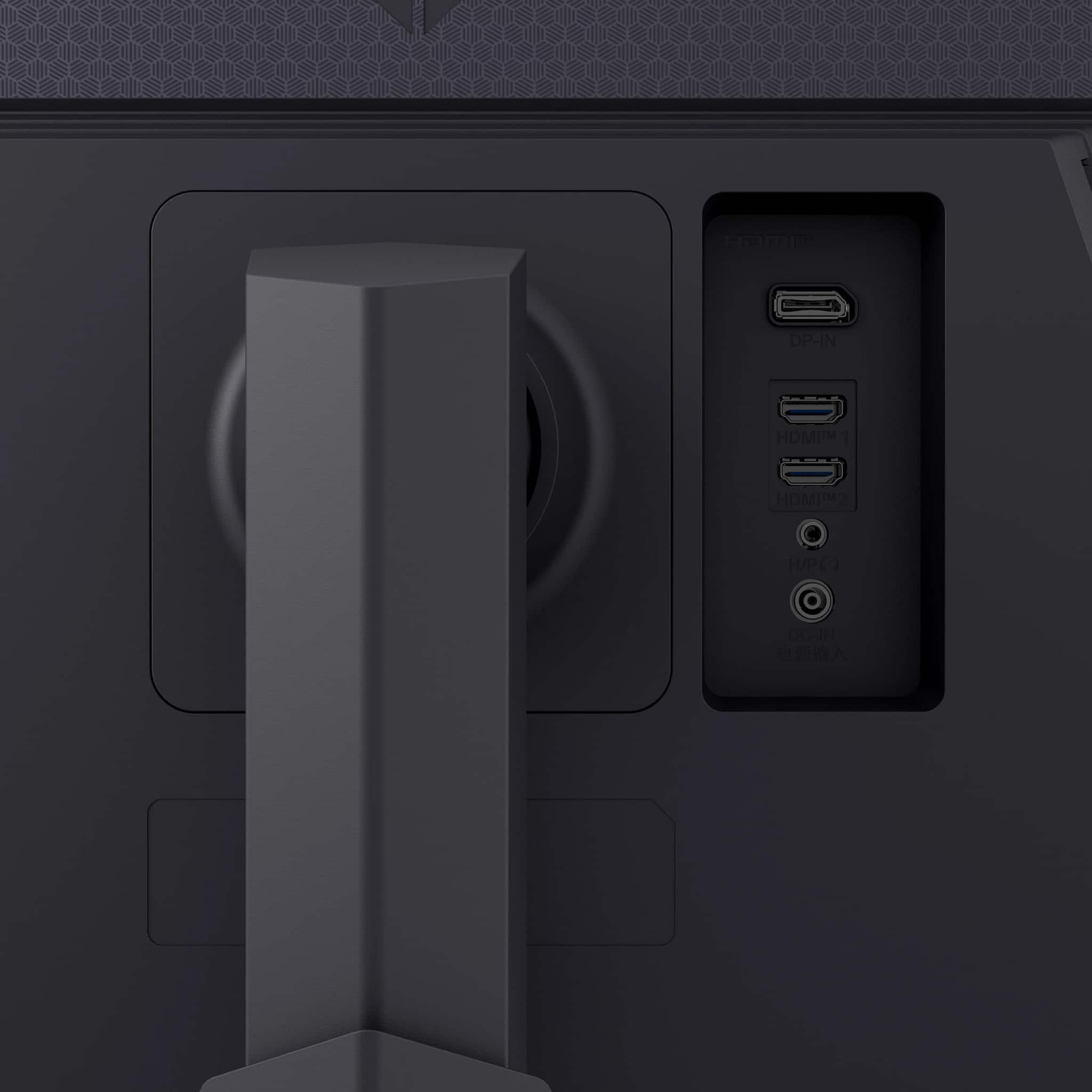
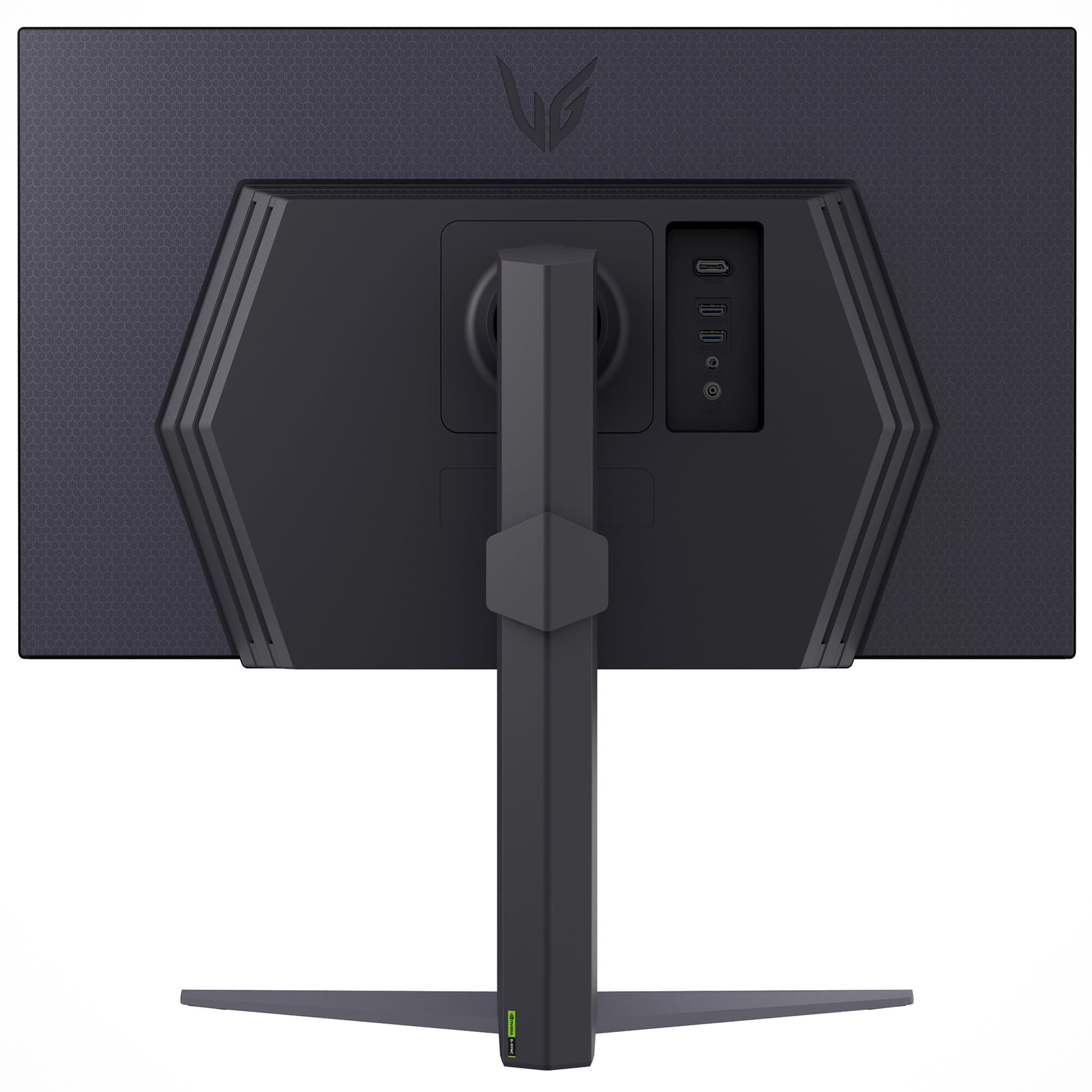
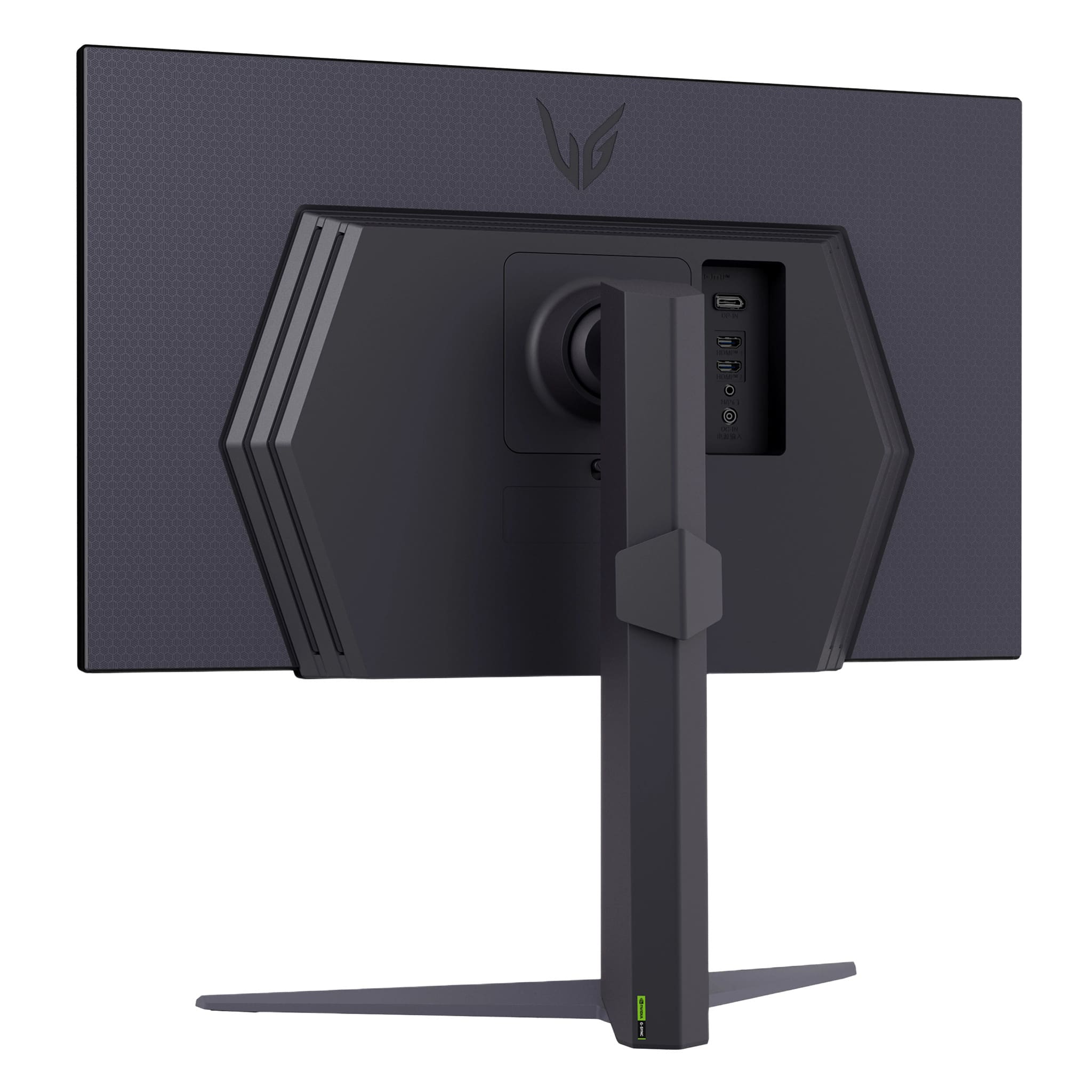
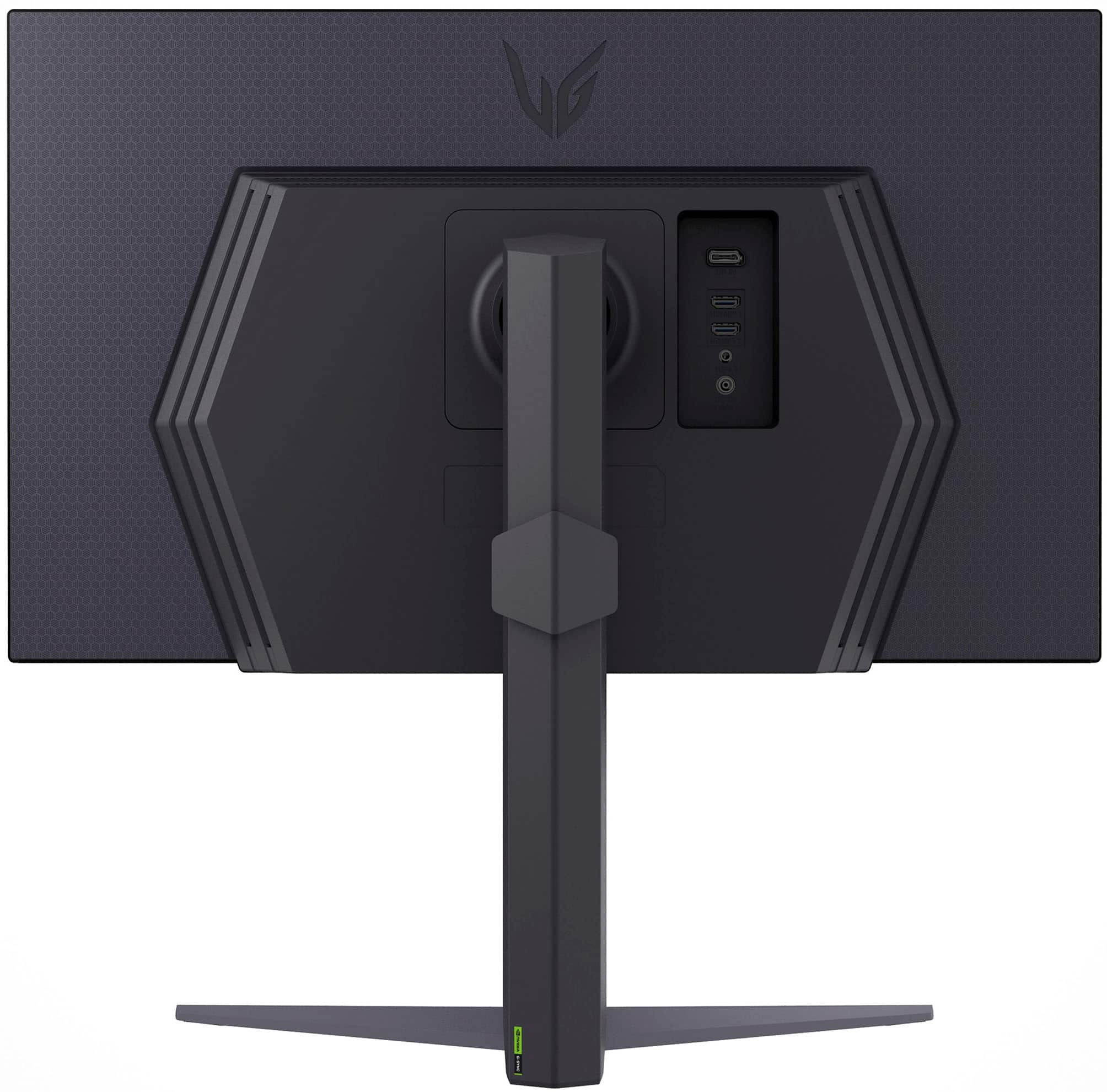
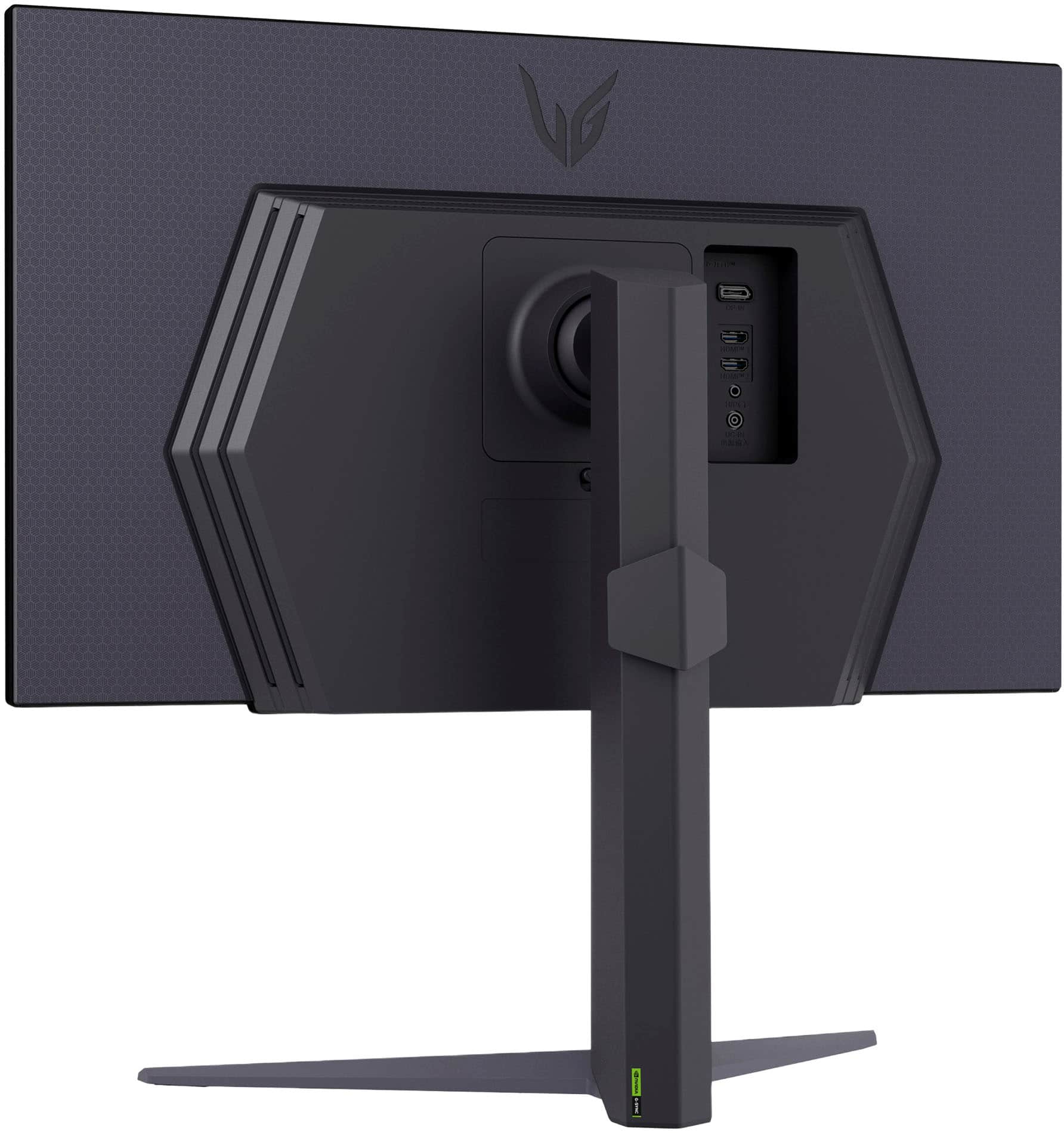
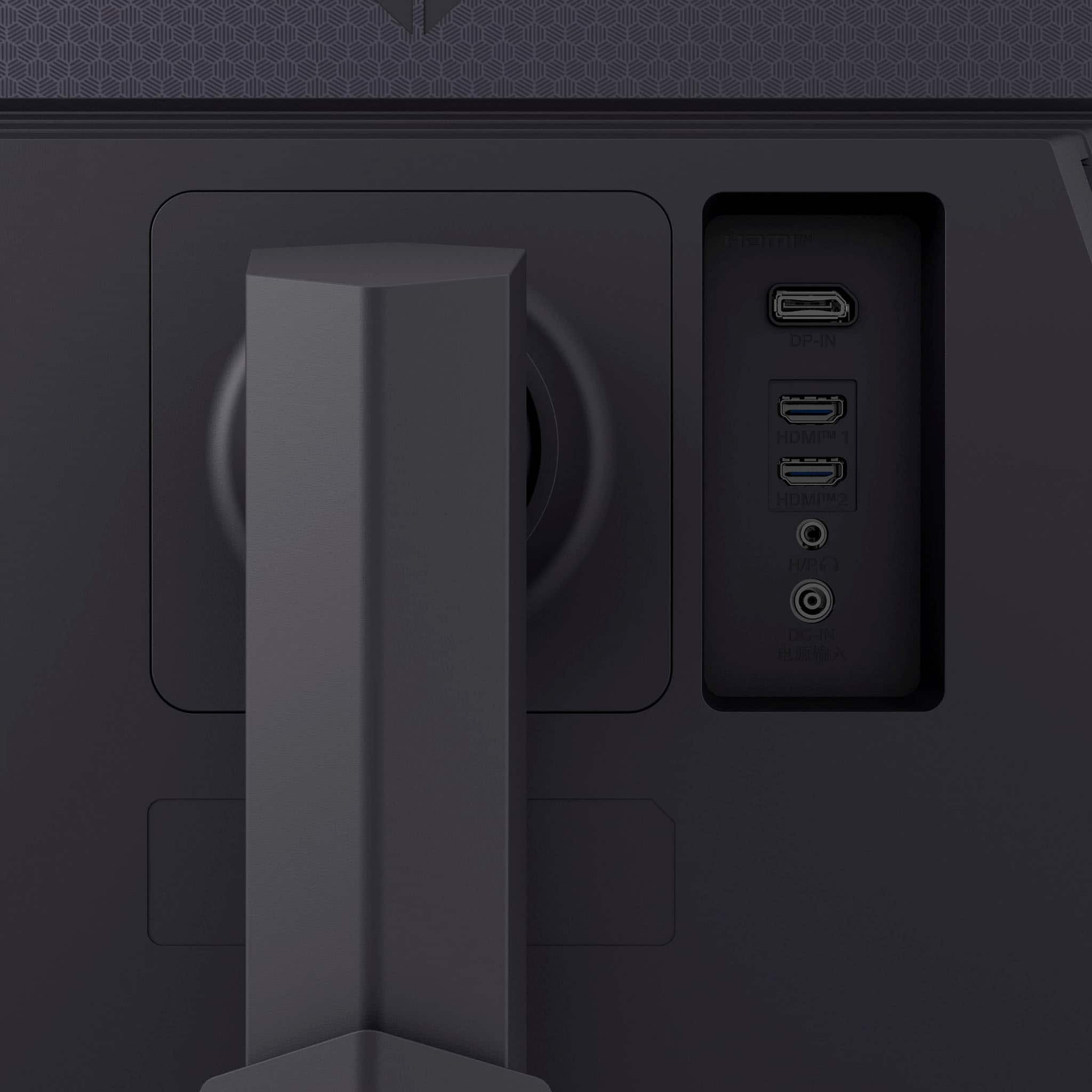
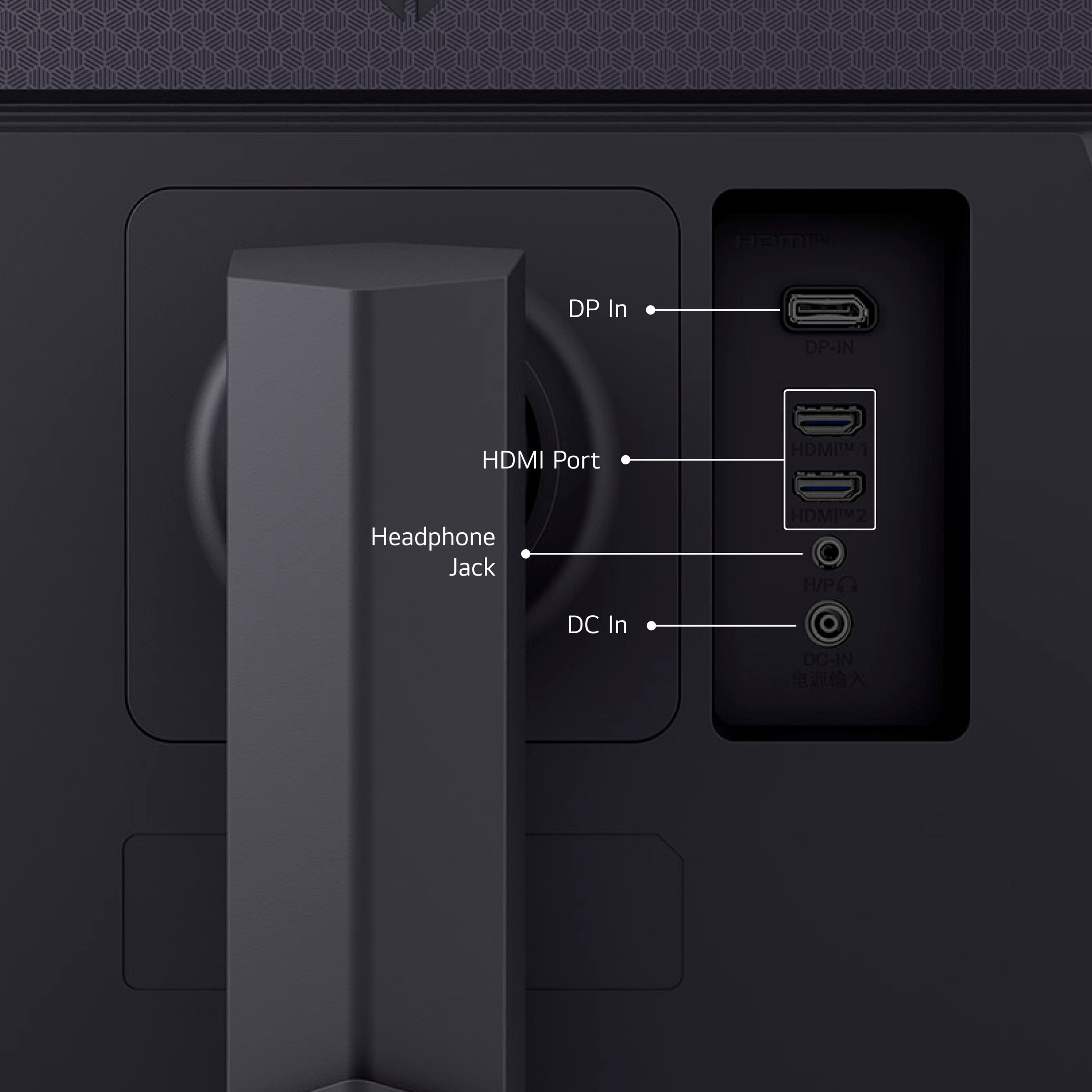
    • Answer This monitor has two HDMI ports and DisplayPort connectivity.
    This question and answer was generated by AI based on customer and product data.
  • QuestionWhat is the response time of this LG monitor?

    • Answer This monitor has a 1ms GtG (Gray-to-Gray) response time.
    This question and answer was generated by AI based on customer and product data.

  • QuestionHow does the Black Stabilizer feature enhance gaming?

    • Answer The Black Stabilizer feature is designed to help you attack or defend effectively in dark scenes during gameplay.
    This question and answer was generated by AI based on customer and product data.

  • QuestionIs this monitor compatible with AMD FreeSync?

    • Answer Yes, this monitor is equipped with AMD FreeSync technology.
    This question and answer was generated by AI based on customer and product data.
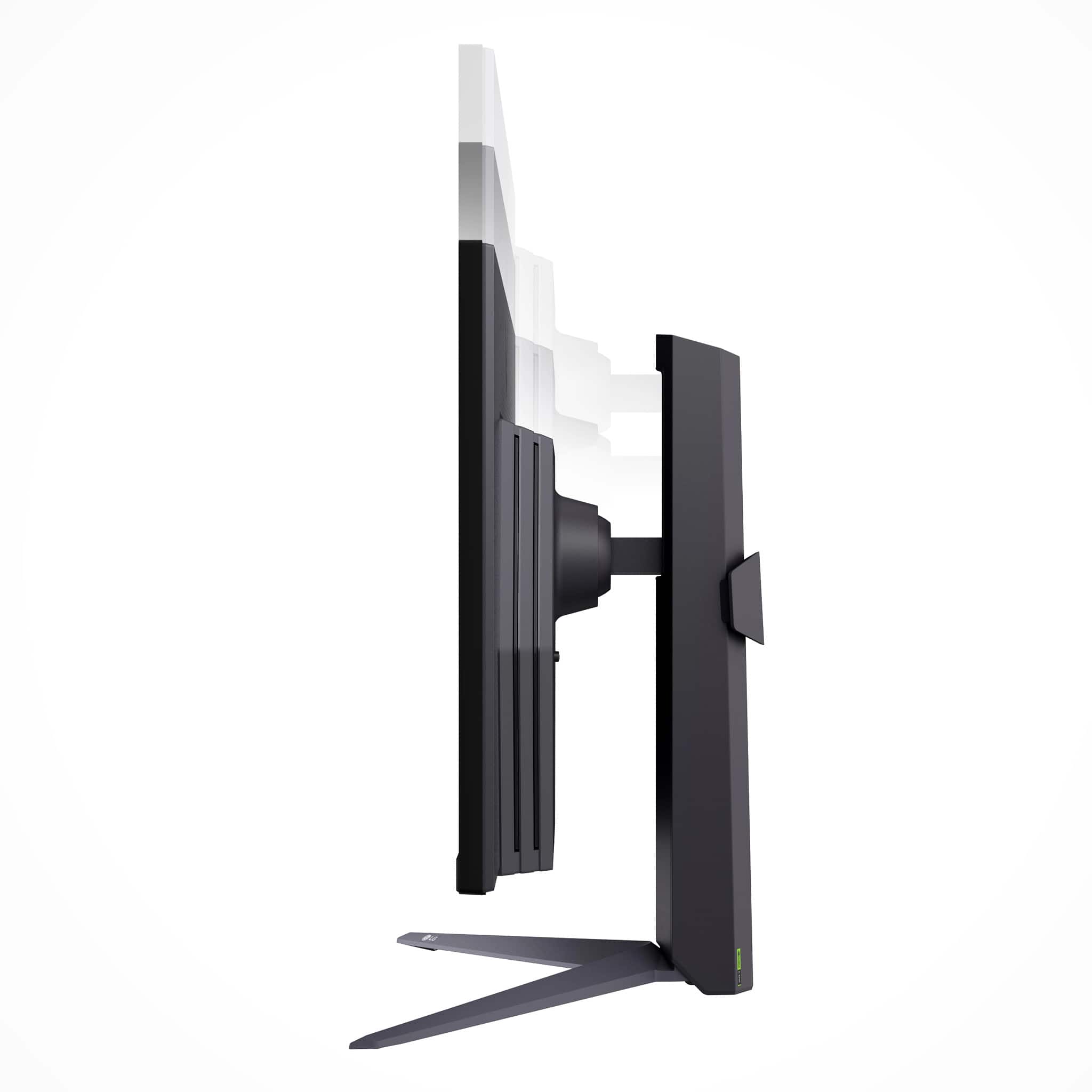
  • QuestionCan the height of this monitor be adjusted?

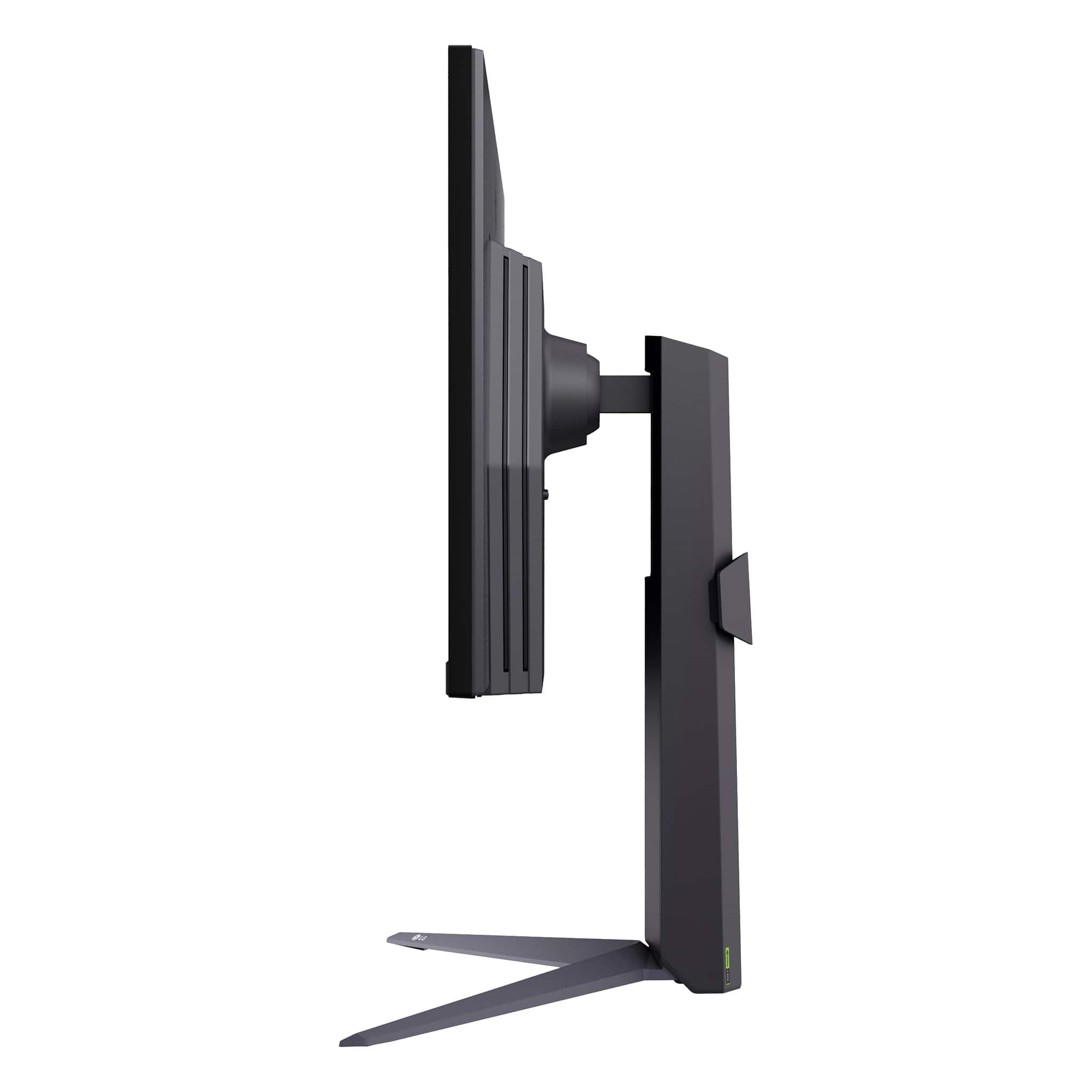
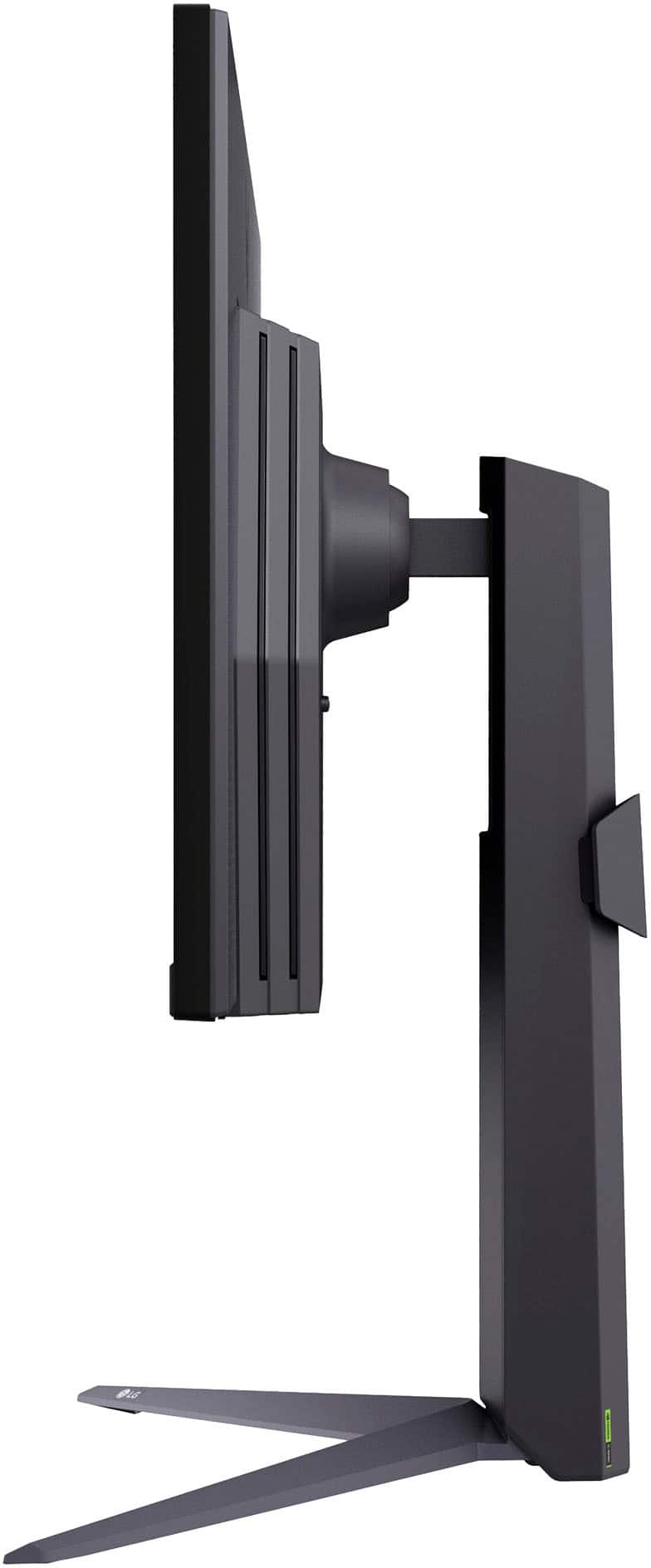
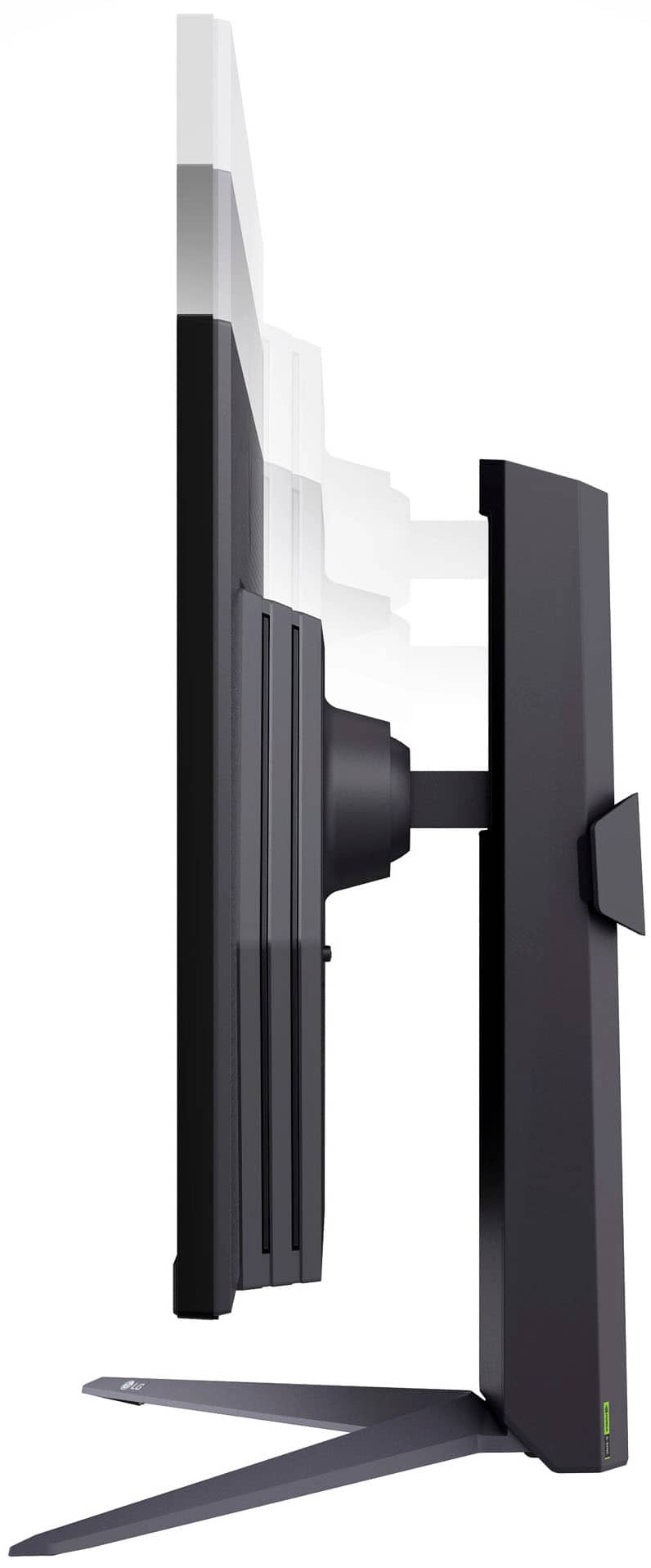
    • Answer Yes, the LG monitor has a tilt, height, and pivot adjustable stand.
    This question and answer was generated by AI based on customer and product data.

  • QuestionWhat is the color gamut coverage of this monitor?

    • Answer This monitor boasts up to 99% sRGB color gamut coverage.
    This question and answer was generated by AI based on customer and product data.

  • QuestionDoes this monitor have a high dynamic range?

    • Answer Yes, this monitor features HDR10 technology to enhance picture quality.
    This question and answer was generated by AI based on customer and product data.
  • QuestionWhat cables does this LG monitor come with?

    Asked by LGUltraGear.

    • Answer Hi there! Thank you for your question about the LG 27GS75Q-B Gaming Monitor. We understand you're curious about the included cables. The LG 27GS75Q-B monitor comes with a DisplayPort cable included in the box, ensuring you can connect to your system and enjoy high-performance gaming right away. https://www.lg.com/us/monitors/lg-27gs75q-b-gaming-monitor#pdp_specs If you need further assistance or have additional questions, feel free to send us a private message on Social Media @LGUSSupport, and we’ll be happy to help! We appreciate your inquiry! —Renzo

      Answered by LG Digital Customer Care

  • QuestionCan the DAS mode be turned OFF?

    Asked by EyeStrain.

    • Answer Unlike on LG OLED monitors, the settings menu for LG UltraGear™ 27" IPS LED 180Hz 1-ms NVIDIA® G-SYNC® Compatible and AMD Freesync™ Gaming Monitor with HDR - Black, Model # 27GS75Q-B does not have a setting for the DAS (Dynamic Action Sync) mode where you can use the joystick to navigate to Menu > DAS Mode and select On or Off...^Ivan.

      Answered by LG Digital Customer Care

  • QuestionCan this monitor be used with Apple Mac M4 mini?

    Asked by BadUrl.

    • Answer Hi there! The LG 27GS75Q-B gaming monitor is compatible with the Apple Mac Mini M4, but there are a few things to consider. This monitor supports a 2560 x 1440 resolution at up to 180Hz, and macOS may limit refresh rates depending on the connection method. For the best performance, we recommend using a DisplayPort to USB-C adapter or an HDMI 2.0 cable, as the Mac Mini M4 supports external displays through these connections. https://www.lg.com/us/monitors/lg-27gs75q-b-gaming-monitor#pdp_specs If you have any further questions or need assistance setting it up, please send us a private message on social media @LGUSSupport, and we’ll be happy to help! —Renzo

      Answered by LG Digital Customer Care

  • QuestionHow do you activate VRR for this monitor on PS5? I purchased this model because I saw it had HDMI 2.1 and VRR support, but it isn’t working. Is there something I’m missing?

    Asked by Bailey.

    • Answer Similar to GSYNC and using the built in FPS counter. VRR only works when using the main 1.4 Display Port with a 1.4 display port cable and 1.4 mode activated in the monitor general settings under display port version. PS5 doesn’t have a display port, so you have to get a HDMI 2.1 to Display Port 1.4 converter cable. It’s important to make sure it is actually an HDMI 2.1/DP 1.4 cable and can handle a bandwidth of 48 GPS. HDMI 2.0 and DP 1.2 will not work. It has to be a high end cable. Honestly, in my experience if the cable is under $50 it probably won’t work unfortunately…

      Answered by Tony

  • QuestionPlease, can anyone help with what monitor to purchase for an xbox s gamer? I tired to compare this LG with Samsung G5OD QHD and Acer Nitro XF273U, but all I'm getting is a headache. Thank you.

    Asked by CMPDR.

    • Answer I actually own both the LG 27GS75Q and the Samsung Odyssey G5 27G50D. The LG has a 10-bit color range at the highest refresh rate. The G50D's color-bit depth is 10-bit @120hz and 8-bit with dithering, 144hz and above. The LG's max nits peaks around 300. The Samsung's is around 400 nits. If you're going to use HDR, I felt the G50D had a slight advantage over the LG since the nits is rated higher. What's good is that you can calibrate either of the monitors to get your desired preference. The Xbox Series consoles can use the VRR (variable refresh rate) setting at 1440p but I think HDR is disabled. Both monitors have a refresh rate of 180hz, but the LG can be overclocked to 200hz. I would use either of these for console and pc gaming.

      Answered by Johntendo25

  • QuestionHello, what version of DisplayPort is on this monitor? 2.0 or 1.4? thank you

    Asked by arnould1.

    • Answer Response for Workbench: Hi there, thank you for your question about the LG 27GS75Q-B gaming monitor. This model features DisplayPort version 1.4, which supports a 2560 x 1440 resolution at up to 180Hz for a smooth gaming experience. https://www.lg.com/us/monitors/lg-27gs75q-b-gaming-monitor#pdp_specs If you have any additional questions or need assistance, please send us a private message on social media @LGUSSupport, and our team will be happy to assist further. —Renzo

      Answered by LG Digital Customer Care

  • QuestionI bought 2 of these monitor for doing spreadsheets and emails. In my emails the letters look blurry, is there a setting I can do to clear up the letters?

    Asked by Curious.

    • Answer What Operating System are you using with the 27-inch UltraGear™ QHD 1440P 200Hz 1ms G-Sync Compatible IPS Gaming Monitor, Model # 27GS75Q-B? Windows 10 and Windows 11 have a feature called ClearType Text Tuner that uses subpixel rendering to smooth out the edges of text, making it appear sharper and clearer on screen. Compatibility mode in Windows can cause text to appear blurry if it is enabled, so you can disable it. You can also try adjusting the resolution and scaling settings in your PC/laptop to match your monitor's output...^Ivan.

      Answered by LG Digital Customer Care

  • QuestionCan I use DP 2.1 on this monitor?

    Asked by Rivy.

    • Answer Please pardon us, but we are not clear on your inquiry about whether you can use DP 2.1 on the LG 27-inch UltraGear™ QHD 1440P 200Hz 1ms G-Sync Compatible IPS Gaming Monitor, Model # 27GS75Q-B, and will need some clarification. The DisplayPort on the monitor is a DisplayPort version 1.4 port. DisplayPort 2.1 has more bandwidth than DisplayPort 1.4. DisplayPort 1.4 tops out at 32.4 Gbps, while DisplayPort 2.1 offers a maximum bandwidth of 80 Gbps, allowing it to support significantly higher resolutions and refresh rates, such as 4K at 240Hz and 8K at 120Hz...^Ivan.

      Answered by LG Digital Customer Care

  • QuestionDoes this monitor is equipped with hdmi 2.1?

    Asked by Dayo.

    • Answer The LG 27 Inch UltraGear™ QHD 1440P 200Hz 1ms G-Sync Compatible IPS Gaming Monitor with HDR10 (HDMI, DisplayPort) - Black, Model # 27GS75Q-B, does not have HDMI 2.1 ports. They are HDMI Version 2.0 ports...^Ivan.

      Answered by LG Digital Customer Care

  • QuestionCan the stand be changed out for a more desk space saving option? The large "V" or "Y" design gets in the way with multi monitors.

    Asked by Ohac.

    • Answer Yes, I believe it has a standard mount on the back for other stand options.

      Answered by John

  • QuestionWhat this be a good fit as a photo editing monitor?

    Asked by Chris83.

    • Answer The LG 27 Inch UltraGear™ QHD 1440P 200Hz 1ms G-Sync Compatible IPS Gaming Monitor, Model # 27GS75Q-B, like most gaming monitors, can be suitable for photo editing, but its effectiveness largely depends on specific features like color accuracy, resolution, and panel technology. Gaming displays are just as simple to use for picture editing as the rest. It just depends on how you set them up, but gaming monitors nevertheless perform very well when it comes to photo editing, with a minor difference compared to specialized photo editing monitors. For photo editing, you need a display that is both high-quality and multi-functional so that it can be utilized for a variety of professional tasks, and a gaming monitor accomplishes just that...^Ivan.

      Answered by LG Digital Customer Care

  • QuestionWhat are the best monitor settings for connecting a Xbox series x with monitor lg27gs75q-b and cable connection. Thank you.

    Asked by Dunkin.

    • Answer We do not have any recommended settings for connecting an Xbox Series X, or any other device to the LG UltraGear™ 27" IPS LED QHD 180Hz 1ms G-SYNC Compatible and AMD Freesync™ Gaming Monitor with HDR10 (HDMI, DisplayPort) - Black, Model # 27GS75Q-B. Manufacturers often do not recommend specific settings for connecting devices to a monitor because they may limit the monitor's capabilities and user experience. The best monitor settings for connecting an Xbox Series X are at your discretion...^Ivan.

      Answered by LG Digital Customer Care