Main Content

Questions & Answers

$496.99
Save $3
Comp. Value: $499.99
Page Showing 21-36 of 36 questions
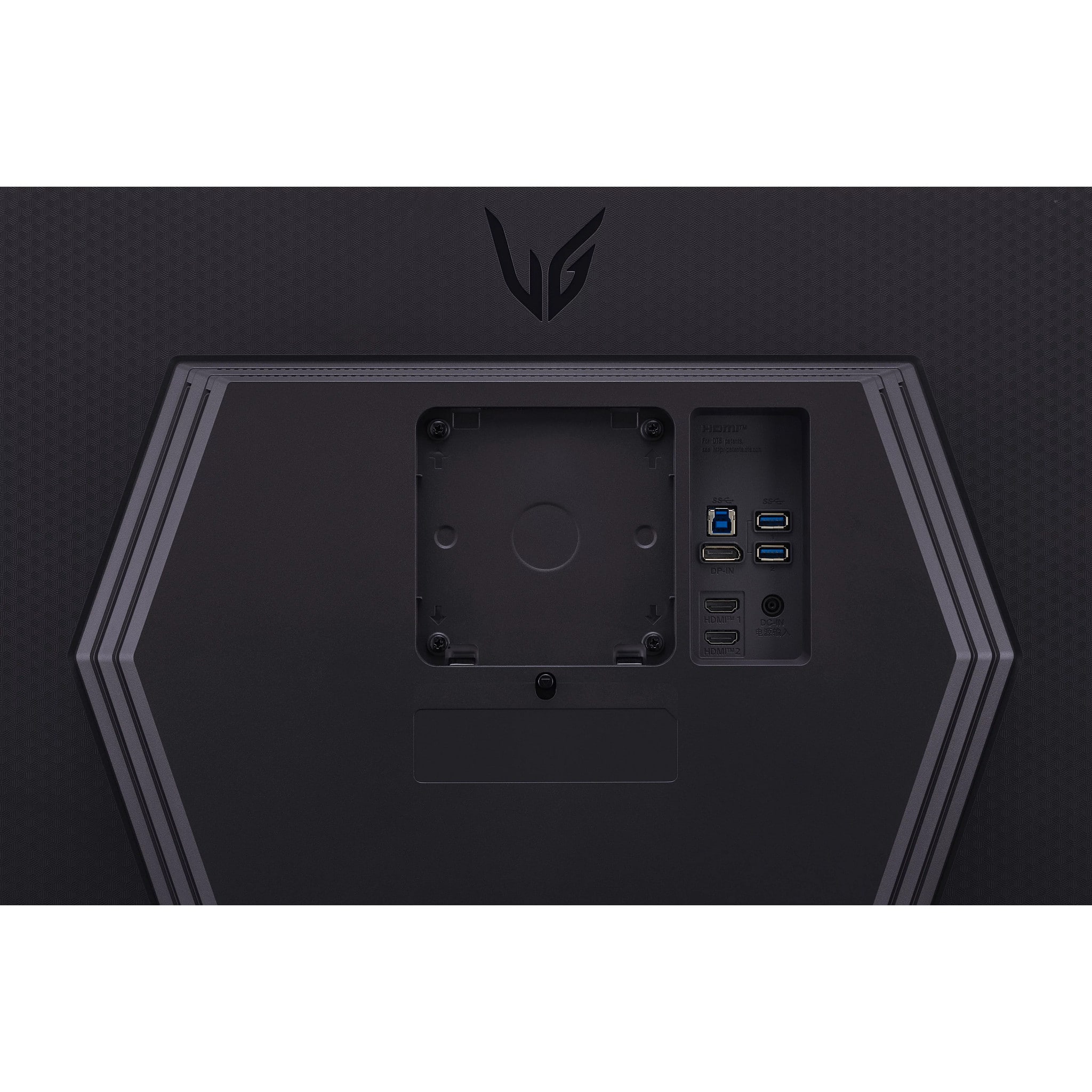
  • QuestionCan you you a mount to mount it on a wall?

    Asked by Mount.

    • Answer If you had a wall mount, yes you could mount this to a wall.

      Answered by ilovemygirlfriend1562

  • QuestionWhat is the difference between QHD 400 Black and QHD, compared to the 180 Hz ultra gear monitor? Is there pros and cons to it?

    Asked by QHD.

    • Answer Hi. The 'QHD' in the title for the LG UltraGear™ 27" QHD 240Hz 1ms NVIDIA G-SYNC Compatible and AMD FreeSync Premium with DisplayHDR 400 - Black, Model # 27GR83Q-B, is for the monitor's resolution. QHD is short for Quad HD which is a resolution of 2560 x 1440. The VESA DisplayHDR™ 400 is a minimum rating of the standard for HDR-compatible displays which means the display is HDR-compatible at 400 nits (cd/m­²). Video Electronics Standards Association (VESA) is an organization that sets industry standards for computer displays...^Ivan.

      Answered by LG Digital Customer Care

  • QuestionDoes this Monitor come with a remote control?

    Asked by Anonymous.

    • Answer No it does not

      Answered by Abraham

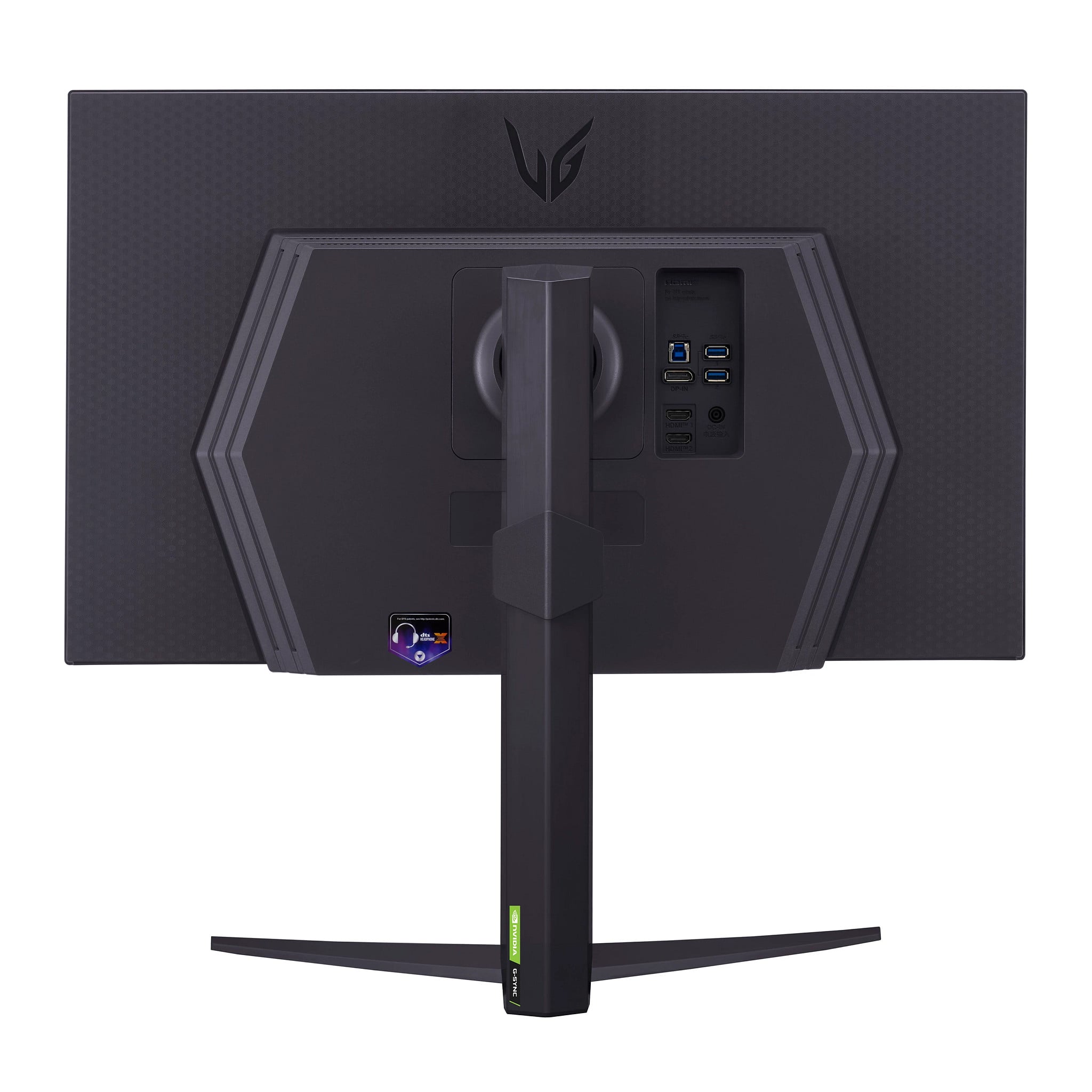
  • Questioncan i connect this monitor via thunderbolt or a regular usb-c cable? i use a macbook air m3 and it does not have an HDMI port, only two thunderbolt/usb-c ports

    Asked by sawyer.

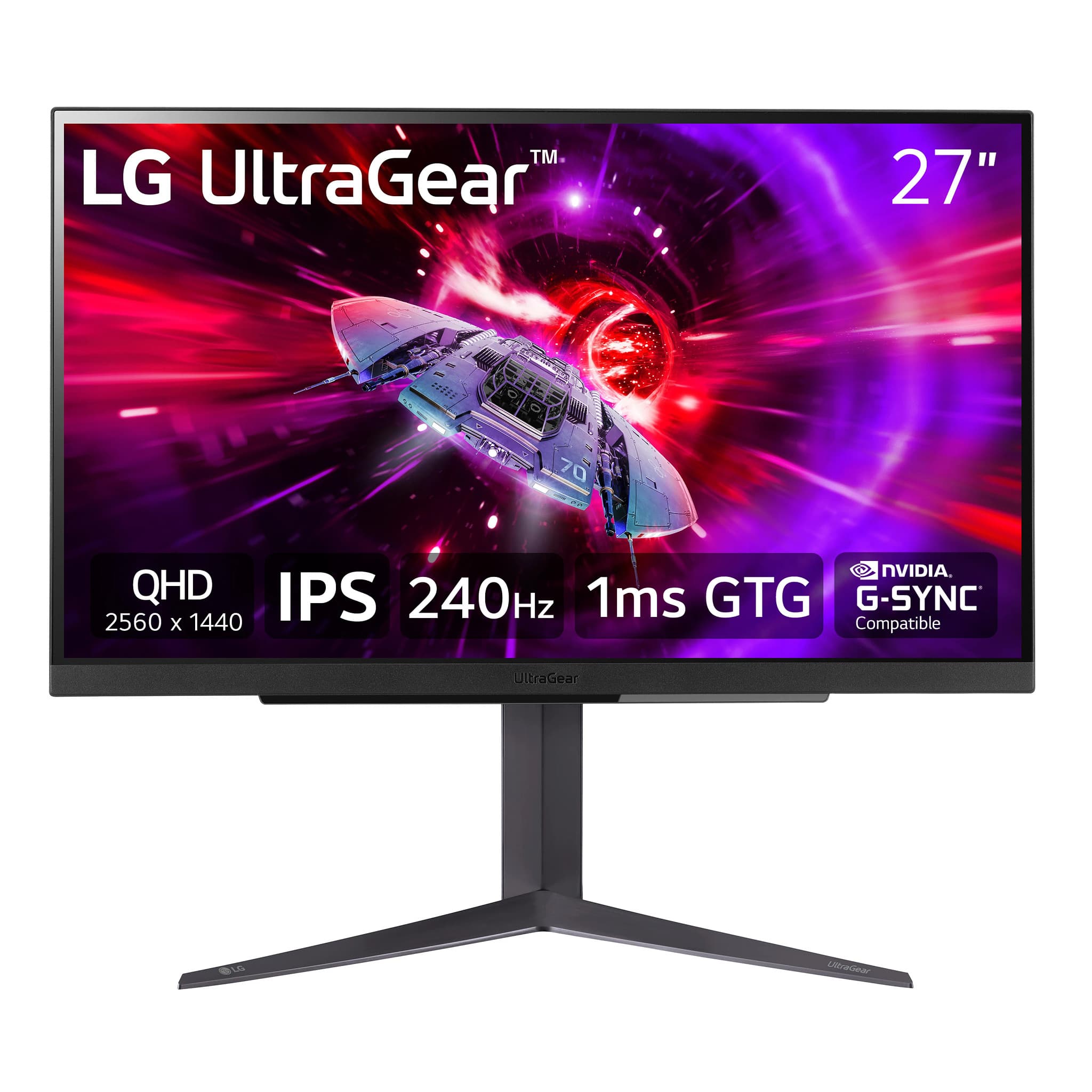
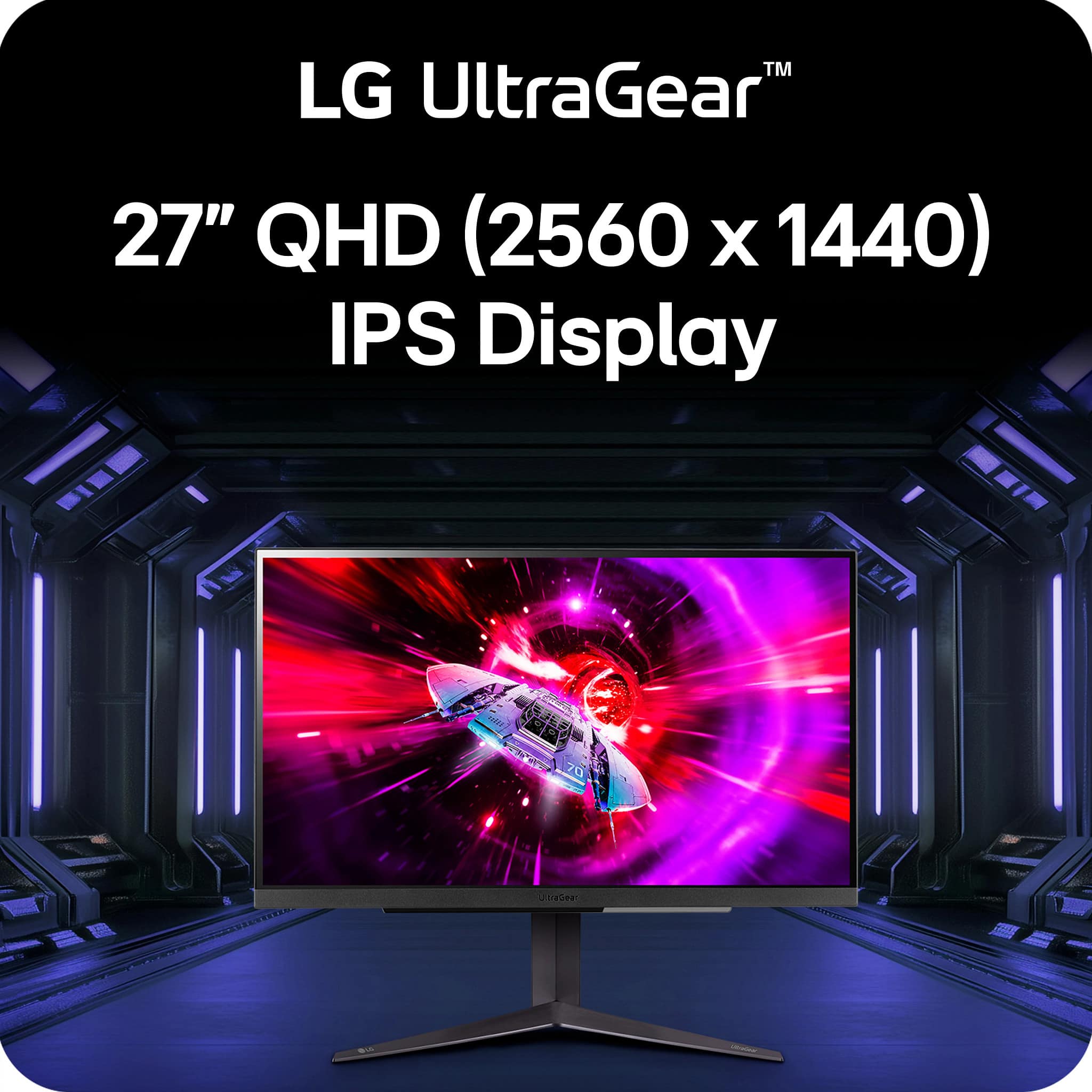
    • Answer Hello there. Thank you for your question about the LG 27GR83Q-B monitor. We understand you’re looking to connect it to your MacBook Air M3, which only has Thunderbolt/USB-C ports. The 27GR83Q-B monitor does not have a Thunderbolt port, but it is compatible with USB-C connections if the monitor supports USB-C to HDMI or DisplayPort adapters. You’ll need a USB-C to HDMI or USB-C to DisplayPort adapter to connect your MacBook Air to this monitor. For more details or assistance with setup, please send us a private message on social media @LGUSSupport, and we’ll be happy to help. Thank you for reaching out! —Renzo
      Answered by LG Digital Customer Care

  • QuestionWhat’s the response time for this monitor?

    Asked by Filly.

    • Answer Thank you for your interest in the LG Monitor. The LG 27GR83Q-B monitor has a very fast response time of 1ms (GtG). You can download its owner's manual through this link for more information: https://www.lg.com/us/support/product/lg-27GR83Q-B.AUS. For additional assistance, please reach out to us on social media @LGUSSupport so we can help you further. ^Cris

      Answered by LG Digital Customer Care

  • QuestionIs the screen glossy or matte?

    Asked by ball.

    • Answer Matte

      Answered by ColinW

  • QuestionHow do low down the brightness

    Asked by Mary.

    • Answer button

      Answered by CarsonW

  • QuestionDoes it support hdcp for ps5 media like Netflix or YouTube?

    Asked by Nathan.

    • Answer Thank you for your interest in the LG Monitor (27GR83Q-B) model. Yes, the LG 27GR83Q-B monitor supports HDCP for PS5 media like Netflix or YouTube. You can download its owner's manual through this link for more information: https://www.lg.com/us/support/product/lg-27GR83Q-B.AUS. ^Cris

      Answered by LG Digital Customer Care

  • Questionis the comparable with xbox series x

    Asked by Anonymous.

    • Answer Thank you for your interest in the LG Monitor. Yes, the LG 27GR83Q-B is compatible with the Xbox Series X and offers excellent features for console gaming. You can download its owner's manual through this link for more information: https://www.lg.com/us/support/product/lg-27GR83Q-B.AUS. For additional assistance, please reach out to us on social media @LGUSSupport so we can help you further. ^Cris

      Answered by LG Digital Customer Care

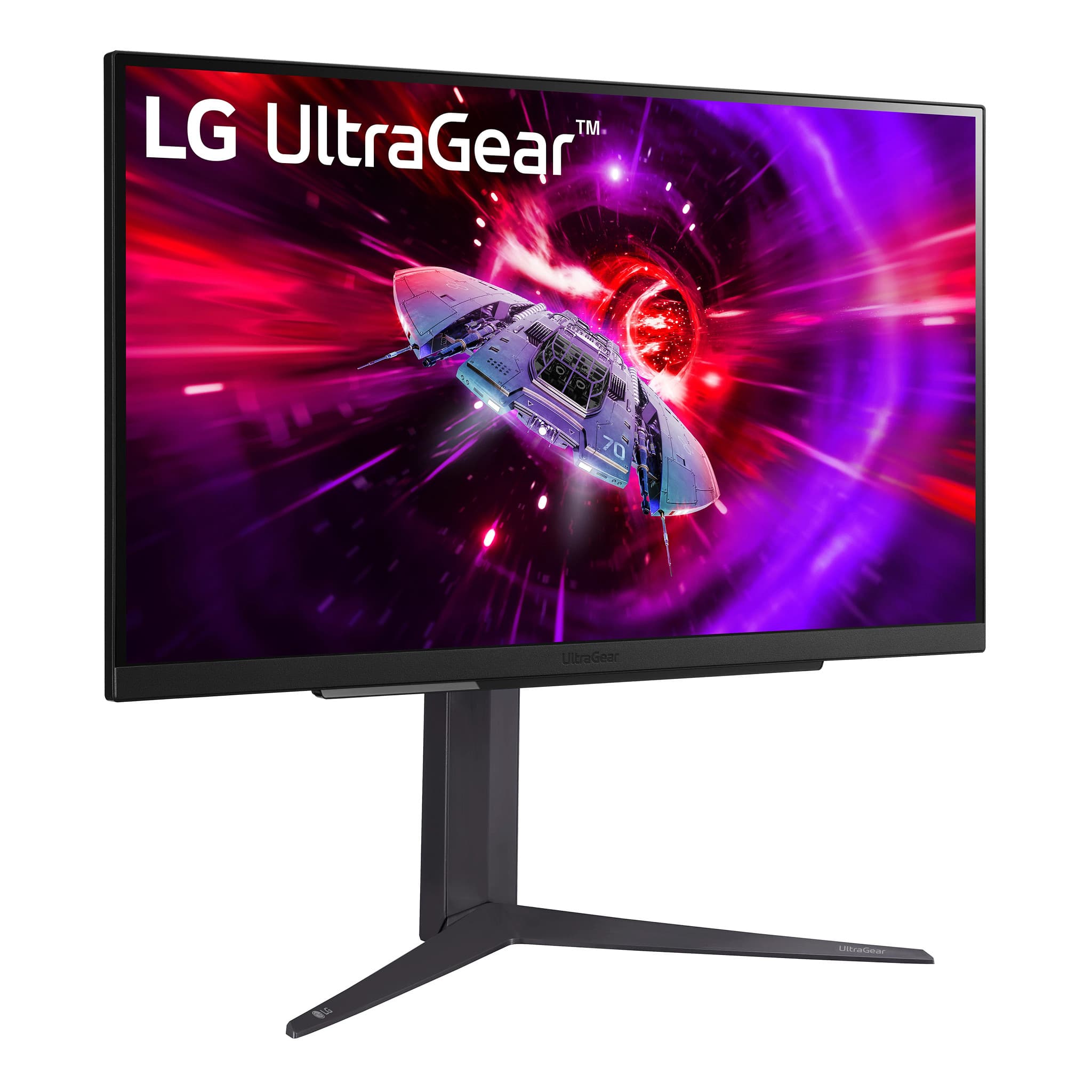
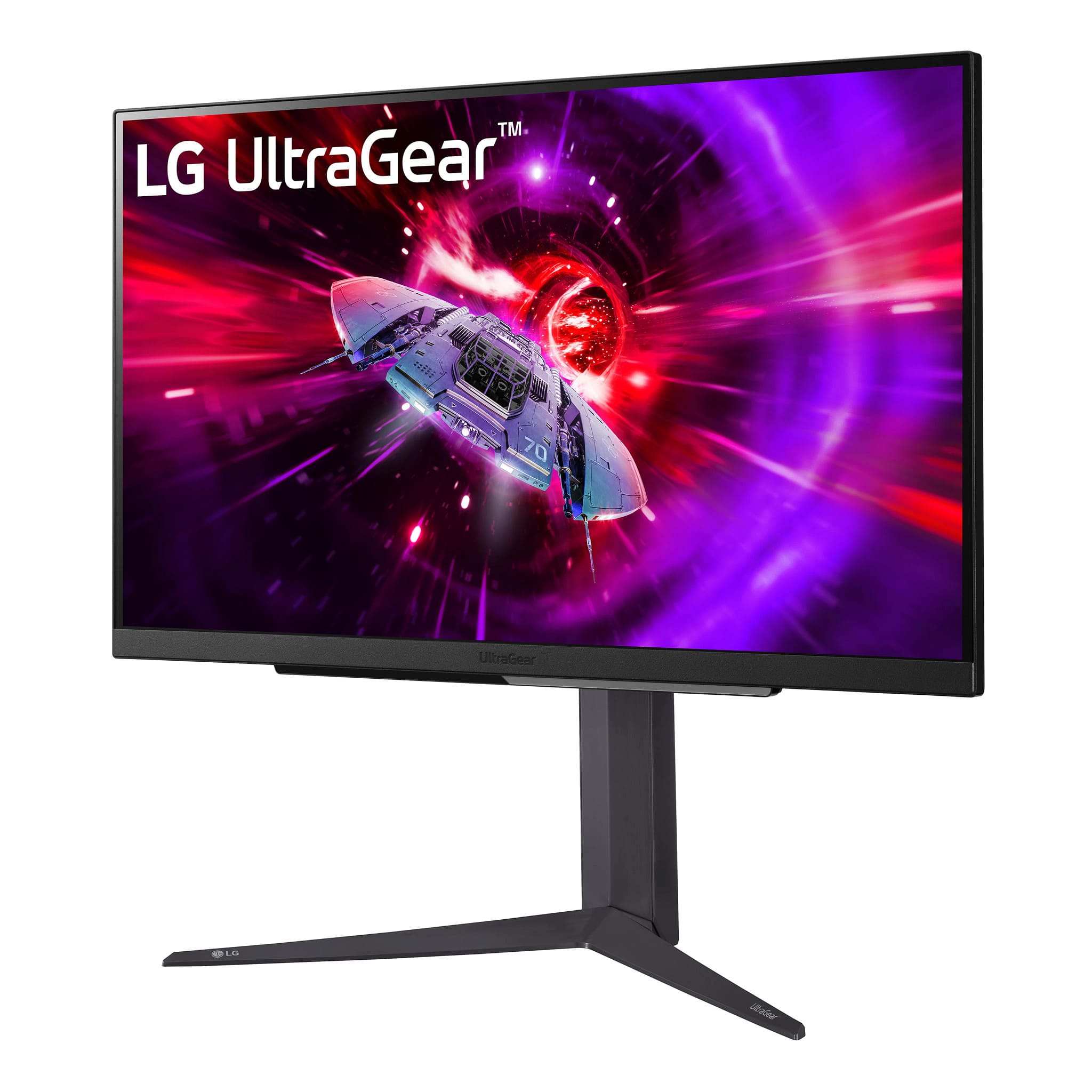
  • QuestionDoes this monitor have VESA mount compatibility?

    Asked by Jake.

    • Answer Yes

      Answered by RobertJ

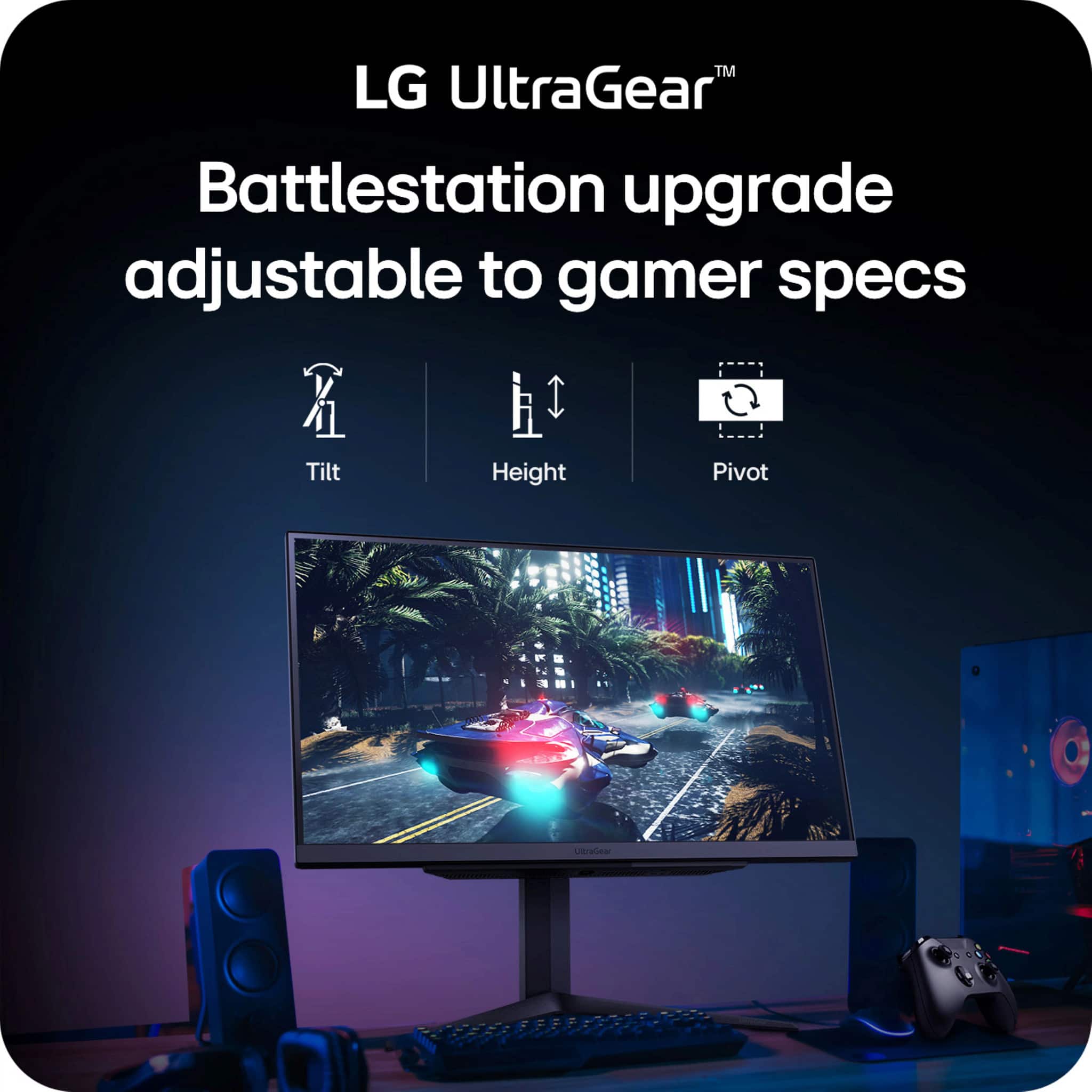
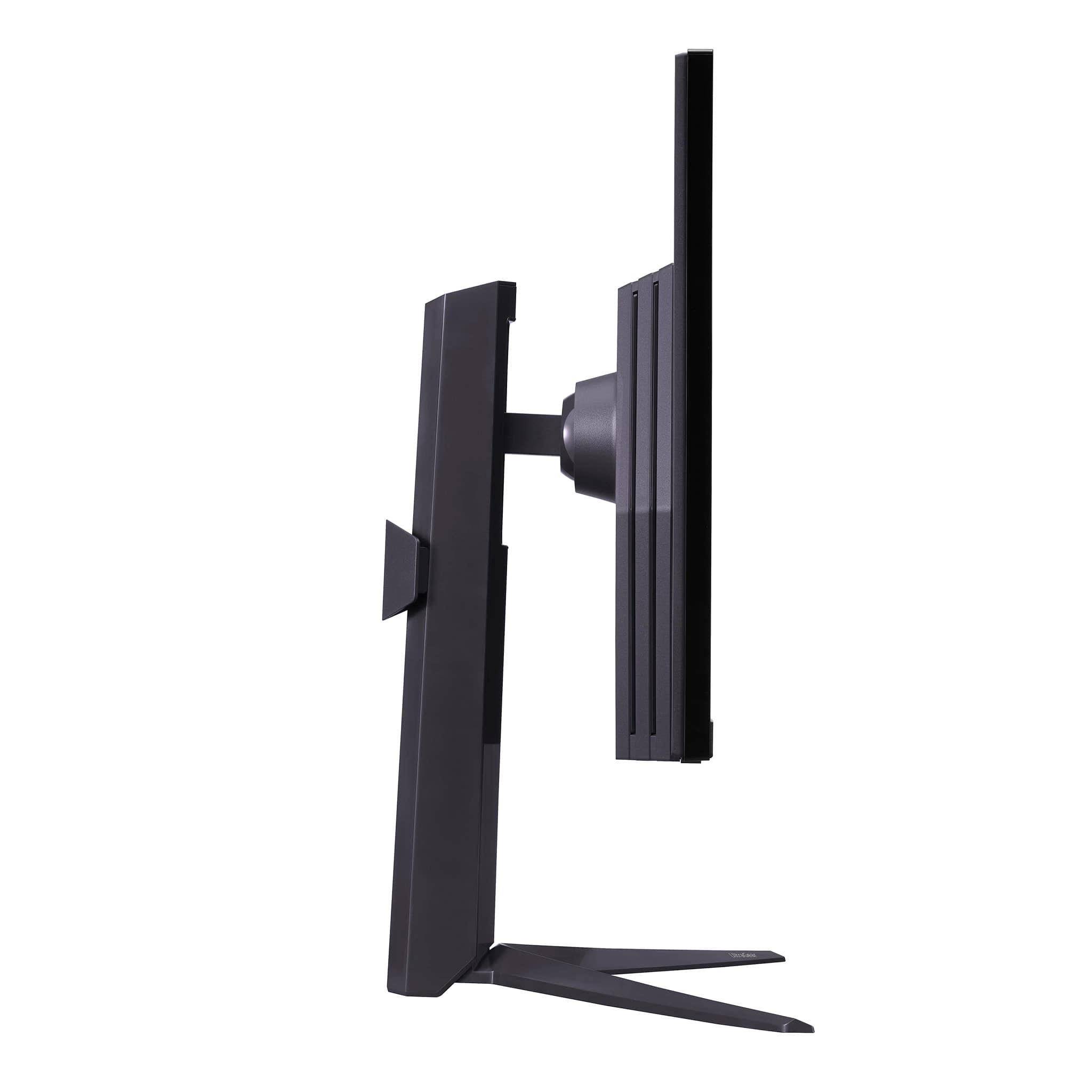
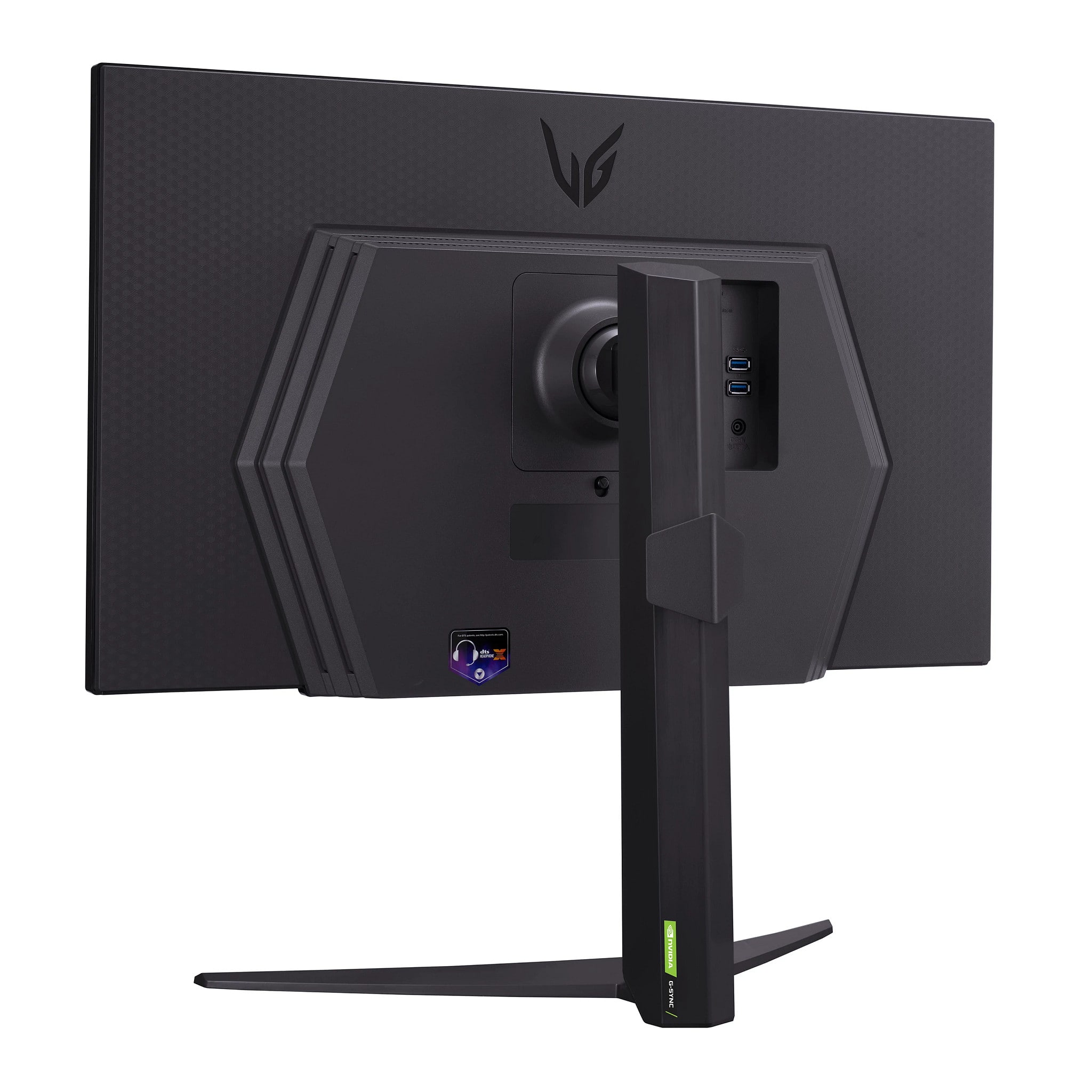
  • QuestionCan this monitor be turned vertically?

    Asked by WILL.

    • Answer Yes it can.

      Answered by KBAR

  • Questionis this compatible with ps5? is the hdmi 2.1?

    Asked by monitor.

    • Answer Yes and Yes the HDMI is 2.1

      Answered by CarsonW

  • QuestionCan these be used in a vertical stance with the provided stand ?

    Asked by Lawless.

    • Answer Hello there. We understand your inquiry regarding the stand orientation for your LG UltraGear 27" QHD Monitor. The stand provided with this model is designed for a horizontal, landscape orientation and does not support a vertical stance. https://www.bestbuy.com/product/lg-ultragear-27-qhd-240hz-1ms-nvidia-g-sync-and-amd-freesync-premium-with-displayhdr-400-hdmi-displayport-usb-black/JJ8VPZRS8X For further assistance and any specific concerns you may have, please contact us on [email protected]. —Renzo
      Answered by LG Digital Customer Care

  • QuestionWhen will it be back in stock ?

    Asked by LXL82.

    • Answer Hi there. We understand your inquiry regarding the availability of the LG UltraGear 27" QHD 240Hz Gaming Monitor. Stock levels for this model can fluctuate between our official website and authorized retailers. We recommend checking our website frequently or using the "Notify Me" feature if available to receive real-time updates on restocks. https://www.bestbuy.com/product/lg-ultragear-27-qhd-240hz-1ms-nvidia-g-sync-and-amd-freesync-premium-with-displayhdr-400-hdmi-displayport-usb-black/JJ8VPZRS8X For further assistance and any specific concerns you may have, please contact us on [email protected]. —Renzo

      Answered by LG Digital Customer Care

  • QuestionDoes this monitor support ALLM on the PS5?

    Asked by Guff.

    • Answer No it does not

      Answered by ChristopherA

  • QuestionHow many bits have this monitor?

    Asked by AlexisV.

    • Answer Hello, Alexis. The LG 27GR83Q-B monitor has 8-bit/10-bit color is supported. which means it can display multiple colors. This allows for vibrant and accurate color reproduction, enhancing your visual experience. 8-bit/10-bit color is supported. -Junel

      Answered by LG Digital Customer Care