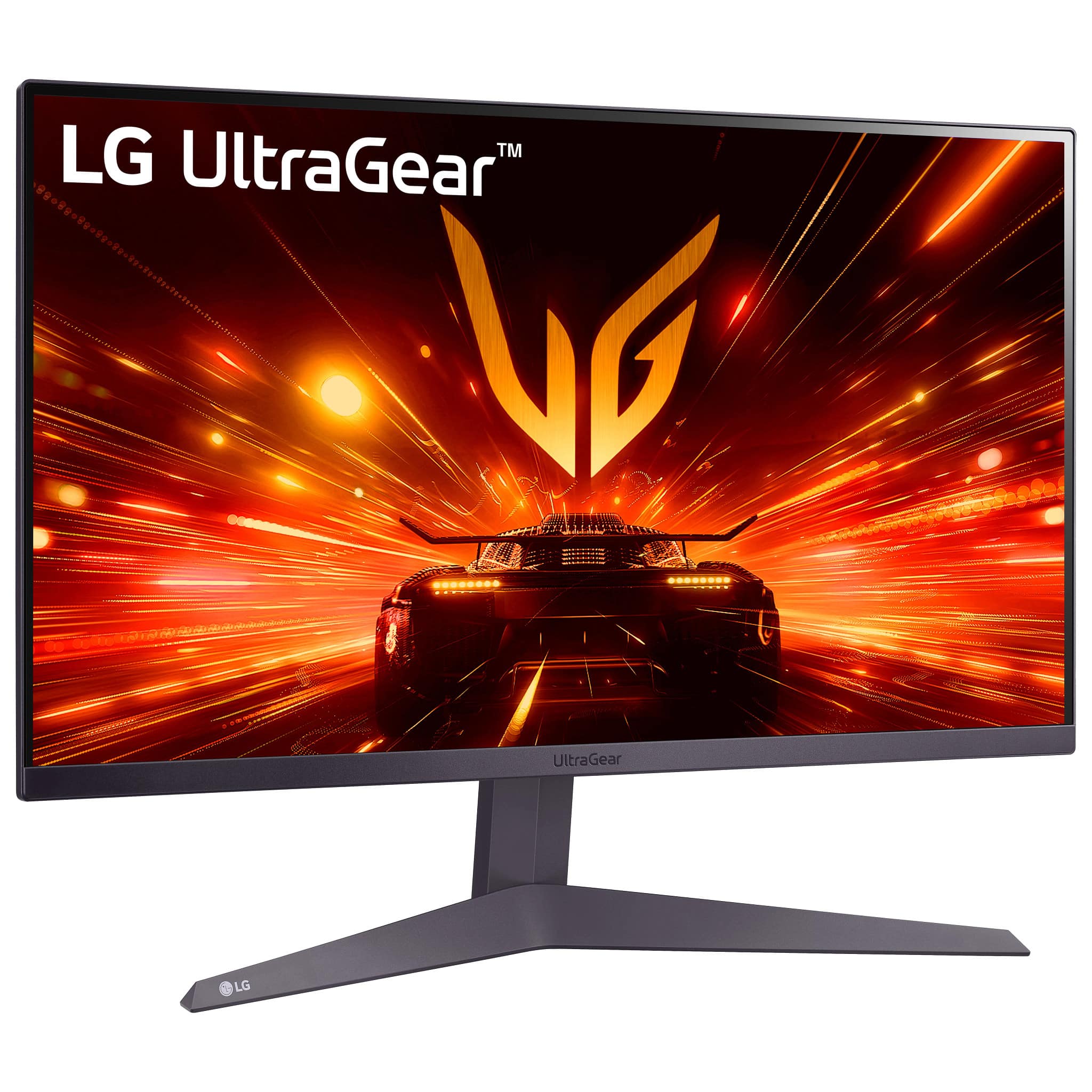
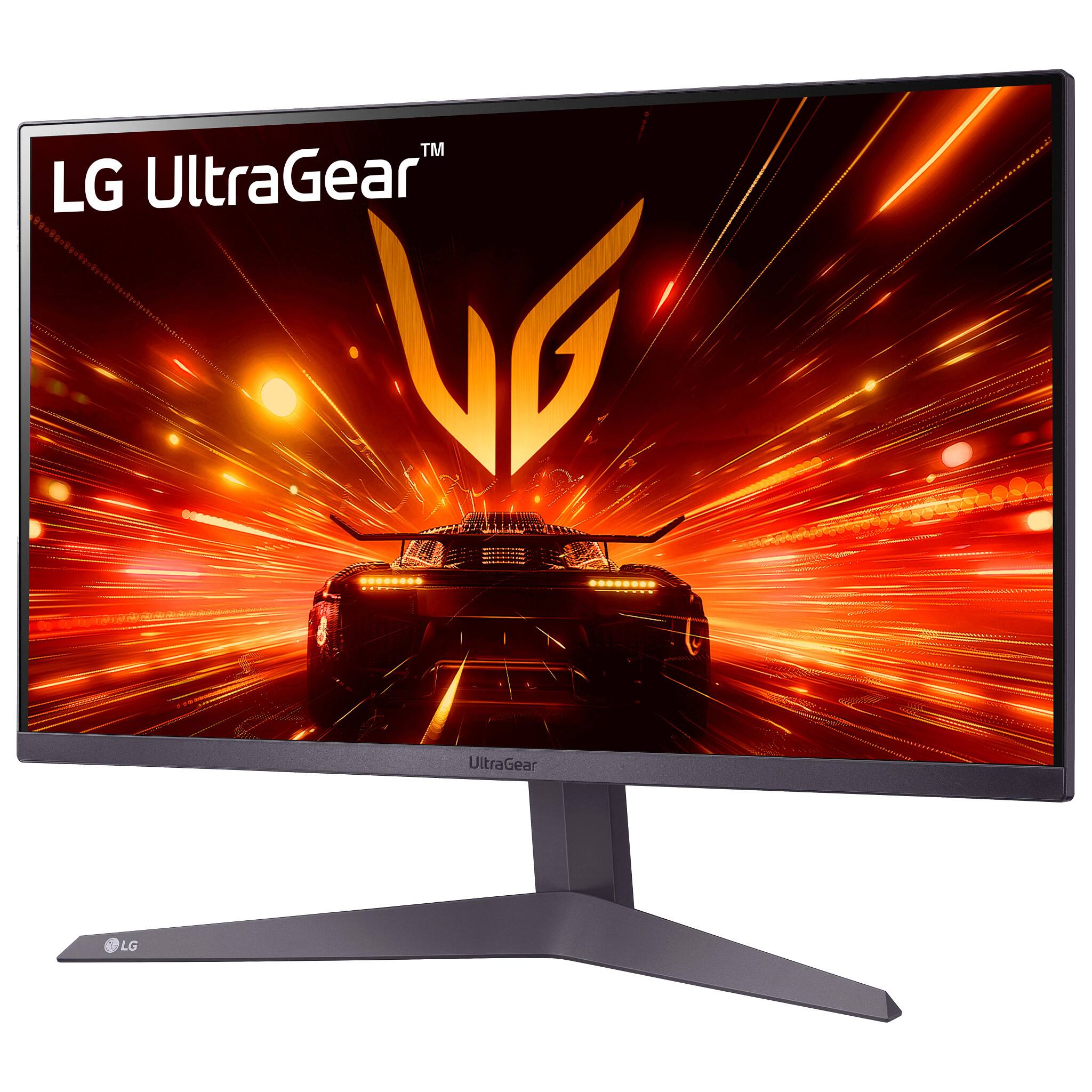
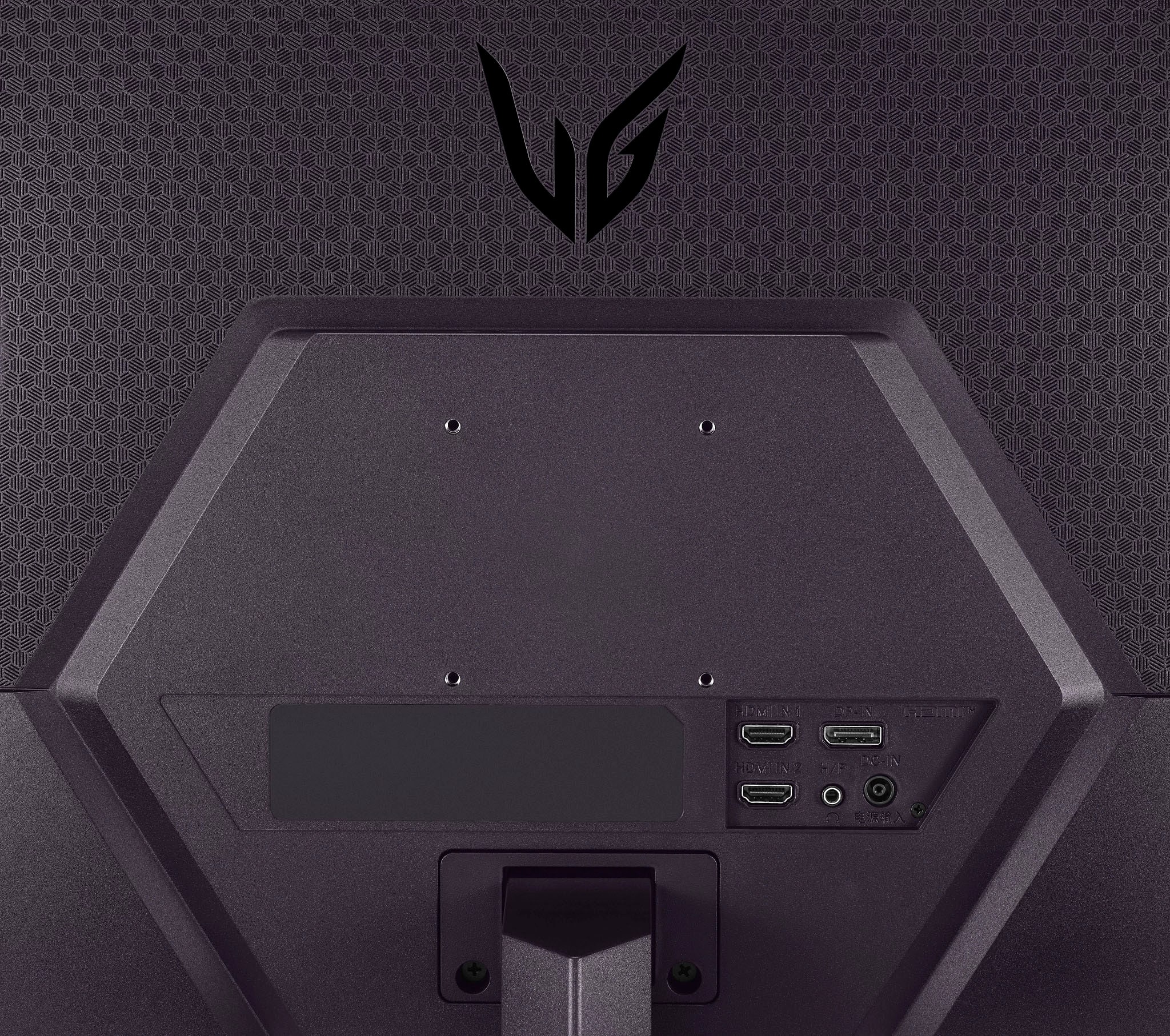
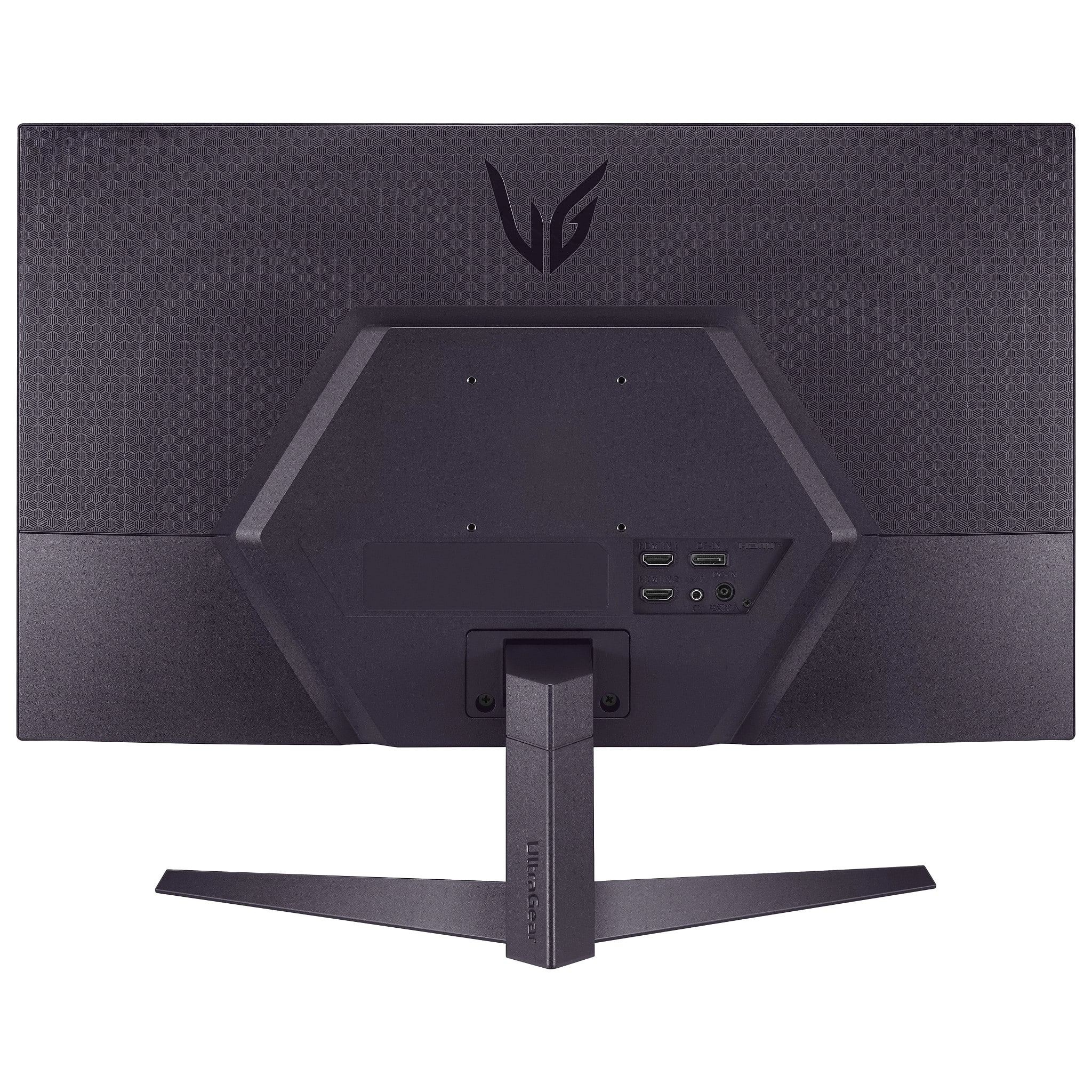
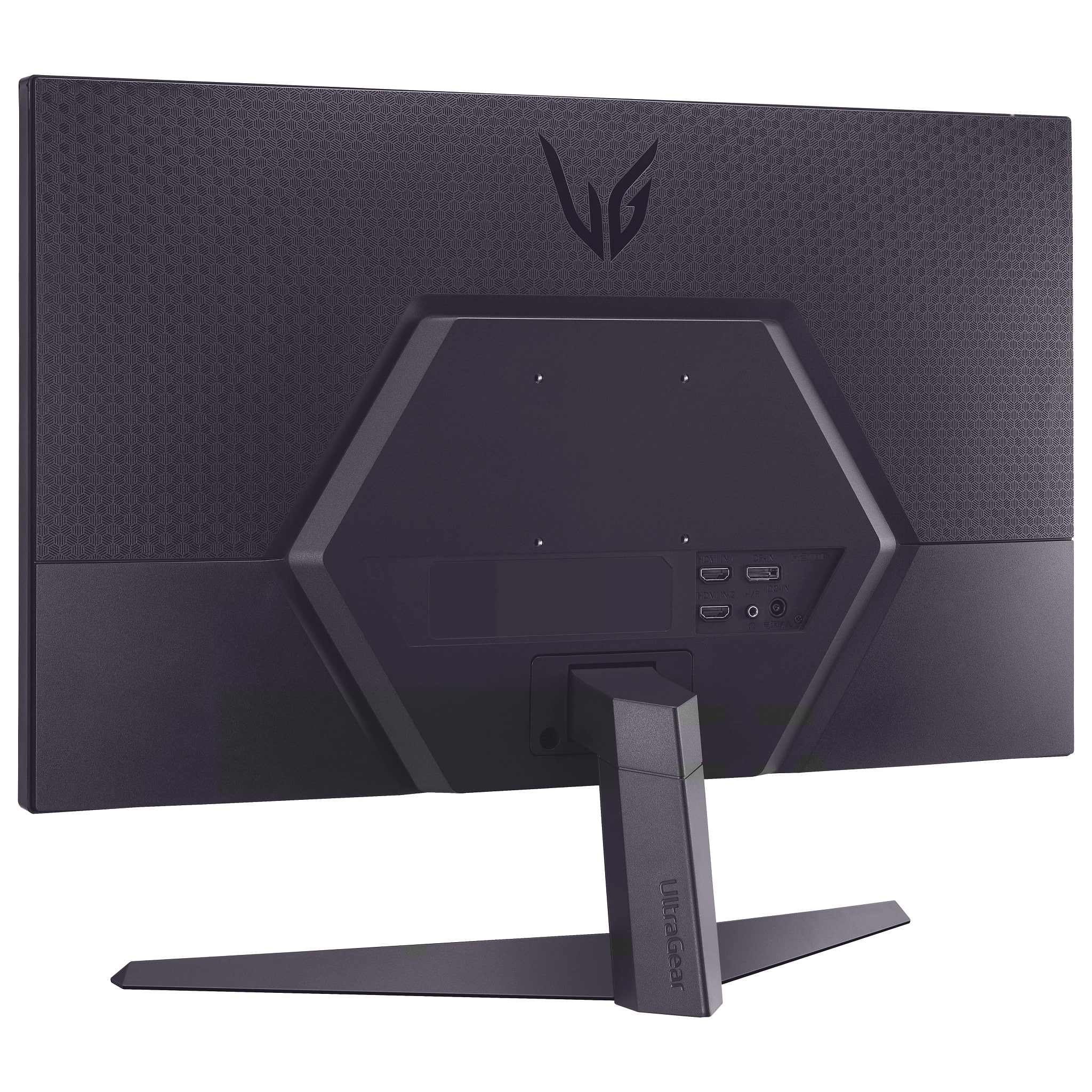
A:AnswerHi there! The LG UltraGear 27" Gaming Monitor 27GS50FX-B.AUSQ does not have built-in speakers. However, it includes a headphone jack for connecting external audio devices like headphones or speakers for an enhanced audio experience.
https://www.bestbuy.com/site/lg-ultragear-27-va-fhd-180hz-5ms-amd-freesync-compatible-gaming-monitor-with-hdr10-black/6599421.p?skuId=6599421
If you have additional questions or need further assistance, feel free to contact us on social media @LGUSSupport. We’ll be glad to assist!
Thank you for considering LG!
—Renzo
A:AnswerHello there, Major. Thank you for reaching out and sharing your inquiry about the LG 27GS50FX-B Gaming Monitor. We understand your inquiry about using your Xbox headset even though the monitor does not have built-in speakers. You’ll be happy to know that you can still hear sound through your Xbox headset, as the audio output from your console to your headset functions independently of the monitor's speakers. To ensure the best audio experience, we recommend connecting your headset directly to your Xbox controller or console.
https://www.lg.com/us/monitors/lg-27gs50fx-b-gaming-monitor#pdp_specs
Should you need further assistance or additional setup tips, please send us a private message on Social Media @LGUSSupport and our team will be more than happy to assist you. Thank you for considering LG for your gaming setup! —Renzo
A:AnswerHi there, Londadee. Thank you for reaching out with your questions about the LG 27GS50FX-B Gaming Monitor. We understand how important it is to know the features and adjustability of your monitor.
The LG 27GS50FX-B supports OnScreen Control (OSC) software, which allows you to split the screen into multiple sections for multitasking. You can download the OnScreen Control software from the LG support website to take advantage of this feature.
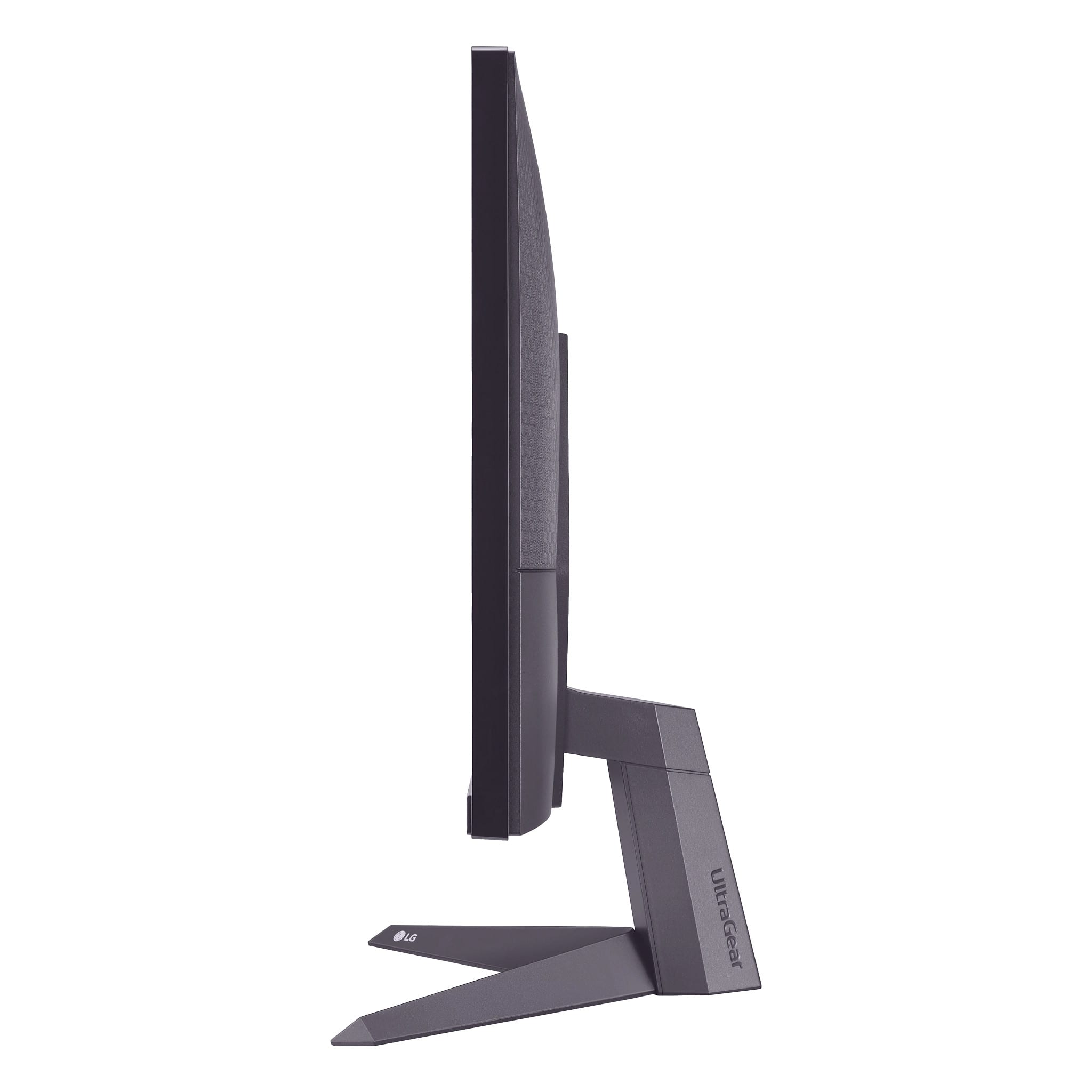
Regarding the monitor stand, it offers tilt adjustment, but it does not support height adjustment. However, the monitor is VESA-compatible (100 x 100 mm), so you can mount it on a stand or arm with height adjustability if needed.
https://www.lg.com/us/monitors/lg-27gs50fx-b-gaming-monitor#pdp_specs
For further assistance or additional questions, please send us a private message on social media @LGUSSupport. We're here to help!
—Renzo
A:AnswerHi there, Bryce. We understand your inquiry about the LG UltraGear 27" VA FHD Gaming Monitor (Model: 27GS50FX-B.AUSQ). This monitor does have a built-in "Crosshair" feature, which adds a center-display crosshair to help with aiming in games. We understand your inquiry, and we'd like to assist you further. Please send us a private message on Social Media @LGUSSupport and our team will be more than happy to explore possible solutions.
https://www.bestbuy.com/product/lg-ultragear-27-va-fhd-180hz-5ms-amd-freesync-compatible-gaming-monitor-with-hdr10-black/JJ8VPZT774
We appreciate your patience. —Renzo
A:AnswerHi, Nada. Thanks for reaching out about your LG Monitor (27GS50FX-B) model. We understand you're looking for parts, and we’re here to help you get back to peak performance. To explore options for replacement parts for your unit, we recommend visiting our official LG Parts website at lgparts.com. This is where you can often find genuine LG replacement components to ensure compatibility and optimal performance for your unit.
For further assistance, please send us a private message on social media @LGUSSupport and our team will be more than happy to explore possible solutions. We appreciate your patience. ^Juvy
A:AnswerHi there, JohnWJ. We understand your inquiry about FreeSync compatibility on your UltraGear 27GS50FX-B.AUSQ. FreeSync is LG’s implementation of AMD Adaptive Sync, so it’s designed to work seamlessly with AMD Radeon graphics cards. However, many NVIDIA GeForce GPUs released in recent years also support Adaptive Sync under their “G-SYNC Compatible” program when connected via DisplayPort. To take advantage of this:
Connection & Settings:
Use a high-quality DisplayPort cable and connect your GPU to the monitor’s DisplayPort input.
In the monitor’s On-Screen Display (OSD), ensure FreeSync (Adaptive Sync) is enabled.
For AMD GPUs, enable FreeSync in Radeon Settings.
For NVIDIA GPUs, open NVIDIA Control Panel > Display > Set up G-SYNC, and enable G-SYNC Compatible for your monitor.
Check Compatibility:
For NVIDIA cards, refer to NVIDIA’s list of validated G-SYNC Compatible monitors and ensure your graphics driver is up to date. While many GeForce cards can work in Adaptive Sync mode, performance may vary by GPU model and driver version.
If you’re using an Intel GPU, Adaptive Sync support depends on the specific Intel graphics generation and driver—please check Intel’s documentation for Adaptive Sync support on your GPU.
Firmware & Driver Updates:
Make sure your monitor firmware is up to date (refer to the LG support site for any available updates).
Keep your GPU drivers updated to the latest version to ensure the best Adaptive Sync compatibility and performance.
Troubleshooting Tip:
After enabling the settings, you should see smoother frame rates and reduced tearing when your GPU’s framerate falls within the monitor’s supported refresh range (e.g., 48–180Hz for this model). If the option doesn’t appear or doesn’t work as expected, double-check connections, confirm settings in both monitor OSD and GPU driver software, and try a different DisplayPort cable if needed.
https://www.bestbuy.com/site/lg-ultragear-27-va-fhd-180hz-5ms-amd-freesync-compatible-gaming-monitor-with-hdr10-black/6599421.p?skuId=6599421
For further assistance tailored to your specific graphics card model or if you encounter any setup questions, please send us a private message on Social Media @LGUSSupport and our team will be more than happy to explore possible solutions. We appreciate your patience. —Renzo
A:AnswerHello there, Serg. Thank you for your question. We understand you're inquiring about whether the LG 27GS50FX-B gaming monitor features HDMI 2.1.
This specific model does not include HDMI 2.1. It supports HDMI 2.0 ports for connectivity. HDMI 2.1 would typically be found in newer, higher-end gaming monitors designed for next-gen consoles and advanced gaming setups.
If you need any further clarification or assistance, feel free to send us a private message on Social Media @LGUSSupport, and we'll be happy to help!
https://www.lg.com/us/monitors/lg-27gs50fx-b-gaming-monitor#pdp_specs
We appreciate your patience. —Renzo
A:AnswerHi there, Collin. Thank you for your question about the LG 27GS50FX-B Gaming Monitor.
The LG 27GS50FX-B does not feature HDMI 2.1. It has HDMI ports, but for HDMI 2.1 functionality, a different model would be required.
https://www.lg.com/us/monitors/lg-27gs50fx-b-gaming-monitor#pdp_specs
If you need more detailed specifications or further assistance, please feel free to send us a private message on Social Media @LGUSSupport, and our team will be happy to help.
We appreciate your inquiry! —Renzo
A:AnswerHi there! Thank you for reaching out about the LG UltraGear 27” VA FHD 180Hz Gaming Monitor (27GS50FX-B.AUSQ). Yes, this monitor is compatible with the PS5! While the PS5 outputs games primarily at 4K or 1080p resolutions, this monitor's 1920 x 1080 (FHD) resolution and 180Hz refresh rate ensure smooth performance. Additionally, the HDR10 enhances the visual experience for HDR-supported games.
To maximize your experience, connect your PS5 using an HDMI cable to one of the two HDMI ports, and make sure the PS5's output resolution is set to 1080p for optimal compatibility. If you have further questions, please send us a private message on social media @LGUSSupport, and our team will be happy to assist you further.
https://www.bestbuy.com/site/lg-ultragear-27-va-fhd-180hz-5ms-amd-freesync-compatible-gaming-monitor-with-hdr10-black/6599421.p?skuId=6599421
We hope this helps, and happy gaming!
—Renzo
A:AnswerHi there, thank you for your question about the LG 27GS50FX-B.AUSQ gaming monitor. While the monitor has a 178-degree vertical viewing angle, its stand does not support pivot adjustment to rotate the screen vertically. However, you can use a compatible VESA mount (100 x 100 mm) to set it up in a vertical orientation if desired.
https://www.bestbuy.com/site/lg-ultragear-27-va-fhd-180hz-5ms-amd-freesync-compatible-gaming-monitor-with-hdr10-black/6599421.p?skuId=6599421
If you have any other questions or need assistance, please feel free to send us a private message on social media @LGUSSupport, and our team will be happy to assist further.
—Renzo