Main Content

Questions & Answers

$799.99
Save $500
The comparable value is $1,299.99
Page Showing 1-20 of 25 questions
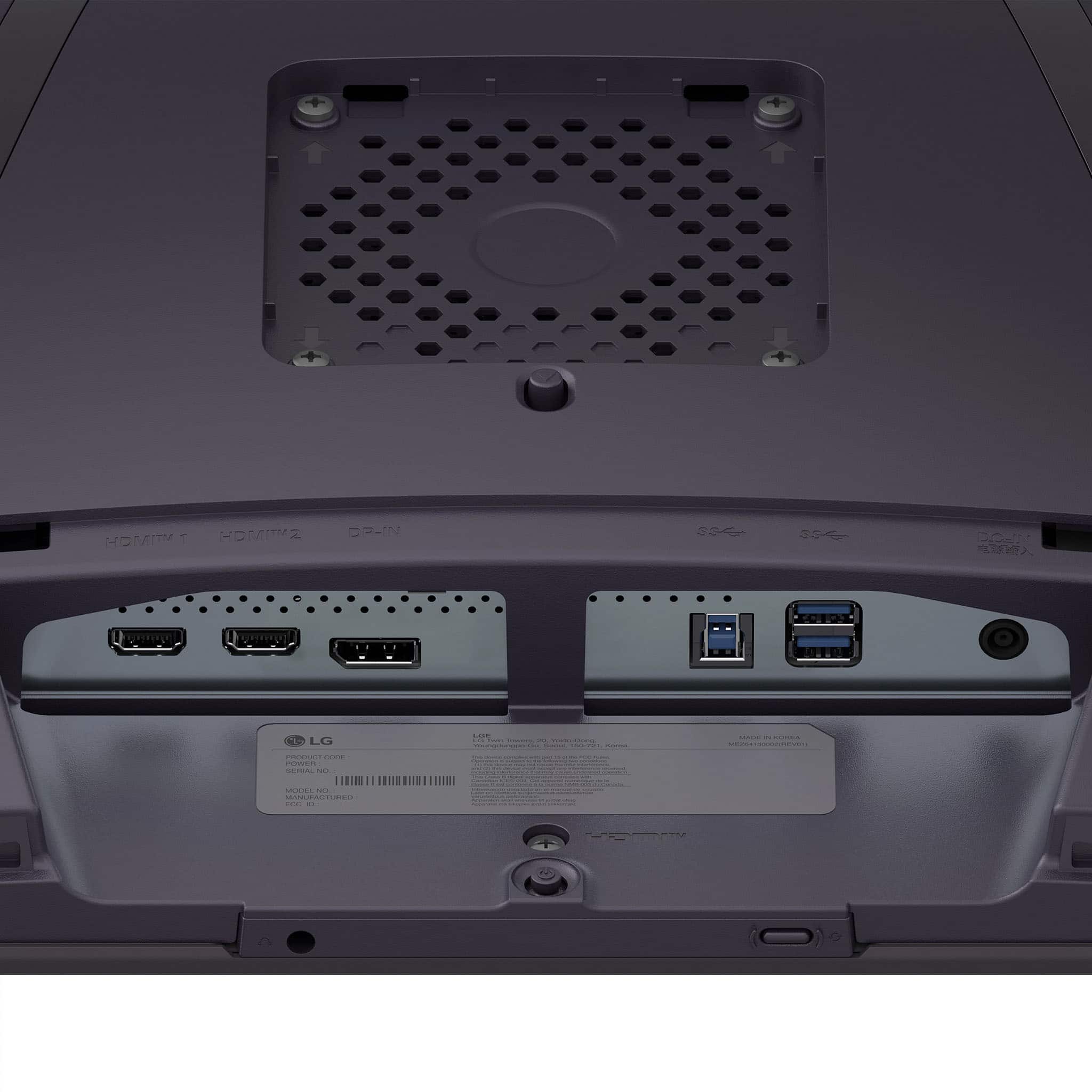
  • QuestionDoes this monitor have a headphone jack?

    • Answer Yes, this monitor has a headphone jack.
    This question and answer was generated by AI based on customer and product data.
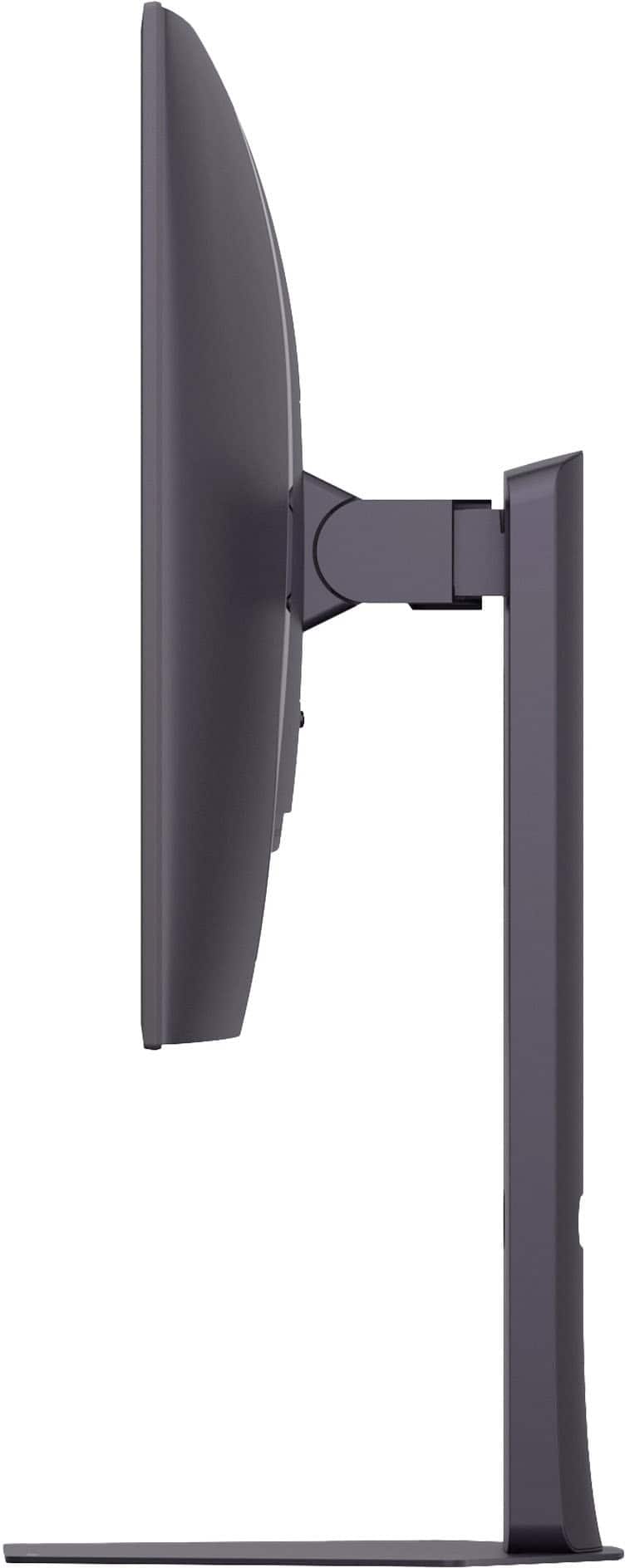
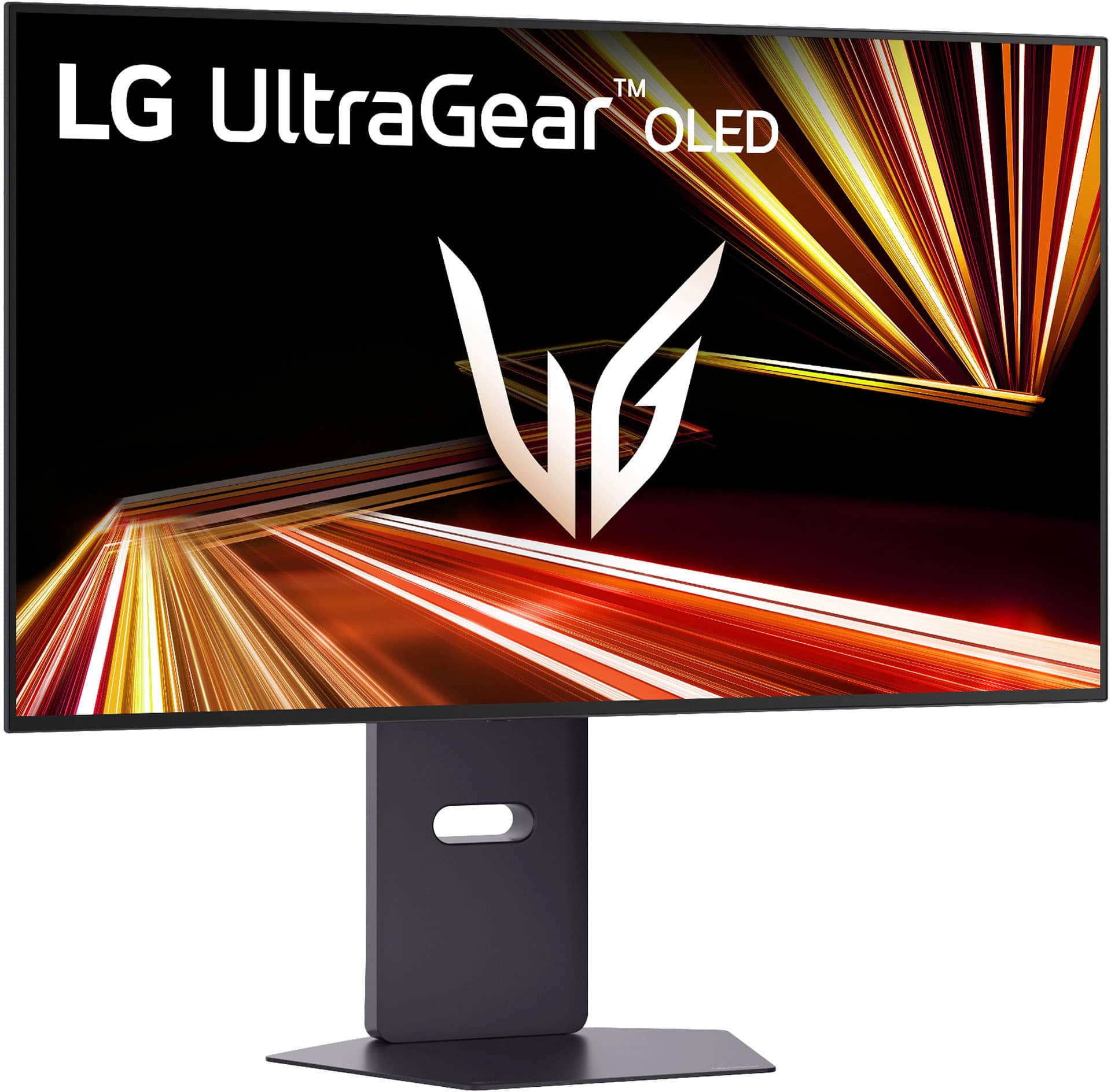
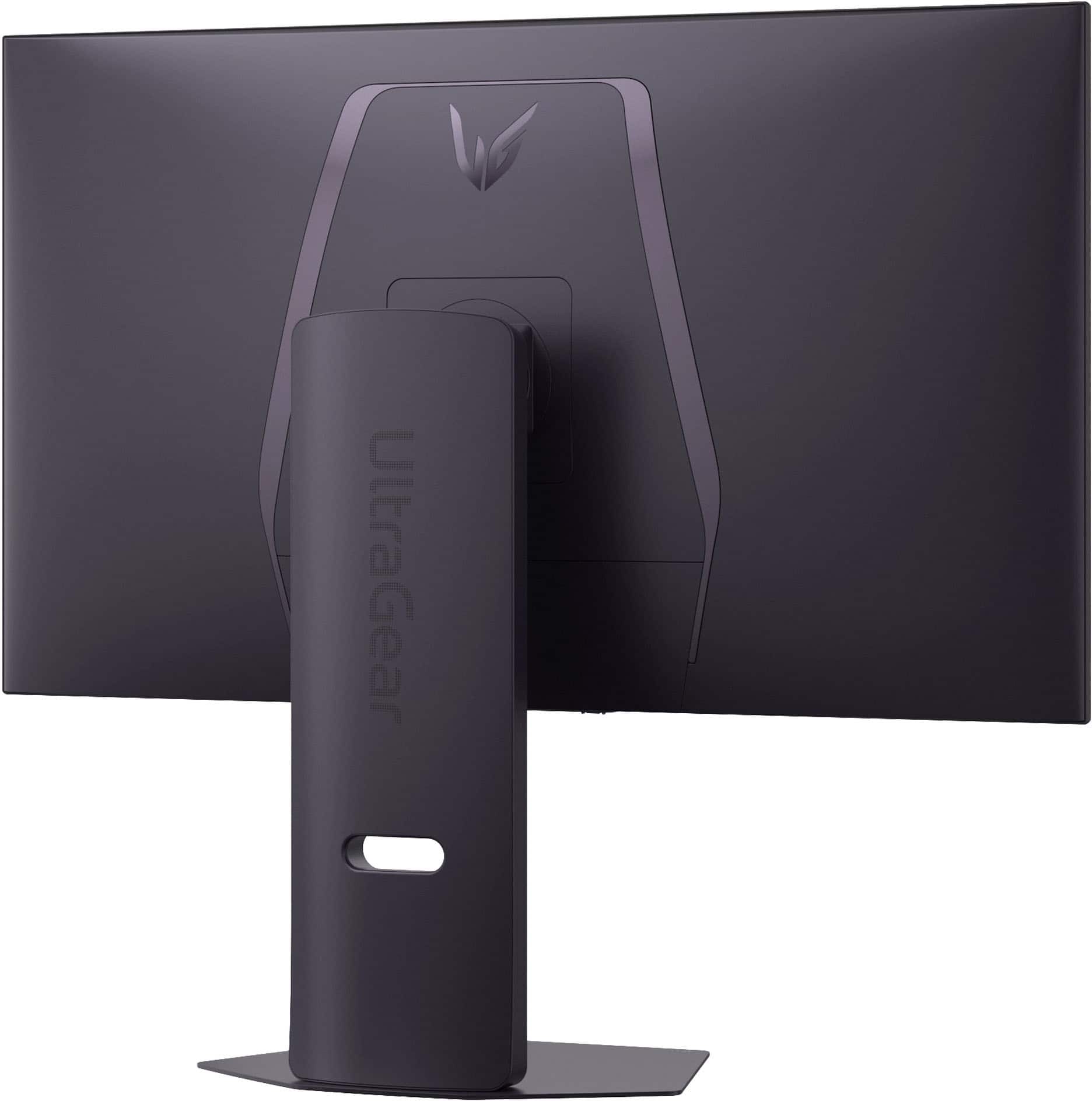
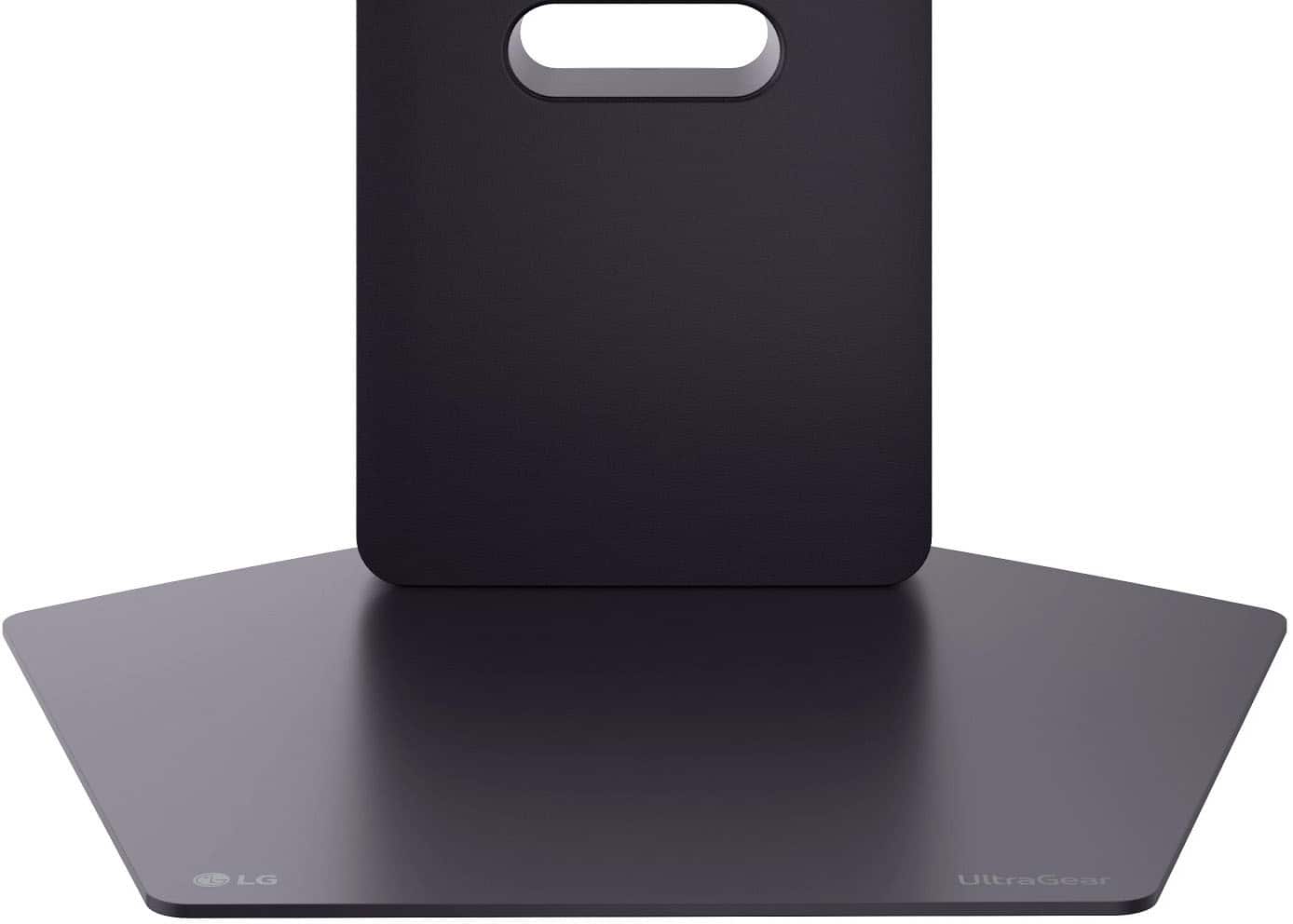
  • QuestionIs the stand height adjustable for this monitor?

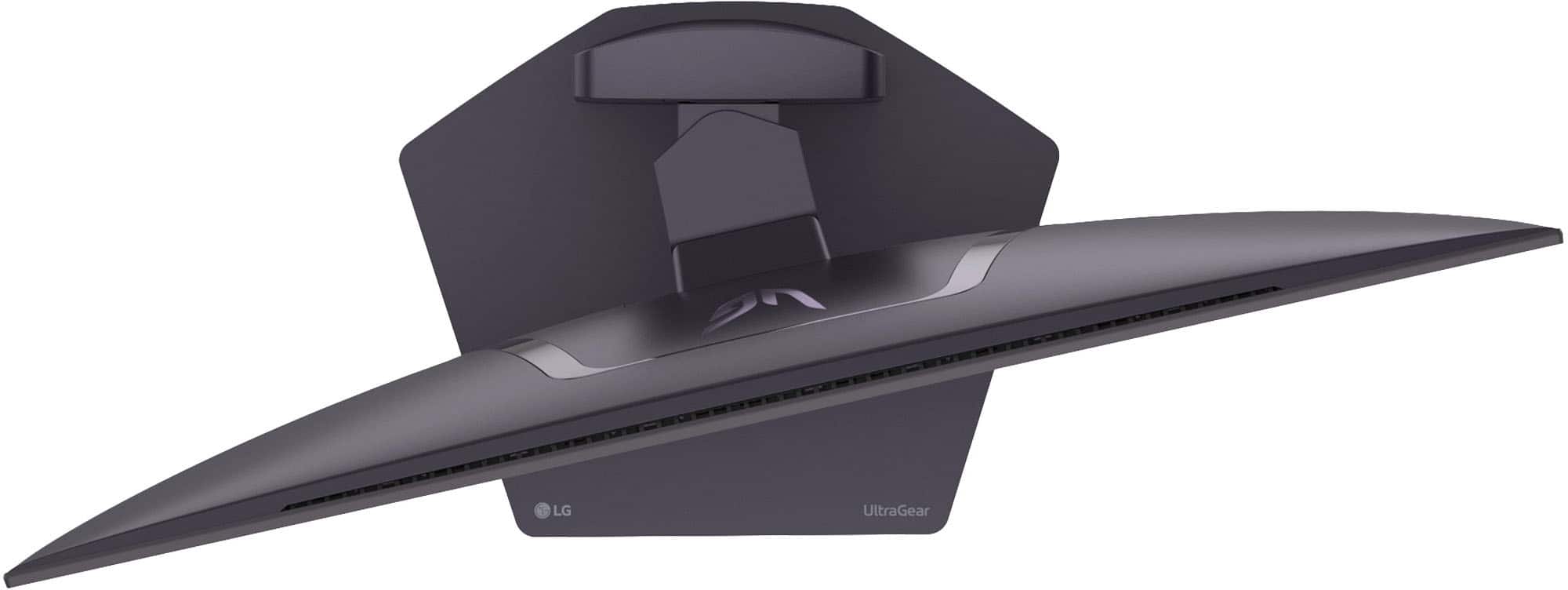
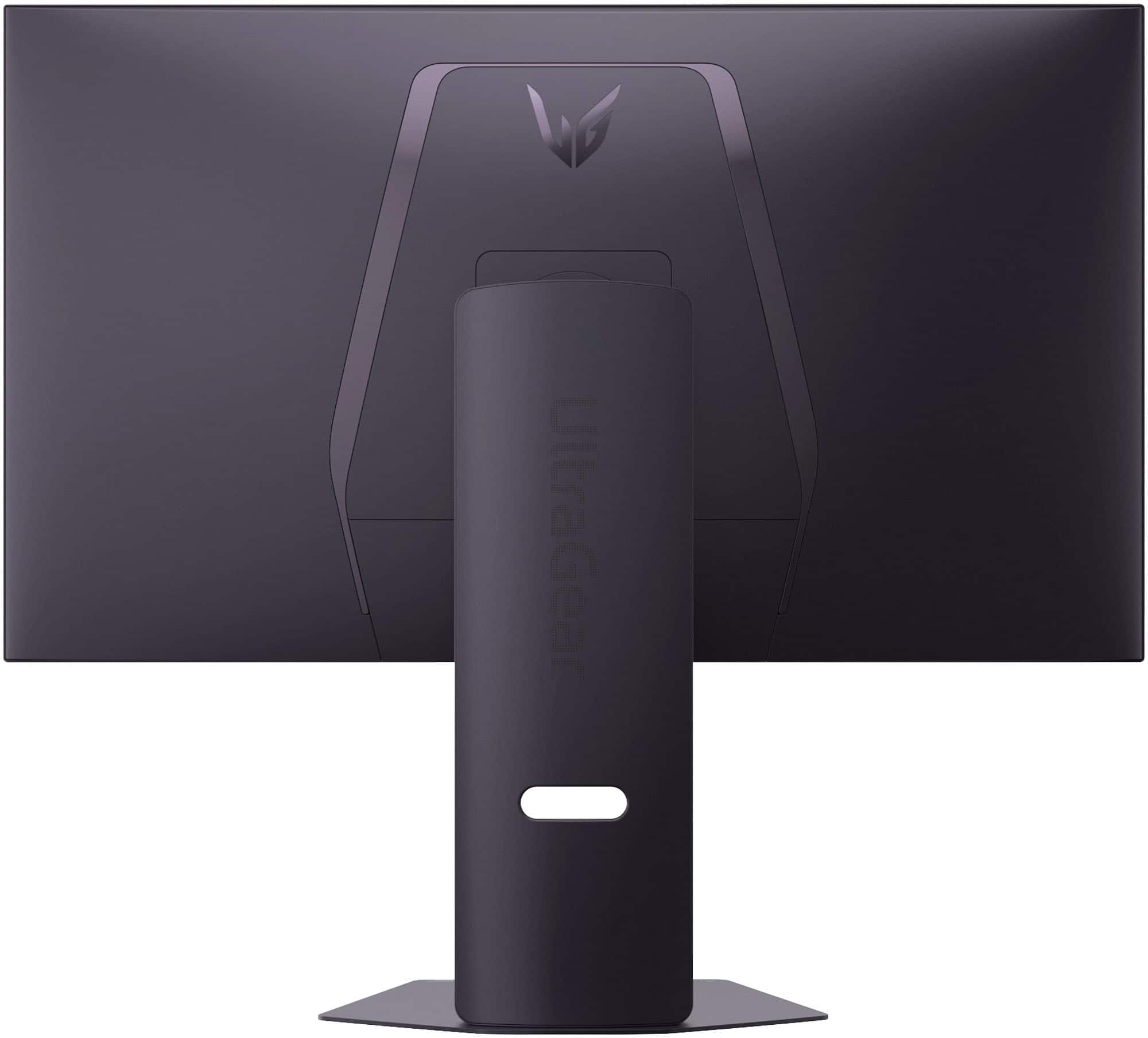
    • Answer Yes, the stand height is adjustable for this monitor.
    This question and answer was generated by AI based on customer and product data.

  • QuestionWhat is the response time of this gaming monitor?

    • Answer The response time of this gaming monitor is 0.03 milliseconds.
    This question and answer was generated by AI based on customer and product data.

  • QuestionIs this monitor compatible with NVIDIA G-SYNC?

    • Answer Yes, this monitor is NVIDIA G-SYNC compatible.
    This question and answer was generated by AI based on customer and product data.

  • QuestionDoes this gaming monitor have integrated speakers?

    • Answer No, this gaming monitor does not have integrated speakers.
    This question and answer was generated by AI based on customer and product data.

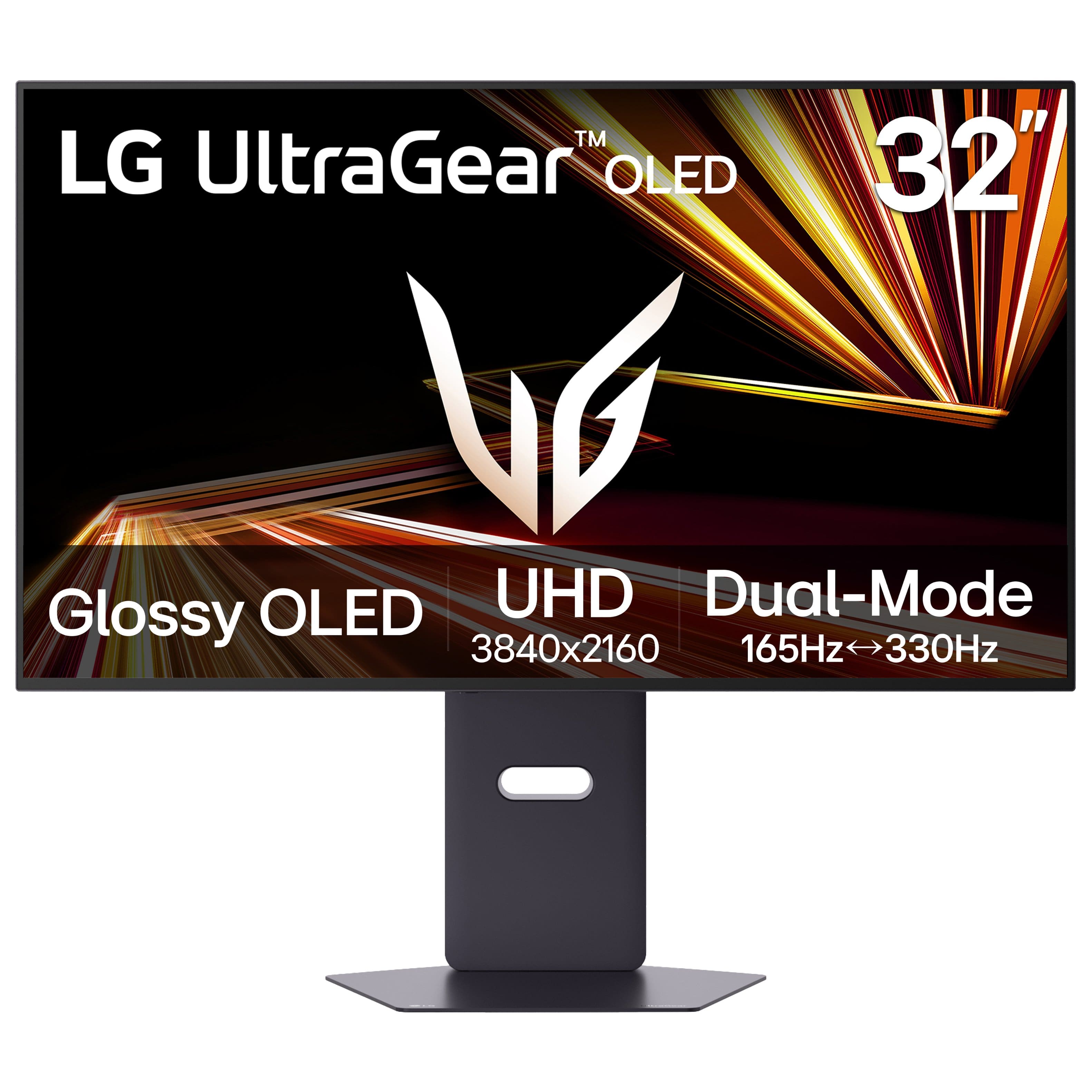
  • QuestionWhat is the maximum refresh rate in 4K UHD mode?

    • Answer The maximum refresh rate in 4K UHD mode is 165Hz.
    This question and answer was generated by AI based on customer and product data.

  • QuestionCan this monitor be mounted to a wall?

    • Answer Yes, this monitor is wall mountable.
    This question and answer was generated by AI based on customer and product data.
  • QuestionWhat is the maximum refresh rate at 1440p?

    Asked by Anonymous.

    • Answer 165 Hz at 2K/4K and 300 Hz at 1080p

      Answered by JwalinT

  • Questionreturn policy

    Asked by Anonymous.

    • Answer Purchased a microwave but have to cancel order because there is a best buy system and will not release order.

      Answered by Anonymous

  • QuestionDoes this monitor have an internal cooling fan?

    Asked by BestBuyEnjoyer.

    • Answer Hi there, Atom. Thank you for sharing your question with us. We understand your inquiry regarding the internal components of the 32GX850A-B UltraGear OLED gaming monitor. To provide you with the direct information you need, this specific model is designed with a high-performance cooling system that does not utilize a traditional internal cooling fan, allowing for a quieter gaming environment while maintaining optimal operating temperatures for the OLED panel. https://www.bestbuy.com/product/lg-ultragear-32-oled-dual-mode-4k-uhd-165hz-fhd-330hz-0-03ms-g-sync-freesync-premium-pro-gaming-monitor-with-black/JJ8VPZK9GT If you have any further questions about its features or specifications, please contact us on [email protected], and our team will be more than happy to assist you further. —Renzo

      Answered by LG Digital Customer Care

  • QuestionDoes this monitor have a glossy screen?

    Asked by Bill.

    • Answer Hello there, Bill. Thank you for sharing your question with us. We understand your inquiry. To answer your question directly, the 32GX850A-B LG monitor does not have a glossy screen; it features an OLED display with an anti-glare matte finish. Your feedback is important, and we'd like to assist you further. https://www.bestbuy.com/product/lg-ultragear-32-oled-dual-mode-4k-uhd-165hz-fhd-330hz-0-03ms-g-sync-freesync-premium-pro-gaming-monitor-with-black/JJ8VPZK9GT If you have any further questions about its features, please contact us on [email protected], and our team will be more than happy to assist you. —Renzo

      Answered by LG Digital Customer Care

  • QuestionIs this monitor WOLED, QD-OLED, or Tandem OLED? I can't see it stated anywhere.

    Asked by Jedibailinski.

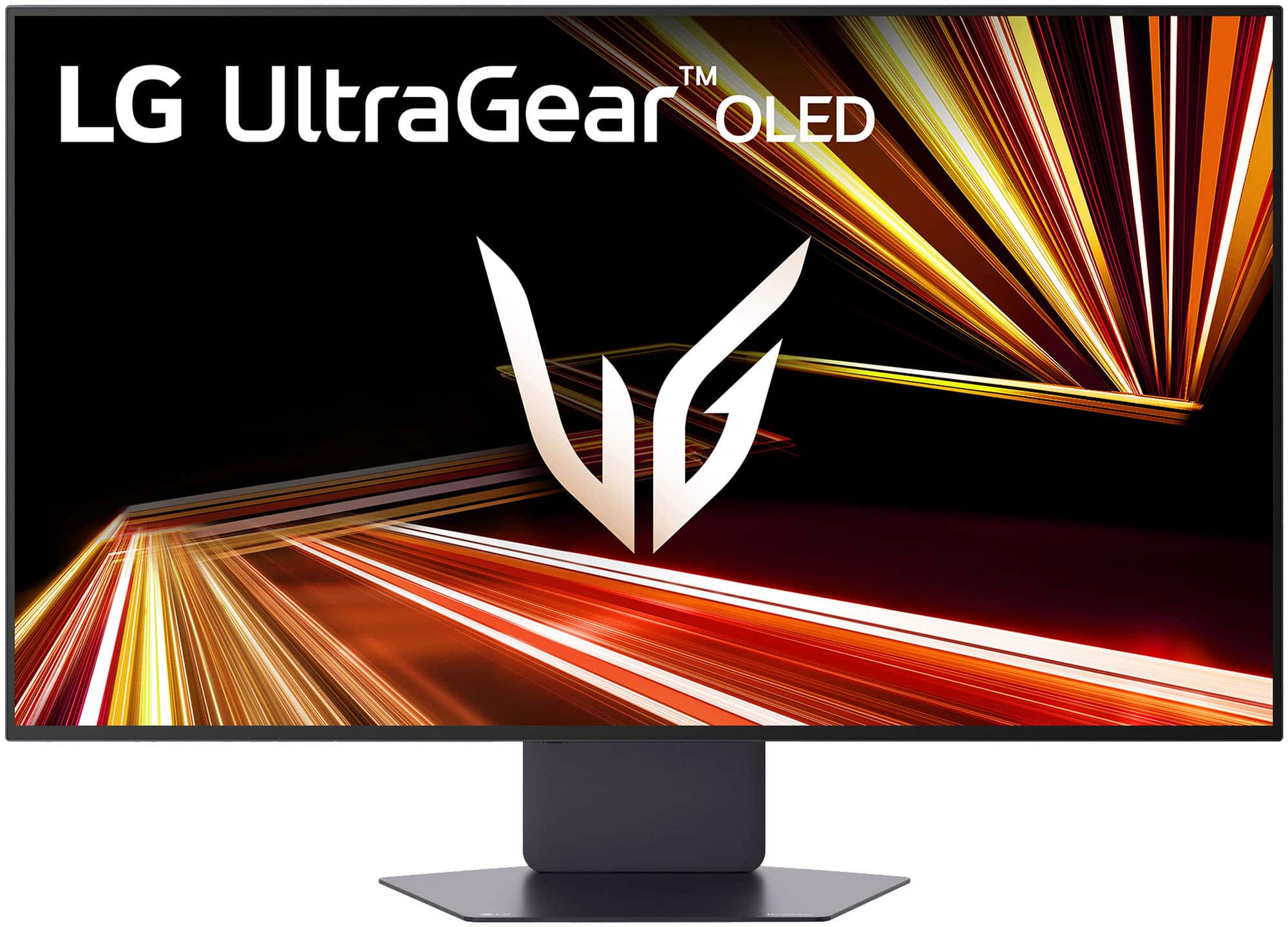
    • Answer LG does not make QD-OLED panels, and currently, there are no LG OLED monitors that use Tandem OLED panels. LG is introducing Tandem OLED panels for monitors, with models like the 27-inch 27GX790B (up to 720Hz) and 32-inch 32GX870B (4K/240Hz or 1080p/480Hz) expected in 2026, that will be branded as "Tandem WOLED". The LG 32-inch UltraGear™ Glossy OLED Dual Mode 4K UHD 165Hz or FHD 330Hz 0.03ms G-Sync Compatible Gaming Monitor, Model # 32GX850A-B, is a WOLED (White OLED) panel with a glossy finish and Micro Lens Array+ (MLA+) technology...^Ivan.

      Answered by LG Digital Customer Care

  • QuestionWhat is the BEST connection and cable to use between this monitor and MacMini M4 for watching movies and display quality? Thanks!

    Asked by RobertL.

    • Answer What connectivity does your MacMini M4 have? Connectivity for the LG 32 Inch UltraGear™ Glossy OLED Dual Mode 4K UHD 165Hz or FHD 330Hz 0.03ms G-Sync Compatible Gaming Monitor, Model # 32GX850A-B, includes two HDMI 2.1 inputs, and a DisplayPort 1.4 input. Both the HDMI 2.1 inputs (2 ports) and the DisplayPort 1.4 input (1 port) on the monitor support DisplayHDR™ True Black 400. The HDMI ports on the monitor support a maximum 4 K (3840 x 2160) resolution @ 144/165 Hz, and the DisplayPort input supports a maximum 4K (3840 x 2160) resolution @ 120/144/165 Hz. HDMI 2.1 is better for high-end, high-resolution media (4K/120Hz, 8K). DisplayPort 1.4 often relies on Display Stream Compression (DSC) to match these, though both are excellent...^Ivan.

      Answered by LG Digital Customer Care

  • Questiondoes this monitor have built-in speakers.

    Asked by tiger.

    • Answer No.

      Answered by DylanB

  • QuestionWhat are the peak brightness levels?

    Asked by RobertL.

    • Answer The LG 32-inch UltraGear™ Glossy OLED Dual Mode 4K UHD 165Hz or FHD 330Hz 0.03ms G-Sync Compatible Gaming Monitor, Model # 32GX850A-B, has a typical brightness of 275 cd/m², a minimum brightness of 250 cd/m², and a peak brightness of 1300 cd/m² that can be achieved under certain conditions. For example, when a smaller area/APL of the display is used for showing a bright object, or when a bright object is shown for a short time...^Ivan.

      Answered by LG Digital Customer Care

  • QuestionDoes this monitor support dolby vision

    Asked by DolbyVision.

    • Answer Hello there. We understand your inquiry regarding the HDR capabilities of Model #32GX850A-B. Based on the specifications, this monitor supports HDR10 and VESA DisplayHDR™ True Black 400, but it does not support Dolby Vision. Your feedback is important, and we'd like to assist you further. https://www.bestbuy.com/product/lg-ultragear-32-oled-dual-mode-4k-uhd-165hz-fhd-330hz-0-03ms-g-sync-freesync-premium-pro-gaming-monitor-with-black/JJ8VPZK9GT If you have any further questions about its features, please contact us on [email protected], and our team will be more than happy to assist you. —Renzo

      Answered by LG Digital Customer Care

  • QuestionDoes this monitor have a built-in camera?

    Asked by DonnafW.

    • Answer No it doesn't.

      Answered by JwalinT

  • QuestionDoes this monitor need a PC to go with it in order for it to operate?

    Asked by hzoevans.

    • Answer Unlike LG MyView Smart Monitors, the LG 32-inch UltraGear™ Glossy OLED Dual Mode 4K UHD 165Hz or FHD 330Hz 0.03ms G-Sync Compatible Gaming Monitor, Model # 32GX850A-B, requires connection to a PC/Laptop...^Ivan.

      Answered by LG Digital Customer Care

  • QuestionDoes this monitor have the ability to plug a 3.5 adapter for external speakers?

    Asked by Skuff5115.

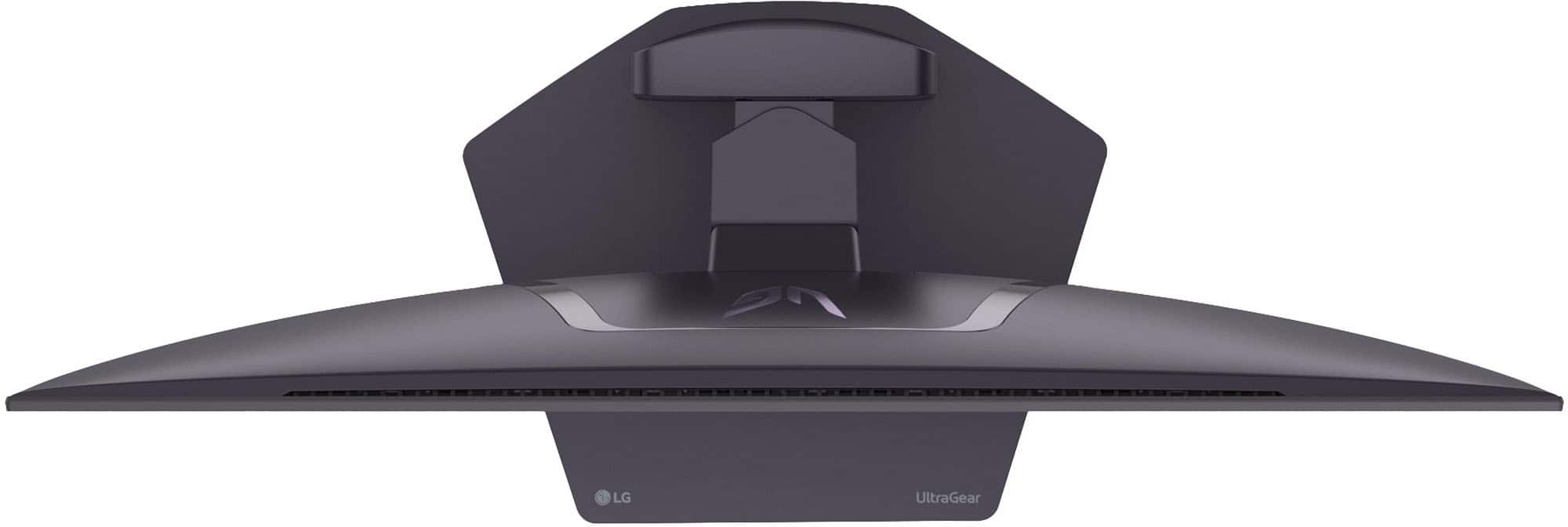
    • Answer Hello there. We understand your inquiry regarding the UltraGear 32" OLED Dual Mode Gaming Monitor. This model is equipped with a 4-pole headphone jack (3.5 mm) located on the bottom of the display, which supports both external speakers and headsets with a microphone. https://www.bestbuy.com/product/lg-ultragear-32-oled-dual-mode-4k-uhd-165hz-fhd-330hz-0-03ms-g-sync-freesync-premium-pro-gaming-monitor-with-black/JJ8VPZK9GT For further assistance and any specific concerns you may have, please contact us on [email protected]. —Renzo

      Answered by LG Digital Customer Care

  • QuestionHow do you change modes? When I touch the one button it turns off the monitor.

    Asked by Billbo.

    • Answer Hi there, Billbo. Thank you for your inquiry regarding the 32GX850A-B. We understand your inquiry regarding the control button functions. Based on the official LG resources, the button on the monitor operates as a joystick; pressing and holding it turns the unit off, while a quick, single press opens the menu where you can change modes. Additionally, you can use the included LG Switch controller to navigate settings and toggle features without reaching for the monitor. https://www.bestbuy.com/product/lg-ultragear-32-oled-dual-mode-4k-uhd-165hz-fhd-330hz-0-03ms-g-sync-freesync-premium-pro-gaming-monitor-with-black/JJ8VPZK9GT If you have any further questions about its features, please send us a private message on Social Media @LGUSSupport, and our team will be more than happy to assist you. —Renzo

      Answered by LG Digital Customer Care