Main Content

Questions & Answers

$829.99
Save $470
The comparable value is $1,299.99
Page Showing 21-31 of 31 questions
  • QuestionHow compatible is this monitor with Apple’s Mac mini (M4 chip)?

    Asked by Alex.

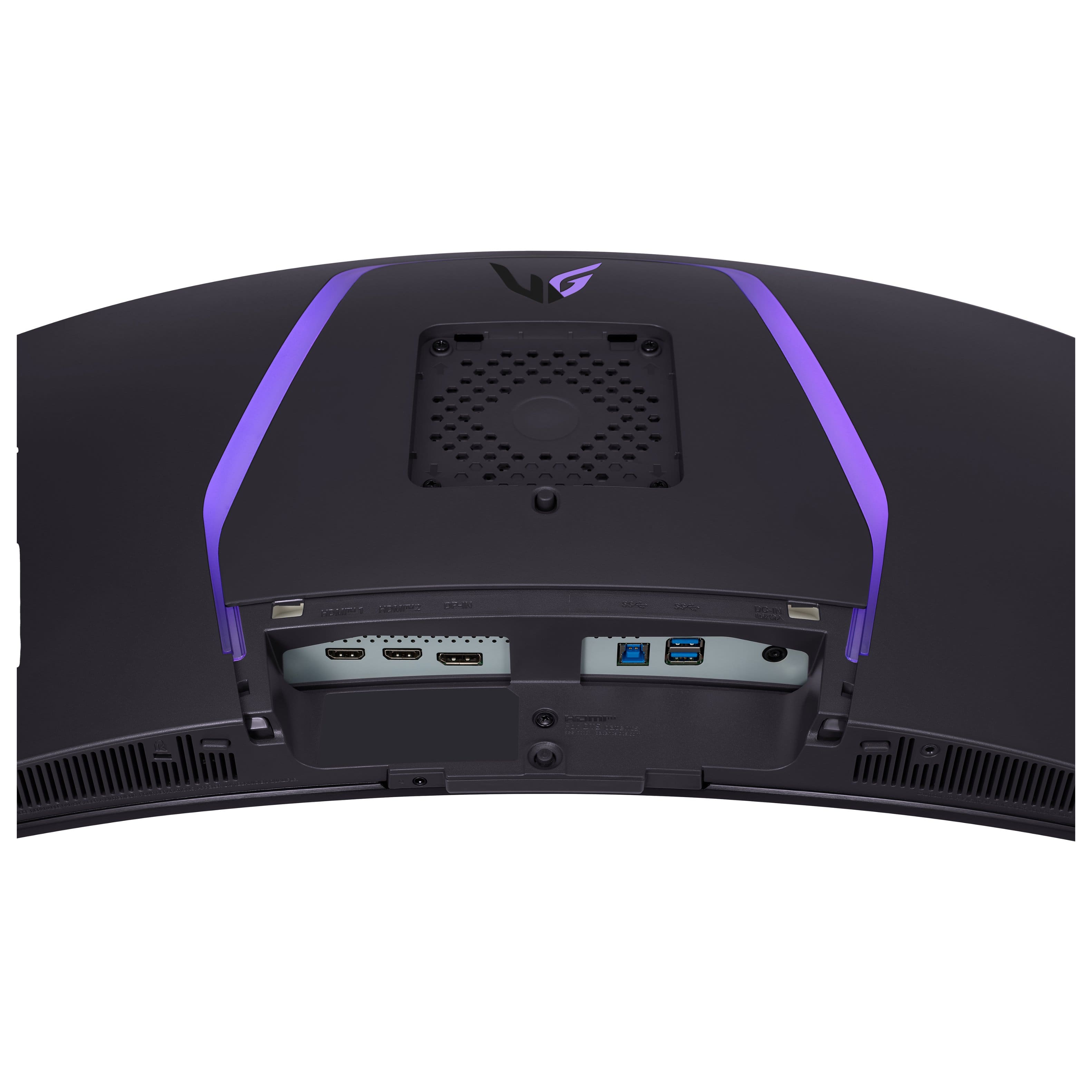
    • Answer Hello there, Alex. Thank you for sharing your question with us. We understand your situation regarding the compatibility of the LG 34GS95QE-B with the Apple Mac mini (M4 chip). Based on our official resources, this monitor is designed for high-performance graphics with advanced connectivity options such as HDMI 2.1 and DisplayPort 1.4. To ensure optimal compatibility with your Mac mini, we recommend verifying that your Mac mini supports the required output resolution of 3440 x 1440 at higher refresh rates. As a troubleshooting step, please check that you are using a certified cable—preferably a high-quality DisplayPort or HDMI cable—that meets the necessary specifications for handling the monitor's capabilities. https://www.lg.com/us/monitors/lg-34gs95qe-b-gaming-monitor Please send us a private message on Social Media @LGUSSupport so our team can provide you with more detailed guidance and explore possible solutions tailored to your setup. We appreciate your patience and are here to help every step of the way. —Renzo

      Answered by LG Digital Customer Care

  • QuestionIs it a matte display or glossy display? What's the screen brightness in nits? Thanks!

    Asked by Adham.

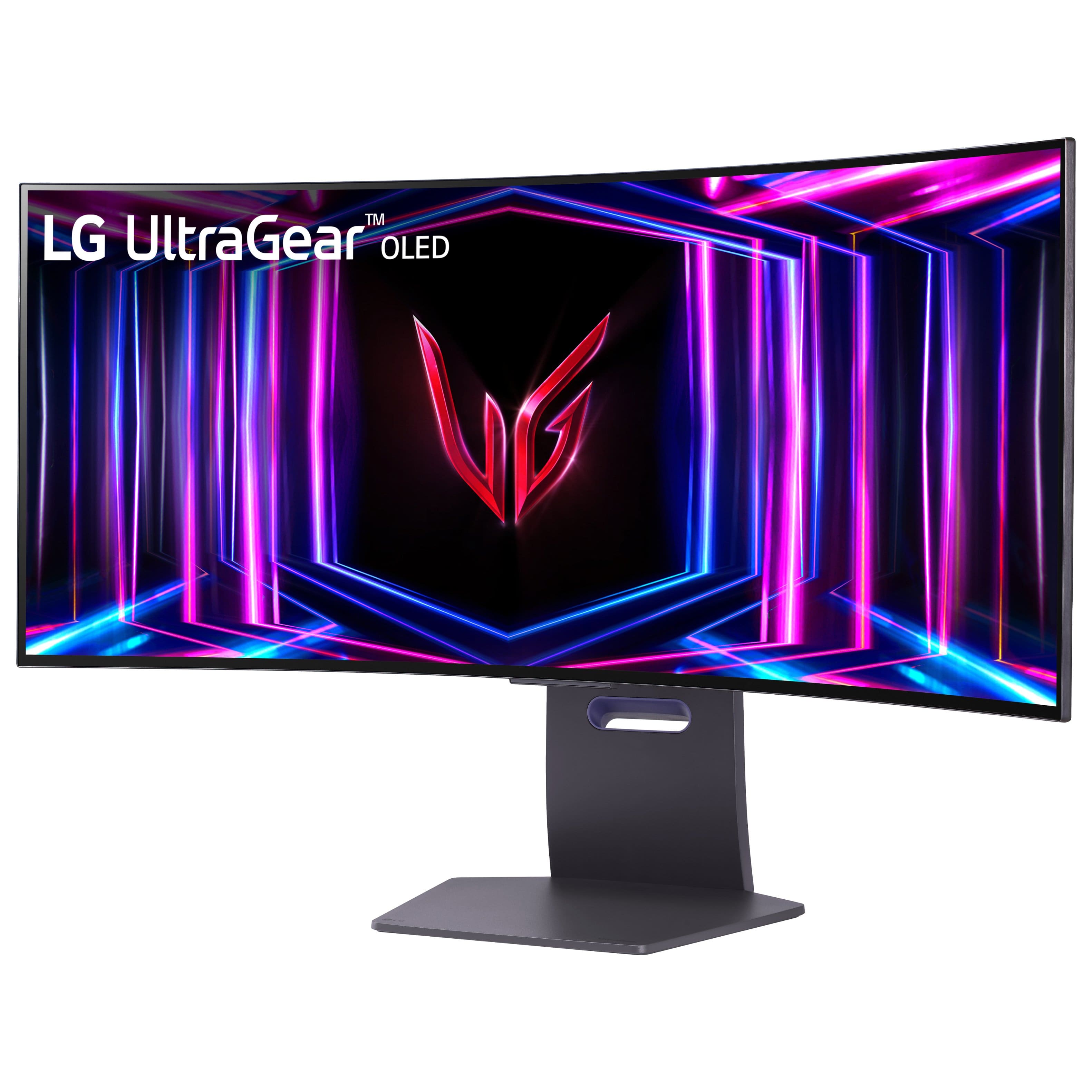
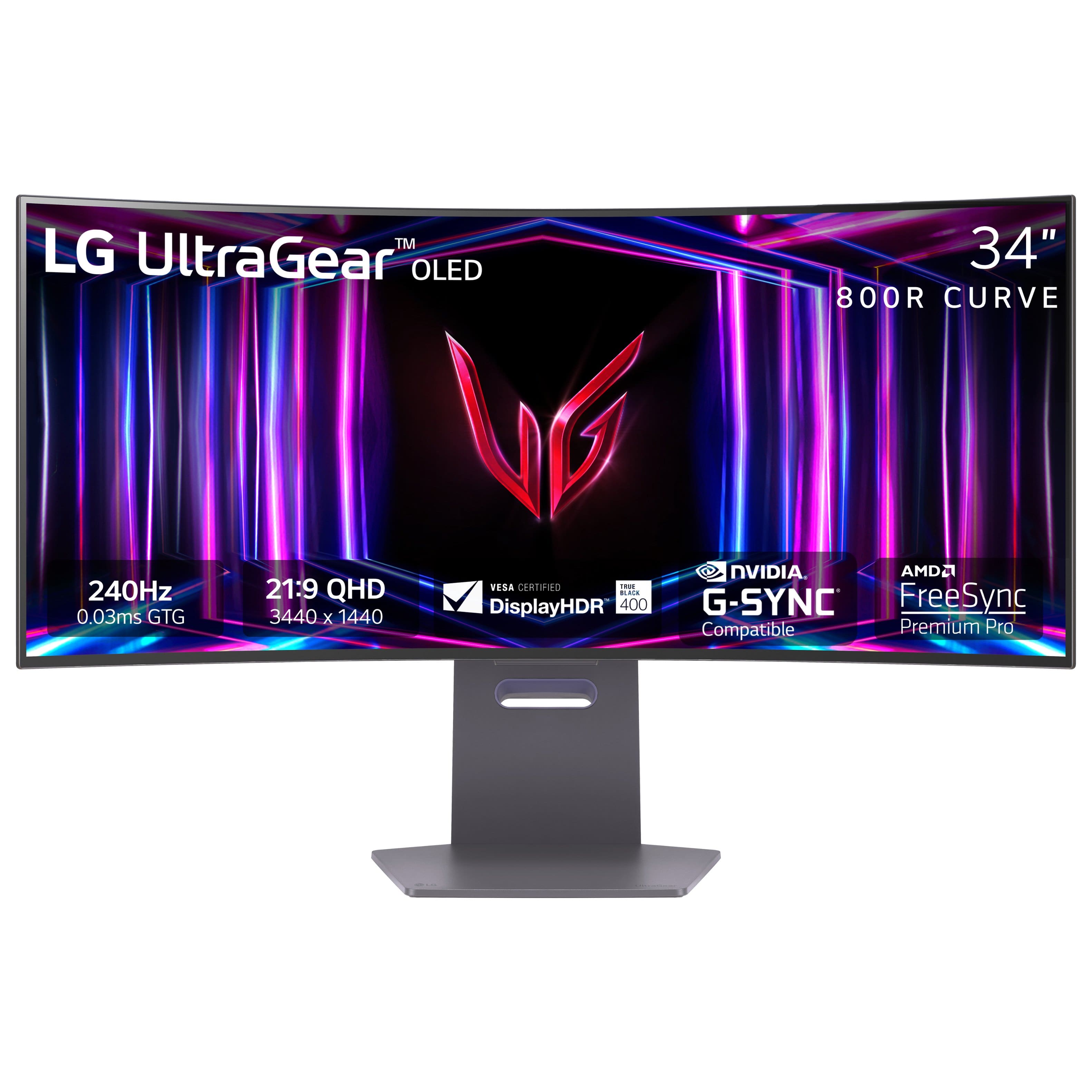
    • Answer Hi there, Adham. Thank you for reaching out and sharing your inquiry about the 34GS95QE-B. We understand your situation and are happy to clarify the details for you. This monitor features an anti-glare, low-reflection front polarizer, which gives it a matte-like finish to help reduce glare. As for the brightness, the unit offers approximately 275 cd/m² as its typical brightness (with a minimum of 250 cd/m²). If you notice any variations in brightness or need further assistance with your display settings, we recommend checking the on-screen control menu to verify your current brightness and contrast configurations. This step can help ensure the settings are optimized for your viewing environment. https://www.lg.com/us/monitors/lg-34gs95qe-b-gaming-monitor#pdp_specs Please send us a private message on Social Media @LGUSSupport so our team can explore possible solutions or answer any additional questions you may have. —Renzo
      Answered by LG Digital Customer Care

  • QuestionI just bought this monitor today and I noticed a dark mark on the screen when playing

    Asked by trevknott11.

    • Answer Hello there. Thank you for sharing your experience with us. We understand your inquiry regarding the dark mark you noticed on your LG UltraGear 34" OLED Curved WQHD 240Hz 0.03ms FreeSync and NVIDIA G-SYNC Compatible Gaming Monitor with HDR400 - Black. We understand that you want your new display to be flawless for your gaming sessions. As a troubleshooting step, we recommend running the "OLED Care" features found in the monitor's settings menu, specifically the "Pixel Cleaning" or "Image Cleaning" function, which can often resolve minor surface inconsistencies on OLED panels. https://www.bestbuy.com/product/lg-ultragear-34-oled-curved-wqhd-240hz-0-03ms-freesync-and-nvidia-g-sync-compatible-gaming-monitor-with-hdr400-black/JJ8VPZQKPL For further assistance and any specific concerns you may have, please contact us on [email protected], and our team will be more than happy to assist you. —Renzo
      Answered by LG Digital Customer Care

  • QuestionWill it run 240hz at 1440p or will it drop the refresh rate to something lower at 1440p

    Asked by Grayson.

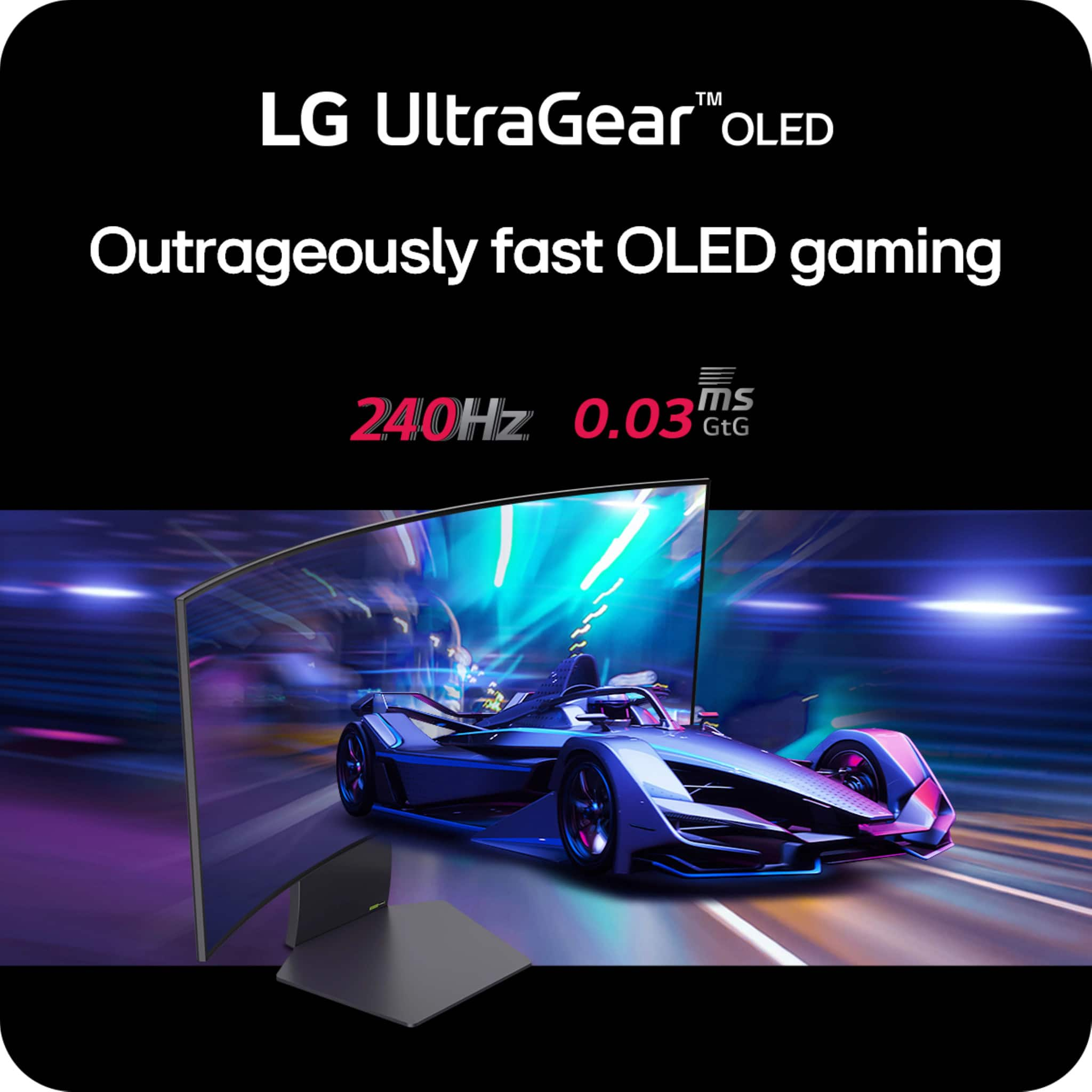
    • Answer Hello there. Thank you for your question regarding the LG 34GS95QE-B monitor. We understand you're curious about the refresh rate at 1440p. Rest assured, this model is designed to support up to 240Hz at 1440p resolution via DisplayPort, ensuring you get smooth and high-performance visuals. To ensure optimal results, we recommend verifying that your graphics card and connection are set to support 240Hz at 1440p. Should you need further assistance, feel free to send us a private message on social media @LGUSSupport. We’ll be happy to help you explore your setup further. —Renzo
      Answered by LG Digital Customer Care

  • QuestionCan this be turned vertical?

    Asked by Razziel.

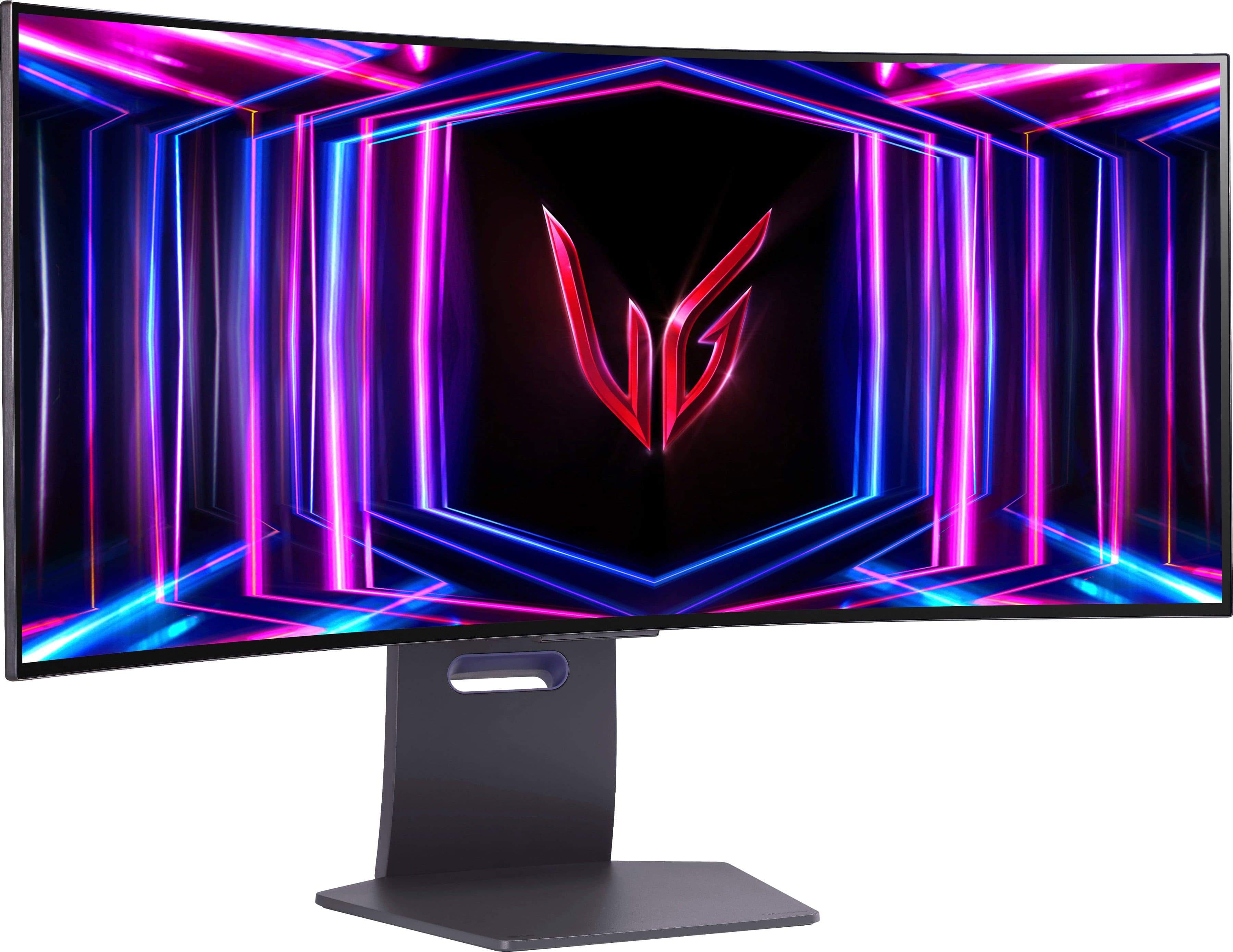
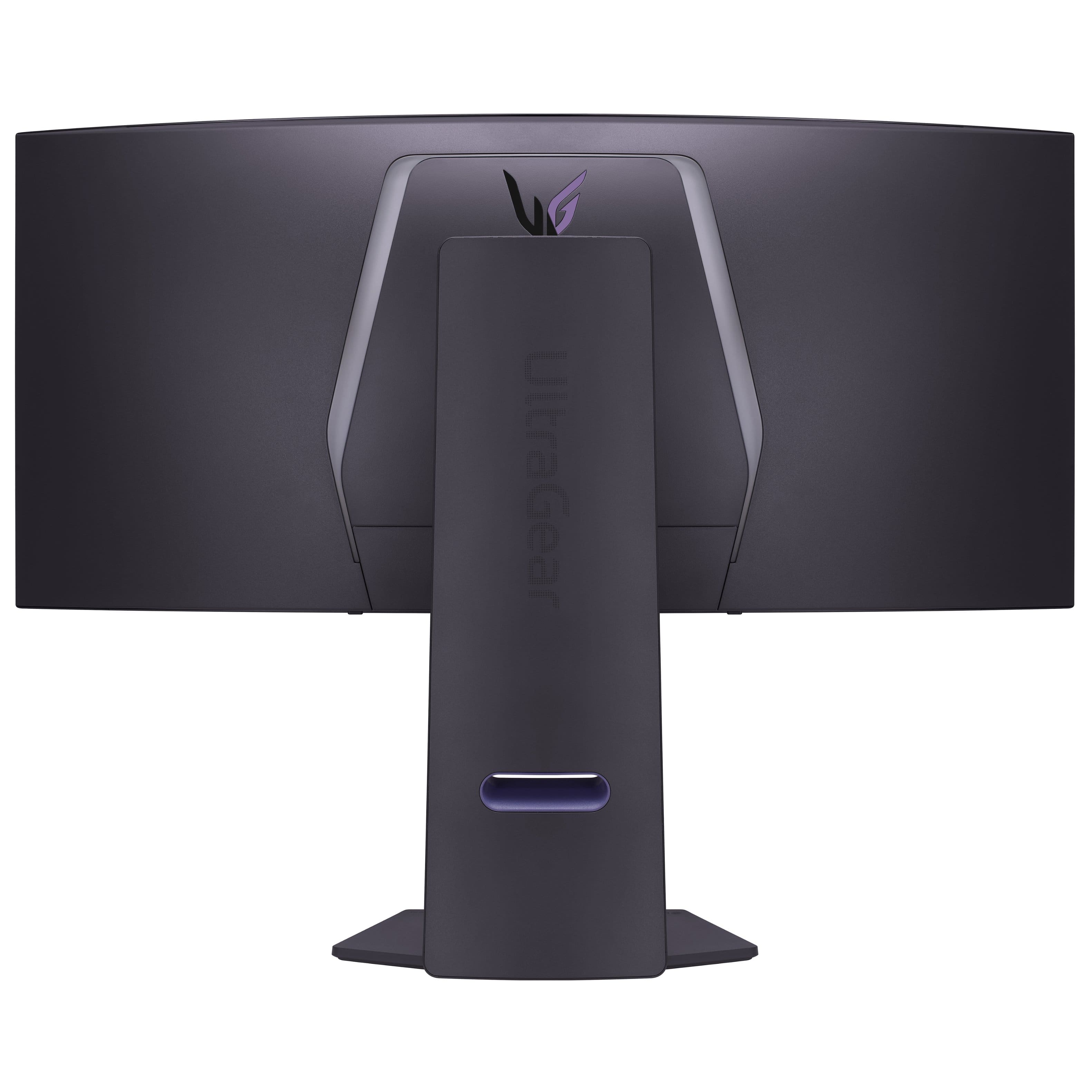
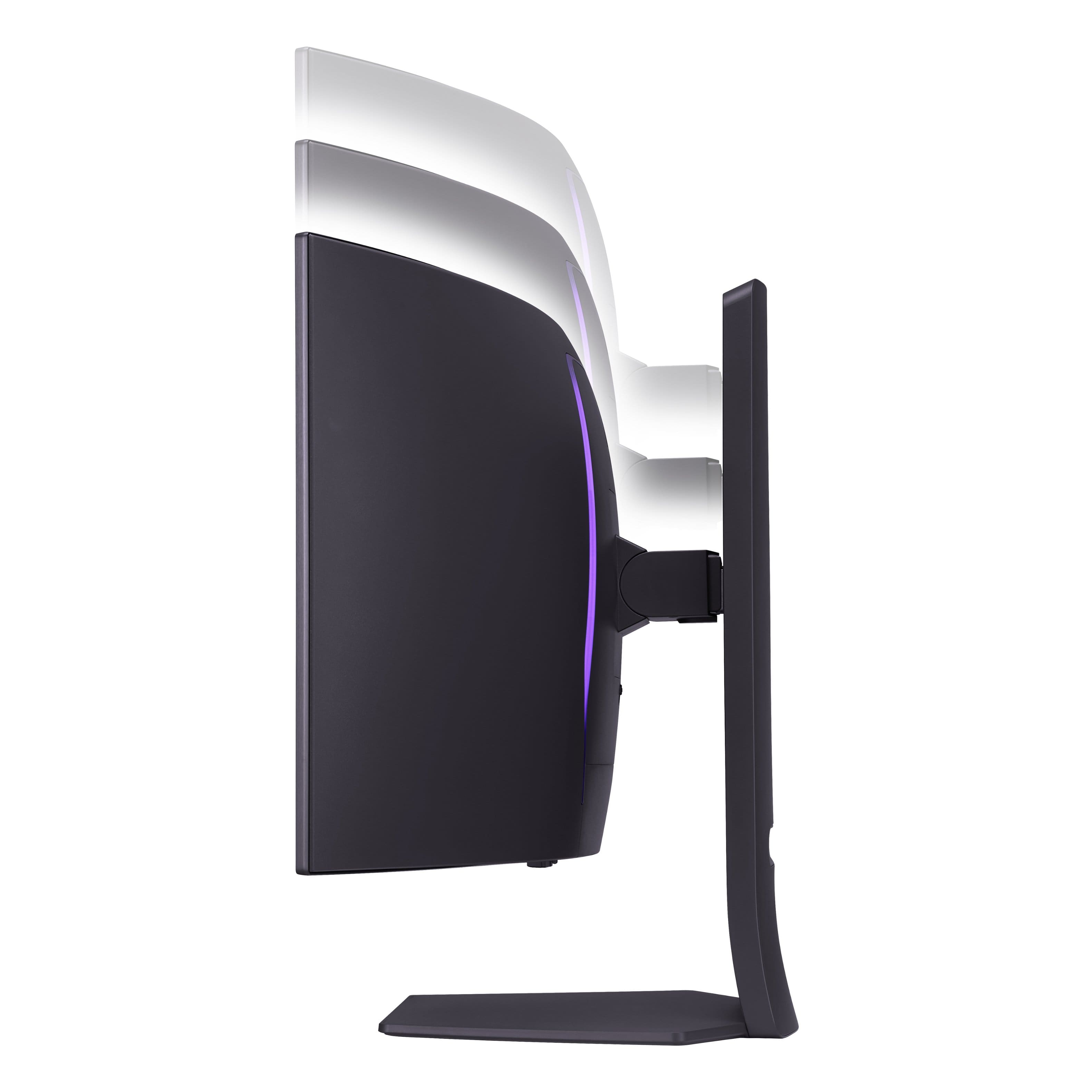
    • Answer No, the screen is too big, and the stand doesn't have enough space to turn the screen vertically. The stand allows horizontal movement and tilt.

      Answered by Rajat

  • QuestionCan you install external speakers to this monitor?

    Asked by DTime.

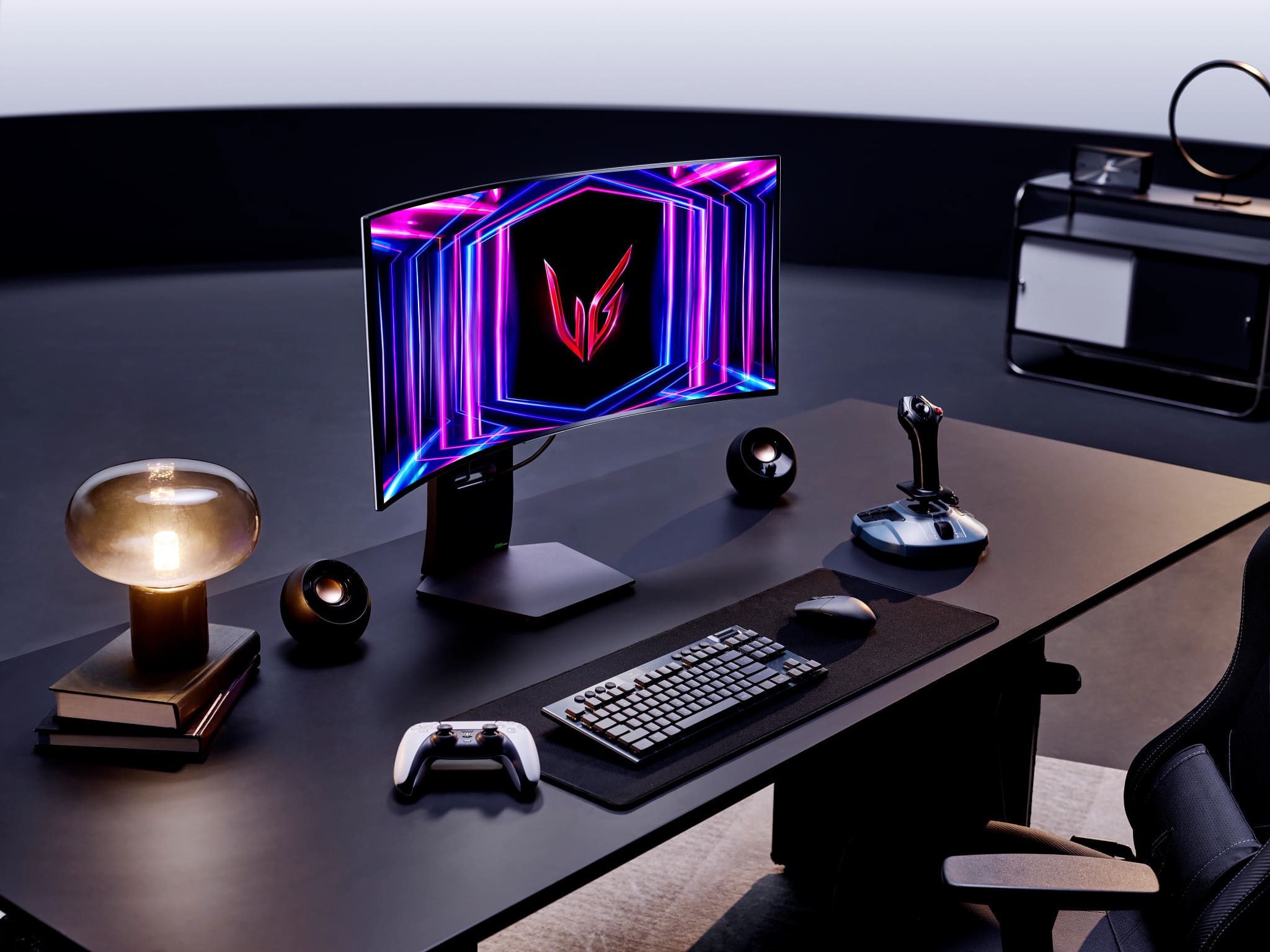
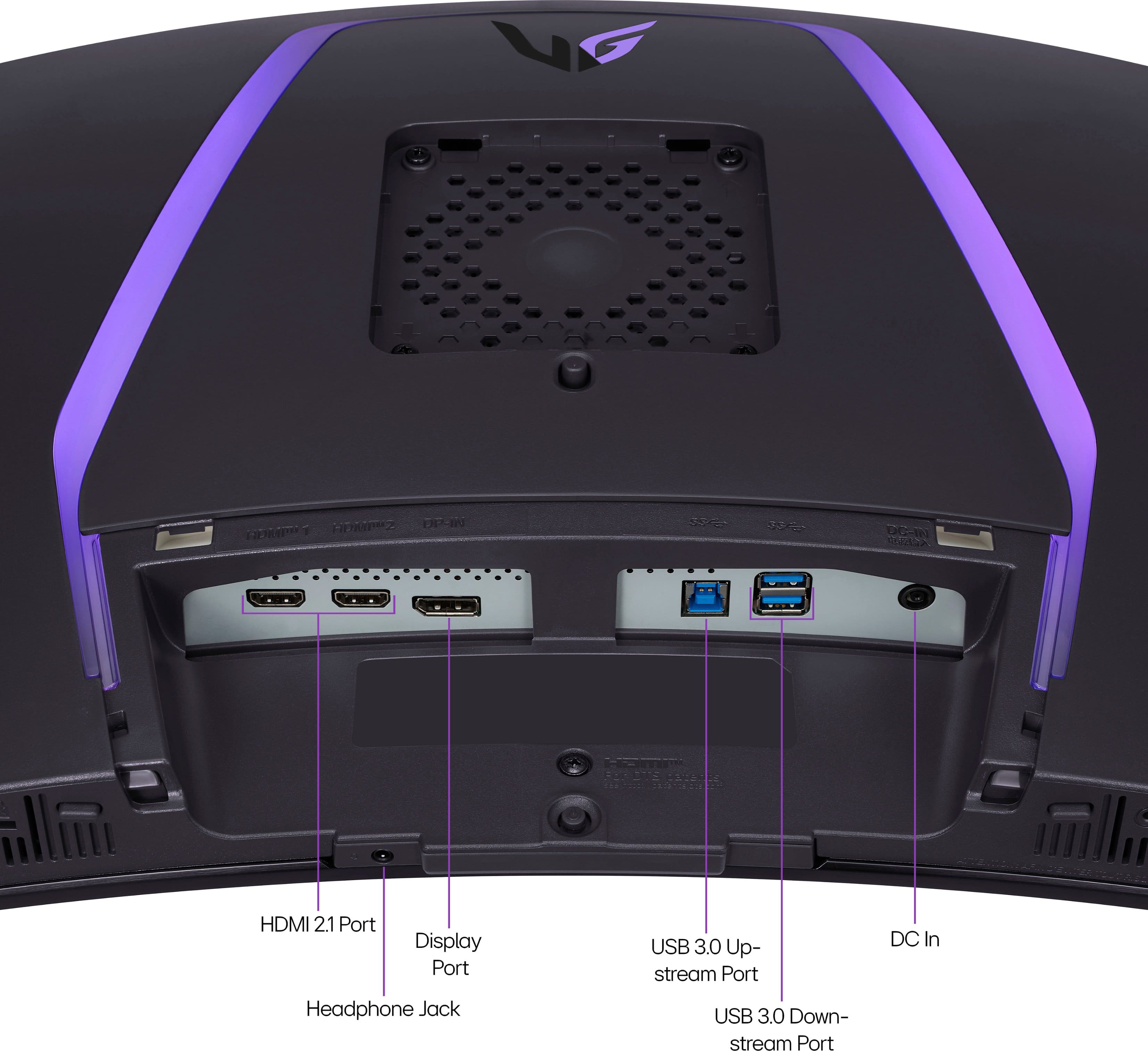
    • Answer Yes you can it has a 3.5 mm aux port to connect external speaker. I use white Edifier bookshelf speakers with the monitor and they work great.

      Answered by David

  • QuestionIs this monitor hdmi 2.1 compatible?

    Asked by Anonymous.

    • Answer yes

      Answered by Rajat

  • QuestionWhere can I physically see this monitor?

    Asked by Rick.

    • Answer Trying calling a BestBuy, I saw this at my local bestbuy in person before purchasing it.

      Answered by Rajat

  • Questionwhen does this come out? i am very interested in it

    Asked by hailey.

    • Answer Hi there. Thank you for sharing your interest in the 34GS95QE-W.AUS monitor! We understand that you're eager to know when it will be available. We recommend checking out official LG website about this monitor at: https://www.lg.com/us/monitors/lg-34gs95qe-b-gaming-monitor or checking with BestBuy for updates on availability. If you’d like more detailed information, feel free to send us a private message on Social Media @LGUSSupport, and our team will be happy to assist you. We appreciate your patience and excitement for this model! —Renzo

      Answered by LG Digital Customer Care

  • QuestionWhat is the PPI?

    Asked by Dyl.

    • Answer pixels per inch ( ppi ) Is a measure that indicates the density of pixels on a screen

      Answered by Anonymous

  • QuestionCan I connect it to a ps5?

    Asked by Ze.

    • Answer Yes and no, you can connect your PS5 to it but because of the aspect ration being 21:9 it will stretch the picture out and I had issues with the PS5 not detecting and changing the resolution to 1440p and it would still think it was a 4k in the PS5, settings. I would recommend going with a a 27in or 32in that has a 16: 9 aspect ratio monitor for the PS5.

      Answered by Ilow21