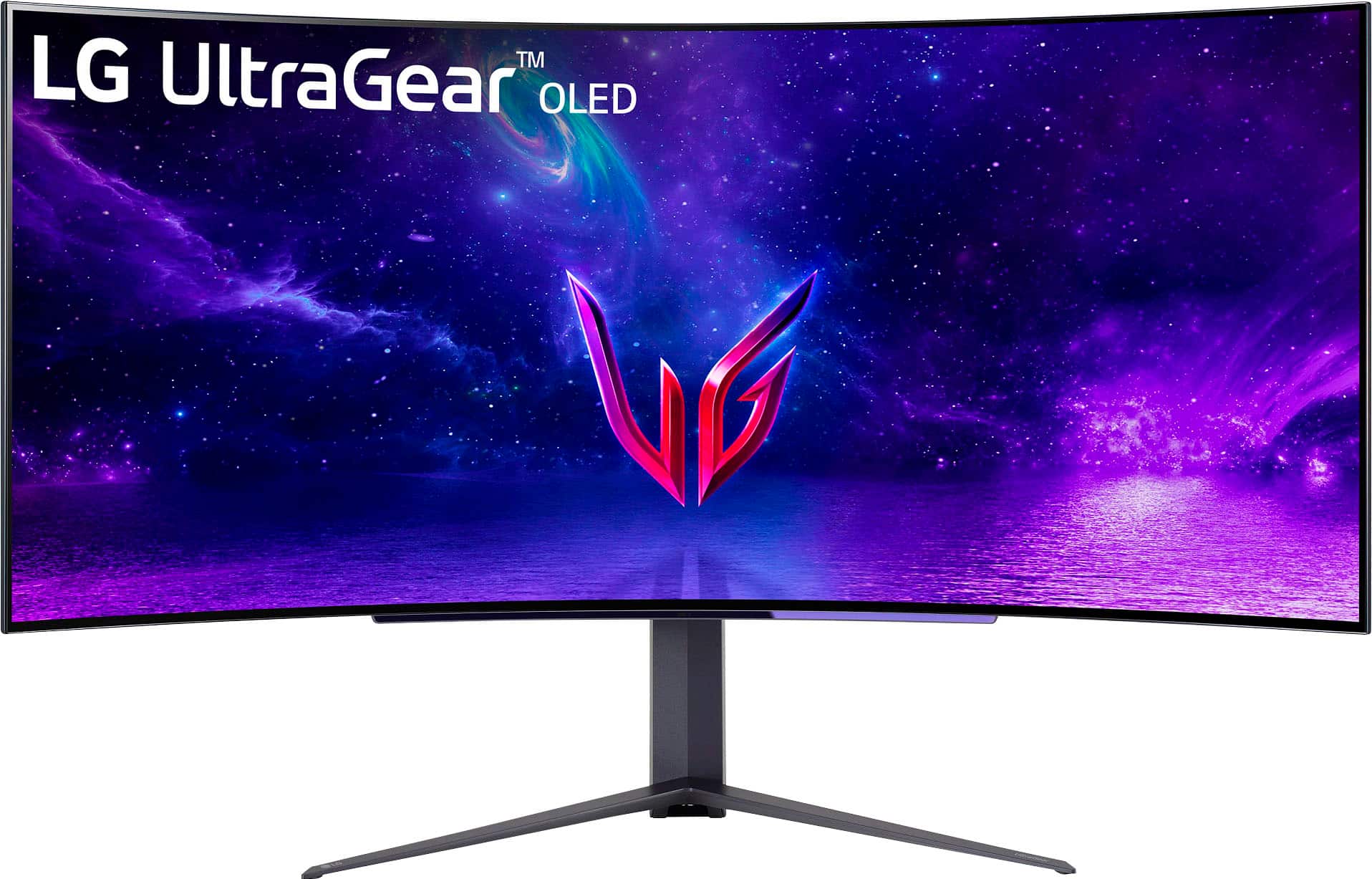
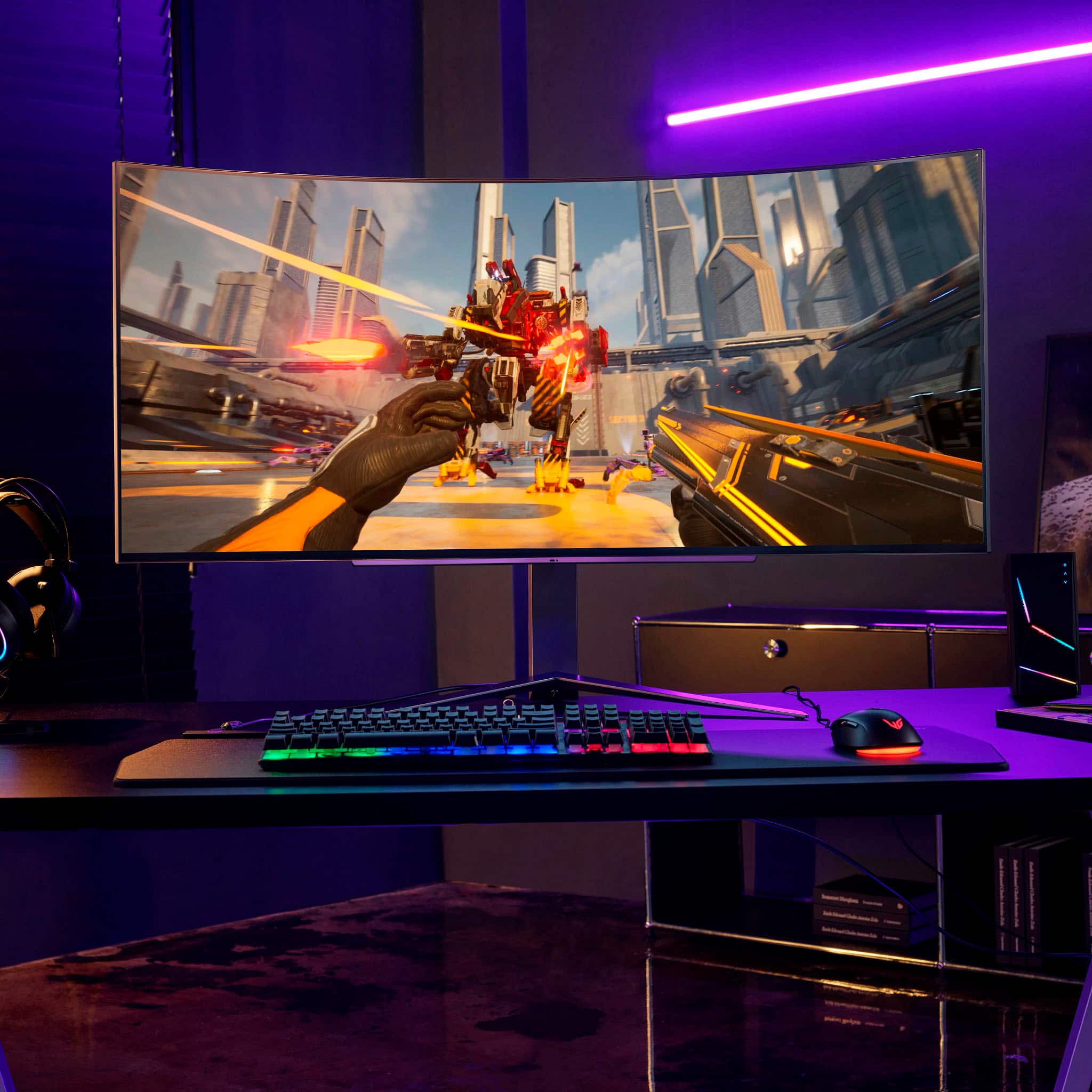
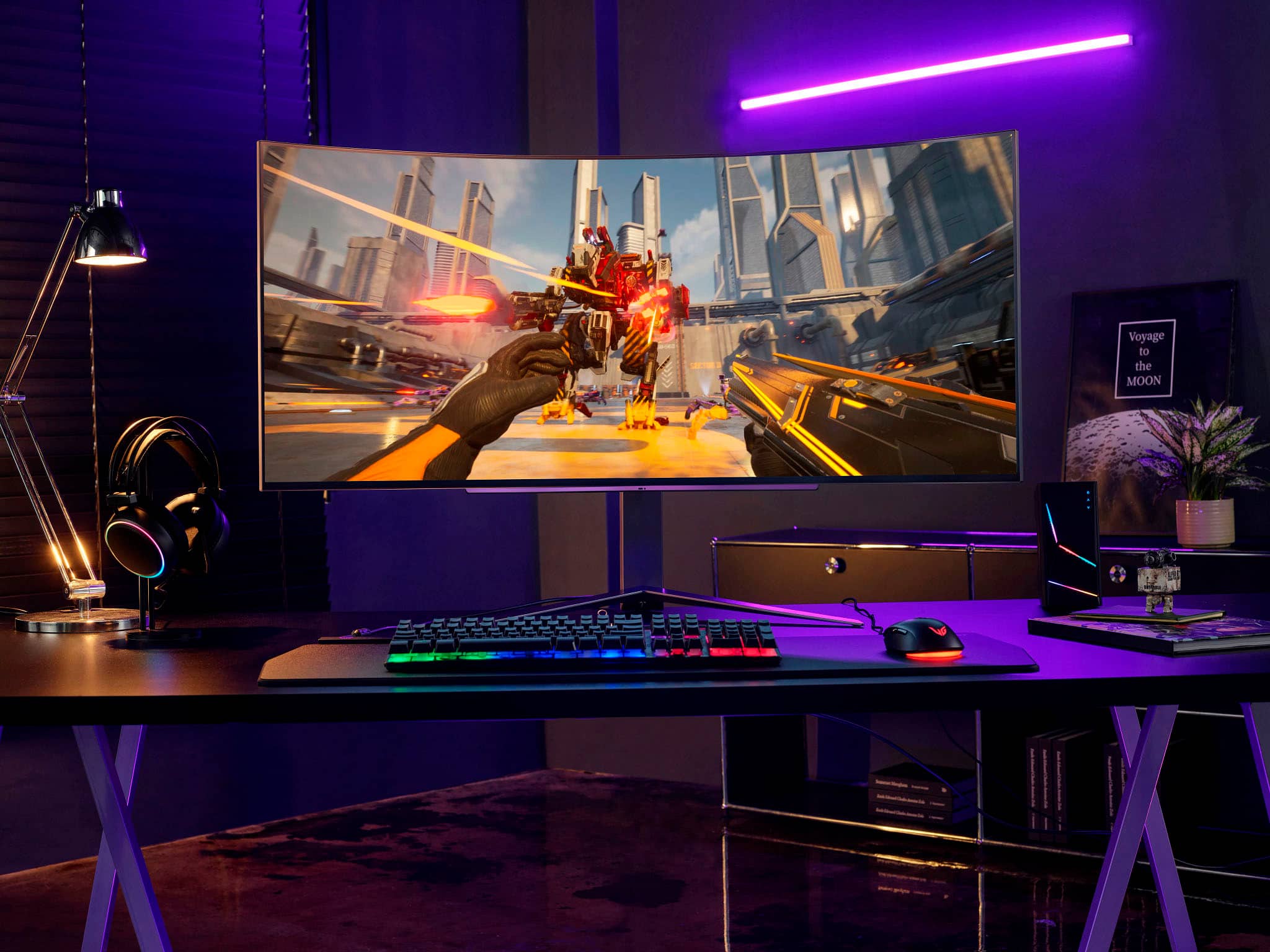
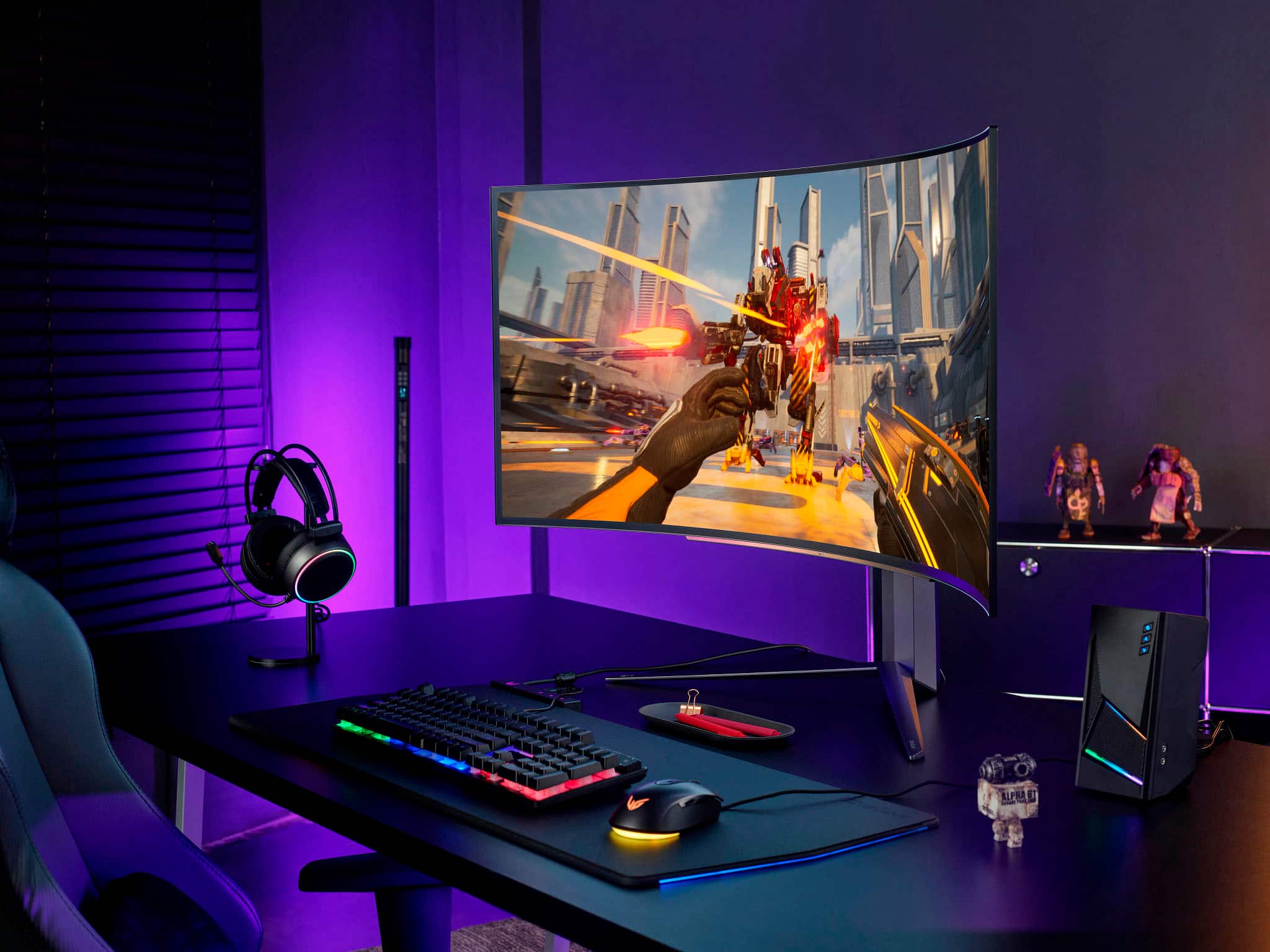
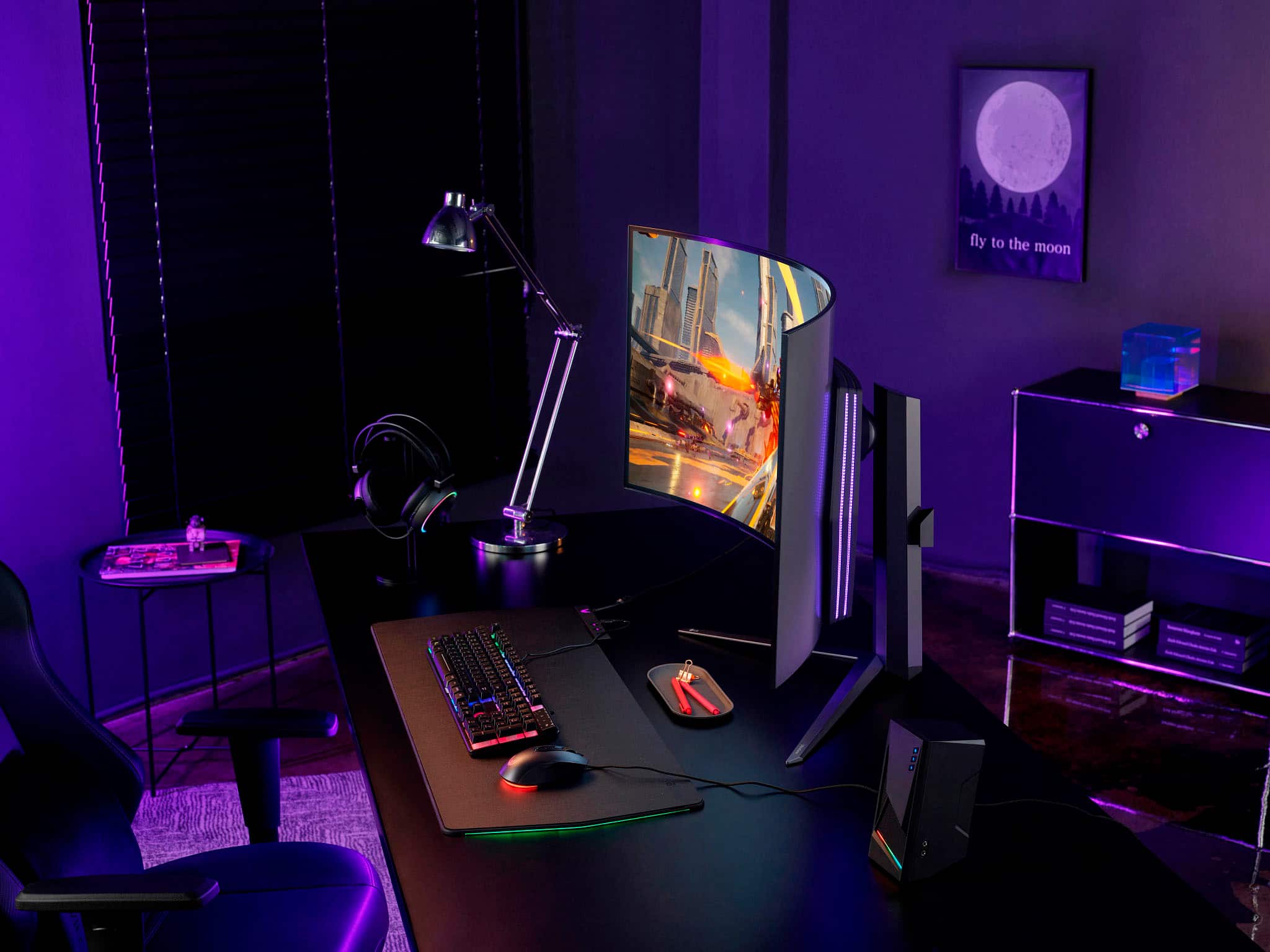
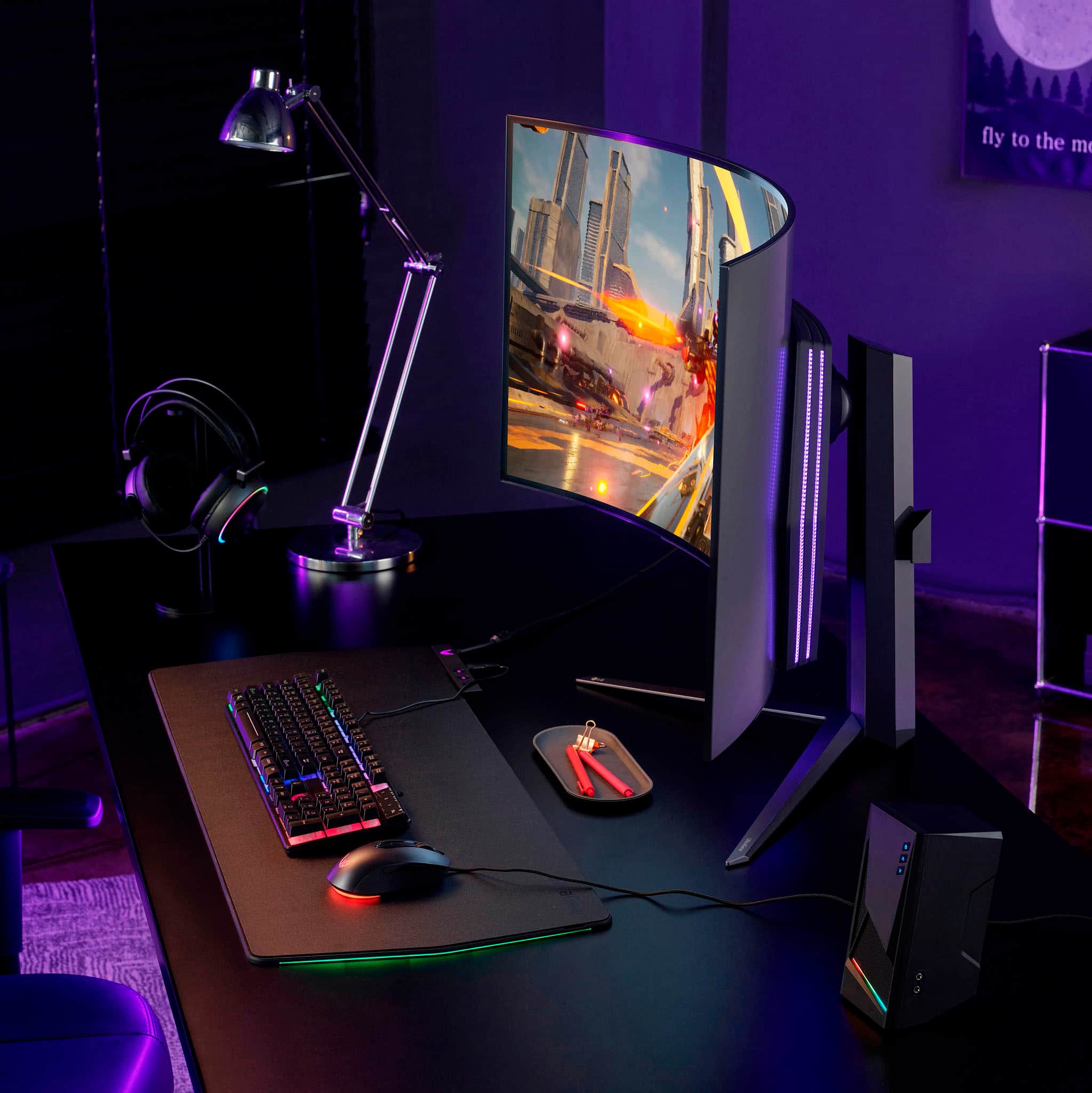
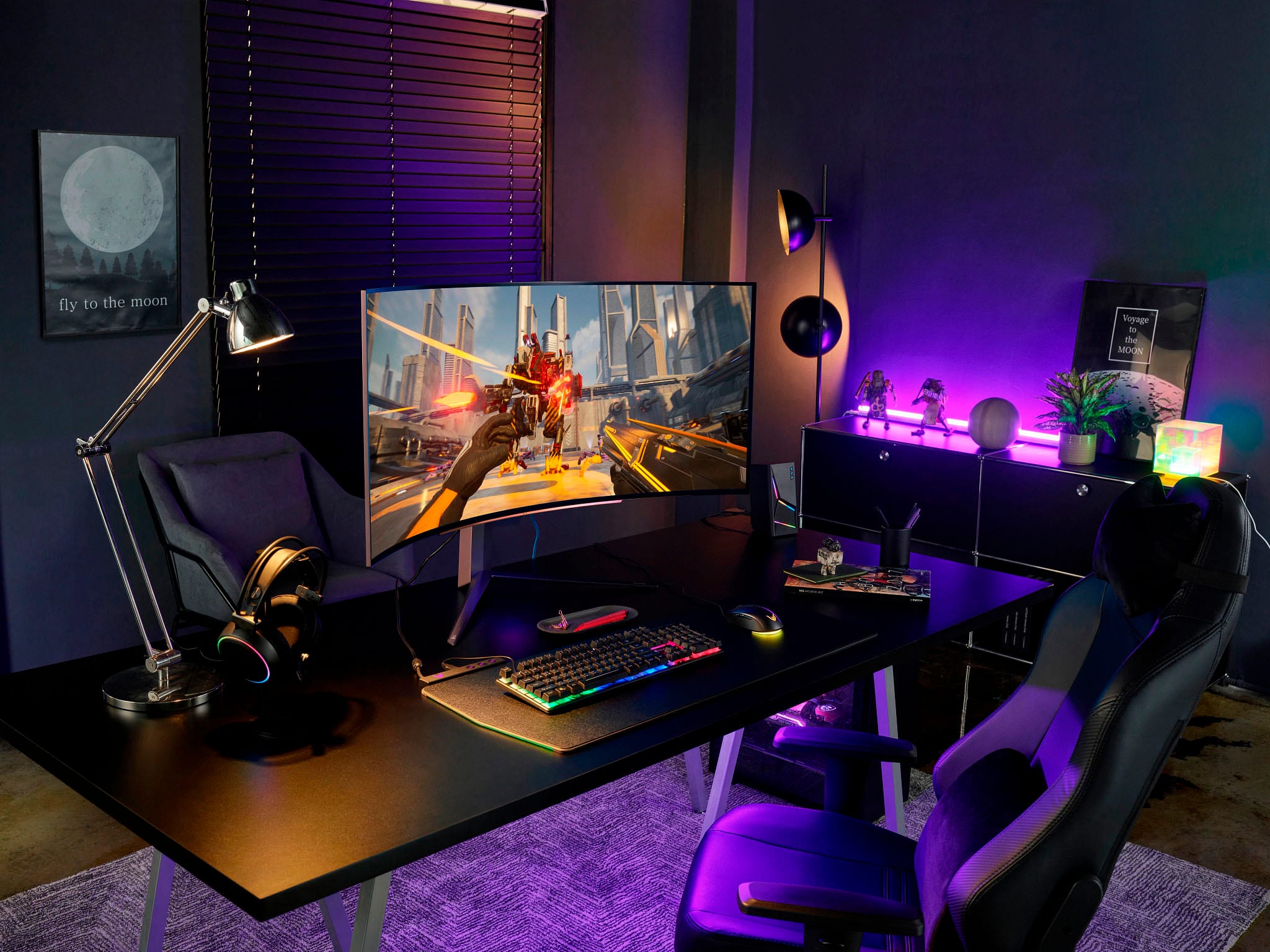
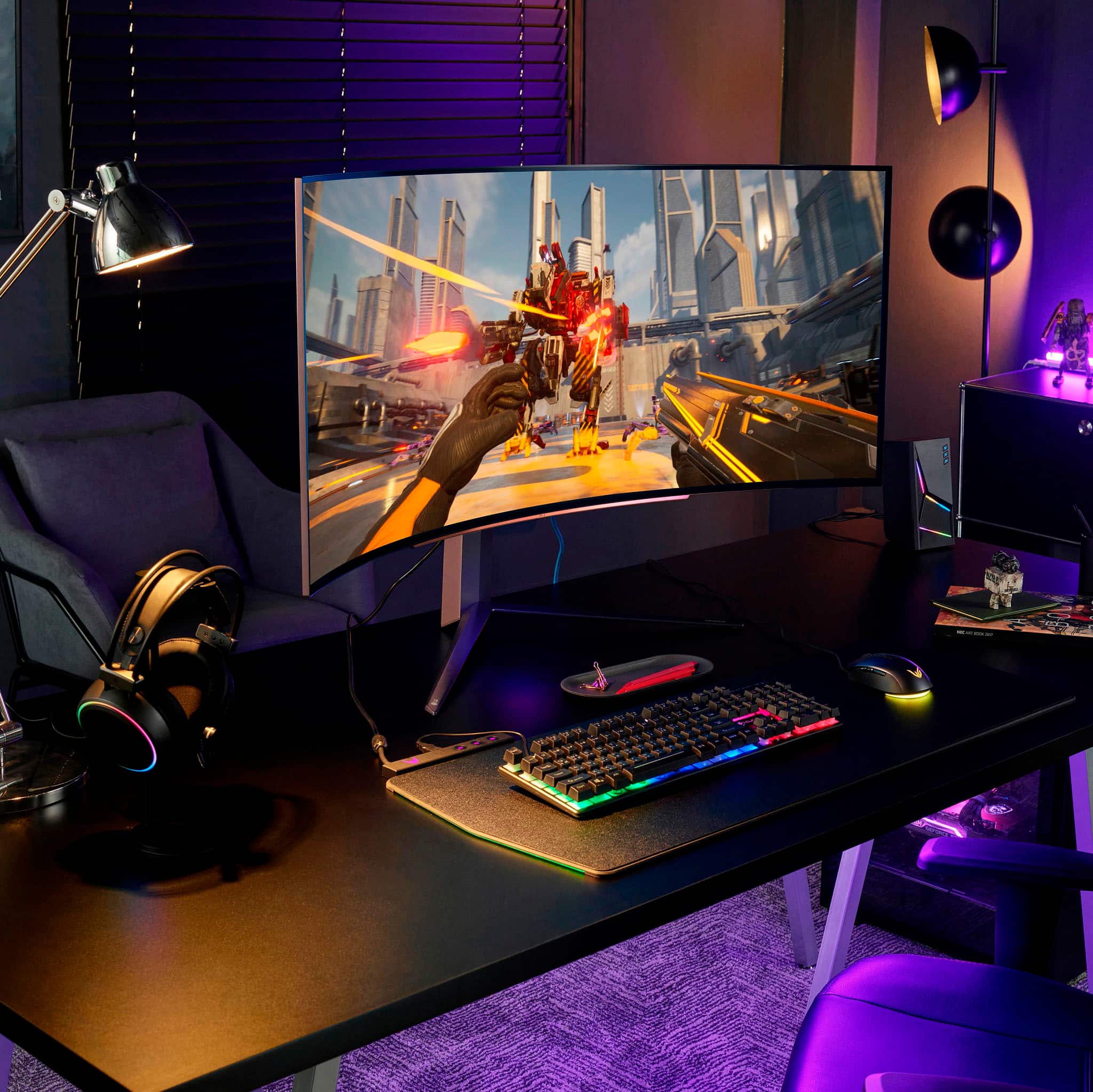
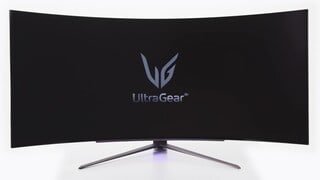
A:AnswerI use this screen for work and gaming. I can have several work apps open on the screen at the same time. This replaced a 2 monitor set up for me and I like it much better.
A:AnswerI used the gamer 2 preset (HDR) on my PS5, but honestly the presets all look pretty good in my opinion. I’d just flip between them to get a feel for what works best for you. Also I have my PS5 set to 1440p (tried to force 2160p though since the resolution is weird) and I have HDR on and 120fps mode on.
I hope that helps!
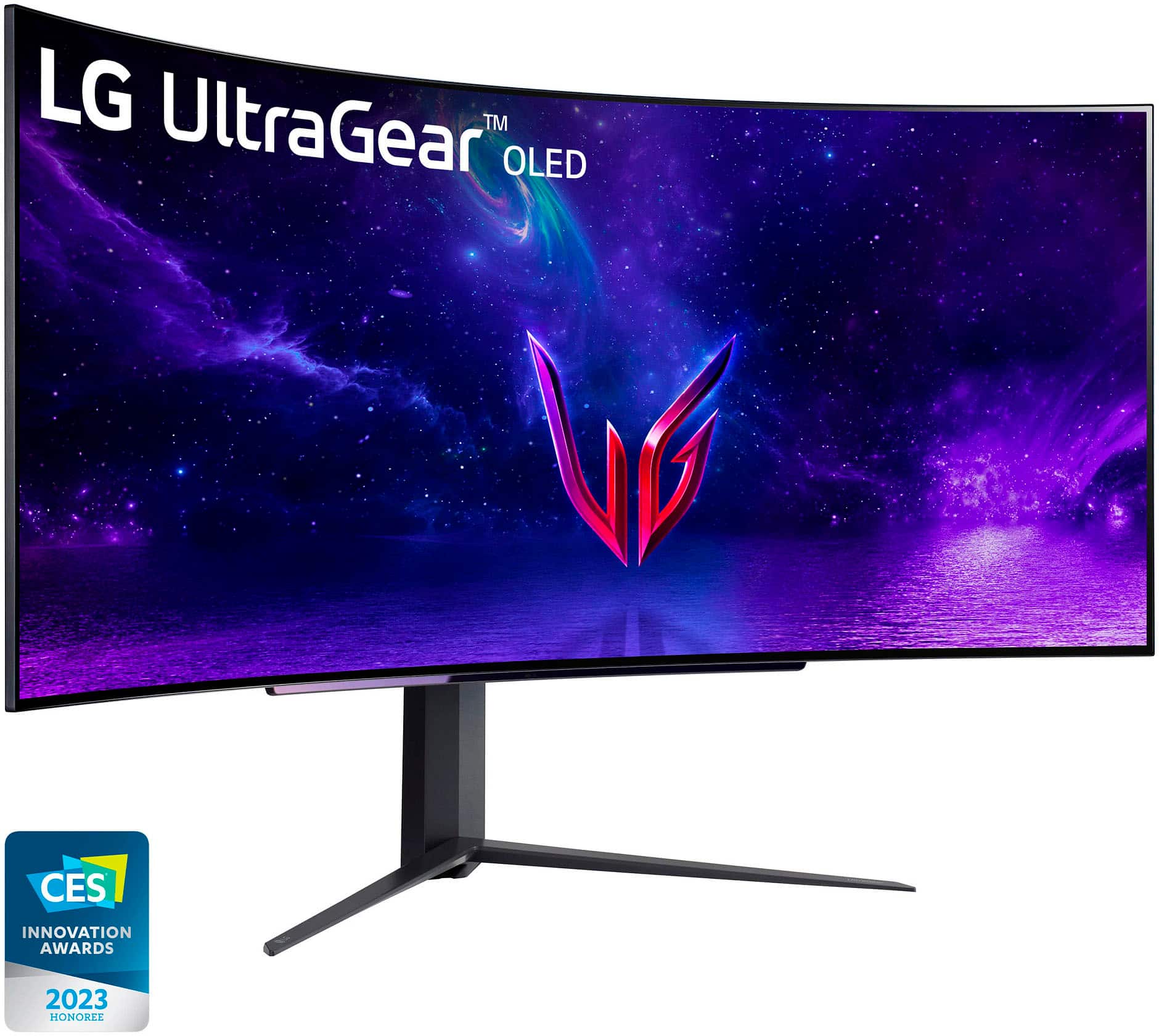
A:AnswerThank you for your interest in the LG 45" UltraGear™ OLED Curved Gaming Monitor WQHD with 240Hz Refresh Rate 0.03ms Response Time (45GR95QE-B) model. The LG 45GR95QE-B monitor does not have built-in speakers, so to enjoy high-quality sound, you can consider using external speakers, a soundbar, or a gaming headset. You can download its owner's manual through this link for more information: https://www.lg.com/us/support/product/lg-45GR95QE-B.AUS. ^Cris
A:AnswerIt depends on the game. Fortnite for example allows 120fps mode but most games on the PS5 are capped at 60fps. The monitor will auto-adjust based on your games frame rate output.
A:AnswerHi there. Thanks for reaching out. You can use the LG UltraFine 5K Display at a resolution of 3840 x 2160 at 60Hz on these devices: MacBook introduced in 2015 or later. Mac computers with Thunderbolt 2 ports using the Thunderbolt 3 to Thunderbolt 2 adapter. iPad Pro 12.9-inch (3rd generation and 4th generation)
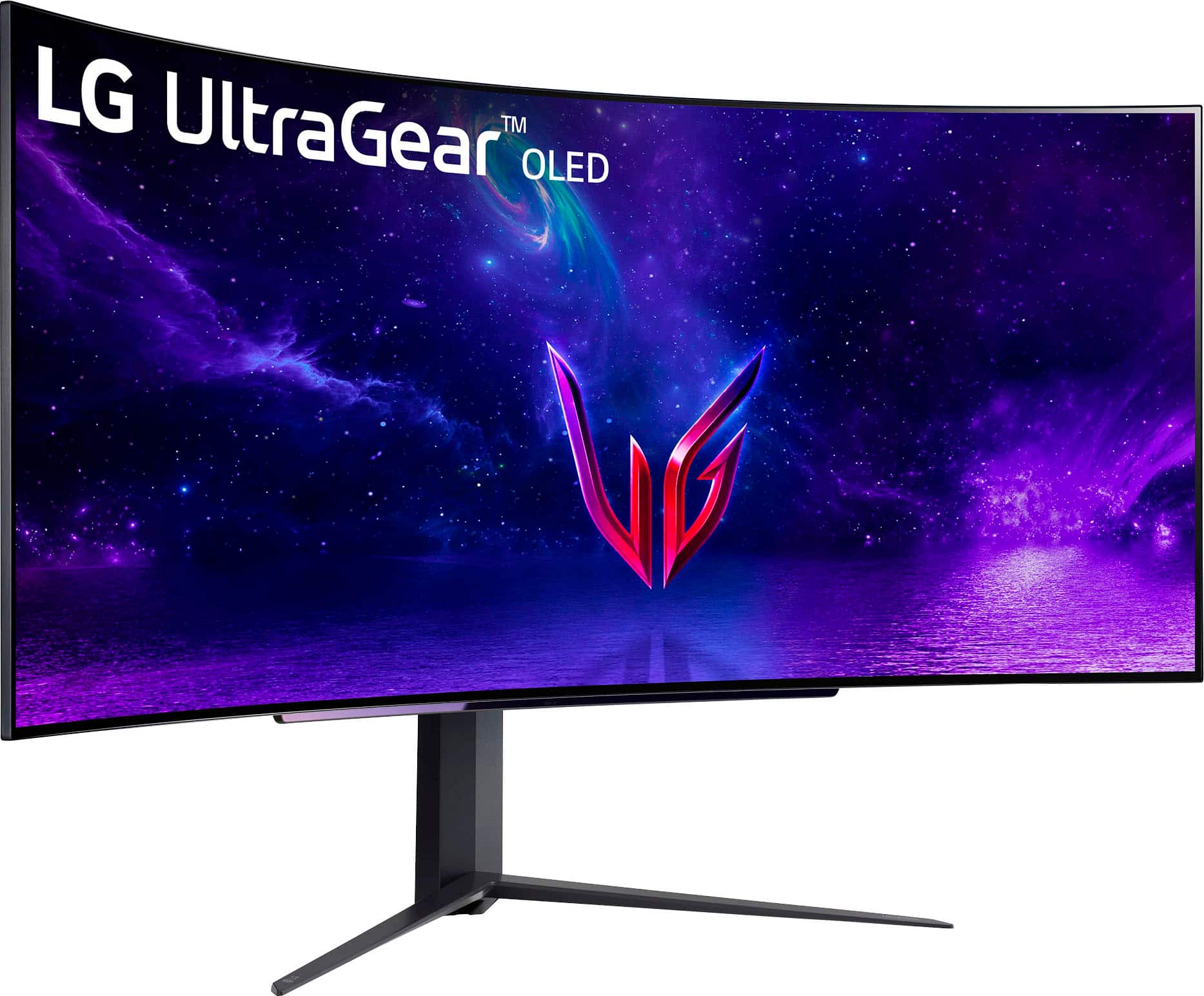
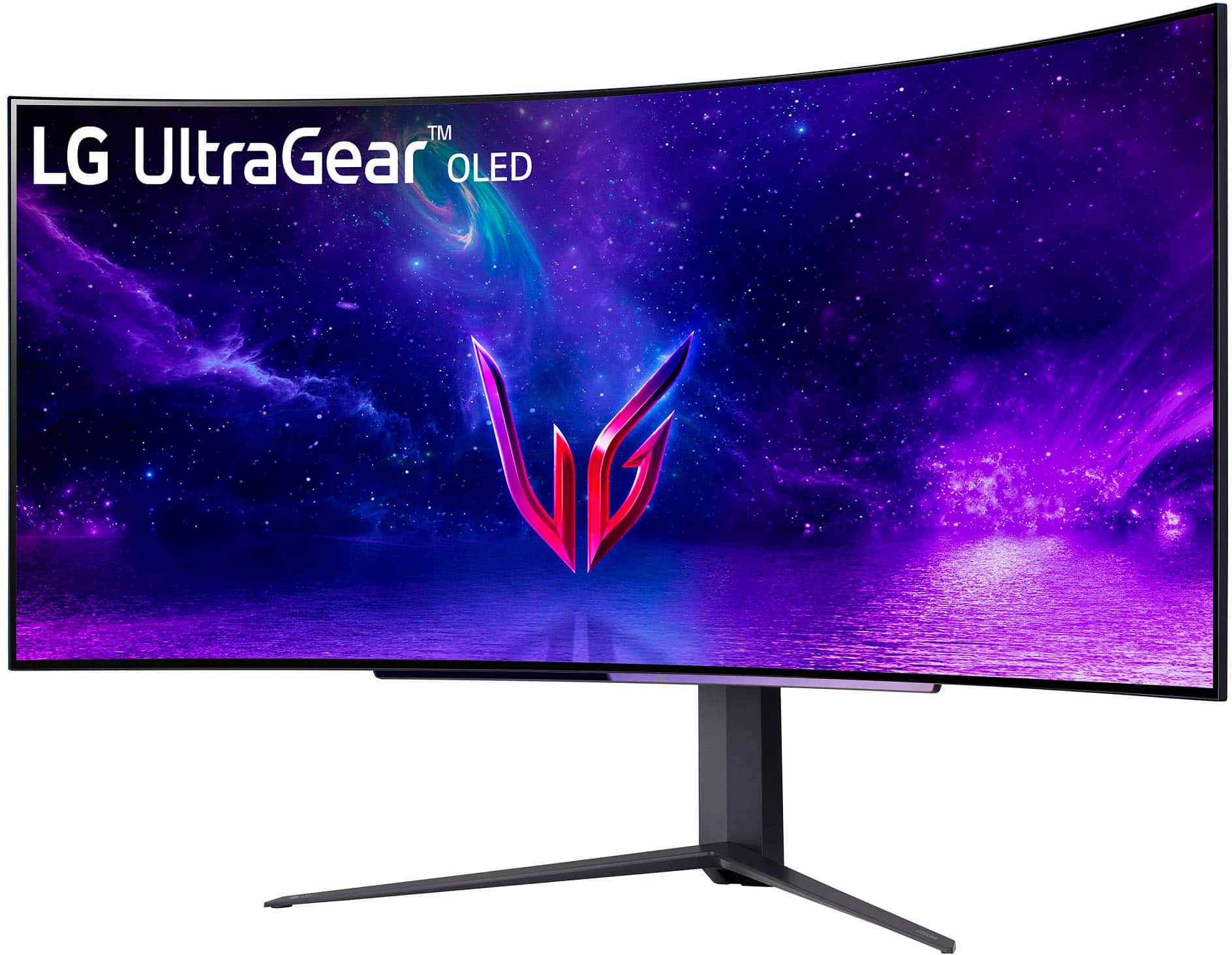
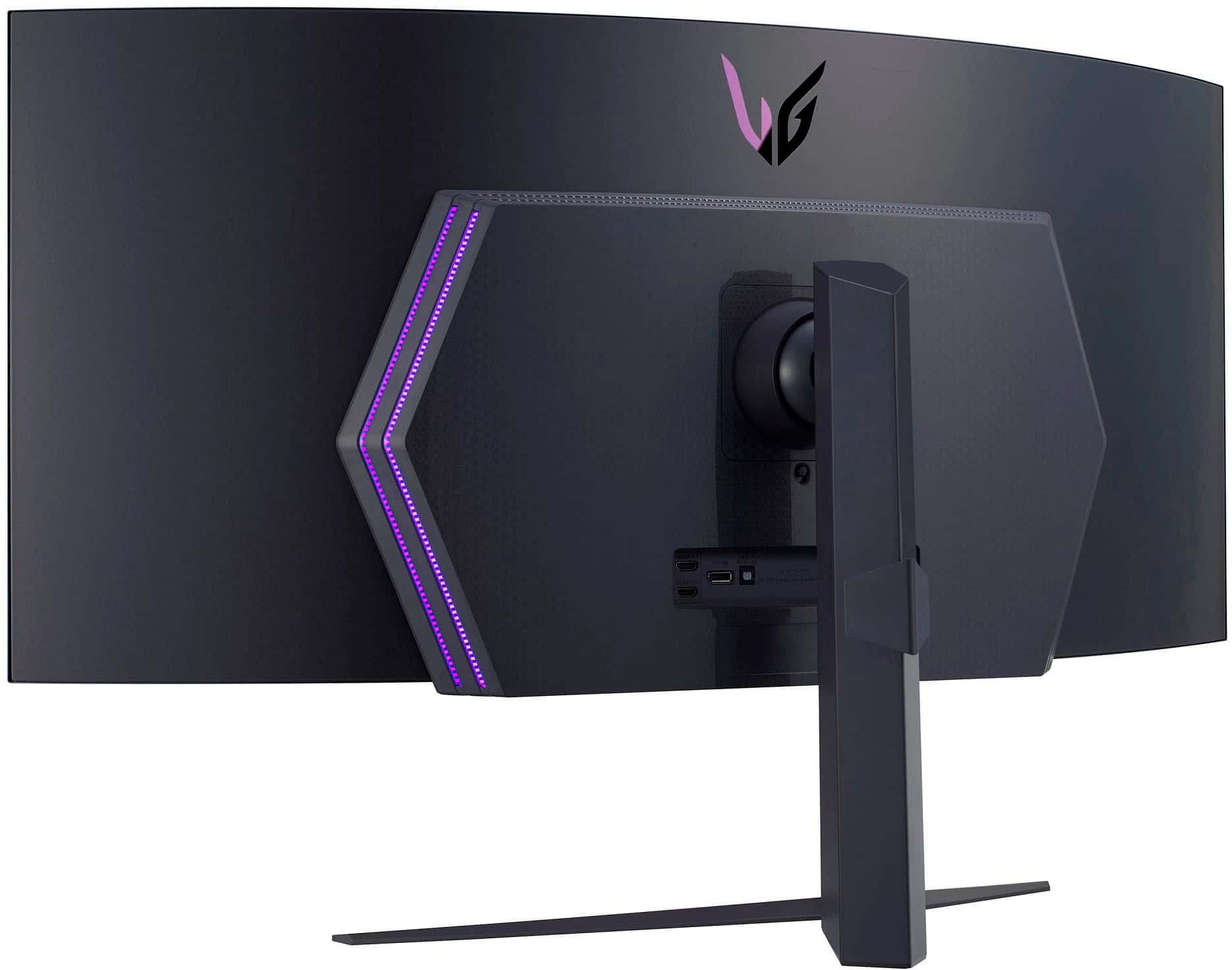
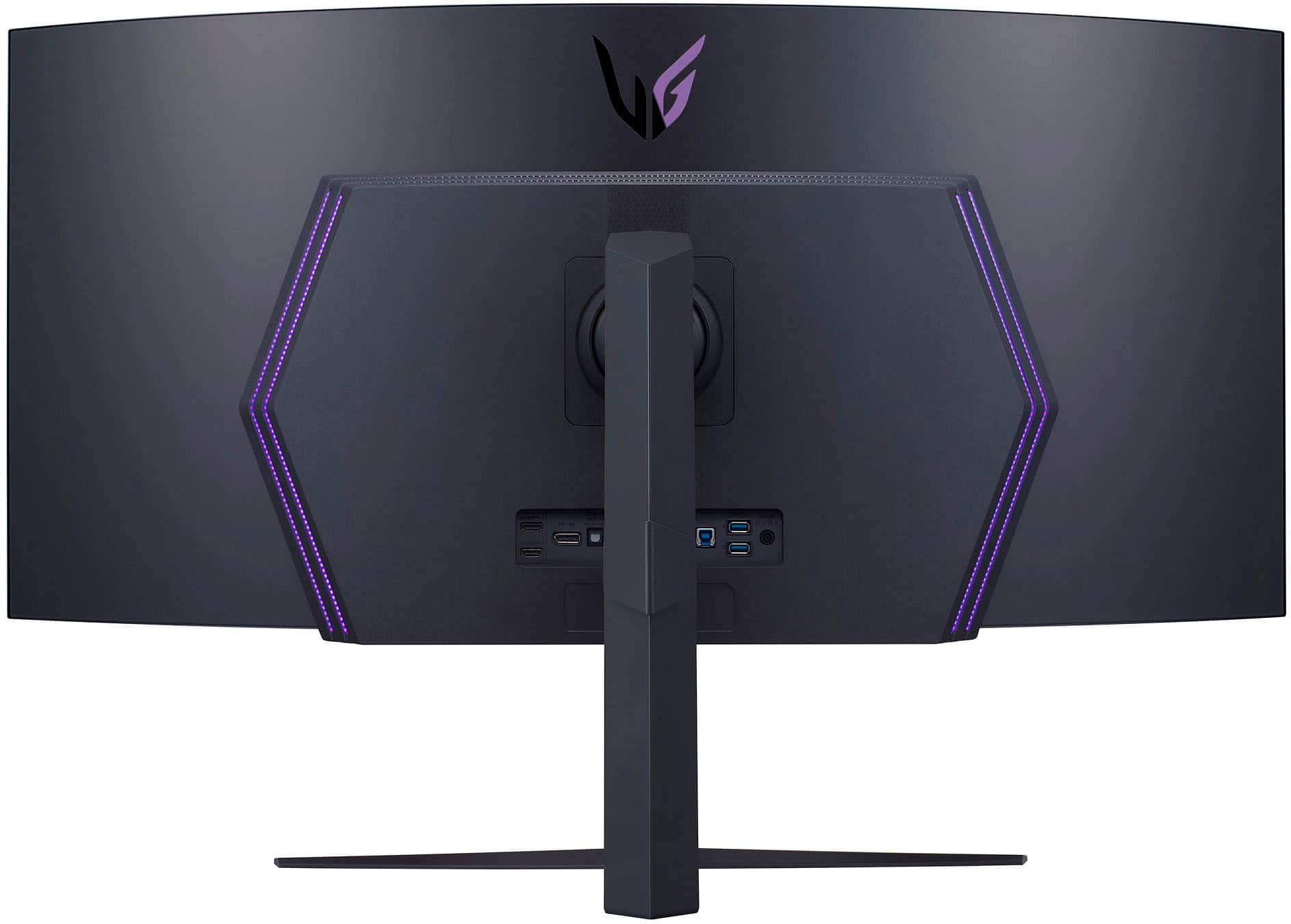
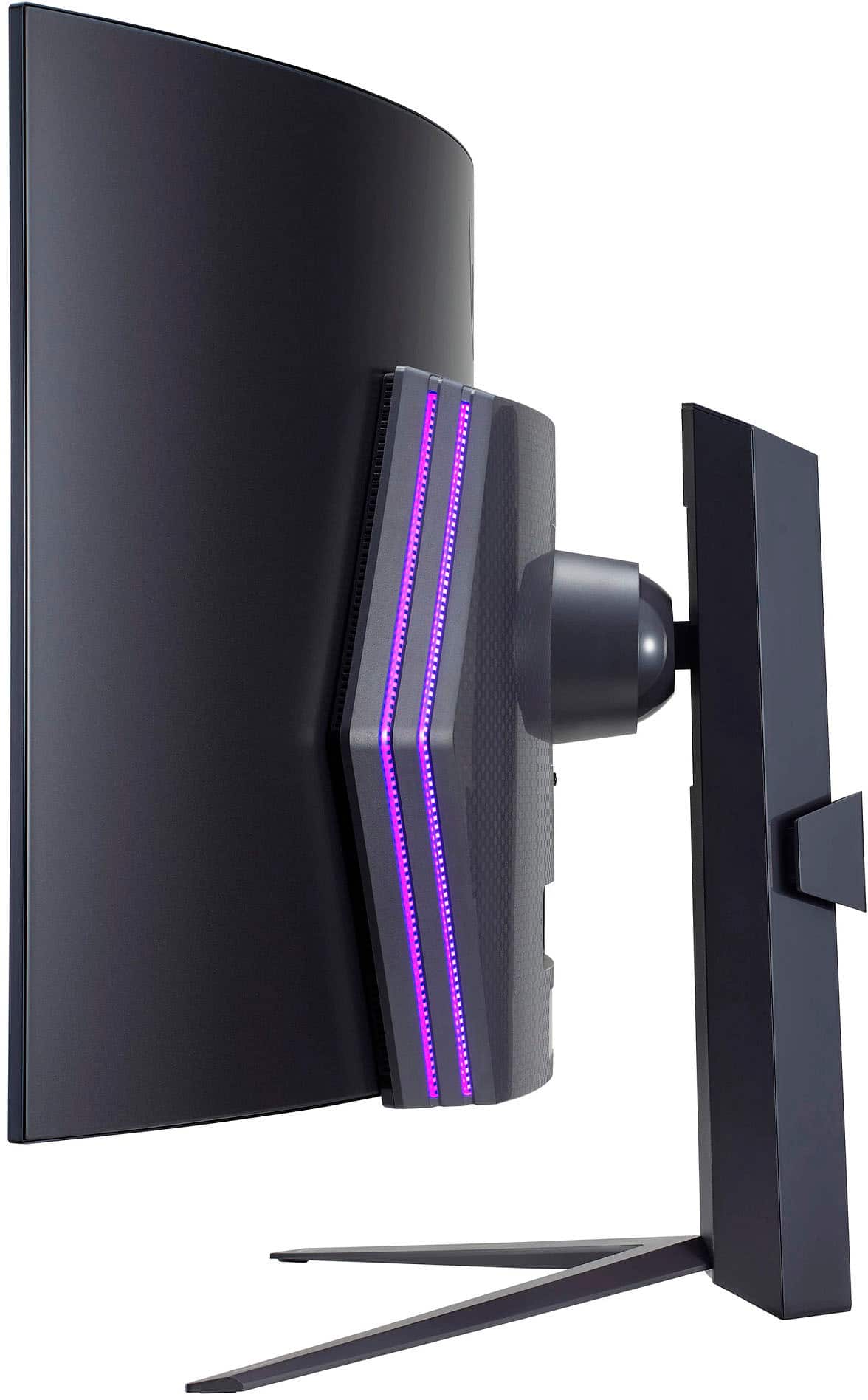
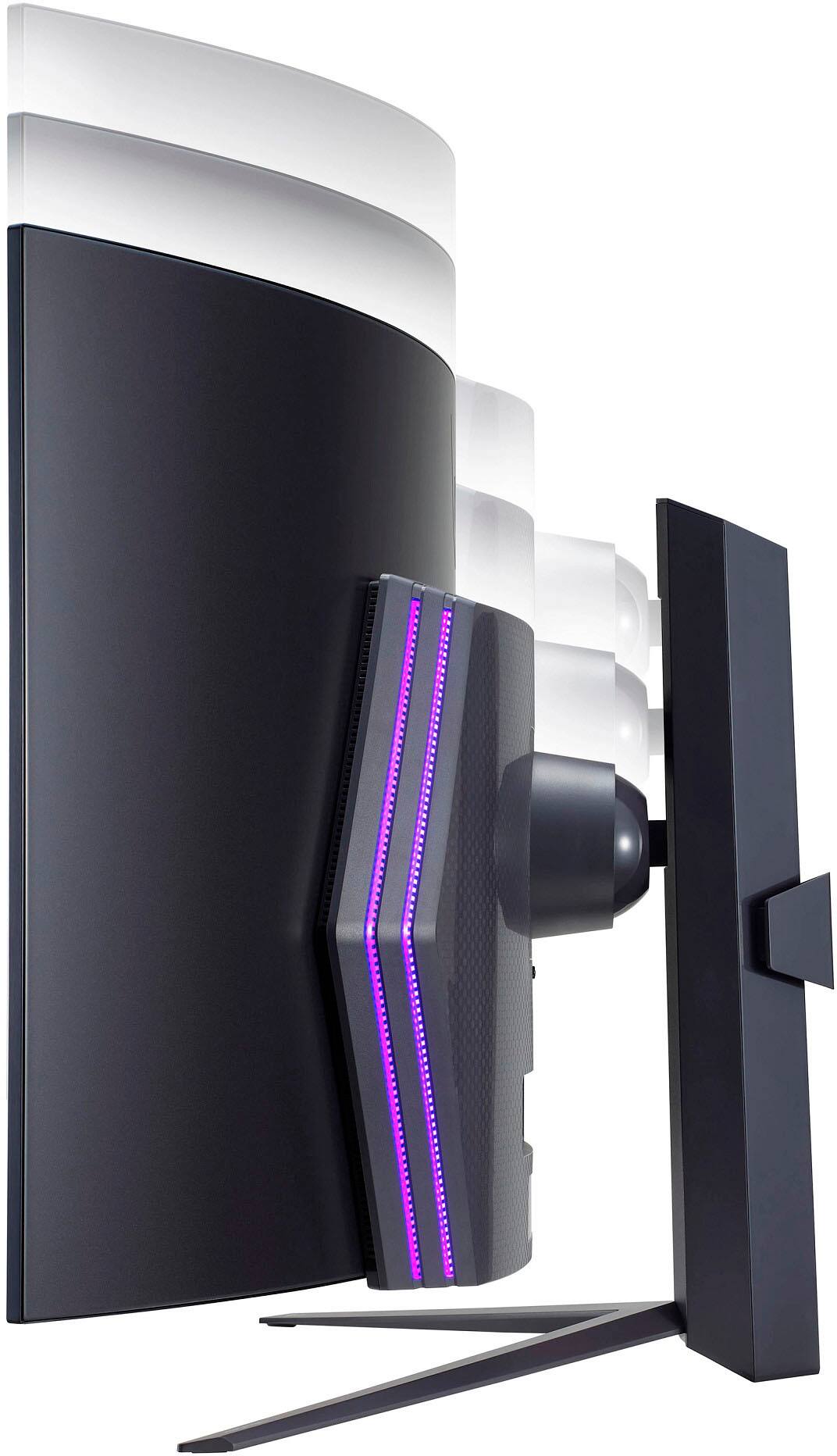
A:AnswerHey Stell! The LG UltraGear 45" OLED Curved Monitor is 39.1 inches wide without counting the curve, and 40 inches wide and more than 14 inches deep, so smaller desks will not be able to hold it. ~Rita
A:AnswerHi Donny, while we can't control what our trusted retailers choose to display. I imagine this monitor would be displayed front and center so that people can experience the 240 Hz refresh rate first hand. ^Chris
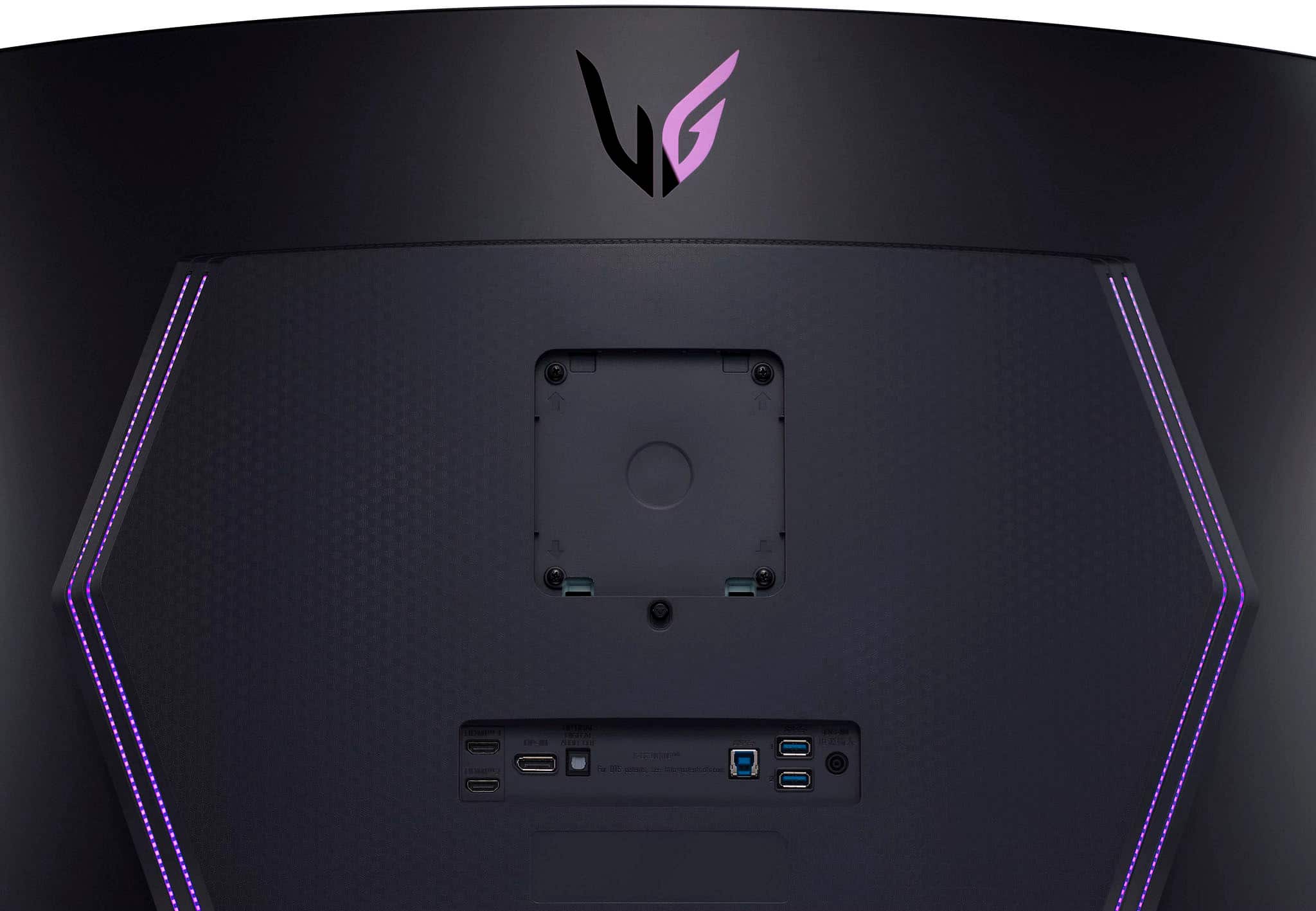
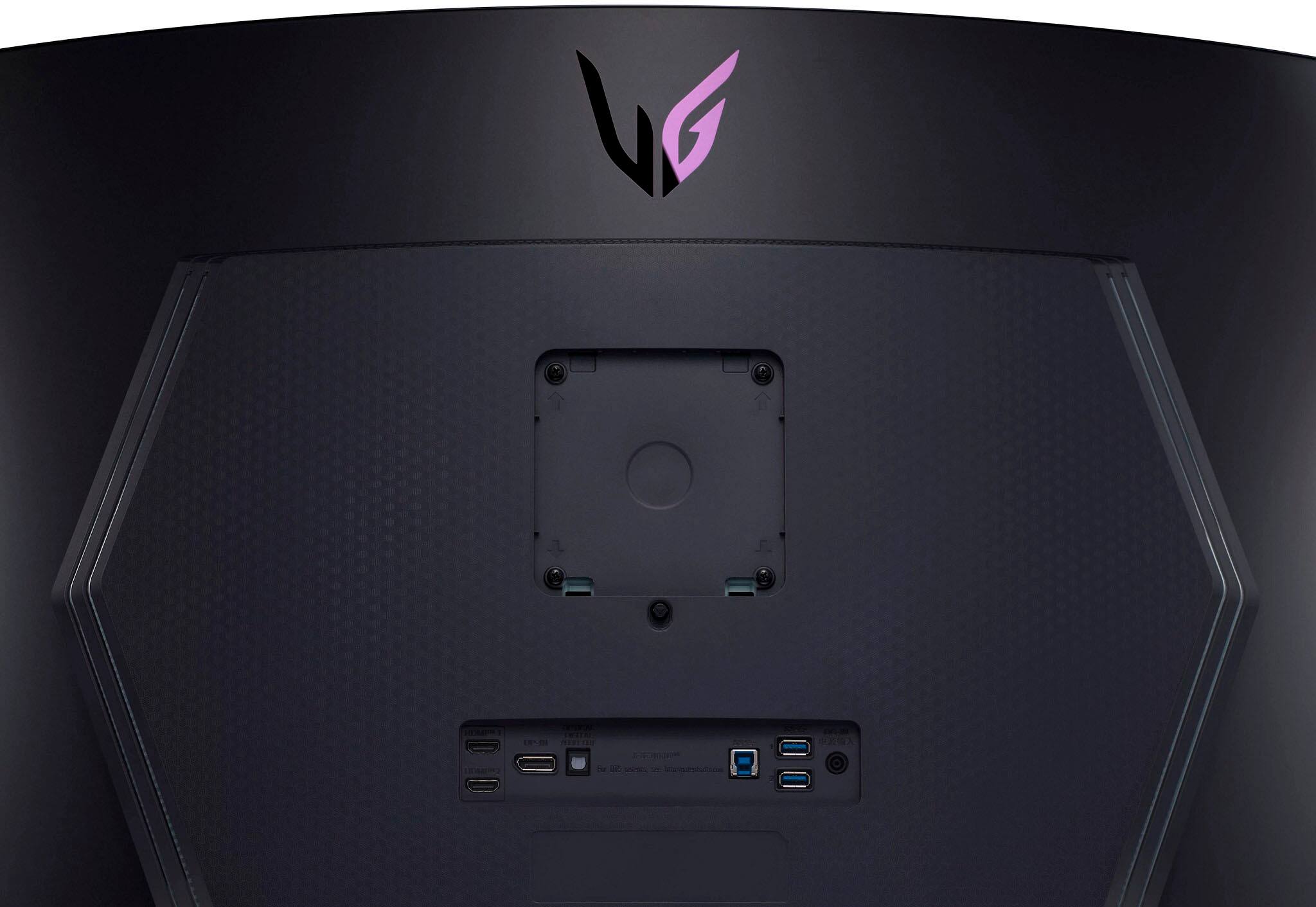
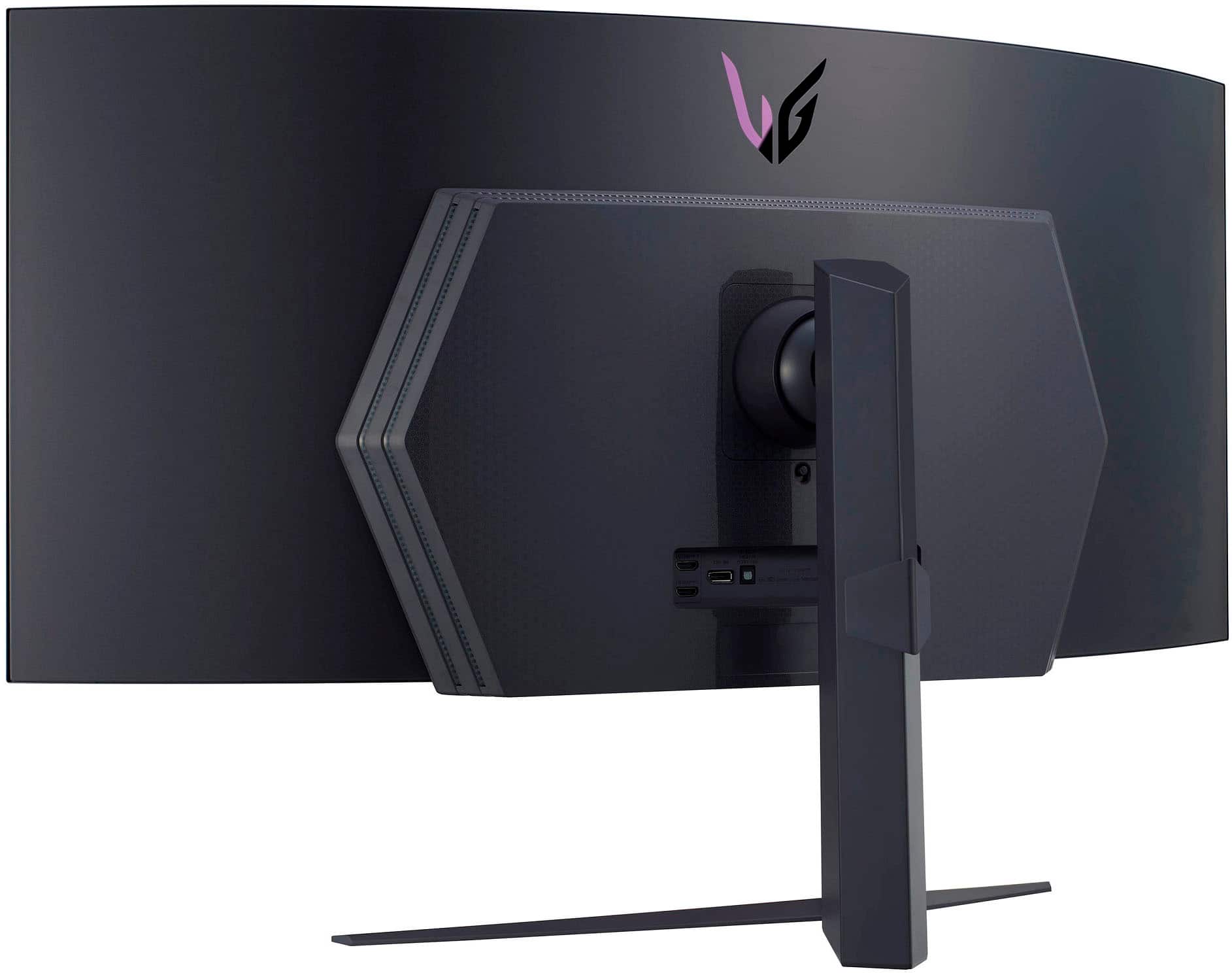
A:AnswerHello there! Thank you for your inquiry. For the LG 45GR95QE-B.AUS monitor, we recommend using speakers that have a 3.5mm audio jack or those that connect via Bluetooth, as this monitor supports these connection options.
Some good choices include high-quality desktop speakers from brands like Logitech or Creative Labs, which offer excellent sound quality and are compatible with most monitors. If you're looking for a more immersive experience, consider a soundbar that connects via Bluetooth or the audio out port.
If you need specific recommendations or have any other questions, please send us a private message on Social Media @LGUSSupport, and our team will be happy to assist you further. We appreciate your patience. —Renzo
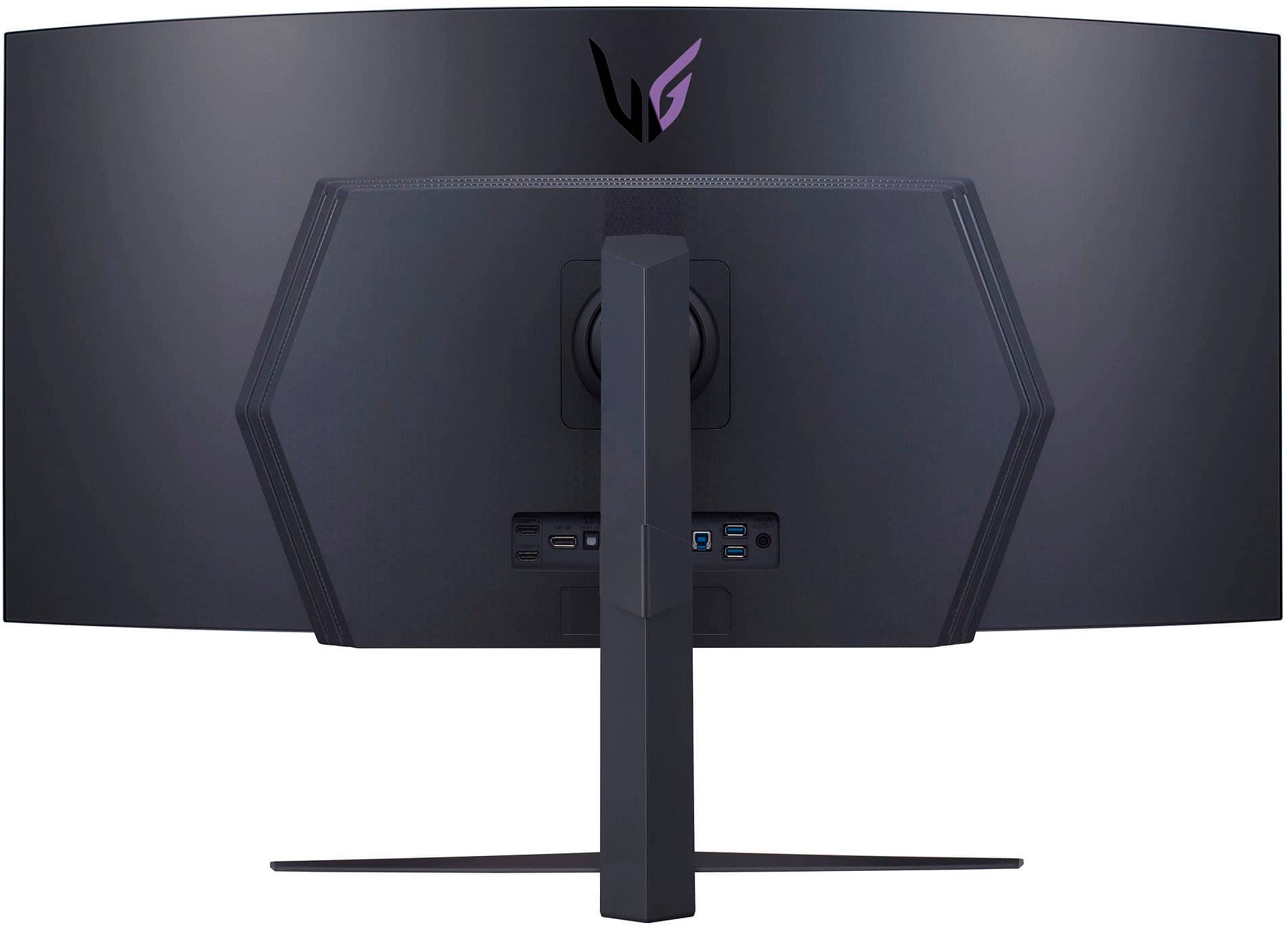
A:AnswerThank you for reaching us regarding LG Monitor. When selecting between HDMI and DisplayPort for your LG 45GR95QE-B monitor, DisplayPort is often the better choice for top performance.
Key Differences:
• Bandwidth and Refresh Rates:
The LG 45GR95QE-B has HDMI 2.1 and DisplayPort 1.4 connections. While HDMI 2.1 can handle high refresh rates and resolutions, DisplayPort 1.4 provides more bandwidth, which is ideal for high refresh rates like 240Hz at 3440x1440 resolution. If your graphics card supports DisplayPort DSC (Display Stream Compression), you can achieve 240Hz with DisplayPort 1.4.
• Picture Quality:
Both HDMI and DisplayPort provide good picture quality when functioning properly. However, DisplayPort is typically better for higher refresh rates and resolutions, especially for gaming.
• Cable Quality:
Use high-quality cables to ensure optimal performance. An old HDMI cable might not support all features of HDMI 2.1, while DisplayPort cables should be at least version 1.2 or newer.
You can download its owner's manual through this link for more information: https://www.lg.com/us/support/product/lg-45GR95QE-B.AUS. For additional assistance, please reach out to us on social media @LGUSSupport so we can help you further. ^Cris
A:AnswerThank you for reaching us regarding LG Monitor. No, The LG 45GR95QE-B.AUS is not a touchscreen monitor. You can download its owner's manual through this link for more information: https://www.lg.com/us/support/product/lg-45GR95QE-B.AUS. For additional assistance, please reach out to us on social media @LGUSSupport so we can help you further. ^Cris