Appliances Memorial Day SaleFree delivery. Ends 6/3. Terms apply.Shop now

Skip to contentGo to Product Search
Main Content

Questions & Answers

$239.99
Save $60
The comparable value is $299.99
Page Showing 1-17 of 17 questions
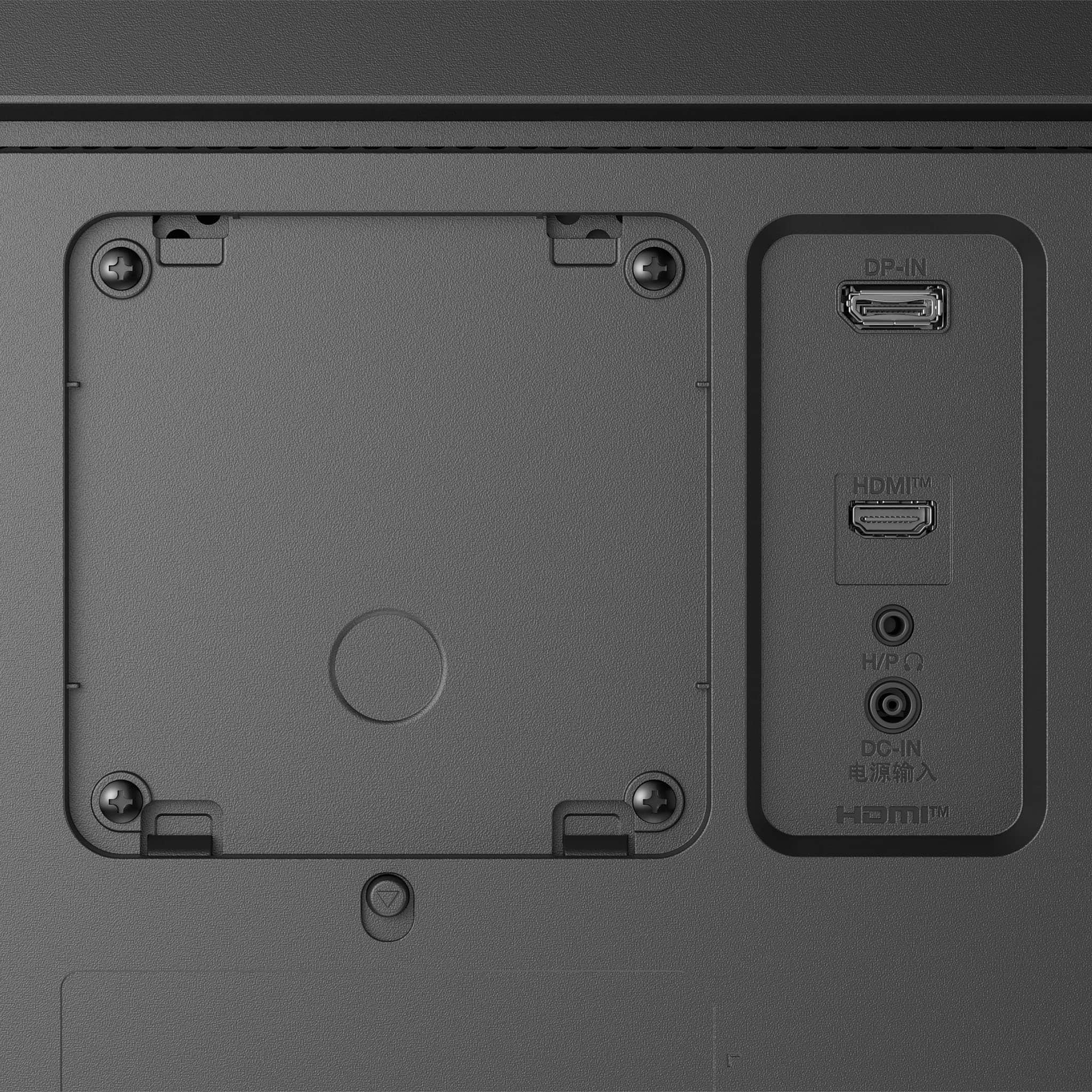
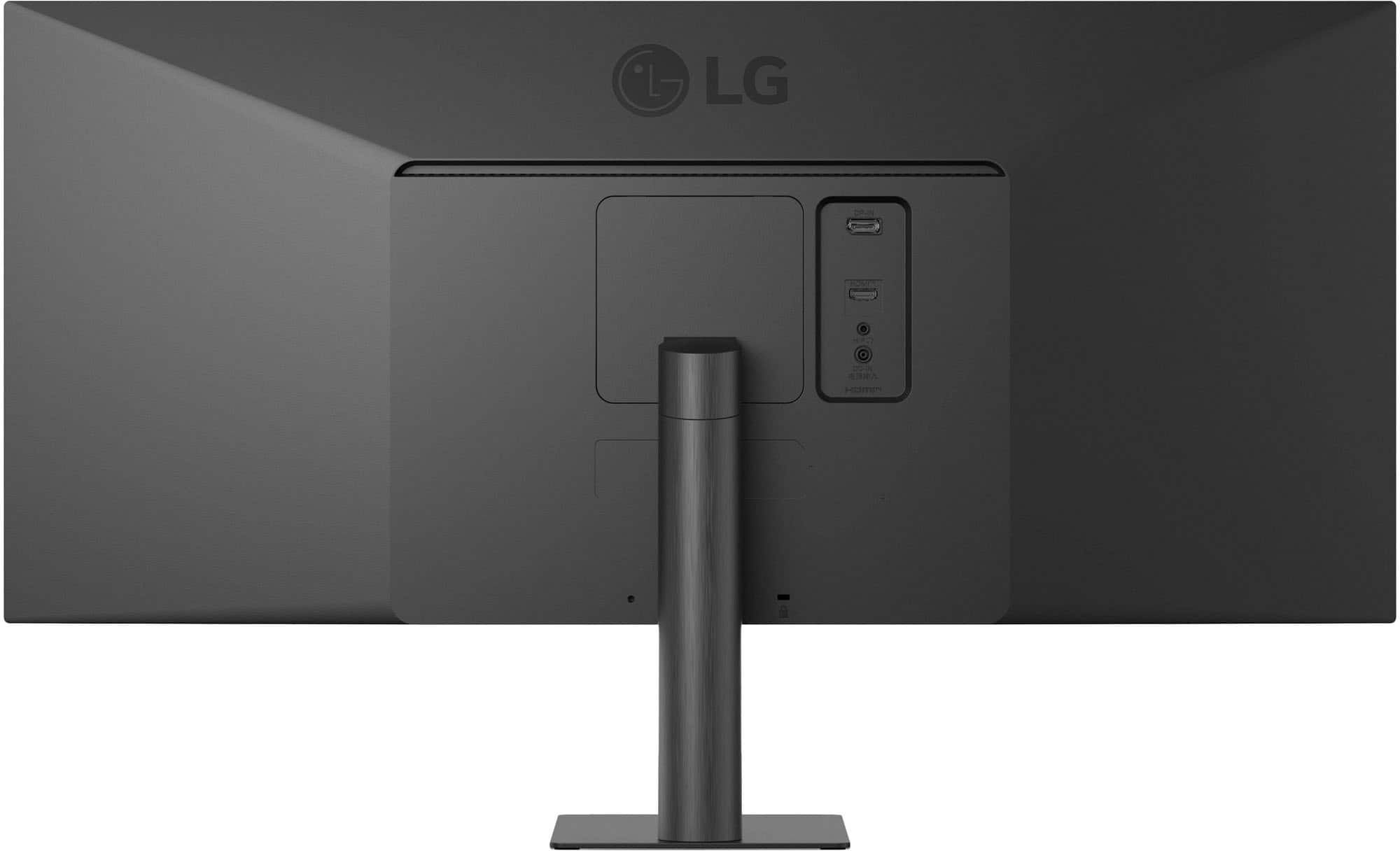
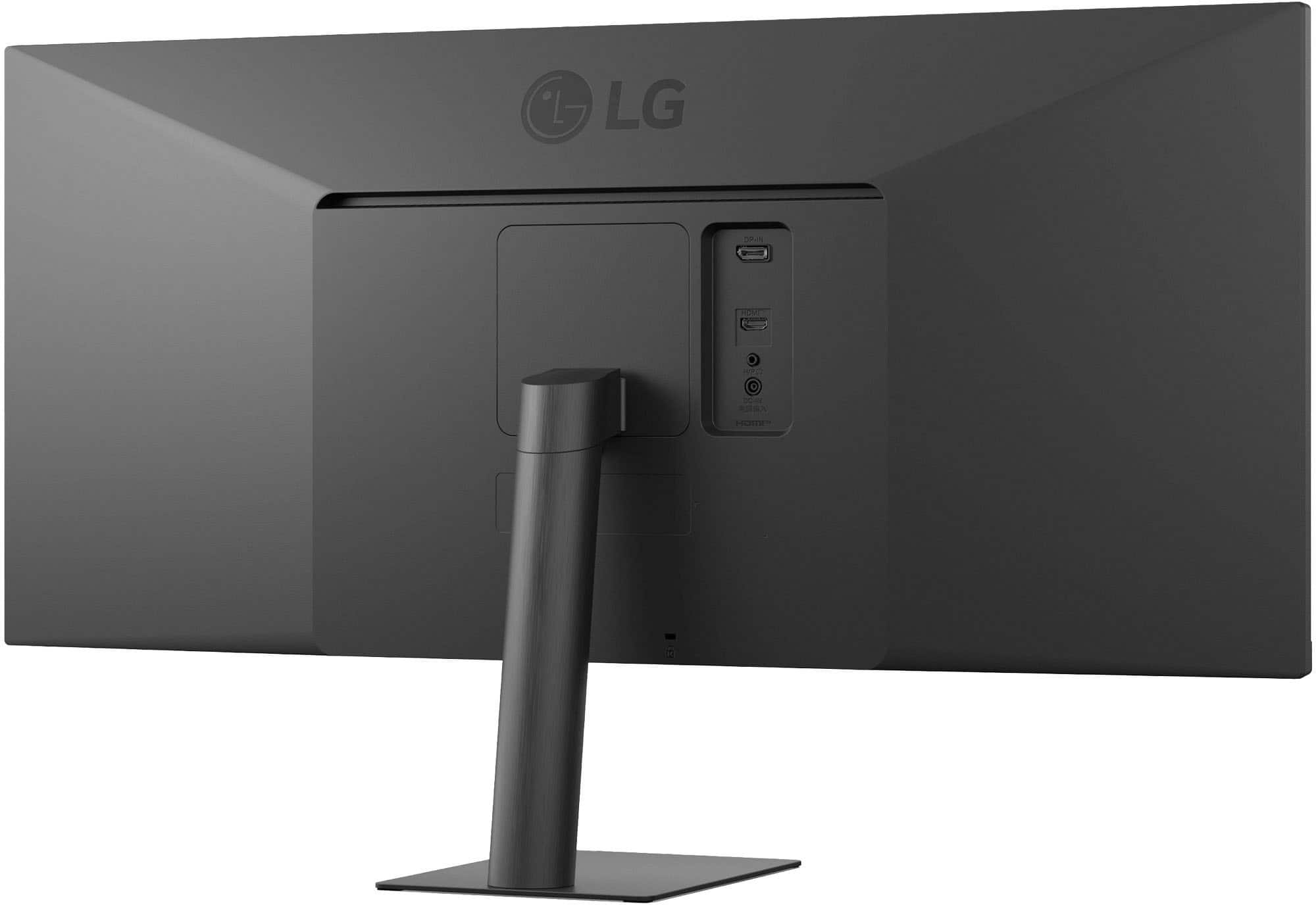
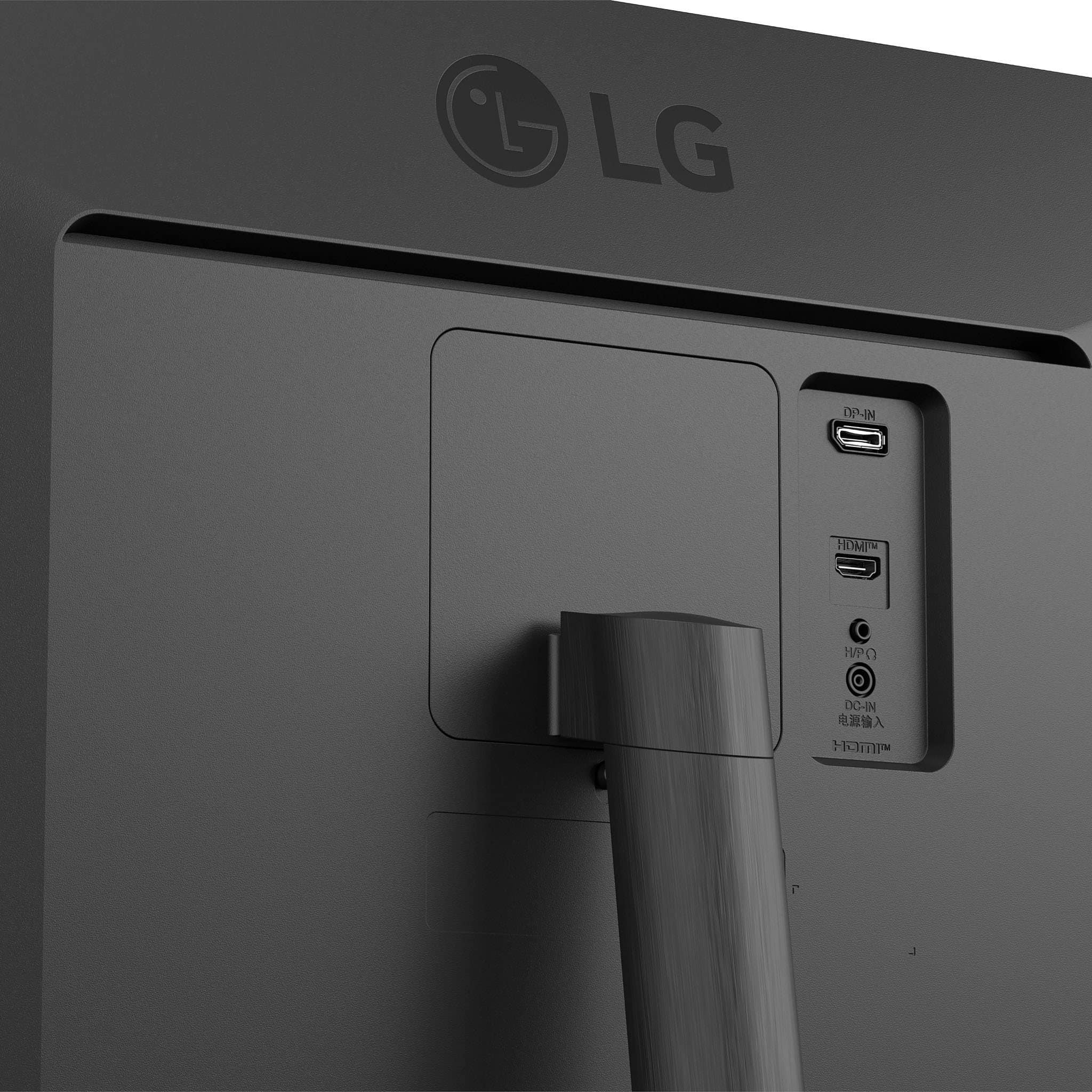
  • QuestionAre there displayport inputs on this monitor?

    • Answer Yes, there is one displayport input on this monitor.
    This question and answer was generated by AI based on customer and product data.
  • QuestionCan I mount this monitor to the wall?

    • Answer Yes, you can mount this monitor to the wall.
    This question and answer was generated by AI based on customer and product data.

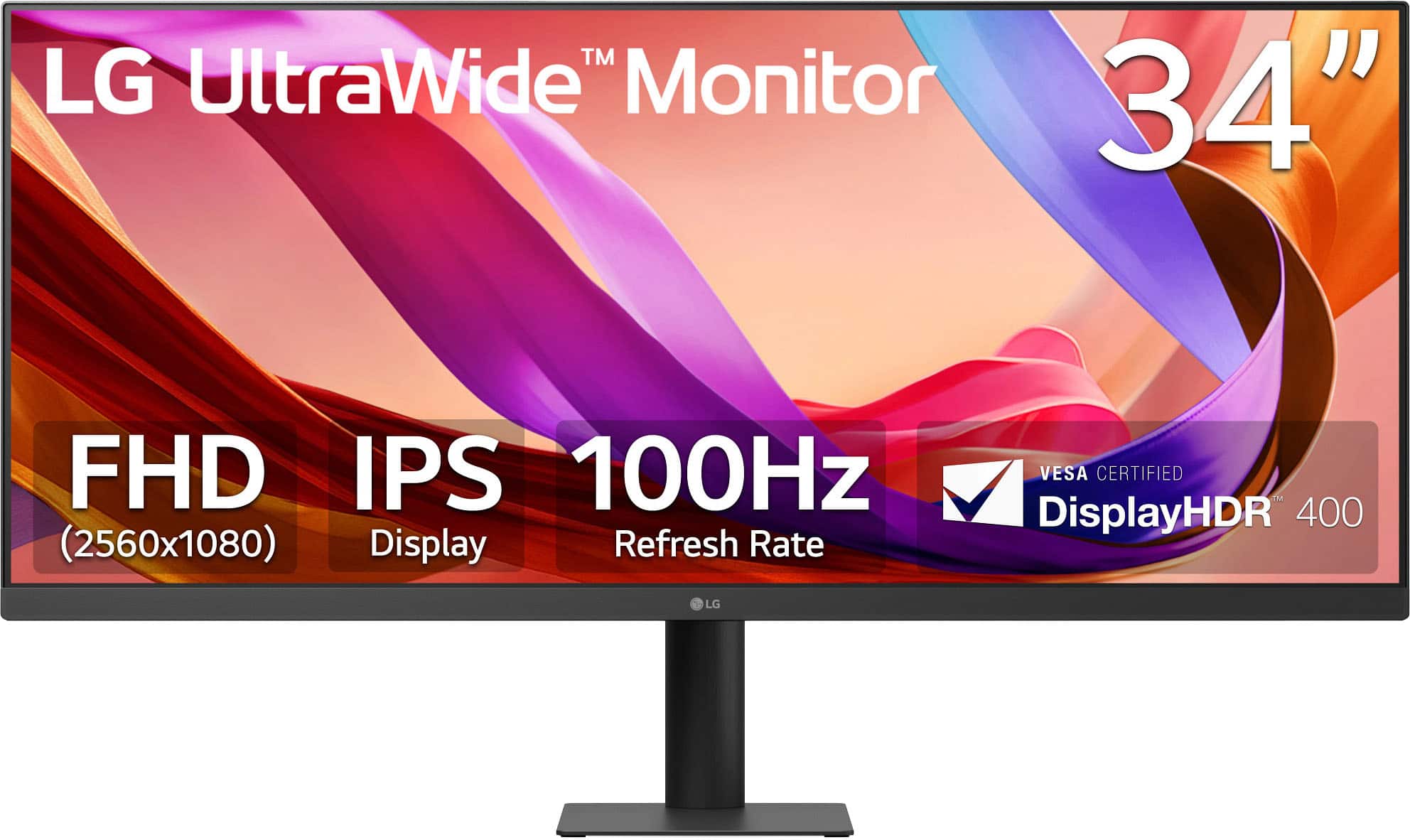
  • QuestionWhat is the refresh rate for this monitor?

    • Answer The refresh rate for this monitor is 100Hz.
    This question and answer was generated by AI based on customer and product data.

  • QuestionDoes this monitor have a headphone jack?

    • Answer Yes, this monitor has a headphone jack.
    This question and answer was generated by AI based on customer and product data.

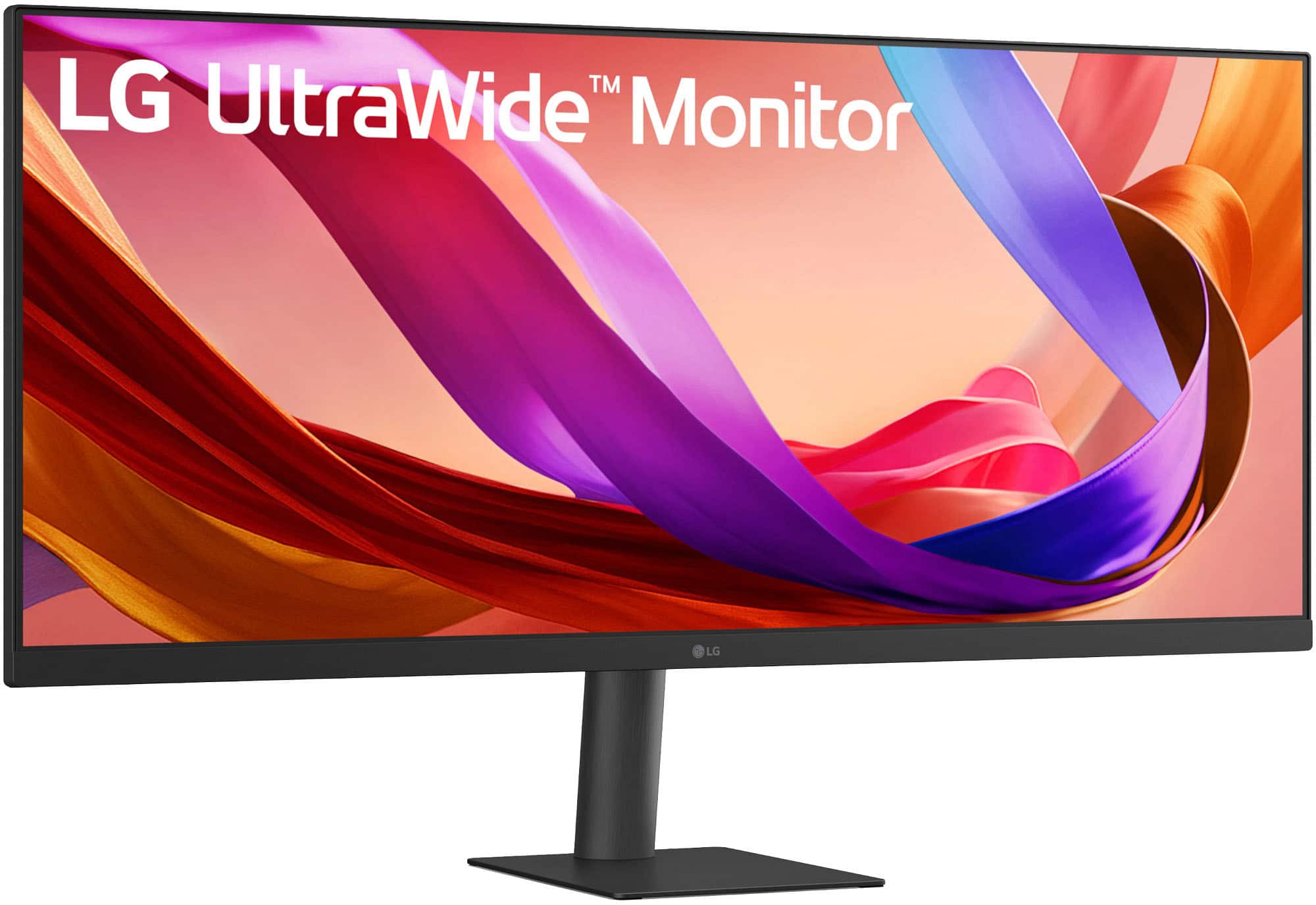
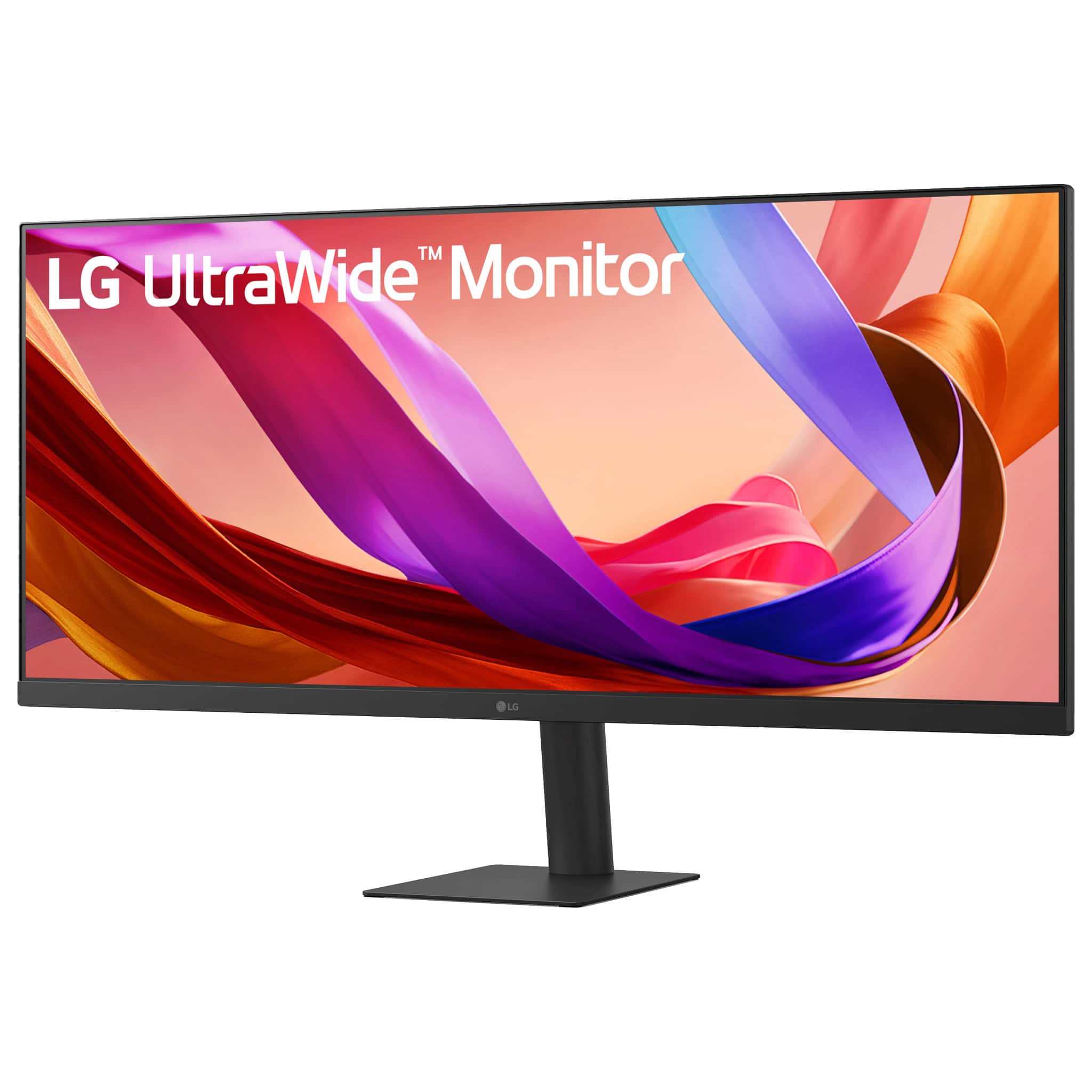
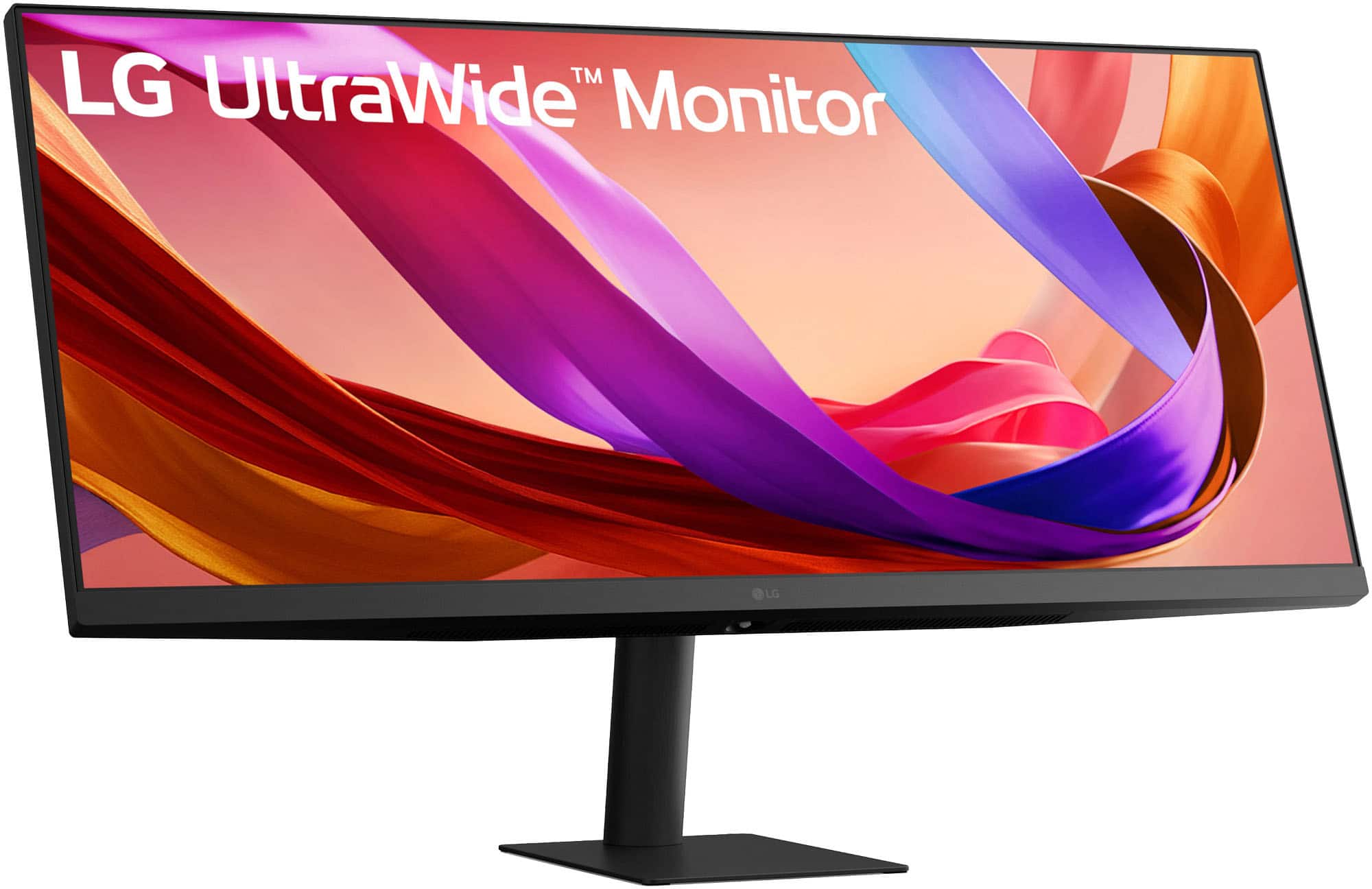
  • QuestionIs the screen curved on this monitor?

    • Answer No, the screen is not curved on this monitor.
    This question and answer was generated by AI based on customer and product data.

  • QuestionWhat is the response time of this monitor?

    • Answer The response time of this monitor is 5 milliseconds.
    This question and answer was generated by AI based on customer and product data.
  • QuestionDoes this monitor support high dynamic range?

    • Answer Yes, this monitor supports high dynamic range.
    This question and answer was generated by AI based on customer and product data.
  • QuestionCan this monitor use power toys application? To use as a duel screen?

    Asked by Anonymous.

    • Answer Microsoft PowerToys is a set of free, open-source utilities for Windows 10 and 11 designed to help power users and developers streamline their workflows and customize their operating system, and it must be installed on the PC or laptop to use its utilities with a connected monitor like the LG UltraWide™ 34" IPS FHD 100Hz, 5ms, Monitor with VESA DisplayHDR™ 400 (HDMI, DisplayPort) - Black, Model # 34U511A-B, or any other monitor, regardless of brand or manufacturer...^Ivan. Microsoft PowerToys is a set of free, open-source utilities for Windows 10 and 11 designed to help power users and developers streamline their workflows and customize their operating system, so i

      Answered by LG Digital Customer Care

  • QuestionI assume the 34 inches is the diagonal measurement. How wide is the monitor?

    Asked by Betcsdad.

    • Answer Your assumptions are correct. Screen sizes for TVs and monitors are always given as the diagonal measurement of the screen. The side-to-side width for the UltraWide™ 34" IPS FHD 100Hz, 5ms, Monitor with VESA DisplayHDR™ 400 (HDMI, DisplayPort) - Black, Model # 34U511A-B, is 32.1"...^Ivan.

      Answered by LG Digital Customer Care

  • QuestionIs this compatible with HP omnibook x flip laptop

    Asked by Anonymous.

    • Answer What connectivity does your HP Omnibook X Flip laptop have, and what resolutions does it's graphics card support? Does it support Plug and Play? Connectivity for the LG - UltraWide™ 34" IPS FHD 100Hz, 5ms, Monitor with VESA DisplayHDR™ 400 (HDMI, DisplayPort) - Black, Model # 34U511A-B, includes an HDCP 2.2 compliant DisplayPort Version 1.4 input, and an HDCP 2.2 compliant HDMI Version 1.4 input. The monitor has a native WFHD (2560 x 1080) resolution, and it supports a maximum resolution of 2560 x 1080 @ 100 Hz over HDMI and DisplayPort, 2560 x 1440 @ 60 Hz over HDMI, 2560 x 1080 @ 60/75 Hz over HDMI and DisplayPort, and 1920 x 1080 @ 60 Hz over HDMI and DisplayPort. The monitor supports Plug and Play, a feature that allows you to add a device to your computer without having to reconfigure anything or install any manual drivers....^Ivan.

      Answered by LG Digital Customer Care

  • QuestionWhy is my audio not kicking in

    Asked by Andrew.

    • Answer Have you accessed the 'Audio' or 'Sound Settings' in the PC/Laptop that is connected to the LG - UltraWide™ 34" IPS FHD 100Hz, 5ms, Monitor with VESA DisplayHDR 400™ (HDMI, DisplayPort) - Black, Model # 34U511A-B, to select the monitor as the audio device you want to output audio to or select 'Speakers' if you have external speakers connected to the 3.5 mm Headphone Out port on the back of the monitor?...^Ivan.

      Answered by LG Digital Customer Care

  • QuestionWhere is the on and off button on the LG - UltraWide 34" IPS FHD 100Hz, 5ms, Monitor with VESA DisplayHDR 400 (HDMI, DisplayPort) - Black Model: 34U511A-B?

    Asked by Anonymous.

    • Answer There aren't any buttons on this monitor, unfortunately.

      Answered by TylerW

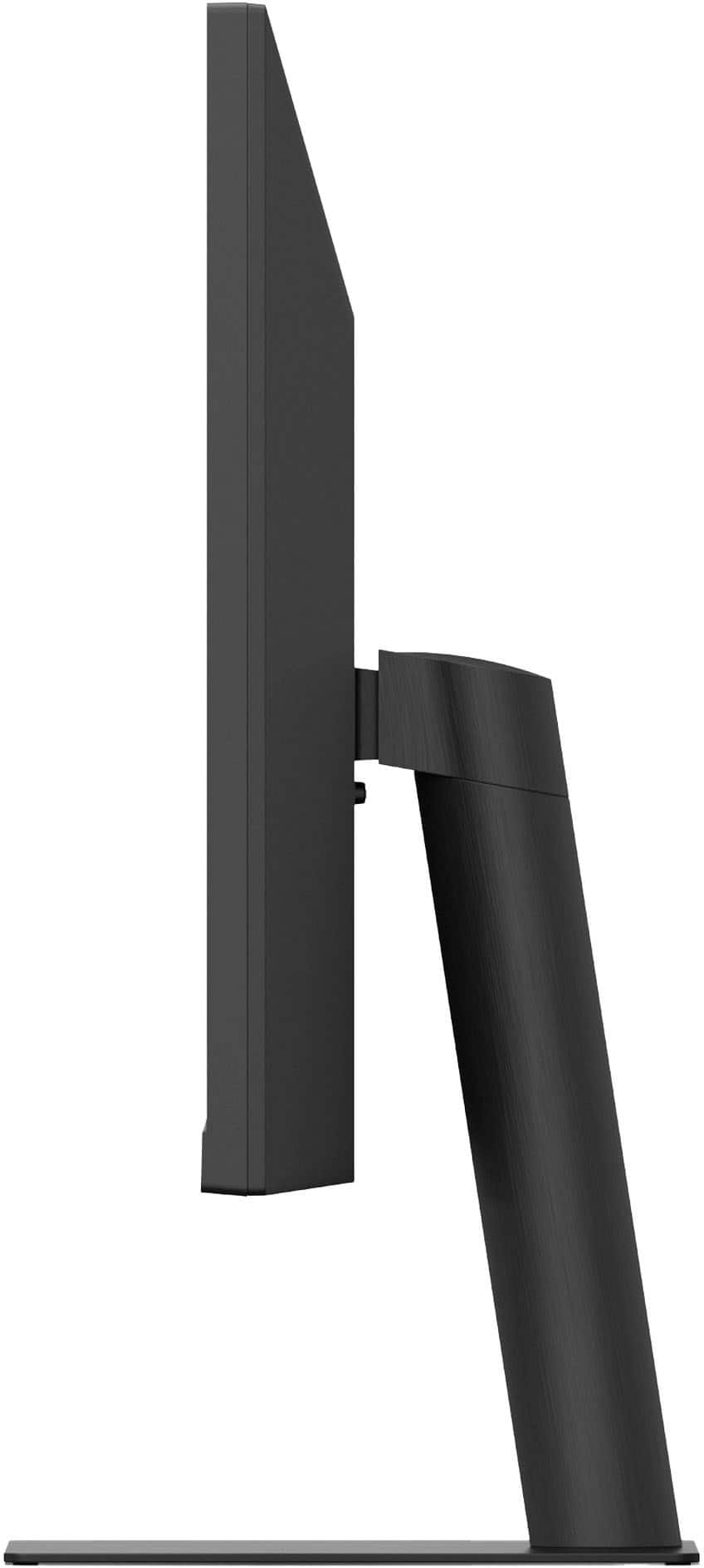
  • QuestionCan it work well in portrait mode instead of landscape? I keep my middle monitor in portrait so I don't have to scroll so much to see a whole webpage. Only have my side monitors in landscape mode. Your pictures and description don't help me.

    Asked by SpecTech.

    • Answer Hi there. We understand your inquiry regarding the display orientation of the 34WQ500-B UltraWide Monitor. Based on the official specifications, the stand included with this unit is designed for Tilt adjustments (-5~15º) and does not feature a Pivot function for portrait mode. However, this monitor is VESA mount compatible (100 x 100mm), so you may utilize a third-party monitor arm or stand that supports rotation to achieve your desired portrait setup. https://www.bestbuy.com/product/lg-ultrawide-34-ips-fhd-100hz-5ms-monitor-with-vesa-displayhdr-400-hdmi-displayport-black/JJ8VPZKY9Q If you have any further questions about its features, please contact us on [email protected], and our team will be more than happy to assist you. —Renzo

      Answered by LG Digital Customer Care

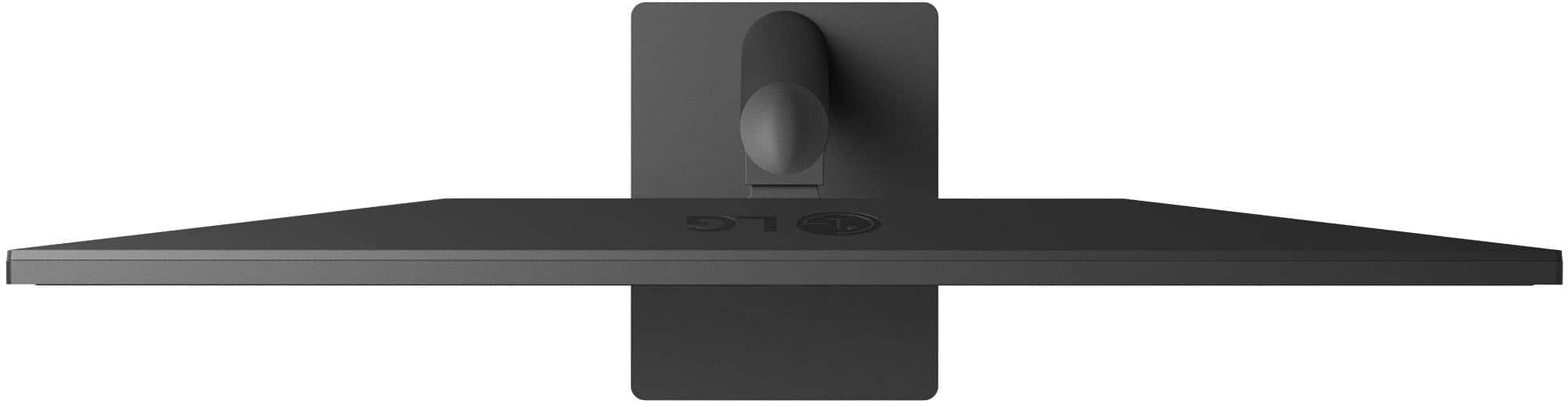
  • QuestionIs the height adjustable?

    Asked by Heigh.

    • Answer No. The height is not adjustable but the screen does pivot up and down to meet your eye level better.

      Answered by ThinkBigB

  • QuestionAre you able to use this monitor to day trade without a laptop or tablet?

    Asked by Anonymous.

    • Answer Yes

      Answered by RobertP

  • Questionhow easy is this to set up with a PC?

    Asked by VibrantVerena.

    • Answer There is no setup required for the LG 34-inch UltraWide™ IPS FHD 100Hz VESA DisplayHDR™ 400 Computer Monitor with Slim Stand, Model # 34U511A-B, besides making the necessary connections to your PC/laptop. The monitor supports Plug and Play which is a feature that allows you to add a device to your computer without having to reconfigure anything or install any manual drivers. If your PC supports Plug and Play, the Plug and Play (PnP) service allows a PC to automatically detect a monitor and adjust to the right settings. It recognizes and configures connected monitors without user intervention, ensuring optimal display settings such as resolution and refresh rates. This service is crucial for seamless hardware detection and configuration in Windows operating systems...^Ivan.

      Answered by LG Digital Customer Care

  • QuestionIs this compatible with mac computers?

    Asked by sid.

    • Answer Yes. I have a 2025 MacBook and use a Dual Monitor setup. It's awesome. Super easy to set up. My adapter didn't even need to download software for them to start working.

      Answered by ThinkBigB