

Questions & Answers
- Model:
- 960-001580
- |
- SKU:
- 6550199
Q: QuestionCan this webcam be screwed on to a tripod?
Asked by Didyouputinaticket.
- A:Answer No, sadly it does not, no doubt a cost-saving decision. All the webcams I'v used have had the required 1/4" threads, but all this has is monitor clip that is essentially worthless if the back of the monitor isn't flat, which mine is not. I'm using a phone-to-tripod adapter with an adjustable slider that can hold the non-detachable webcam mount. It works well enough so far, but if I decide that's not working out, I may try to design one and 3D print it. If you can't design and print one, there may be some ready-to-go print files on thingiverse.com that you can send to a printing service like craftcloud3d.com. I use them when I need to print with materials not compatible with the one I have and have always bee happy with the results.
Answered by MattO
Q: QuestionIs this compatible with most laptops, especially HP? (Specifically laptop product # 1Y5L4AV and # 6N191UA#ABA). And, can this be connected to most common HP docking stations too? Thank you.
Asked by Doug5alive.
- A:Answer Yes, this camera works with my outdated laptop and my new CyberPowerPC.
Answered by AppWTLLC
Q: QuestionWill this clamp/sit on a curved monitor? My son's not sure if it'll work with his.
Asked by Nicole.
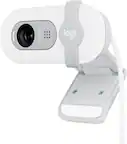
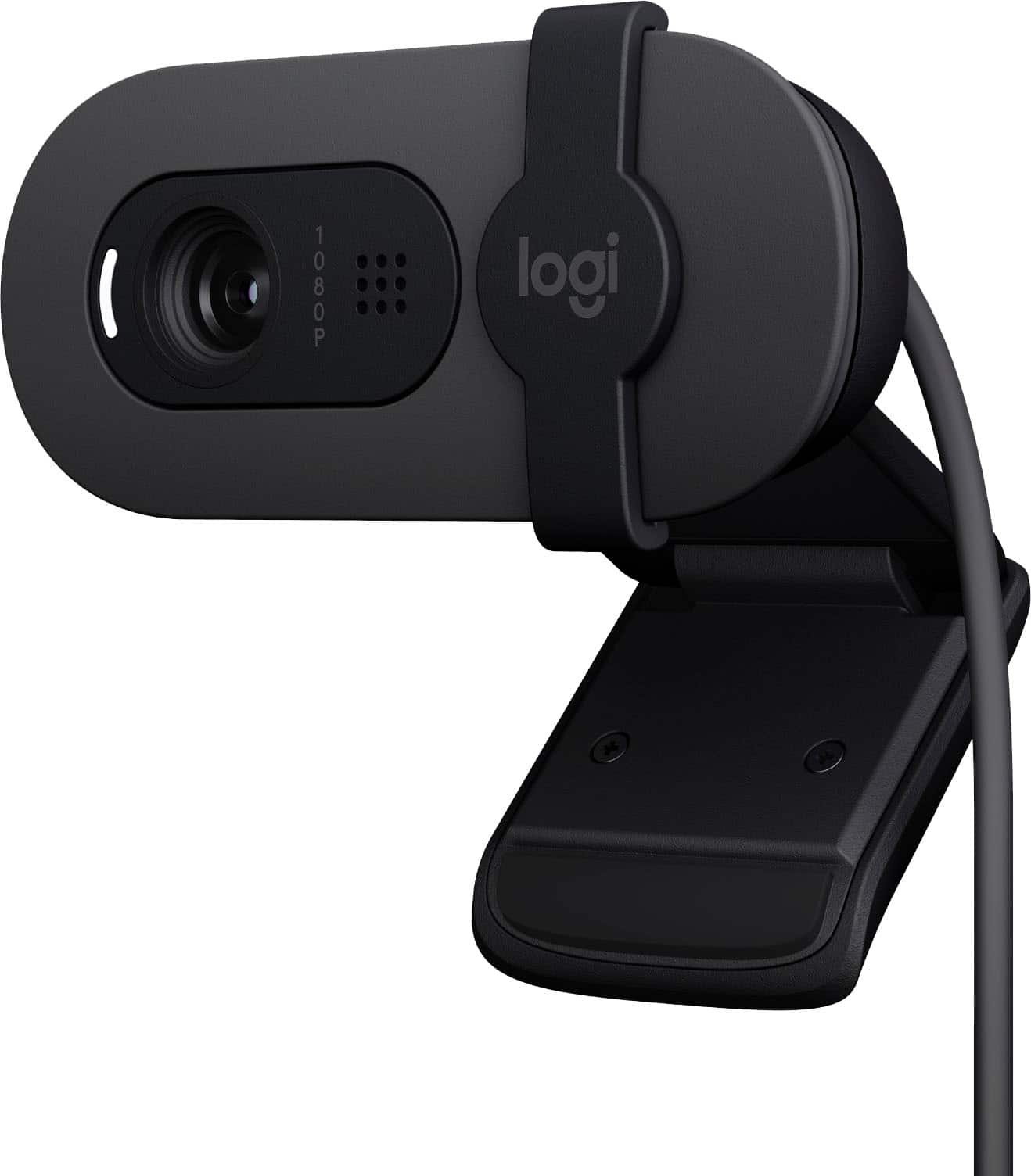
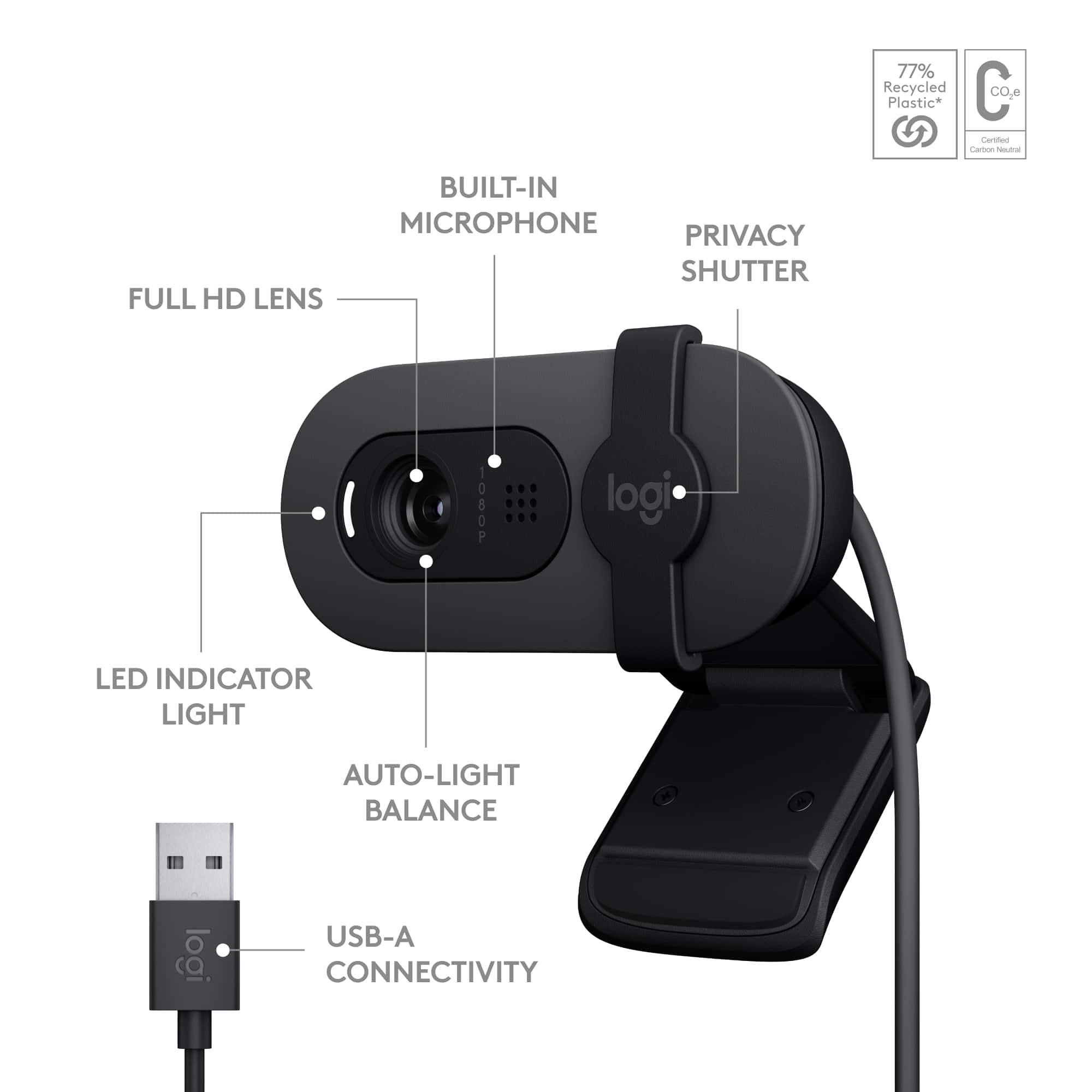
- A:Answer The Logitech Brio 100 has a monitor clip designed to fit a variety of monitor shapes, including some curved monitors.
Answered by Logitech
Q: QuestionWill it work on any Windows Version? 7,10 and 11
Asked by Pavana67.
- A:Answer The Logitech Brio 100 webcam supports Windows 10 and 11 officially. It may work on Windows 7 if you install the required drivers manually, but functionality could be limited as Windows 7 is no longer actively supported by Logitech or Microsoft. For the best experience, use it with Windows 10 or 11.
Answered by MalayS
Q: QuestionDoes this webcam work with a MacMini?
Asked by MordecaiL.
- A:Answer Hey! Yes, the Logitech Brio 100 webcam is compatible with MacMini. It works with most video calling applications on Mac.
Answered by Logitech
Q: QuestionDoes the software allow you to record video onto a desktop.
Asked by Mrjagg.
- A:Answer While the Brio 100 doesn't have dedicated "record to desktop" software built-in, you can easily use the standard tools on your operating system or download free software like Logitech Capture or OBS Studio to record video from the webcam onto your desktop.
Answered by Logitech
Q: QuestionWhat is the length of the cable that connects the camera to a USB A port? I have a standing desk and the laptop sits away in the corner.
Asked by Cornelius77.
- A:Answer 4 feet
Answered by MarkH
Q: QuestionWill this integrate with MS 365 Word to use for MS Word Dictation?
Asked by Northwind.
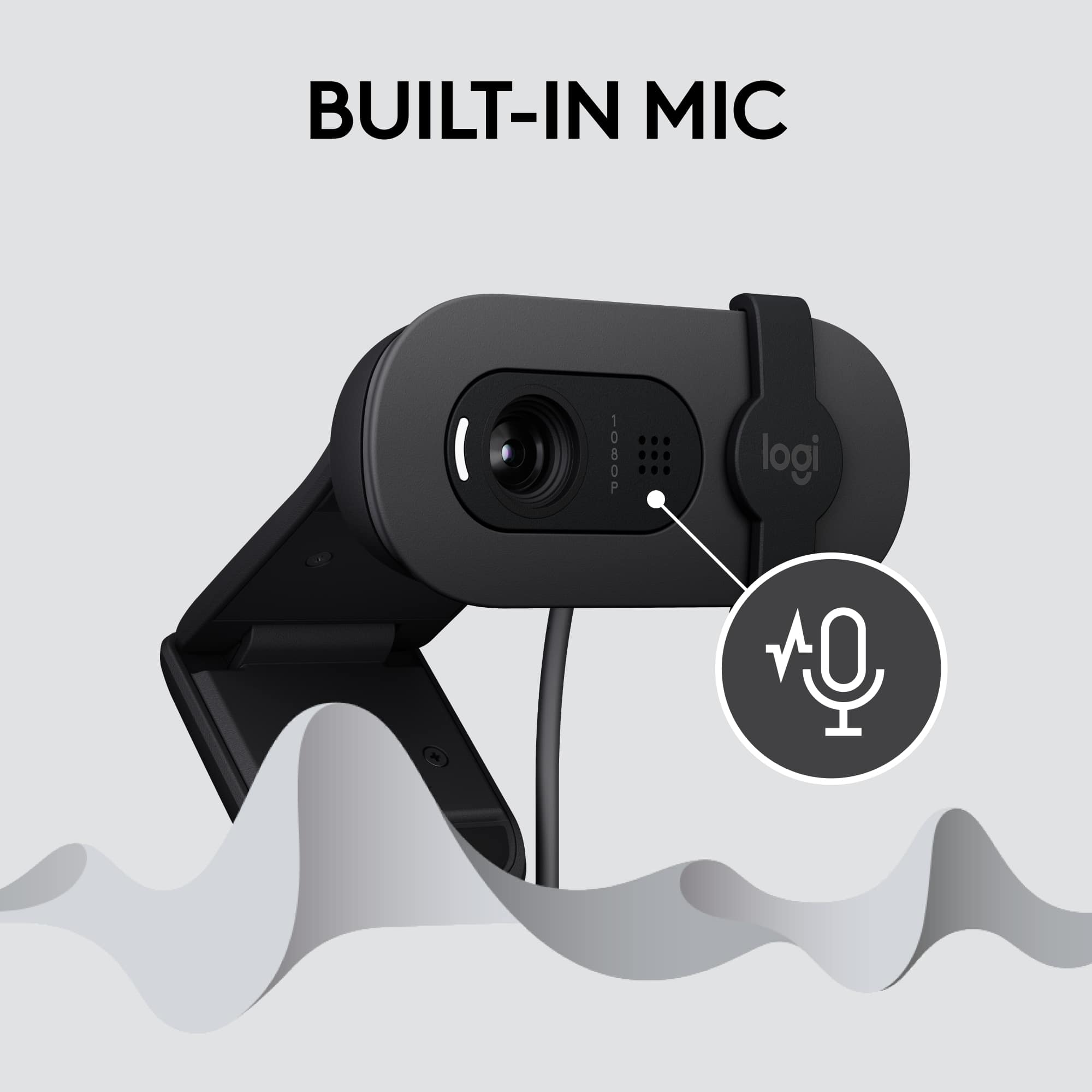
- A:Answer Hey! The built-in microphone ensures that you’re heard clearly in video calls, so you can look and sound your best without the fuss. Yes, in order use the Dictation the mic will be useful.
Answered by Logitech
Q: QuestionPluged into desktop usb port tried to use onZoom white light lights on camera and mike works but can not see me in Zoom ????
Asked by Dorr.
- A:Answer Check to make sure that you click unmute and the the "video camera" right next to it. Your picture should come up.
Answered by katiie
Q: QuestionIS THIS WEB CAM GOOD FOR ZOOM AND STREAMING?
Asked by tom12.
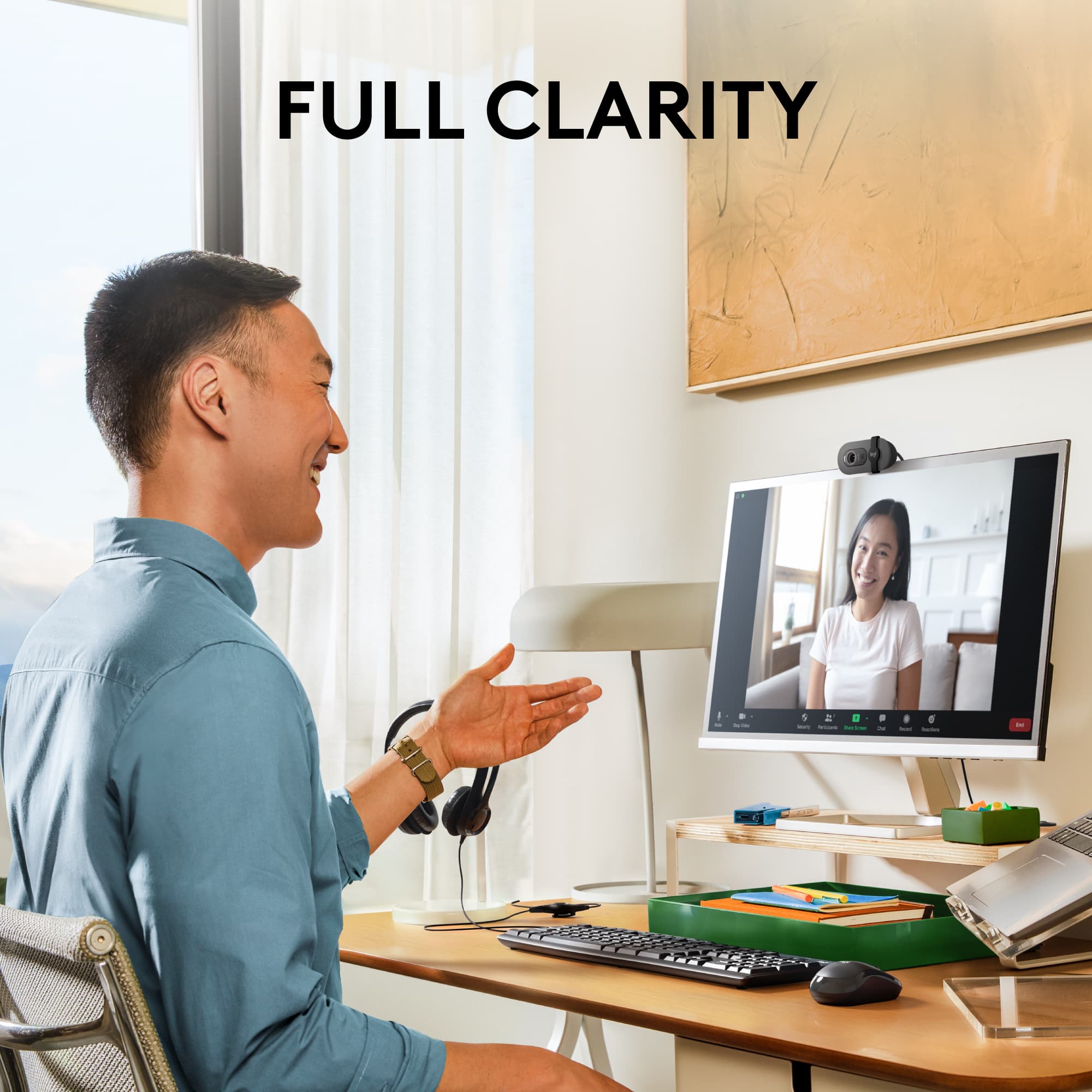
- A:Answer I have used this camera in Zoom, but not in streaming. It's cool on Zoom
Answered by Berto
Q: Questioninstalled Brio webcam on my Dell desktop pc/Windows 10 with Acer monitor. Is there software or updates that I should download? Or is it basically plug and play
Asked by BizzyAlice.
- A:Answer Its plug and play just have to download logi options+ its a free program and you can set it up with more options
Answered by evilbasic
Q: QuestionIs this web cam compatible for streaming on a PlayStation 5
Asked by Idek.
- A:Answer Unfortunately, the Logitech Brio 100 1080p Full HD Webcam is not compatible with the PlayStation 5 for streaming. While the Brio 100 works with Windows, macOS, or ChromeOS and virtually any popular video calling platform, the PS5 has its own built-in camera and doesn't support external webcams for streaming.
Answered by Logitech
Q: QuestionIs this compatible with Samsung TV?
Asked by Shalove86.
- A:Answer Hey! No, the Brio 100 webcam is not compatible with TVs.
Answered by Logitech
Q: QuestionWill this work for the Xbox series x?
Asked by G.
- A:Answer The Brio 100 is designed for computers (Windows/macOS) and conferencing apps. Xbox consoles don’t support external webcams for general use, so it won’t function as a camera on Series X.
Answered by Logitech
Q: QuestionWhat audio headset is the Logitech WebCam Brio 100 compatible with?
Asked by GLB4.
- A:Answer The Brio 100 doesn’t have headset compatibility requirements — it works with any headset your computer supports. You can use wired USB, 3.5mm, or Bluetooth headsets alongside the webcam without issue.
Answered by Logitech
Q: Questiondoes this have a mic included
Asked by Anonymous.
- A:Answer Yes it does have a built-in microphone while i dont normally use it. Its great if you dont want to spend the money on a external microphone. But for gaming/streaming i do recommend getting a separate microphone.
Answered by TheLunaWolfe
Q: QuestionWould this work with a curved monitor?
Asked by JithinG.
- A:Answer Yeah it will if it has the right port, curved wont make a difference.
Answered by MarkC
Q: QuestionWill this webcam work with the ps5?
Asked by Carl.
- A:Answer The Brio 100 is designed primarily for computers, and the PS5 only supports certain USB webcams for streaming.
Answered by Logitech
Q: QuestionDoes this webcam work on ps5 streaming?
Asked by Ps5.
- A:Answer Hey! No, Brio 100 doesn't work on PS5 streaming. It only works with Windows, macOS, or ChromeOS and virtually any popular video calling platform. (2GB RAM or more needed for 1080p video streaming, and 1GB RAM is typically needed for streaming 720p).
Answered by Logitech
Q: QuestionDoes it have a built in speaker?
Asked by Sound.
- A:Answer Couldn’t get it to work
Answered by Nope
Top Rated
- $59.94Your price for this item is $59.94$69.99The comparable value for this item is $69.99
- $29.99Your price for this item is $29.99
- $139.99Your price for this item is $139.99
- $199.99Your price for this item is $199.99
- $119.99Your price for this item is $119.99
- $99.99Your price for this item is $99.99
- $161.99Your price for this item is $161.99$169.99The comparable value for this item is $169.99
- $169.99Your price for this item is $169.99
- $115.90Your price for this item is $115.90$129.99The comparable value for this item is $129.99
- $199.99Your price for this item is $199.99
- $39.99Your price for this item is $39.99
- $573.00Your price for this item is $573.00
- $1,099.00Your price for this item is $1,099.00
- $69.99Your price for this item is $69.99
- $95.00Your price for this item is $95.00$119.99The comparable value for this item is $119.99
- $75.00Your price for this item is $75.00$119.99The comparable value for this item is $119.99
- $115.00Your price for this item is $115.00$129.99The comparable value for this item is $129.99