A:AnswerBackground replacement requires an account with XSplit, or a similar service. I know the camera comes with a free trial, but you have to pay a monthly fee after that.
A:AnswerAlso just wanted to let you know you have to click the green screen filter in chromacam then in obs go to filters and select chromakey. It does a okay job but not like having a real green screen.
A:AnswerYes you can hook this Camera directly to your Xbox for Streaming. The only thing you wouldn't be able to do would be to chroma the background from the Xbox like you can do with a PC. That's not really that big of a deal though
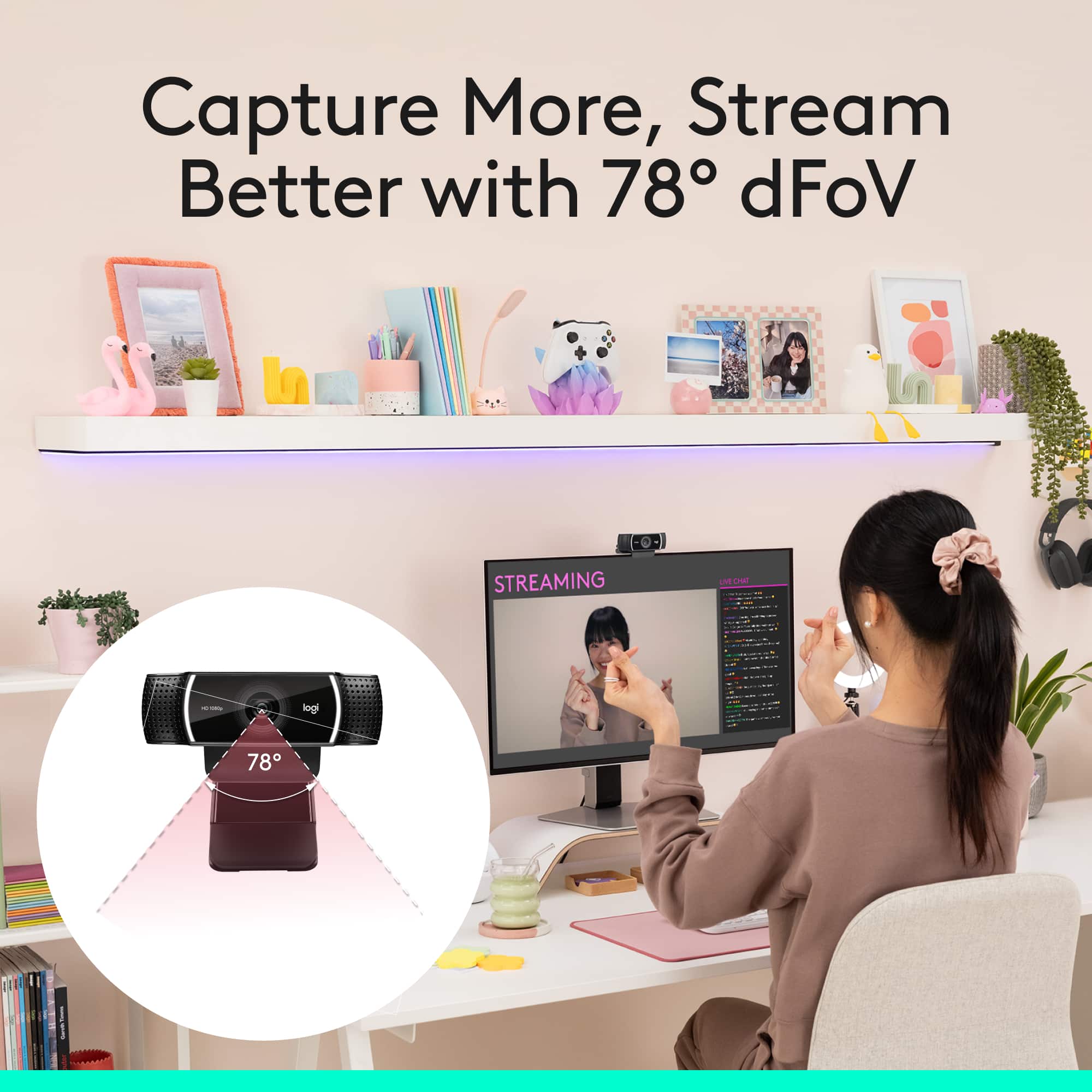
A:Answerthis would depend on the seating arrangement of the individuals, obviously. the more spread out they are the farther back the camera would need to be
A:AnswerThe pivotal element in your question is "to Europe." The camera is good for Skype and FaceTime. Any difficulties in communication "to Europe" would not be with the camera, but with your connection "to Europe." That said, see my review for more information about my system and the camera's performance in my application.