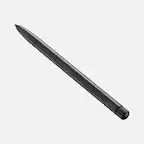
A:AnswerAccording to the description, it only requires Bluetooth. I have used it when I was not connected to wi-fi. Jus have to make sure the Bluetooth is on.
A:AnswerThe regular iPad? No it won’t. Only with 2019 versions (forgot the gen) and later. If you mean the mini 5th gen, then yes. I have a 5th gen mini with the 1st gen Pencil.
A:AnswerI think your better off buying a USB c to Lightning cable. Logitech just jumped the train a year or two before apple started the switch and I don’t think they are going to make the new version of their pencil in the near future.
A:AnswerIf your Crayon isn’t working, try the following:
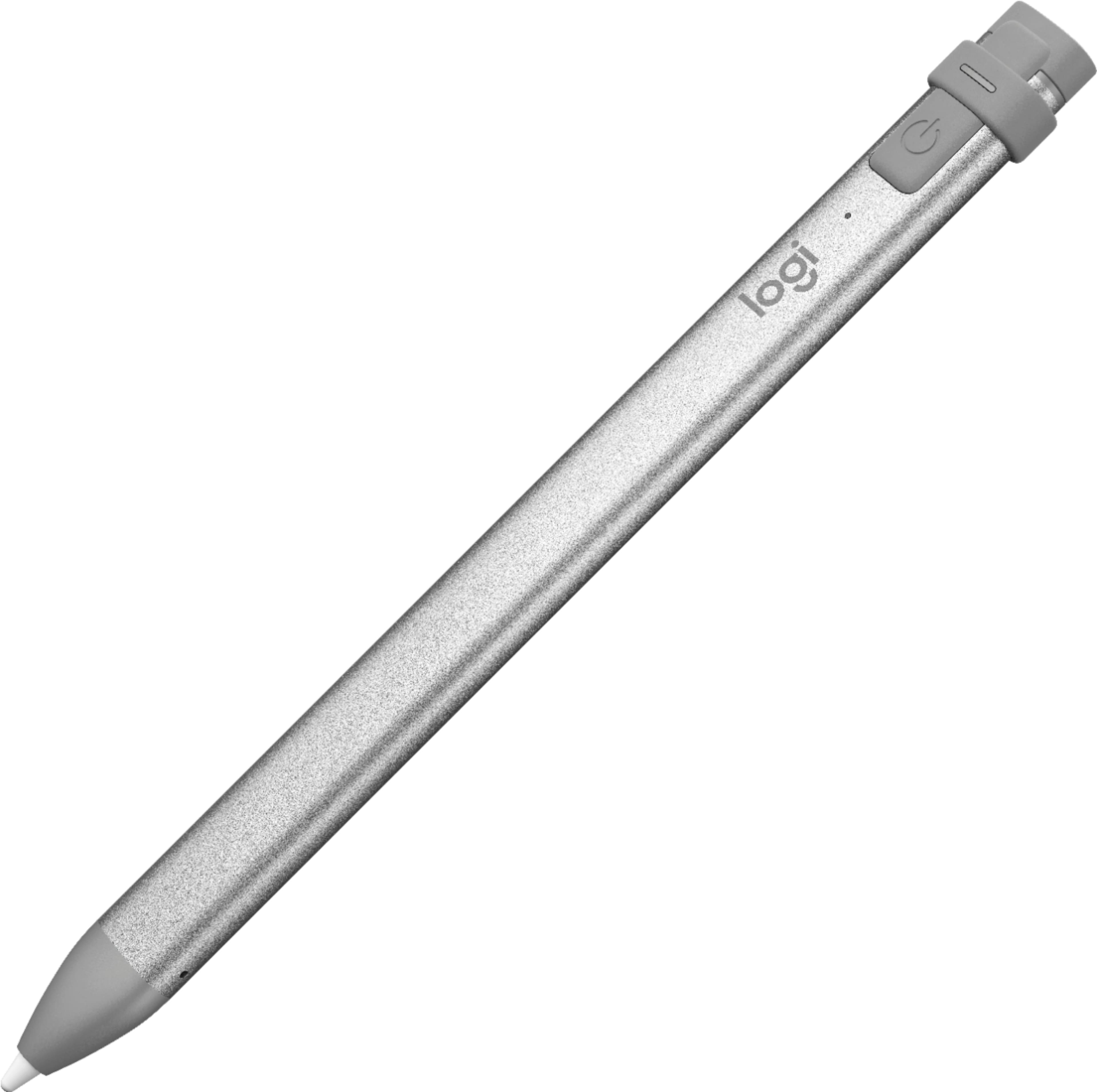
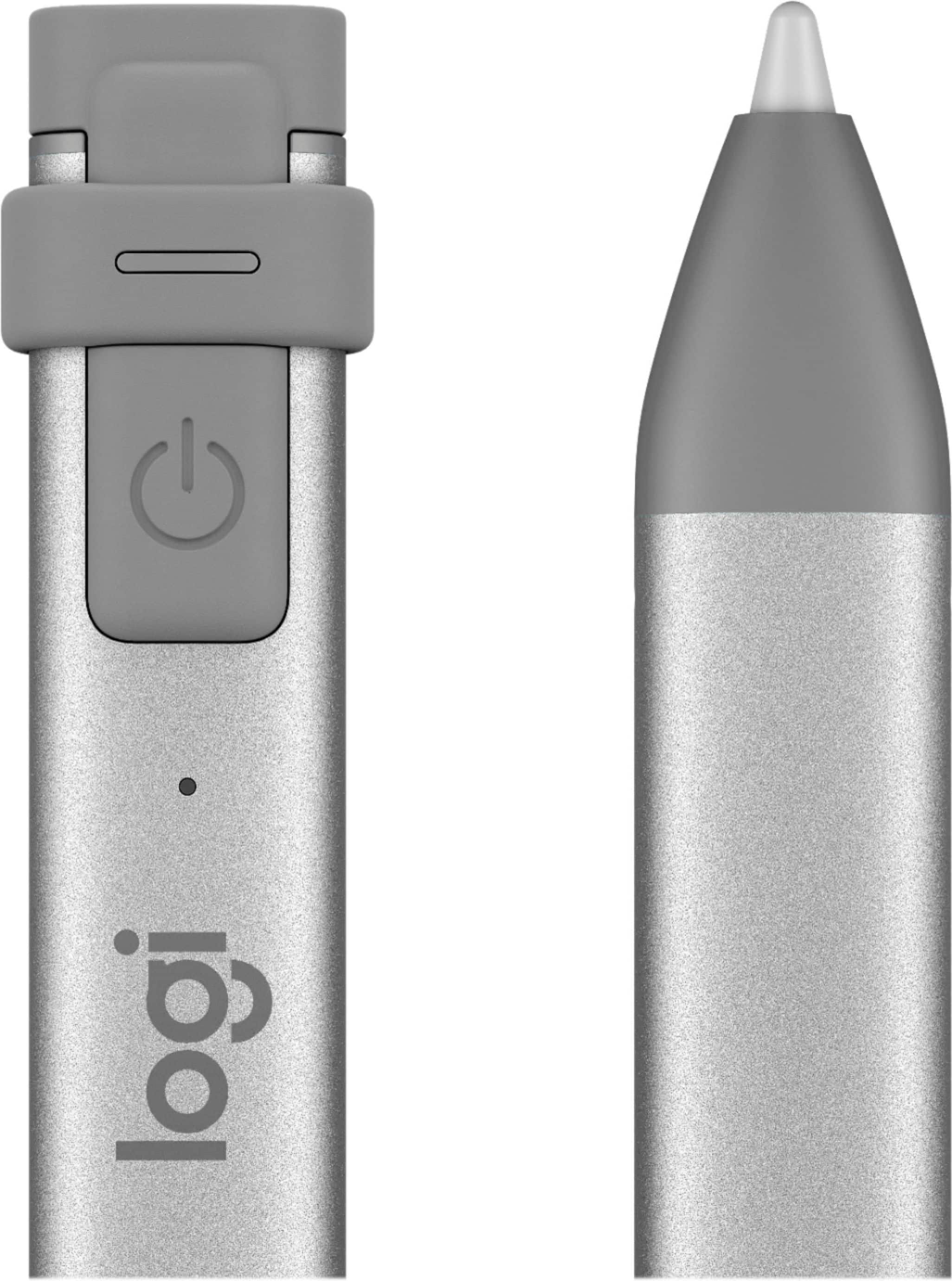
Check to see that Logitech Crayon is turned on and has sufficient battery power. Turn on Logitech Crayon by long-pressing the power button (for one second) until the LED light turns on. To check the battery level, short press the power button.
Green means the battery is sufficient and above 10%.
Red means the battery is less than 10%.
Blinking red without battery check means the battery life is critical, it needs charging immediately.
Logitech Crayon works with iPad Pro, iPad Air, iPad mini & iPad - 2018 models and later. Make sure your iPad is updated with the most recent iOS.
Check to see that the Crayon tip is screwed tightly on.