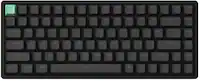
A:AnswerI think it depends on the computer you're using it with. I have not had this issue with macOS. Download the Logitech software and see if you can configure it in there. Some computers allow left space to serve an alternate function, like a bonus key.
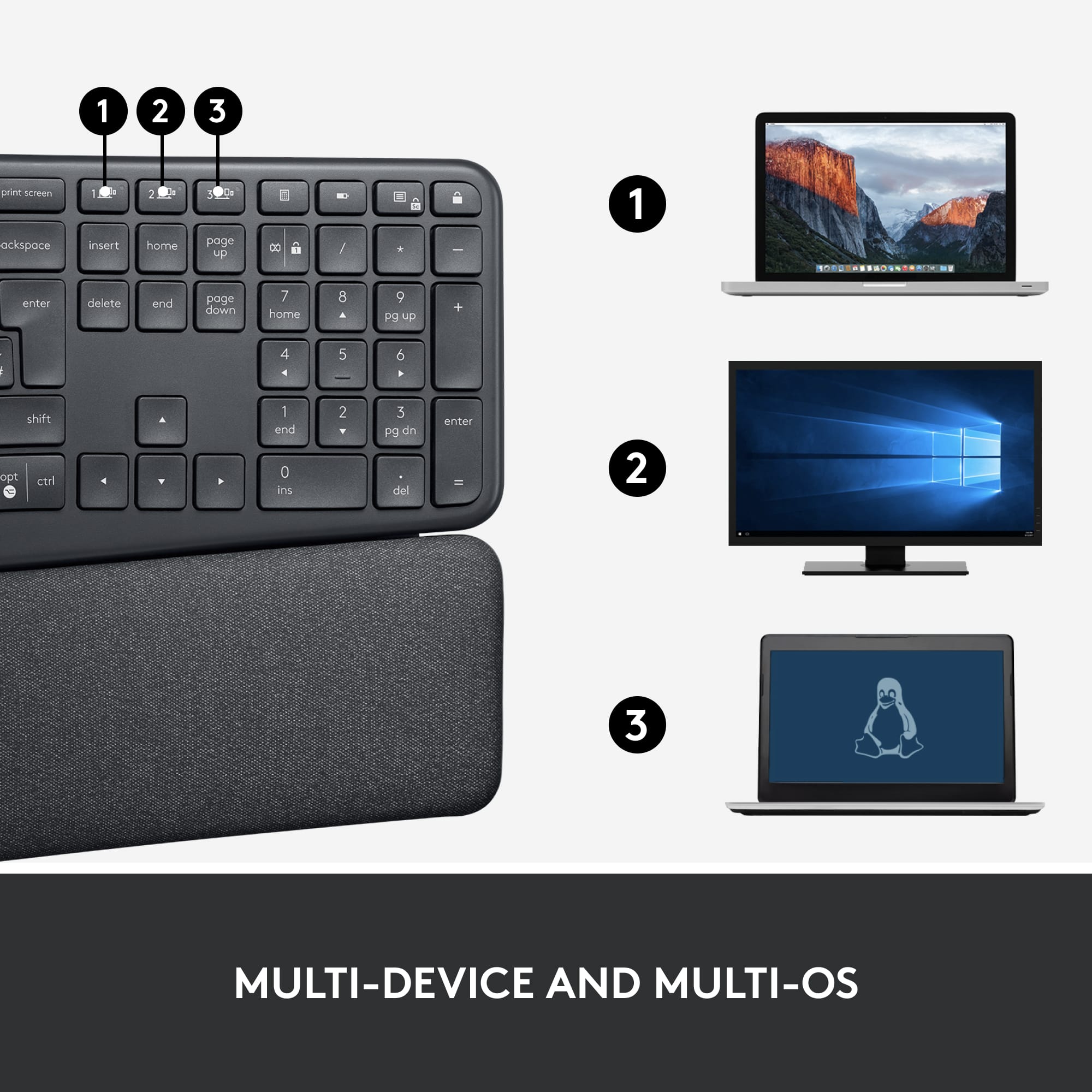
A:AnswerYes. I have the keyboard connected to a MacBook Pro via Bluetooth and the USB dongle to a Windows PC. A simple push of a button switches between the two devices on the keyboard.
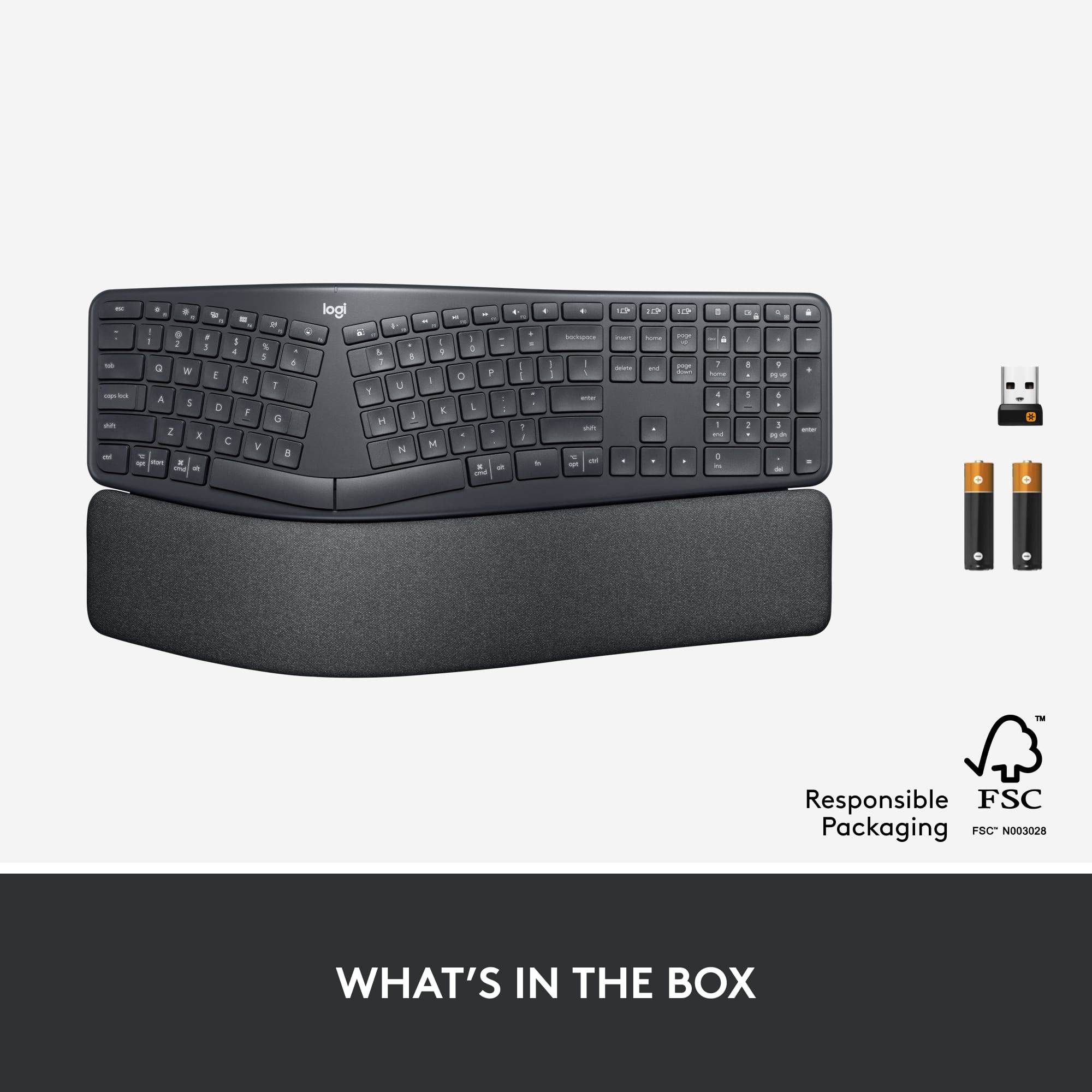
A:AnswerThe keyboard does not have a cable that you can plug into a PC via USB port. It comes with a small dongle that gets plugged into the PC and it connects to the device via that dongle. You can also connect via Bluetooth to things like a phone (I'm using the keyboard to write this on my phone now)
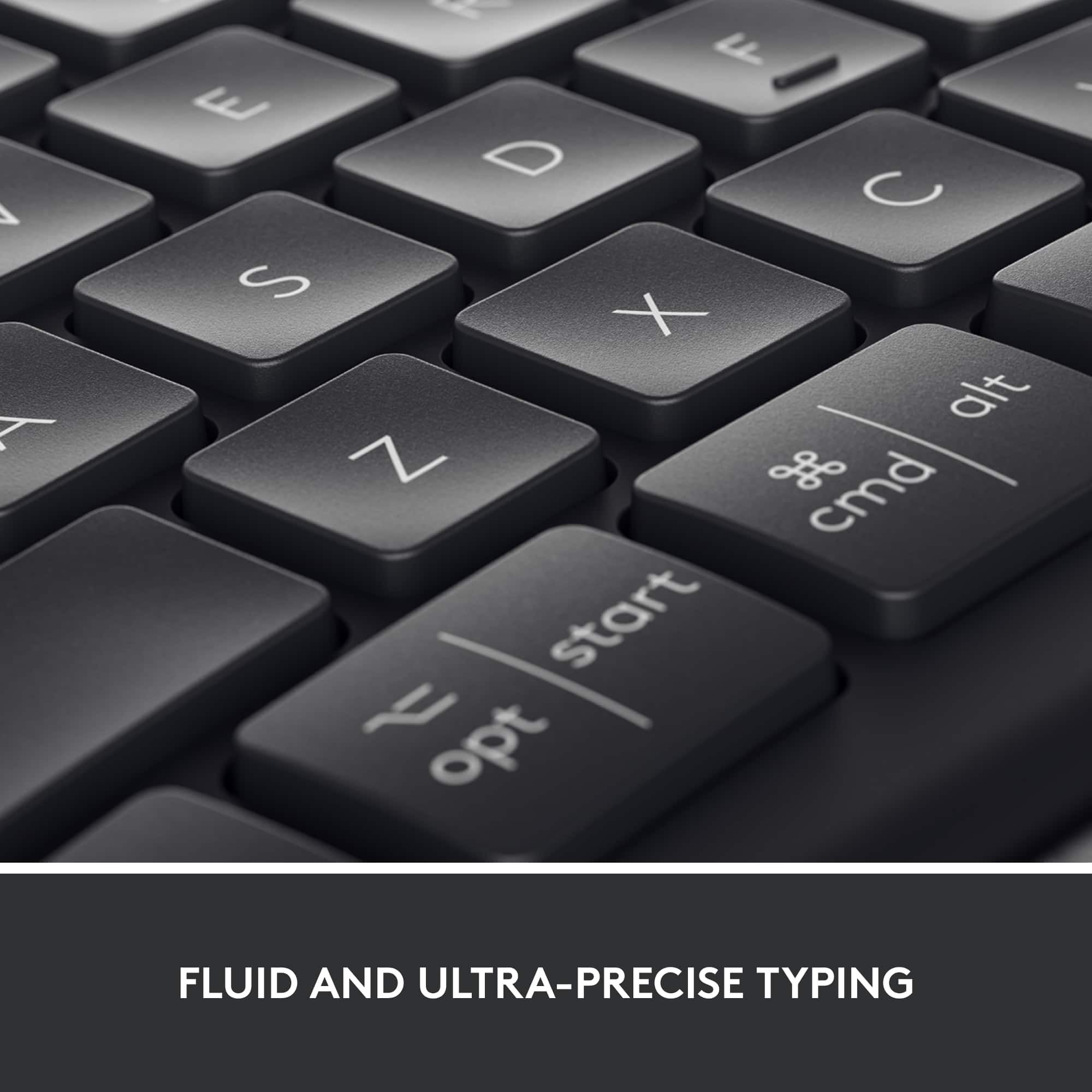
A:AnswerCan confirm not resistant to fading. Currently have completely faded E, S buttons and partially faded R, O, A, D, C, V and N buttons. I had previously replaced the same keyboard for fading issue so the second time this happens.
A:AnswerI'm not sure, but I know that it did not work with iPhone X and does not work with my new iPhone 12. Since iPad and iPhone are both mobile devices, it might not work with the iPad.
A:AnswerI usually have several devices connected via Bluetooth. Keyboard, mouse, headset, phone, etc and they all work flawlessly. It’s really going to depend on your computer most likely.