Questions & Answers
- Model:
- 910-001935
- |
- SKU:
- 1325119
Highly rated by customers for: Ease of use, Battery Life, Overall Performance
$29.99Your price for this item is $29.99
Comp. Value: $39.99
The comparable value price is $39.99
Page Showing 21-40 of 62 questions
Q: QuestionDoes this mouse work from behind wall? Does it have to be located at line-of-sight?
Asked by TH.
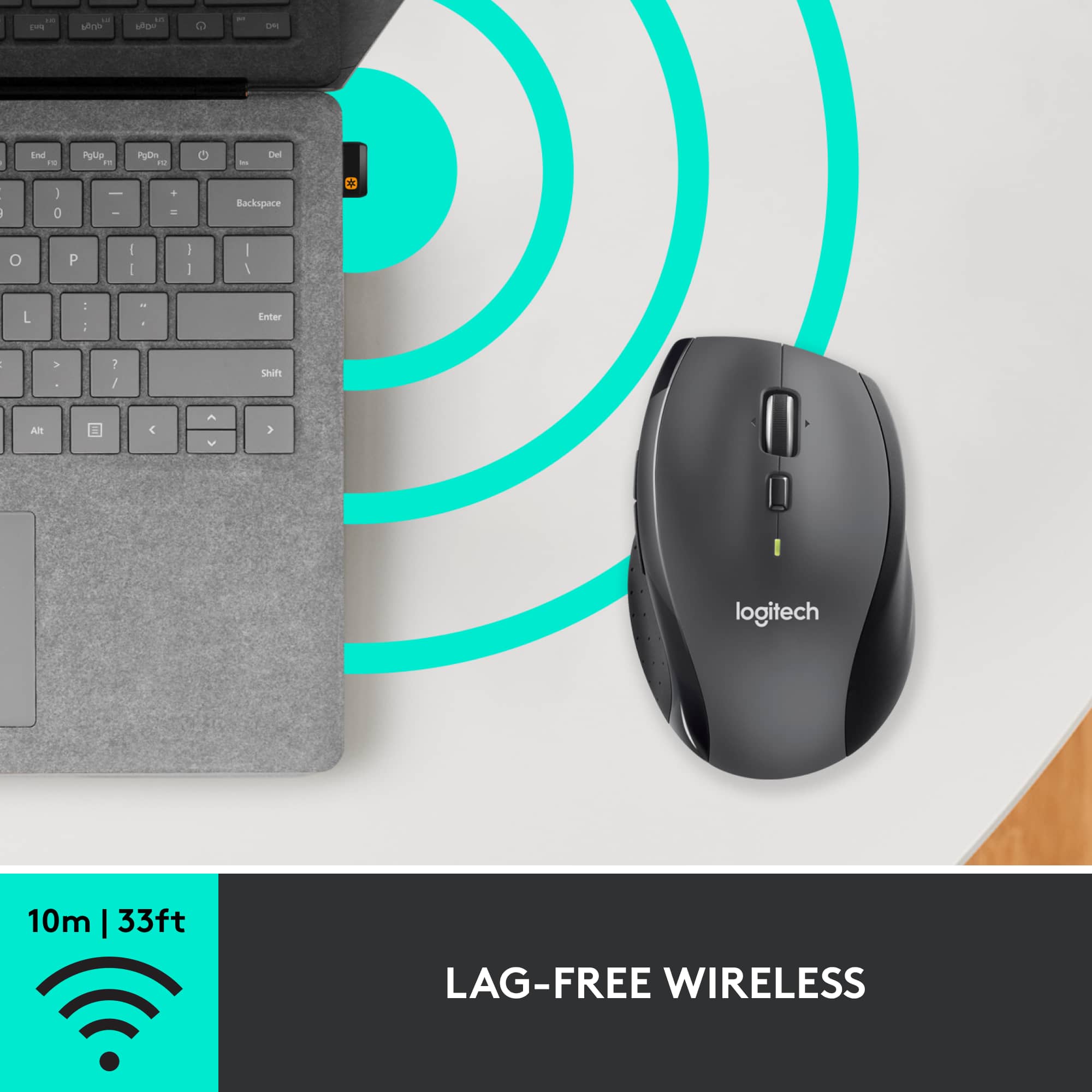
- A:Answer It does not need to be in "line of sight". I tested from beneath the table and it works 100%. Also took it out to a distance of ~15 feet and it worked flawlessly.
Answered by umopapisdn
Q: QuestionWill the mouse work with a DVR on basement level Monitor/TV on first floor level? Floor is wood more than one layer.
Asked by Rmjlife.
- A:Answer Hello. The M705 mouse uses a very low power 2.4GHz signal to communicate with the USB receiver. It is best to keep it within 10-15 feet of the USB. I do not recommend this mouse to control your DVR on a different floor.
Answered by Logitech
Q: QuestionHello, I have a MacBook Air and no way to plug in a USB receiver. Is it necessary with this mouse or can I just link up using Bluetooth without plugging in a receiver?
Asked by ReceiverQ.
- A:Answer I'm pretty certain you have to have a USB plugin only. That's how it knows to work. The information is stored on the receiver which relays it to the computer to tell the mouse to work.
Answered by Hoots
Q: QuestionIs this a good gaming mouse?
Asked by drewbass.
- A:Answer I use it for casual use but i’m into PC gaming, i’d think that this would be a great fit for gaming. It’s a great mouse. Click click click.
Answered by bear
Q: QuestionCan the buttons be customized?
Asked by Buttons.
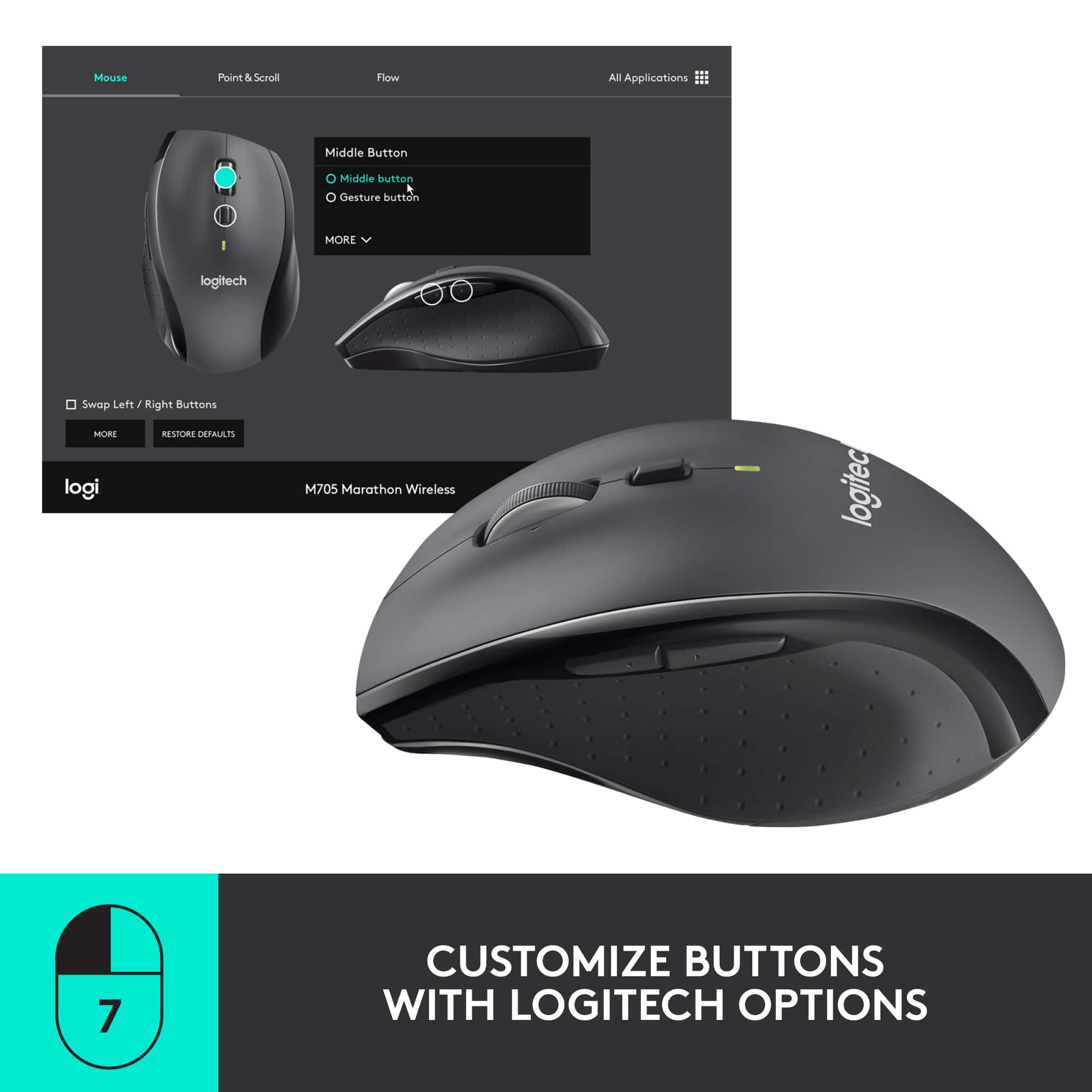
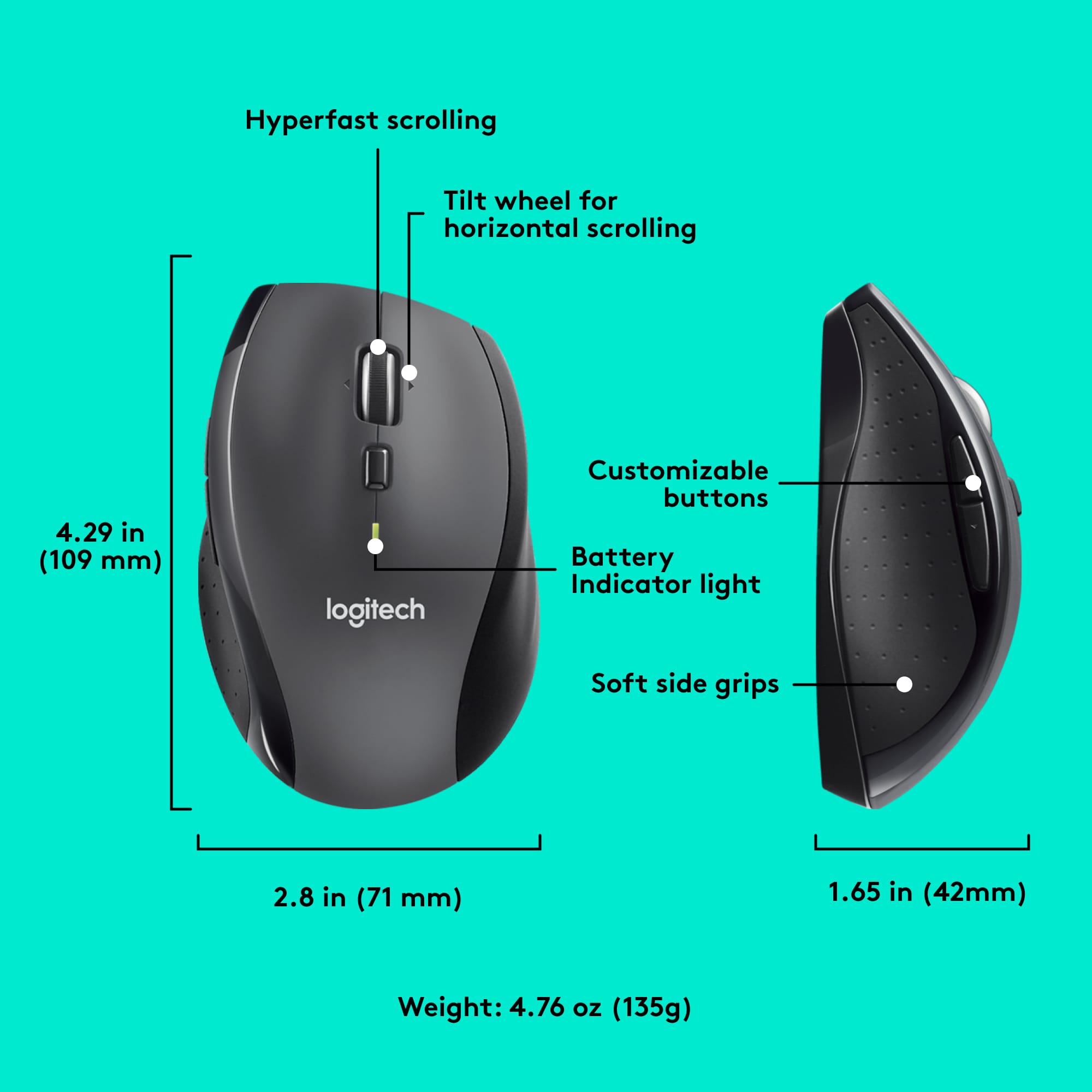
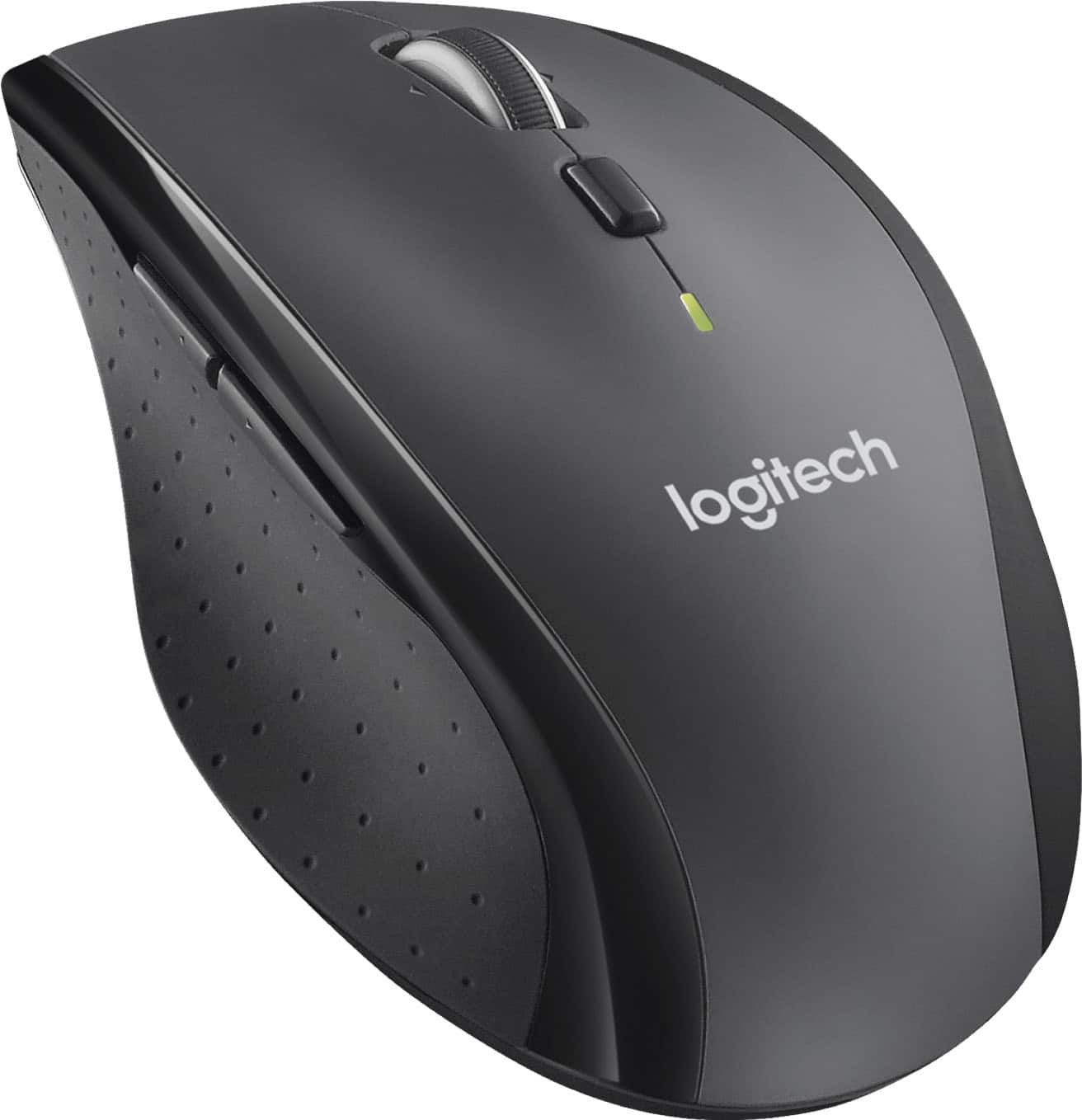
- A:Answer As stated in answers to other questions, and mentioned in the "What's included" section of the product description, there is customization software for that purpose. It appears that they call it "Logitech Options" now, and it is available from their support site. The button defaults are Forward and Back above your thumb, and Middle click on the scroll wheel click, and left or right when pressed those directions. Logitech states "7 Customizable Buttons" on the package back. To be clear, I only use the defaults, and I don't use the customization software, so I cannot tell you what options are available inside the software. The changes would also be specific to that computer, in that OS, you would have to make your changes to each computer and OS you wanted to use it with. ( while not very common anymore, some folks do have dual/multi boot computers, and you would have to customize for each OS ) Do be aware, the customization software from Logitech is only for Windows or Mac. While there are no customization options, the M705 Marathon mouse is plug and play with Linux, and if available for your Linux, there is the Solaar application which lets you configure the UniFying receivers and pairing of devices. The battery life on these is excellent, as I move one between three laptops currently and after probably 8 to 9 months of heavy use, it is still showing around 50% battery life.
Answered by JavaBeanz
Q: QuestionIs the M705 supported by Setpoint?
Asked by vulcanrider71.
- A:Answer No. Maybe it was, but now you have to use Logitech Options software, which is similar, but inferior in my opinion.
Answered by iamjamieq
Q: QuestionIs Best Buy an authorized Logitech dealer?
Asked by Anonymous.
- A:Answer I read a review on the M705 wireless mouse. The article talked about the nice warranty available, but only if you purchase from an authorized supplier of Logitech products. Best Buy was recommended as an authorized dealer.
Answered by SLanger
Q: QuestionCan I program a button to close the active tab I am on? Same as Ctrl-W but I do not want to have to hit that 100 times a day?
Asked by Missdenise.
- A:Answer Yes, you can customize the M705 mouse to close a tab using Logitech Options+ software.
Answered by Logitech
Q: QuestionHello it’s possible to buy just the usb port? I lost it
Asked by Emily.
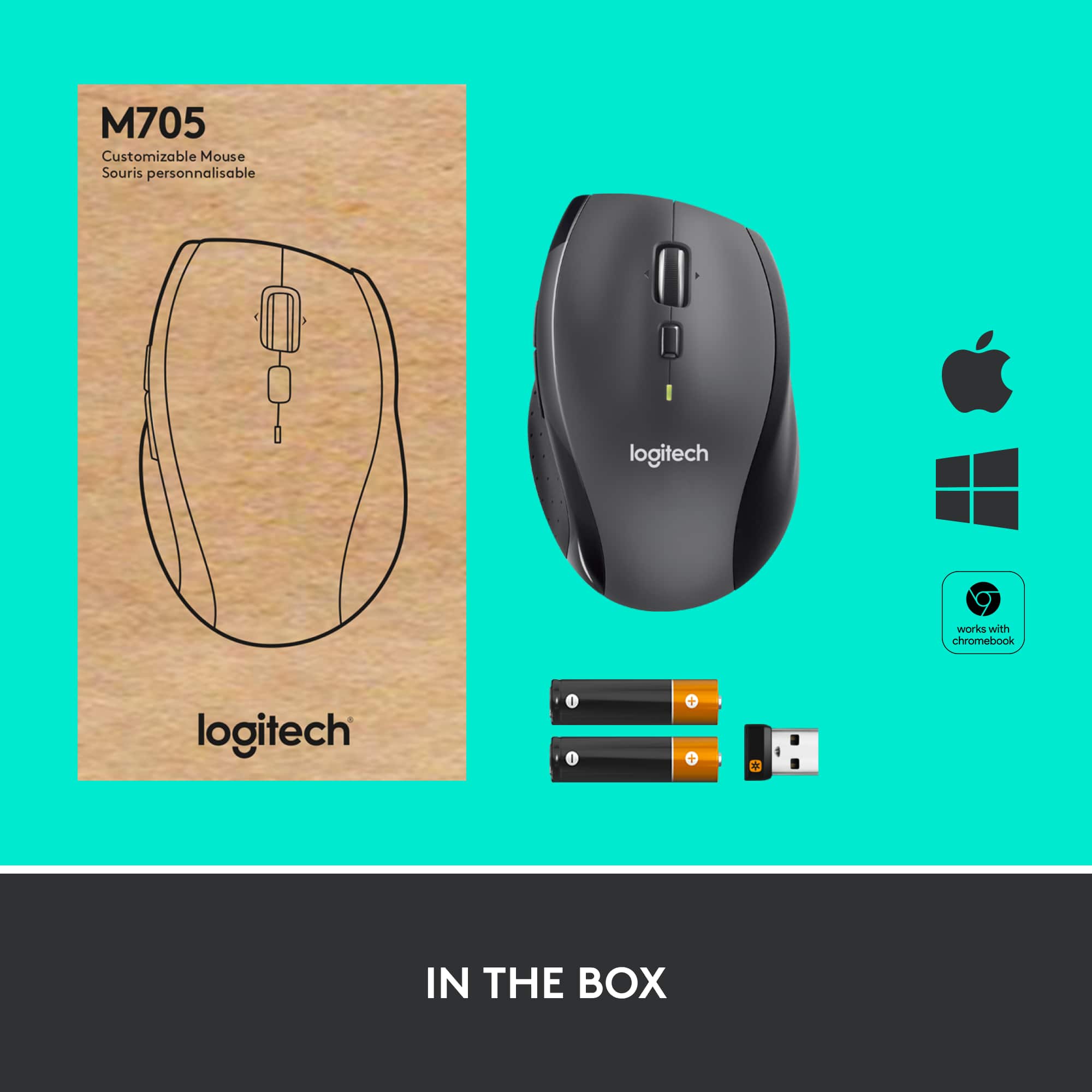
- A:Answer Yes, it is possible to buy a replacement USB receiver (dongle) for your Logitech M705 Marathon Wireless Optical Mouse. The Logitech M705 uses a Unifying Receiver, which allows you to connect up to six compatible Logitech devices to a single USB port. To know more, please check with the below link https://www.logitech.com/shop/p/unifying-receiver-usb
Answered by Logitech
Q: QuestionIs this compatible with Dell Inspiron lap top?
Asked by Delluser.
- A:Answer Yes
Answered by HelenaF
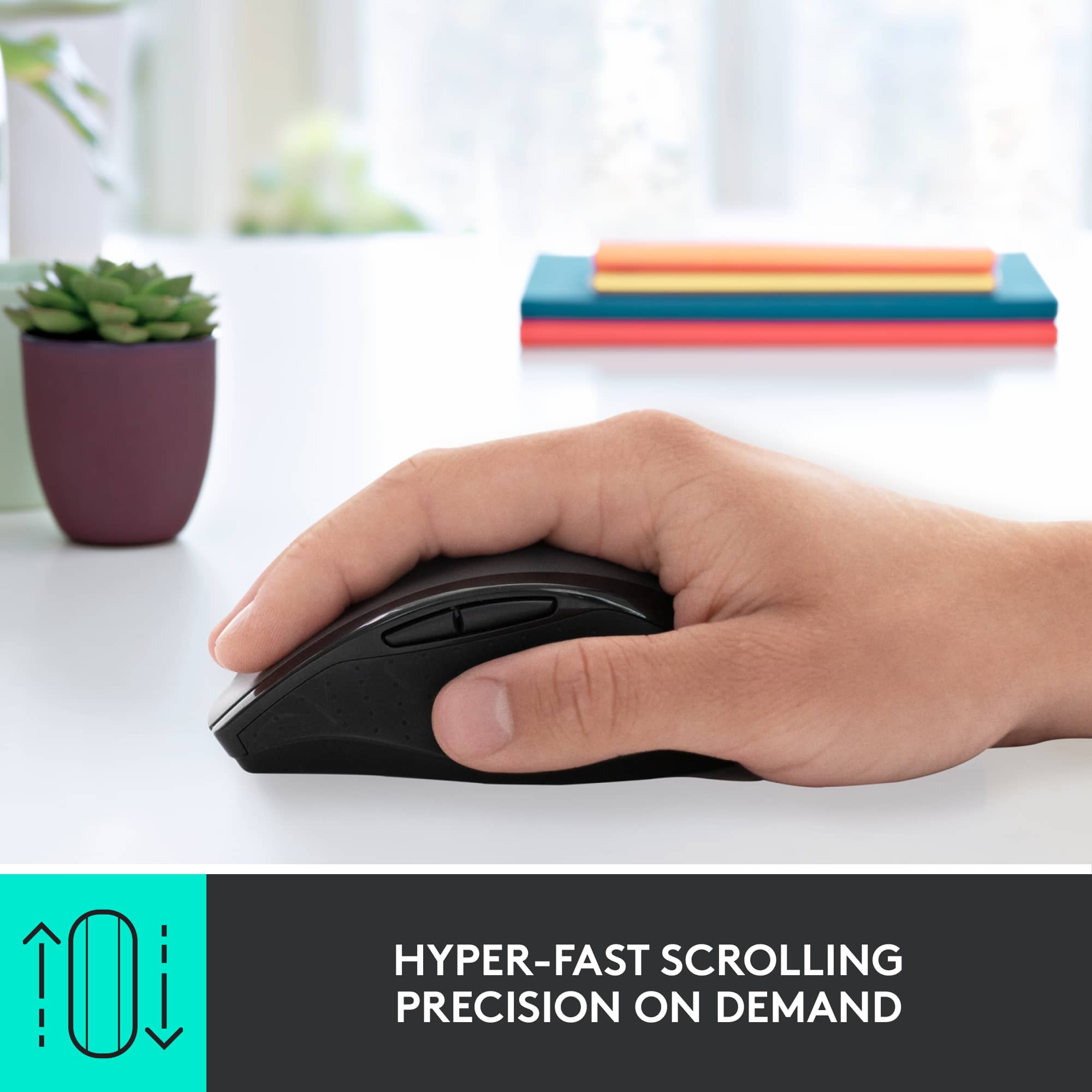
Q: Questionwhat do the two buttons on the left hand side do? The back button is a little bit longer than the front button.
Asked by JuliaMCSmouse.
- A:Answer I believe they speed up and slow down functionality
Answered by Stryker
Q: Questiondoes the M705 mouse works with a MK710 wireless keyboard?
Asked by J.
- A:Answer Yes
Answered by MelodyC
Q: QuestionWill this mouse connect to an amazon fire tablet through bluetooth?
Asked by AmazonFireTablet.
- A:Answer Yes it will
Answered by FnbMab
Q: QuestionWill this mouse also work seemlessly with the K350 keyboard using the one unifying connector device?
Asked by Skipper.
- A:Answer yes, get driver from Logitech and run config to get new connected devices
Answered by samy
Q: QuestionWill I be able to pair additional Bluetooth devices simultaneously through the receiver?
Asked by tech.
- A:Answer Simple answer, yes. I have a four USB receiver and all devices work fine.
Answered by ThatGuy
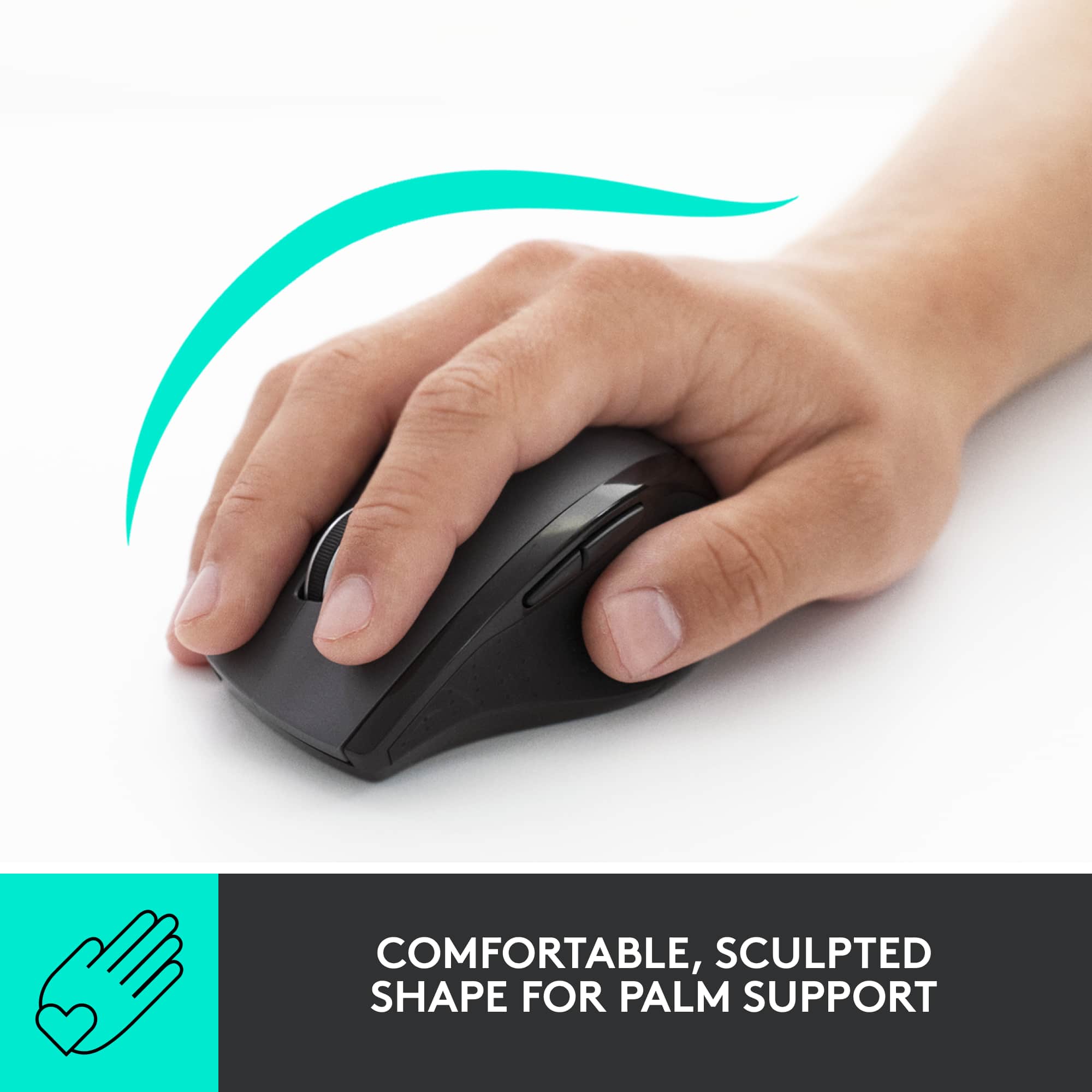
Q: Questionis this mouse ergonomic, because I have thumb arthritis.
Asked by Sara.
- A:Answer It's not technically ergonomic but it's the easiest mouse for me to use. It raise your hand up higher off the desk because of the shape. Also on the left side there is a slight lip for you thumb to rest on. All of my fingers are dislocated from arthritis that's why I keep buying it when the old one's die.
Answered by mouse
Q: Questionhow many batteries are required and what is the typical battery life time
Asked by vcrvin.
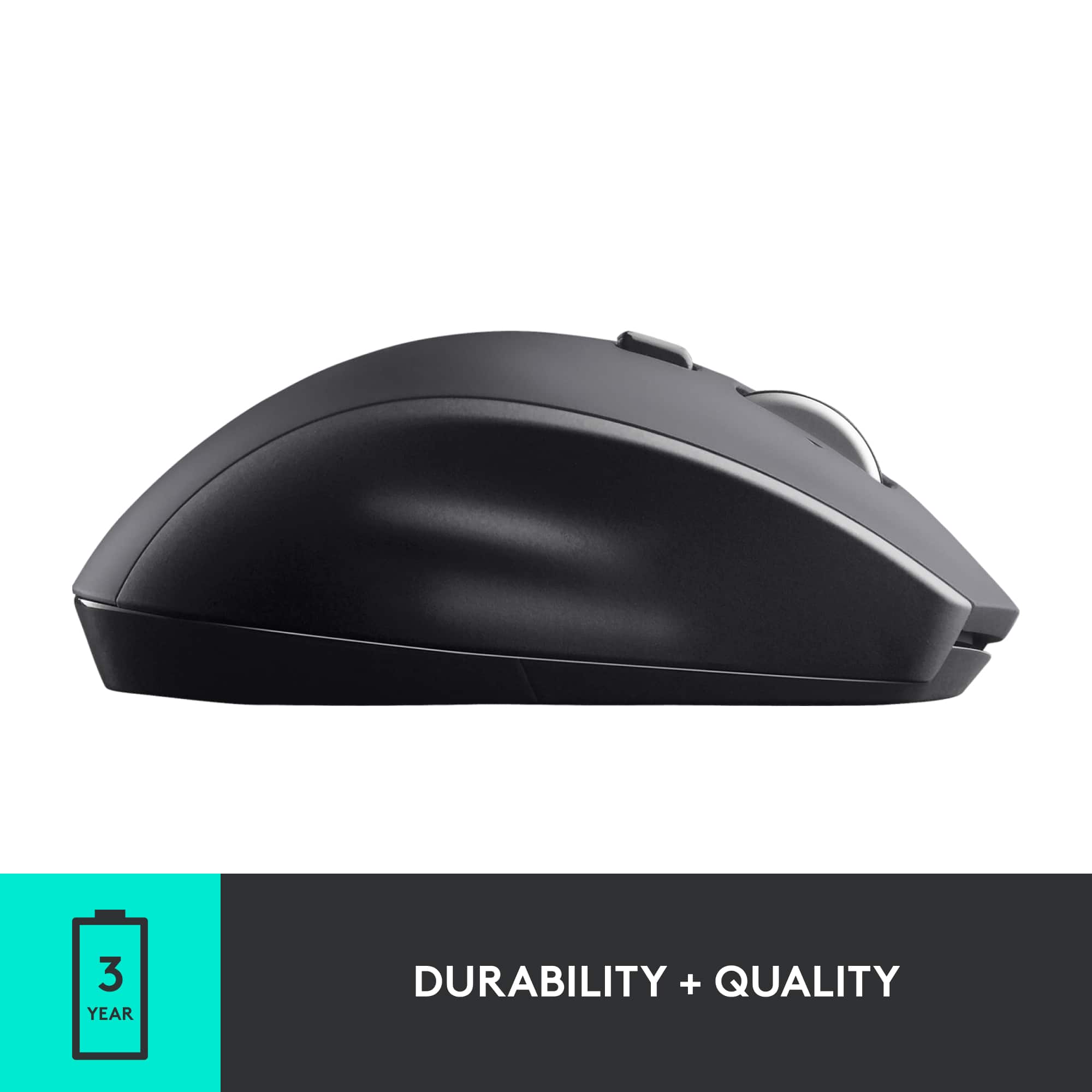
- A:Answer 36 month battery life, it takes 2 AA batteries, and 2 Duracell batteries are included with purchase.
Answered by Layce
Best-selling mice
- $79.99Your price for this item is $79.99
- $119.99Your price for this item is $119.99
- Black Friday Deal$12.99Your price for this item is $12.99
- Black Friday Deal$19.99Your price for this item is $19.99
- $39.99Your price for this item is $39.99
- $12.99Your price for this item is $12.99$16.99The comparable value for this item is $16.99
- Black Friday Deal$9.99Your price for this item is $9.99
- Black Friday Deal$79.99Your price for this item is $79.99
- $9.99Your price for this item is $9.99
- $31.99Your price for this item is $31.99$39.99The comparable value for this item is $39.99
- Black Friday Deal$39.99Your price for this item is $39.99
- $9.99Your price for this item is $9.99$22.99The comparable value for this item is $22.99
- $36.08Your price for this item is $36.08$44.99The comparable value for this item is $44.99
- $12.99Your price for this item is $12.99$22.99The comparable value for this item is $22.99
- $19.99Your price for this item is $19.99$24.99The comparable value for this item is $24.99
- Black Friday Deal$19.99Your price for this item is $19.99
- Black Friday Deal$9.99Your price for this item is $9.99
- Black Friday Deal$27.99Your price for this item is $27.99
- $19.99Your price for this item is $19.99$29.99The comparable value for this item is $29.99