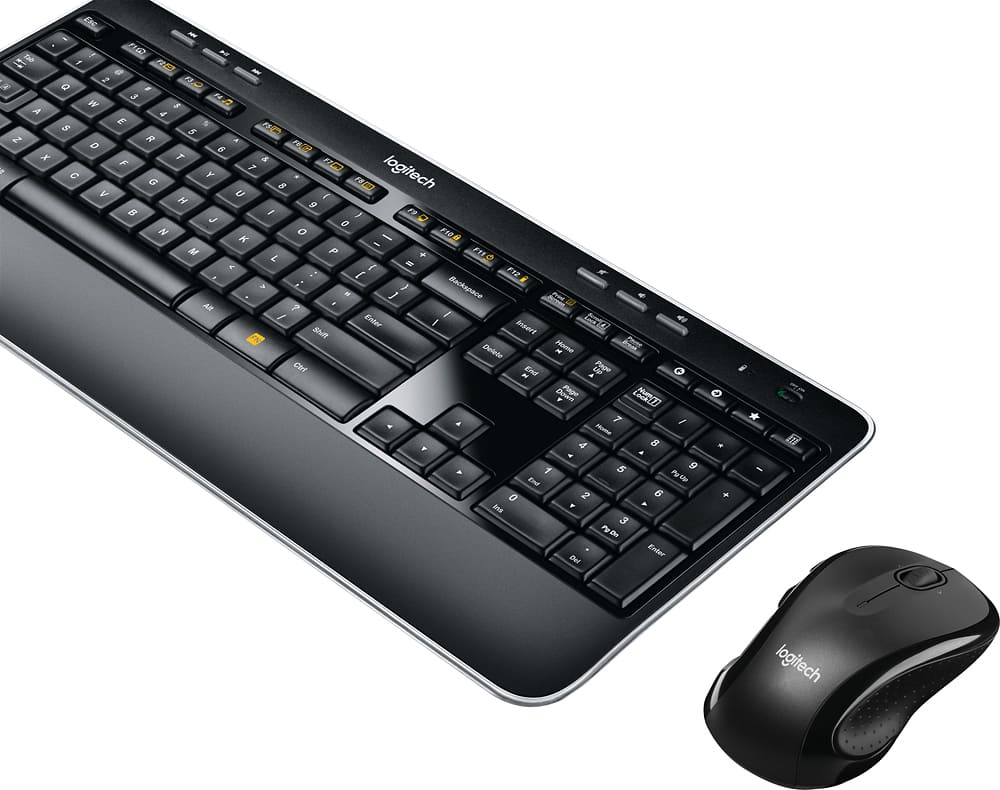
A:AnswerBern , I believe that's actually correct I don't have mine with me at this time but I have seen this in the past , when Logitech sells this keyboard without the mouse it sells as a K520, the mouse sells as a another number (I cannot remember which, M510 I think). Nothing is wrong that's just how Logitech numbers them, MK530 is a set of a K520 keyboard and a mouse. The cheaper MK520 set at at discount stores the mouse has no side buttons (M310 mouse) , the Mk530 (this set) the mouse has side buttons (M510 mouse I think), but the keyboard in both sets is the same and is numbered a K520.
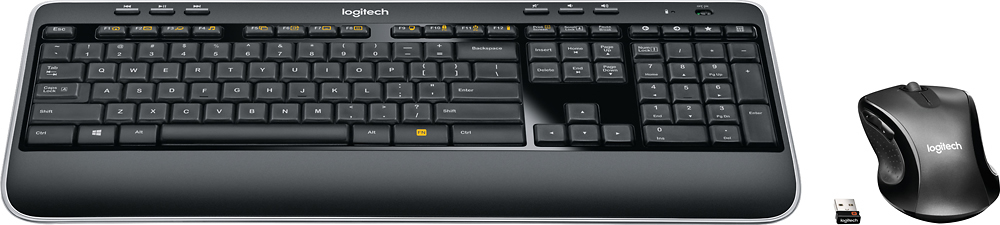
A:AnswerYou need to make sure the receiver doesn't have anything interfering with it. If you're using it on a desktop, plug the receiver into a front USB port instead of the back. On a laptop, make sure there aren't other cables around it. If you have a single USB port anywhere, plug it in there rather than next to other devices.
A:AnswerHello... I had the same question as well. It's not located in the mouse like it would be if you purchased the mouse alone. You have to remove the keyboard battery cover and you will find the USB adapter. I hope that helps answer your question.
Best,
Hernan Lopez
A:Answer1. Check batteries to make sure fresh and correctly installed.
2. Turn keyboard on/off.
3. Reboot PC.
4. If none of above work, return keyboard.
A:AnswerYes, I have setup several of our business desktops with this combo where some are running Windows 8.1 Pro and others are running Windows 10 Pro.
A:AnswerI don't have that issue. But I first learned to type on a "manual" typewriter, so I like to "hit" the keys. I guess if I was used to a "touch keyboard" it'd seem that way.
A:AnswerBuy (for only a dollar or two on any of the larger web-store sites) the tablet accessory OTG (OnTheGo) tip adapter...or the couple-of-inches-long flexible "pigtail" version. Or grab one from the box a tablet or cell came in.