Questions & Answers
- Model:
- 920-010547
- |
- SKU:
- 6502579
Highly rated by customers for: Keyboard Quality, Battery Life, Key Feel
$159.99Your price for this item is $159.99
Comp. Value: $179.99
The comparable value price is $179.99
Page Showing 21-27 of 27 questions
Q: QuestionCan I use this to replace my laptop keyboard?
Asked by Laptop.
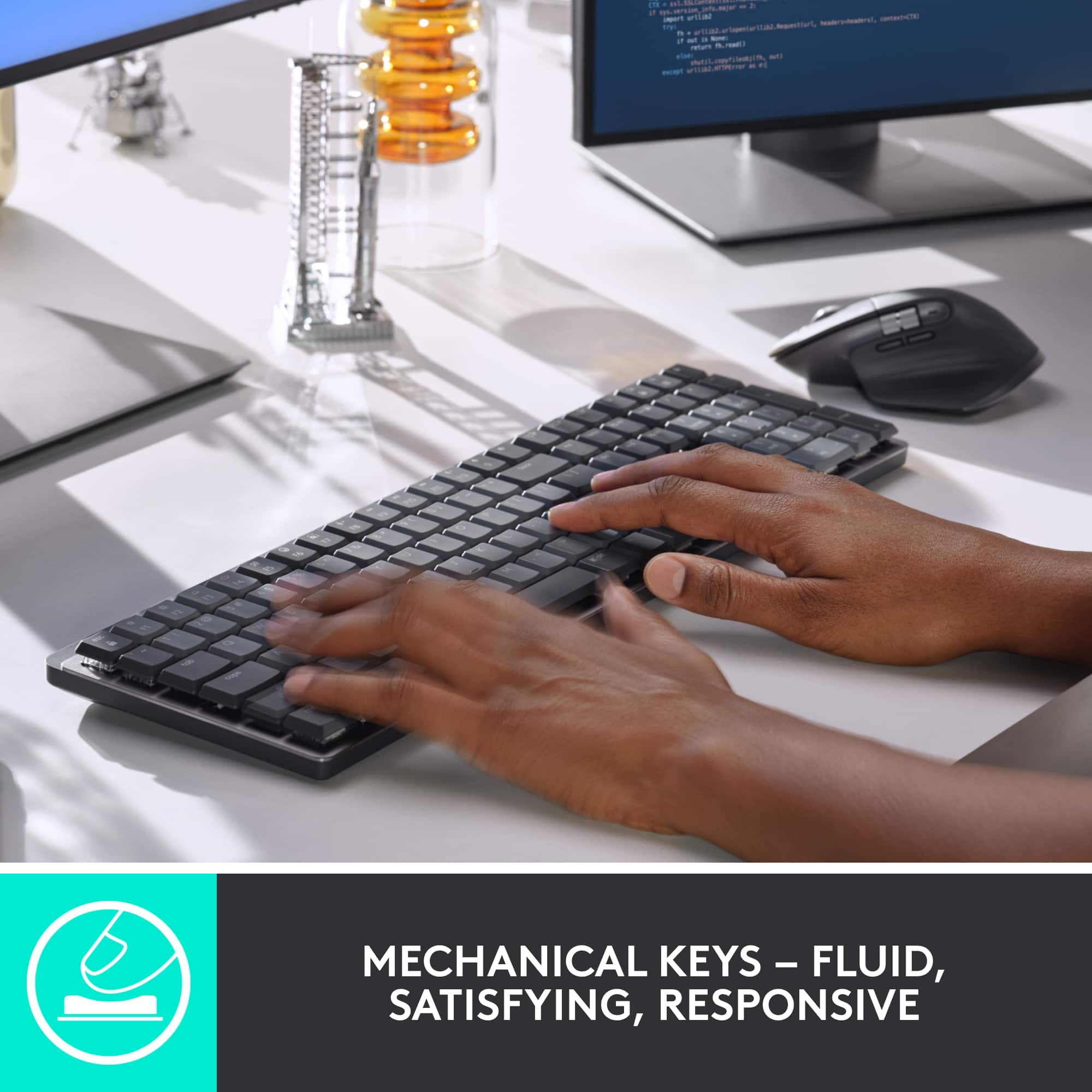
- A:Answer As long as your laptop has working Bluetooth or a USB port, you can use this keyboard to type with it. I use it when I plug my laptop into a monitor and it works as expected.
Answered by FinnJ
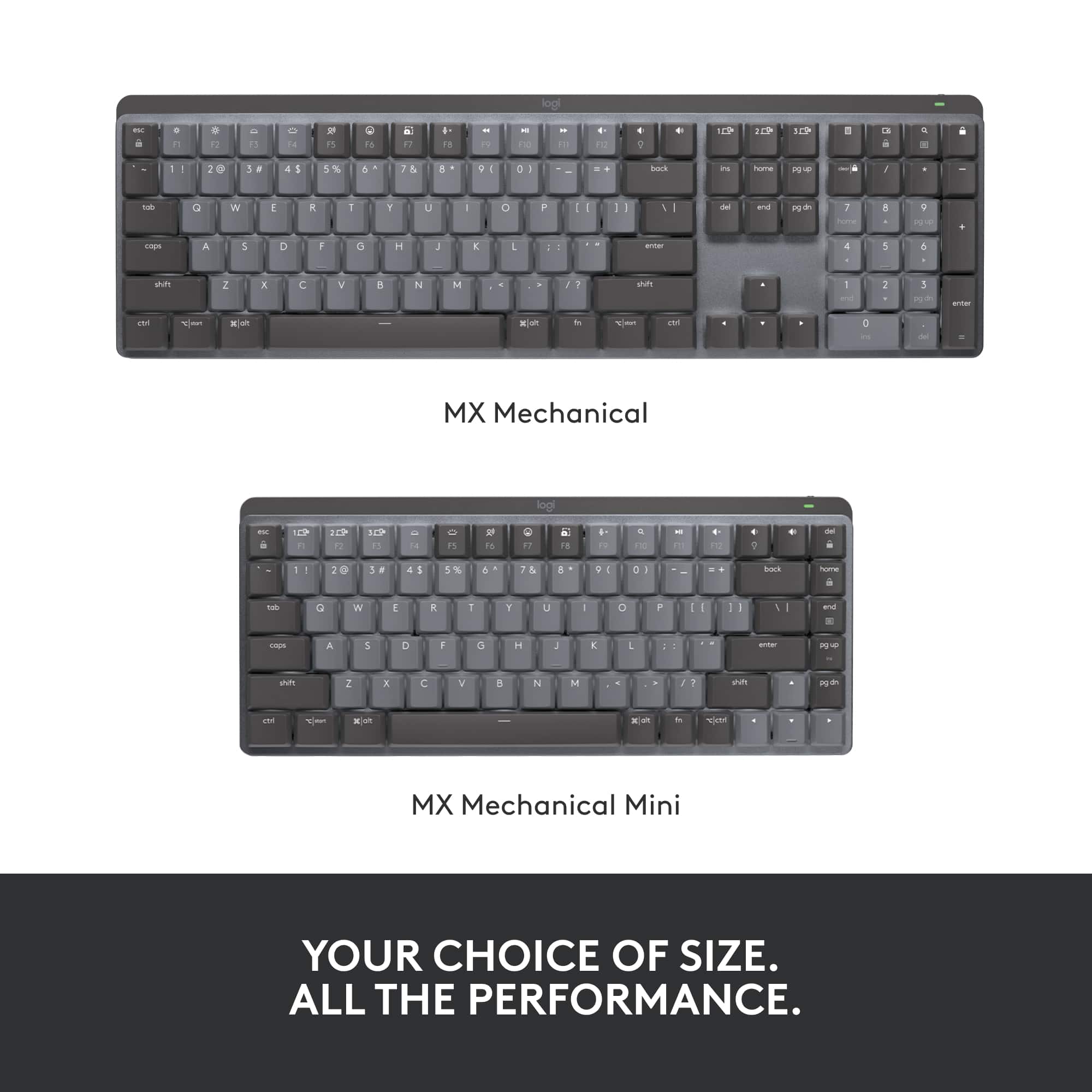
Q: QuestionIs there a way to use the F1 to F3 keys without having it switch to another pc? Since they are the same button
Asked by Jorge.
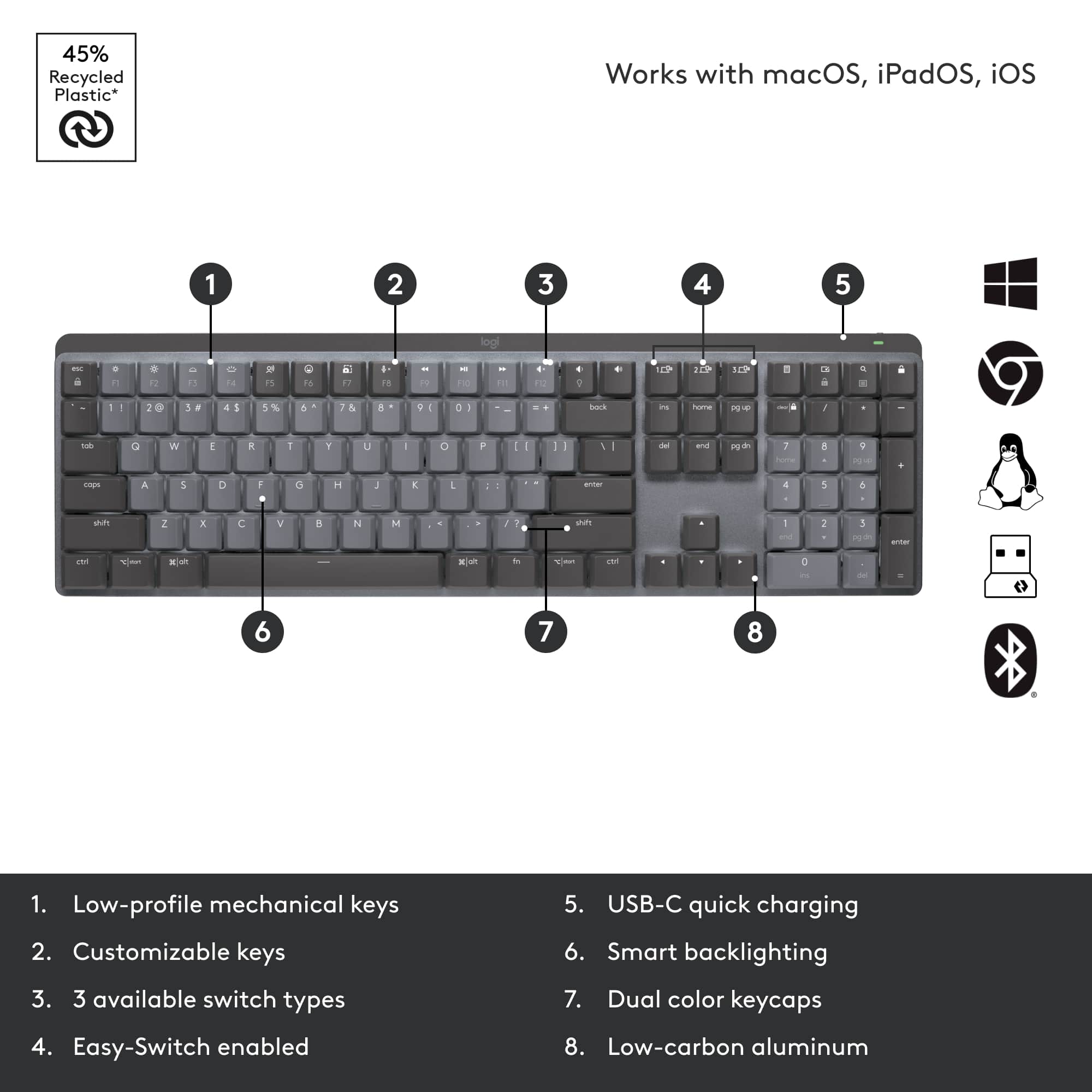
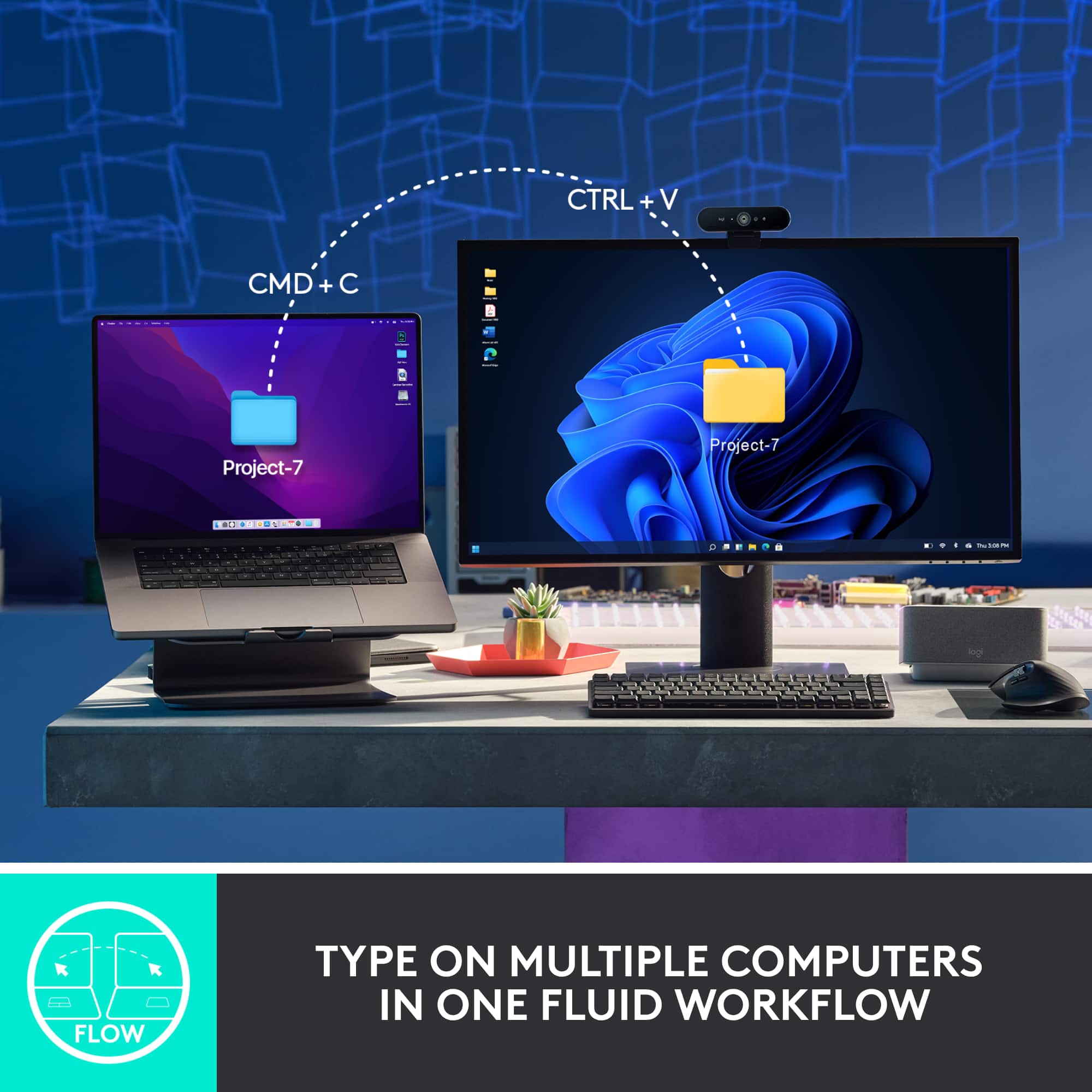
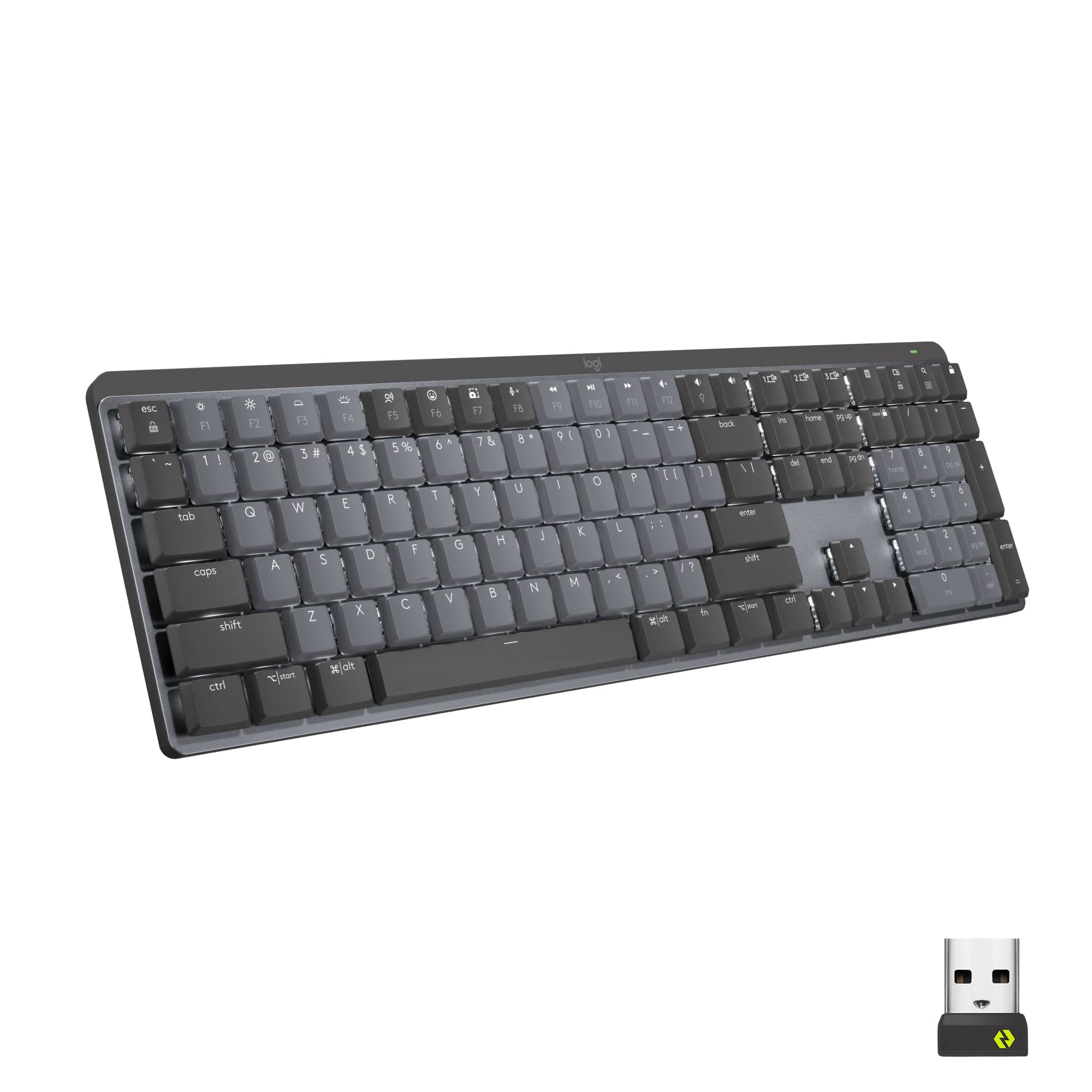
- A:Answer The keys to switch to different computers are separate from the function keys. There are 3 dedicated keys for computer 1, 2, and 3 switching above the Home/End/PageUp/Down clusters.
Answered by chewb0rka
Q: QuestionDO you have a printed chart or sheet that explain all the MX keys?
Asked by EddieB.
- A:Answer Sorry I can't. Even asked customer service for user manual. Referred to a few page "get started" sheet. I'm still searching.
Answered by Seeker
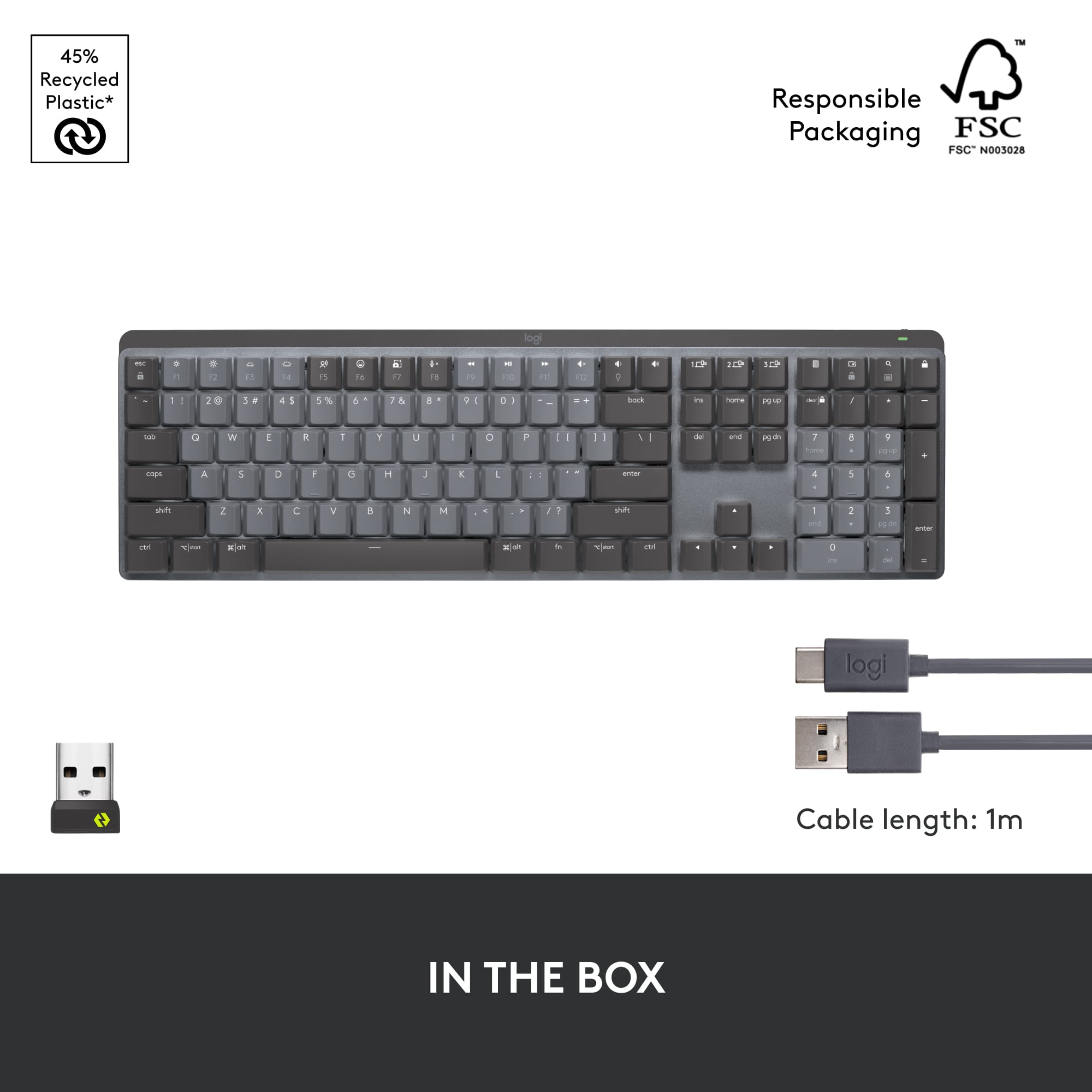
Q: QuestionOne of the questions is about replacing the battery, which apparently the user cannot do. In that case, how do you recharge the battery? Surely you don't have to throw the whole keyboard away once the battery is drained?!? Thank you in advance!
Asked by Siddhartha.
- A:Answer This keyboard has a USB-C charging port and comes with a cable.
Answered by chewb0rka
Q: QuestionIs there an option for the backlighting to continuously stay *on* ?
Asked by Thatguy.
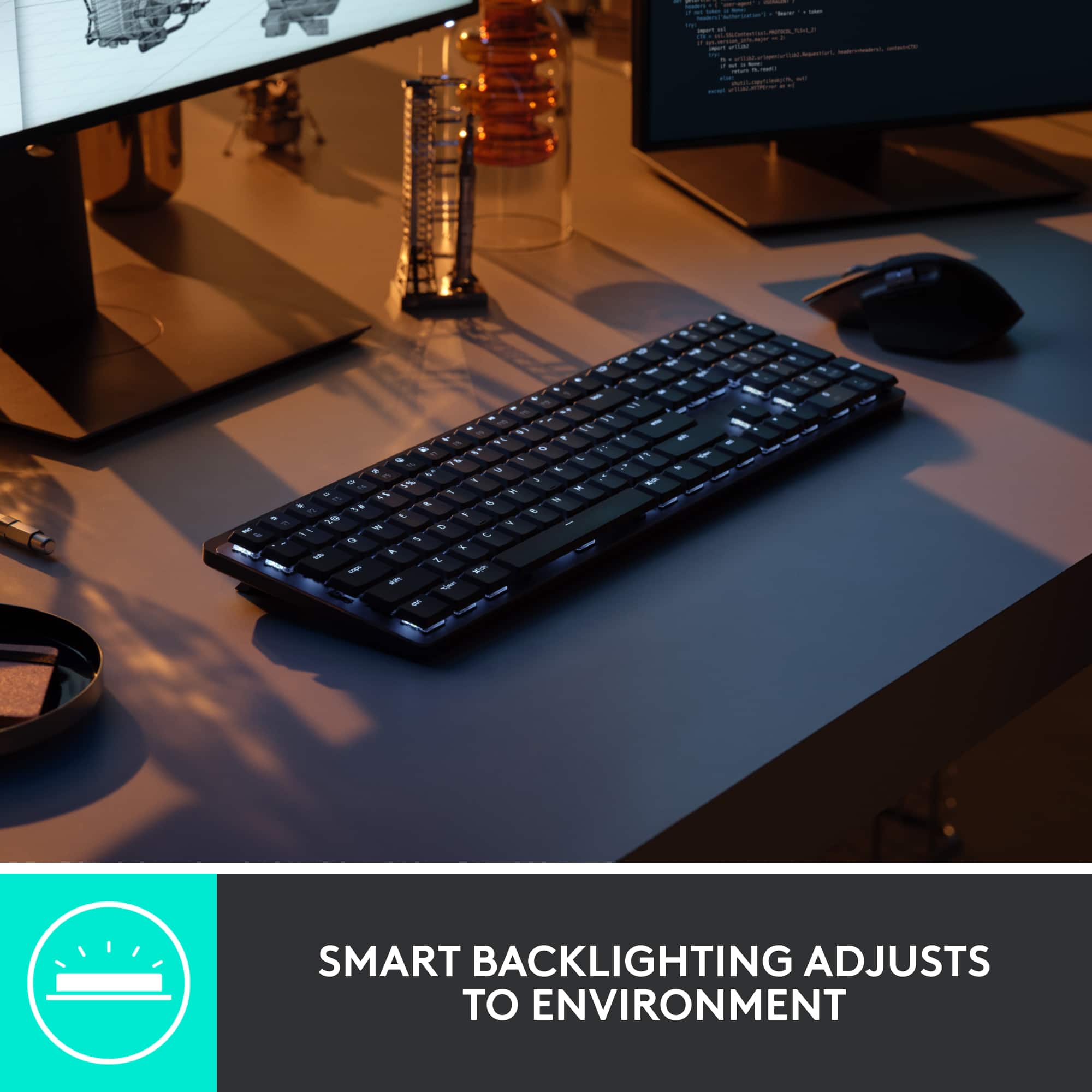
- A:Answer If you select the lightbulb next to F12 (or fn+lightbulb if you have fn lock set) it will scroll between the various backlighting settings. The one you are looking for is called "static", but you can play with the others to see if you like any of them.
Answered by Simalot
Q: QuestionWhere is the 'print screen' key?
Asked by aReiss.
- A:Answer Printscreen is the F7 key only. No need to press FN + F7.
Answered by killer
Q: QuestionCan I use this with Linux?
Asked by Thia.
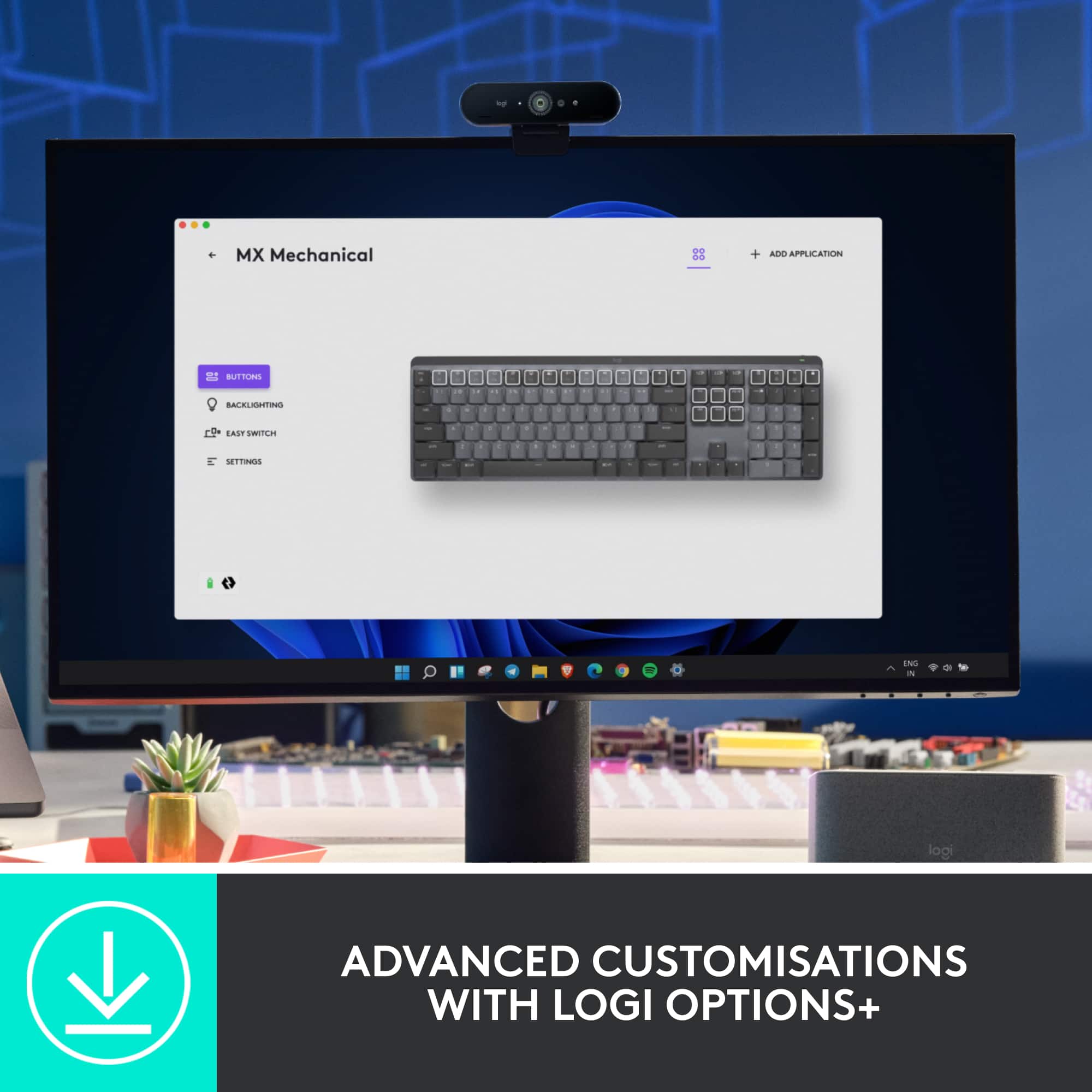
- A:Answer It works on Linux for me. I haven't tried under xorg, but under Wayland with LibInput its fine. I tested both with bluetooth and the USB adapter. You won't have Logitech's fancy App, but it shouldn't be necessary for basic functionality.
Answered by Chad
Page 2, Showing 21-27 of 27 questions
Most-viewed items
- $114.99Your price for this item is $114.99$129.99The comparable value for this item is $129.99
- $89.99Your price for this item is $89.99$99.99The comparable value for this item is $99.99
- Clearance$41.99Your price for this item is $41.99
- $99.99Your price for this item is $99.99
- $129.99Your price for this item is $129.99
- $129.99Your price for this item is $129.99$149.99The comparable value for this item is $149.99
- $199.99Your price for this item is $199.99
- $59.99Your price for this item is $59.99$69.99The comparable value for this item is $69.99
- $29.99Your price for this item is $29.99$34.99The comparable value for this item is $34.99
- $33.99Your price for this item is $33.99$39.99The comparable value for this item is $39.99
- $114.99Your price for this item is $114.99$129.99The comparable value for this item is $129.99
- $149.99Your price for this item is $149.99
- $143.99Your price for this item is $143.99$159.99The comparable value for this item is $159.99
- $29.99Your price for this item is $29.99$54.99The comparable value for this item is $54.99
- $79.99Your price for this item is $79.99$89.99The comparable value for this item is $89.99
- Clearance$127.99Your price for this item is $127.99
- $69.99Your price for this item is $69.99
- $19.99Your price for this item is $19.99