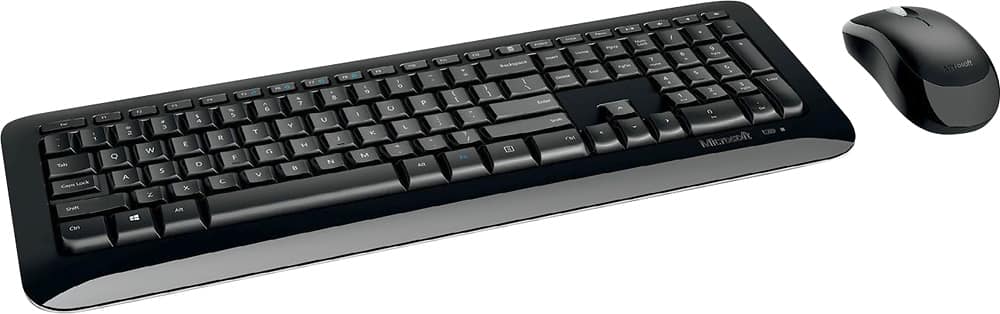
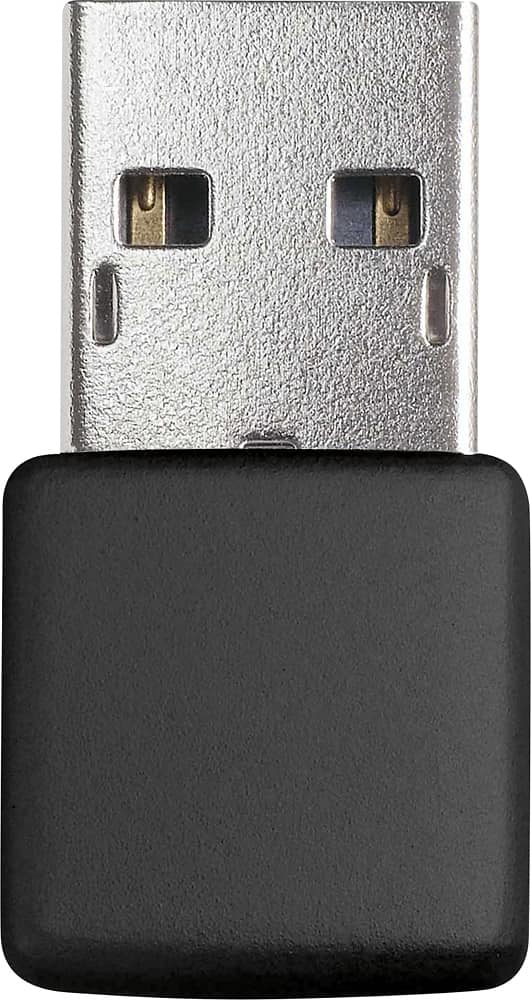
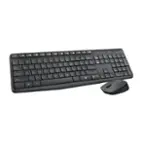
A:AnswerFrom what I have read, the usb dongle is mated to the keyboard and mouse--others have had to buy an entirely new keyboard and mouse when the dongle has gone defective or missing. The price is so economical that I can't see a different solution. You would need to follow up directly with Microsoft for other solutions.
A:AnswerI doubt that the keyboard is your problem. Have no noticed in the top row of small rectangular keys that the last 3 keys are devoted to the sound. The 3rd from the end is the on/off key for sound. You might want to try and depress that key and see if you get sound. You can see if this is where the sound has been turned-off by looking at the taskbar on the bottom of your screen. There, you will see a speaker icon. If there is an X through the speaker icon, then the sound has likely been shut off by the keyboard. Don't give up. Sometimes I feel like going "duh!" when the fix to a computer problem is so obvious that I hadn't tried it.
A:AnswerIt does use a USB 2/3 port. I had an iPad and if there is an adapter for the lightning plug, maybe? You might want to look to a Bluetooth connected set. Good Hunting.
A:AnswerUSB receivers work no further than 30 feet away. I have not tested the distance of this keyboard...I have my keyboard located within a foot of the computer and have no issues.