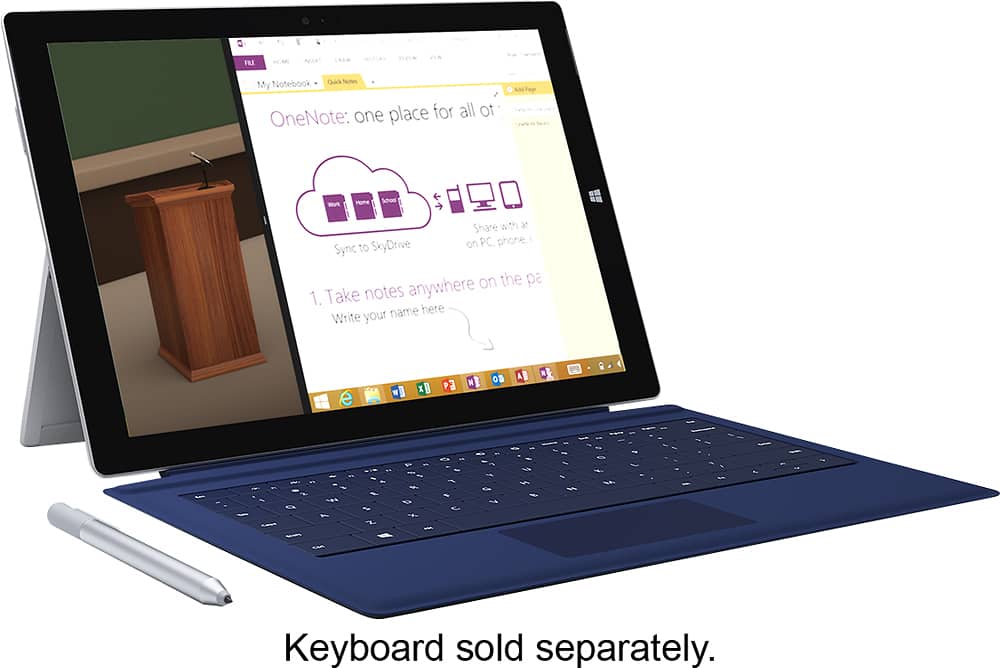
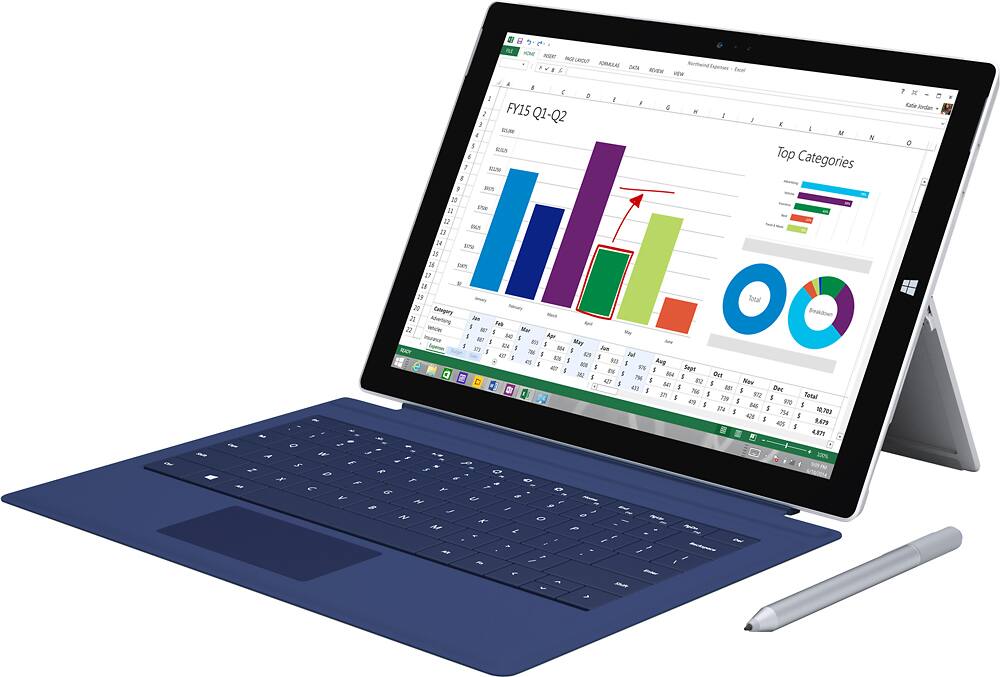
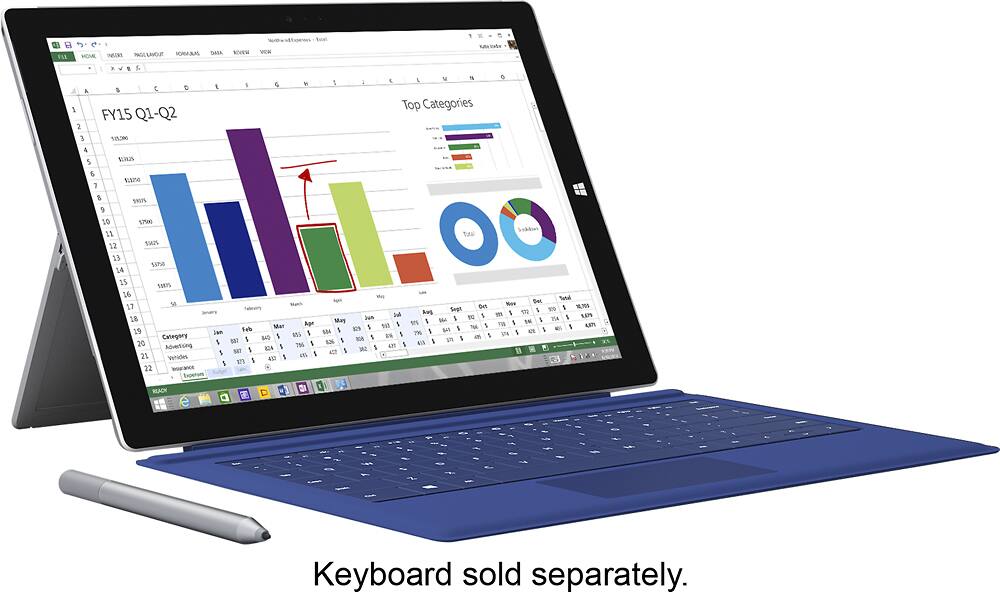
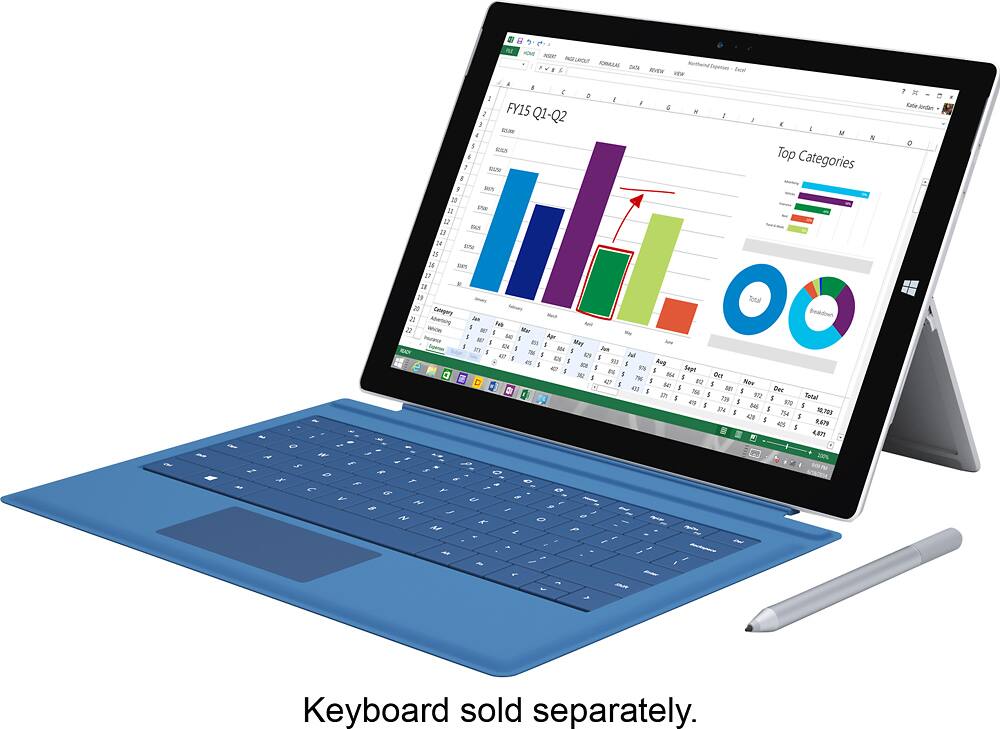
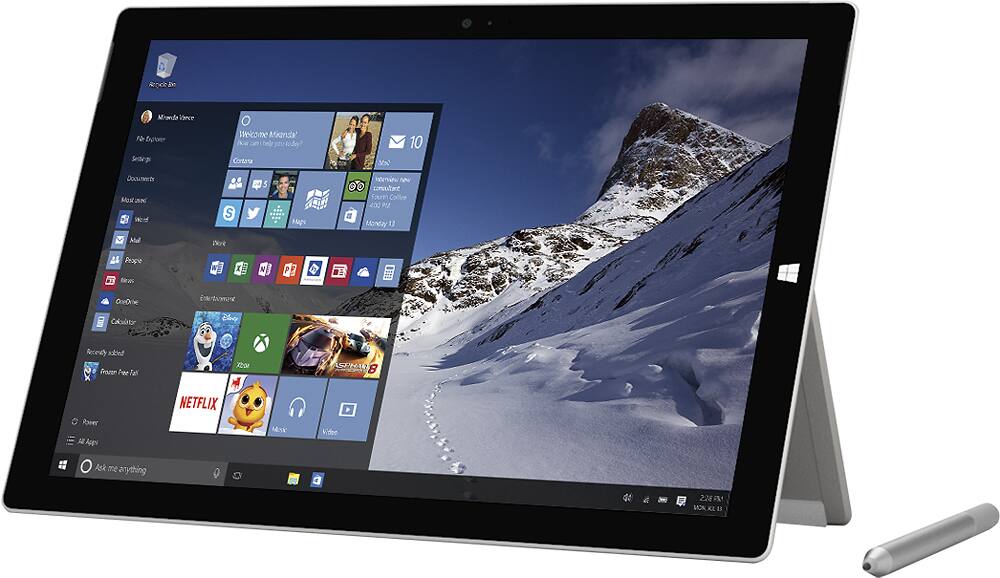
A:Answer"...the older versions will still work -- they just won't cover the entire screen when the flap is closed" according to the following article:
http://www.cnet.com/products/microsoft-surface-pro-3/2/
A:AnswerHello there,
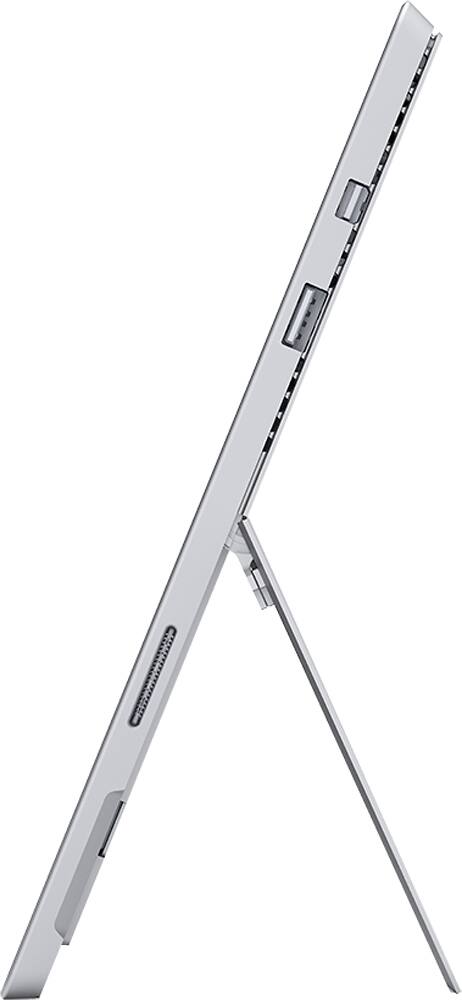
Yes, the Surface 3 tablet is compatible with most external CD/DVD readers on the market via USB port.
I hope this was helpful to you.
A:AnswerHello there, the Surface Pro 3 Docking station will allow you to run dual external monitors on your Surface Pro 3. I hope this was helpful to you.
A:AnswerYou don't have to buy anything additional. Your software will run. Be aware that it does not have a CD/DVD drive. You can install by download or USB.
A:AnswerYes you can run Excel and Visio on the i7.... I run the Adobe Creative cloud on mine. I would not go with anything less than the i7 though. the i5 line does not have enough RAM to run larger programs well.
A:Answer- Have not used them personally, but I have seen posts on surfaceforums.net regarding use with 3D design products. Recommend you check there for users' reports
- No way to add RAM as it's a sealed device; what you buy today is what you get forever.
A:Answeryou can install iTunes, when you log in to iTunes you would authorize the surface pro just like any other PC
have not checked the sync issue as yet
A:Answeruse your smart phone as an access point by tethering, you wifi to it and it uses the cell carrier's data network, watch out for excess data charges if you have a small data plan however
A:AnswerYes the i7 surface pro 3 has a fan issue that Microsoft won't admit to. I've swapped out the surface pro 3 i7 three times and same issue. Apparently if you get the i5, it doesn't have this issue