A:AnswerI would guess that you might had done a complete fresh install which would delete your personal files. It should had given you a warning on the screen, unless u did that free upgrade from long ago. Always create backups to an external hard drive before doing big installs or resets to decrease chances of losing important files(even then there are chances the hard drive could fail, but this should be small).
A:AnswerIf you have purchased the Windows 10 CD, then it would come with a key. If the Windows 10 came installed on a PC, then you might find the key located on the unit back or bottom. Most likely if purchased with a new PC, then you would only be able to reinstalled on the same PC.
A:AnswerTouch screens if damaged will most likely have to be replaced. The price would vary depending on type of device and model, etc.. If you can't repair/replace this yourself, you have to ask BestBuy or manufacturer, if still under warranty or not, or some other repair shop, how much it would cost for a replacement.
If your able to do this yourself, then you need to find out the part number and do a search on the internet for it. Check with the manufacturer for this information, using model number, service tag number, etc. to find it.
Hope this helps...
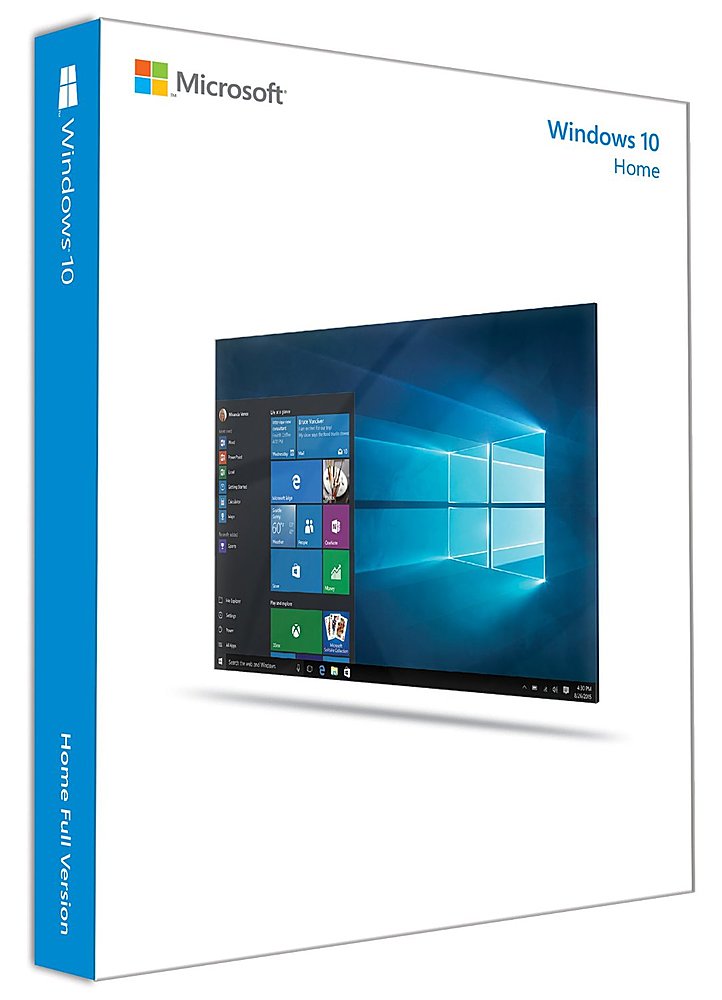
A:AnswerWell, the good thing is that this version of Windows 10 Home comes on a USB drive.
You would have to go into BIOS SETUP to select the USB drive as your first drive to bootup or
press the F12 key before the splash screen at bootup, and select your Windows 10 installation drive
to boot from. That should get the ball rolling for you.
Because this answer pertains to someone who purchased the Windows 10 Home USB installation software,
I'm assuming that this is what you want to do.
Windows 10 will format the hard disk for you.
A:AnswerAs long as your device meets the system requirements for Windows 10, it will work. To view Windows 10 system requirements, follow this link: https://www.microsoft.com/en-us/windows/windows-10-specifications
However, if you run into issues installing Windows 10 on your Dell Inspiron, you might some helpful information here: https://support.office.com/en-us/community?threadid=95fcd05d-8b61-4bca-9bbc-7fd1e22e6d1f
A:AnswerPay good attention to whether you are buying your software for one user or multiple users. If you bought it for a single user, you cannot put it on another device. If you tried to do so, the software will let you know that you cannot do it. Hope this helps you/












