A:AnswerI would recommend getting a powerline network adapter instead. The wifi option will not keep as much bandwidth - it will slow down considerably. The powerline adapter plugs into an outlet near your modem, and then another adapter plugs into the wall near your tv. No speed lost for streaming.
A:AnswerSetting up the codes is part of the configuration process. I think it defaults to the code for your router's connections, so I would try that first. If that doesn't work, go back through the initial configuration setup and see if you can set them there.
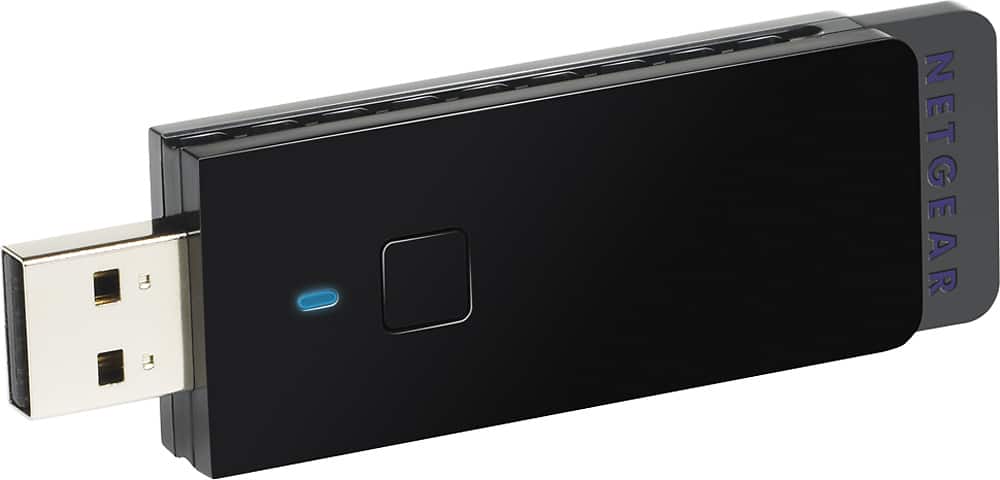
A:AnswerUh no. The whole idea about wireless is that there is no cord attachment involved. I would suggest spending your money on a wireless adapter that plugs into your Mac, making it a wireless device. Netgear makes a small USB port device that replaces the network adapter that most computers have internally. It's called the Netgear WNA3100 Genie. Try this first, then see if you require an extender. It can be purchased at Best Buy for about $80. Take your computer into Best Buy and talk to the Geek Squad at the counter to make sure you get the best compatible device for your needs.
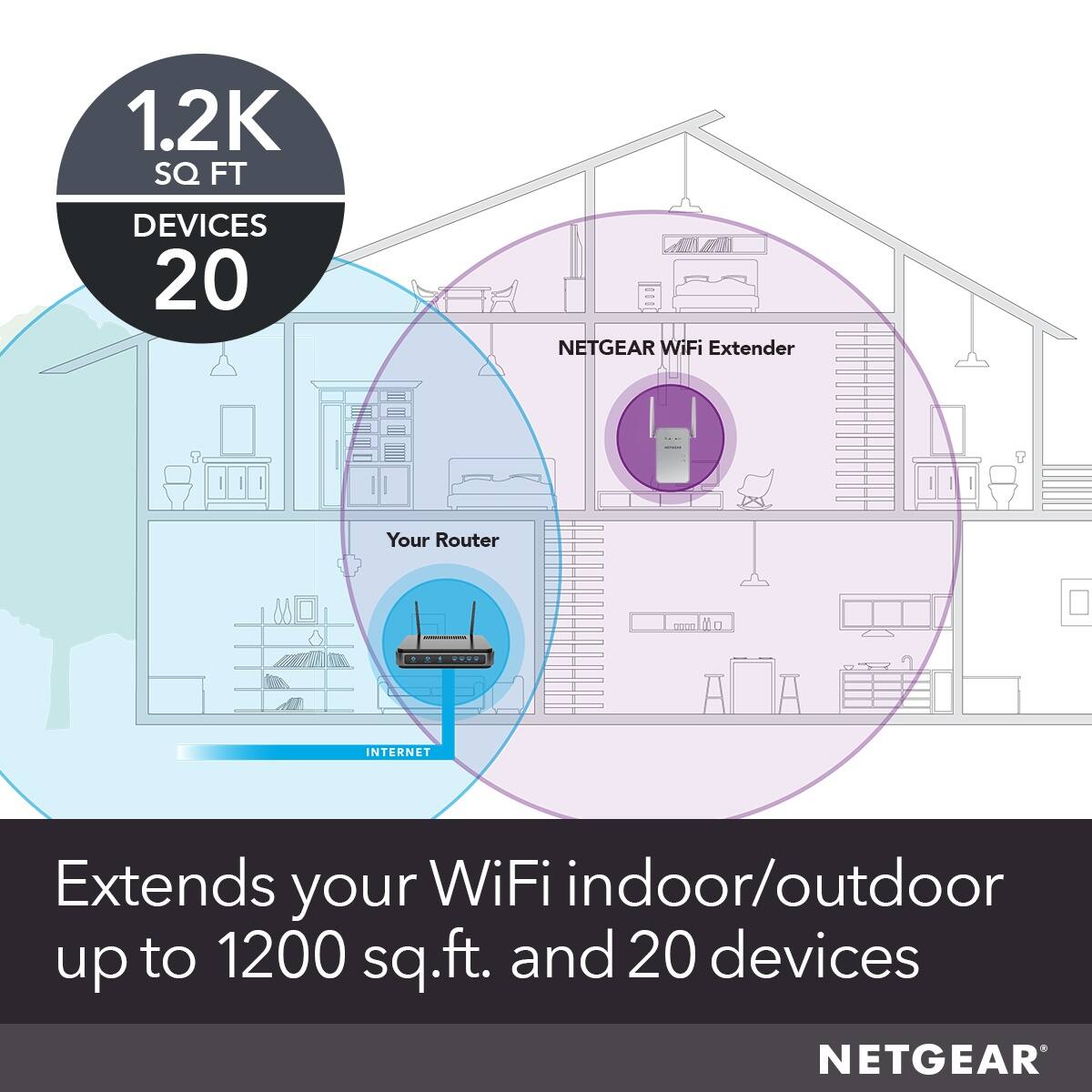
A:AnswerHi skibumvt, thank you for your question. Yes, that is definitely possible as long as the extender is placed in an optimal location wherein it is still within the range of your main Wi-Fi router and be able to broadcast within the range of your solar setup.
NETGEAR Team