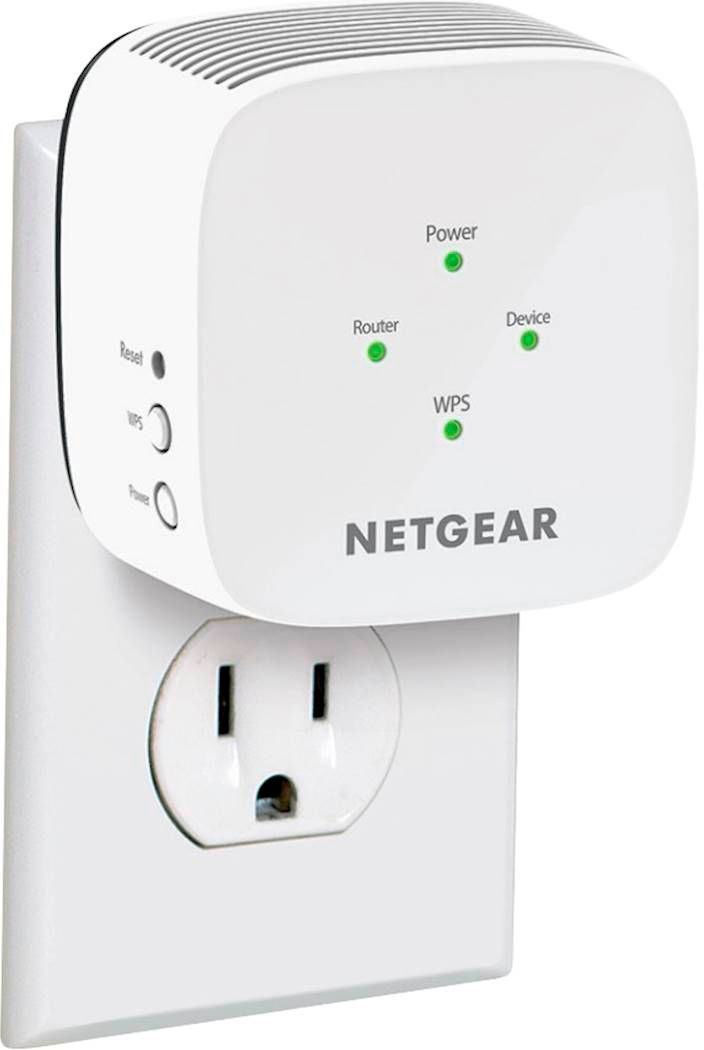
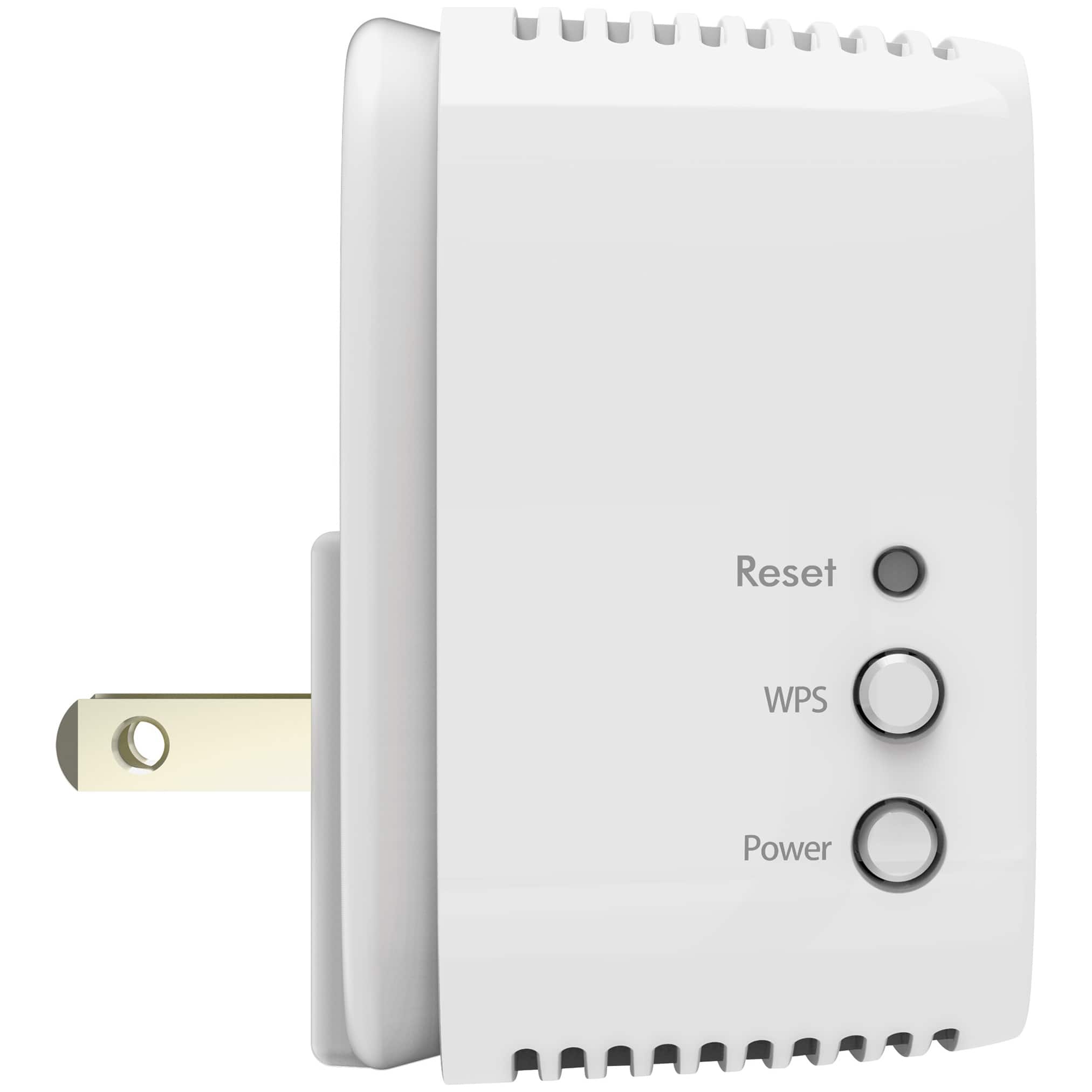
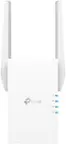
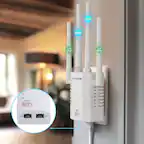
A:AnswerI think theoretically yes, but to set mine up, I had to press a button on the source router. Since the source router would be the hotel router in your case, the hotel might not want you to do that. There was another set up option that didn’t require physically pushing a button on the source router but either it didn’t work or I couldn’t figure out how to do it.
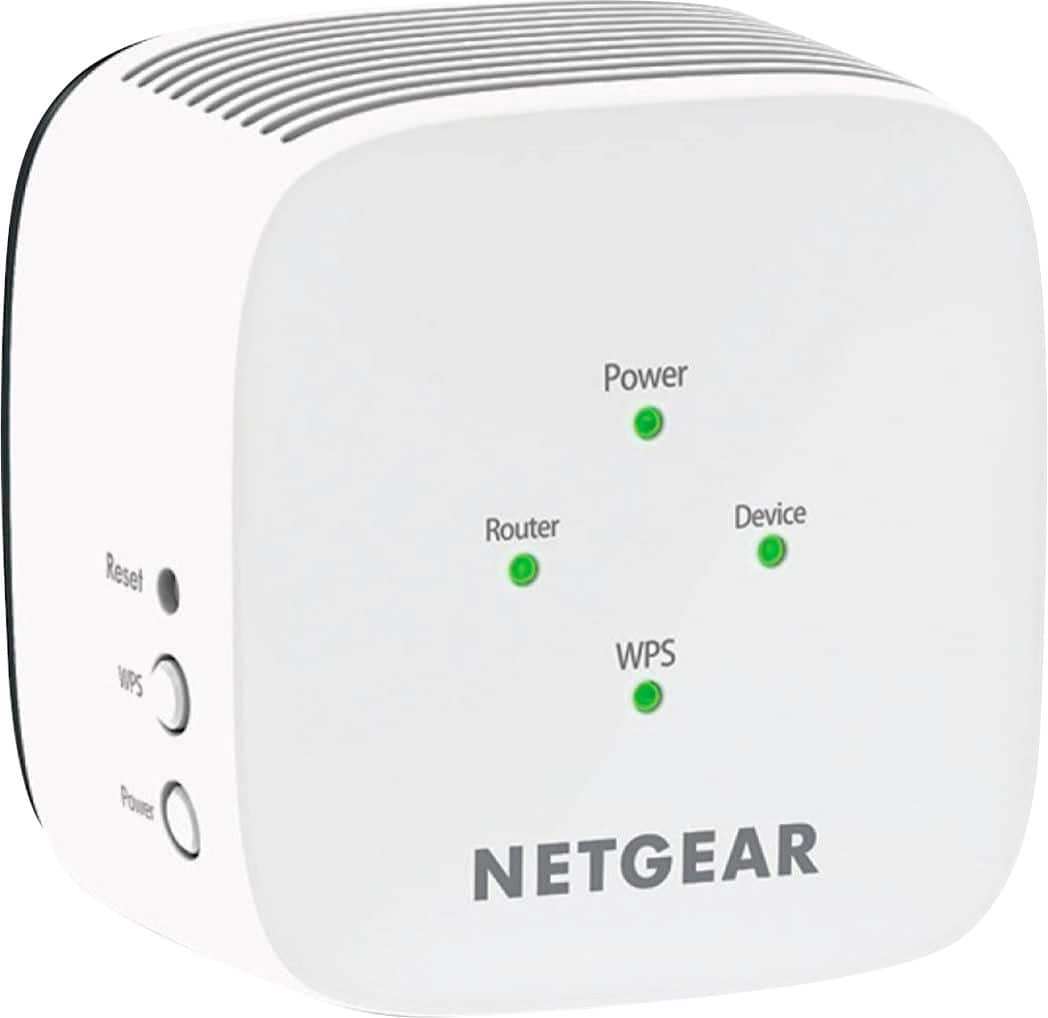
A:AnswerIf your internet connection is the T-Mobile or Verizon gateway using 5G / 4G cell signal, the first thing I recommend is to reposition the "Box" closer to an outside wall or window. That worked wonders for us in boosting overall signal strength and most importantly - speed/bandwidth.
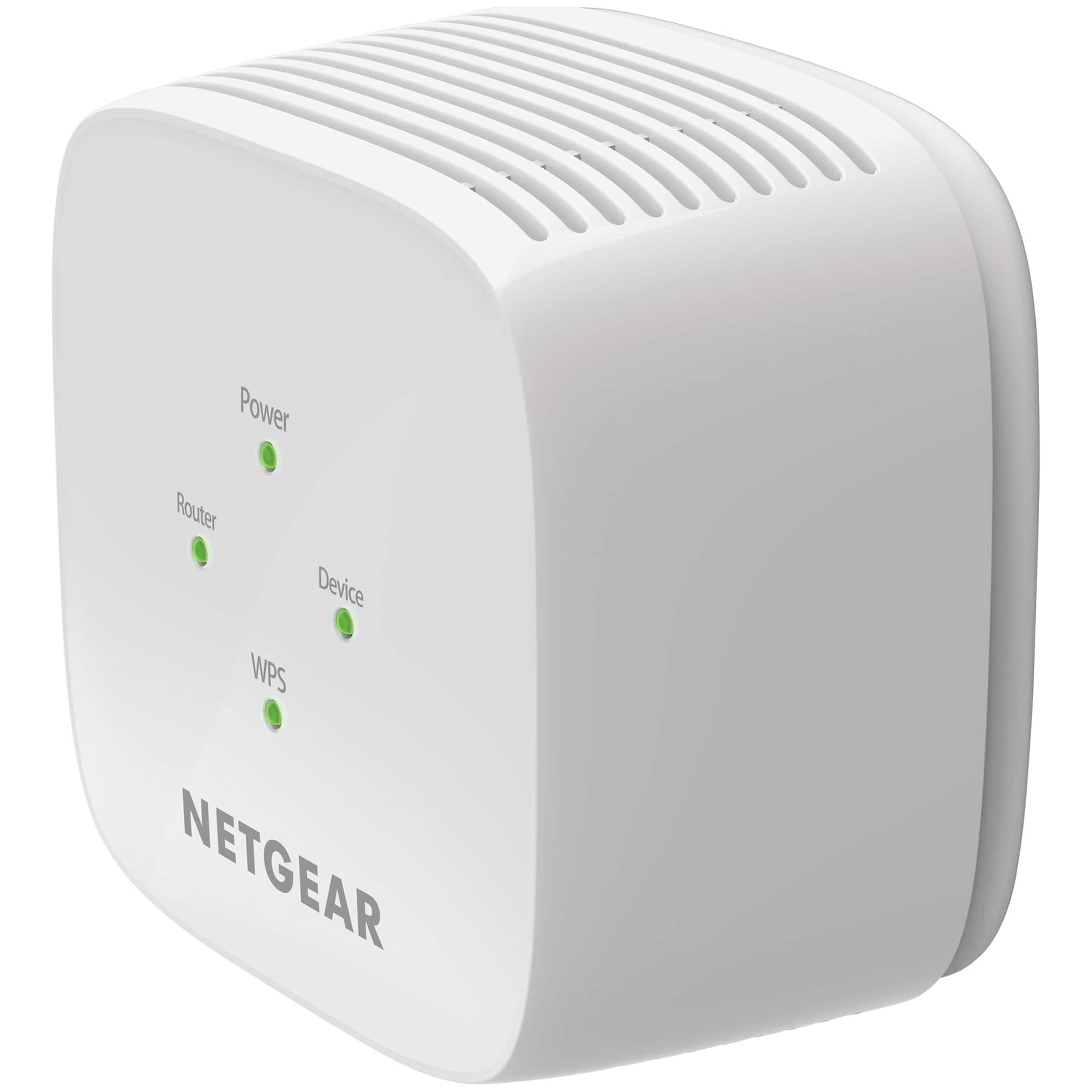
Regarding where to position the extender - I had the best success positioning it as far way from the gateway as you can while still getting the green LED for signal strength.
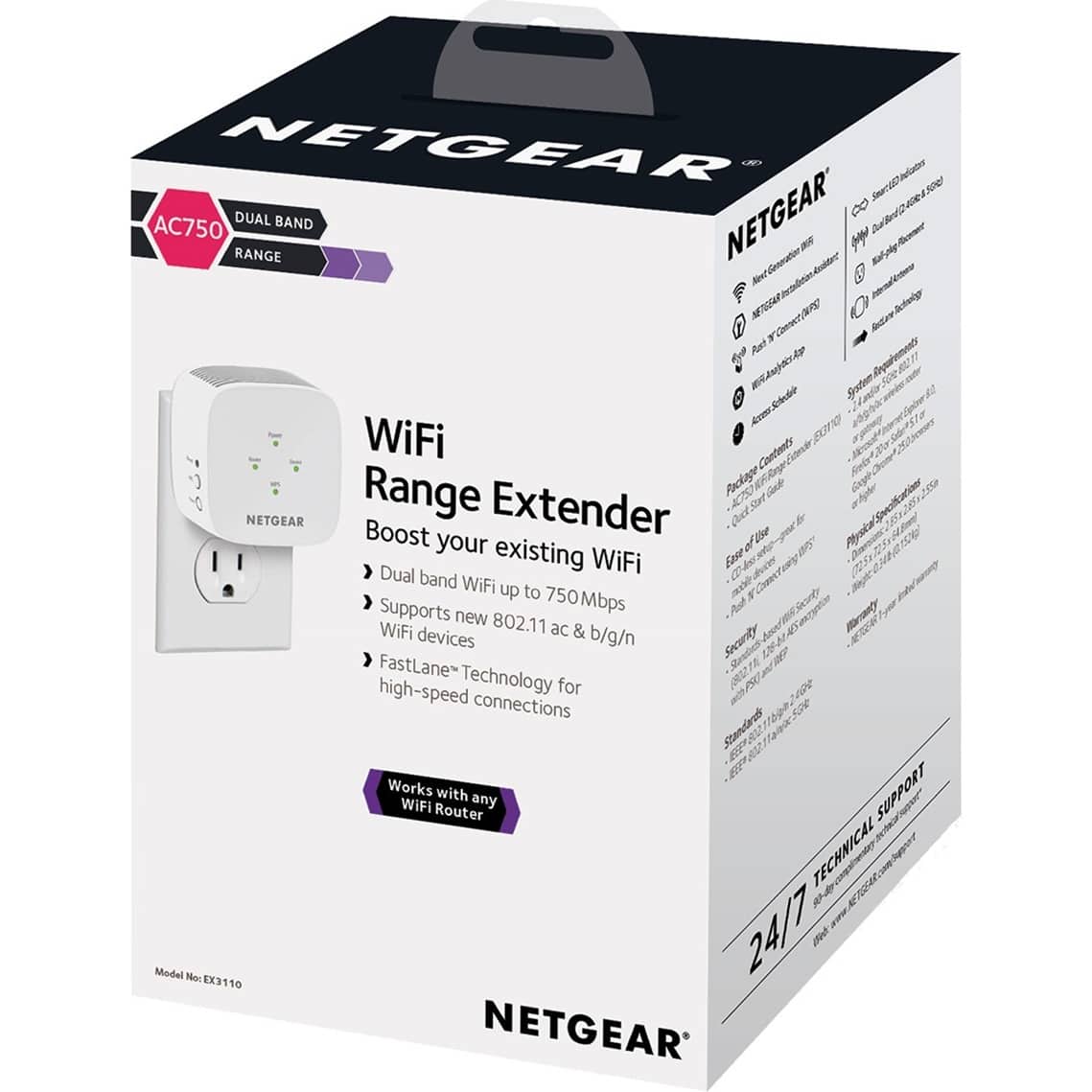
A:AnswerNo this is not. If your starling router is like mine and does not have a WPS button it will not work. It lacks a manual setup feature for the product therefore does not work without the WPS button.
A:AnswerThis does not work with Starlink routers as the router itself doesn’t have a WPS button and the extender doesn’t have a manual setup via the website on their box.