

Questions & Answers
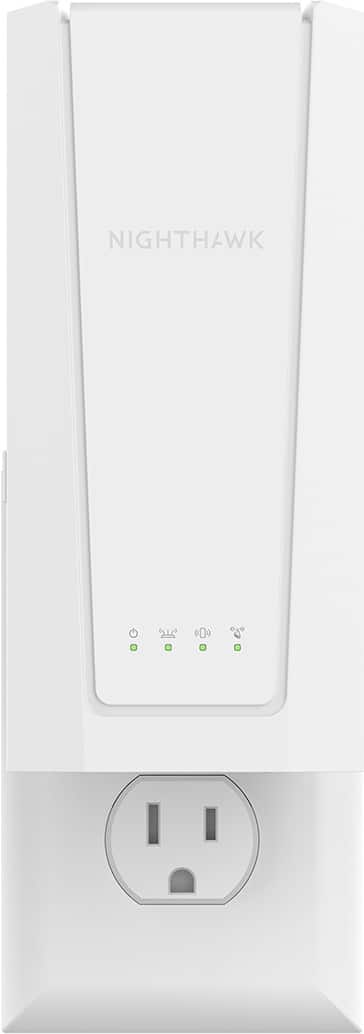
- Model:
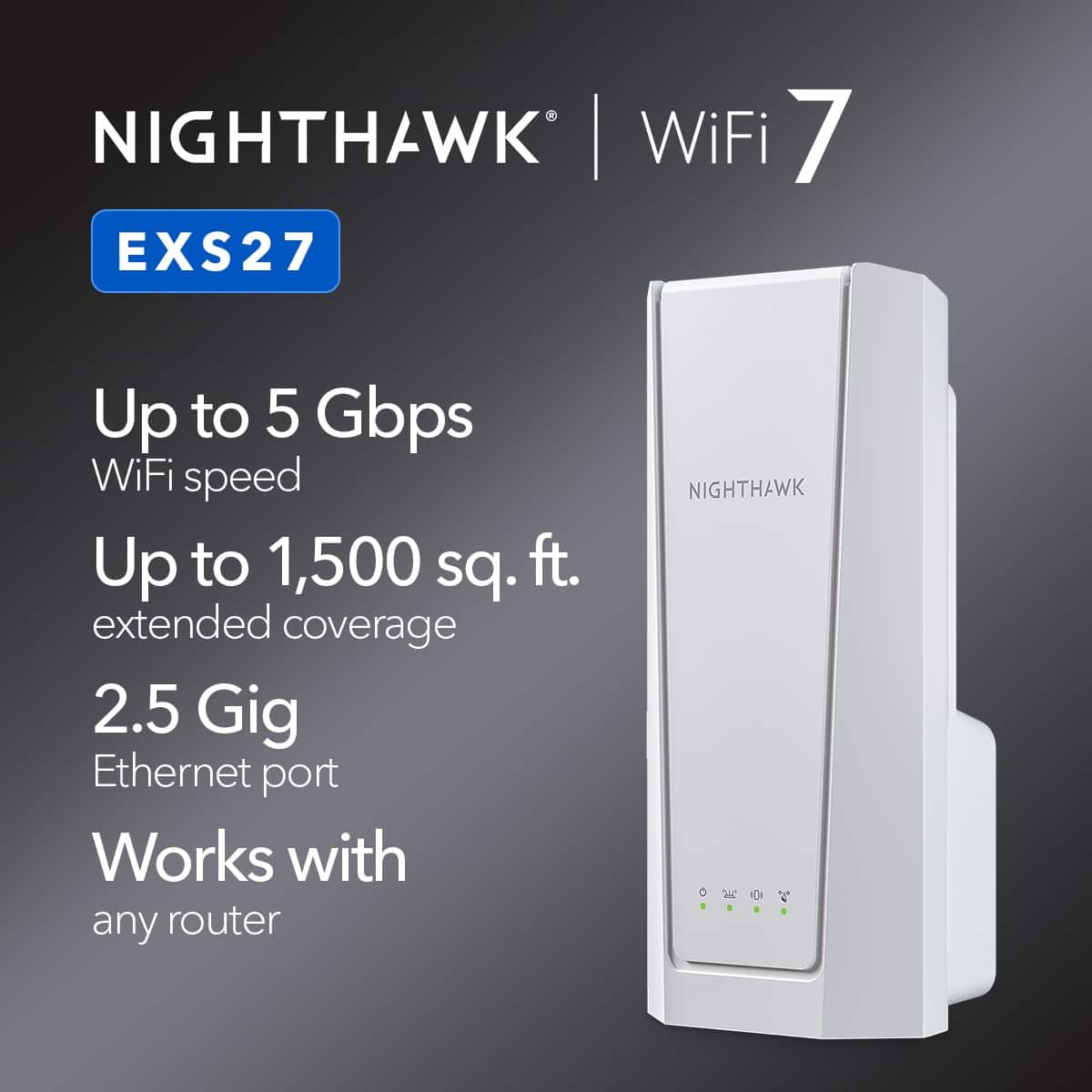
- EXS27-100NAS
- |
- SKU:
- 6635498
Highly rated by customers for: Overall Performance, Connectivity, Setup
$129.99Your price for this item is $129.99
Comp. Value: $149.99
The comparable value price is $149.99
Page Showing 1-9 of 9 questions
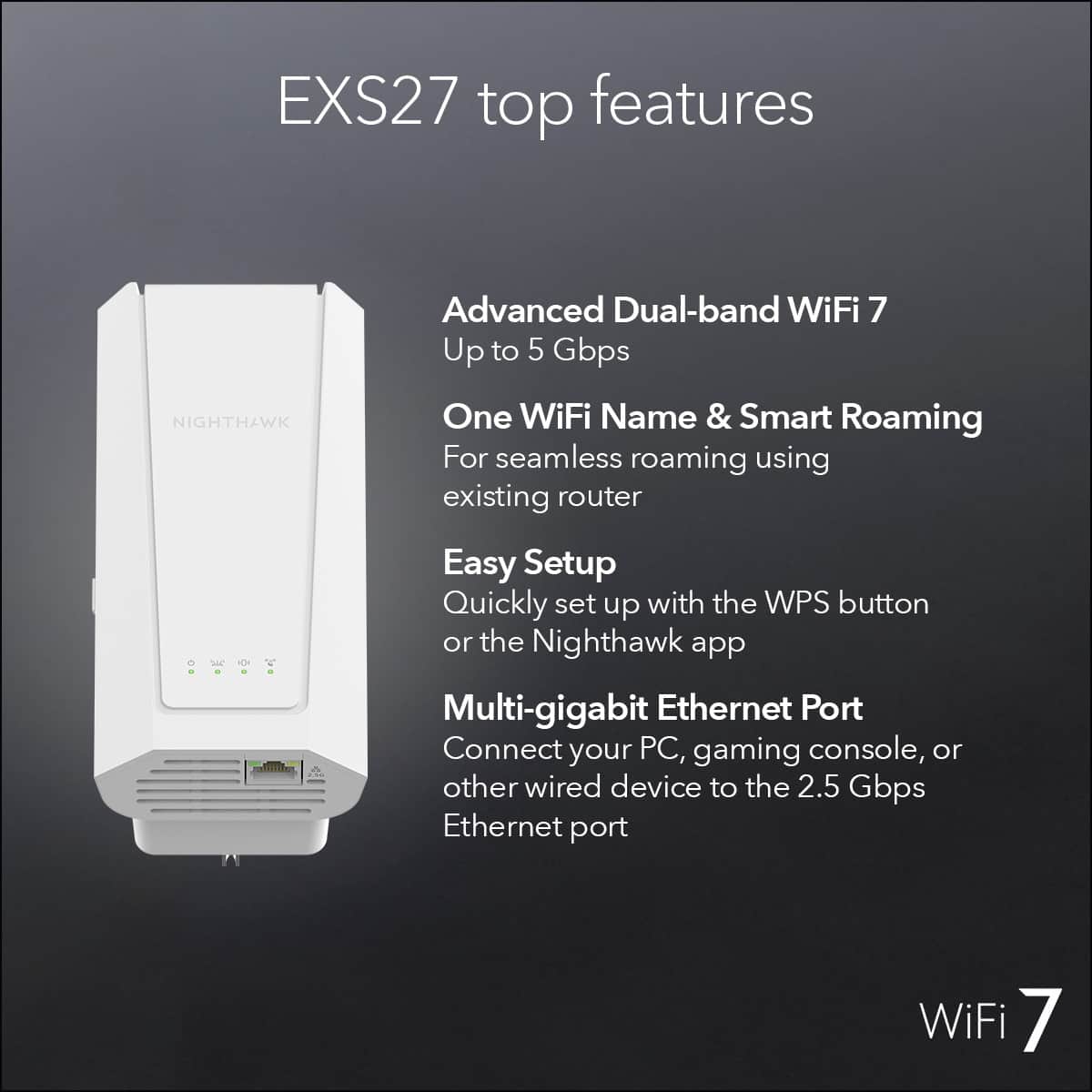
Q: QuestionCan I connect my router to it via ethernet or is the Ethernet port only for outgoing
Asked by Anonymous.
- A:Answer Not sure if I’m understanding correctly but my Ethernet goes straight into my laptop.
Answered by TinaC
Q: QuestionCan this extender be used for tv streaming
Asked by Dee.
- A:Answer Yes. Placement of the extender is important. The extender needs a decent strength signal to repeat it! I get great 5Ghz signal at my guest room TV streaming. That was my weekest room until I got the extender. I have great signal strength now!
Answered by Anonymous
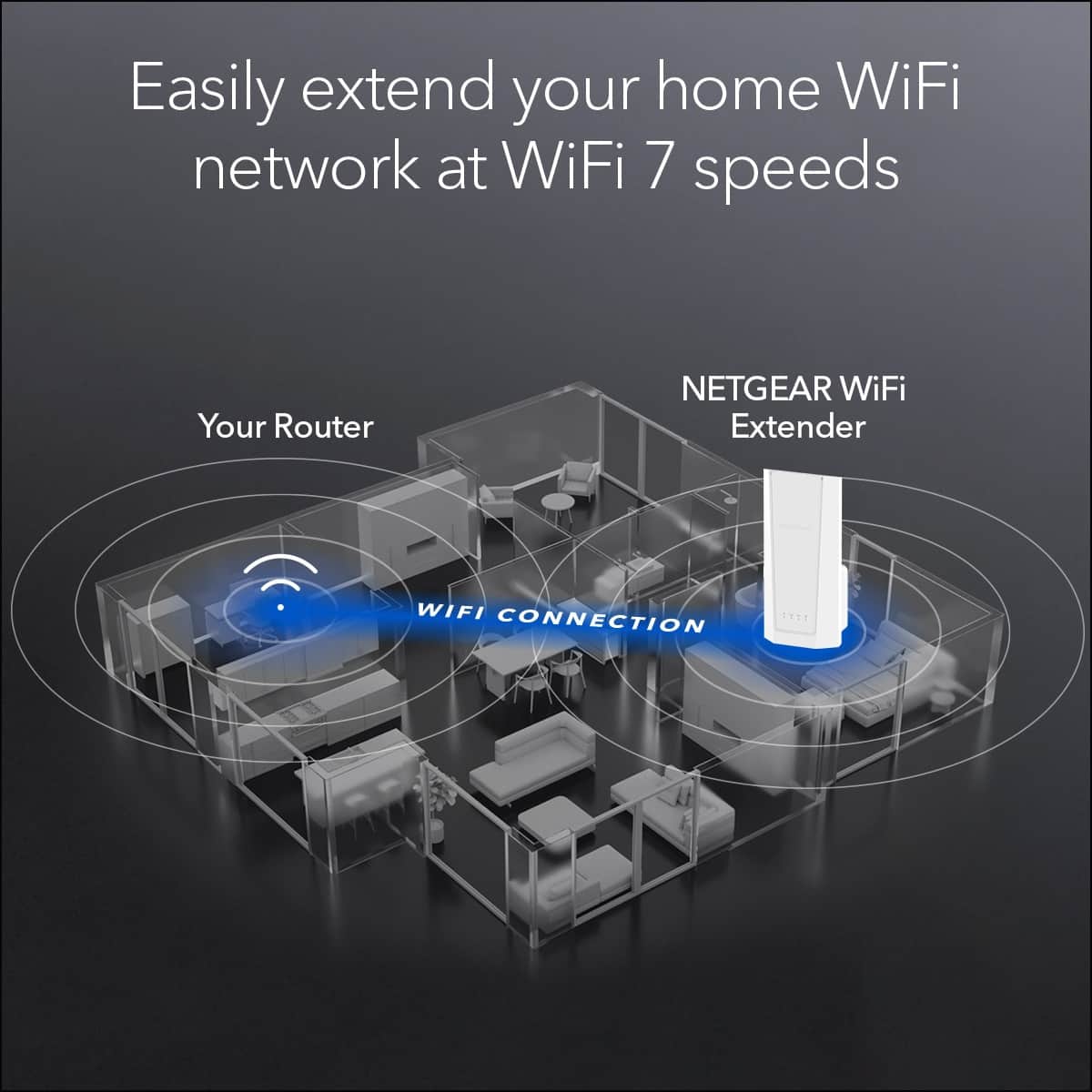
Q: QuestionIf I plug it in on my back porch how many feet will wifi extend in feet
Asked by Gman.
- A:Answer How is the signal strength at your back porch. The specs says it will give coverage up to 1500 sq ft. Since it throws out the signal in a 360 degree pattern, look at the area as a circle. So, Calculate what radius in feet needed for the area of a circle to be 1500 sqft. Area = (pi) R(squared) therefore the (square root of 1500/(pi)) = r = 21.85 feet. So that represents the best throw of the signal!
Answered by Anonymous
Q: QuestionCan the the Ethernet port be connected to the router to use as an access point?
Asked by Henry.
- A:Answer Page 15 of the user manual says' yes ("1. Plug in your extender and wait for the Power LED to light solid green. 2. Use an Ethernet cable to connect a LAN port on your router to the Ethernet port on the extender.")
Answered by K1NG
Q: QuestionI wanted to know if this work if I am in another apartment. I live on the 2nd floor but I am staying on the 3rd floor will it work from the 2nd to 3rd floor
Asked by Young.
- A:Answer Yes it should work. After you set it up next to your router you can move the extender to the area just under where you use the WiFi the most to give you the best connection.
Answered by TiffTiff
Q: QuestionCan I use more than 1 in my shop
Asked by 8848.
- A:Answer You can use as many as you need to insure full coverage.
Answered by tifftiff
Page 1, Showing 1-9 of 9 questions
Best-selling Wi-Fi extenders
- $79.99Your price for this item is $79.99$129.99The comparable value for this item is $129.99
- $99.99Your price for this item is $99.99
- $39.99Your price for this item is $39.99
- $59.99Your price for this item is $59.99$79.99The comparable value for this item is $79.99
- $79.99Your price for this item is $79.99$99.99The comparable value for this item is $99.99
- $119.99Your price for this item is $119.99
- $149.99Your price for this item is $149.99
- $119.99Your price for this item is $119.99$179.99The comparable value for this item is $179.99
- $79.99Your price for this item is $79.99
- $79.99Your price for this item is $79.99$99.99The comparable value for this item is $99.99
- $94.99Your price for this item is $94.99$199.99The comparable value for this item is $199.99
- $129.99Your price for this item is $129.99
- $199.99Your price for this item is $199.99$299.99The comparable value for this item is $299.99
- $69.99Your price for this item is $69.99$79.99The comparable value for this item is $79.99
- $29.99Your price for this item is $29.99
- $64.99Your price for this item is $64.99
- $14.99Your price for this item is $14.99$24.99The comparable value for this item is $24.99
- $32.49Your price for this item is $32.49$42.49The comparable value for this item is $42.49
- $25.99Your price for this item is $25.99$49.96The comparable value for this item is $49.96
- $32.99Your price for this item is $32.99