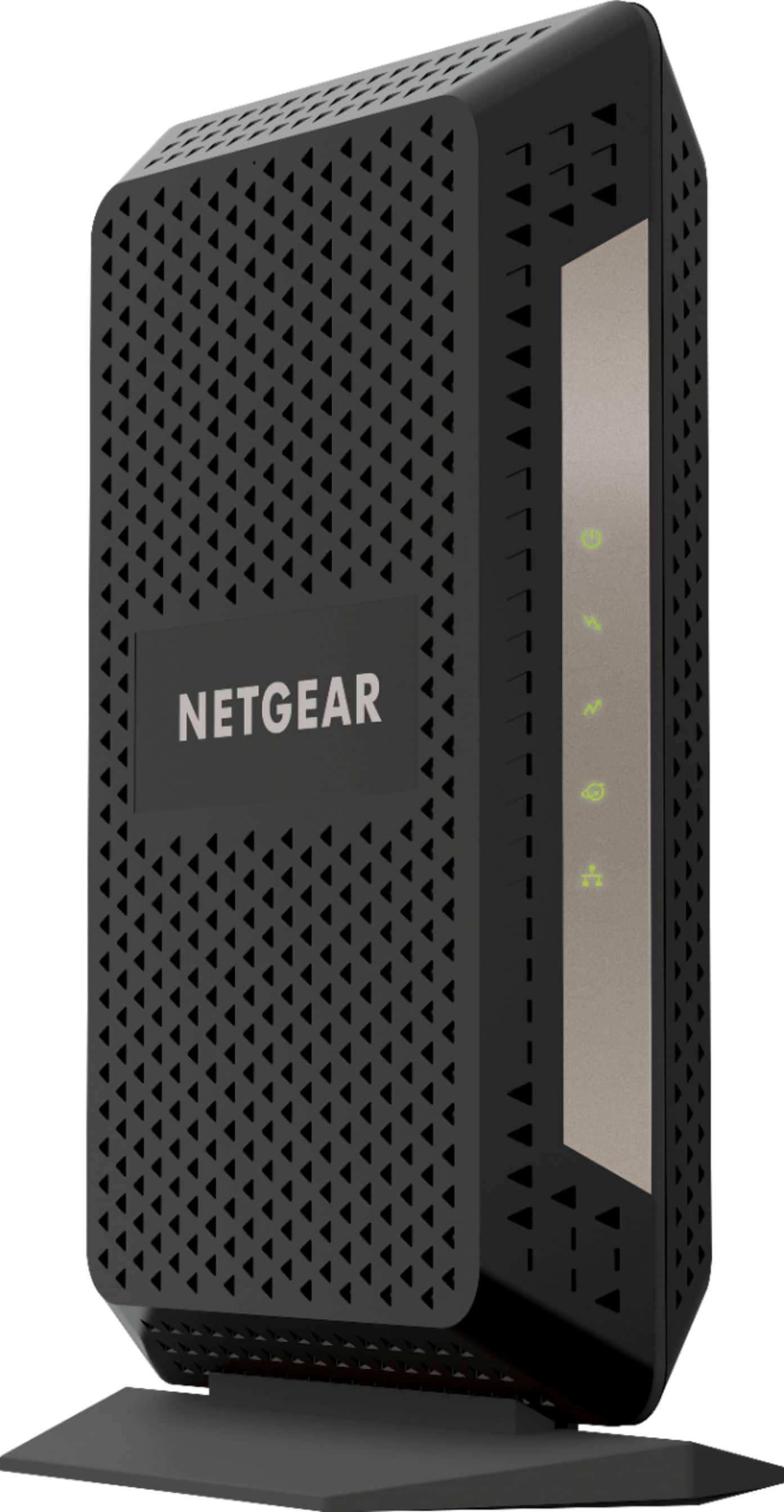
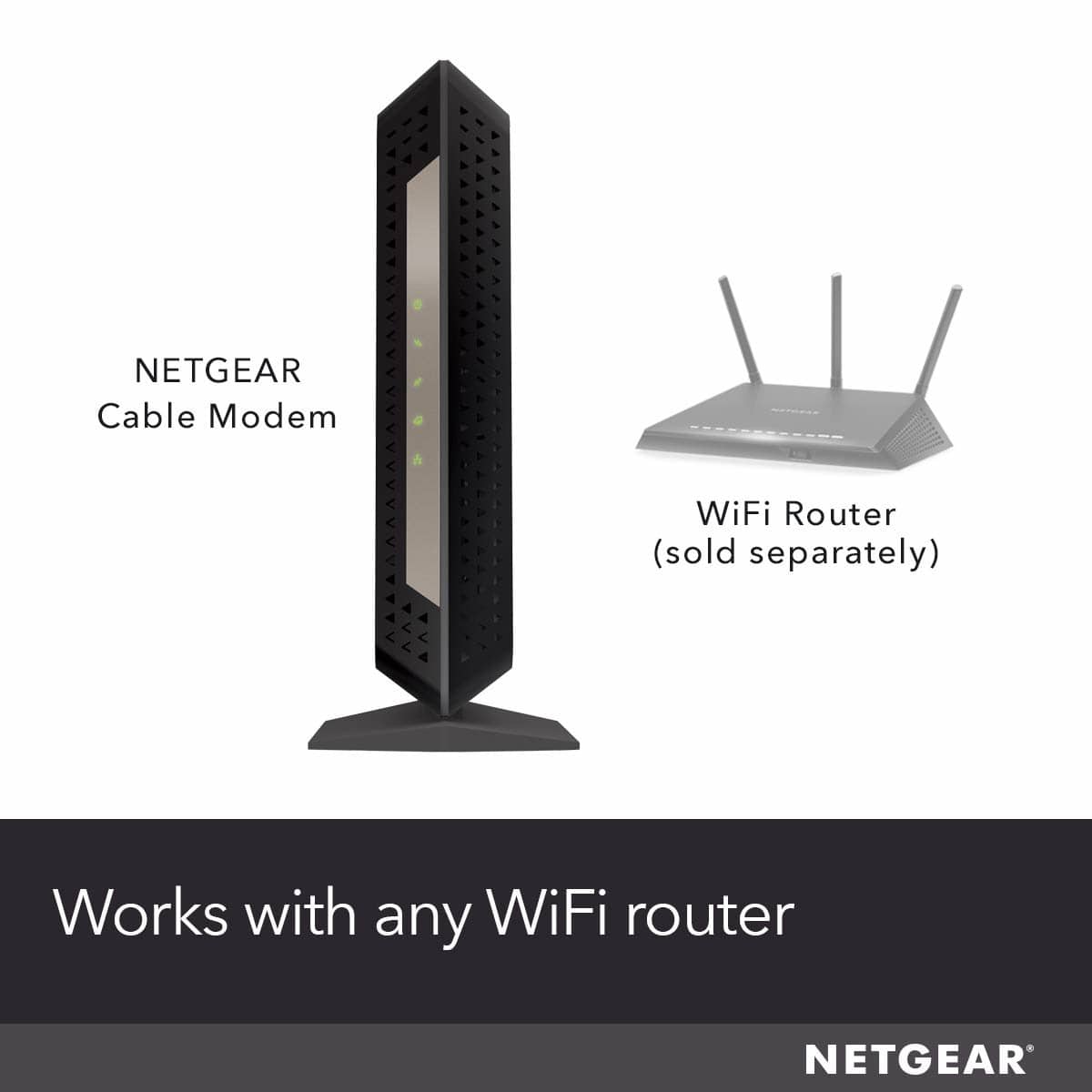
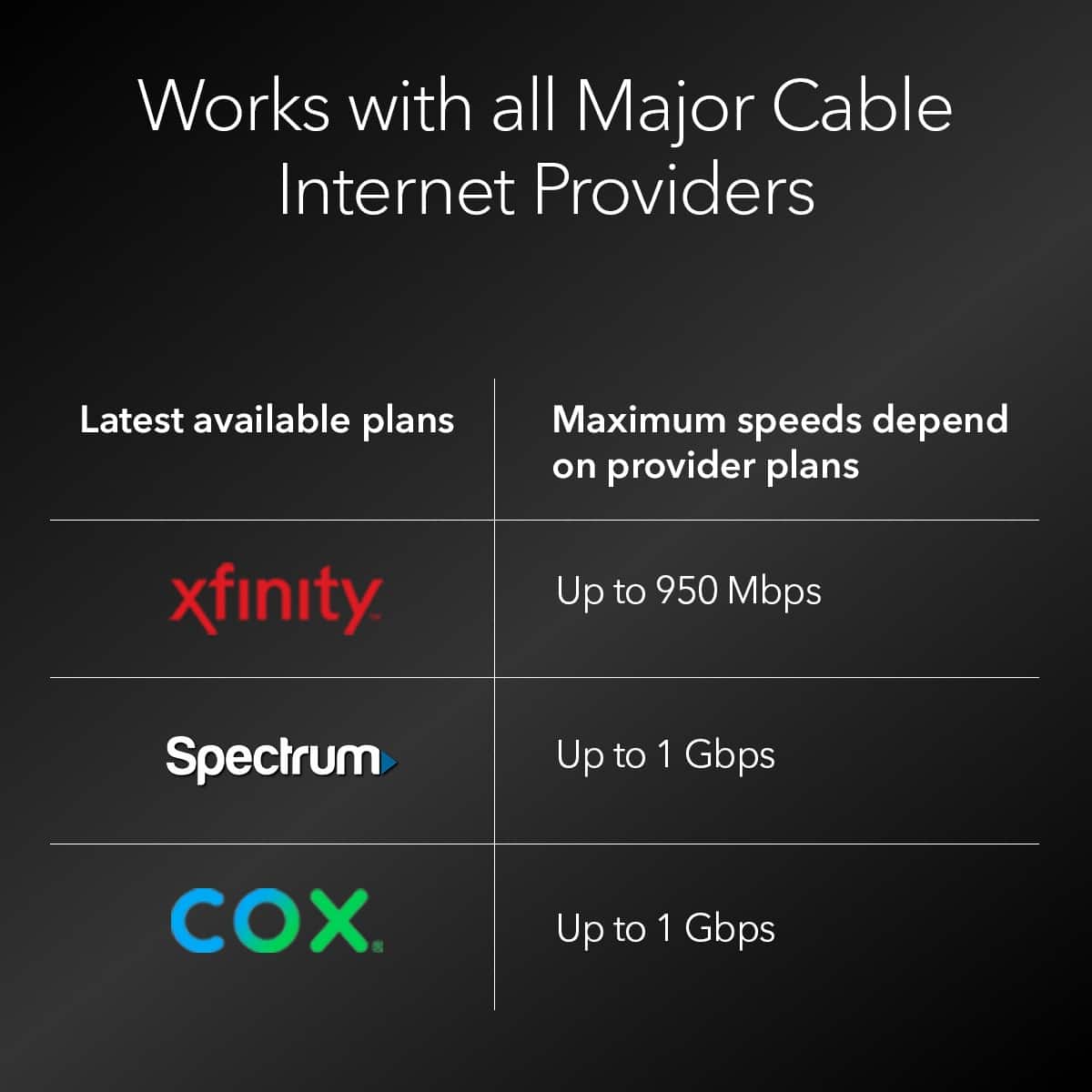
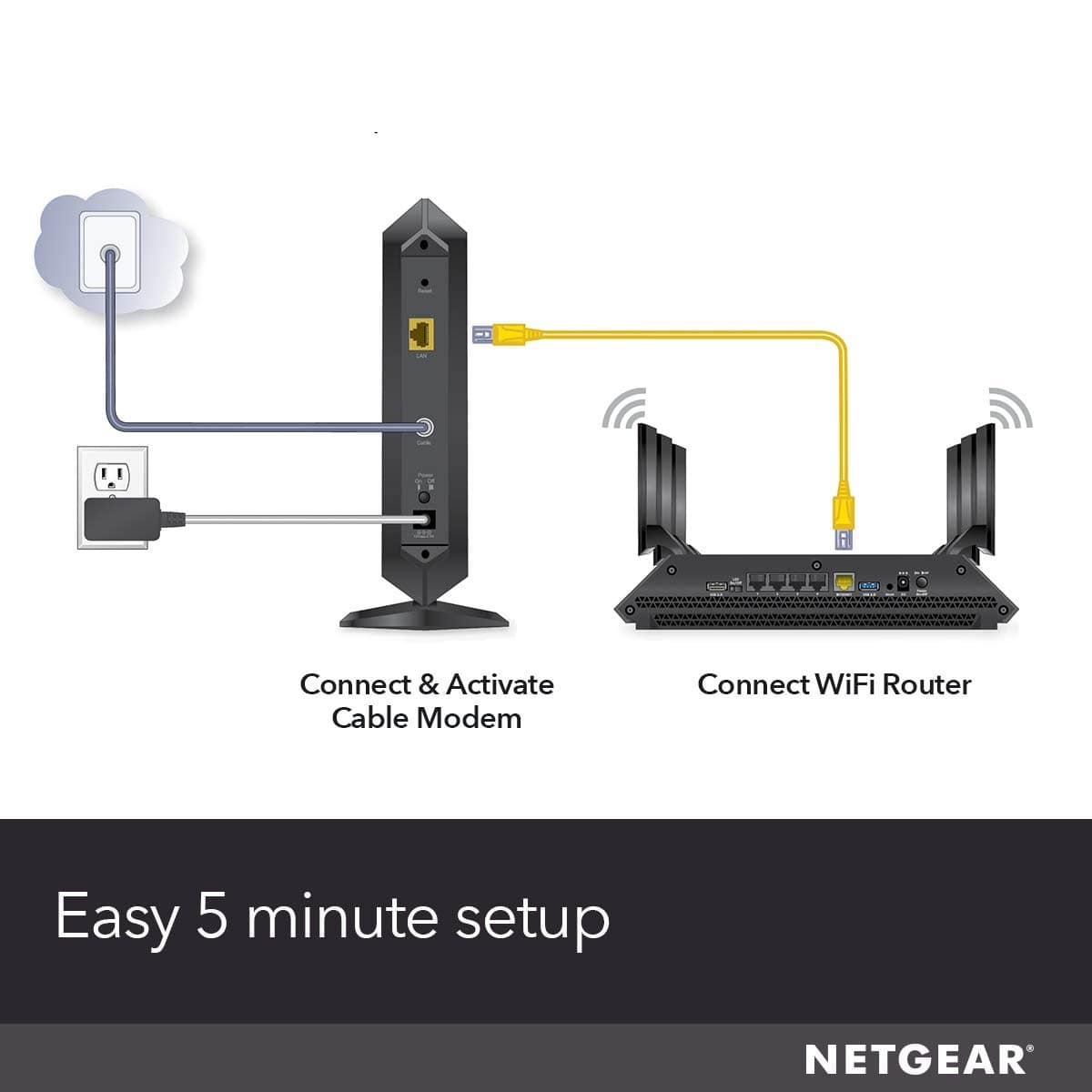
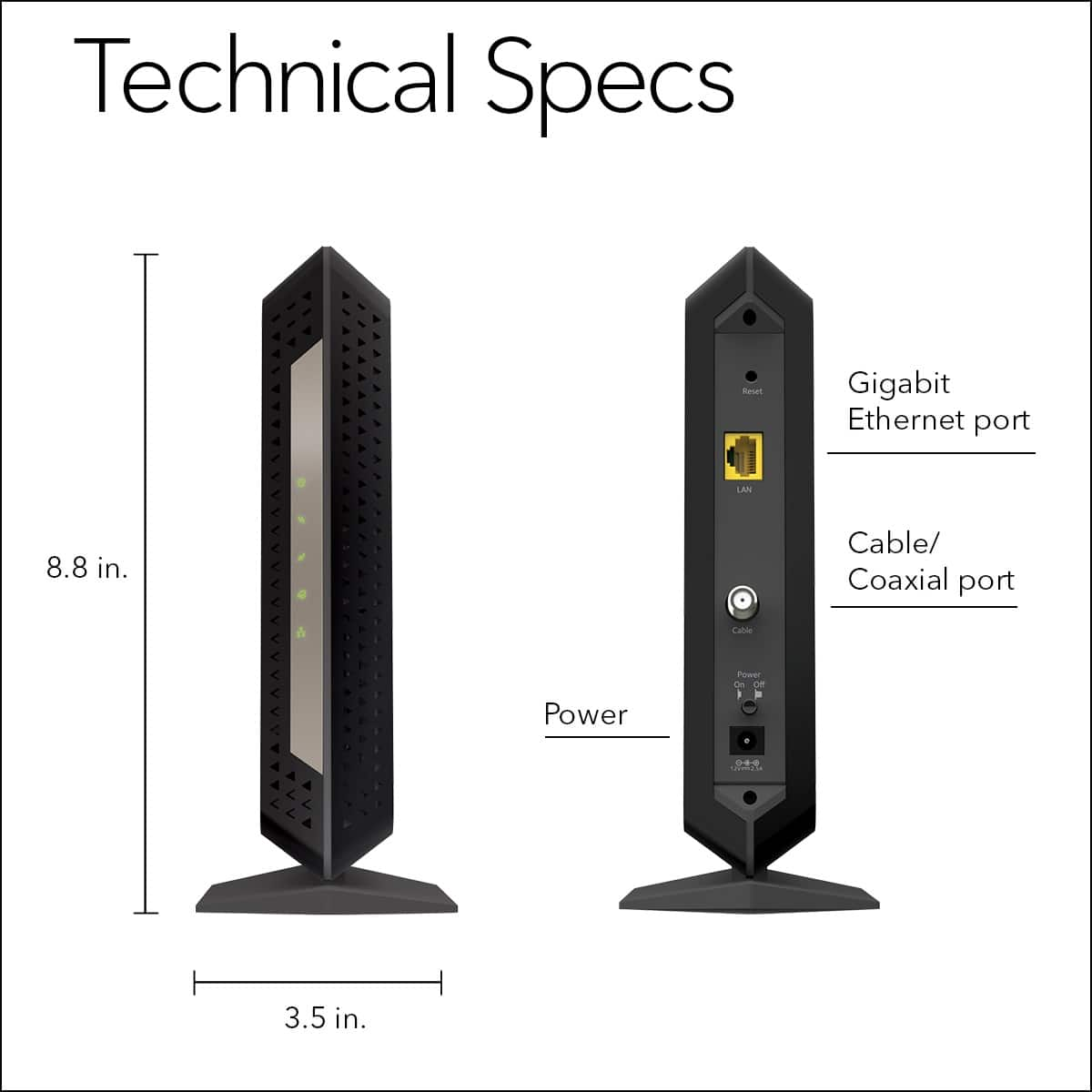
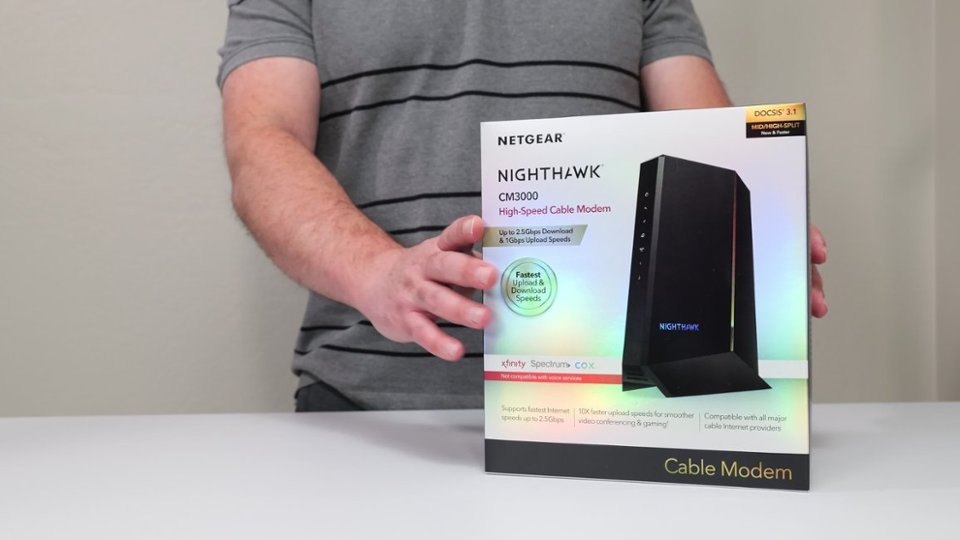
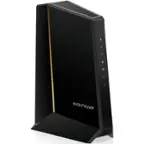
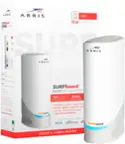
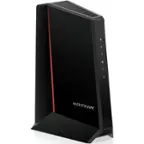
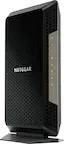
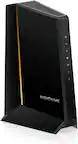
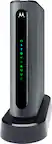
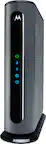
A:Answer Yes, indeed it does. It also states this on the box. Attach the modem up to cable coax, plug into power, connect Ethernet cable directly from modem to PC without router. Fire up browser, follow instructions. You will not have to call Comcast/Xfinity customer support if you already have a mobile phone number or email set up with them. You will be sent an SMS/Text with a PIN to enable the device. After the modem has been activated then plug in your router as before.
If you can't connect for some reason, be prepared to provide the details listed on the label on the bottom of the modem and/or the box, such as MAC address, serial number,etc. Then call customer support.