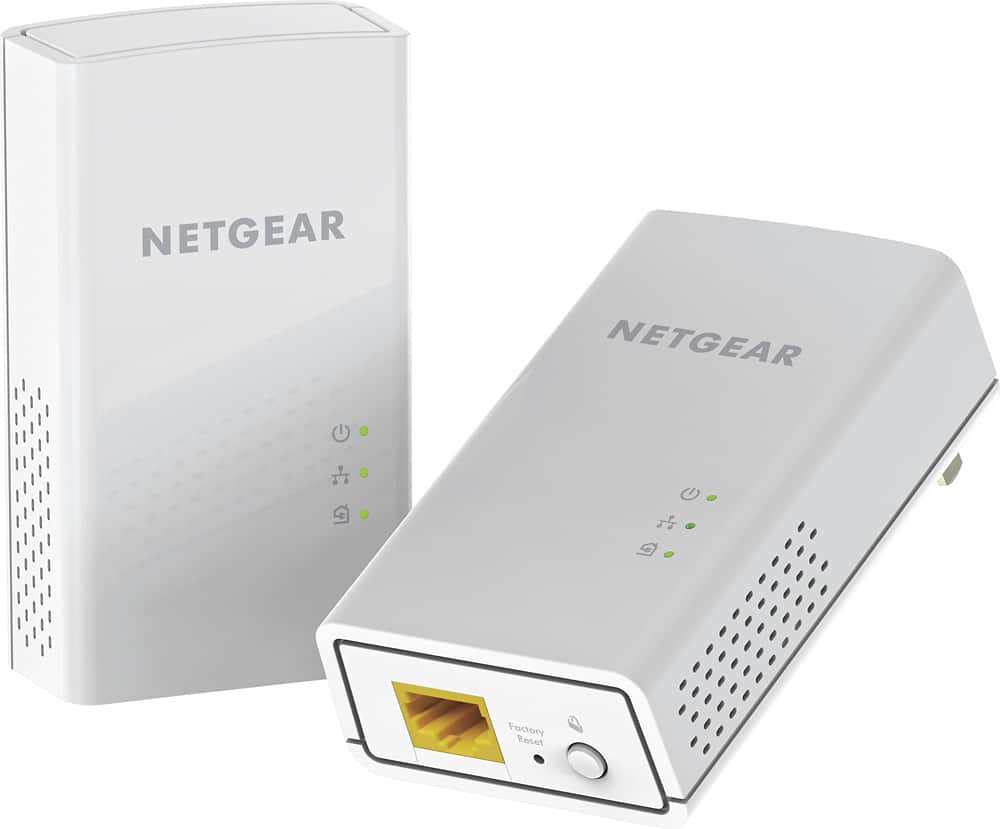
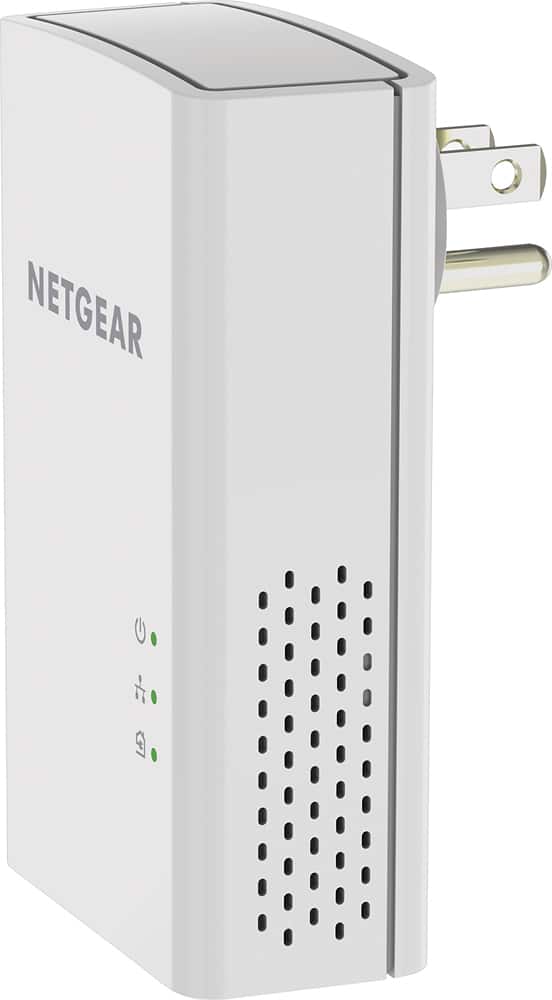
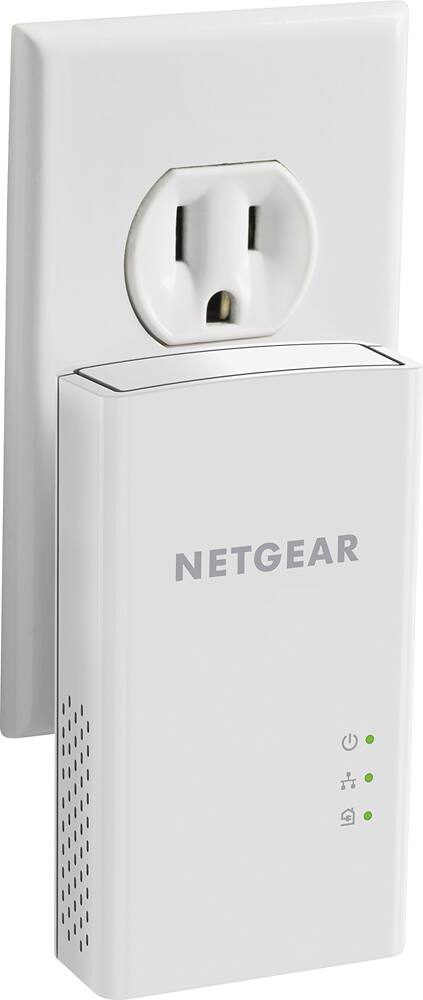
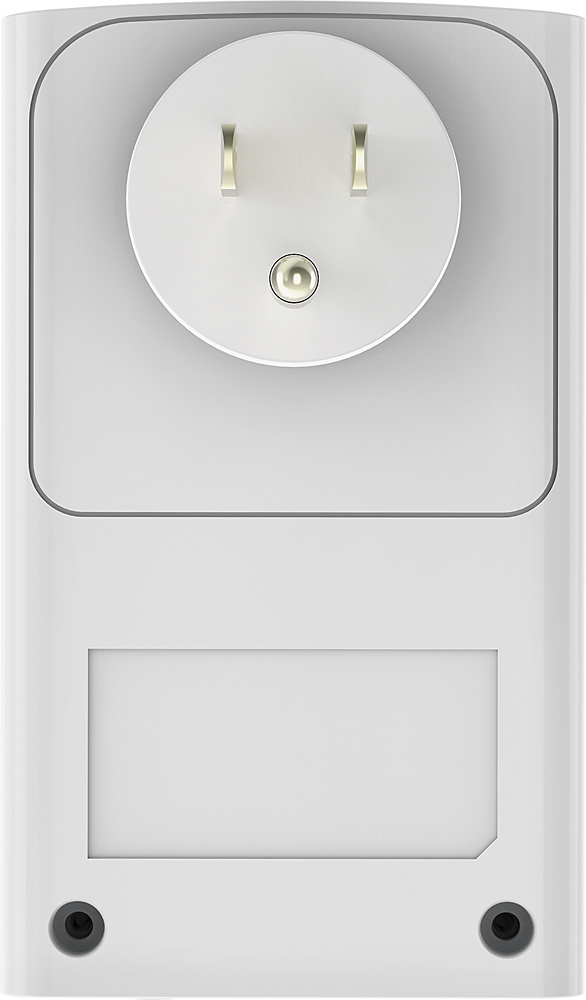
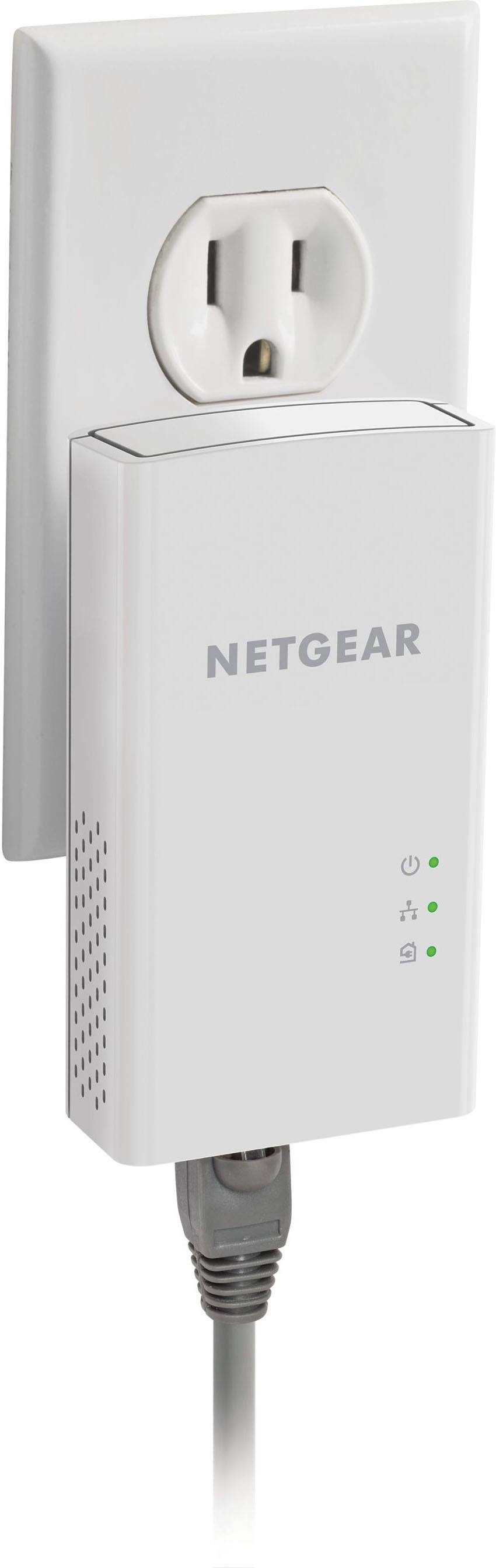
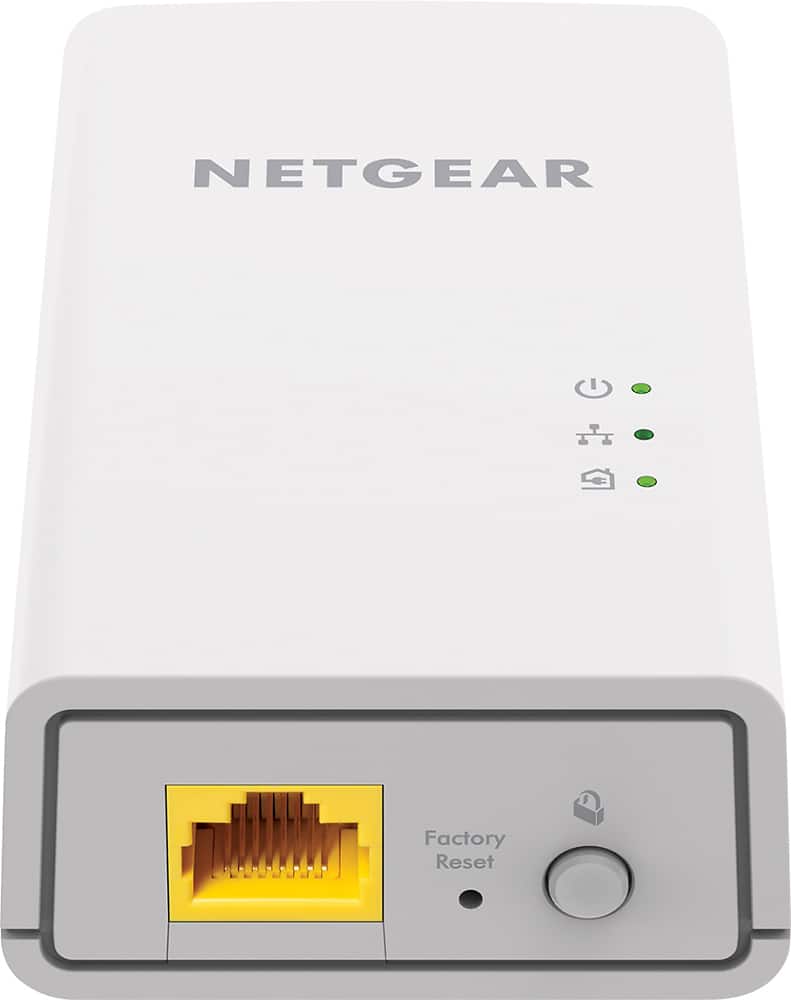
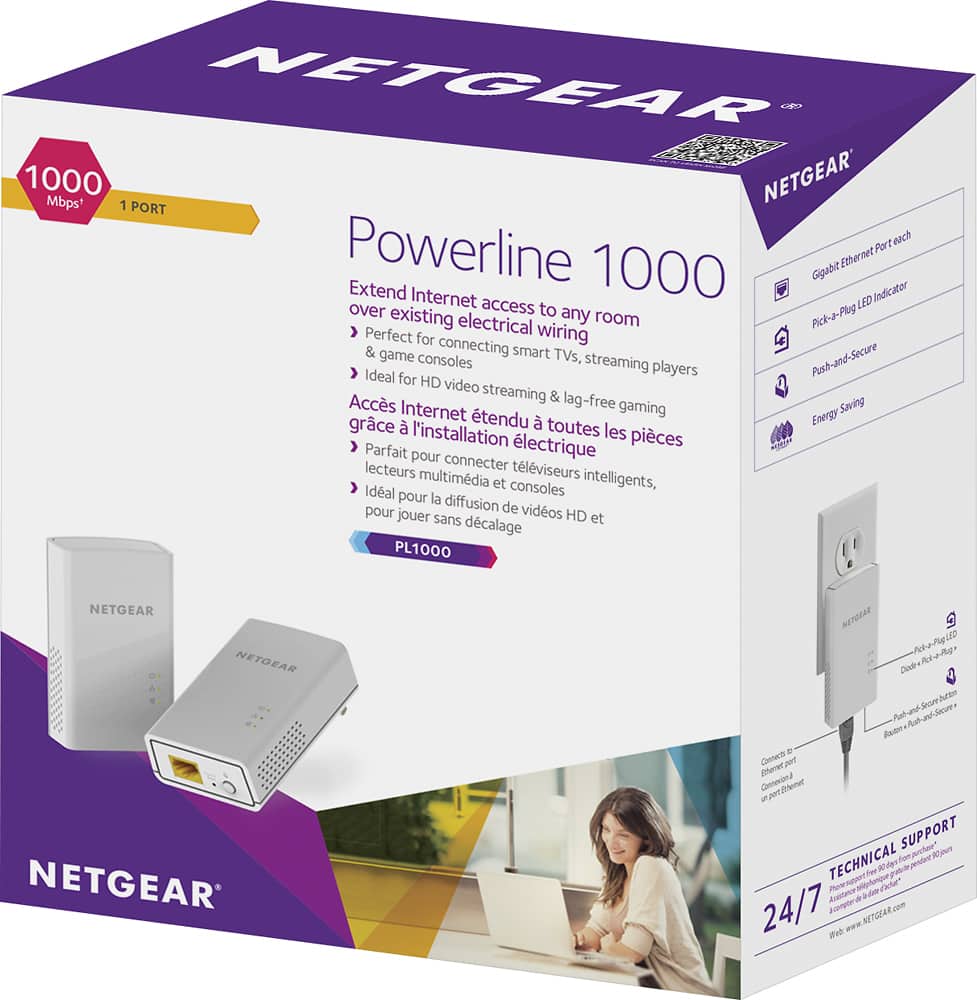
A:AnswerThis device isn't a wifi extender. It allows you to use an wired Ethernet connection in a remote location. So if your converter has an Ethernet connection, you could connect one end of this to your router and the other one to an outlet near your converter and plug the Ethernet cable into it.
A:AnswerAbsolutely! This essentially converts your power line to cat5. I currently use it to relocate my wifi router for better reception away from the modem. Works well
A:AnswerThese do not use wifi. they extend a CAT5e connection between devices. You connect (hardwire with cat 5e cable) one of these to your internet router and the second unit to whichever device you need to have internet (this device must have a cat 5e input).
A:AnswerI've never seen this happen with the power line adapters I have had the pleasure of using since the 80's. But if you need to then what's the problem. Reset the device. One thing to remember though, is they, the transmitter and receiver need to be on the same circuit. If your in your own home or apartment this would not be a problem. Why? because your on one circuit of the domicile. Best to you.
A:AnswerA wired connect will normally outperform a wireless connection.
However...
There are several things that may be playing a part in reduced speeds here. It could be the WiFi device, any other appliances/electronics on the network, your internet plan speeds, or throttling from your ISP. Before buying another device, try making sure that the issue isn't solved by removing all other connected devices from your WiFi network and see if that helps. If not, talk to your ISP about suspected throttling.
Also, The transfer rating 100, 200, 500, 1000, etc. mbps is send/receive max. So, with MMOs you are sending and receiving simultaneously thus you are really only capable of 50 mbps. If your graphics settings are on high/ultra you're pretty much guaranteed to lag. Try lowering your settings. Otherwise go for the 1000 mbps device buy a good Cat 7 cable (for both hubs) and you should n't have an issue.