A:AnswerTry using some of the options on the monitor itself. If nothing is fixed, contact Microsoft, and see their input. I use them from my Xbox one X and gaming pc, no blurriness.
A:AnswerUse the hdmi cable give , I have the same graphics card and people may say that hdmi can’t give 144hz but if it’s 1.3 or higher it can and fortunately this came with one.
A:AnswerYou sure can, just go into the settings up the computer -> color modes -> view modes -> freesync; It will take a quick moment for the monitor to transition.
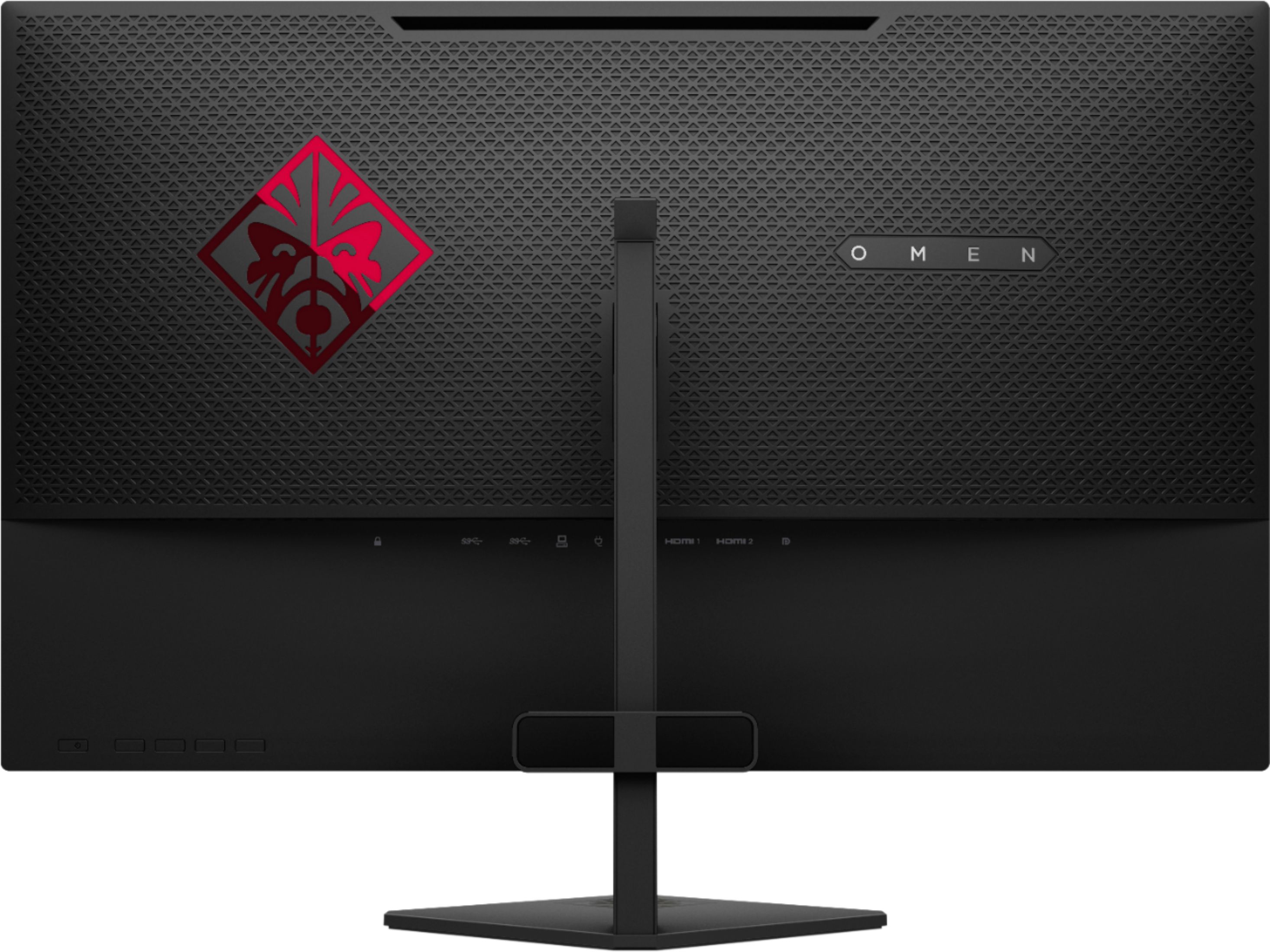
A:AnswerThe monitor does have USB passthrough so it should be able to work with any USB compatible headphones, as long as they don't demand a ton of power or USB 3.0. If they require either of those you should plug directly into the motherboard or front case USB ports.
A:Answerthe included USB cable is an extension so you can use your monitor's USB ports instead of PC'S however im not sure if this works on your console, in theory it should though try it
A:AnswerYes it will, but in order to take advantage of 144hz monitors you need a graphics card powerful enough to run your games at 144 frames per second. Otherwise you won't notice a difference with the monitor except in windows usage
A:Answerno, unfortunately several HP omens ive tested have this issue. just leave at 4 it should be enough,
in reality you don't need 1ms response time, its just marketing thing since if you enable the fastest setting you'l get lag and ghosting
A:AnswerITS THE MONITOR! I don't know why but even the $700 27" monitor does this when switching to the fastest response time. just keep it to the one above that, otherwise youll see ghosting as well.