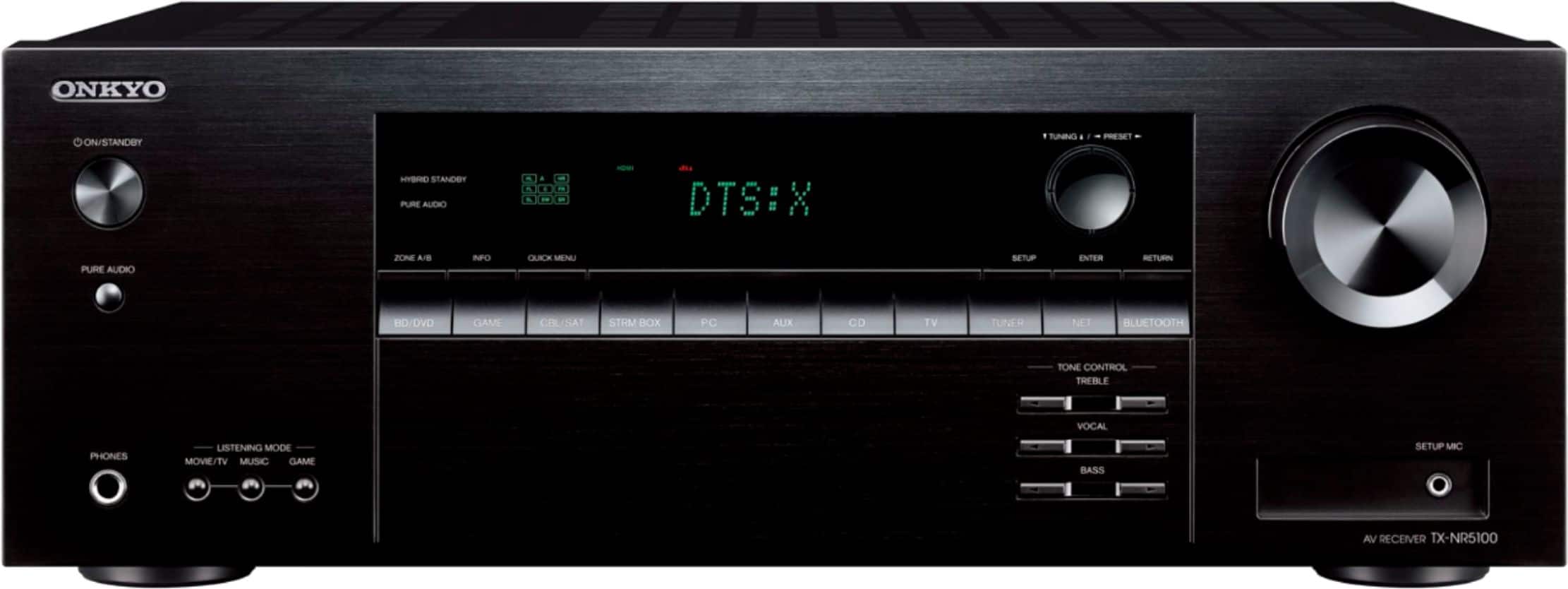
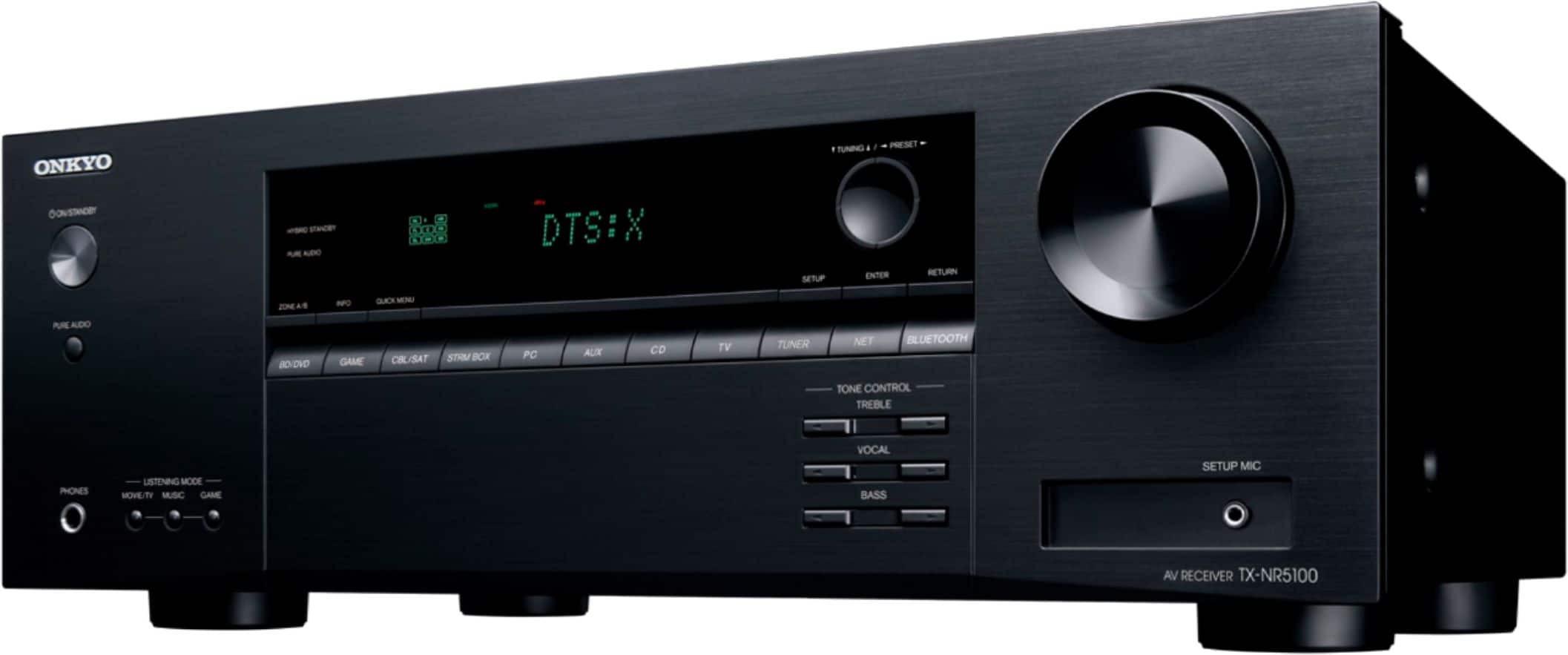
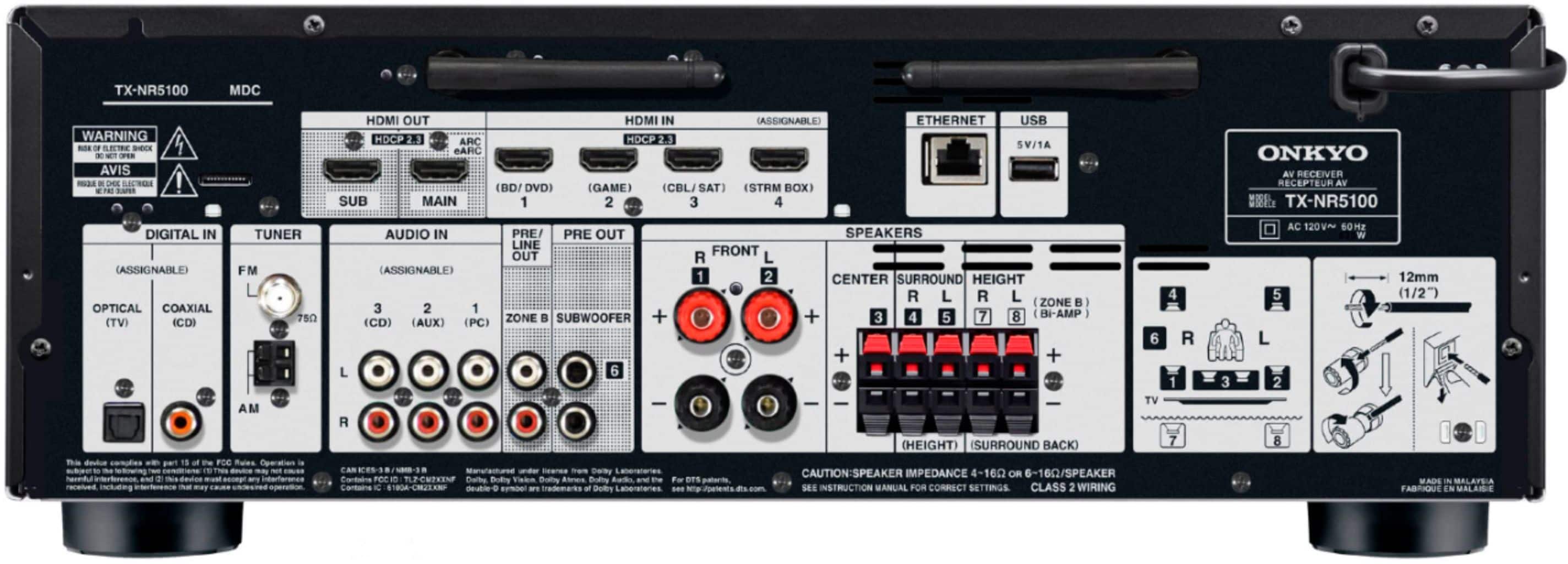
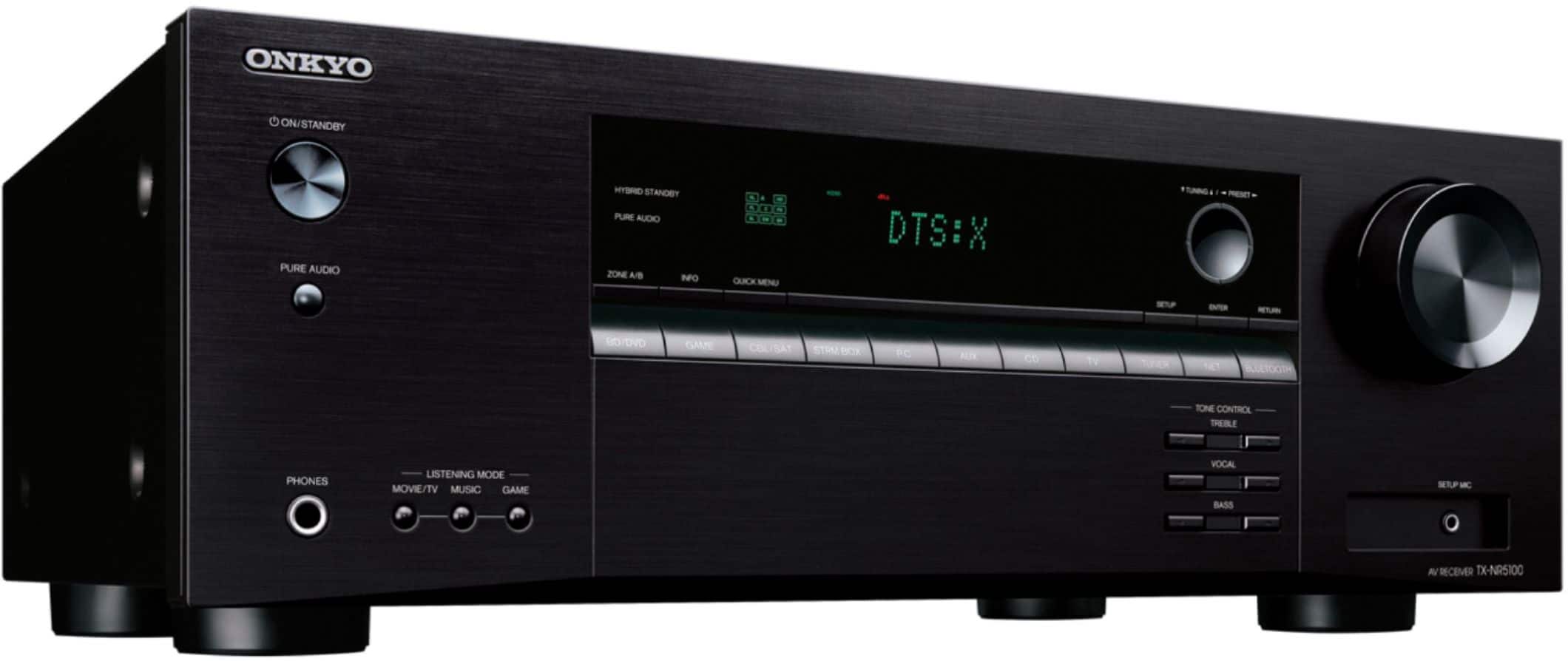
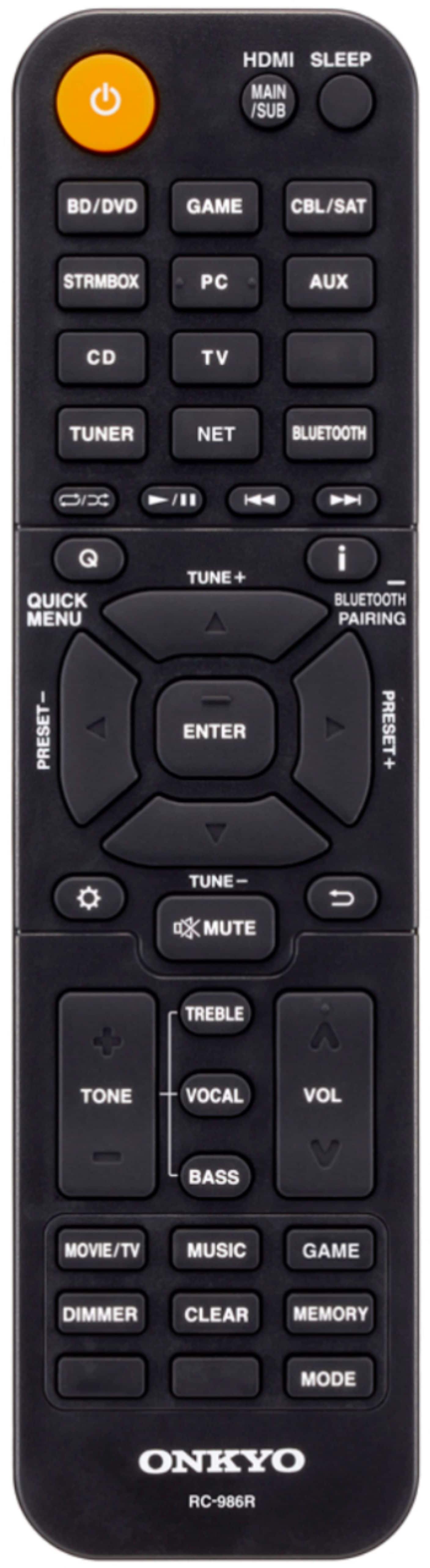
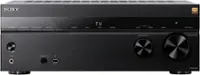
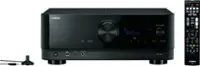
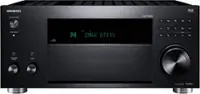
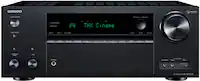
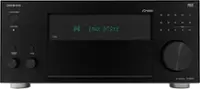
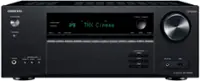
A:AnswerTo get the TX-NR5100 to pass 4k-120hz by going in to the settings and selecting Input/Output Assign.
Then select TV/Out OSD and goto HDMI 4K/8K Signal Format and press Enter.
Select the input you was to pass the 4k-120hz through and set it to 8k Standard.
A:AnswerThis receiver has the ability of a Zone B. Which means, Zone B would be playing back the same source that is being played in the main room. You can either use a separate power amp or you can use the speaker posts on the receiver to power the speakers for zone B.