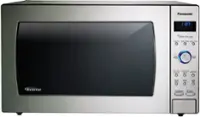
A:AnswerHi Sharon! Thank you for bringing this matter to our attention, and we apologize for any inconvenience you've experienced. The behavior you've described is not typical for this unit, and we would like to investigate further. Please contact our Panasonic Consumer Support department at your earliest convenience so we can assist you accordingly. - S
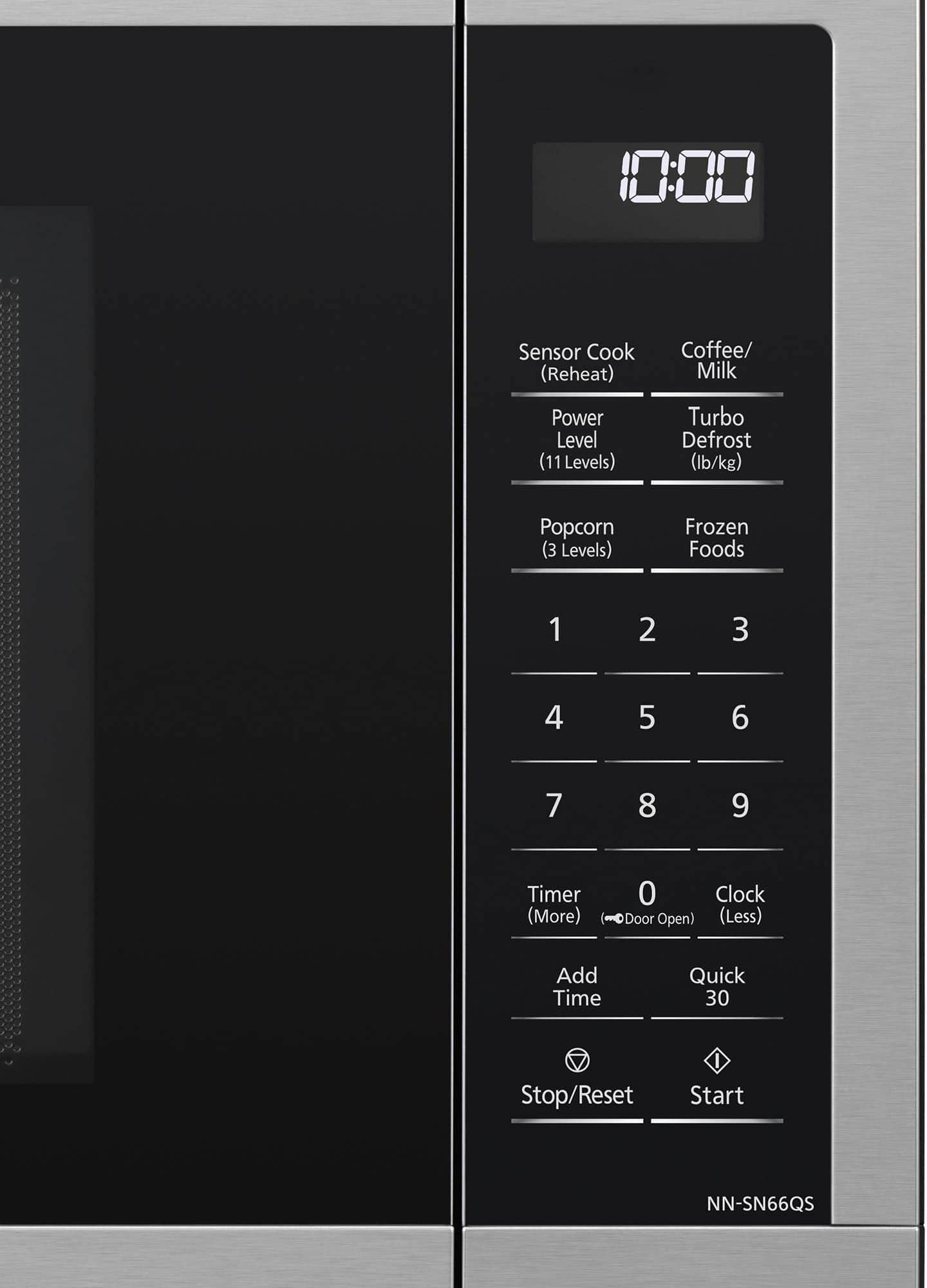
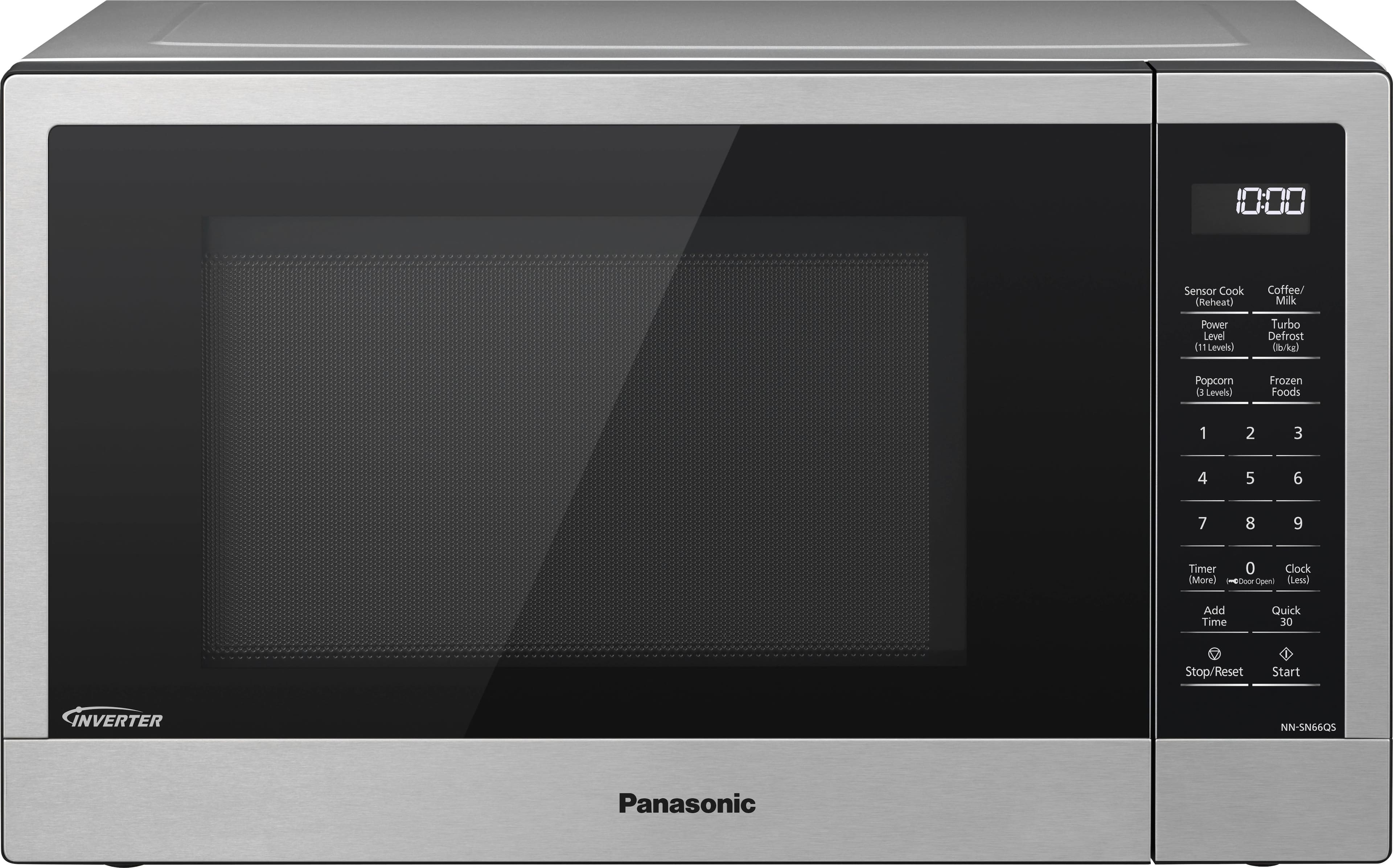
A:AnswerIt might be on lock-out mode, which is the mfg default. Instructions to unlock were on the label attached to the door. Mine said you hit "0" to unlock, or you can deactivate the safety lock function by hitting "defrost, timer, popcorn" buttons
A:AnswerHi Barb! It’s normal for the push button to have a slight looseness, and as long as the door alignment doesn’t affect the microwave’s operation, it should function properly. If you have any concerns about the door or its performance, we recommend reaching out to our technical support team using our microwave chatbot. - S
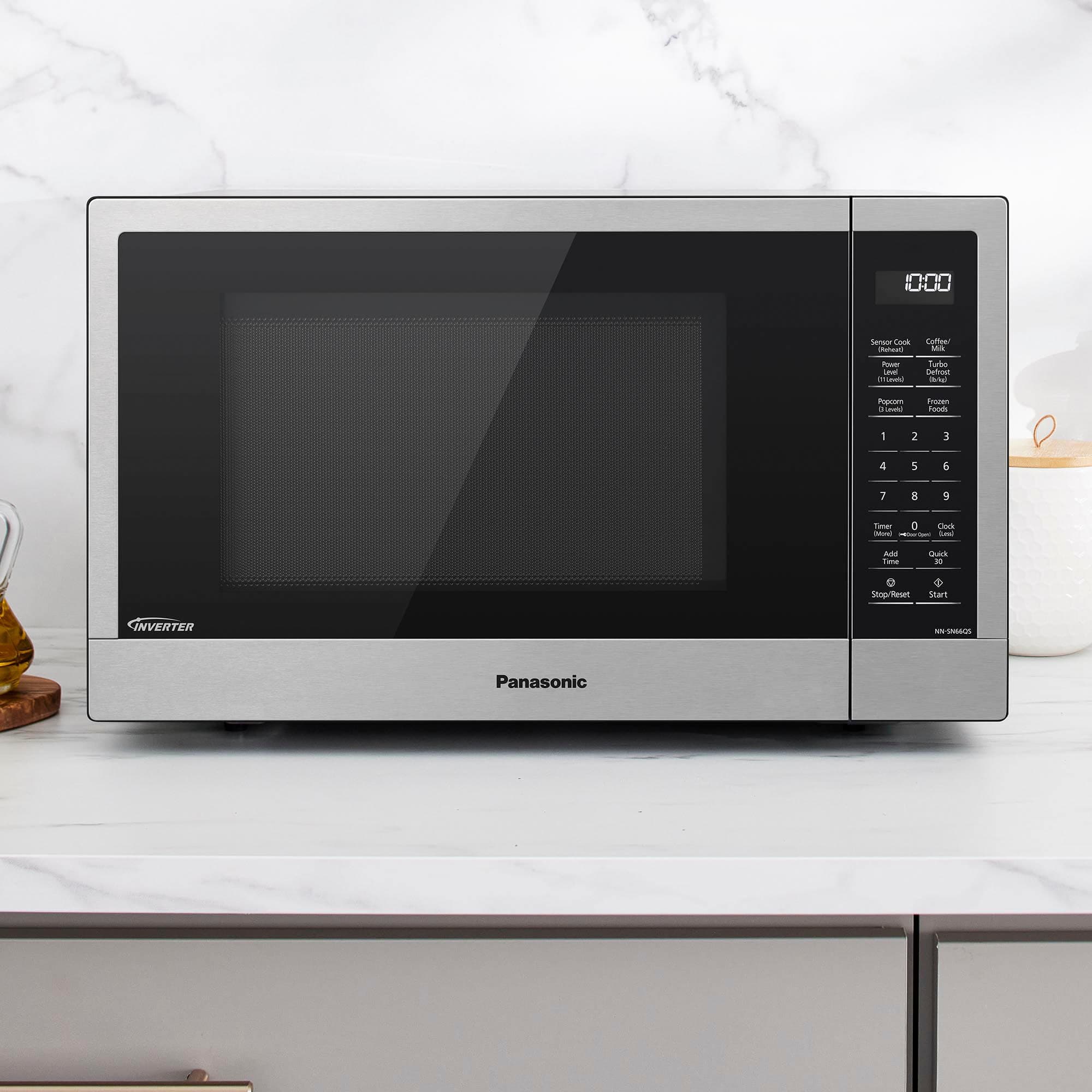
A:AnswerHi there! The microwave has a Quick 30 button which will add 30 seconds increments by repeatedly pressing it. You can then start cooking by pressing Start. We hope this helps! - F
A:AnswerHello there! Yes, this microwave has a Genius Sensor. It will automatically operate whenever you use the Sensor Cook or Sensor Reheat features of the microwave (top left button on the control panel). Hope this helps! - F