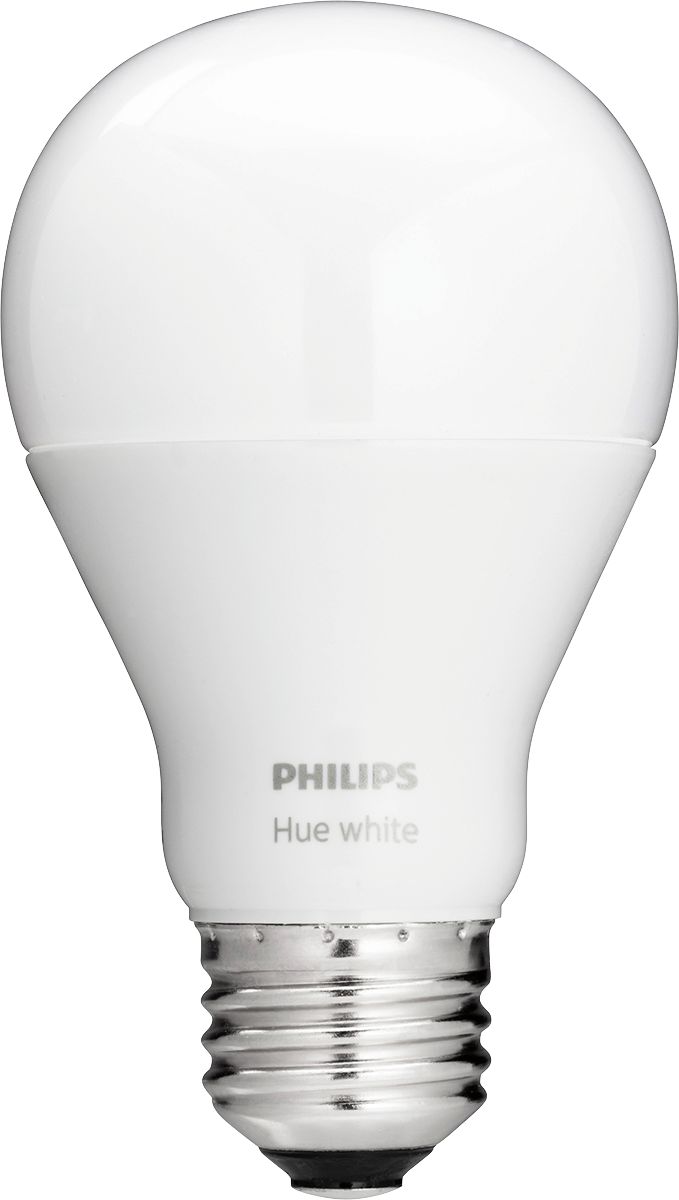
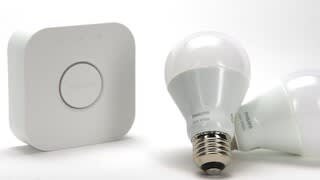
A:AnswerA bunch. Philips says 50 and most houses would be hard pressed to have that many lights. Plus you want a couple you can control manually if there is an issue with your hub or network.
A:Answeryes. you have to setup a philips hue account via their app to initially setup the bulbs then mirror the same setup through the Google home app under the Home section. hit the "+" sign to add a device, choose philips hue from the list then mirror the same room setup as you did from the Hue app. a bit cumbersome but only need to do this once.
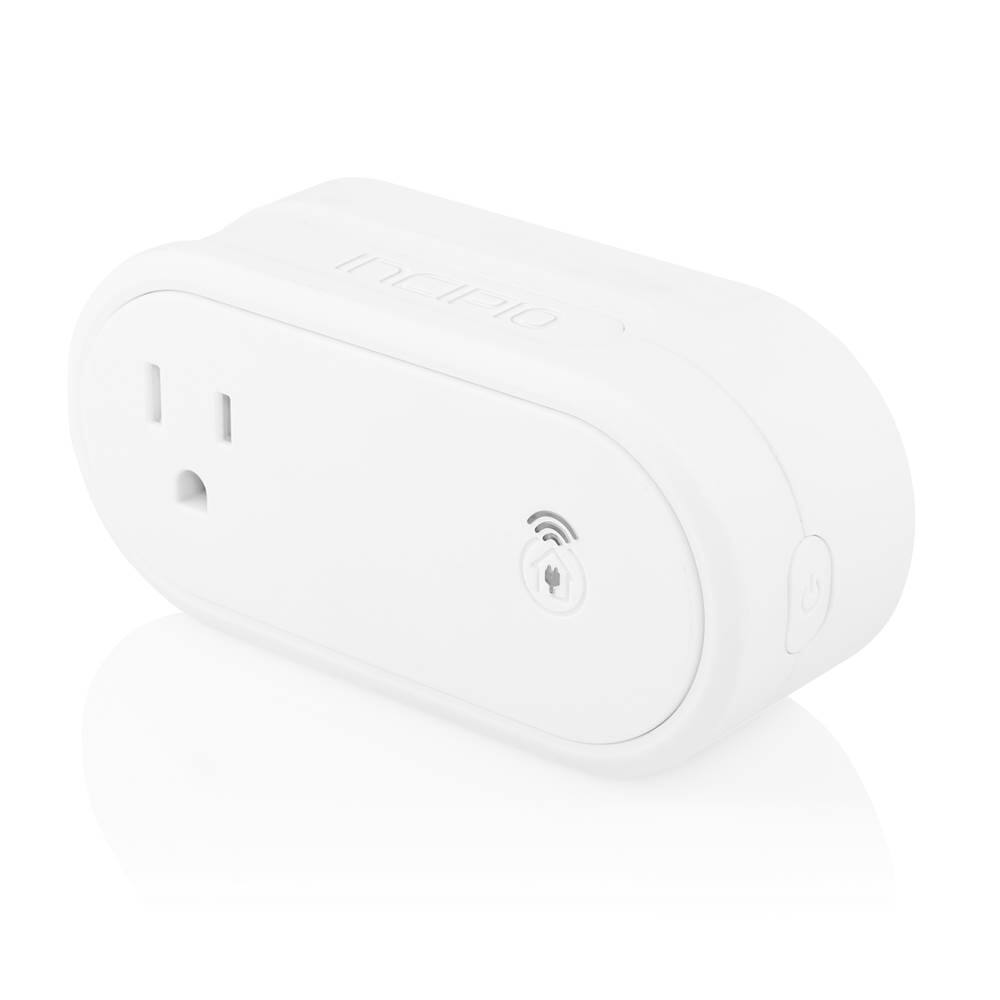
A:AnswerThe Phillips hub and hue bulbs work in lamps that are already on. I don't see any reason it would not work for a summer period. Regular light bulbs in a lamp could be used with a WiFi outlet that is controlled by the hub.
A:AnswerYes, both echo and dot are effectively the same, aside from one having a better speaker. Any of the light systems that work with one should work with the other as well.
A:AnswerThe lights can replace any standard incandescent light. You also can set up routines that will automatically turn the light on and off as you arrive and leave your home.