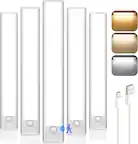
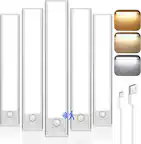
A:AnswerNo, the last strip in the kit goes straight to the switch module which then goes out to the adapter that connects with the AUX looking connector, no way around it.
A:AnswerMake sure your phone/device is not switching between WiFi routers as this will mess up Sync. I was having similar issue bc my router was switching between my personal router and the public xfinity WiFi independently.
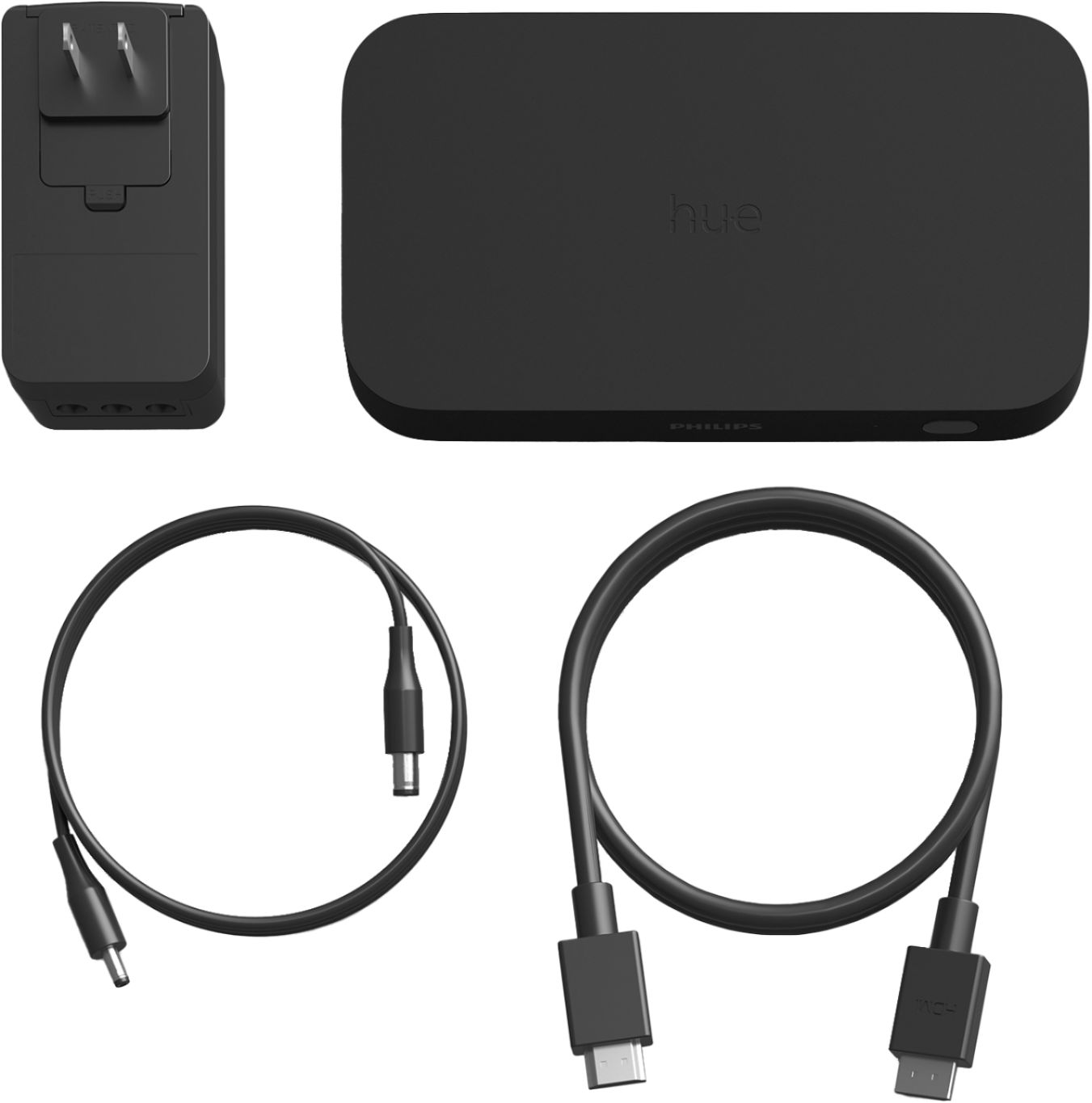
A:AnswerI had a different HDMI cable already hooked up to my tv. I just plugged that in and it works fine. Just make sure the cable can handle 4K if any of the sources you connect to it can provide that quality.
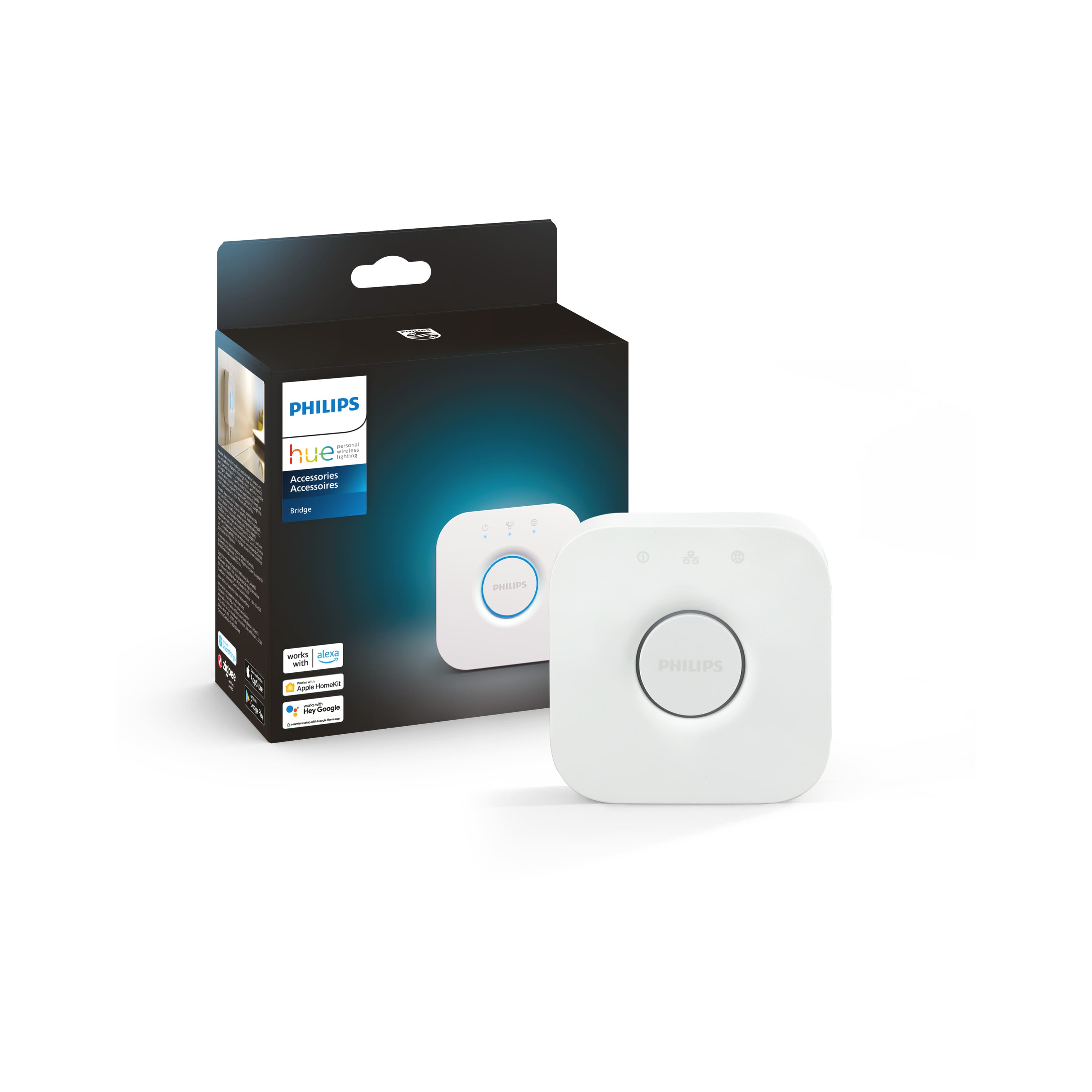
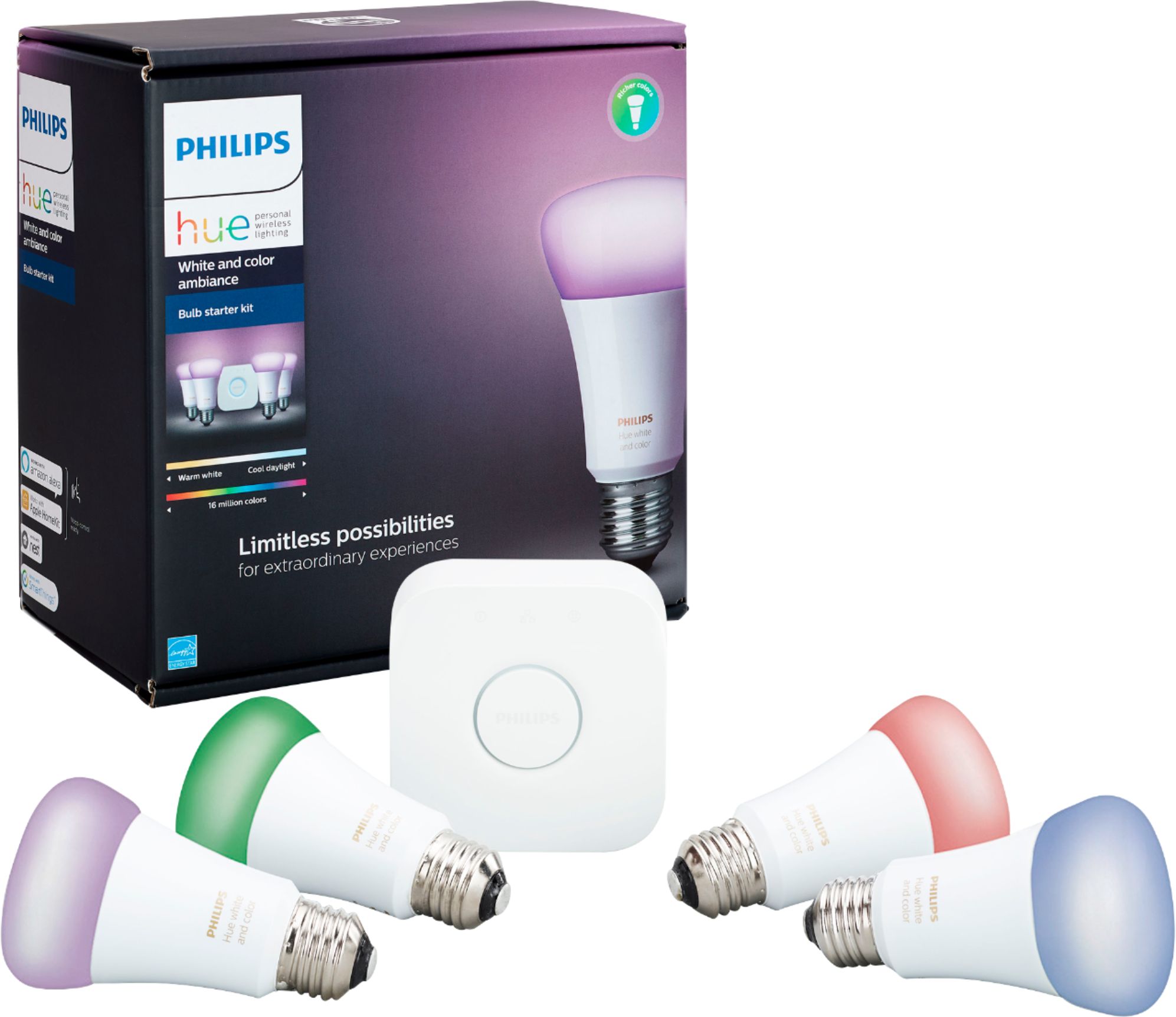
A:AnswerAs with any Philips Hue product, to use smart features such as syncing lights, you will need to own the hue bridge. This can be bought individually or in starter kits with other lights. You will also need to own color capable lights for syncing, as it is a branch of their entertainment areas feature.
A:AnswerI don't think in the way your thinking. How i switch mine from xbox, playstation, blu ray…..i have all my electronics go into my surround sound receiver. The receiver goes to the sync box and that goes to the TV. Works like a charm and you still can use your normal remote to switch from system to system. (Don’t forget that you need the hue bridge to connect the lights as well)
A:AnswerGirlfriend and I had the same issue. We found a couple of Reddit threads that recommended turning off the lighting when playing. It sucks but I don't see any updates to this issue anytime soon
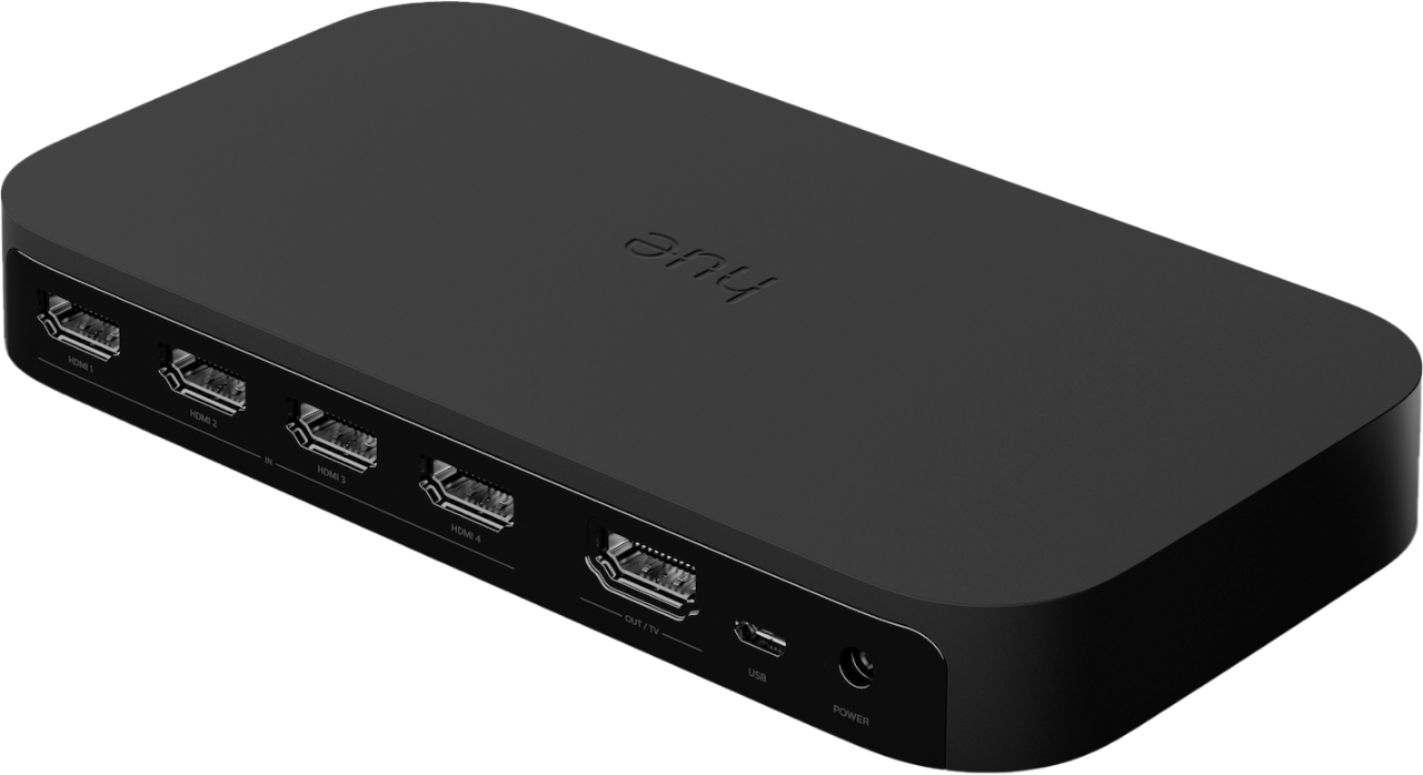
A:AnswerYou have to use ports 2 or 4,but read somewhere, I think because of bandwidth, you can only use one device only. If you plugged ps5 and apple TV into a receiver, then ran that to the Play hub, it would work, but not both through Play hub