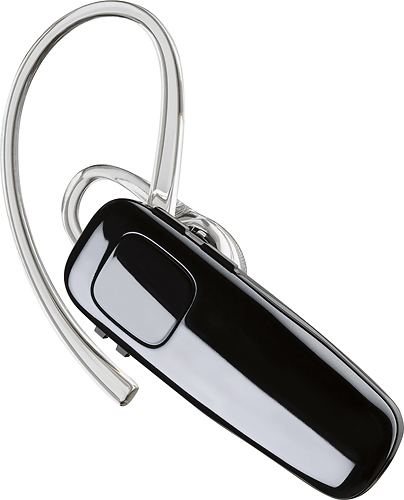
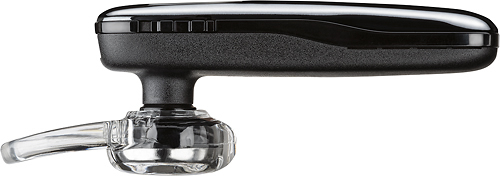
A:AnswerI wear mine in my right ear. There is what seems like a button on the bottom ridge but it is a slide the gently slides one way on and one way off. Remember to turn off when not in use to conserve talk time. It will announce in your ear when it is powered on with how much talk time remains and when you power it off. There are 2 push volume buttons on the top ridge.
A:AnswerI have Samsung 7 edge, You may need to update your phone but not likely. if you can hook up easily any other blue tooth device to your phone, i can only speculate the earpiece itself is defective in some way.
A:AnswerYes, that is what I bought mine for. Works and sounds great! As long as your device has Bluetooth, it should connect. My audio books are on my cellphone.
A:AnswerYou can't use 2 blue tooths at the same time. If you want to use the 1 in your car, simply turn off the 1 in your ear until you need to use the one in your ear. Then turn off the one in your car and turn on the one in your ear!
A:AnswerHi Marky! Sorry to hear that. You should be able to find a replacement ear loop with the following part number: 201777-03. This product is a Fit Kit (one earloop with small, medium and large eartips). If you have any further questions, please contact our Customer Care Team at: 1-855-765-7878.
A:AnswerYou're not going to get a straight answer, just like none of us will. Your best bet is to just use a wired headset. Most bluetooth headsets will do what yours is doing. There is no way to change the settings on the headset or in your phone settings. It's an issue with the headset itself, but they'll never tell you what it is.