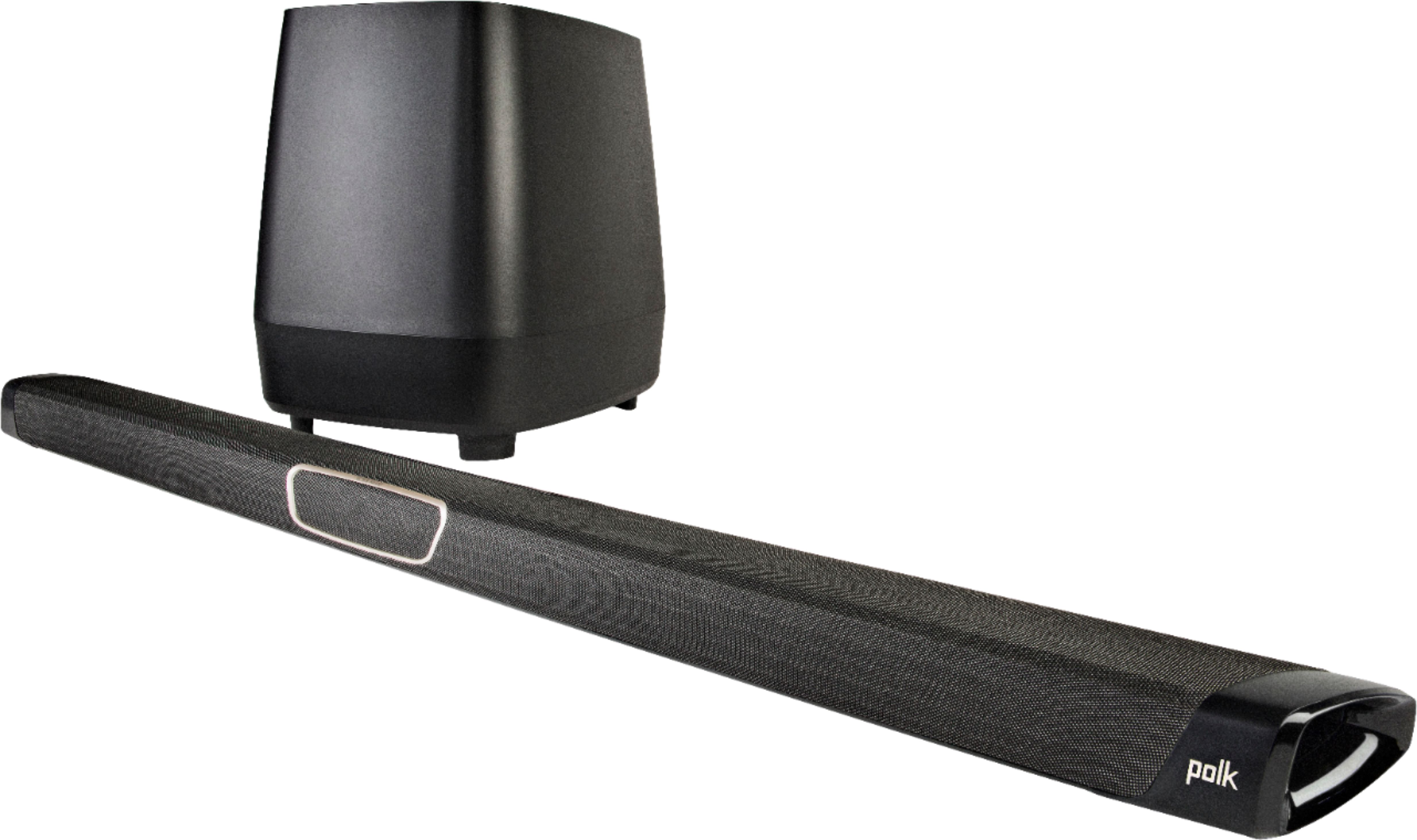
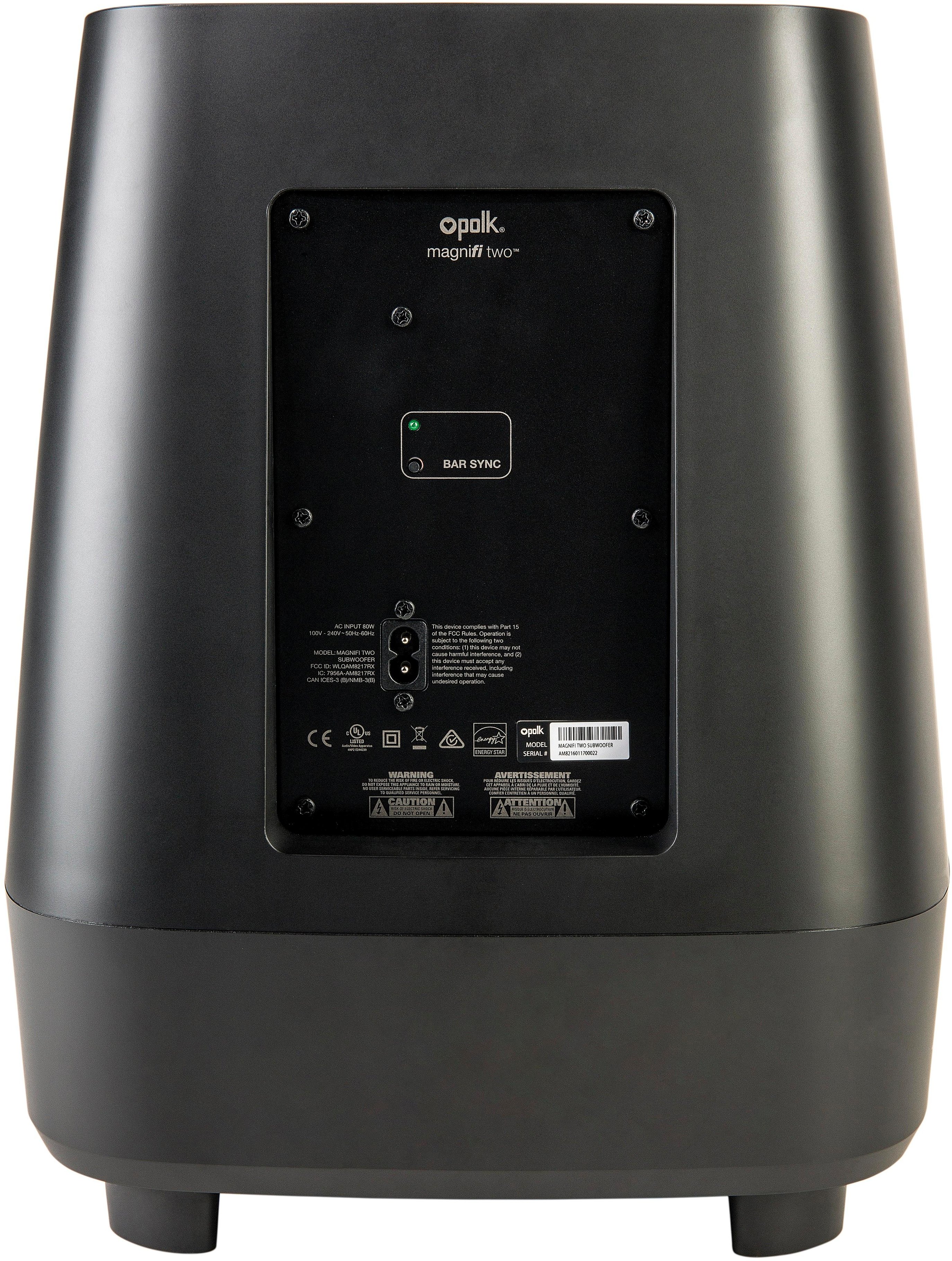
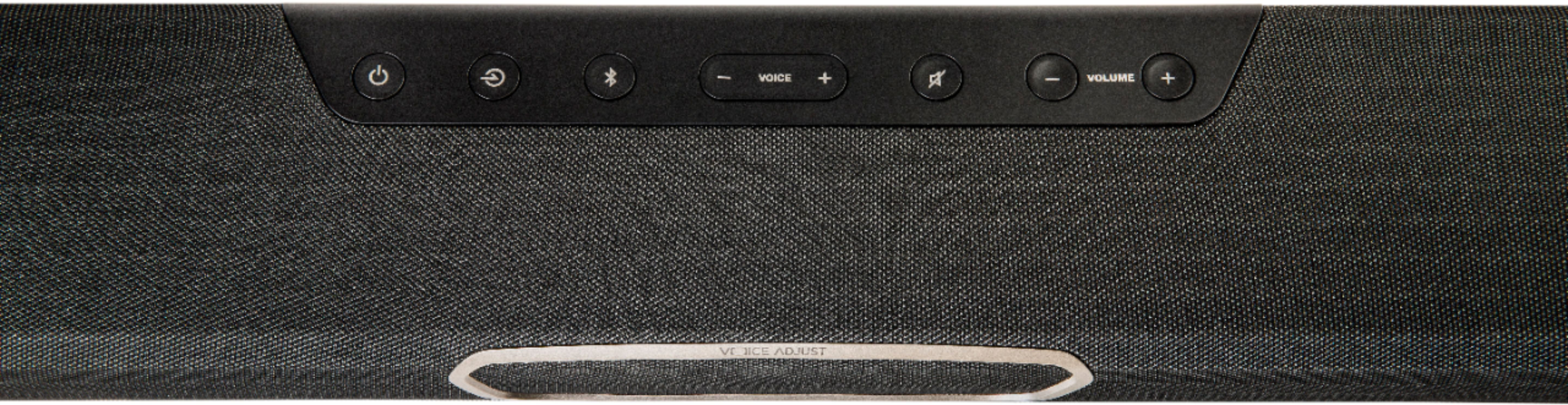
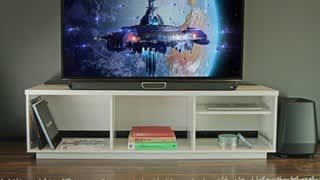
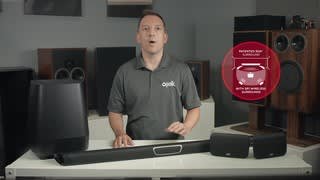
A:AnswerWe had this exact problem, and took it back for warranty repair, as we purchased the 4-year Geek Squad warranty. They came back and said that the circuit board was not repairable, and gave us a new unit. However, that unit has stopped working altogether in less than four months. This soundbar is garbage.
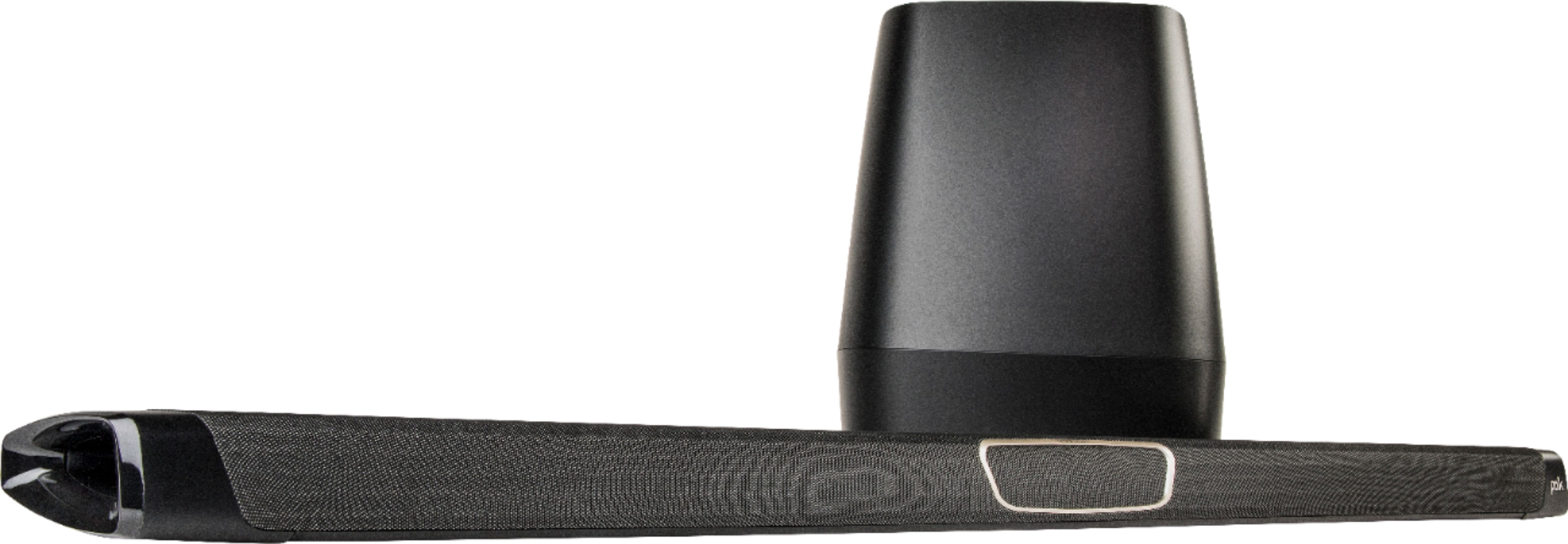
A:AnswerExcellent rep at our local Best Buy indicated that unfortunately it's not happening... so we purchased online elsewhere. We had a great "Miracle on 34th St" type of experience and ended up purchasing elsewhere on the recommendation of the Best Buy associate. The interaction created a positive impression that will keep me coming back to Best Buy for my future tech needs.
A:AnswerYou don’t need an amp. This thing will blow you out of your seat. I had an old head unit amp 100W but it wouldn’t have worked with it anyway. Besides, your phone will Bluetooth to it if you want to play music.
A:AnswerI had the same problem and discussed it with the store manager and I was able to return it an purchase the Polk 3.1 Channel Soundbar System. The Polk is superior to Samsung’s and I only had to spend $6.00 more. I received many compliments on the Polk and have recommended it to others who have since purchased the Polk System. Base is amazing as well as the sound overall.
A:AnswerI’ve found that it doesn’t hesitate for me when I change channels but DOES if you put a show or movie on pause foe more than a minute. The unit seems to think that you’ve turned it off and goes into sleep mode. I end up having to rewind a few seconds but that doesn’t bother me.
A:AnswerEverything you need to get going is in the box. The only extra requirements are some screws for the wall mounts, if you choose to mount the soundbar. Otherwise everything is provided.
A:AnswerYes it will and works very well and easily connected up. You will though still need the Polk remote to make any sound adjustments, other then volume, which can be controlled by the TV remote.
A:AnswerI have been using a Denon avr also and just ditched it. Just connect one end of the included hdmi cable to the arc on the soundbar and the other end to the arc on the tv. It was so easy. My Xfinity remote controls the volume. Again, it was so easy. No more messing with the harmony remote to get everything to work together with one remote.