Questions & Answers
- Model:
- ANTB55EV
- |
- SKU:
- 6336496
Highly rated by customers for: Reception, Ease of use, Picture Quality
$34.99Your price for this item is $34.99
Comp. Value: $39.99
The comparable value price is $39.99
Page Showing 121-140 of 145 questions
Q: QuestionDoes anyone know, why I was able to use this antenna in my motor home and picked up around 15 channels, then I moved it to my home and I can only pick up 4 channels?
Asked by Sparkplug.
- A:Answer Free or open channels are based on your location. If you live close to a city, you will get a lot more free channels than if you lived in a suburban area.
Answered by Samad
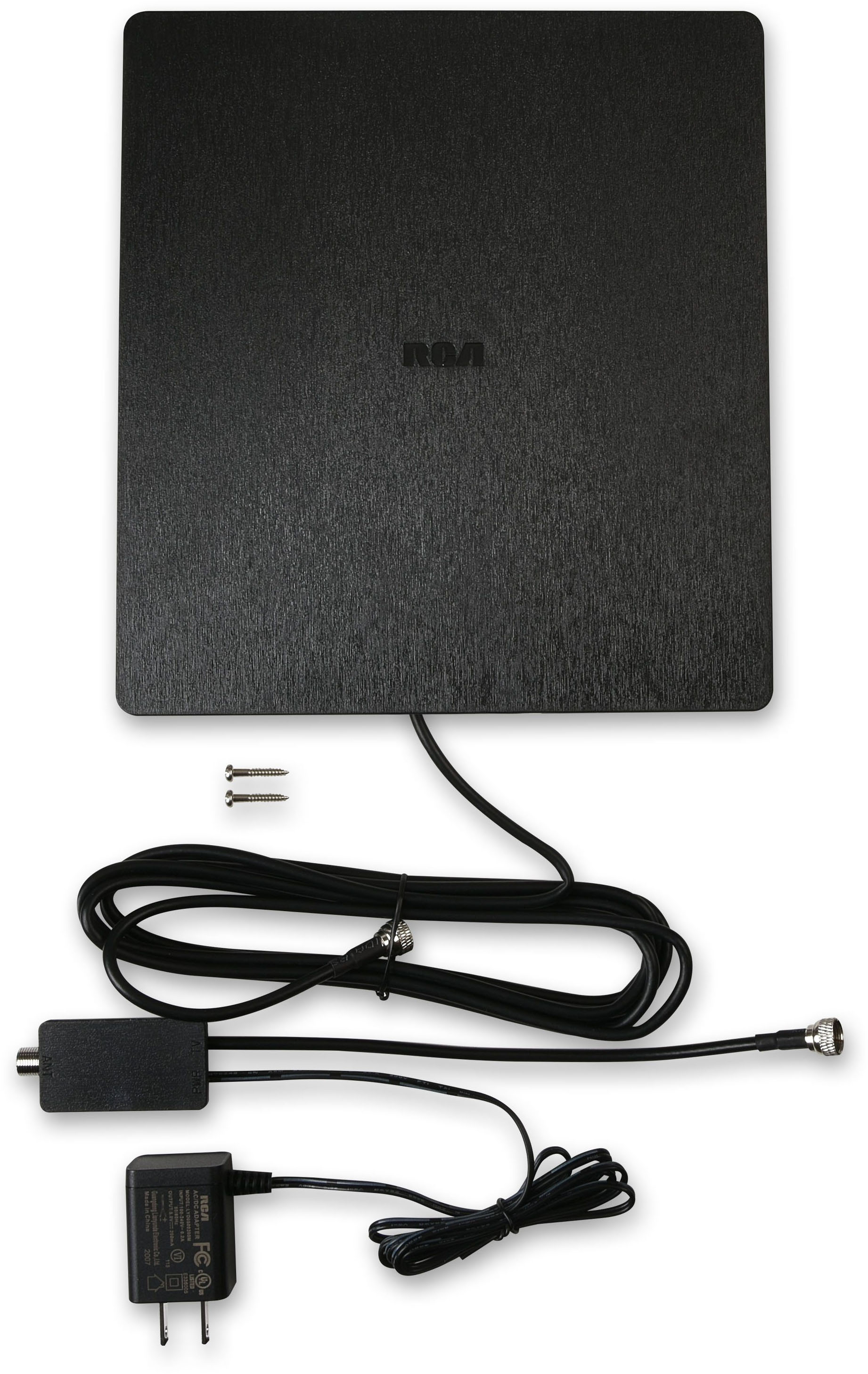
Q: QuestionCan you just connect it to the tv via the coax cable or do you also need the power adapter ?
Asked by Curious.
- A:Answer You need access to power so that the antenna signal is stronger.
Answered by cgsteel
Q: QuestionWhat is the range of the antenna in miles?
Asked by Mysteriana.
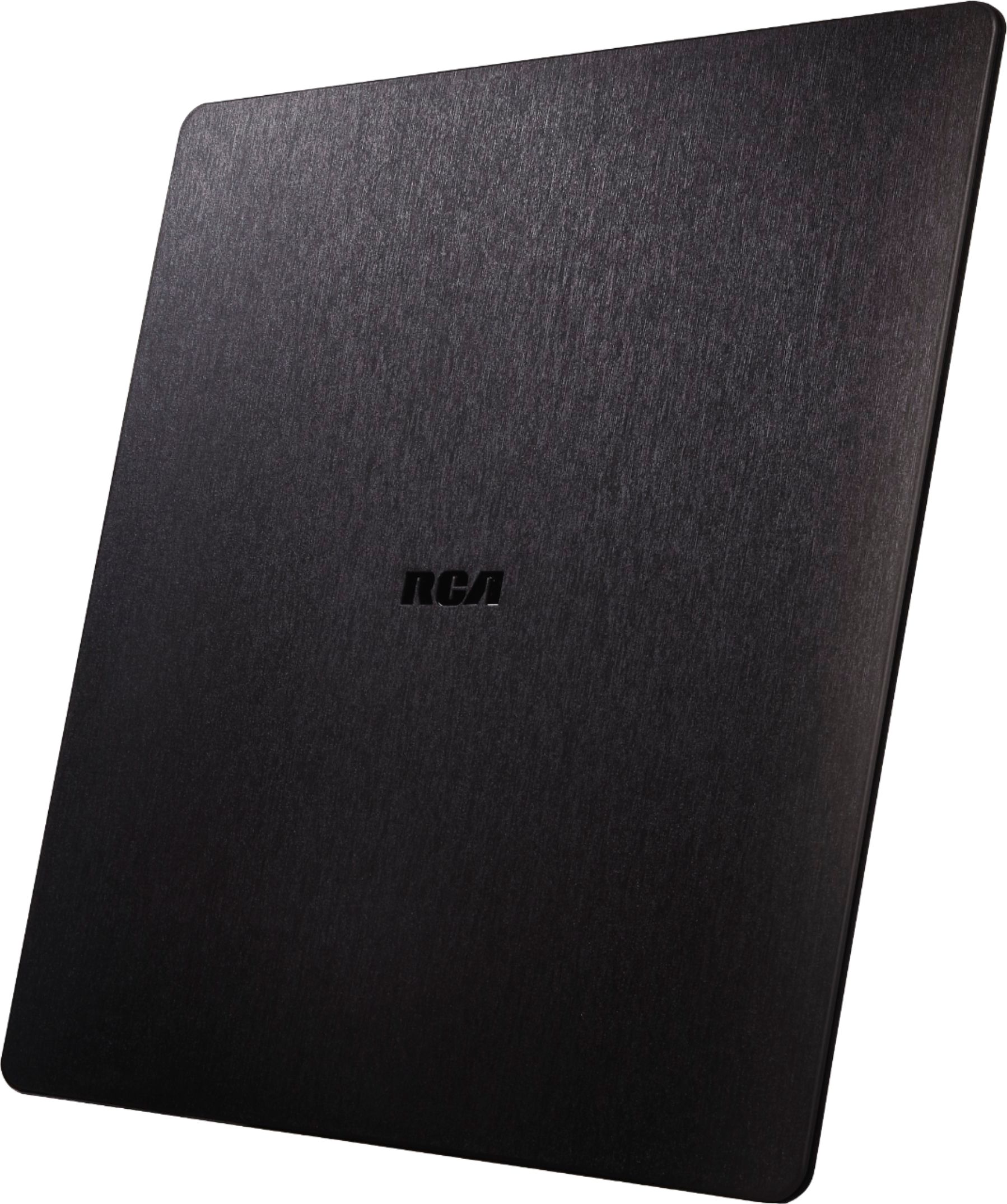
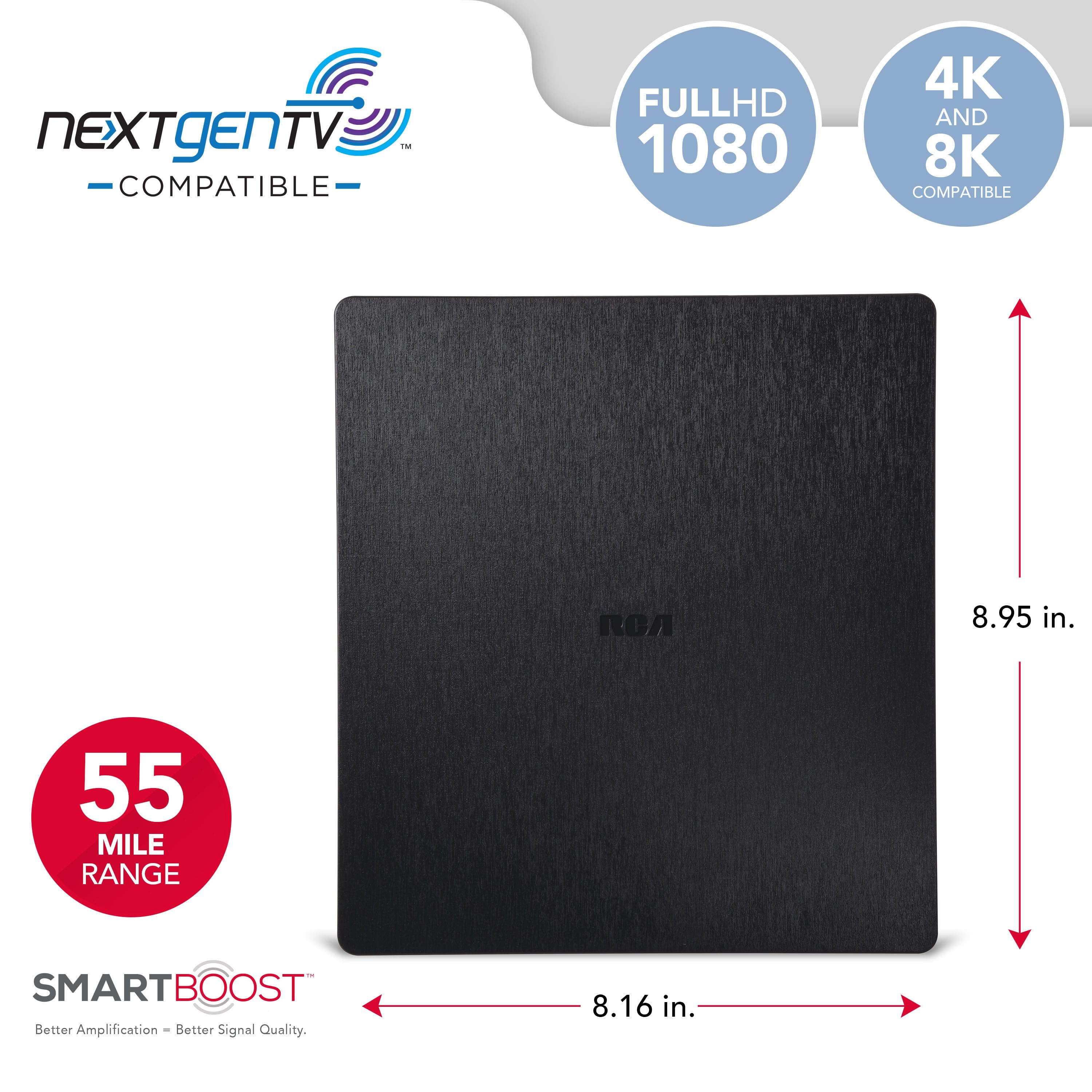
- A:Answer 55 miles
Answered by Bem3
Q: QuestionHow long is the coaxial cable.
Asked by sageharleys.
- A:Answer The cable is 8ft-10ft.
Answered by nonane
Q: QuestionWhy would I "not" want the amplifier connected?? In the description it mentions you can do this. 🤔
Asked by RickMB.
- A:Answer In many places or deployments you just might not need it. If you're close to OTA transmitters, and you're not using a splitter from the antenna cable, the amplifier may be unnecessary.
Answered by AndrewW
Q: QuestionIn the middle of the night. alight comes on that lights up the entire bedroom. TV is off. Why and how do I control it.
Asked by Johnny128.
- A:Answer Hello Johnny128 - Sometimes, if your TV is a smart TV and check's for software/firmware updates, the TV's network activity during the update check could cause minor power fluctuations, potentially affecting the antenna light.
Answered by Voxx Accessories Corp
Q: QuestionWill it work in a basement
Asked by RichardB.
- A:Answer Yes, the second one I bought works well in my man cave that's in our basement.
Answered by EdK1
Q: QuestionMy tv has NO coaxial hook up, it only has hdmi and really connectors! How can I use my antenna?
Asked by Anonymous.
- A:Answer The Blackmagic Design Micro Converter SDI to HDMI 3G without Power Supply features one SD/HD/3G-SDI input, one HDMI output, and one SD/HD/3G-SDI loop output. This micro converter allows you to convert an SDI signal to HDMI 3G. It includes a 17 point 3D LUT for color calibrating any monitor, projector, or television. You can even output the 3D LUT on the SDI loop output! Plus it supports DCI formats and film rates including 1080p24, 1080p47.95 and 1080p48. It features an automatic SD, HD, and Level A and B SDI detection and support for a wide range of pro broadcast resolutions including cine-style 48 fps. Use Anywhere The Blackmagic Micro Converters are so small you can use them anywhere! That means it’s always easy to keep a few available for any urgent conversion task! Because they are extremely high quality, you can trust them for all kinds of broadcast, live production, and on set use. Use them for turning any computer display, television or video projector into high-quality color-calibrated broadcast monitoring. They're also perfect for converting the HDMI outputs of computers and consumer video cameras to high-end SDI equipment. Imagine using a slide show running on a computer for high-end broadcast-quality titles in live production! You could even use them for extending long HDMI distances using SDI. Miniaturized Design Unlike other small SDI converters, Blackmagic Micro Converters feature the highest quality broadcast technology, miniaturized into an incredibly strong metal enclosure. Each converter has industrial standard 3G-SDI and HDMI connections with strong high-quality connectors. Blackmagic Micro Converters include a USB connection for power, as well as changing settings via the converter utility on Mac and Windows. Because the USB powers the converter, you can even power it from televisions or laptop computers. There are even LEDs for power and video status. You can also buy Blackmagic Micro Converters with an AC power supply including 4 adapters for international use. Broadcast Quality Unlike cheap converters, Blackmagic Micro Converters include the highest quality signal processing and deep bit depth video pipeline. Micro Converters have been engineered with precision electronics so you get very low SDI jitter, allowing you to extend SDI cables over long distances. That’s vital for live production where equipment such as cameras can be a long-distance from switchers. Blackmagic Micro Converters work with both 8 and 10-bit video formats, in RGB or YUV, and in all SD and HD formats up to 1080p60. They even support 1080p24, 1080p47.95 and 1080p48 film rates! Plus you get fully embedded audio and timecode support. Update and Change Settings You can also change settings and update the converter software with the free converter utility that can be downloaded from the Blackmagic Design web site. This software connects to the USB connection on the Micro Converters and runs on both Mac and Windows computers. You can use the utility to change the converter name, which can be useful for identifying which converter is used for which task! When using the bidirectional converter, you can even set the camera number, so the converter knows when it’s being controlled from a live production switcher. You can also select between level A and level B on the 3G-SDI video output. Monitoring with 3D LUTs The Micro Converter SDI to HDMI 3G model even includes a 3D LUT for color-accurate monitoring! You can apply custom looks, color, and gamma changes in real-time for on-set monitoring. LUTs can also be applied to the 3G‑SDI loop output, allowing you to use the converter as a 3D LUT processor! You can also use 3D LUTs to get a color calibrated grading monitor using a low-cost computer monitor or TV! You can even use the DaVinci Resolve primary color corrector to create amazing looks and then save them as custom 3D LUTs. Because DaVinci Resolve can be downloaded free, it costs nothing to start creating a world of custom 3D LUTs for monitoring! Imagine reproducing old film stocks. REVIEWS PRODUCT QUESTIONS
Answered by JBLextreme2portableb
Q: QuestionCan you put ultra thin rca antenna in a hot acctic
Asked by Kelly.
- A:Answer Probably not the best idea
Answered by Sledhore
Q: QuestionWill this antenna work in West Virginia with the mountains?
Asked by Denny.
- A:Answer I do not Know , I live in Illinois.
Answered by Canela
Q: QuestionMy Vizio T.v does not have a port for coaxial to screw into. Just HDMI PORTS.
Asked by Toolgirl.
- A:Answer Hello Toolgirl - You will need to purchase digital convertor box.
Answered by Voxx Accessories Corp
Q: QuestionI have an older Panasonic TV. Do I need a converter box to make the antenna load channels?
Asked by Digital.
- A:Answer Most likely yes. It depends on how old...
Answered by Bisano
Q: QuestionWhat is the strength of the amplifier in Dbs?
Asked by Anonymous.
- A:Answer Product says 2x Amp amplification good for 55 miles.
Answered by Coop
Q: Questiondo I need wifi to set up and use this antenna
Asked by Anonymous.
- A:Answer No wifi is needed. Just hook it up and scan for available on air channels.
Answered by Lenn
Q: Questionhow do I tell if my tv is digital - it's a samsung 32" smart tv - bought in 2016. Are all indoor antennas digital?
Asked by mar.
- A:Answer Hello Mar - Most televisions built after 2007 have the required ATSC digital tuner. You can refer to your TV owners manual for that information.
Answered by Voxx Accessories Corp
Q: QuestionDoes this come with a remote? How do you change the channel? If it doesn't come with a remote, which remote is best?
Asked by S28E.
- A:Answer No. You use your tv remote. You have to rescan your tv channels.
Answered by Buck
Q: QuestionI have an outside antenna now. it has great reception. can I get this flat antenna connected to my other tv and get the reception from the outside antenna?
Asked by jenny.
- A:Answer No. best bet would be run a splitter with a new coax cable to your other set. You may lose a little signal strength using a splitter but should work ok. Good luck
Answered by tuscala
Q: QuestionCan I put this up high in my attic for better reception? Or does it have to be right near the TV?
Asked by Paul.
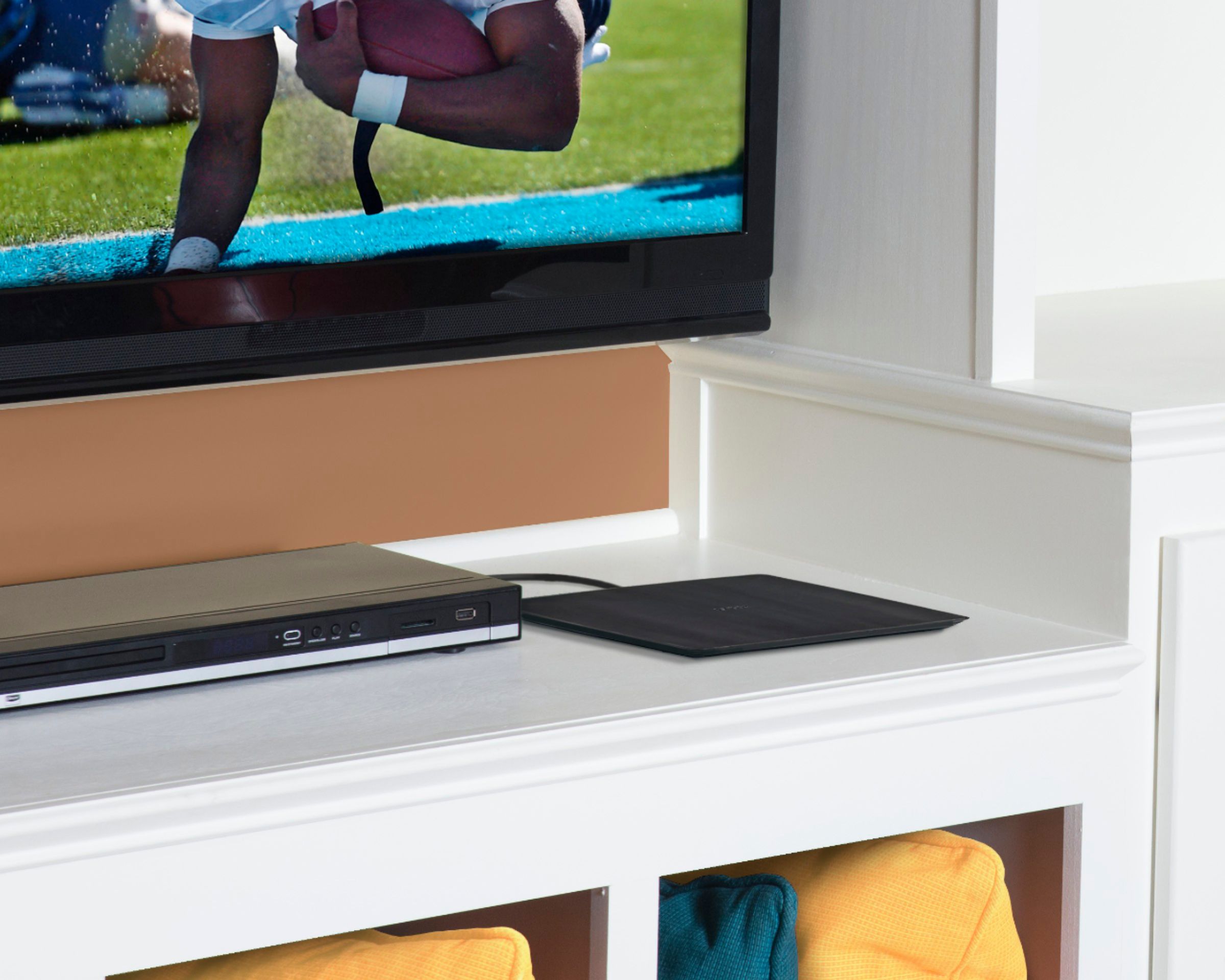
- A:Answer The antenna works very well and I believe the cord length is sufficient to place it place it high enough in the room with the tv to pick up signals sufficiently. There is a signal booster that requires power so the location of the antenna needs to be near a wall plug. With digital signals it shouldn’t be necessary to put the antenna in the attic. I put my antenna on the top of the tv cabinet and it picks up quite a few channels with a sharp HD or SD picture.
Answered by JohnnyP
Best-selling TV antennas
- $34.99Your price for this item is $34.99
- $19.99Your price for this item is $19.99
- $49.99Your price for this item is $49.99$59.99The comparable value for this item is $59.99
- $39.99Your price for this item is $39.99$49.99The comparable value for this item is $49.99
- $79.99Your price for this item is $79.99
- $34.99Your price for this item is $34.99
- $79.99Your price for this item is $79.99
- $24.99Your price for this item is $24.99
- $69.99Your price for this item is $69.99
- $129.99Your price for this item is $129.99$149.99The comparable value for this item is $149.99
- $49.99Your price for this item is $49.99$59.99The comparable value for this item is $59.99
- $119.99Your price for this item is $119.99
- $29.99Your price for this item is $29.99
- $89.99Your price for this item is $89.99
- Clearance$9.99Your price for this item is $9.99
- $11.99Your price for this item is $11.99$16.99The comparable value for this item is $16.99
- $17.49Your price for this item is $17.49$27.49The comparable value for this item is $27.49
- $37.99Your price for this item is $37.99$41.99The comparable value for this item is $41.99
- $69.99Your price for this item is $69.99$89.99The comparable value for this item is $89.99