Year-End SaleEnds 1/1/26. Limited quantities. No rainchecks.

Main Content

Questions & Answers

Your price for this item is $159.99
Clearance
The comparable value price is $199.99
Page Showing 121-140 of 238 questions
  • QuestionCan this unit be used in Apartments?

    Asked by Apartments.

    • Answer Hello Apartments, Good question! Yes, the Ring No-Drill Mount (sold separately) is a mounting plate specifically designed for the Ring Video Doorbell 3 and 3 Plus. Perfect for renters who can’t drill holes in their homes, with it, you can mount your new Ring Video Doorbell 3 or 3 Plus and never worry about damage to the walls outside your door. Here is more information regarding this mounting option for you: https://support.ring.com/hc/en-us/articles/360046496732-No-Drill-Mount-for-Ring-Video-Doorbell-3-and-3-Plus. For any additional questions or concerns, please feel free to reach out on our community forum at https://community.ring.com/. Thank you, Alexis with Ring

      Answered by Ring

  • QuestionDoes someone have to be up at the doorbell ring ring 3 for the video camera to work ? Or will it catch someone walking by ?

    Asked by Su.

    • Answer Hello Su, Motion Zones allow you to define a specific area that you want your Ring device to cover while ignoring everything outside that area. By selecting Motion Zones to cover only areas you want the Ring device to monitor, you can effectively monitor the area you want as well as reduce the number of “false positive” motion alerts (such as cars driving by). Here is a helpful article to help assist you: https://support.ring.com/hc/en-us/articles/360040747611-Utilizing-Motion-Detection-with-your-Ring-Video-Doorbell-3. For any additional questions or concerns, please feel free to reach out on our community forum at https://community.ring.com/. Thank you, Alexis with Ring

      Answered by Ring

  • QuestionCan you program a different ring if you have two ring video doorbells and only one chime? Or do you have to purchase an a doorbell chime for each Ring?

    Asked by Dez.

    • Answer Different ring chimes.

      Answered by Sonos

  • QuestionI'm assuming that this will work with my existing doorbell or do I need to use a ring chime?

    Asked by Donster.

    • Answer Hello Donster, This is a great question, as it is important to know chime compatibility when employing a Ring Video Doorbell 3 for your home's security. From our Help Center you can find a comprehensive list of compatible existing home chimes for your Ring Doorbell 3: https://support.ring.com/hc/en-us/articles/360044683012-Ring-Video-Doorbell-3-Chime-Kit-Compatibility-List If you choose to disable your existing chime, you may want to consider connecting your doorbell to a Ring Chime or Chime Pro. These are great accessories that enhance your home's overall security and peace of mind. You can find more information on these devices directly from our website at Ring.com, or by reaching out to our dedicated support team at your convenience. Thank you, Caitlin with Ring

      Answered by Ring

  • QuestionHOW DO YOU CHARGE BATTERY DO YOU HAVE TO TAKE IT OUT

    Asked by Lovetech.

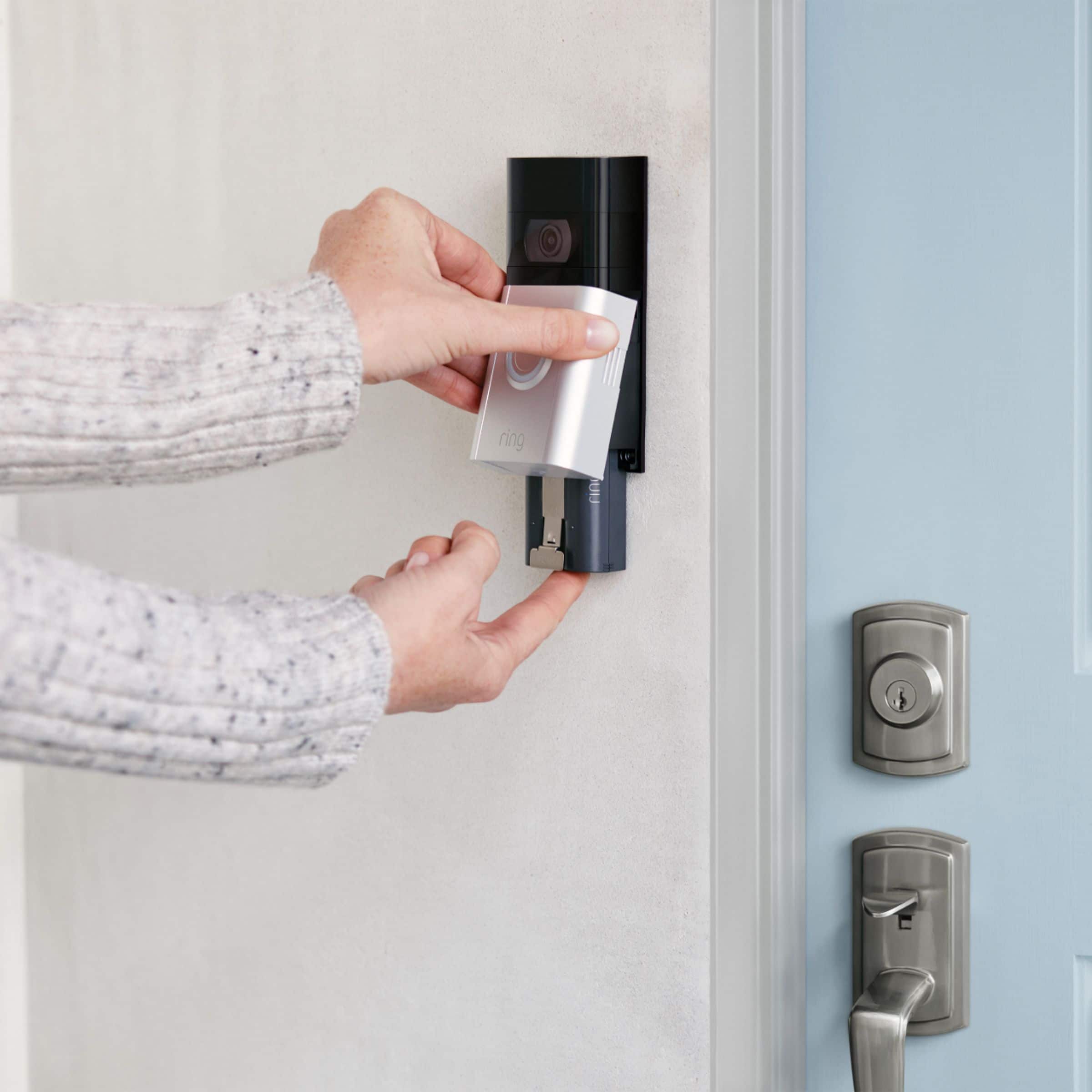
    • Answer Hello ginko, Your Video Doorbell 3 battery is charged using a common micro-USB cable (an orange one is included in your Ring box). The micro-USB cable can be plugged into any USB power source such as a computer. Your battery will take around five to 10 hours to fully charge depending on whether the USB cable is plugged into a USB port or into a wall outlet. Here is a step-by-step guide to recharging the quick release battery pack which is included with your device: https://support.ring.com/hc/en-us/articles/360038856311-Charging-the-Battery-for-Your-Ring-Video-Doorbell-3. For any additional questions or concerns, please feel free to reach out on our community forum at https://community.ring.com/. Thanks, Alexis with Ring

      Answered by Ring

  • QuestionI have an android phone and a computer on Wi-Fi only. Will this doorbell security system work with these? Also what is involved in installation?

    Asked by Anonymous.

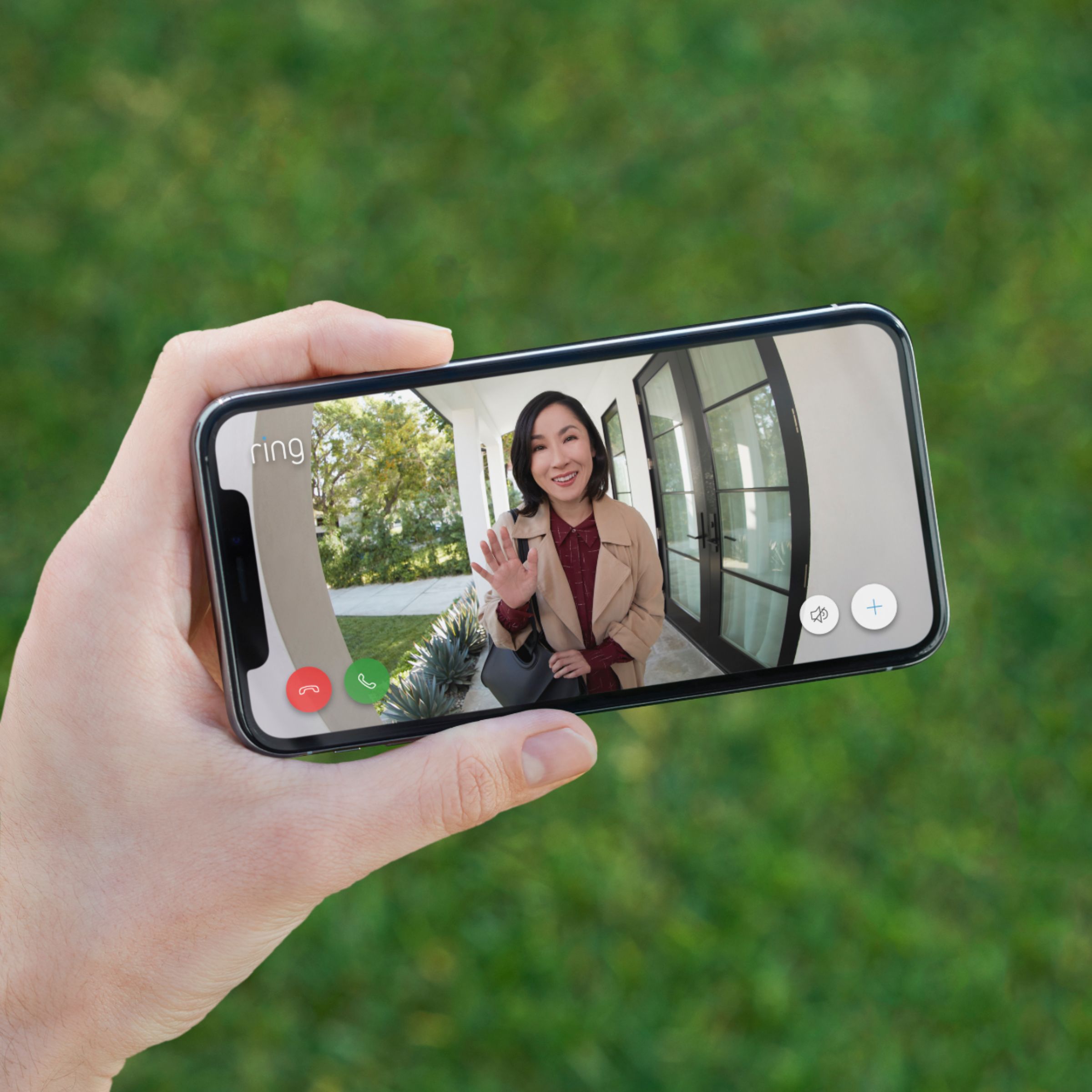
    • Answer Hello, Great question! The free Ring app is compatible with Android's devices running 5.0 and newer are able to download the Ring app through the Google PlayStore. Here is more information about locating and downloading the Ring app on your Android device and computer: https://support.ring.com/hc/en-us/articles/204384784-Downloading-and-Updating-the-Ring-App. For any additional questions or concerns, please feel free to reach out on our community forum at https://community.ring.com/. We look forward to hearing from you soon! Thanks, Alexis with Ring

      Answered by Ring

  • QuestionI purchased a Ring 3 Battery operated ...how o ften do i need to recharge the battery

    Asked by Anonymous.

    • Answer Once a year

      Answered by Rizz

  • QuestionDoes this one have 2 way talk

    Asked by Anonymous.

    • Answer Yes.

      Answered by Sonos

  • Questionpower 120 volt or 24

    Asked by rypejakt.

    • Answer Battery

      Answered by OlGarrsDoorbell

  • QuestionI have 5g wifi, is this compatible with 5g?

    Asked by Melissa.

    • Answer Hello Melissa, Yes, Ring Video Doorbell 3 is compatible with b/g/n wifi networks operating on 2.4 GHz or 5.0 GHz frequencies. The Ring Video Doorbell 3 requires a minimum speed of 2 Mbps upload and download at the mounting location of the Ring device. For any additional questions or concerns, please feel free to reach out on our community forum at https://community.ring.com/. Thank you, Alexis with Ring

      Answered by Ring

  • QuestionWith the Ring Video Doorbell 3 can I turn off the video part so it’s not running all the time?

    Asked by Bren.

    • Answer Hello Bren, Great question! No, you are not able to turn off the video part of the doorbell. If you have any further questions, please visit our community forum at https://community.ring.com/, for some additional tips and support. We look forward to hearing from you. -All the Best, Jamila at Ring

      Answered by Ring

  • QuestionIs there a WiFi receiver that is required in my old doorbell to make the chimes ring. When I hardwired my Ring with my old doorbells wire, the door bell no longer rings.

    Asked by Ken.

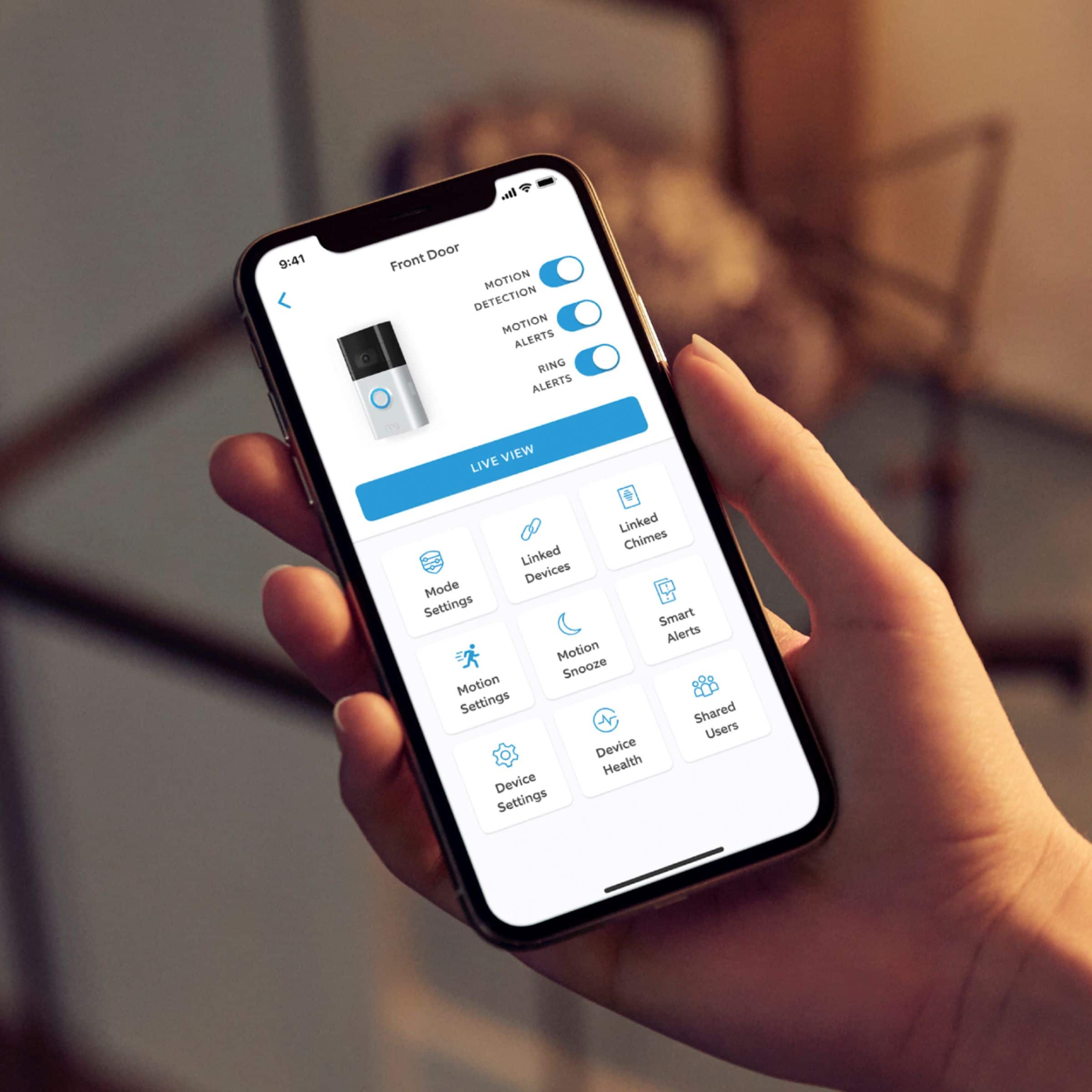
    • Answer Hi Ken, Great question! No, there is not a receiver required for your old doorbell. There are a couple of things to check if your Ring Video Doorbell 3 is not ringing your internal chime kit. First, you'll want to be sure your chime kit is compatible. You can find a list of compatible chimes in our support center: https://support.ring.com/hc/en-us/articles/360044683012-Ring-Video-Doorbell-3-Chime-Kit-Compatibility-List. The next thing you will want to do is enable the chime kit settings through the Ring app. To do this, open the Ring app, click on your Ring Video Doorbell 3, click on Device Settings, then go to In-home Chime Settings. Here you will find options to customize for the type of chime kit you have in your home. Ring Community was launched to help deliver the most current news and educational information to our neighbors. This online forum is divided into four categories: Product Boards, Ring Updates, Tips + Tricks, and a Moderators’ Corner. The Product Boards are where you can begin new topics with your questions or feedback; there is also a search option which helps you find topics that were already posted by other neighbors. We invite you to visit our site at https://community.ring.com/ today! All the Best, Nicole with Ring

      Answered by Ring

  • QuestionDoes the Ring 3 Doorbell have storage capabilities if so how much or for how long?

    Asked by Randy.

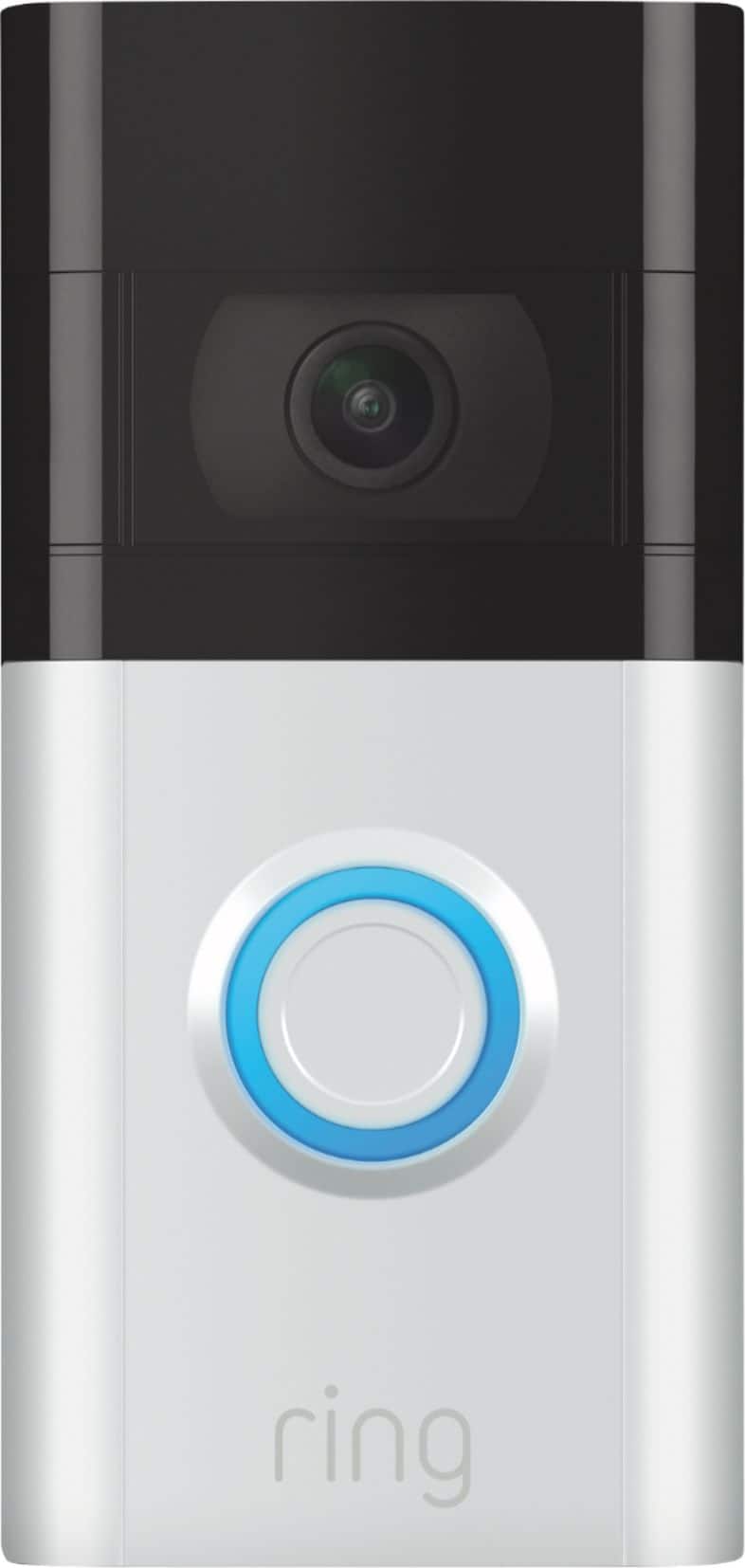
    • Answer Hi Randy, Great question! No, the Ring Video Doorbell 3 does not have internal storage capabilities. Ring offers recording of events through the use of a Ring Protect Plan. With a Ring Protect Plan, you can save, review, and share video recordings from your Ring devices to your Ring account. Without a Ring Protect Plan, you can still view real-time video for Ring doorbells and cameras and answer doorbell notifications when they happen, but you don’t get video recordings of those events. For more information on Ring Protect Plans, visit our support center: https://support.ring.com/hc/en-us/articles/115001671383-General-Information-on-Ring-Protect-Subscription-Plans. If you are interested in SD card local storage, Ring Edge is now on the Alarm Pro Base Station. For more information, check out our support center:https://support.ring.com/hc/en-us/articles/360054769672-Store-and-process-videos-locally-with-Ring-Edge. You can also visit the Ring Community. It is our first peer-to-peer community forum, giving our customers the ability to help one another and share their feedback/experiences with Ring. We invite you to reach out at https://community.ring.com/ if any additional information is needed regarding your video recording concern. All the Best, Nicole with Ring
      Answered by Ring

  • QuestionCan I manage more than one doorbell from the same app?

    Asked by LastMinuteShopper.

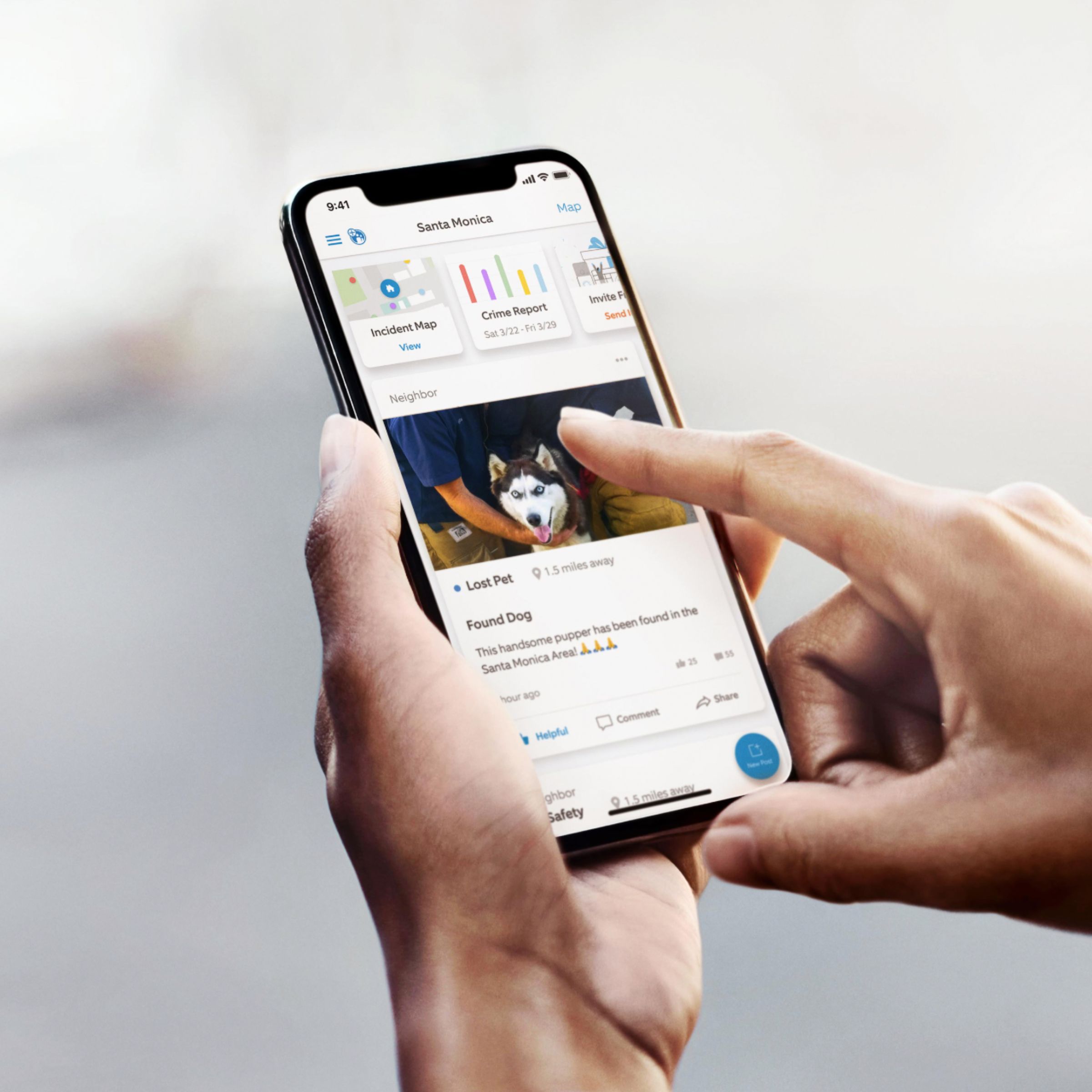
    • Answer Hello LastMinuteShopper, Thanks for asking! Yes, you can manage all of your Ring devices within the Ring app. Your Ring app is the command center for all of your Ring devices. With it, you can control your devices, manage user roles, and join your neighborhood. For more information, visit our support center: https://support.ring.com/hc/en-us/articles/115005267846-Welcome-to-the-Ring-App. You can also visit the Ring Community. It launched in March 2019 to help deliver the most current news and educational information to our customers. You can find tips and tricks from other Ring users at https://community.ring.com/. This peer-to-peer forum allows our neighbors to share their feedback and experiences to assist each other in resolving their concerns. All the Best, Nicole with Ring

      Answered by Ring

  • QuestionWith the Ring 3 wireless, can you also connect to a wireless chime inside the house or does it have to be hardwired to a chime??

    Asked by JimH.

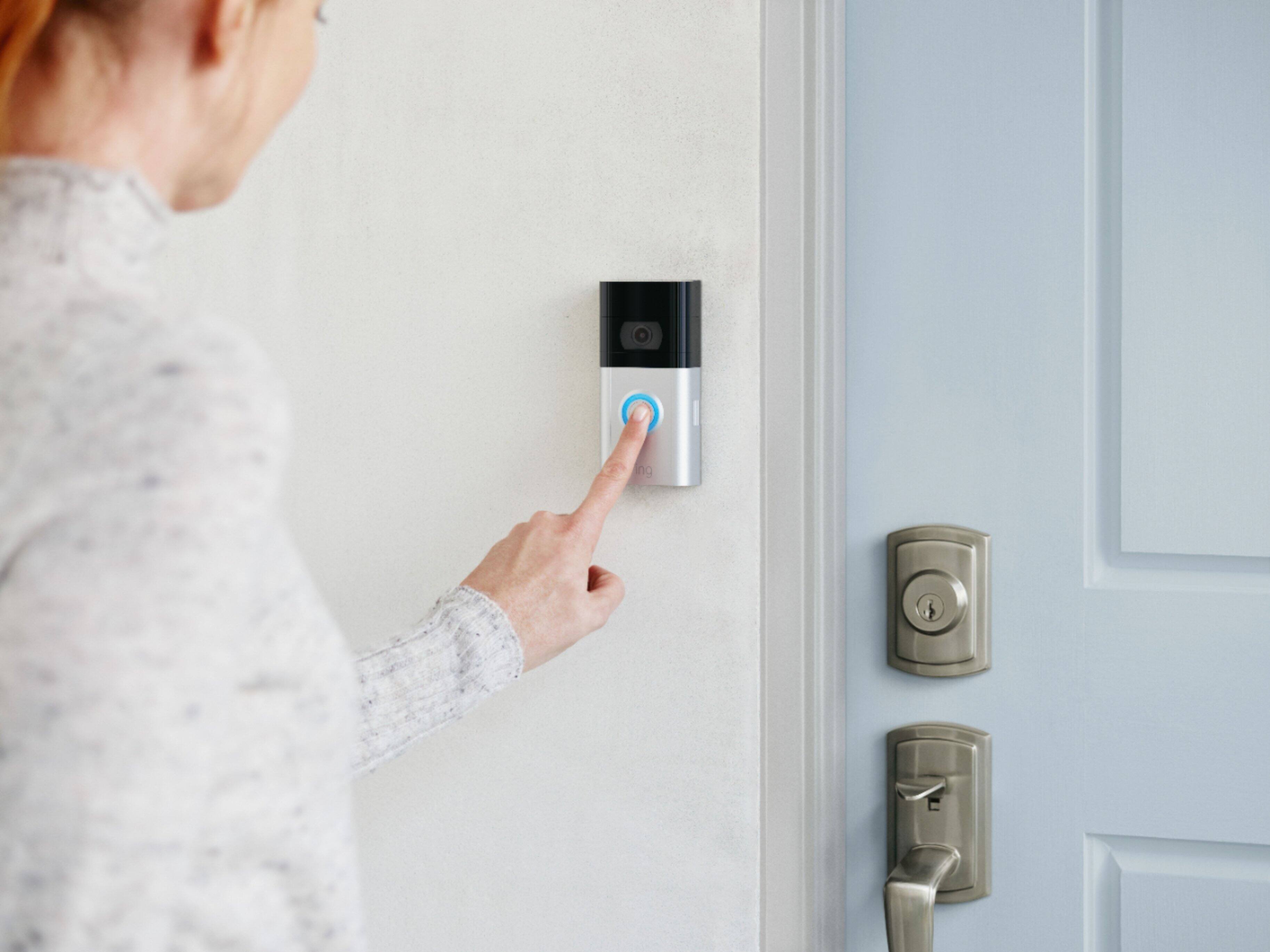
    • Answer Hi JimJ, Thanks for asking! Yes, you can use a Ring Chime inside your home to notify you when someone presses your Ring Video Doorbell 3, or motion is detected. We recommend setting up your Ring Video Doorbell 3 first, then setting up the Ring Chime. After the device and the Chime are active and on the wifi network, use the Ring app to associate the Ring Chime with the Ring device. For more information on the Ring Chime, visit our support center: https://support.ring.com/hc/en-us/articles/360038177772-Ring-Chime-2nd-Generation-Information. We invite you to visit the Ring Community. It launched in March 2019 to help deliver the most current news and educational information to our customers. You can find tips and tricks from other Ring users at https://community.ring.com/. This peer-to-peer forum allows our neighbors to share their feedback and experiences to assist each other in resolving their concerns. All the Best, Nicole with Ring
      Answered by Ring

  • QuestionHow do you install it

    Asked by Dan.

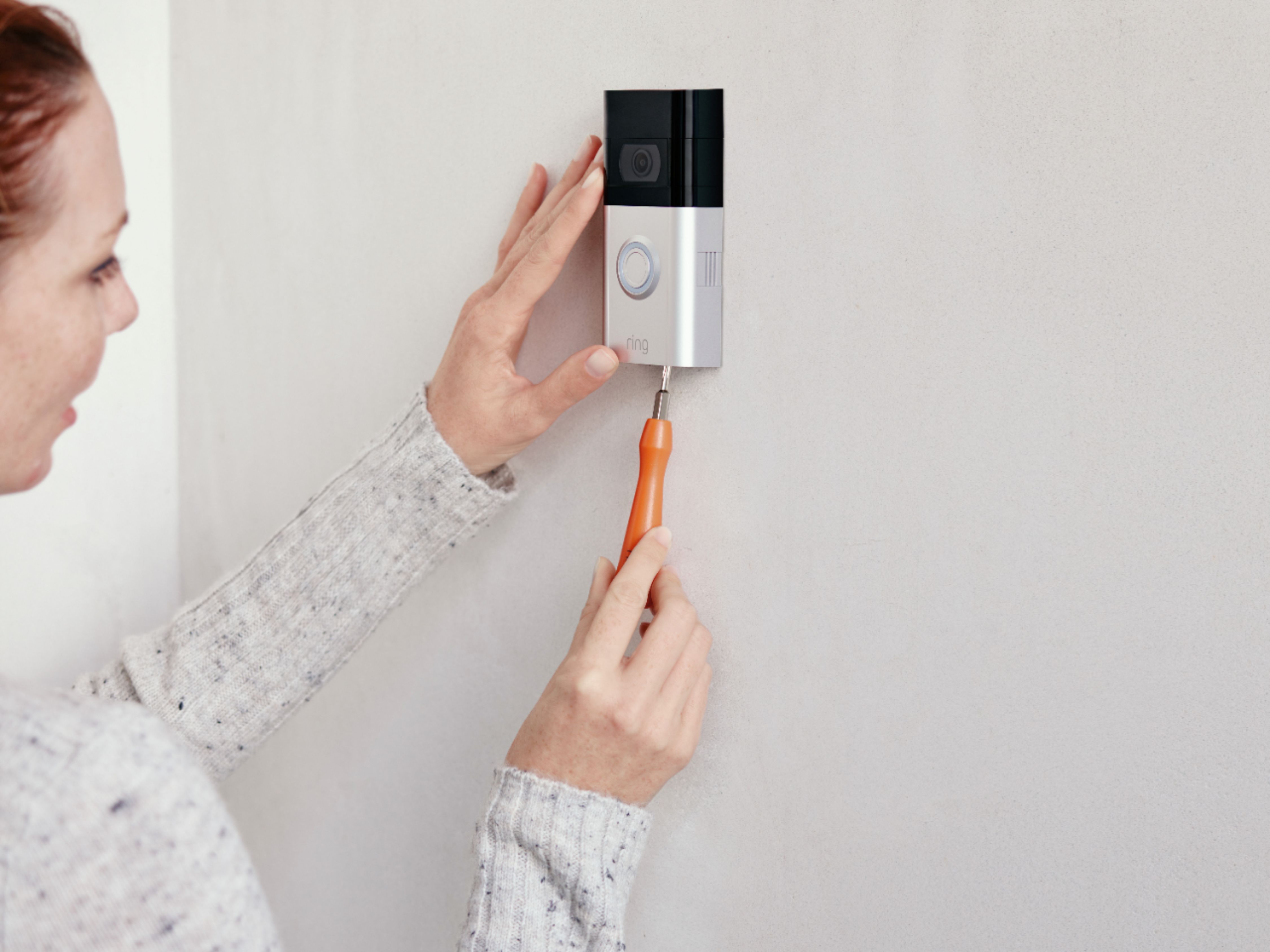
    • Answer Hi Dan, Thanks for asking! Physically installing the Ring Video Doorbell 3 with or without an existing doorbell is intended to be a very simple process. Here are helpful articles for each installation scenario: https://support.ring.com/hc/en-us/articles/360040818431-How-to-Physically-Install-Your-Ring-Video-Doorbell-3-Without-an-Existing-Doorbell https://support.ring.com/hc/en-us/articles/360038902531-How-to-Physically-Install-Your-Ring-Video-Doorbell-3-with-an-Existing-Doorbell. We invite you to reach out at https://community.ring.com/ if any additional information is needed regarding your Ring Video Doorbell 3 pre-purchase question. Ring Community is our first peer-to-peer community forum, giving our customers the ability to help one another and share their feedback and experiences with Ring. All the Best, Nicole with Ring
      Answered by Ring

  • QuestionDo you need alexar to use?

    Asked by jerry.

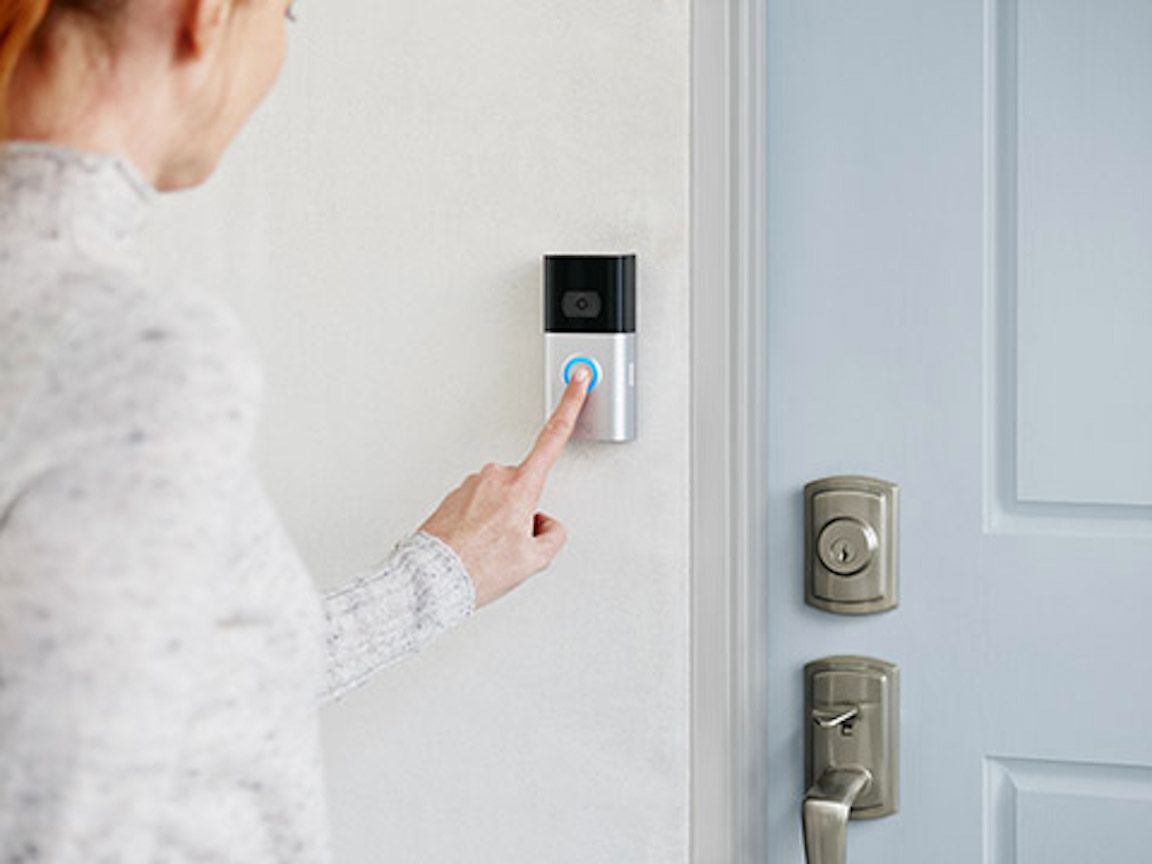
    • Answer Hi Jerry, Great question! No, you do not need any Alexa devices to use the Ring Video Doorbell 3. You can get notifications on your cell phone when someone presses the button on your doorbell and when motion is detected. For more information on how notifications work, visit our support center: https://support.ring.com/hc/en-us/articles/210052646-Getting-Notifications-for-Ring-Doorbells-and-Security-Cameras. Ring Community launched in March 2019 to help deliver the most current news and educational information to our customers. You can find tips and tricks from other Ring users at https://community.ring.com/. This peer-to-peer forum allows our neighbors to share their feedback and experiences to assist each other in resolving their concerns. All the Best, Nicole with Ring
      Answered by Ring

  • QuestionCan the Ring doorbell 3 use and existing ring chime from another purchase?

    Asked by chime.

    • Answer Hi chime, Thank you for asking! Yes, the Ring Video Doorbell 3 will work with a Ring Chime from a separate purchase. With a Ring Chime, you can hear notifications anywhere in your home when someone presses your doorbell or motion is detected. You just plug it into a standard wall outlet and connect it to all of your Ring Doorbells and Cameras through the Ring app. For more information, visit our support center: https://support.ring.com/hc/en-us/articles/360038168452-Ring-Chime-Pro-2nd-Generation-Information. We also suggest reaching out to the Ring Community. It launched in March 2019 to help deliver the most current news and educational information to our customers. You can find tips and tricks from other Ring users at https://community.ring.com/. This peer-to-peer forum allows our neighbors to share their feedback and experiences to assist each other in resolving their concerns. All the Best, Nicole with Ring

      Answered by Ring

  • QuestionIf I hard wire the Ring Doorbell 3 to where my old doorbell was, will it still activate the existing chime, plus activate my phone? Or, must I buy the chime system that Ring sells?

    Asked by Julie90.

    • Answer Hi Julie90, Great question! Yes, the Ring Video Doorbell 3 can notify you on your phone and activate your existing chime kit, as long as it is a compatible chime kit. Visit our support center to see if your chime kit is compatible: https://support.ring.com/hc/en-us/articles/360044683012-Ring-Video-Doorbell-3-Chime-Kit-Compatibility-List. The Ring Community is also a useful place to find answers to your questions. It launched in March 2019 to help deliver the most current news and educational information to our customers. You can find tips and tricks from other Ring users at https://community.ring.com/. This peer-to-peer forum allows our neighbors to share their feedback and experiences to assist each other in resolving their concerns. All the Best, Nicole with Ring

      Answered by Ring