A:AnswerHi Jolly.
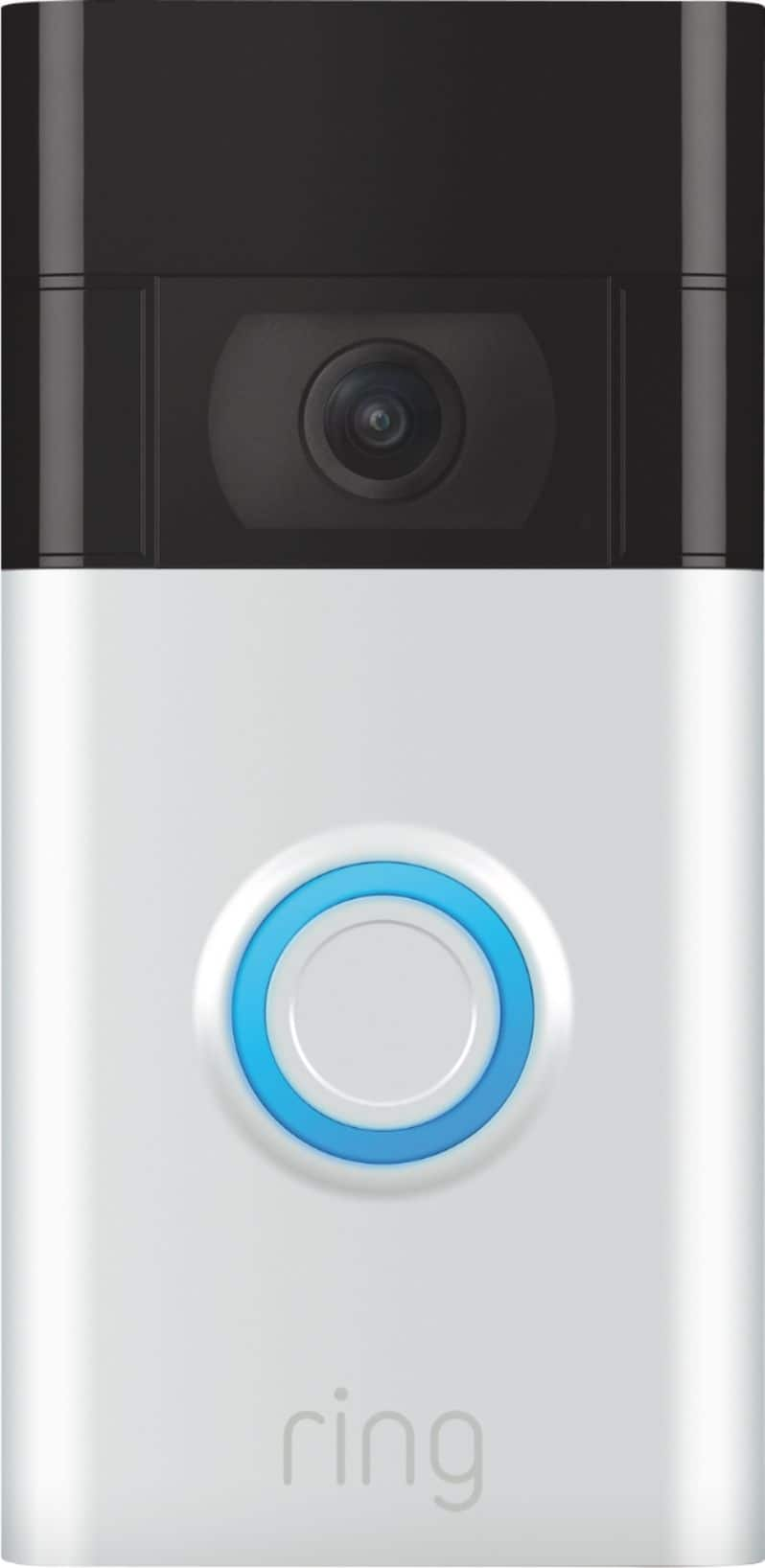
Thanks for asking. Yes, the Ring Video Doorbell (2nd Generation) has a built-in battery that is required for the device to function. It can be hardwired to an existing doorbell system or transformer with 8–24 VAC, 40 VA max, and 50–60 Hz for continuous charging.
We invite you to reach out to our Community if any additional information is needed regarding your question. The Ring Community is our first peer-to-peer community forum, giving our customers the ability to help one another by sharing their feedback and experiences with each other.
All the best,
Nicole from Ring.
A:AnswerHello.
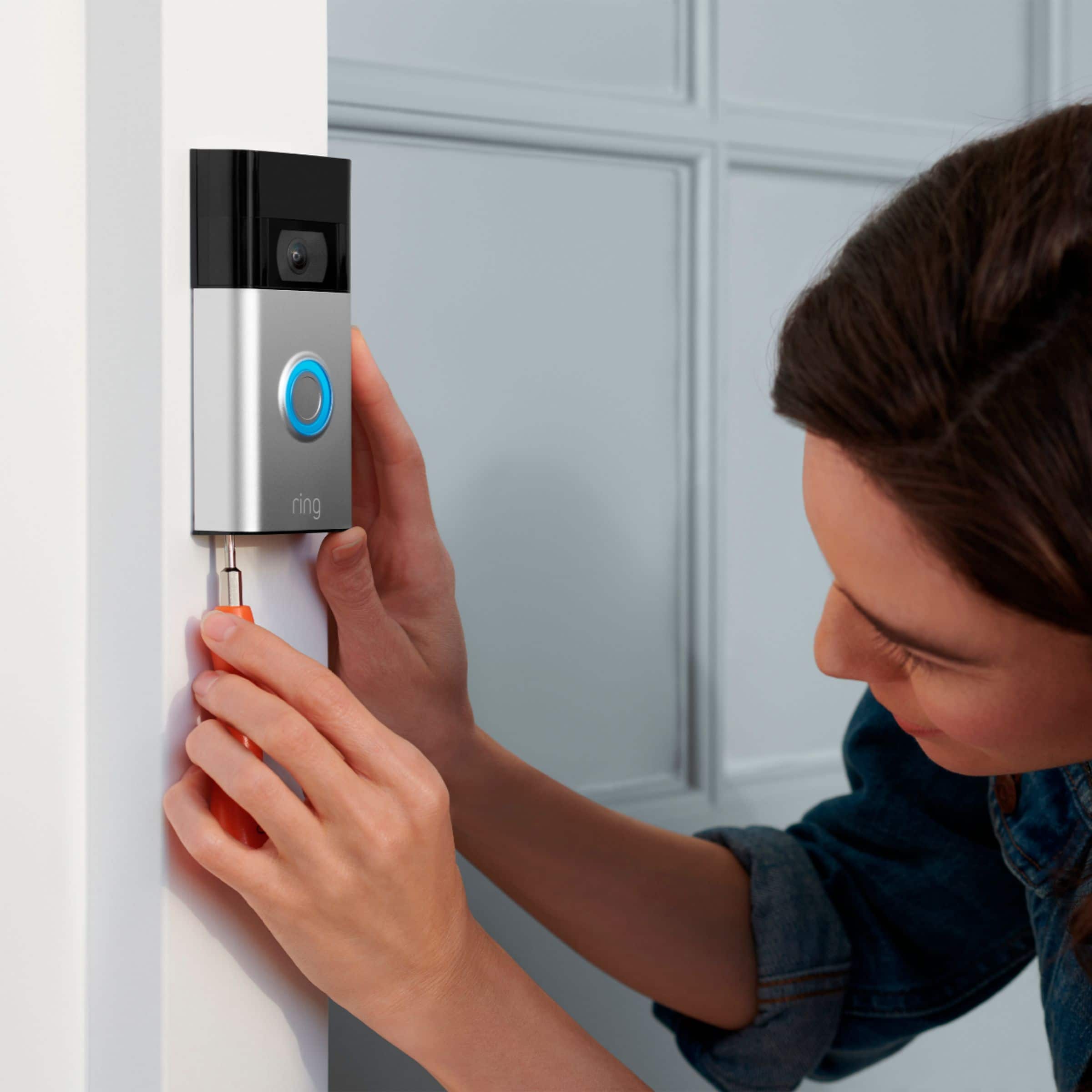
Good question. No, the Ring Video Doorbell does not come with a magnetic mount. The Ring Video Doorbell (2nd Generation) comes with a mounting bracket and screws for installation. Visit our support center to find different accessories, including a no-drill mount, that would be compatible with your device.
We invite you to reach out to our Community if any additional information is needed regarding your question. The Ring Community is our first peer-to-peer community forum, giving our customers the ability to help one another by sharing their feedback and experiences with each other.
All the best,
Nicole from Ring.
A:AnswerYou have to remove the camera and go charge it inside there is no need to remove any battery. Yes the camera comes off easy to take it in to charge. There are special screws and screwdriver so if you don’t have that type of screwdriver you can’t unscrew it.
A:AnswerHello Cloe,
Yes, the Ring Video Doorbell(2020) is motion activated. The Ring Video Doorbell (2020 release) is the next generation of the original Ring Video Doorbell. In addition to new video features such as Near Zone functionality, the 2020 release Video Doorbell boasts 1080p video, improved night vision, improved audio quality and near motion zone detection.
With Ring Video Doorbell (2020 release), you’ll always be connected to your home, so you can watch over your property and answer the door from anywhere. This article will cover commonly asked questions about the Ring Video Doorbell(2020 release): https://support.ring.com/hc/en-us/articles/360041190711-Ring-Video-Doorbell-2020-release-Information
Also, Ring Community was launched to help deliver the most current news and educational information to our neighbors. This online forum is divided into four categories: Product Boards, Ring Updates, Tips + Tricks, and a Moderators’ Corner. The Product Boards are where you can begin new topics with your questions or feedback; there is also a search option that helps you find topics that have already been posted by other neighbors. We invite you to visit our site at https://community.ring.com/ today!
Thank you,
Antonio from Ring
A:AnswerHello Joey,
Yes, the Ring App is compatible with smartphones using the following operating systems:
iOS 12 or above
Android 6.0 or above
To ensure that you have the latest version of the Ring app so that you can get the most out of your Ring devices. The following link: ring.com/app, will automatically begin downloading the correct version for your operating system.
Also, Ring Community was launched to help deliver the most current news and educational information to our neighbors. This online forum is divided into four categories: Product Boards, Ring Updates, Tips + Tricks, and a Moderators’ Corner. The Product Boards are where you can begin new topics with your questions or feedback; there is also a search option that helps you find topics that have already been posted by other neighbors. We invite you to visit our site at https://community.ring.com/ today!
All the best,
Antonio from Ring
A:AnswerHello Joy,
Great question. No, the Ring Video Doorbell 2020 does not have a removable battery. Your Video Doorbell (2020 release) battery is charged using a common micro-USB cable (an orange one is included in your Ring box). The micro-USB cable can be plugged into any USB power source, such as a computer. Your battery will take around five to 10 hours to fully charge, depending on whether the USB cable is plugged into a USB port or into a wall outlet. For more information, please see our help center article: https://support.ring.com/hc/en-us/articles/360040764472-Charging-the-Battery-on-Your-Ring-Video-Doorbell-2020-release-. Thank you, Jamila with Ring
A:AnswerHello Hoosier,
Great question! Yes, you can have multiple doorbells at your home and can use the same Ring App fo each doorbell. To add another Ring device to your Ring App do the following: Open the Ring App, Tap the three lines in the top left corner, Tap Setup a Device, and follow the prompts. If you have any further questions do not hesitate to reach out to us at 18006561918. -Jamila at Ring
A:AnswerHello Houston2064,
Yes, it's easy to connect a new Ring device to a Chime Pro after you've set up the Chime Pro in the Ring app. Here is a helpful step by step article to walk you through the process: https://support.ring.com/hc/en-us/articles/115000118523-Connecting-a-New-Ring-Product-to-Chime-Pro.
For any additional questions or concerns, please feel free to reach out on our community forum at https://community.ring.com/.
Thank you,
Alexis with Ring
A:AnswerHi Nick.
Thanks for asking. The ideal distance between a router and a Ring device is under 20 feet. Certain materials can reduce range or otherwise interfere with wifi signals. If you have any of the following between your router and your Ring device, it may reduce wifi signal strength:
Heavy-duty walls and floors made of concrete, brick, or metal.
Large household objects such as fish tanks, bookcases, or mirrors.
Large glass windows.
Large metal objects, such as home appliances.
Visit our support center for more information.
We invite you to reach out to our Community if any additional information is needed regarding your question. The Ring Community is our first peer-to-peer community forum, giving our customers the ability to help one another by sharing their feedback and experiences with each other.
All the best,
Nicole from Ring.
A:AnswerIt doesn’t make any sound recording them
But you can talk to them when you are not home had utilitiy company come to door was able to talk to him while I was at work
A:AnswerYes, you can still use this. It will be battery powered all the time instead of hardwired. Having a doorbell allows you to hardwire it but you can still take advantage of all the included features when it’s battery powered.
Just follow the instructions to install it. If you’re not comfortable with that then set it up with BestBuy’s Geek Squad for installation.
A:Answeryes it is wireless. It comes with screws to secure and pockets to put the screws in for security. Comes with a charger to charge the doorbell in which you'd have to take the doorbell off to charge. charging last about a month or over
A:AnswerHello.
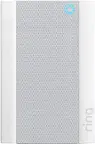
Good question. Yes, the Ring Video Doorbell (2nd Generation) will work with the Ring Chime. Simply plug it into a wall socket, connect it through the Ring app, and you'll be able to get real-time Ring device notifications anywhere in your home, even if you're not near your phone.
We invite you to reach out to our Community if any additional information is needed regarding your question. The Ring Community is our first peer-to-peer community forum, giving our customers the ability to help one another by sharing their feedback and experiences with each other.
All the best,
Nicole from Ring.
A:AnswerHi Blinkie.
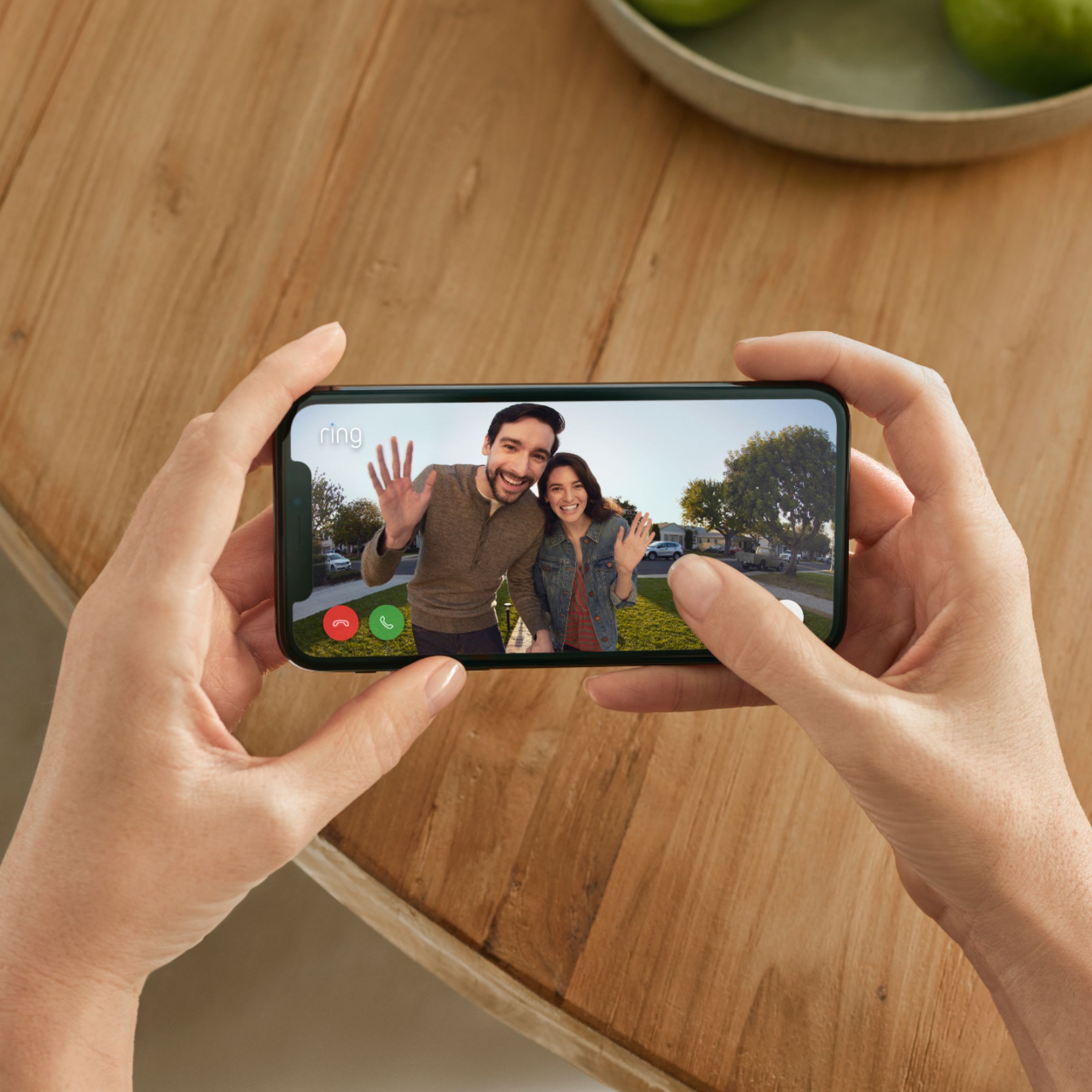
Good question! Yes, the Ring Video Doorbell (2nd Generation) has two-way audio with noise cancellation. To activate two-way audio during a live view event, tap the microphone icon and begin speaking.
If any additional information is needed regarding your Ring question, please reach out to our community team. The Ring Community is our first peer-to-peer community forum, giving our customers the ability to help one another by sharing their feedback and experiences with each other.
All the best,
Nicole from Ring.
A:AnswerHi GH.
Good question. Yes, the Ring Video Doorbell (2nd Generation) can be paired with a Ring Chime. The Ring Chime (2nd Generation) is an updated version of the classic Ring Chime. Simply plug it into a wall socket, connect it through the Ring app, and you'll be able to get real-time Ring device notifications anywhere in your home, even if you're not near your phone.
We invite you to reach out to our Community if any additional information is needed regarding your question. The Ring Community is our first peer-to-peer community forum, giving our customers the ability to help one another by sharing their feedback and experiences with each other.
All the best,
Nicole from Ring.