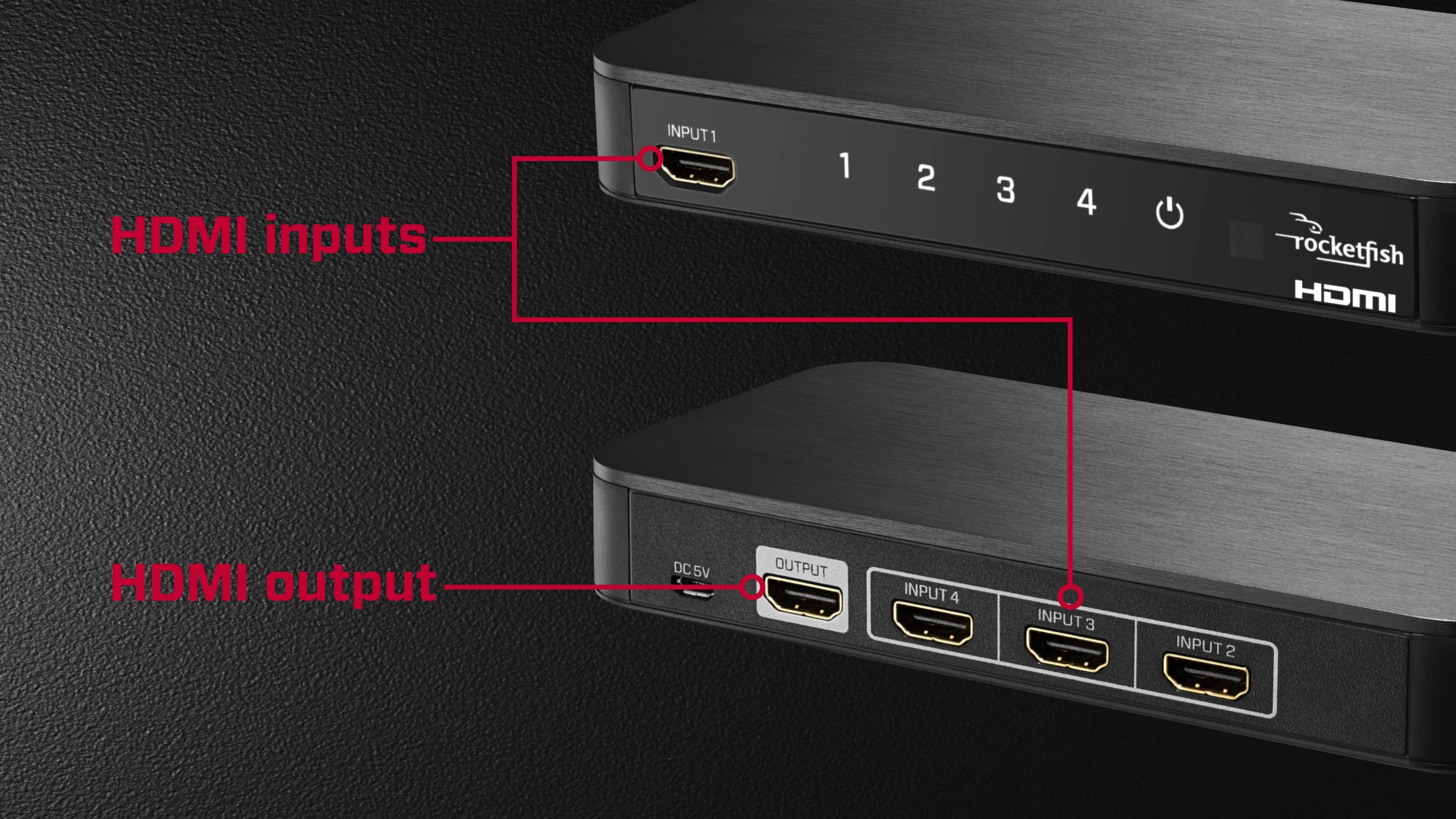
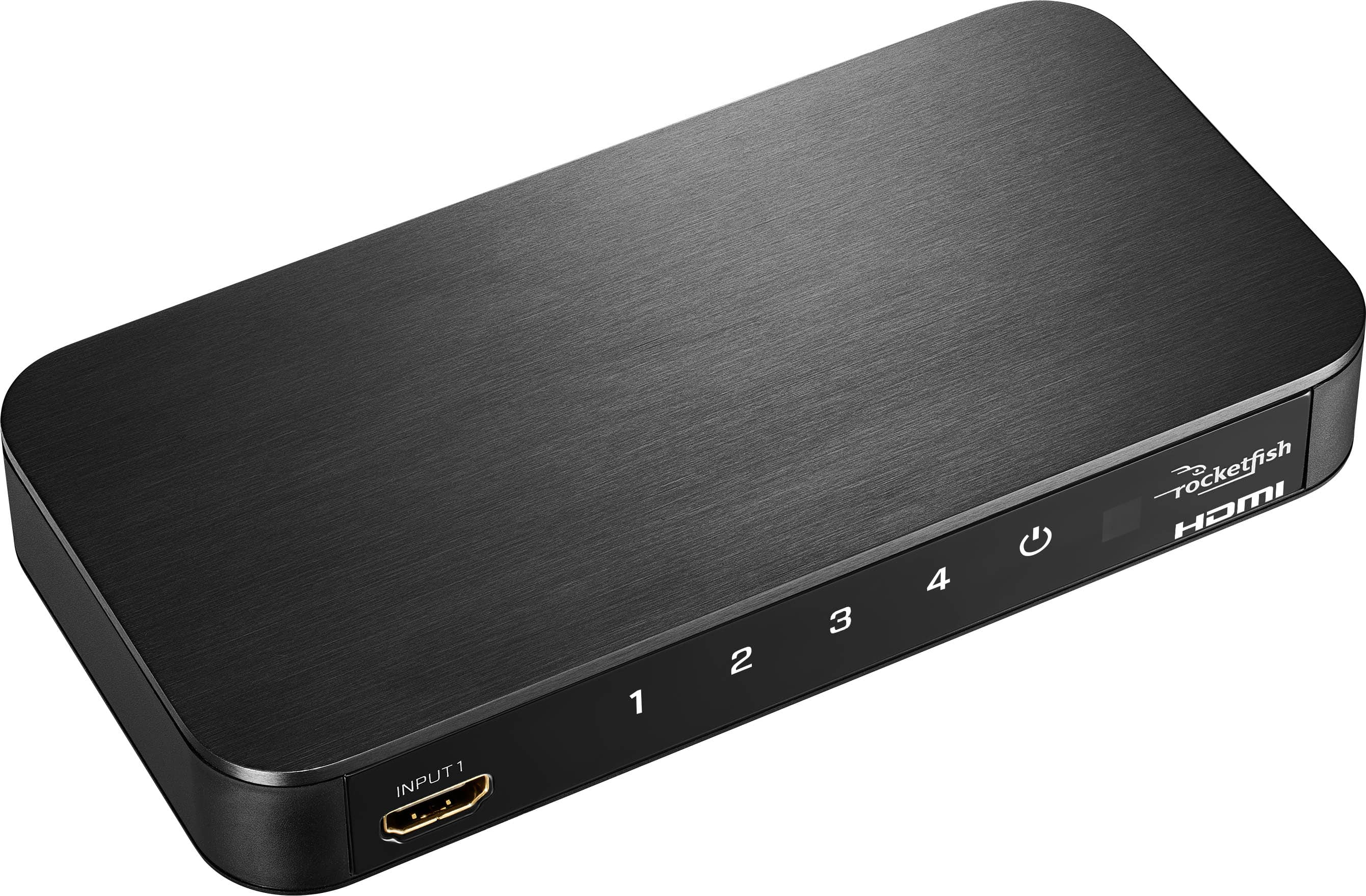
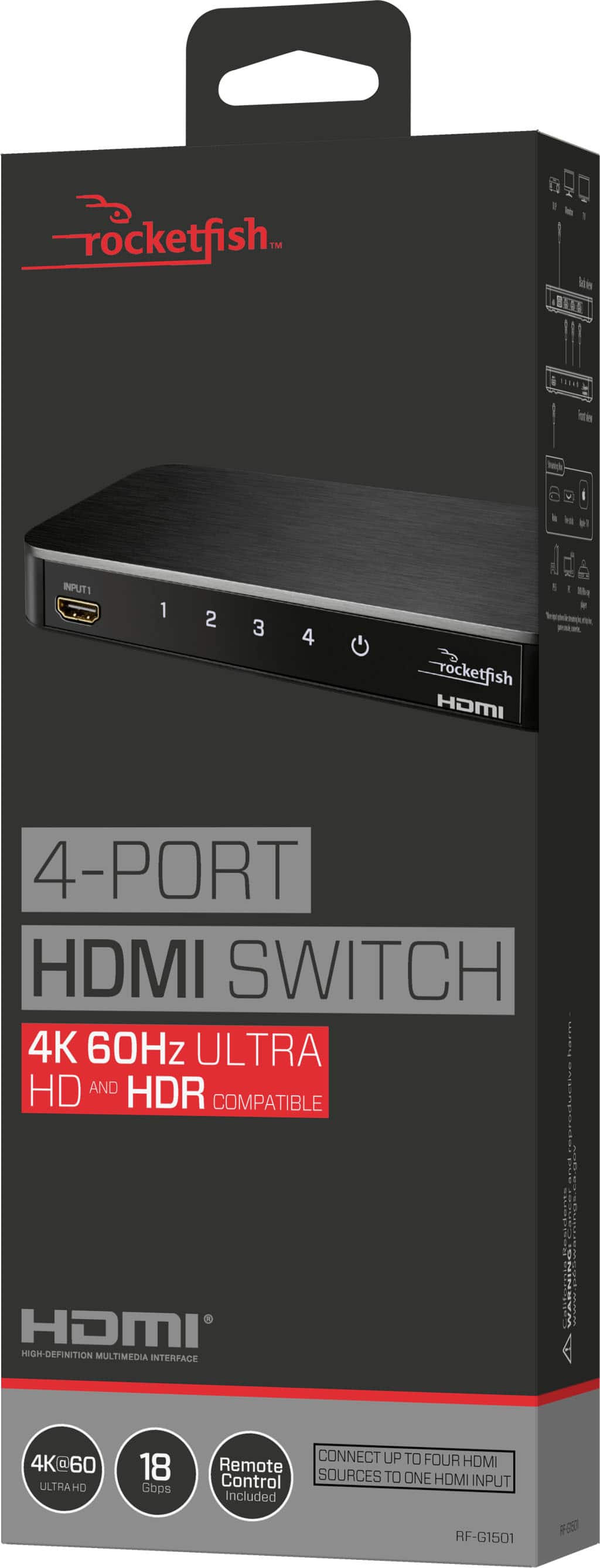
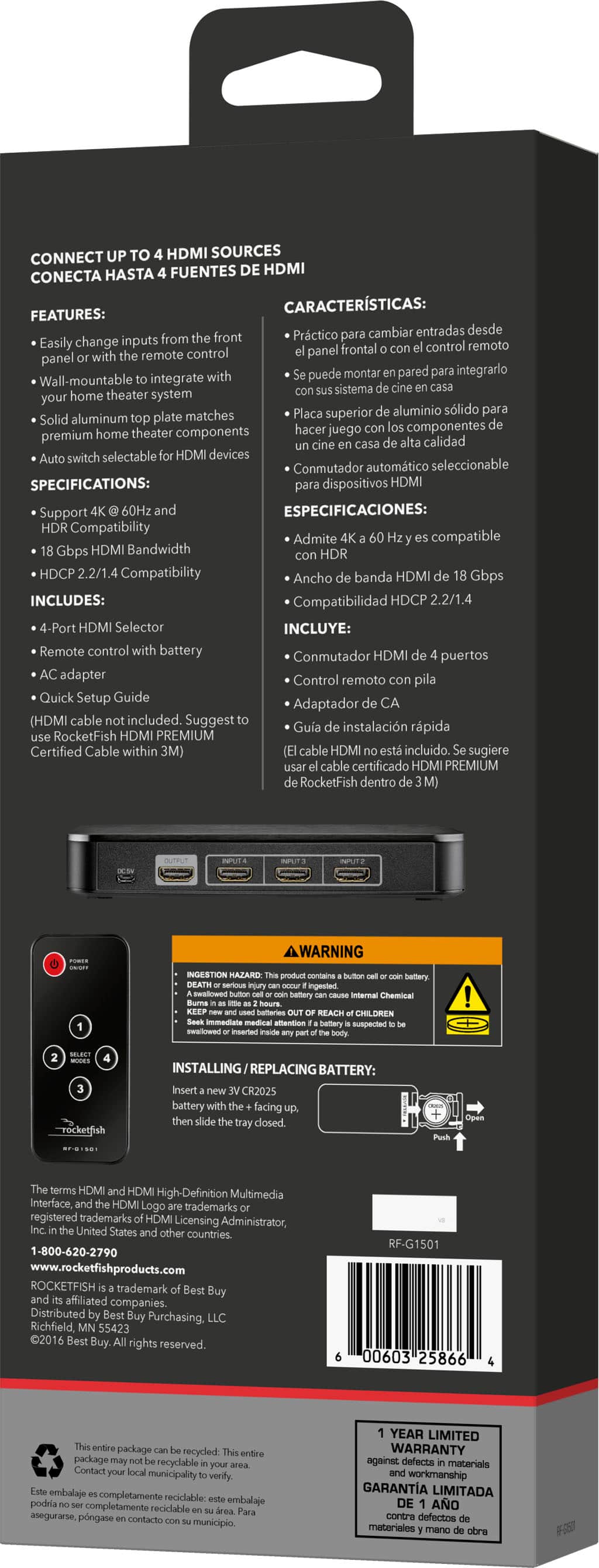
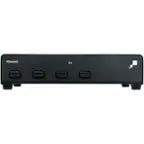
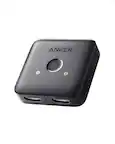
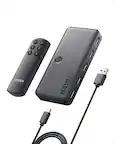
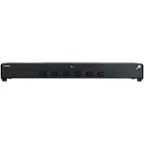
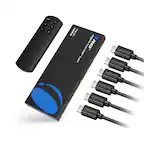
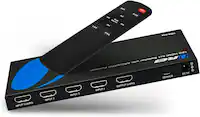
A:AnswerYes. It will utilize one hdmi port on your tv and allow switching between 4 inputs. You will need 4 hdmi connections for input and 1 for output to tv.
A:AnswerI haven't tried but I don't you can...This is for connecting hdmi componets (dvd players, games consoles, etc) to your tv. I used it to turn an old plasma tv into a smart tv using the Amazon firestick so I could watch Netflix and Amazon Prime on it
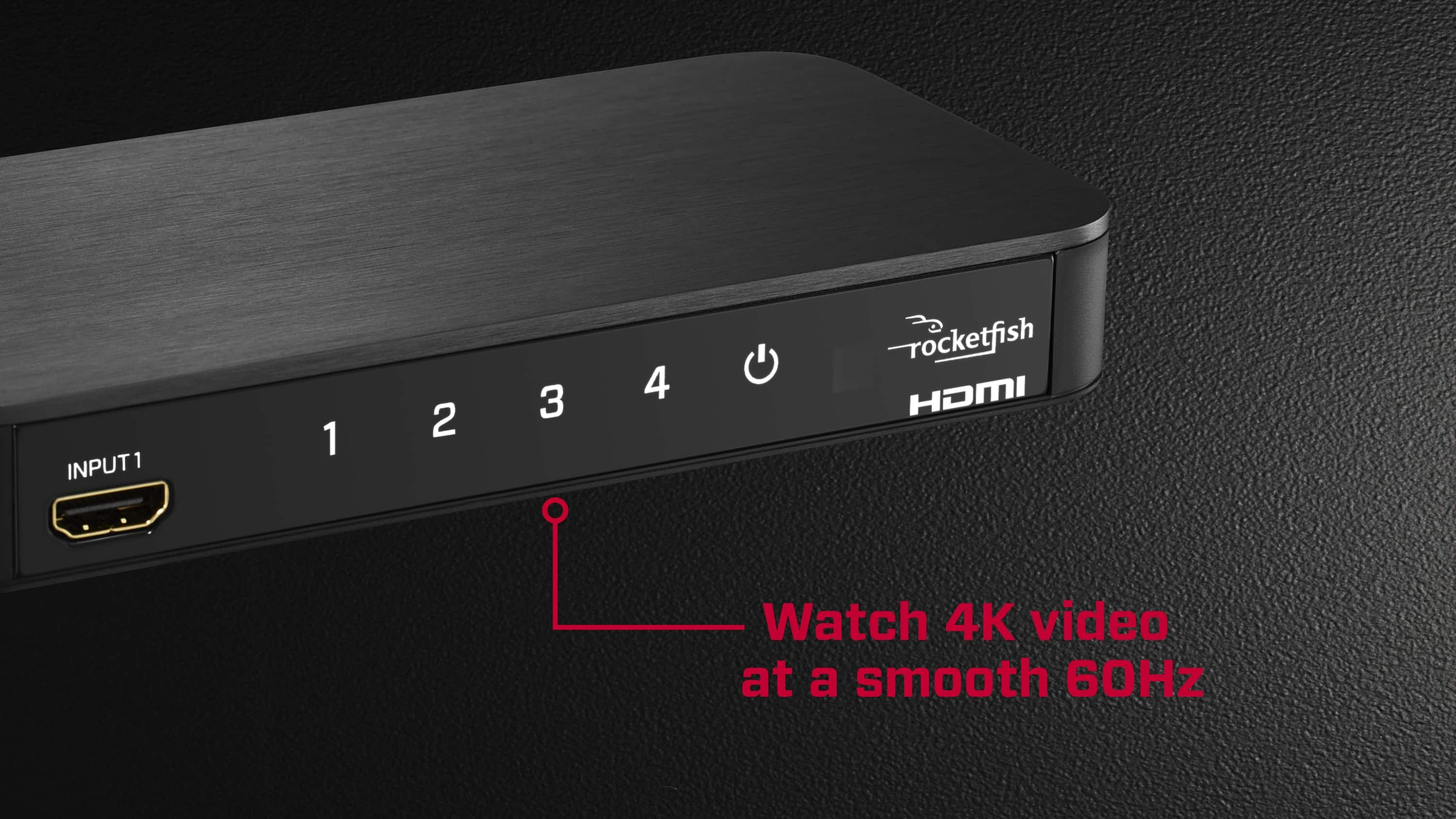
A:AnswerI’ve actually encountered this issue myself with thr PS4 Pro and Xbox One X I own as I wanted to use their 4K options on a 4K monitor as well. In order to pull it off, you need to make sure the devices in question support 4K resolutions and once you’re hooking them up to the monitor, make absolutely sure you’re using HDMI cables that have 4K support with the cables going into the box as well as the cable that goes out into the monitor. I hope that cleared it up if you haven’t already got an answer!
A:AnswerI used 2 types of hdmi cables...one that was capable of 4k output and a bit pricey....and another just a moderately priced hdmi cable.
I am not using the device on a 4k tv however. All of the inputs work (I'm using 3 of the ports), look good on my television. Hope this helps.
A:AnswerYes, make sure the cable to your TV as well as your consoles are rated for High Speed. I had an issue where I could only output 1080p from my PS4 Pro but as soon as I changed some HDMI cables it worked great. My TV flashed when switching to the PS4 Pro, but after that the content showed just fine. Get some High Speed Cables off Amazon and you should be good to go.
A:AnswerIf you have the needed RCA to HDMI Cord, then this box should work for you?! You will plug this cord into the output HDMI port on the box and into the RCA input ports on your projector. Plug whatever other accessories you might have into the other inputs on the box to utilize a variety of components.