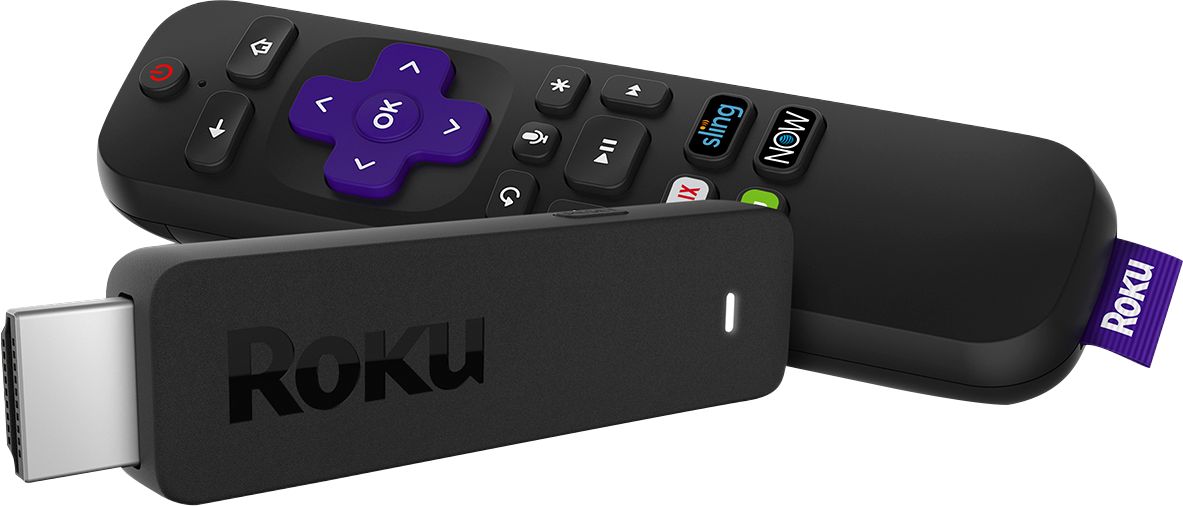
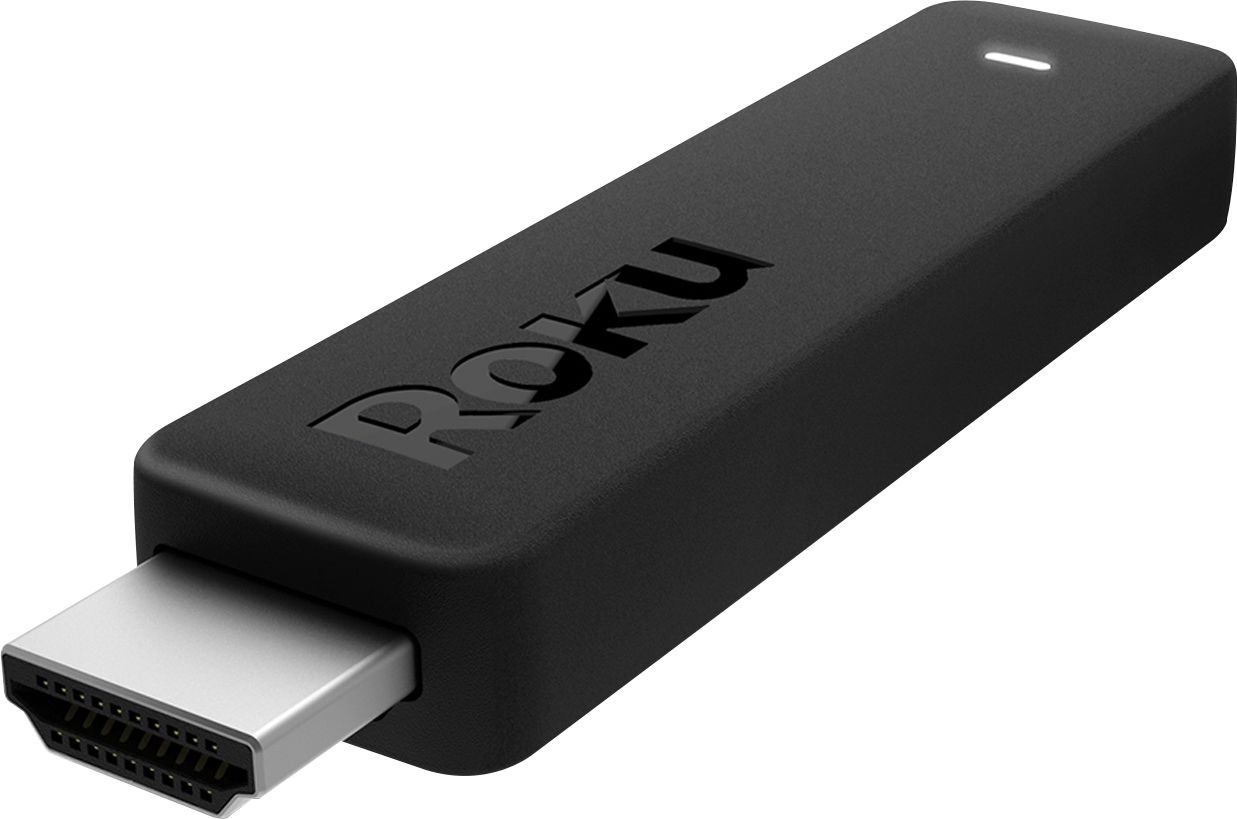
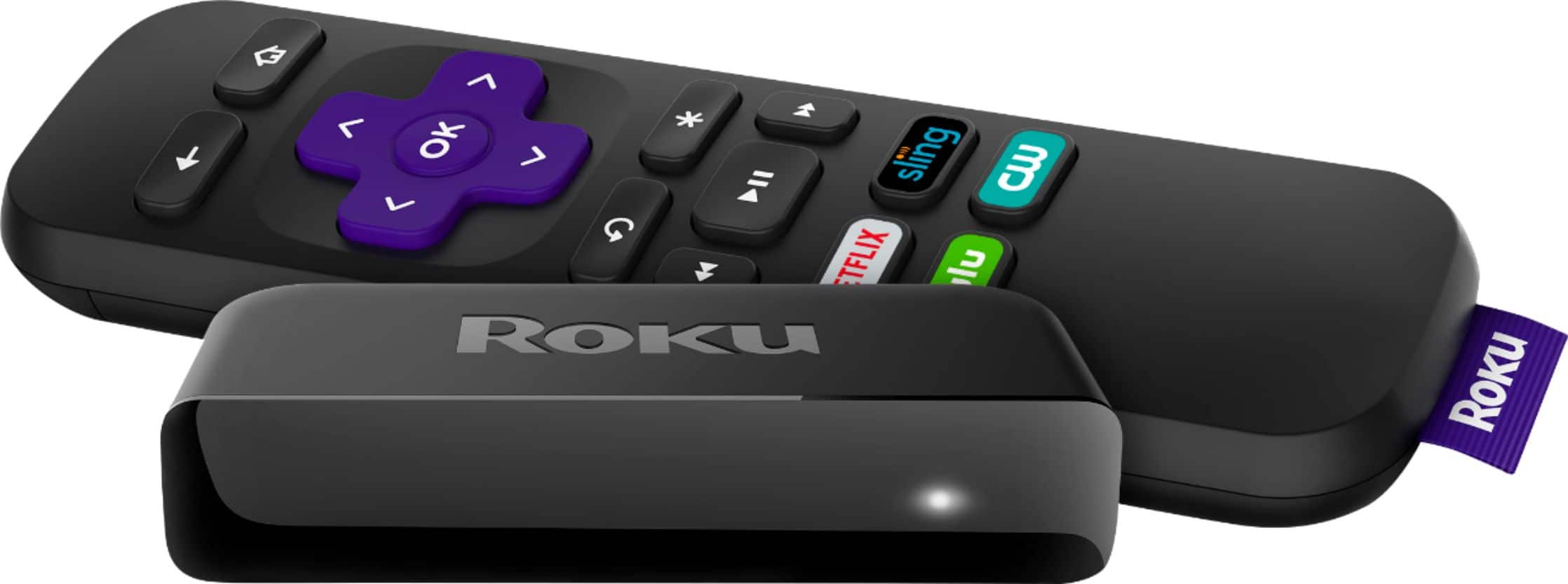
A:AnswerRemove batteries from remote. Plug Stick into hdmi port, turn on tv and set to correct hdmi port. When Roku appears on screen replace batteries in remote and point at tv. Follow onscreen instructions. You activate device at roku.com/link.
A:AnswerIf you want to use headphones, download the Roku app on your phone. This app allows you to use your phone and/or tablet has a remote, and there is a headphone option on your device. I use mine all the time and I absolutely love it!
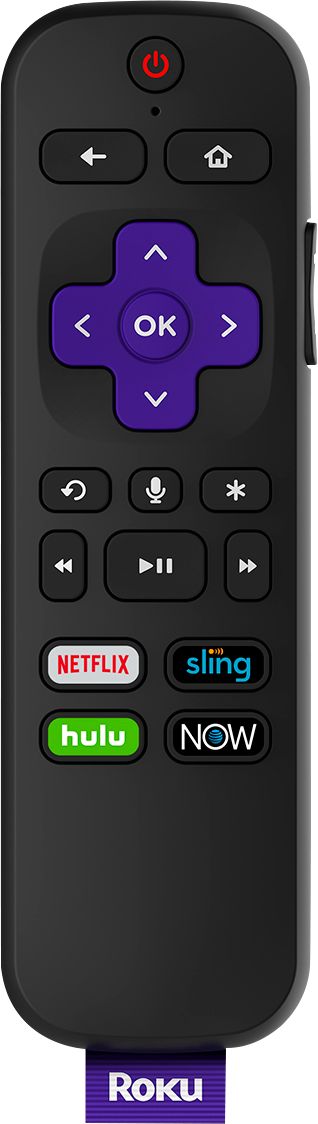
A:AnswerHi Valerie22 ! The Roku Streaming Stick includes a point anywhere voice remote, allowing the streaming player to be controlled even when there is not direct line of sight from the Roku voice remote.
A:AnswerI dropped spectrum tv entirely because the spectrum app is garbage and I could save money with roku and Hulu plus live tv. You might want to consider dropping spectrum tv altogether. I still have spectrum internet.
A:AnswerIf you are having problems setting up the voice remote go to Roku.com for guidance. I have both my voice Roku turns on and off my TV. This feature works well
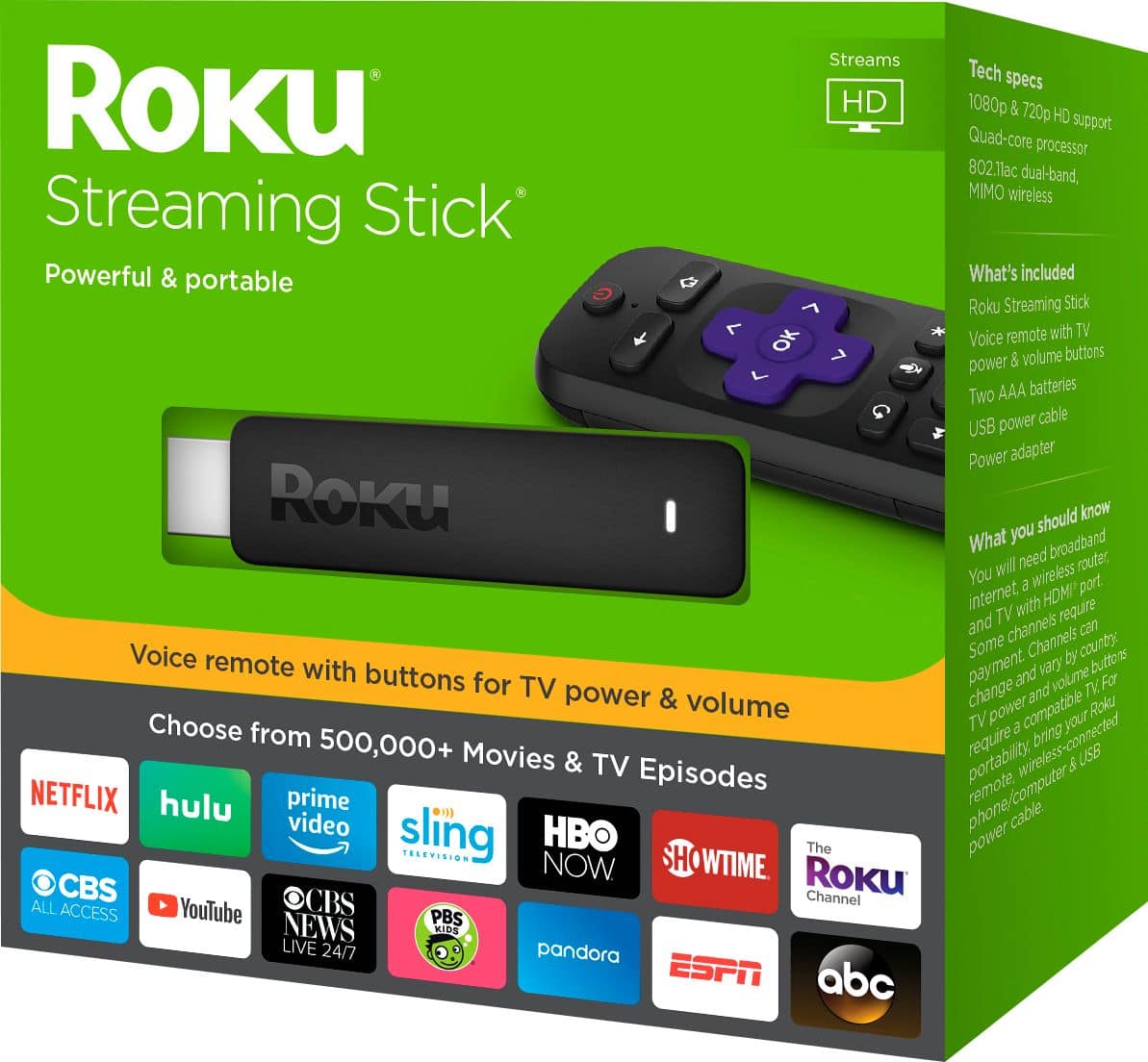
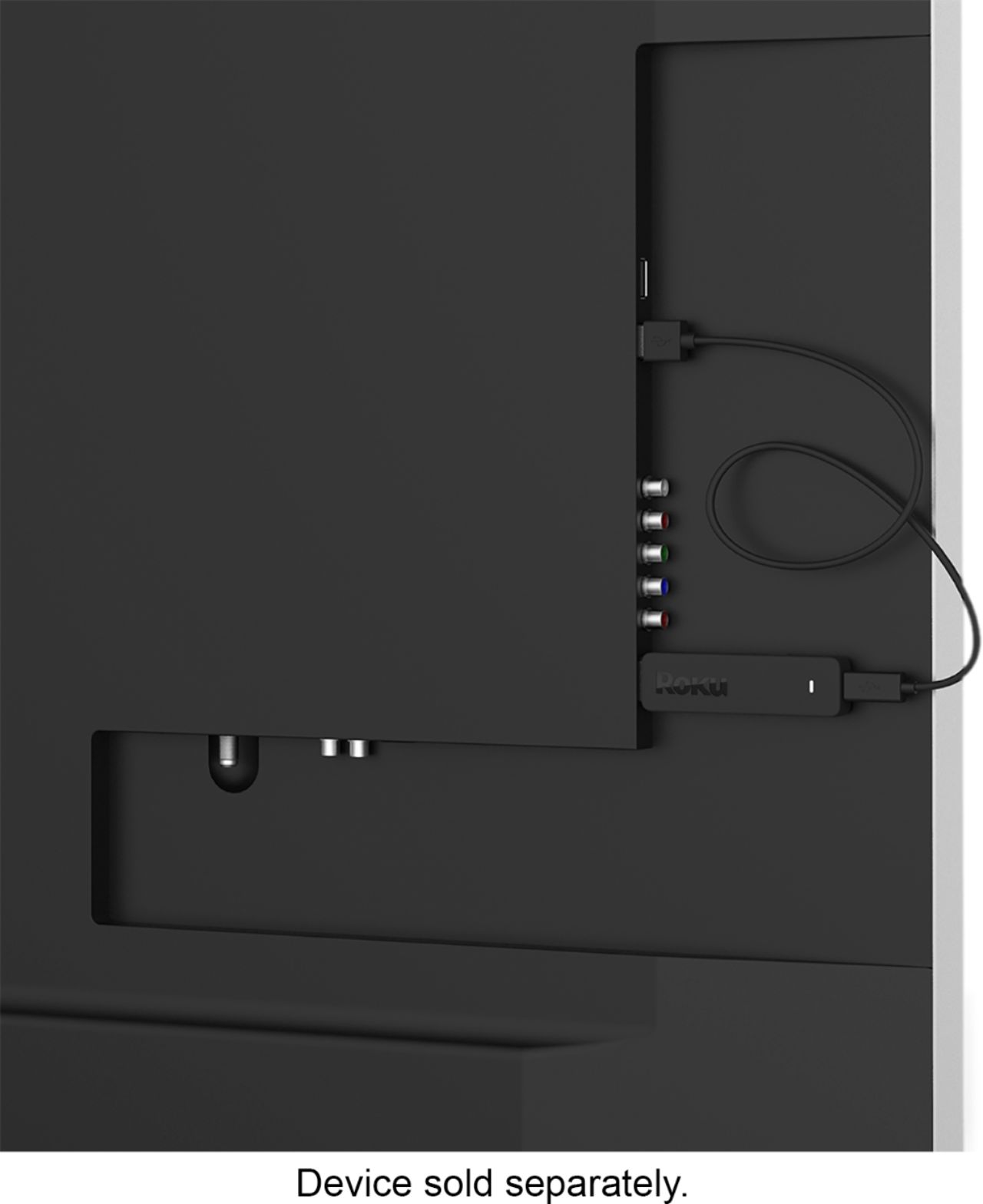
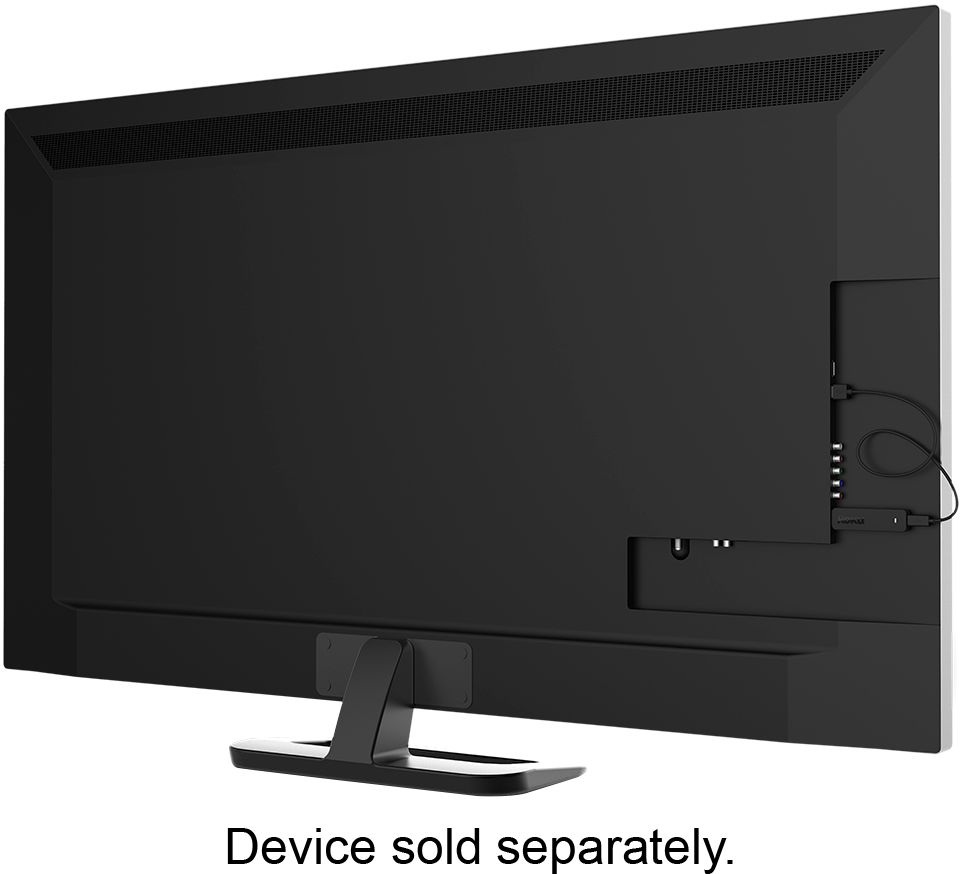
A:AnswerThe Roku comes with everything you need to connect it to your television. Your television will need an HDMI port In order to use the Roku. If you have an additional USB port in the back of your TV, you can simply plug the Roku cord into that and it will get its power from the TV. If you do not, you can use the included cord and power box to plug into a traditional power outlet.
A:AnswerI am no expert on this but I highly doubt that your Roku Streaming Stick will work overseas. I don't believe services like Netflix and Amazon are available overseas just yet and additionally they don't have the selection of channels overseas that we have here so I'm not sure what you would be trying to watch. I would see if I could pick up something locally in whichever country I happen to be in. Or you could just call Roku and ask them if it works overseas. Good luck and happy trails to you!