A:AnswerHello TerryB, he Roku Ultra outputs video at a native refresh rate of 60Hz but features an Auto-adjust display refresh rate setting that can be enabled to match the native frame rate (like 24fps, 30fps, or 60fps) of the content being played.
A:AnswerI would guess you could certainly download the Xfinity app. My DirecTV appt works great through the R. Ultra ...not sure about how well the Xfinity app would work.
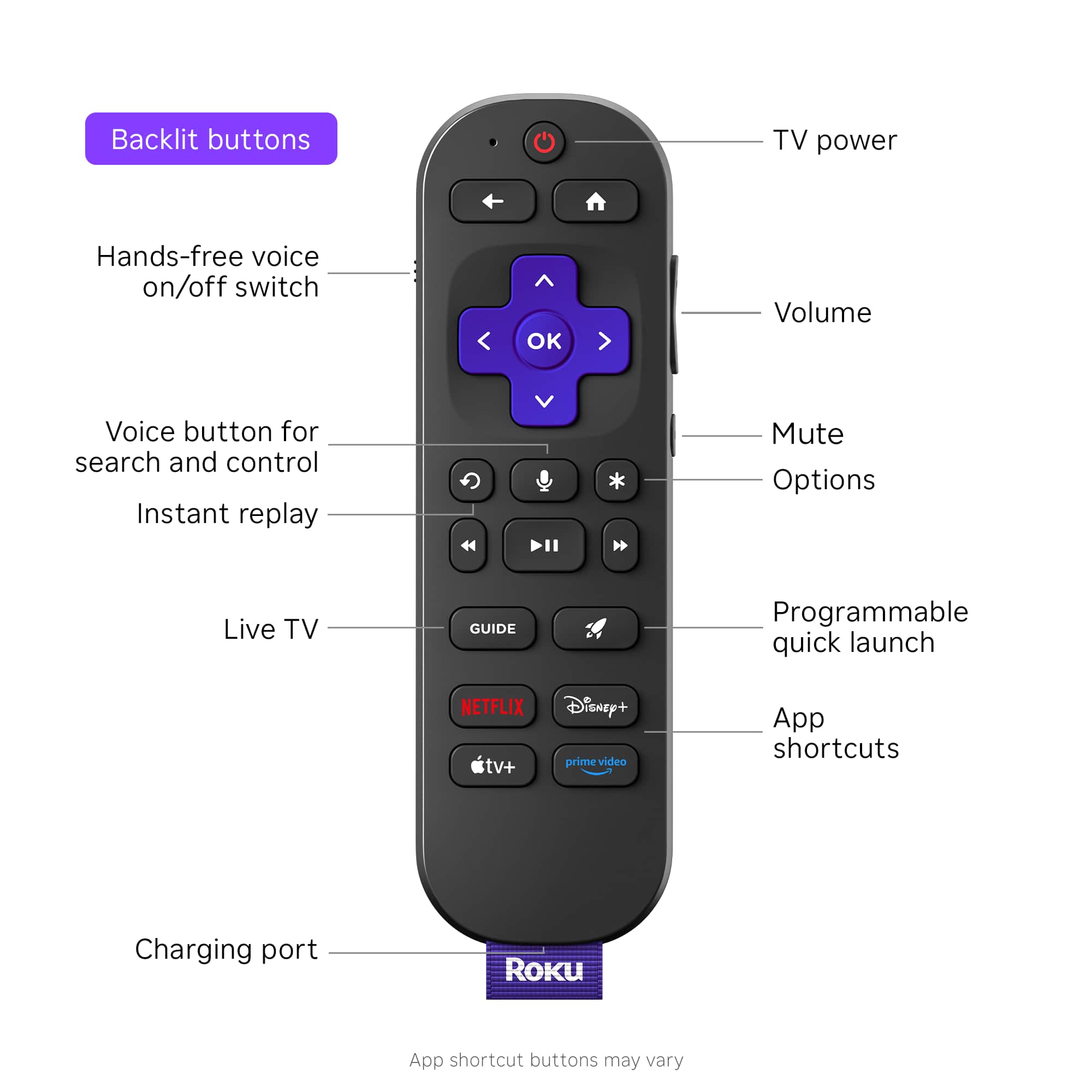
A:AnswerHi Dan. If you hold down the back button and the home button right next to it up at the top of the remote pointed at the Roku and hold the buttons down until the Roku device flashes a notice on the screen that it is pairing to the remote.
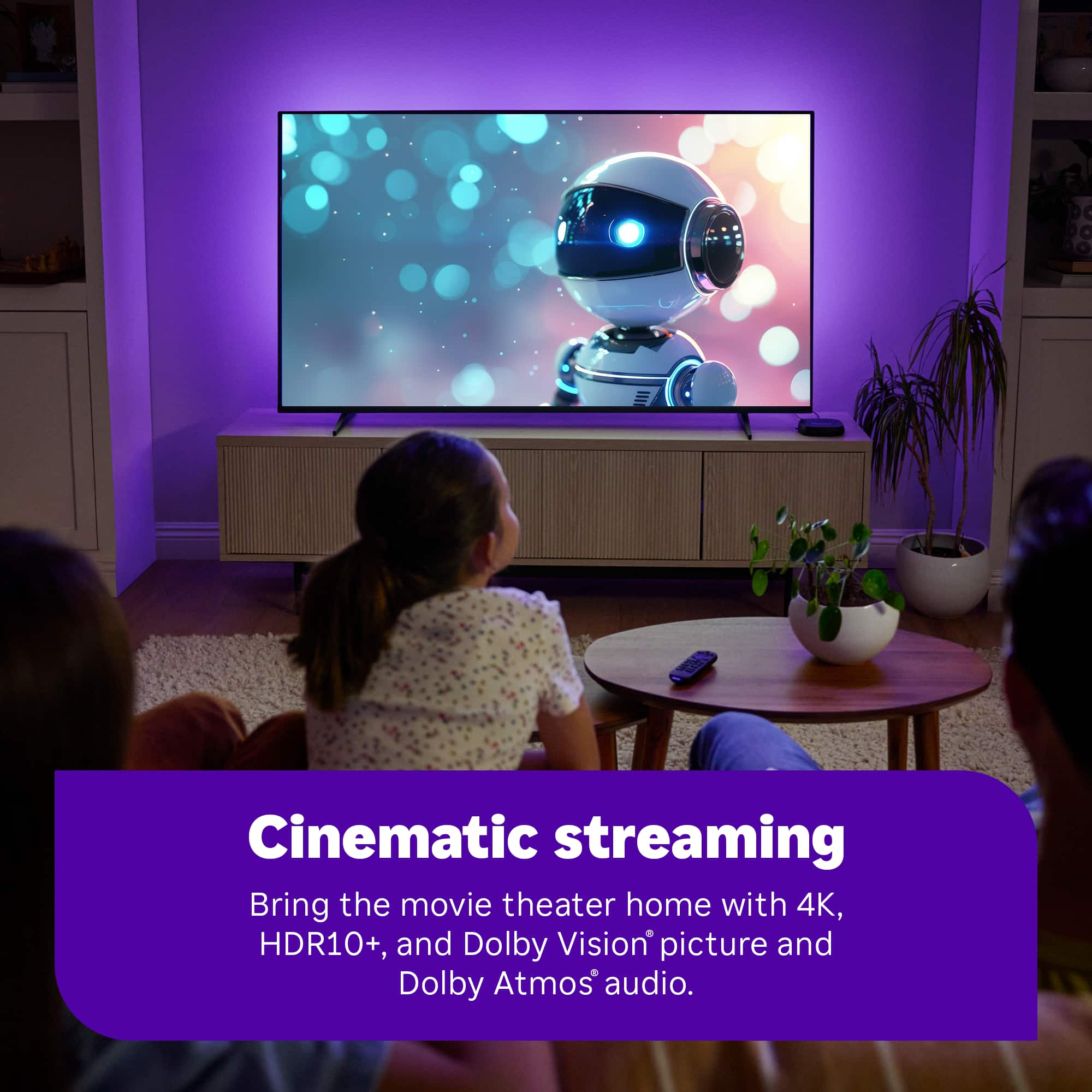
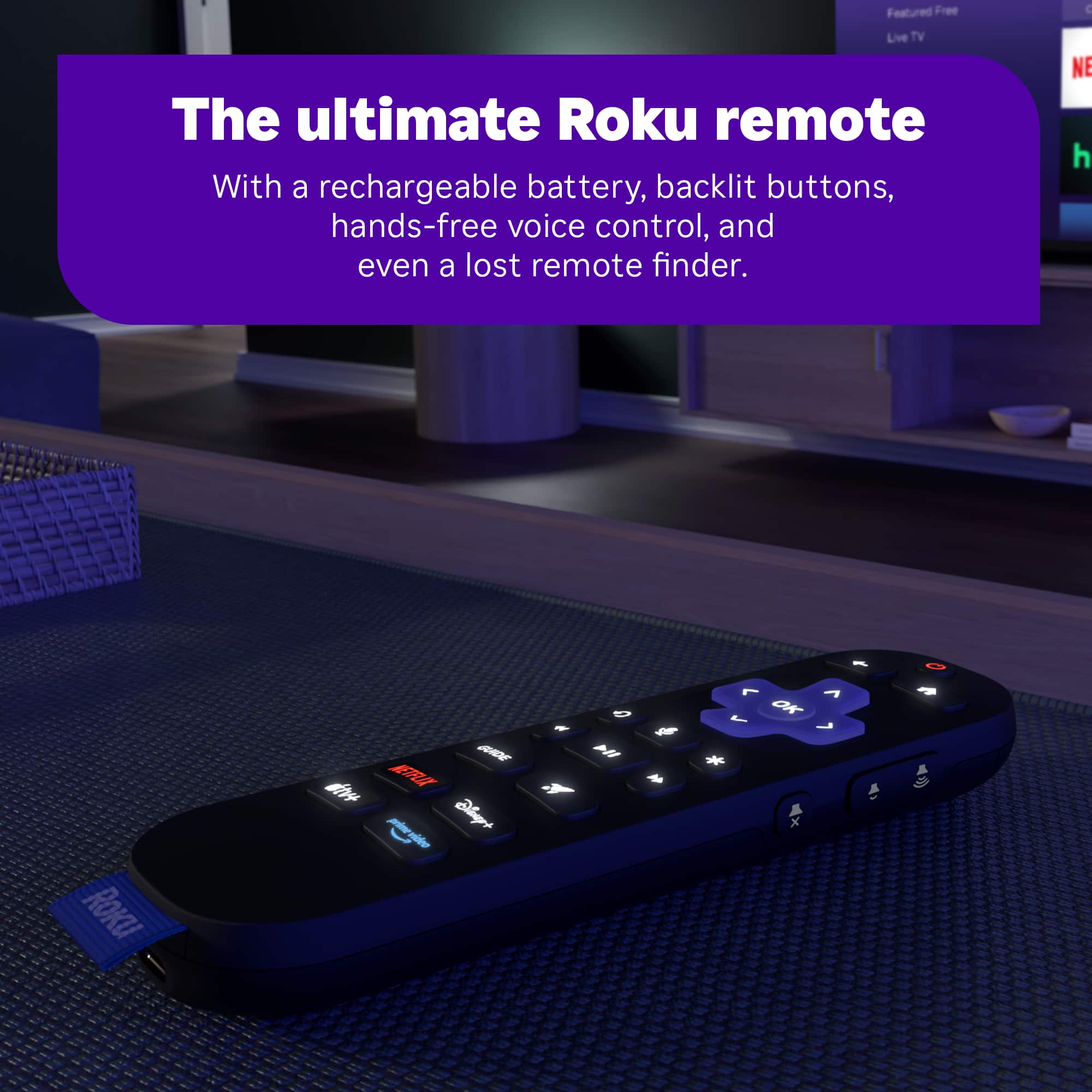
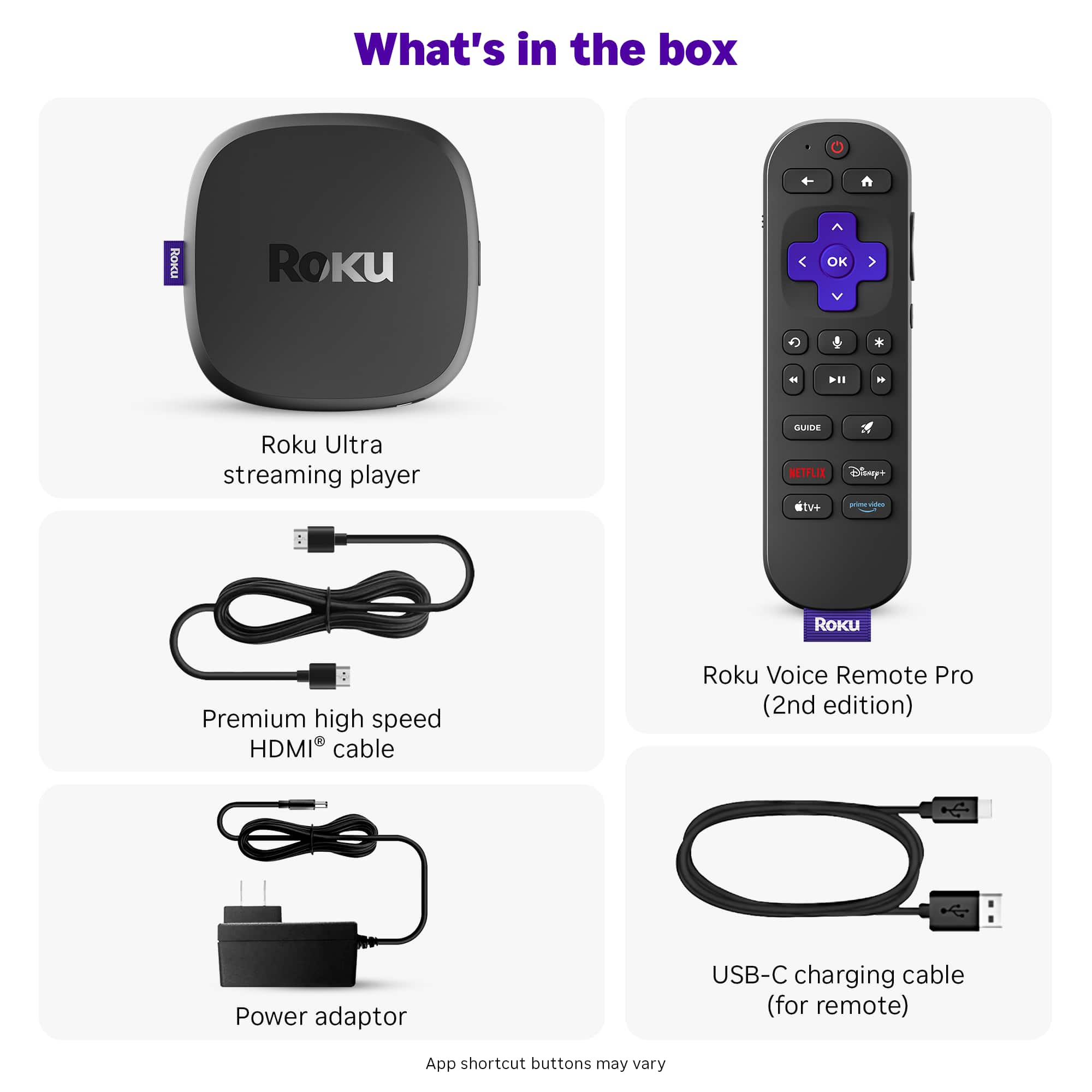
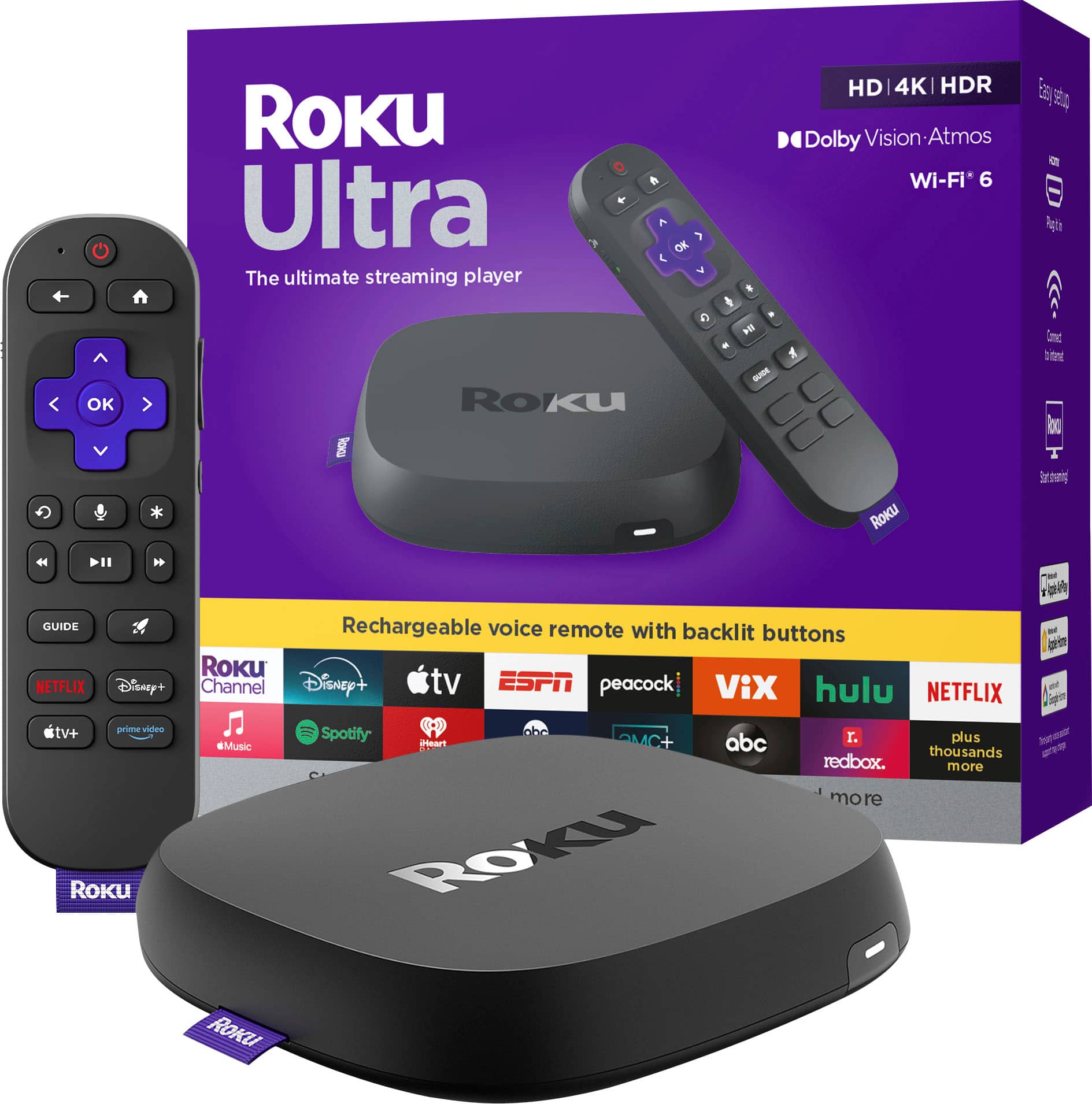
A:AnswerHello TechSpoob, while Dolby Vision Atmos is a feature there are many more features that the ultra offers over other Roku devices. The ultra is our fastest device with the best processor, offers WiFi 6 for the fastest Wifi connection, a USB port for playing your own content, a find remote button on the device that makes the remote chime to help you find it, and offers the Roku Voice Remote Pro. This remote is backlit, has a programmable button to whatever apps you'd like, hands free assistance by saying "Hey Roku", rechargeable with USB-C.
A:AnswerHello oldyeller, Roku does not have a recording feature. Roku does how ever have a search where you can find any show or movie you want to see and where you can watch it using our unbiased search which always shows where you can watch it for free.
A:AnswerYes, the Roku Ultra is designed to work with a wide range f voltages, making it bivolt. This means it can be used in different countries with different voltage standards.