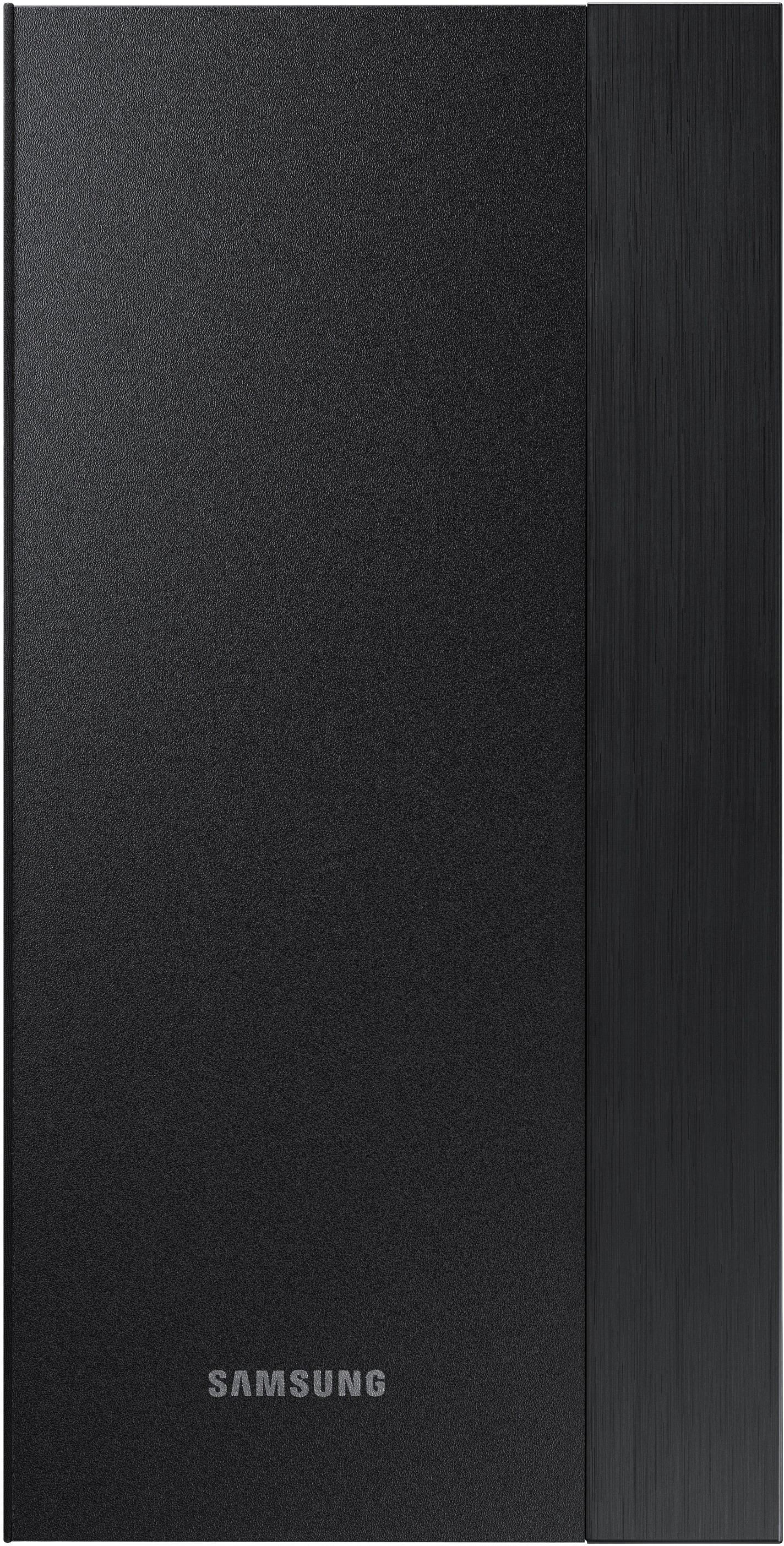
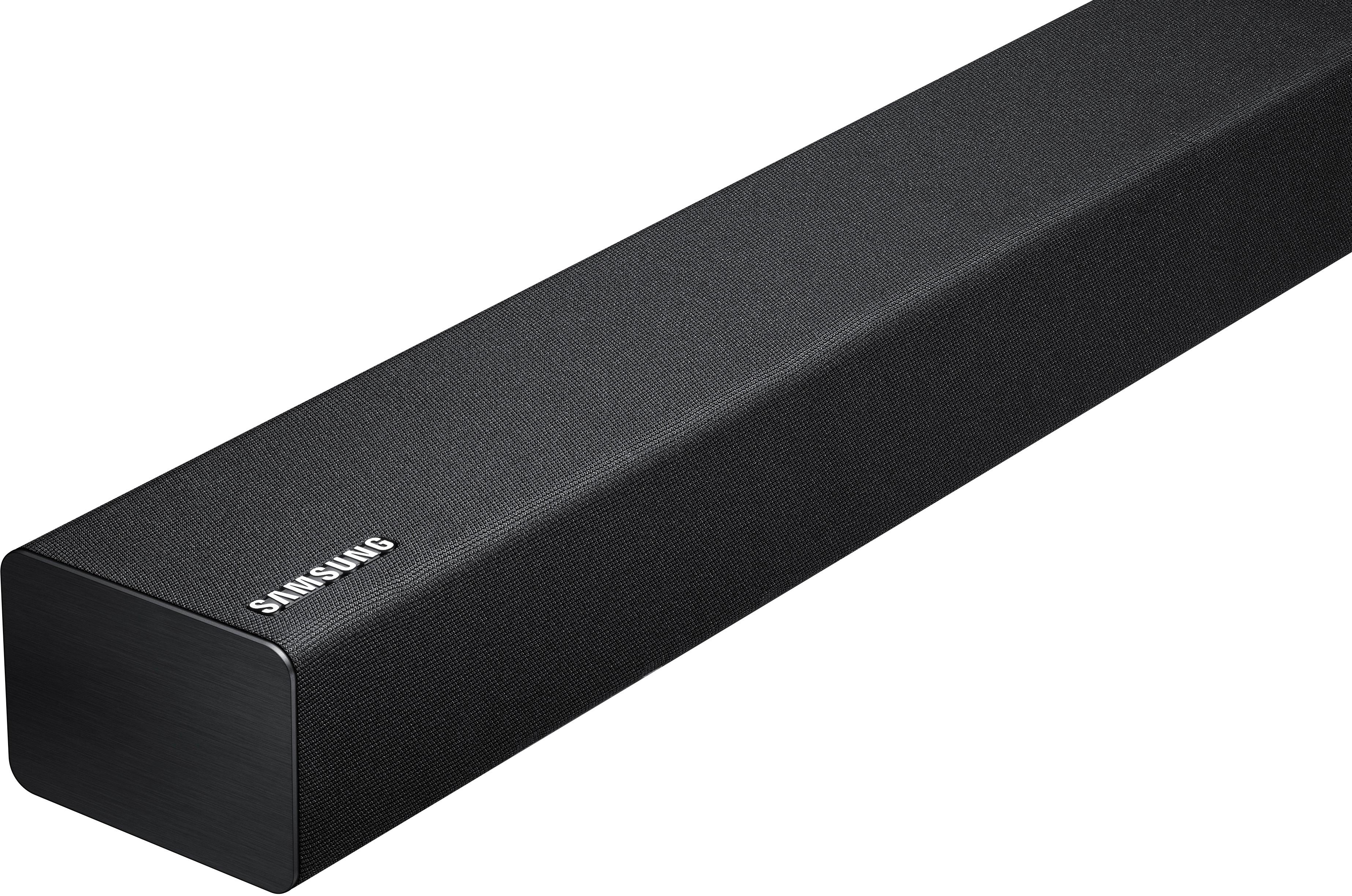
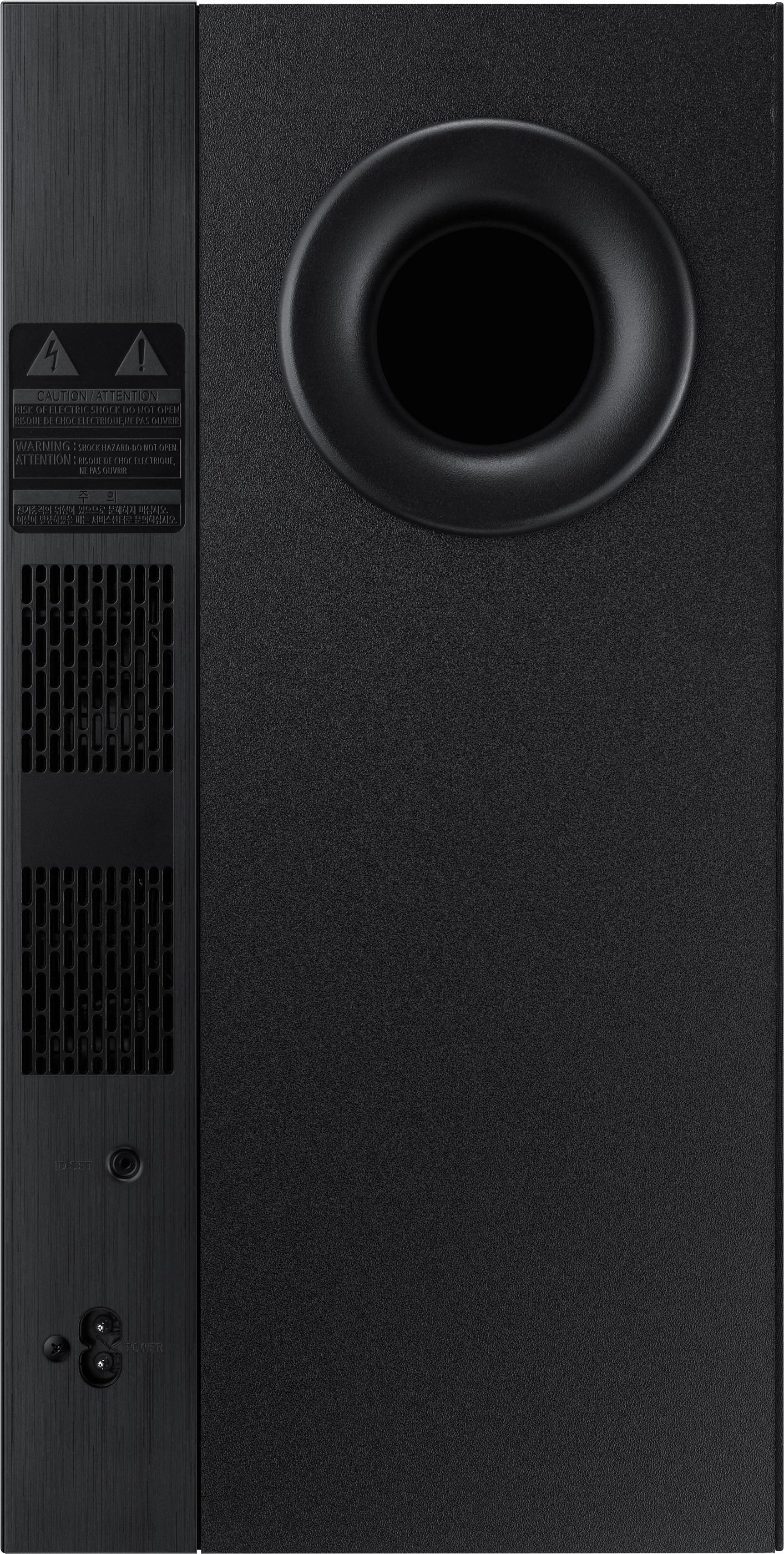
A:AnswerNo, As long as your TV has a digital analog audio input (for a fiber optic cable that comes with the sound bar) it will plug in directly. Your TV will transmit additional audio through the sound bar as it would through the TV although higher quality of course. All inputs into your TV(Xbox, DVD, etc.) will play audio through your TV as well as your connected sound bar.
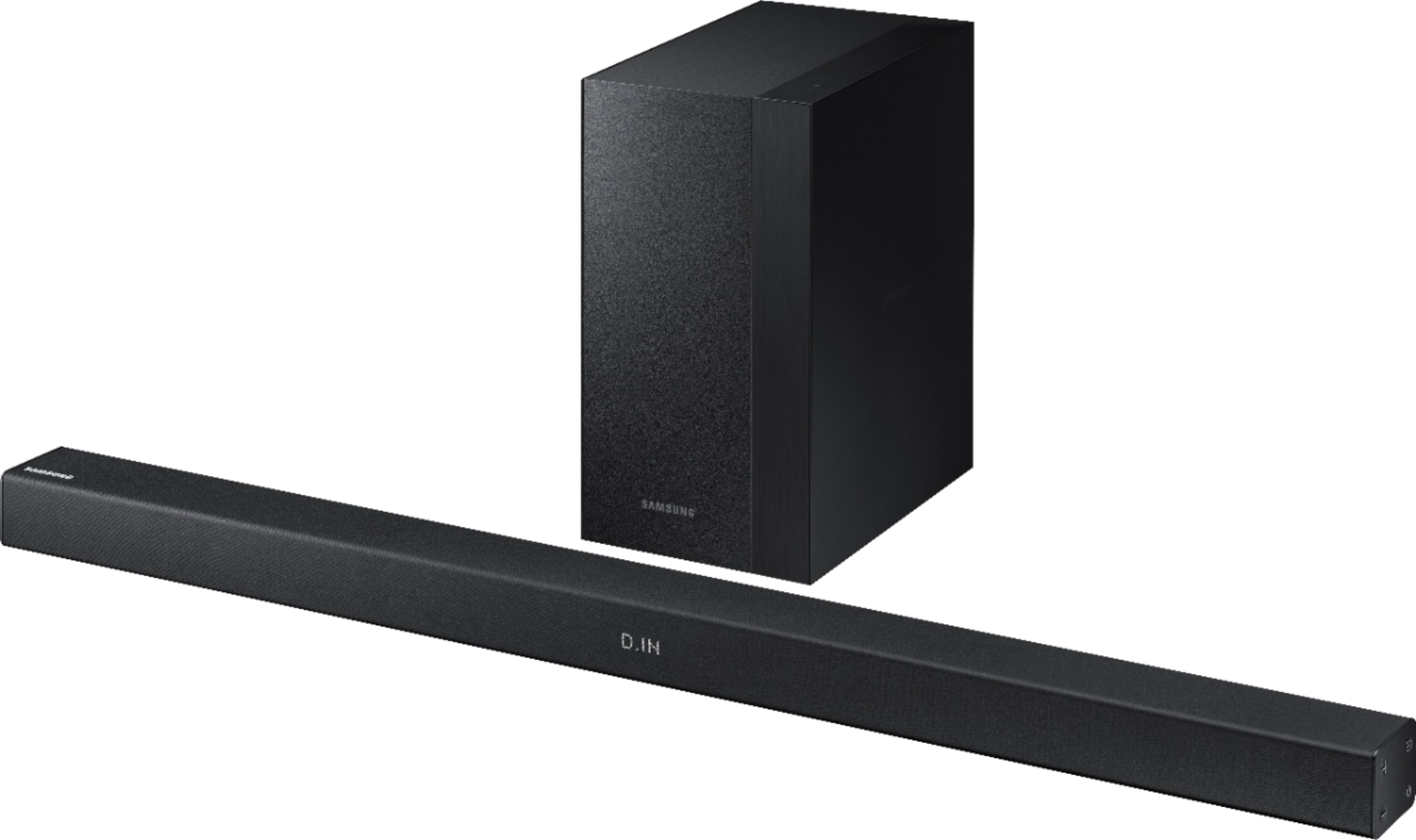
A:AnswerPutting the bar behind the TV would block the speakers and basically defeat the purpose of the soundbar. But I just tested mine (blocked the remote with my hand) and yes, the remote is optical or IR, so it does need some line-of-sight to the bar.
A:AnswerIt's has hdmi, optical and other inputs.
I prefer optical and it works well on my Samsung tv.
You just select the input you want the sound bar to monitor and view it on a center display on the bar.
That's all there is to it!
A:AnswerNo it has an onboard signal processor for optical inputs and analog amp for processed optical and all other inputs!!
You can influence the level via input level, but it's not linear.
A:AnswerHi Tariq, we understand your concerns with the Soundbar. Please fill out the form below and one of our social media specialists would be happy to assist you. http://smsn.us/SamsungSupportUSA and we will respond accordingly. ^Britt
A:AnswerI’m not sure what you are asking but did you change the settings to Bluetooth and connect it with your TV/device or connect the audio cord to the tv? I did both just in case.