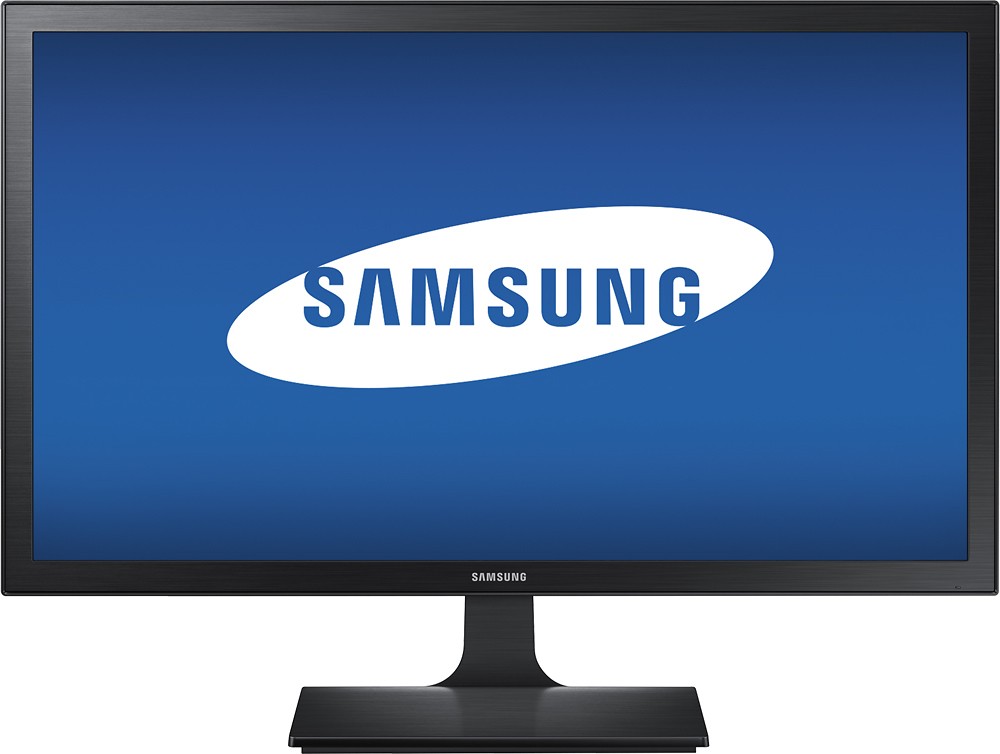
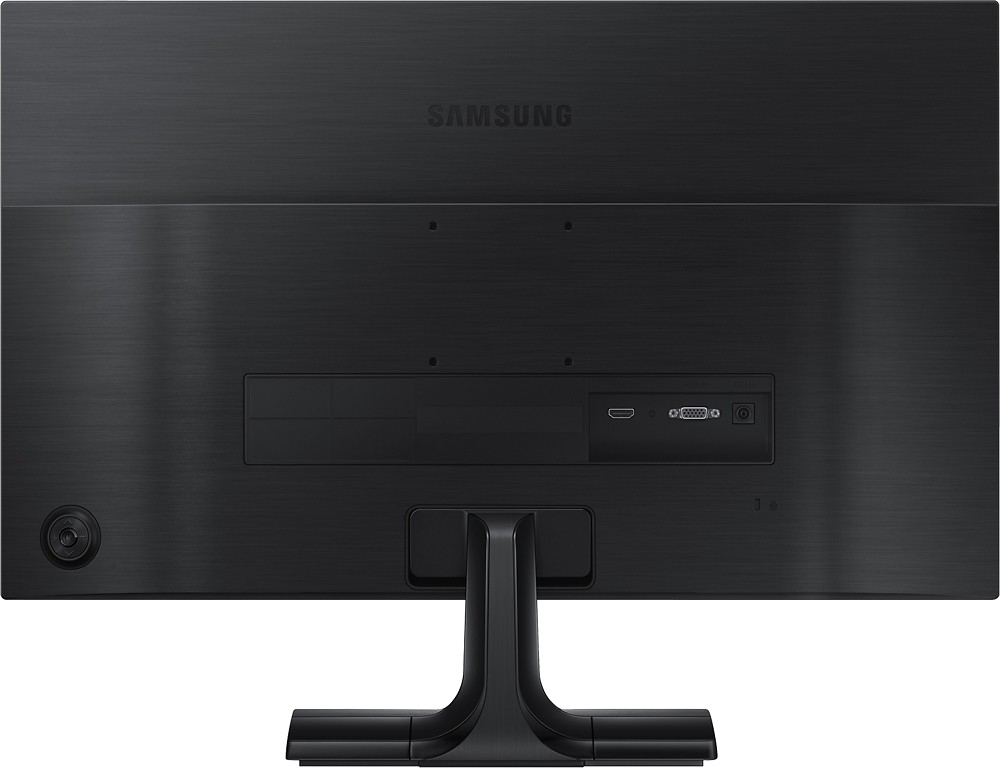
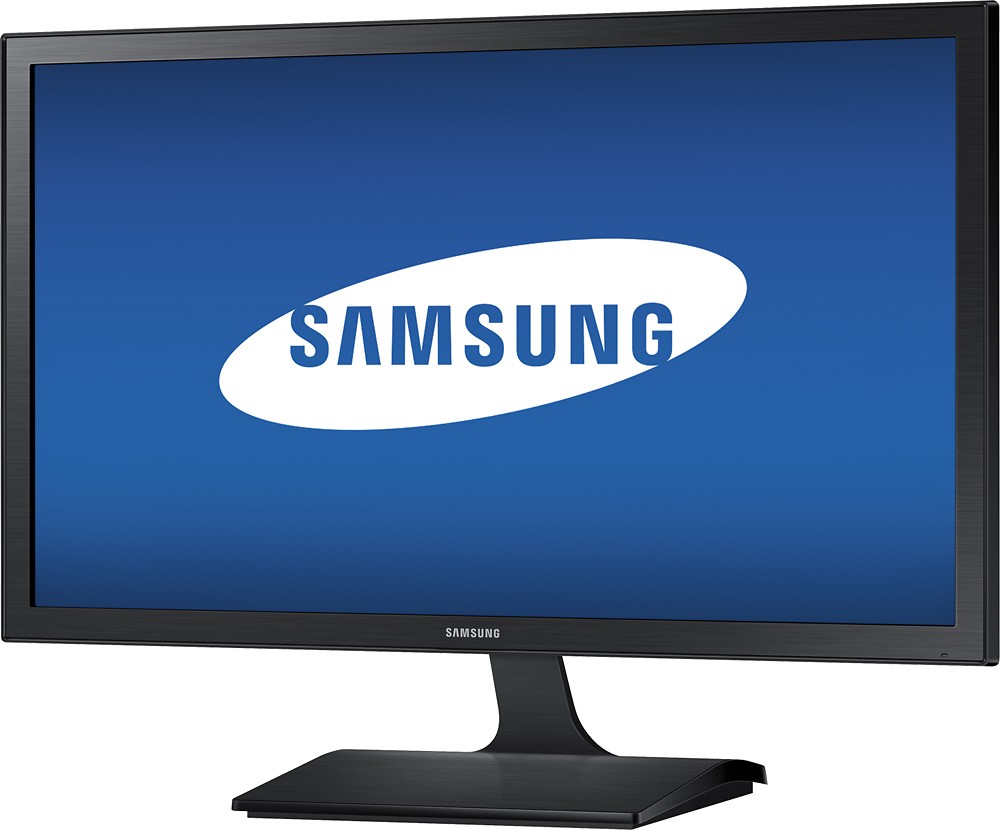
A:Answer If you go to the menu, using the button on the back of your monitor, you go to "picture." Once in that category, keep going down until you reach "Image Size." In your case, where it shows half of the screen, it's probably on '4:3.' You want to change this to either '16:9,' or use 'ScreenFit.' If it helps you decide, I use 16:9 and work with the under-scan settings on my computer.