A:AnswerAbsolutely. You just go to the Smart View on your phone and your monitor should pop-up. You can also use it with Dex mode. Both wirelessly and wired.
A:AnswerIt's actually very, very good as a TV. It has a bunch of live channels and a plethora of shows and movies to watch both completely free with ads and commercials obviously and paid subscriptions. But if you just want typical cable TV, it essentially has that.
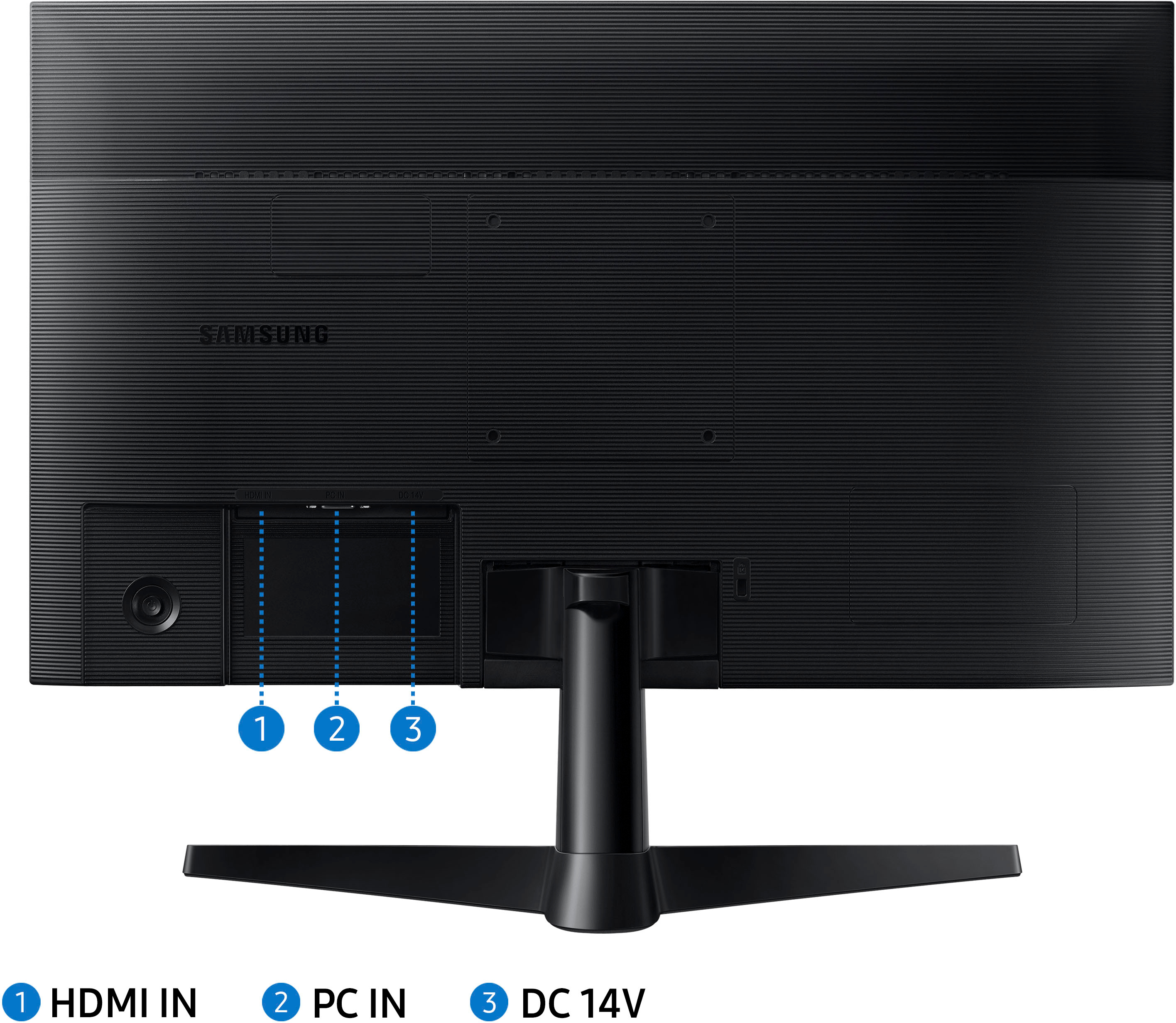
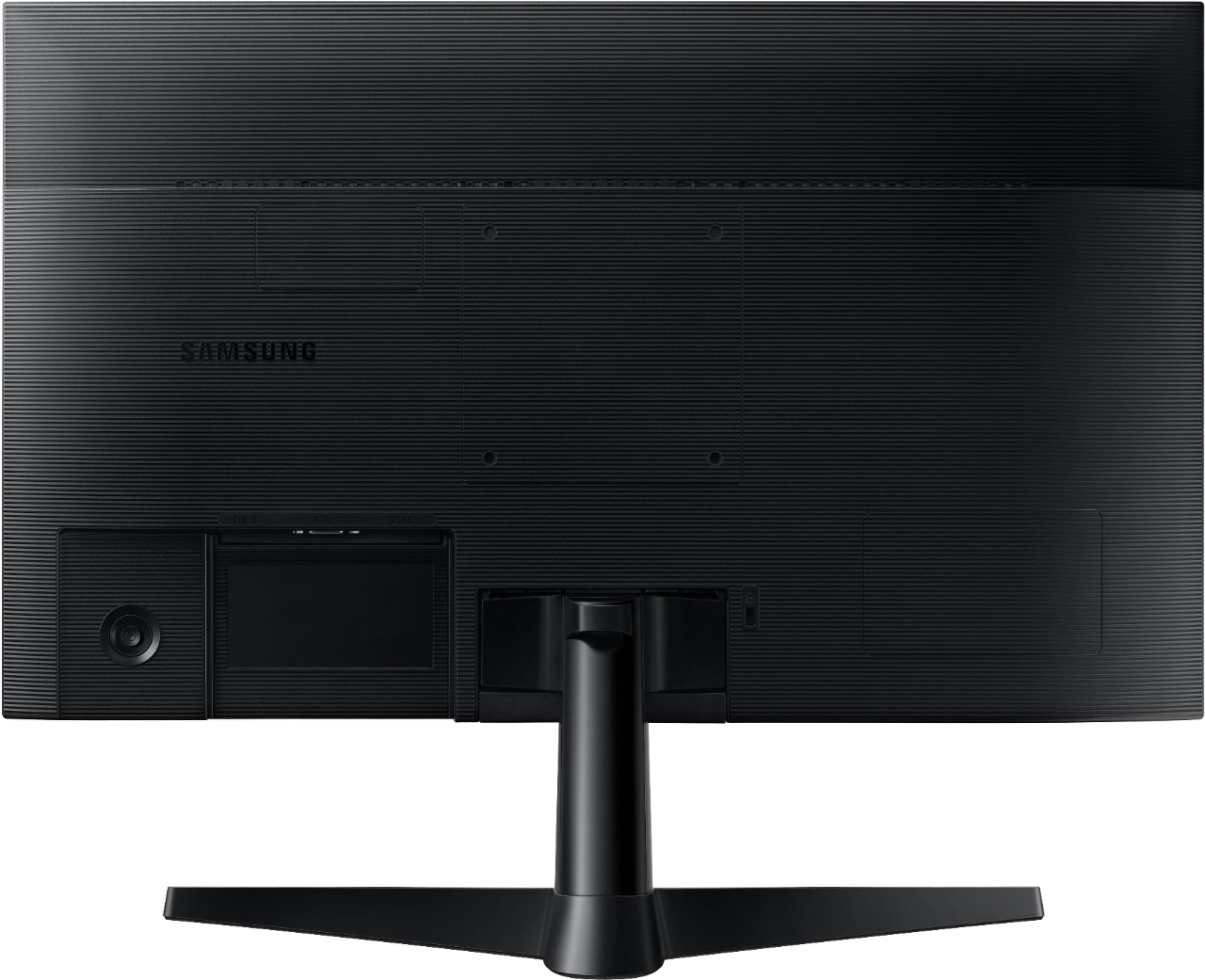
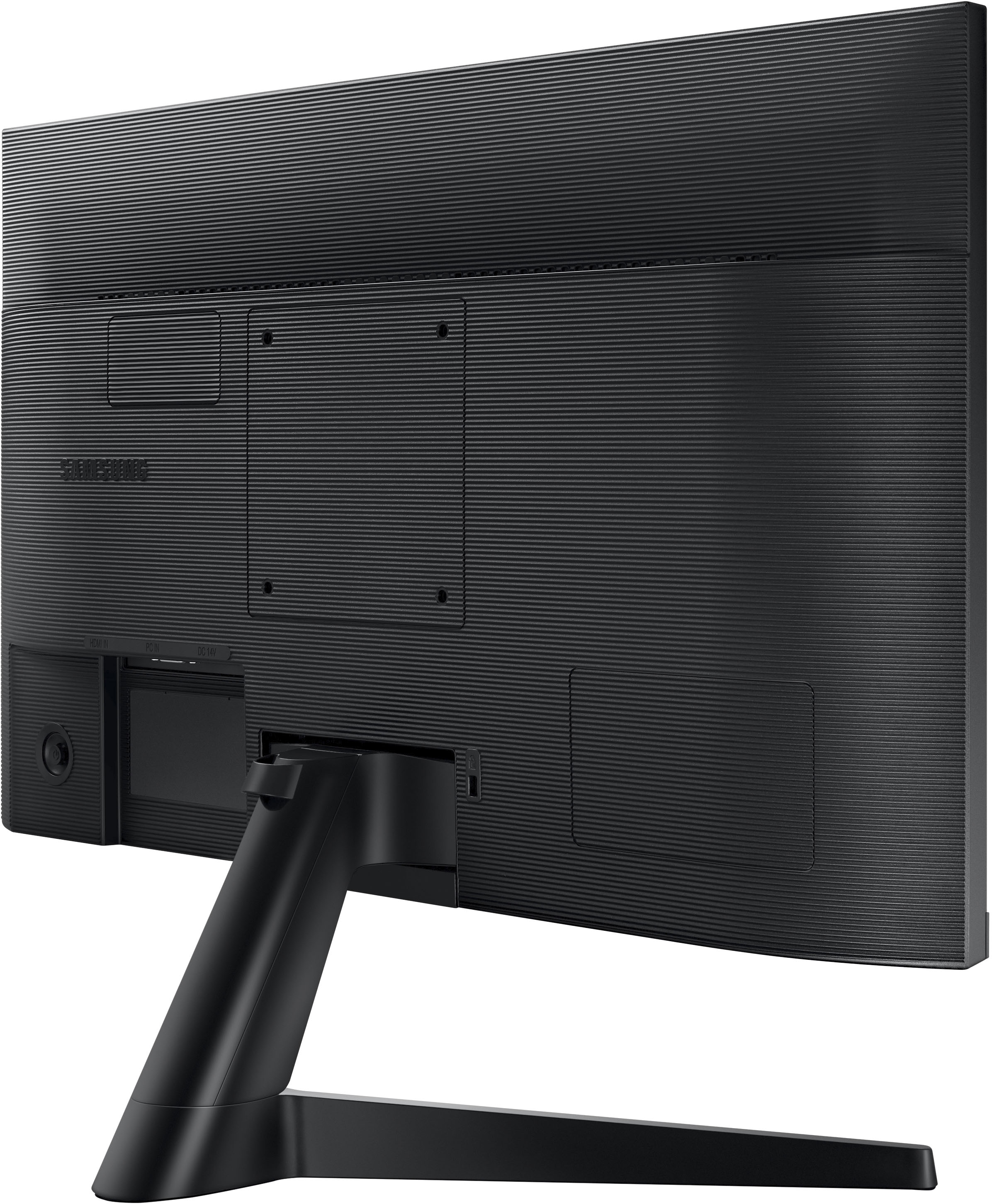
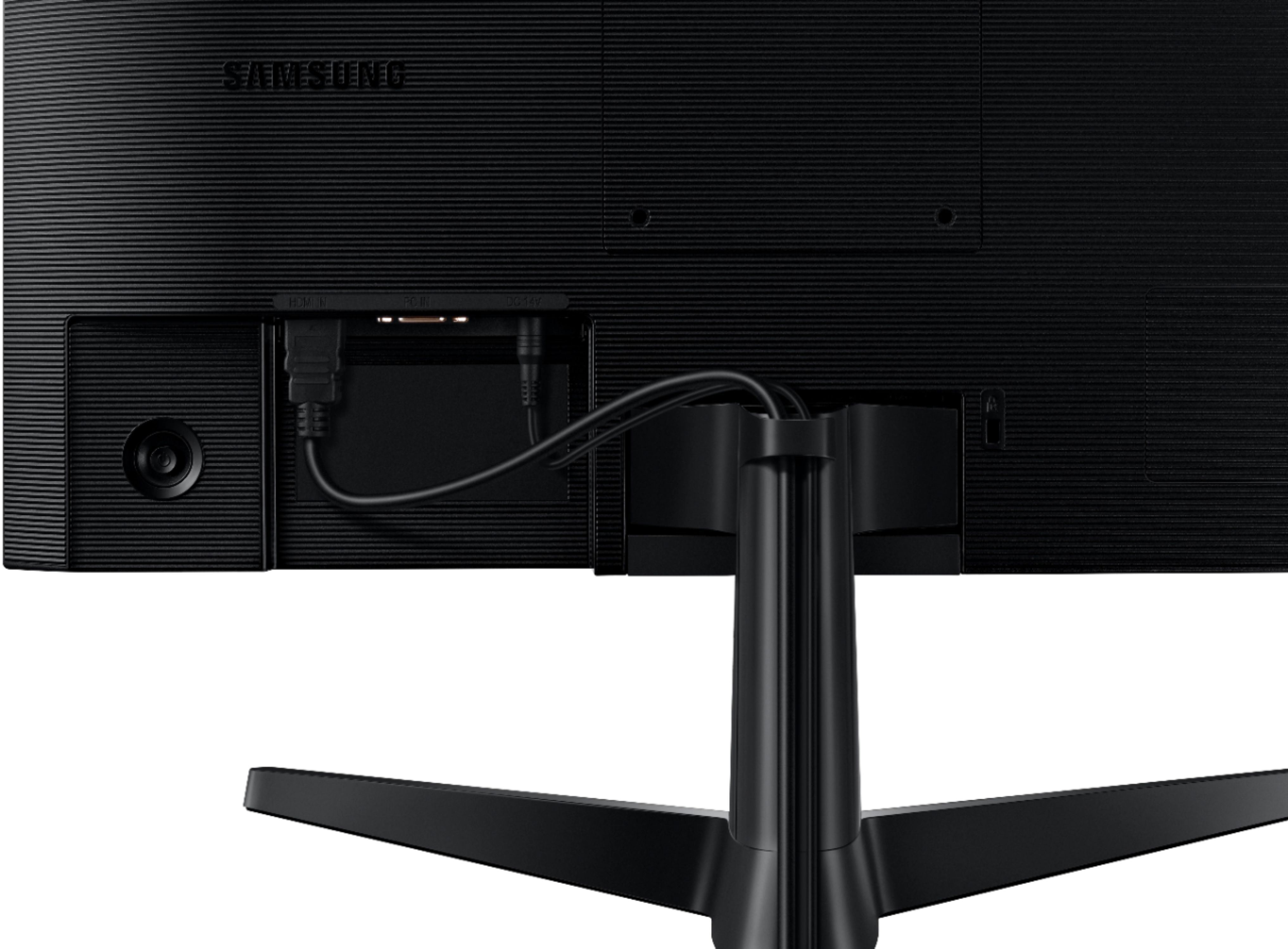
A:AnswerYes, I've done that in fact; it'll require two separate USB and/or HDMI outputs from the laptop ( my Macbook Pro has an HDMI and 2 USB-C connectors, so I use the HDMI and then one of the USB-C connections ).