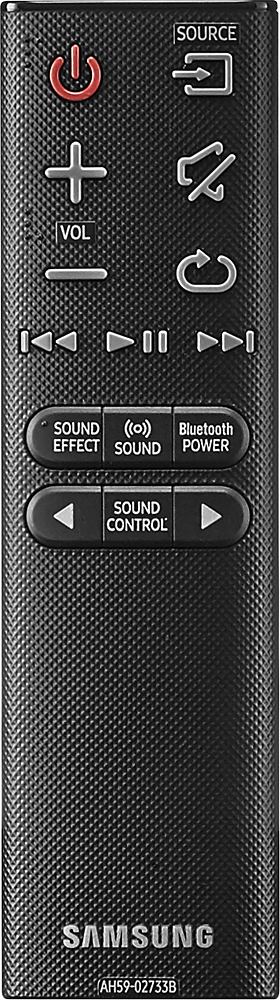
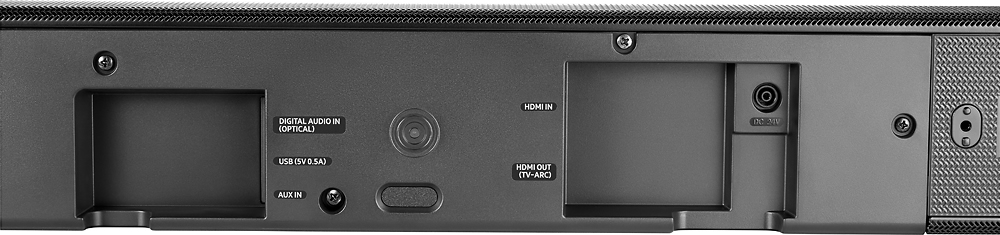
A:AnswerThe optical cable is shipped with covers over the end of the connectors to protect the fiber optic inside. You must pull the little clear bulb looking covers off the ends, turn connector to line up with socket, and push in. Should go in relatively easy once protective covers removed from ends of cable.
A:AnswerAbsolutely. That is what sets these speakers apart from the rest...you can clearly hear the speaking parts, regardless of the simultaneous sound effects.
A:AnswerYes, but you'll have to use the wall mount brackets as well. Wall mount brackets will attach your bar to the universal suspending bracket. Mines looks amazing.
I'm using "Atlantic Adjustable Steel Sound Bar Bracket" but there are many option out there to fit your needs.
A:AnswerCenter channel on sound bar for voice dialogc and with this one they offer 2 rear speakers to complete the 5.1 surround sound experience which is only compatible with this new system.
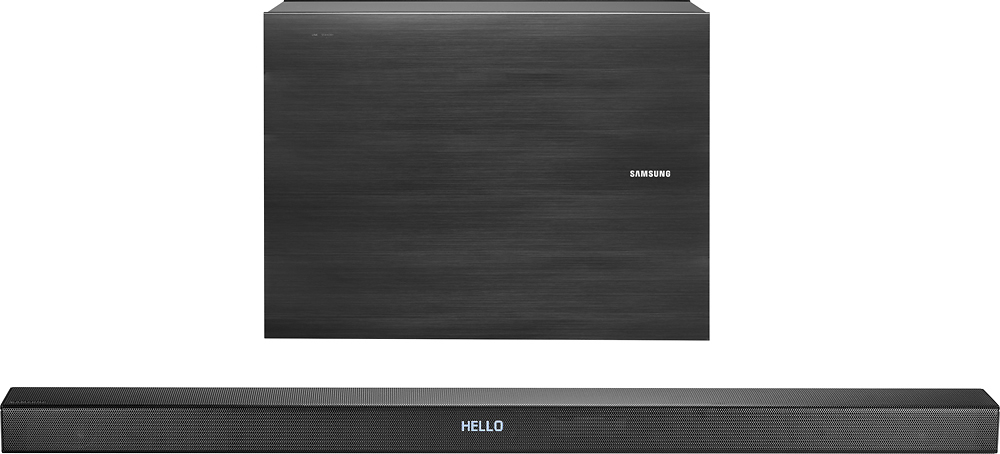
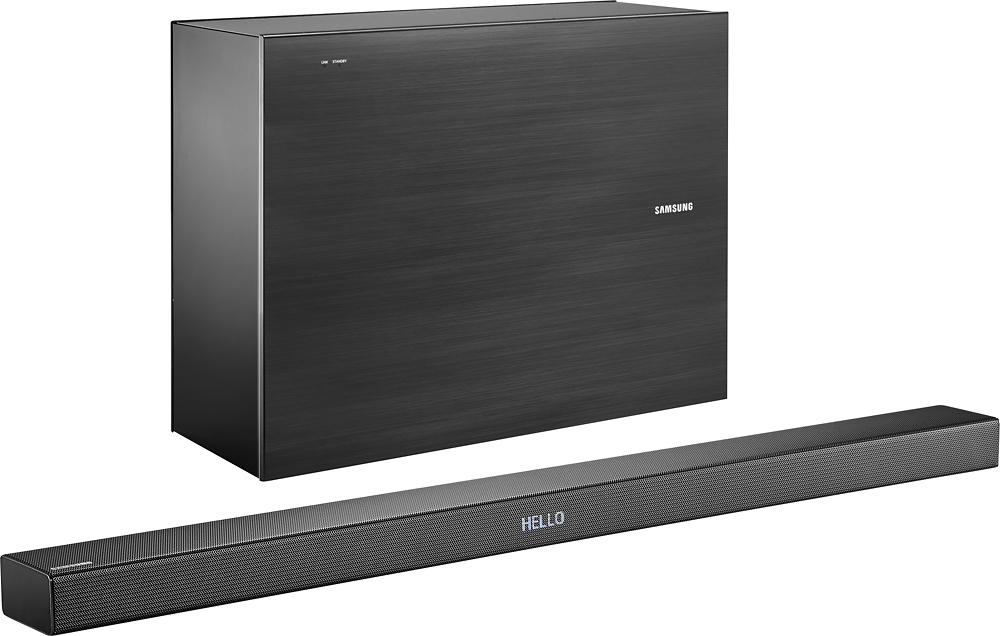
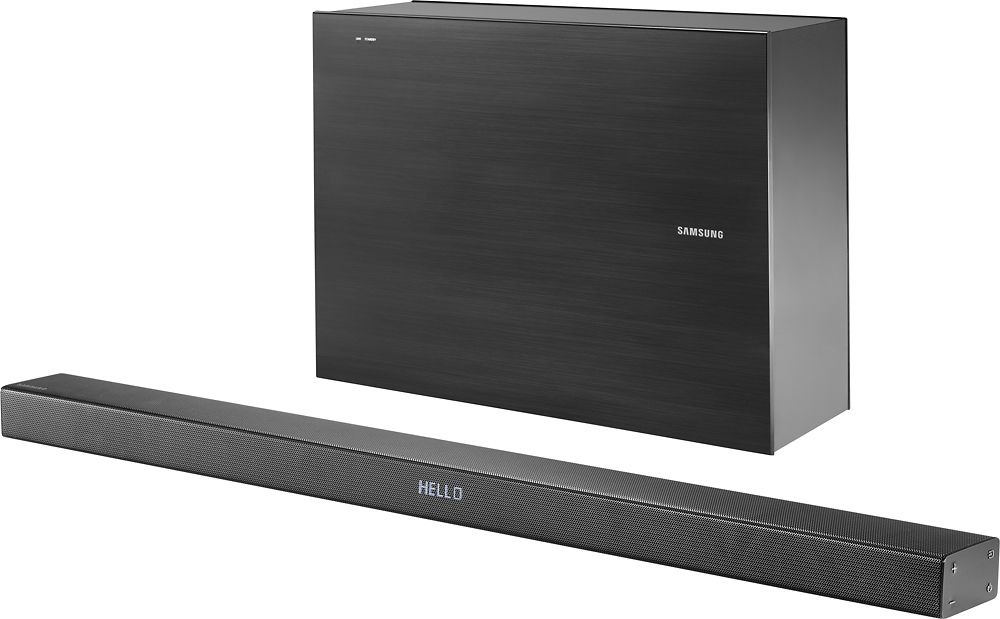
A:AnswerThanks for the inquiry! This soundbar is 37.1 inches long and comes with a 7-inch subwoofer for wholesome sound. The subwoofer itself is 15 lbs and the dimensions are 17.8" x 13.1" x 6.1".
A:AnswerI do not think it is absolutely necessary. But, Samsung TVs, mine included, have pretty terrible speaker systems. I would highly recommend a soundbar for any Samsung tv. This is a good one because they sinc up wirelessly.
A:AnswerWorks with my Echo Dot. You have to turn blue tooth on first, though. Then,
"Alexa, connect to speaker."
"Alexa, play music from the 80's."
FABULOUS!
A:AnswerIt comes with an Optic Cable which makes the connection so no other cord is necessary. However, I find the Optic Cable very loose fitting so I try not to disturb it once it's connected because it easily falls out.
A:AnswerWhen I purchased this the Home Theatre salesperson told me that this brand and sound bar style CANNOT be mounted from the bottom of a TV. It does cone with two brackets for wall mounting.