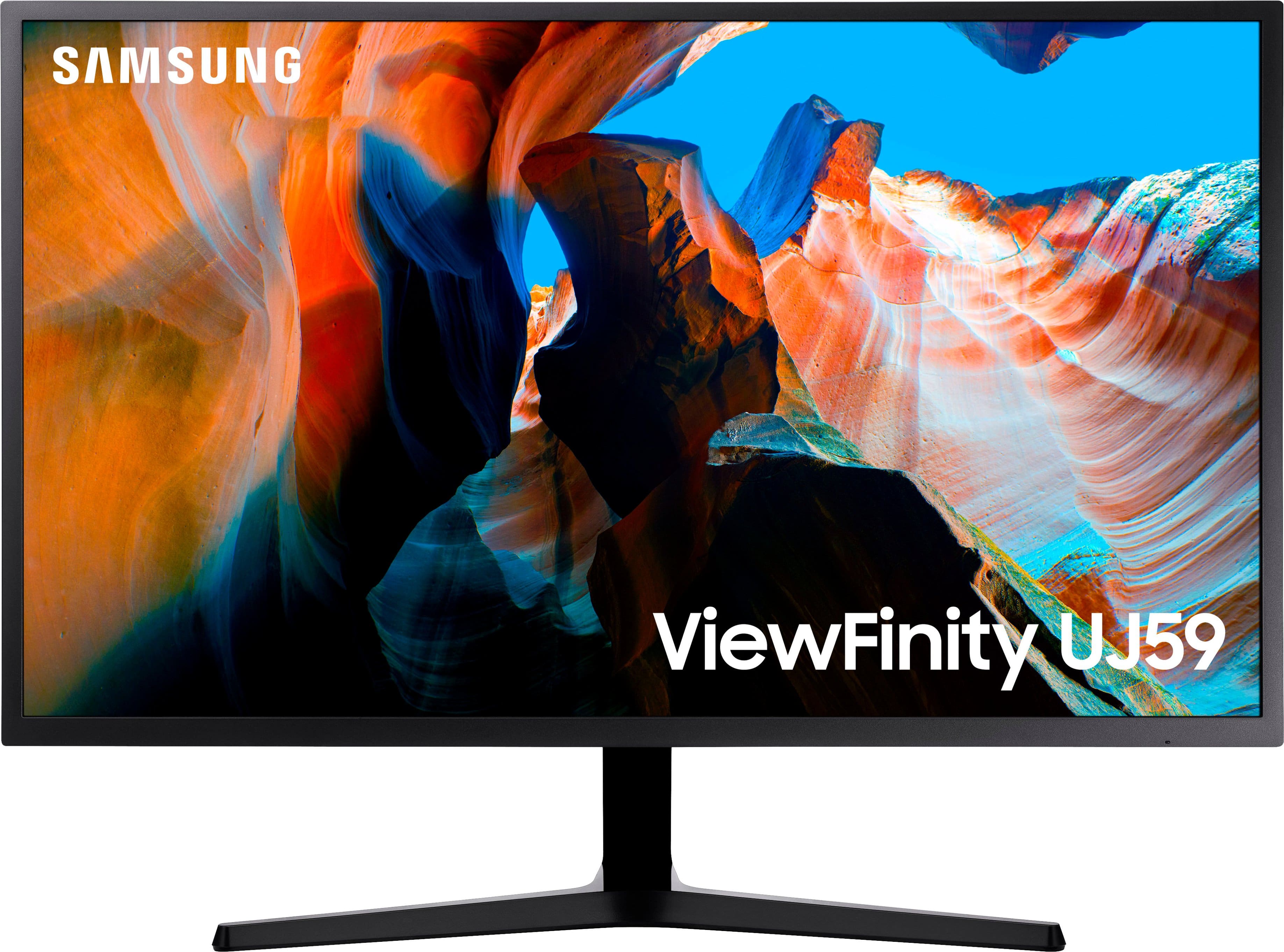
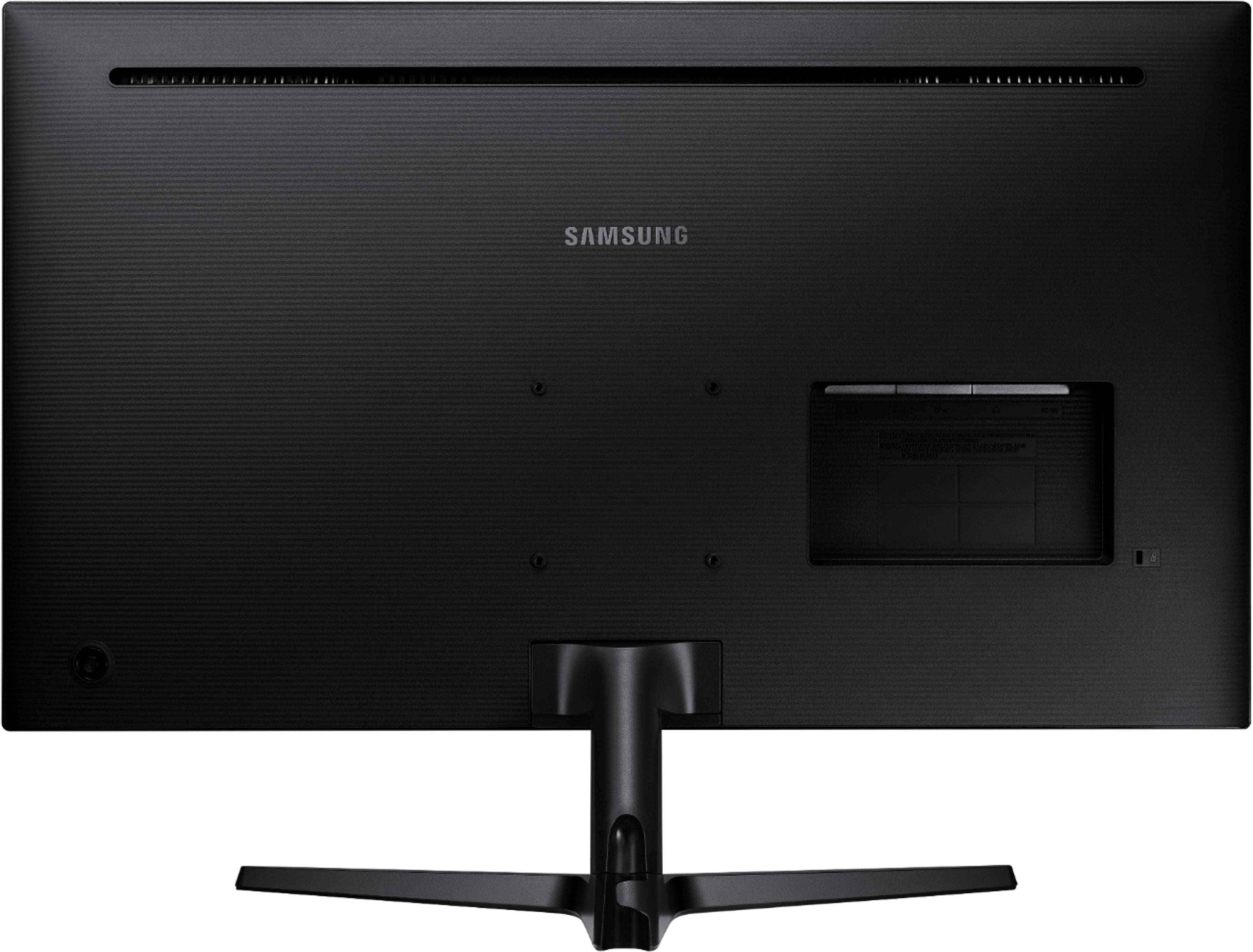
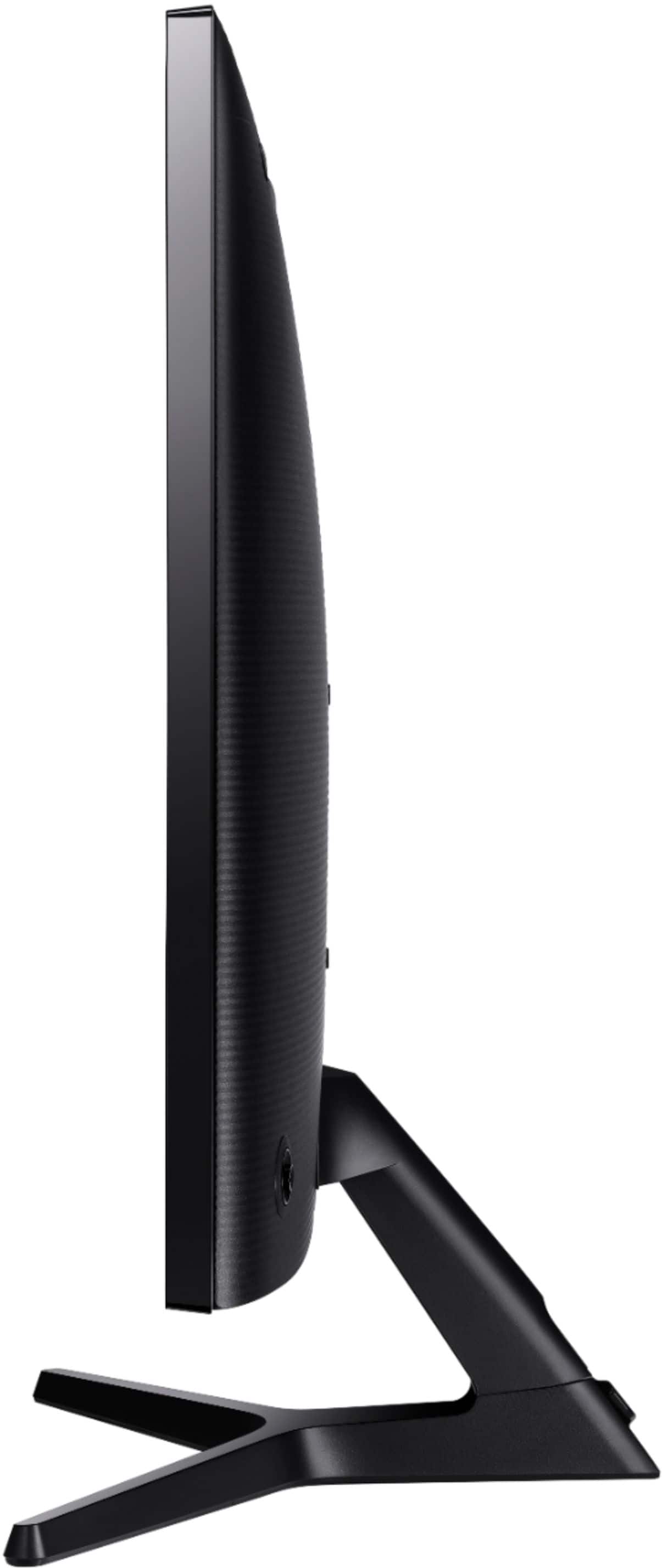
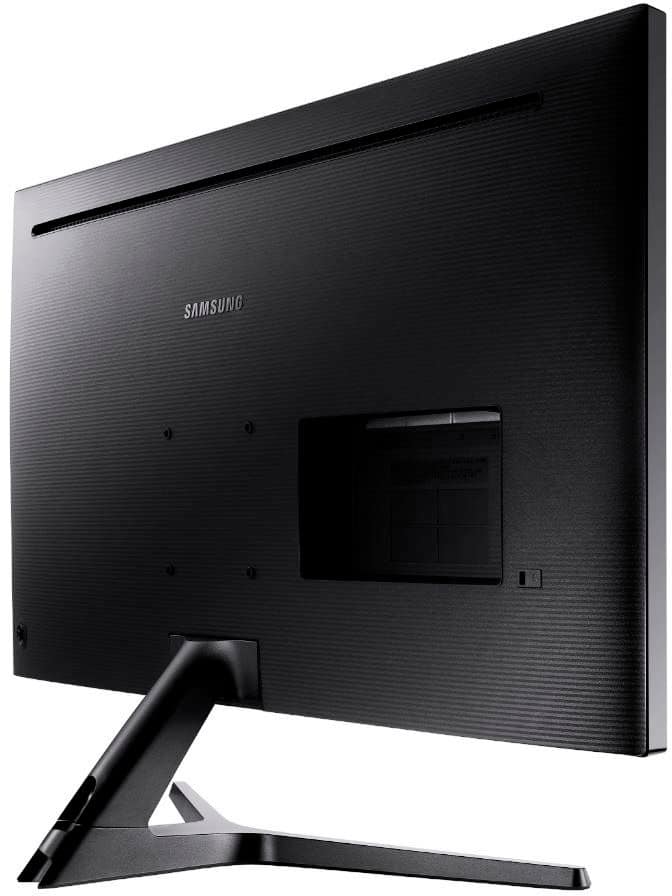
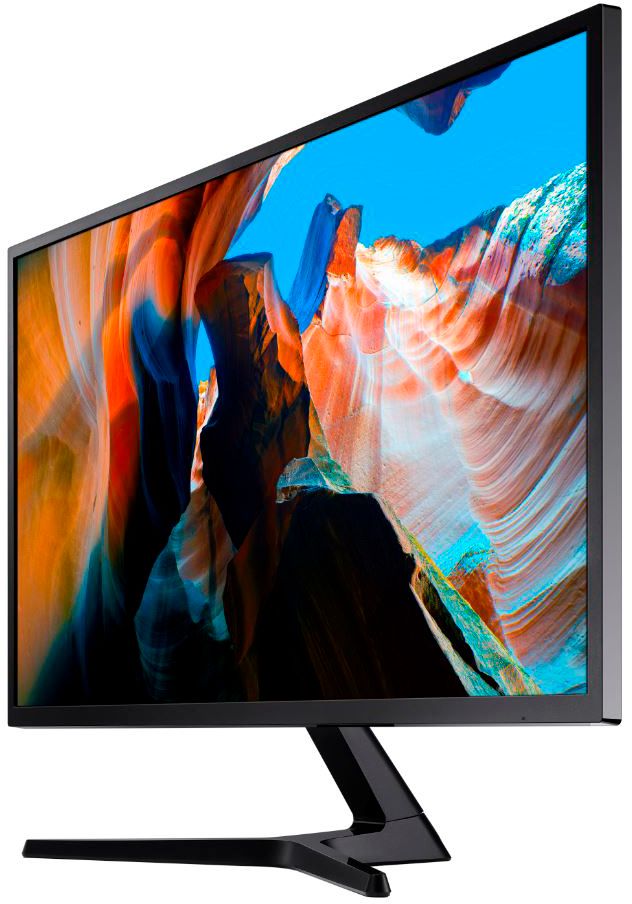
A:AnswerIf you are facing the monitor, reach behind the lower right side of the display. You should feel a button on the lower back side of the monitor. Manipulate the button up, down, side to side as directed on the screen as necessary.
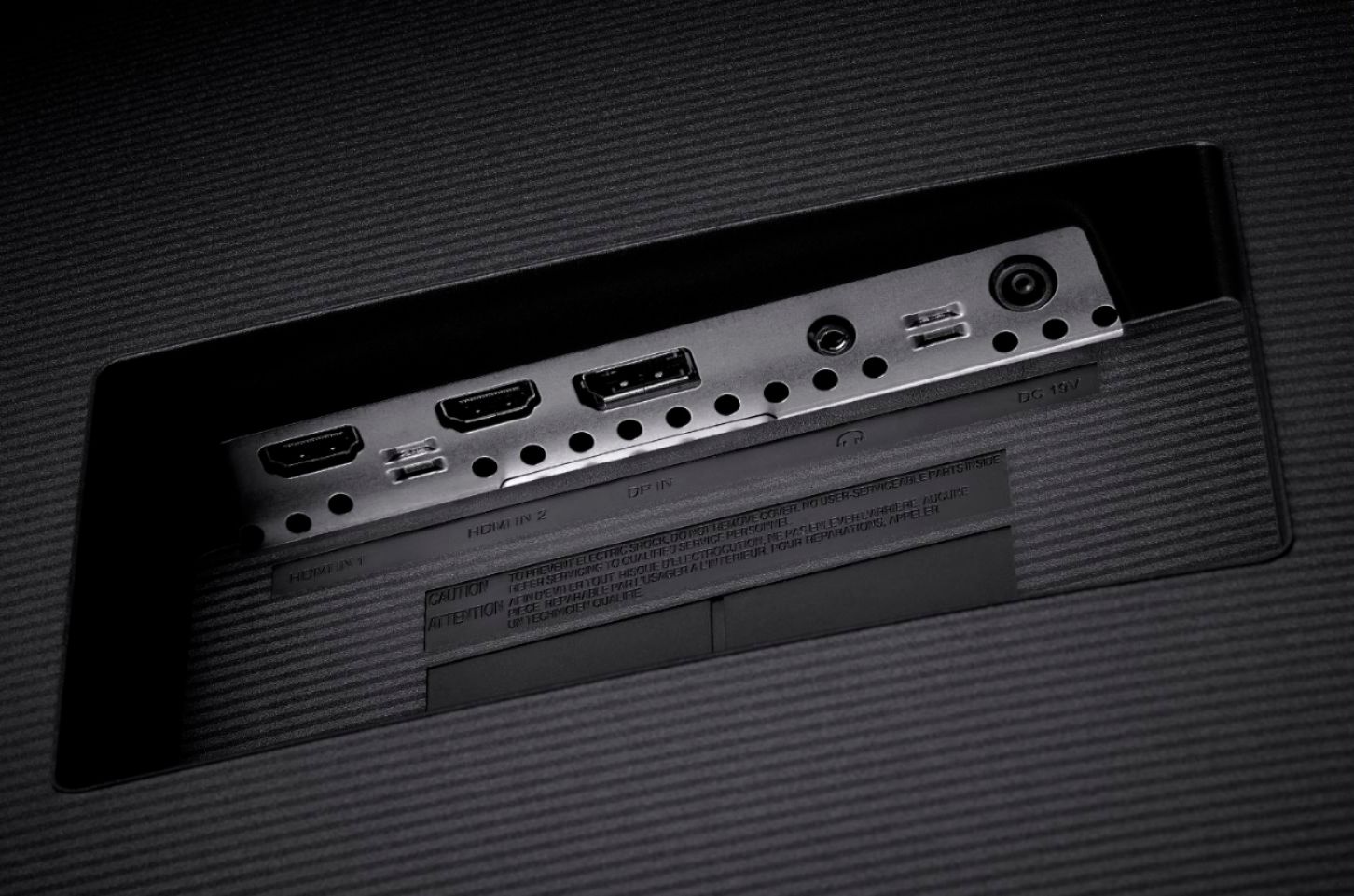
A:AnswerIf you have an HDMI port this should work fine. I used this (initially) on my 10 year old Dell XPS with an Nvidia 1050 and it worked just fine.
A:Answeryes it can be mounted. i mounted mine on a floor stand that sits behind my desk that can be turned left or right and it saved space on my desk.
A:AnswerYes - works great. I have used this on an Nvidia 1050 GTX Ti and 2080 - no issues at all. If you plan on using the Display port (port) from the 1060 double check to make sure the display port firmware is up to date (this is totally separate update/file from the Nvidia GPU driver set). I had an issue with display port on my 1050 but was fixed when I updated the firmware for the display port on the 1050 card.
A:AnswerThank you for your question! This monitor doesn't have airplay. To meet this requirement it must be a smart monitor and/or have a wifi connection.