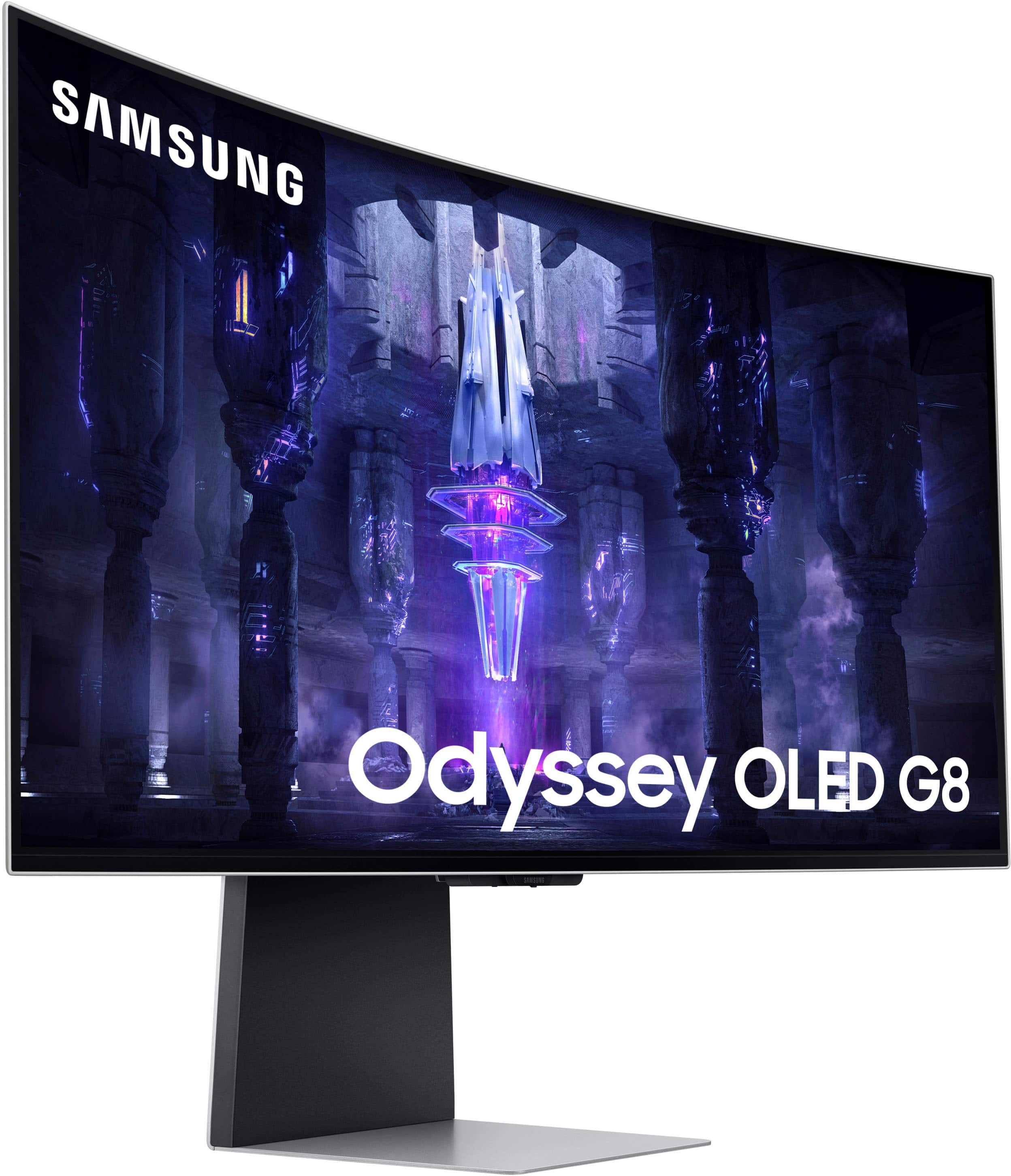
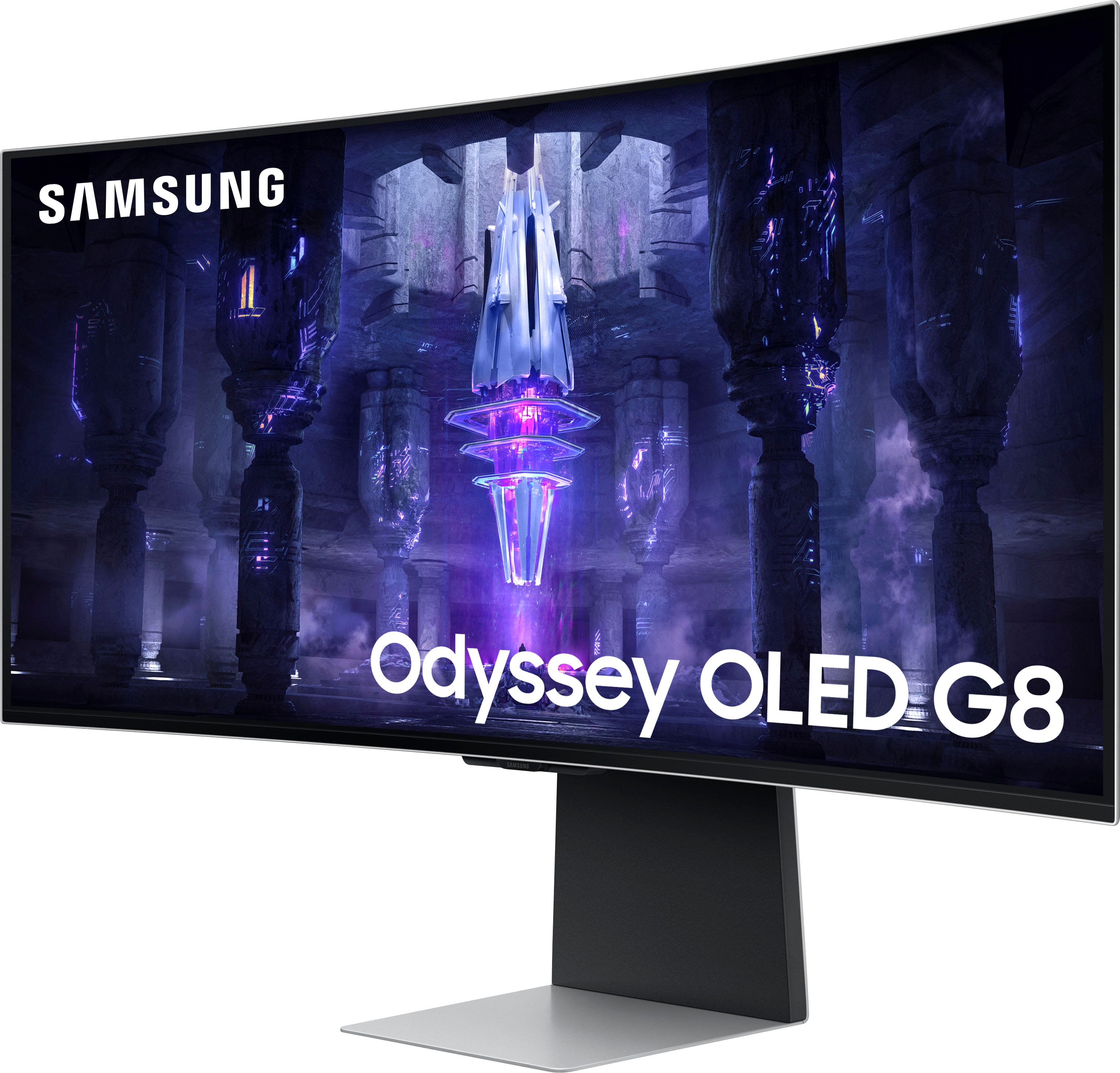
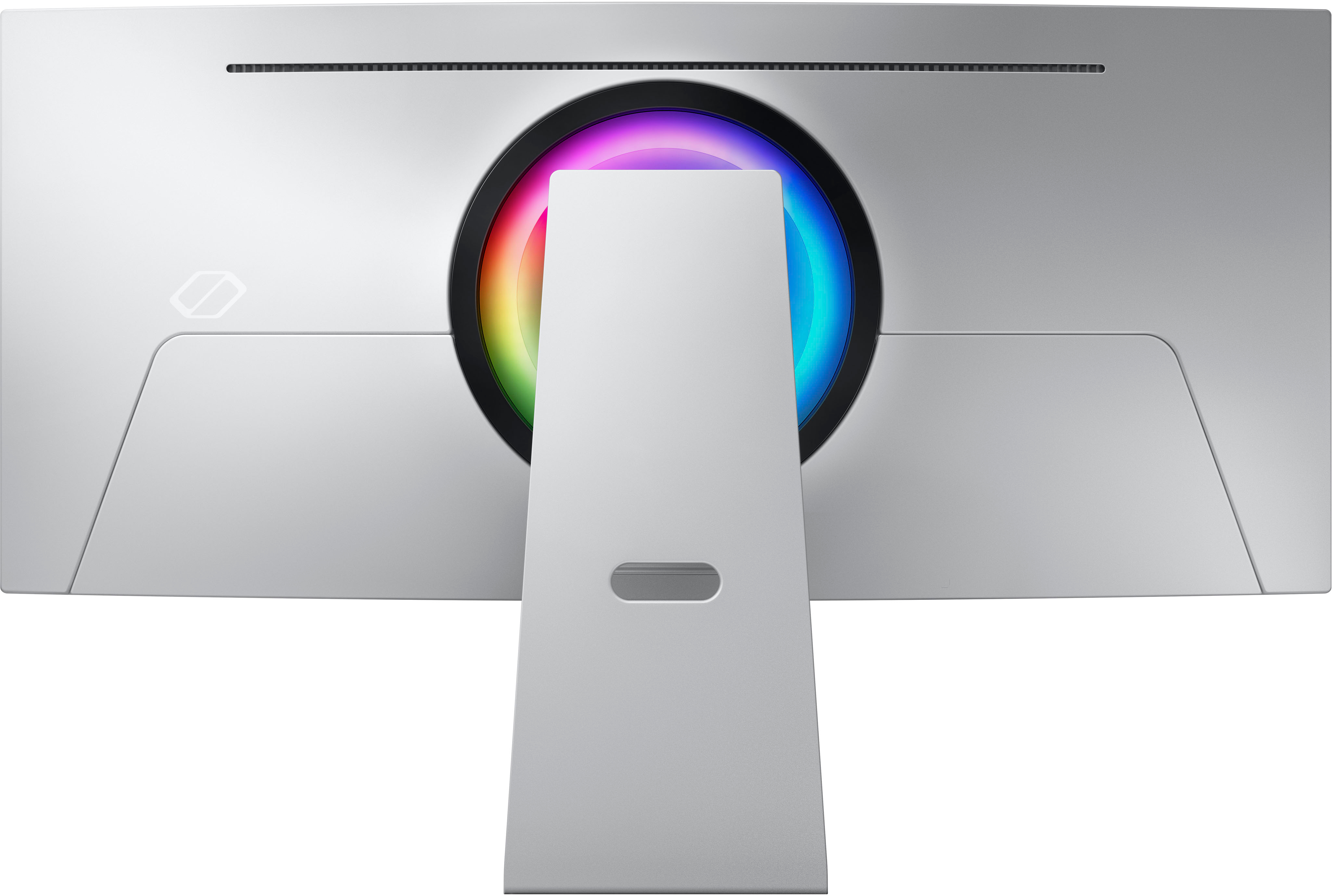
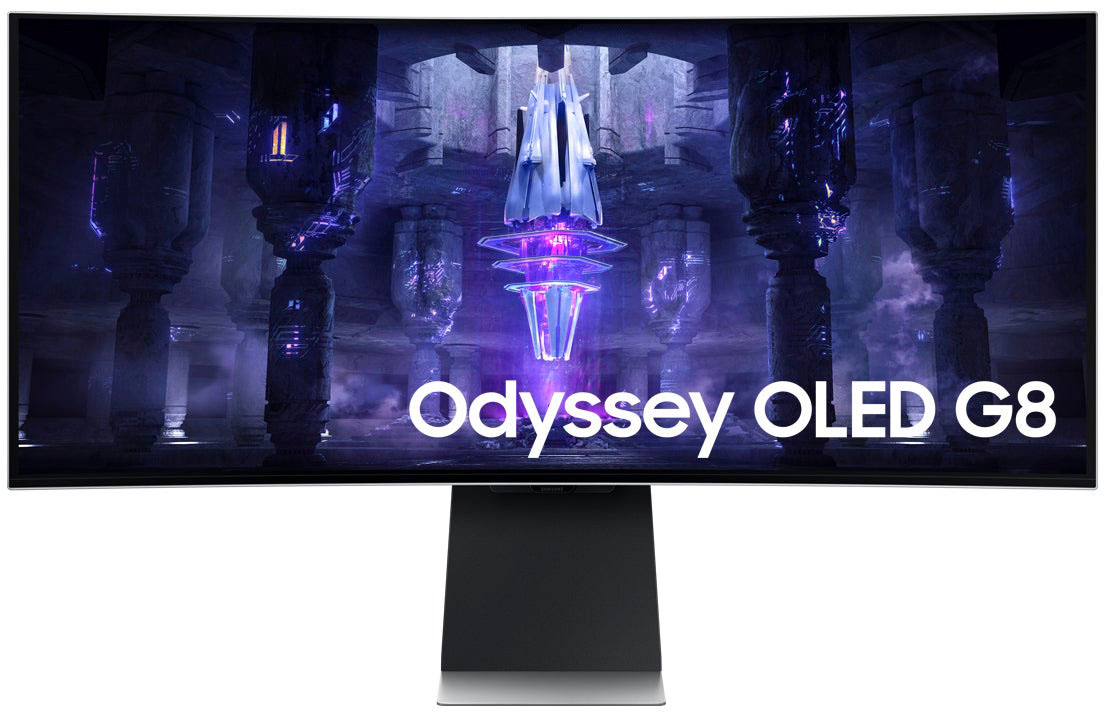
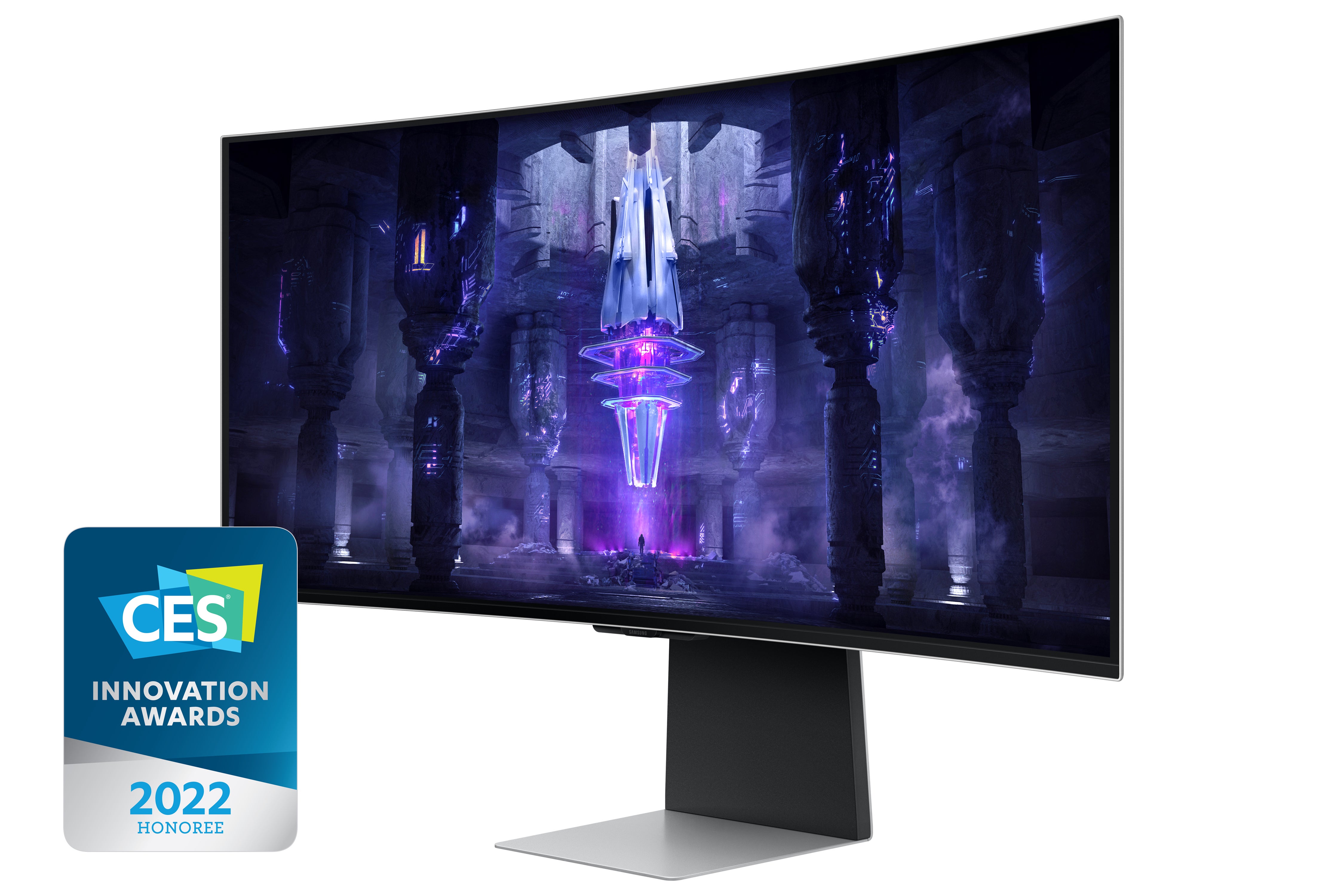
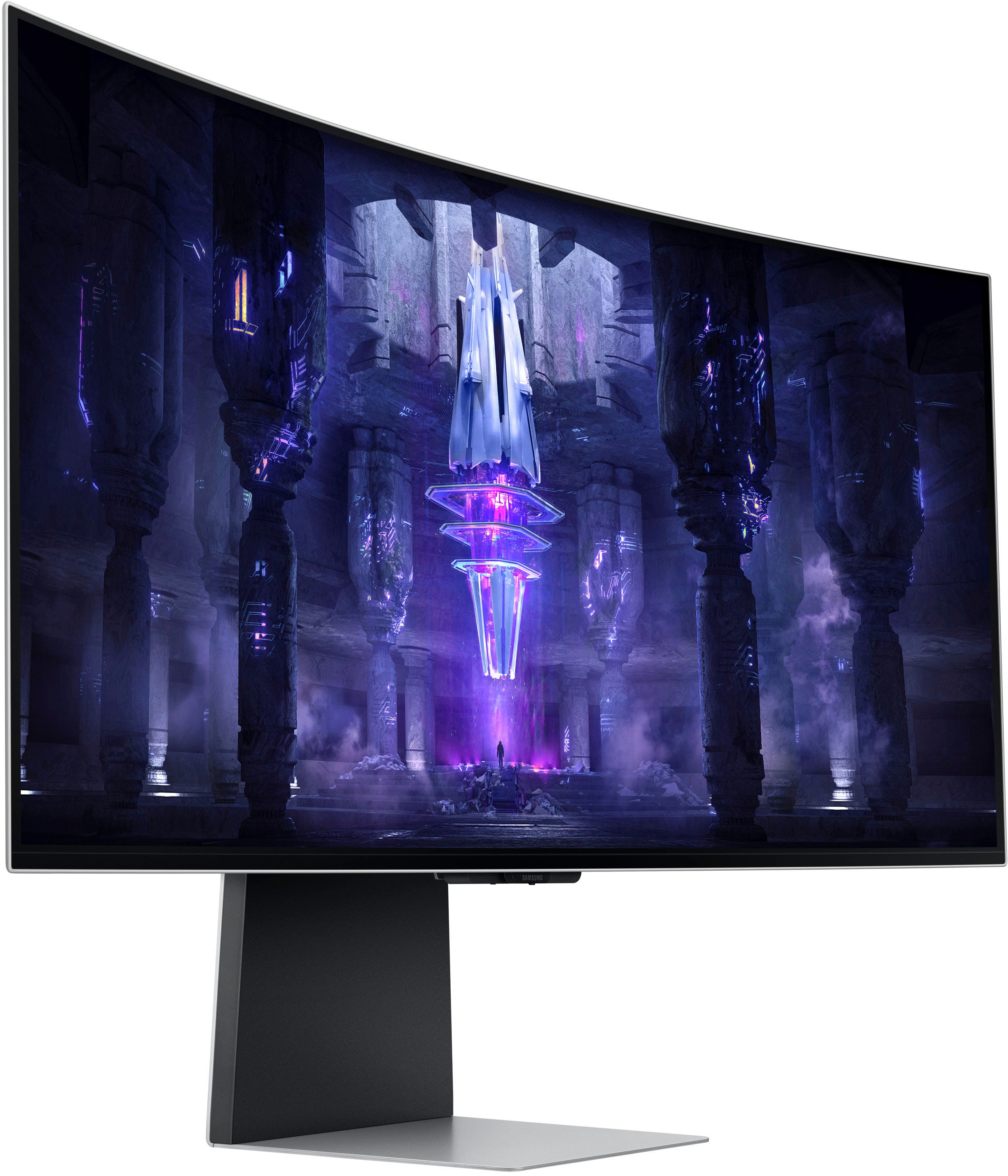
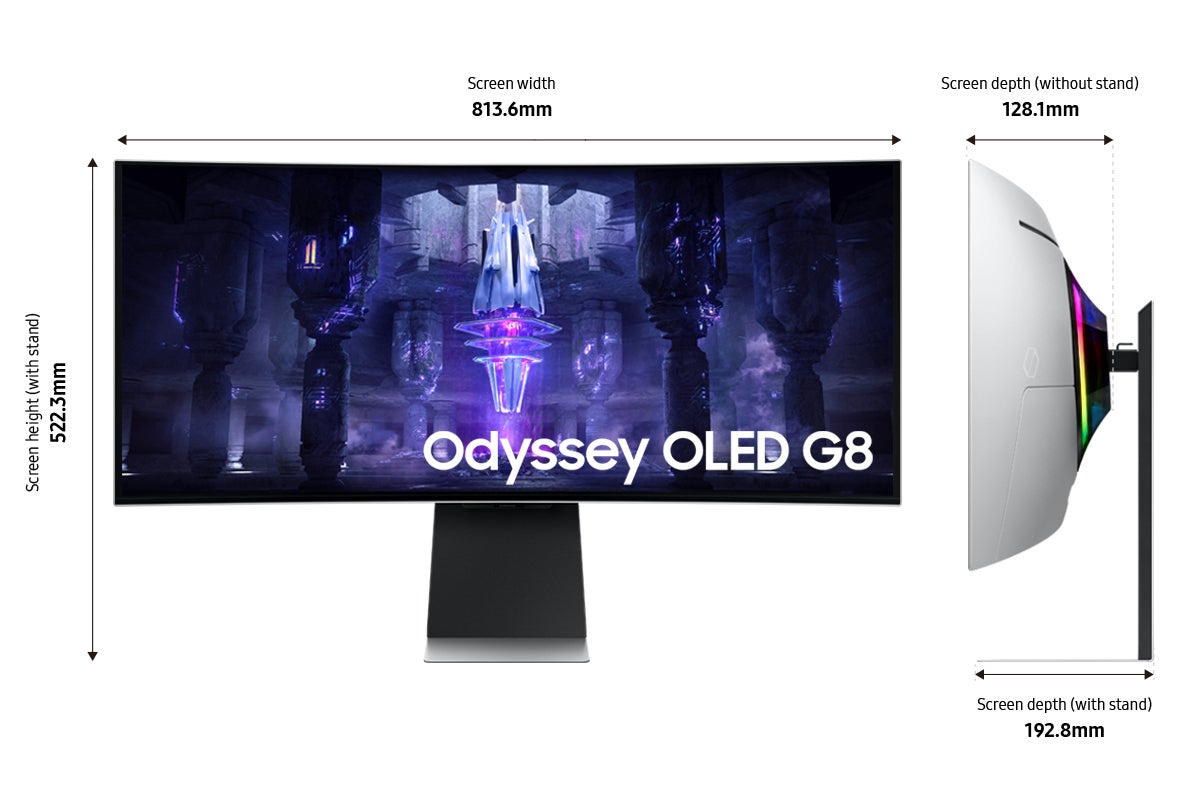
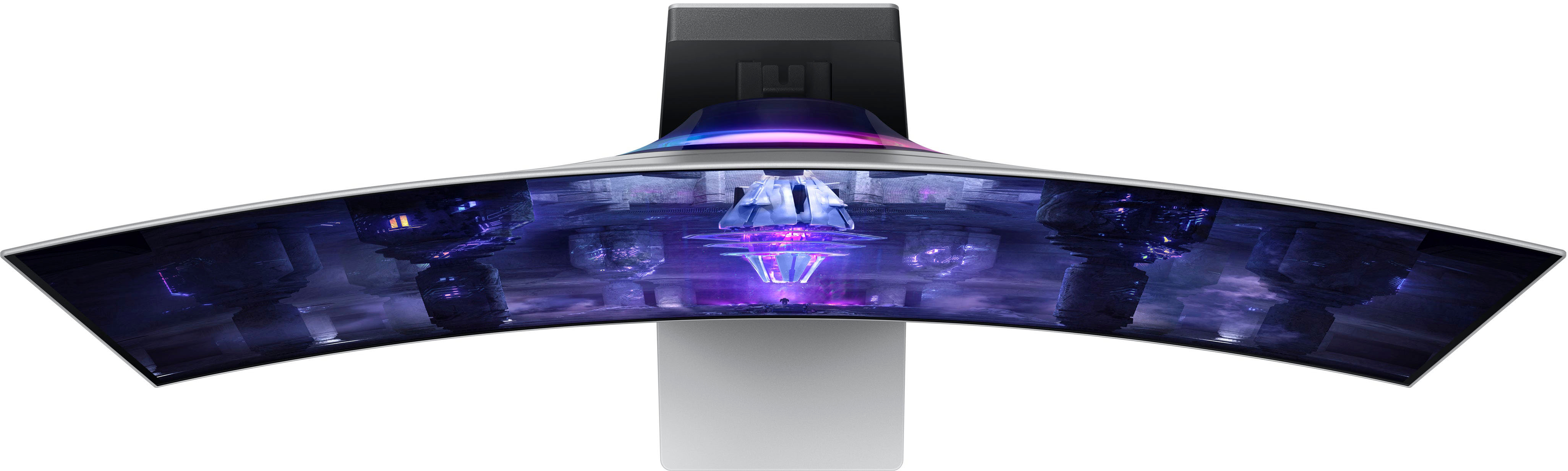
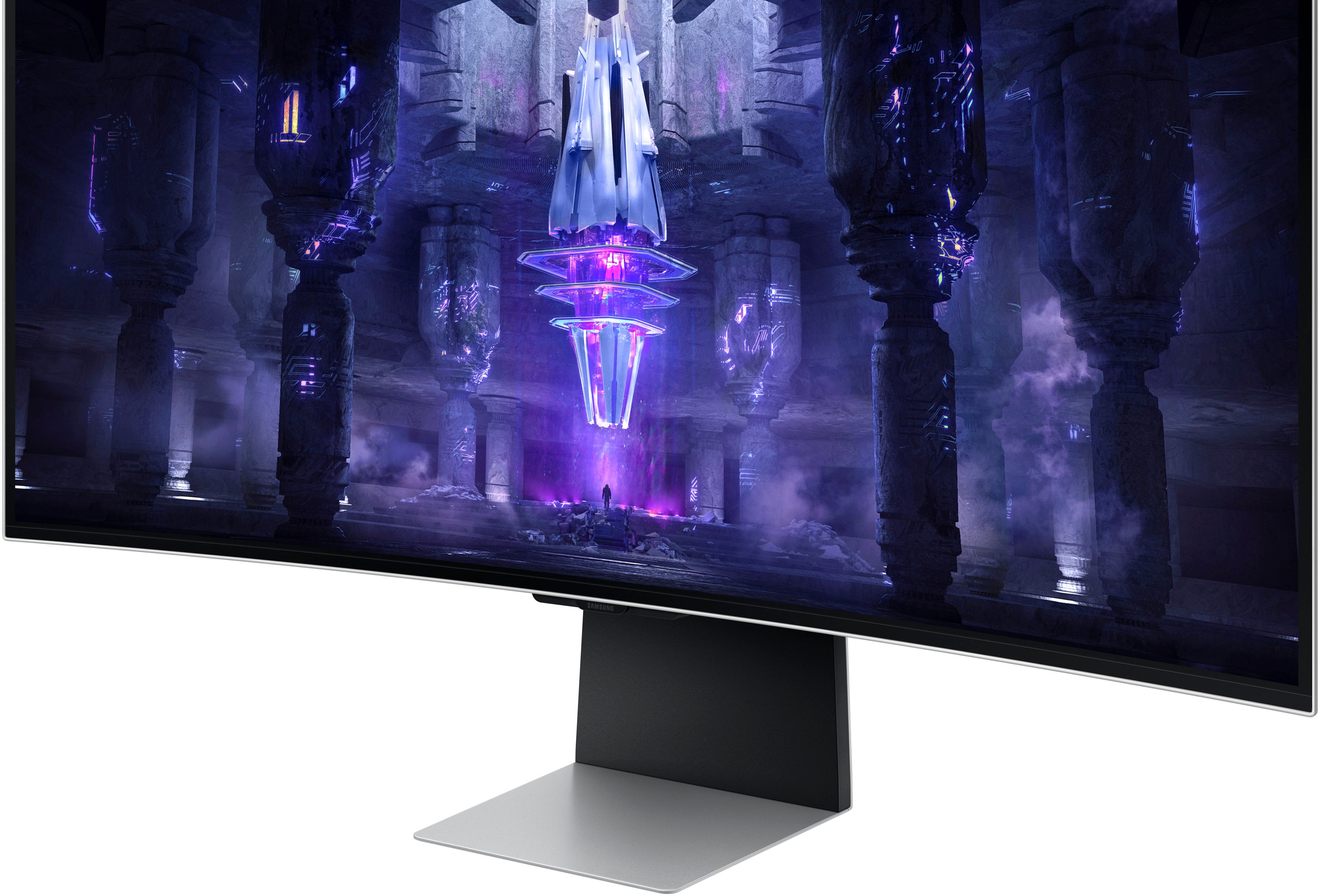
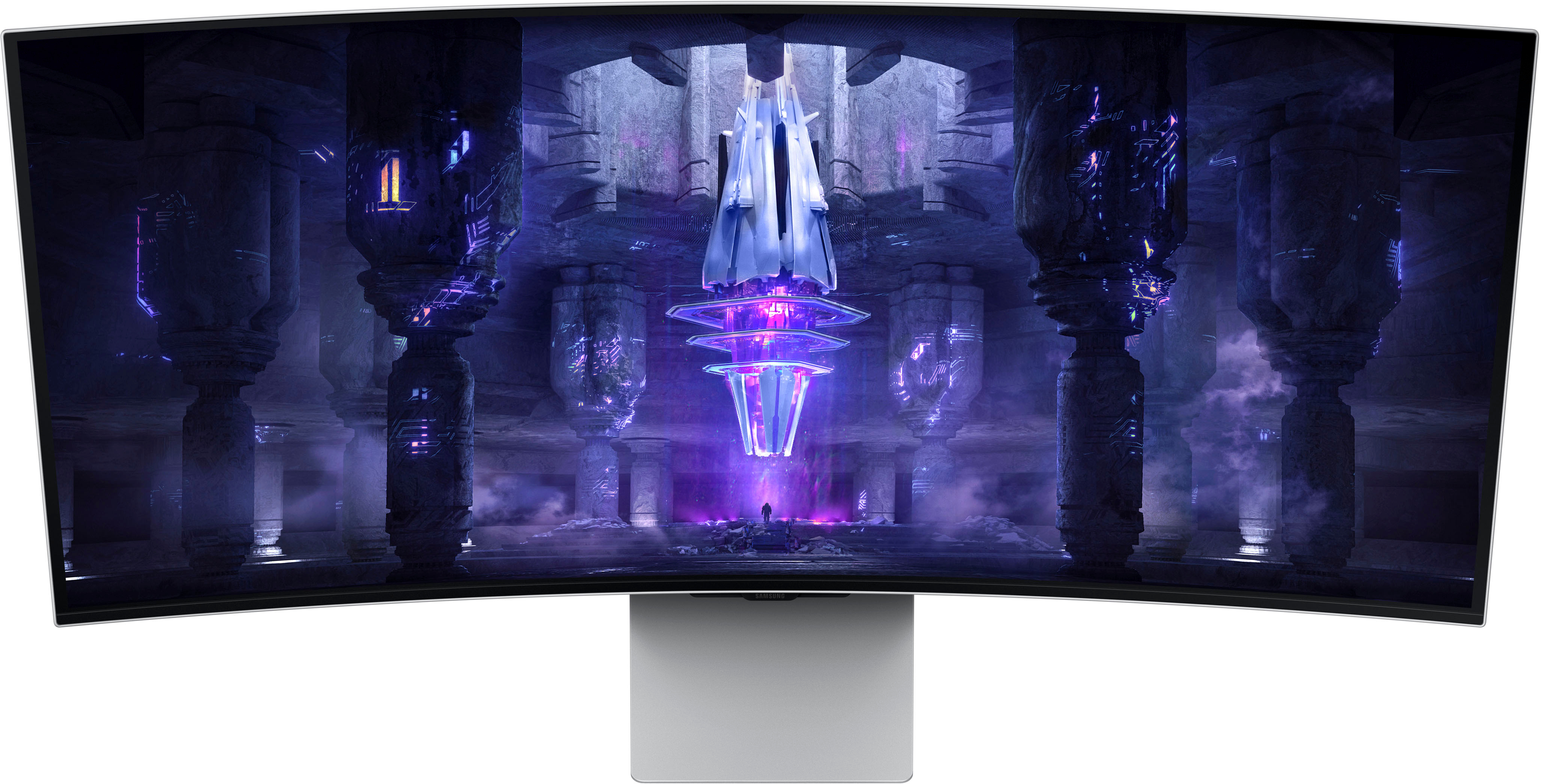
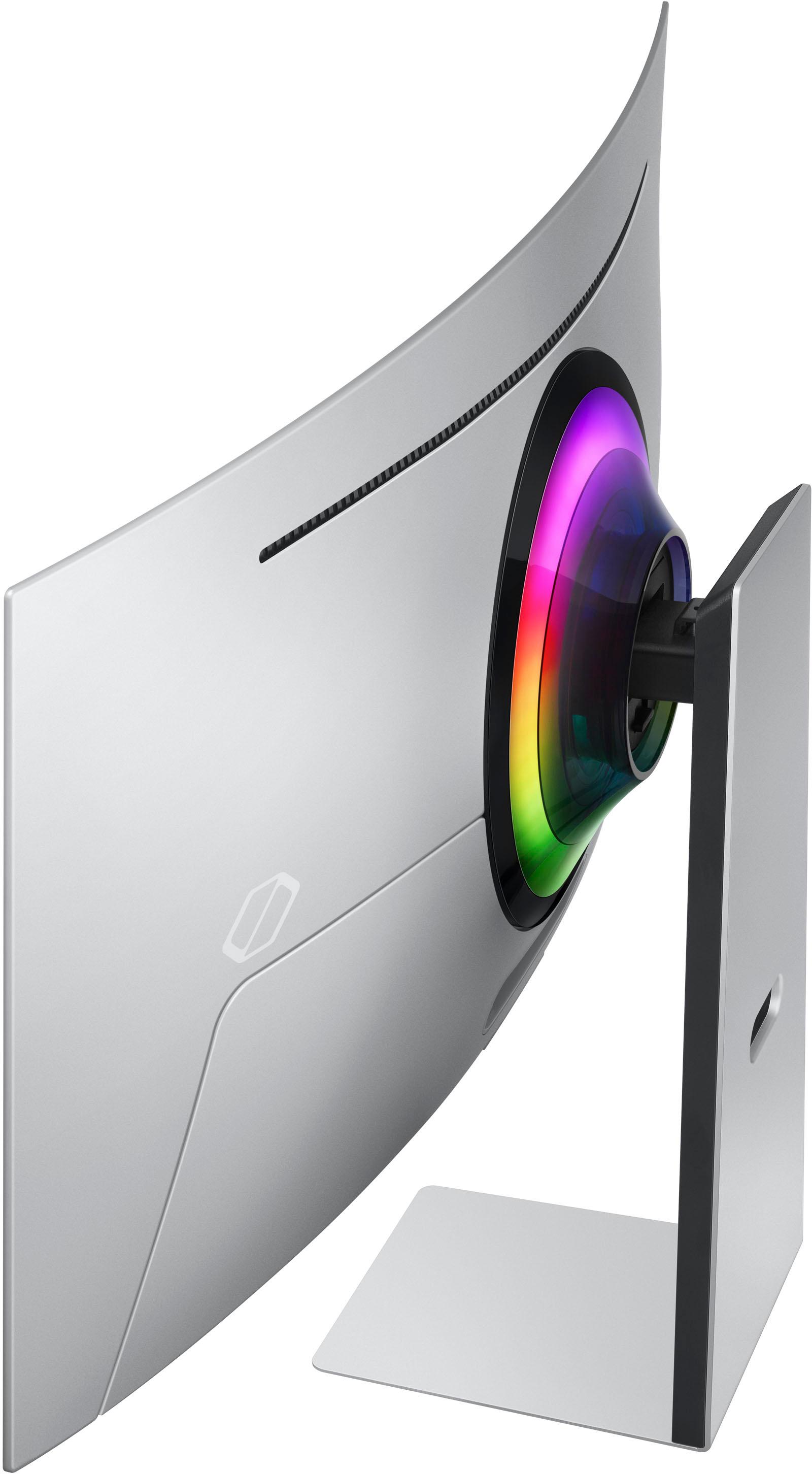
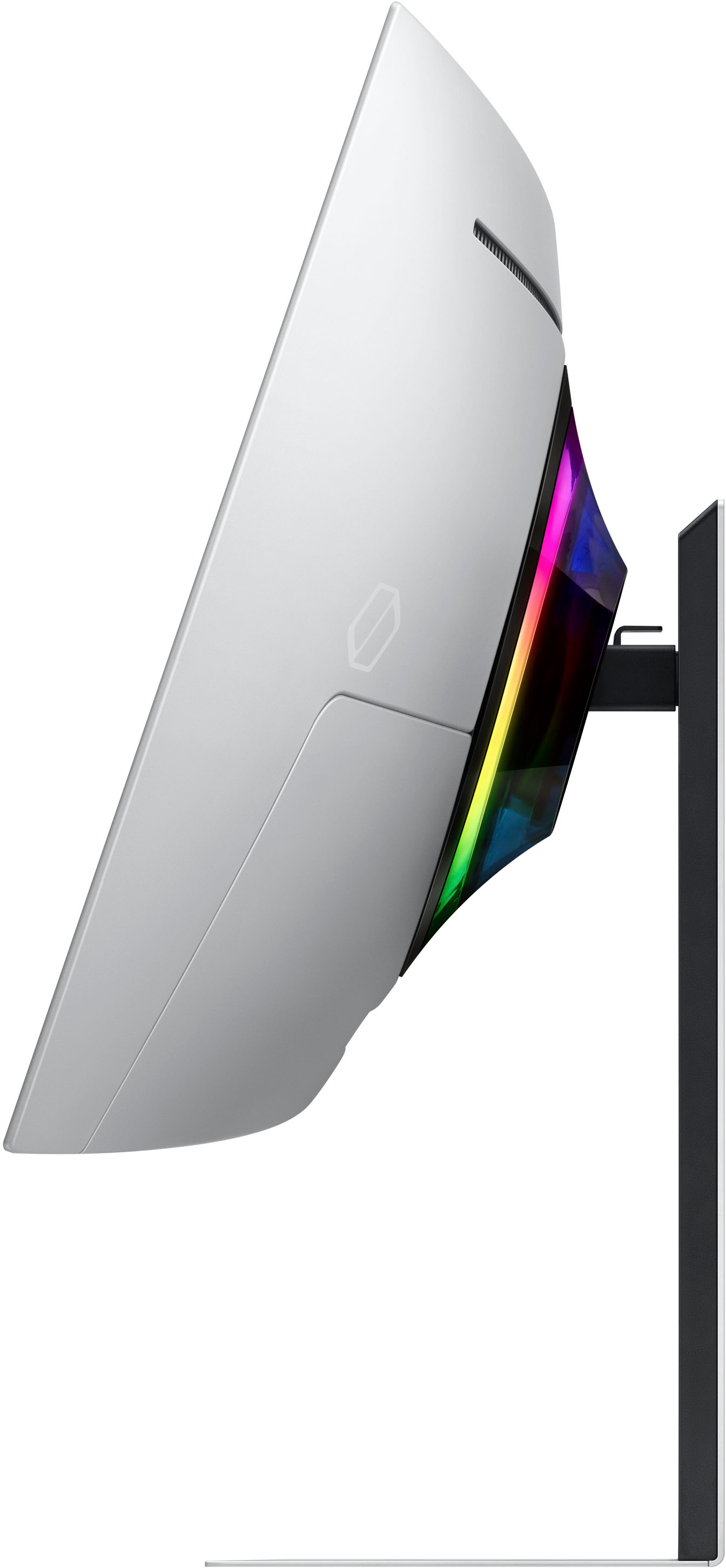
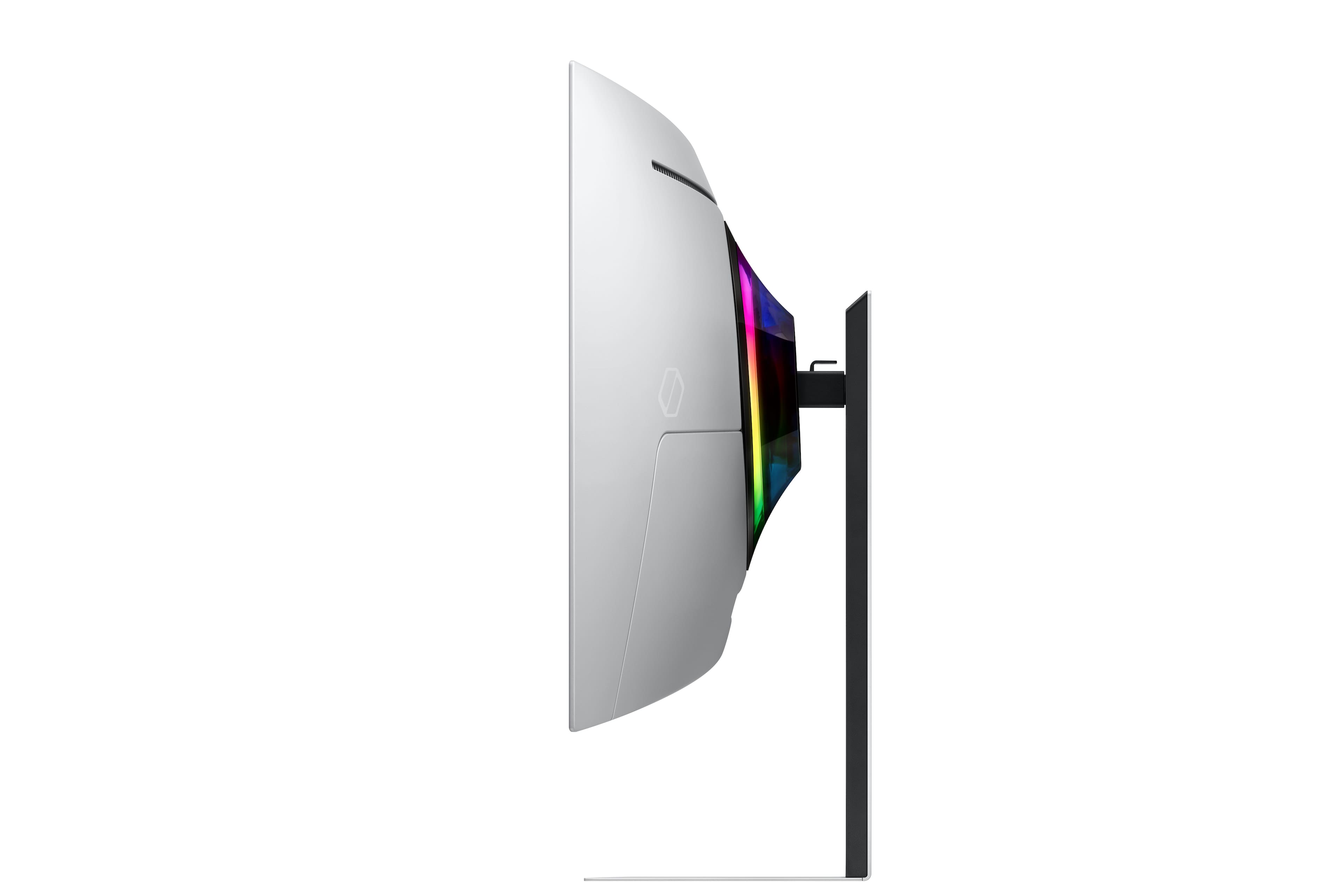
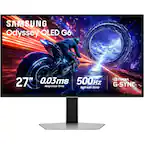
A:AnswerYes only height and other thing u can adjust is tilting forward and backward. Thats it which i hate because it should be able to give more control and adjustment options.
A:AnswerWould need more info on the HP laptop, but my guess is a bi-directional HDMI cable. As far as the aspect ratio goes, your device might not support 21:9 like the Xbox Series X.
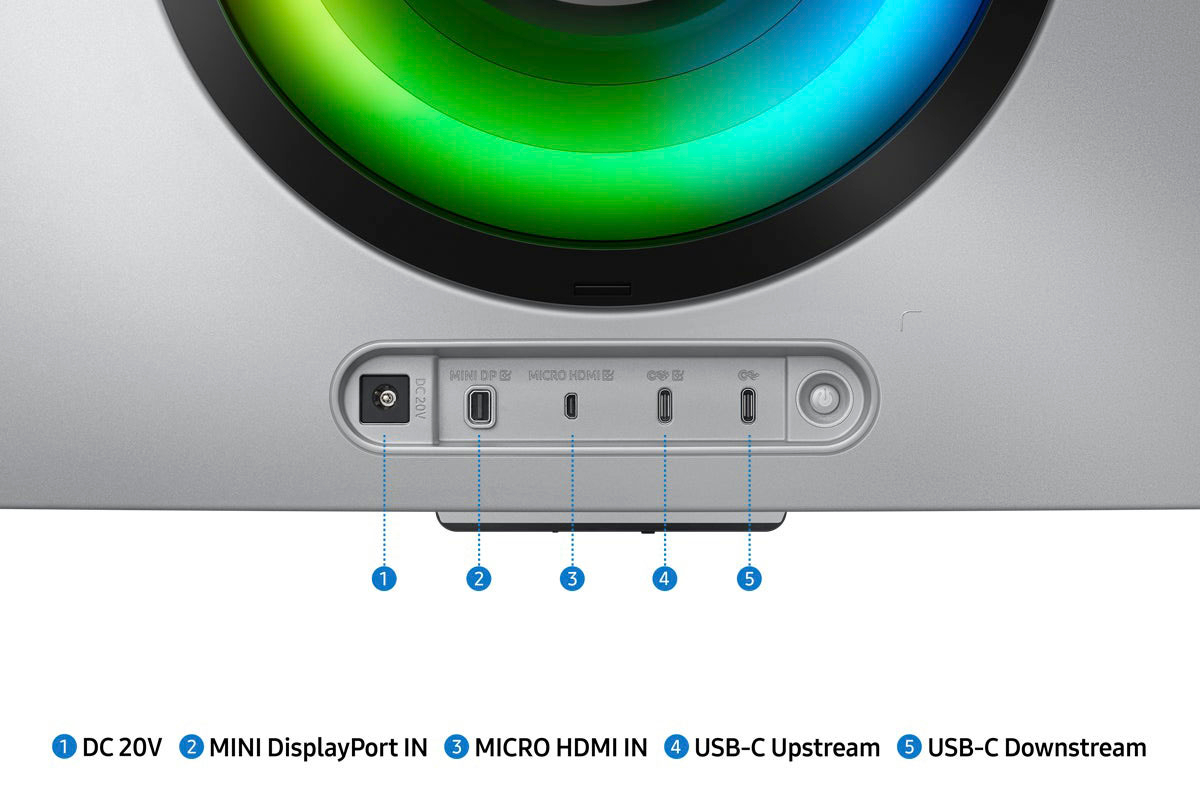
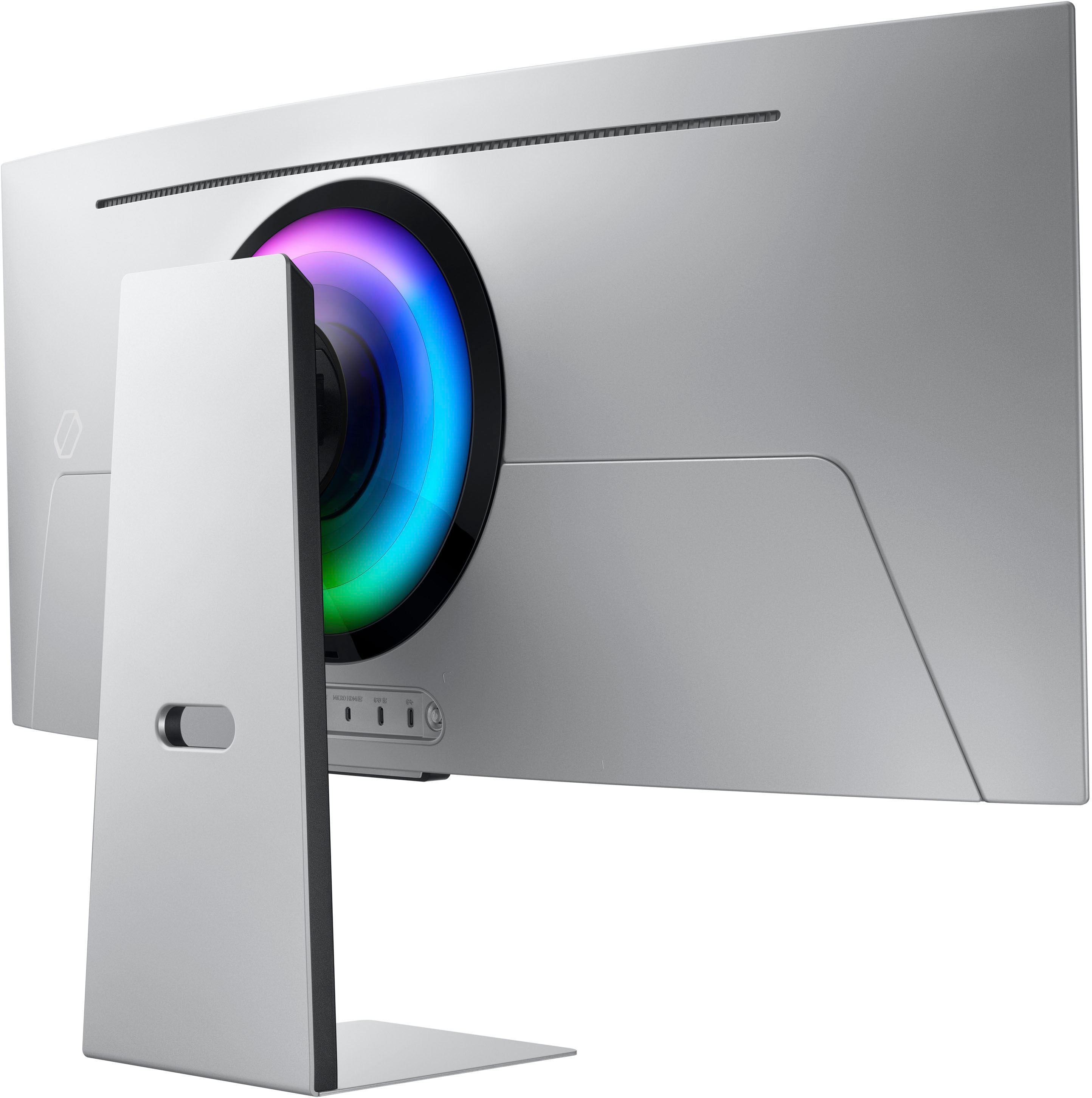
A:AnswerBecause it doesn't Mini HDMI. It uses Micro HDMI (different from Mini HDMI) and it's annoying. I agree that it should just include the cable. Finding bi-directional cables was an unexpected challenge and poor experience for me.
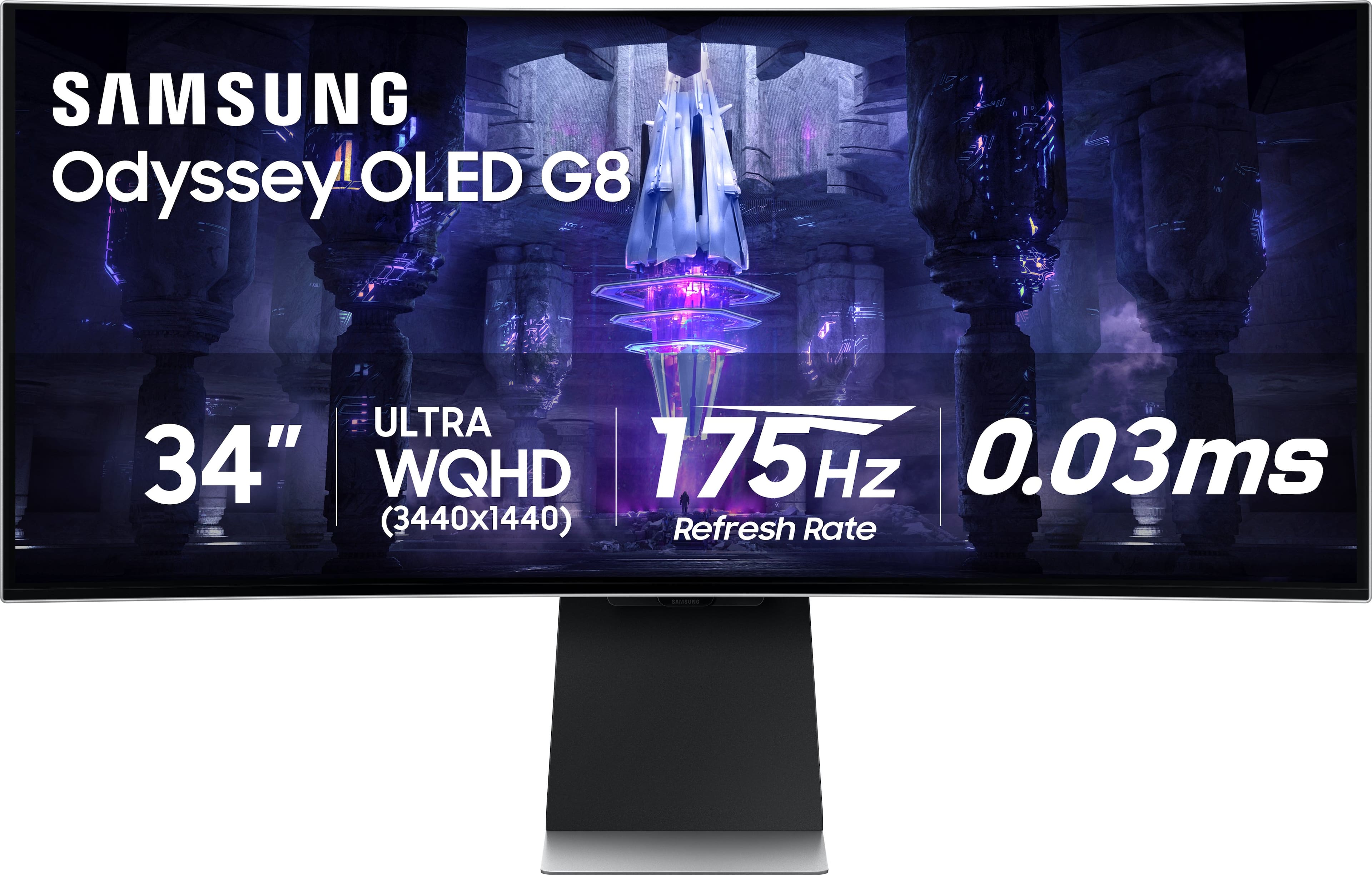
A:AnswerI just discovered this issue last night when i hooked up my sons PS5 to the monitor for the first time. I bought this monitor for my gaming pc but i wanted my son to try it out and unfortunately, PS5 does not support 1440 and so you wont be able to get 1440 @120hz.
A:AnswerIf you put in 16:9 aspect ratio it will give the black bars on the left and right. If you put in 21:9 it will give you the whole image but it will stretch that image and personally i dont like it
A:AnswerSamsung doesn't cover screen burn in and it only runs for a year. Bnh and micro centre may b wrong or u might have mis read
If u bought best buy geek squad it should cover it for the period u bought.