A:AnswerActually, I was asking how long can the wires be for the rear speaker transmitter to still work properly. Can I substitute 50' speaker wire for the provided 3' ?
A:AnswerHi Mike, Samsung soundbars are only compatible with one device at a time, and would not be able to connect to both TVs mounted on the wall. You could utilize the optical connection for one, and HDMI for the other, however you would need to switch sources on the soundbar in order to play audio from one TV or the other.
^Tim
A:AnswerHi Ricky! Thank you for sharing your concerns with the connection of your soundbar.
So that we can better troubleshoot towards a solution, please reach out to Samsung Support at: 1-800-SAMSUNG (ask for Soundbars), available 8AM -12AM EST. 7 days a week. Or text “SUPPORT” to 800-726-7864, LiveChat on Samsung.com, or Email: https://www.samsung.com/us/support/#contact_us_for_support
We look forward to hearing from you.
^Tim
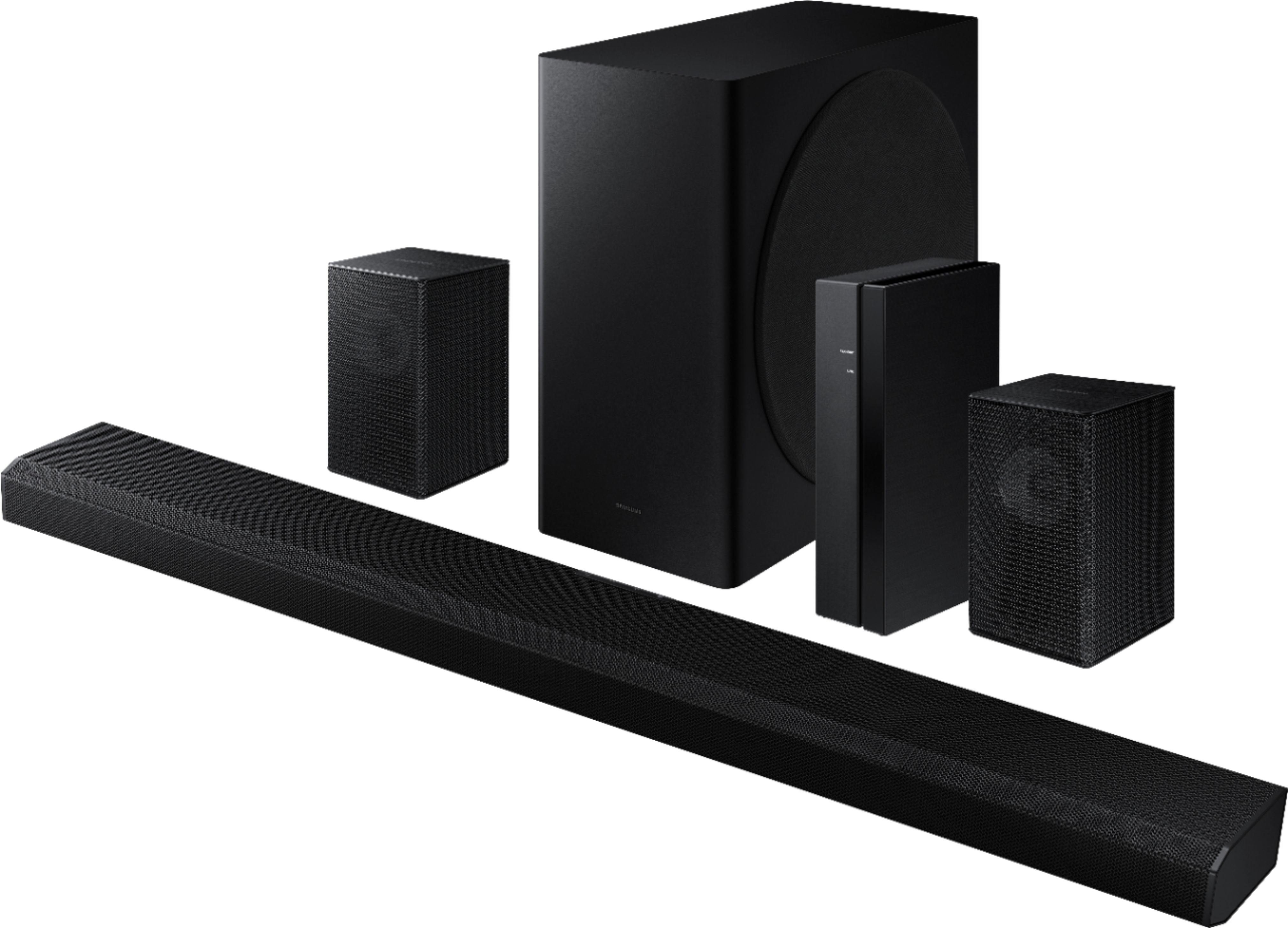
A:AnswerHi Rob! The rear speakers will wire to a transmitter base, which is then a wireless connection to the soundbar. This allows you to discretely wire the speakers behind the seating and maintain a wire free look from the rear to the front. ^Tim
A:AnswerHi BigBird! Thank you for sharing your concerns with your new HW-Q850A soundbar.
Please try to re-initialize your soundbar by pressing the - + (volume) buttons at the same time for at least 5 seconds. “INIT” appears on the display when the soundbar is initialized.
Please also make sure that you have the latest firmware update. You can update your firmware by Auto Update, using the SmartThings app, or by using a USB device. For further assistance, please contact Samsung Customer Support at 1-800-SAMSUNG / Available 8AM – 12AM EST 7 days a week. We look forward to hearing from you.
^Tim
A:AnswerThey can be hung from the ceiling as they have mounting points on the backside, but you will need to run the included wires to the rear speakers. The rear speakers need to be wired into the wireless receiver.
A:AnswerHave not tried it, but since they have speaker wire connectors, the simplest would be to take on of them and connect it to one of your current front left/right speaker cables coming from the AV and see if that works.
A:AnswerHi Joe! Each rear speaker will individually wire to a wireless transmitter base. This transmitter will require a power outlet to provide power to each speaker, and will then wirelessly connect to the soundbar. You can leave the transmitter and speakers behind your seating to avoid seeing any wires running from back to front. ^Tim
A:AnswerYou are most likely not doing anything "wrong". I would suggest checking for firmware updates for both tv and soundbar. Download the Samsung Smart Things app and you can access additional/more detailed settings for your soundbar once you connect it to the app. There is an adjustment available for 'lag' which I know isn't specifically the issue but just wanted to throw that out there.
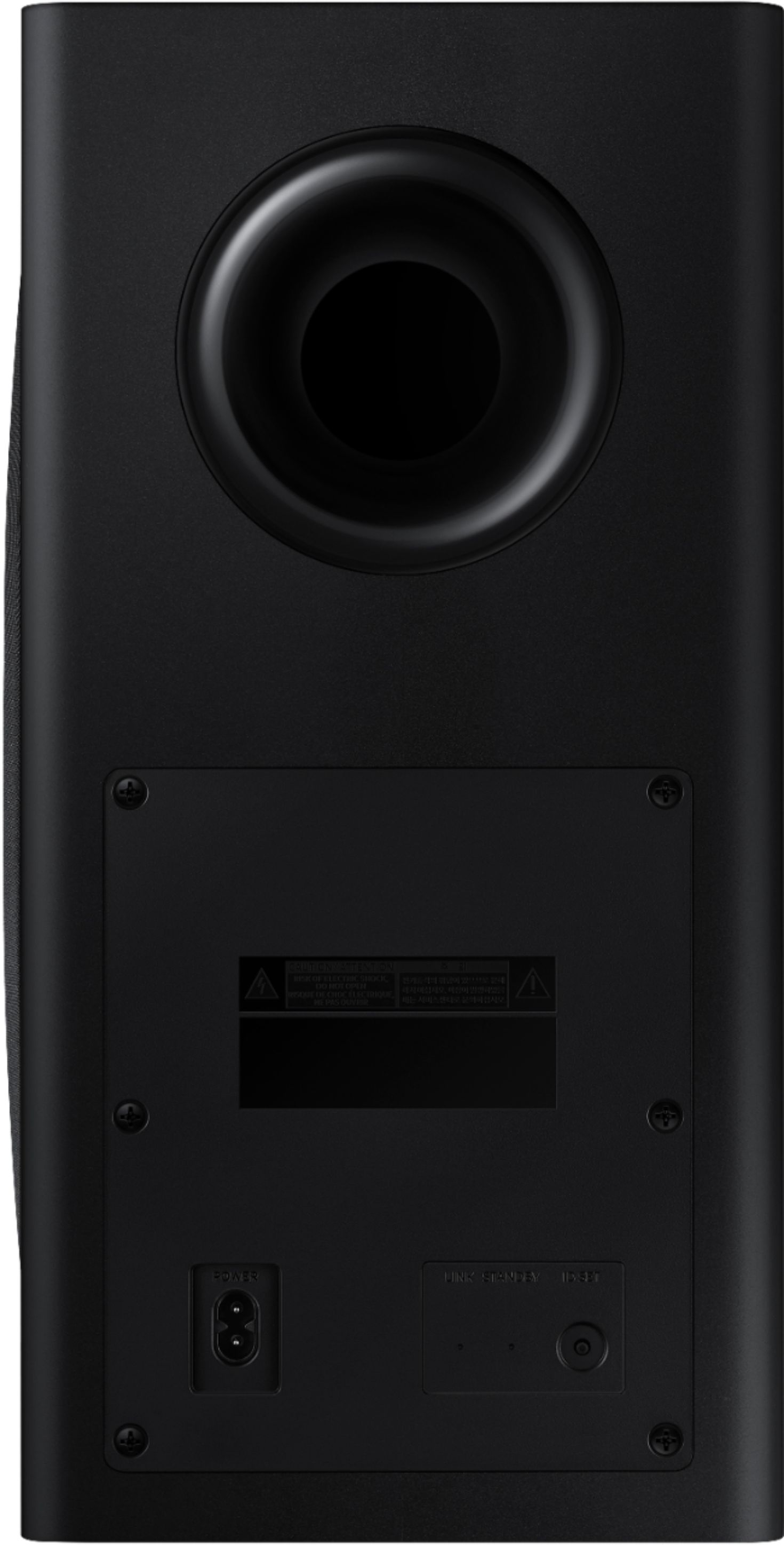
A:AnswerThere is a pinhole button on the back of the wireless hub and another under the soundbar. Press these and the lights will start to blink which means they're trying to talk to each other. Once the wireless hub turns blue, it means it's sync'd up. If it is blue and you still can't hear them, adjust the volume settings via the settings button on the speaker system remote, click till soundbar shows "rear" and then adjust the volume from there. Otherwise, you can also utilize the Samsung Smart Things app.
A:AnswerHi! The HW-Q850A is only compatible with the included rear speaker kit and will not be compatible with an additional rear speaker solution. ^Tim
A:AnswerUnfortunately, you do. However, the new SWA-9500S are truly wireless (they only need power) and have two up-firing speakers for your Dolby Atmos as well. I have heard they are quite lackluster though.. The up-firing speakers are great but they also mean you can't mount them high.
A:AnswerIf your satellite speakers require hard wiring, you have no option but to lay the wires along the floor, ceiling or inside the ceiling depending on what access you have. Placement can be behind you or to the left/right of your seating position. I was fortunate to have a basement and could run the wires from the AV into the floor and via the basement back out into the rear of my Living/TV room
A:AnswerIt depends on which sound bar you have. The SWA-9500S kit is supposedly "only" compatible with the 2021 soundbars. That's the official line from Samsung, anyways, and I don't know anyone will to drop $300 on a "maybe".
A:AnswerHi Varun! The HW-Q850A Samsung soundbar features HDMI pass-through, HDMI eARC, Digital Optical Audio, and Bluetooth audio technology for connecting to external devices. Check the back of your TV, or consult the manual if needed, to determine if your TV supports one of these audio connections for compatibility. The rear speakers included with the HW-Q850A connect to the soundbar and do not feature the ability to connect to other Bluetooth devices or split the audio signal. ^Tim
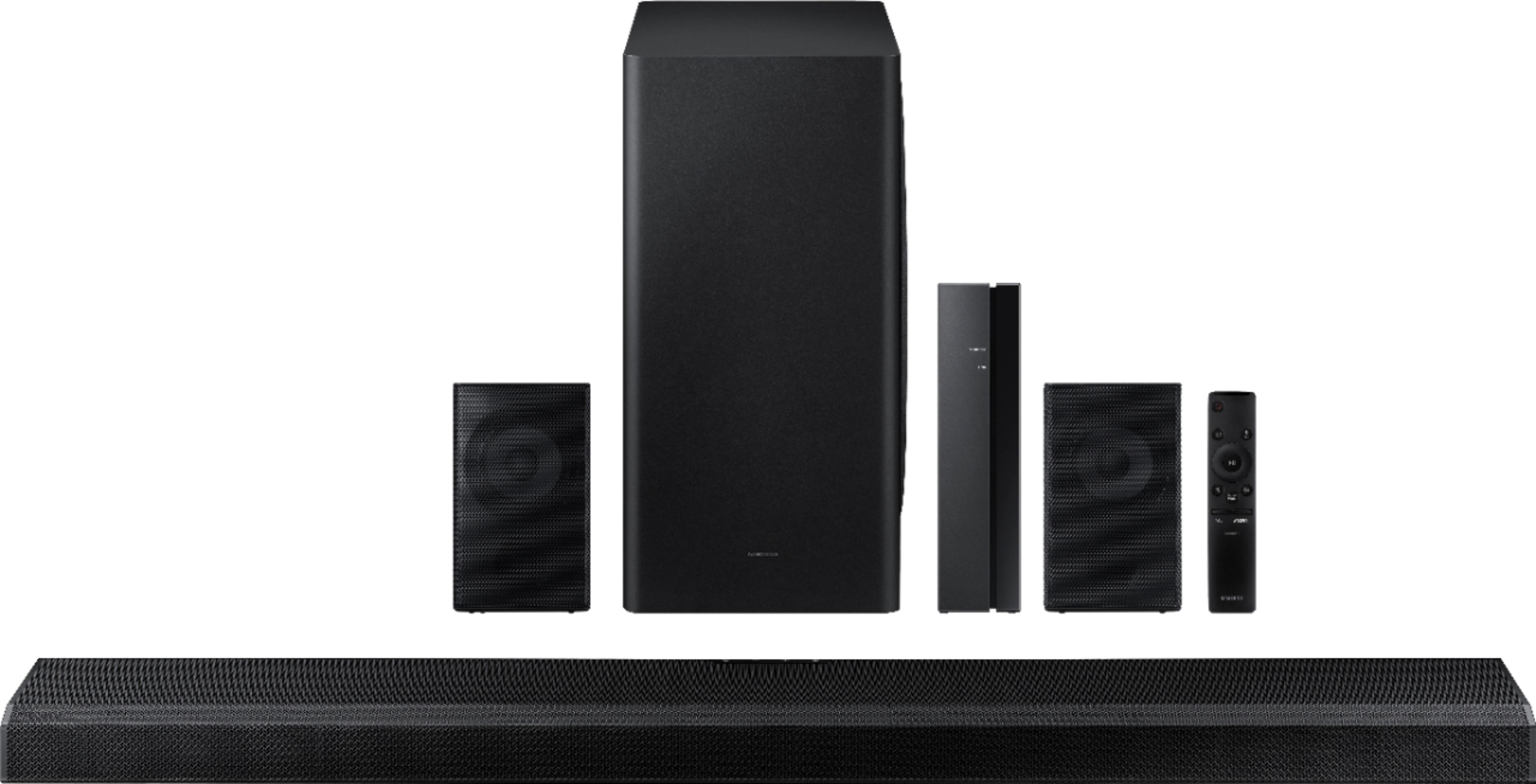
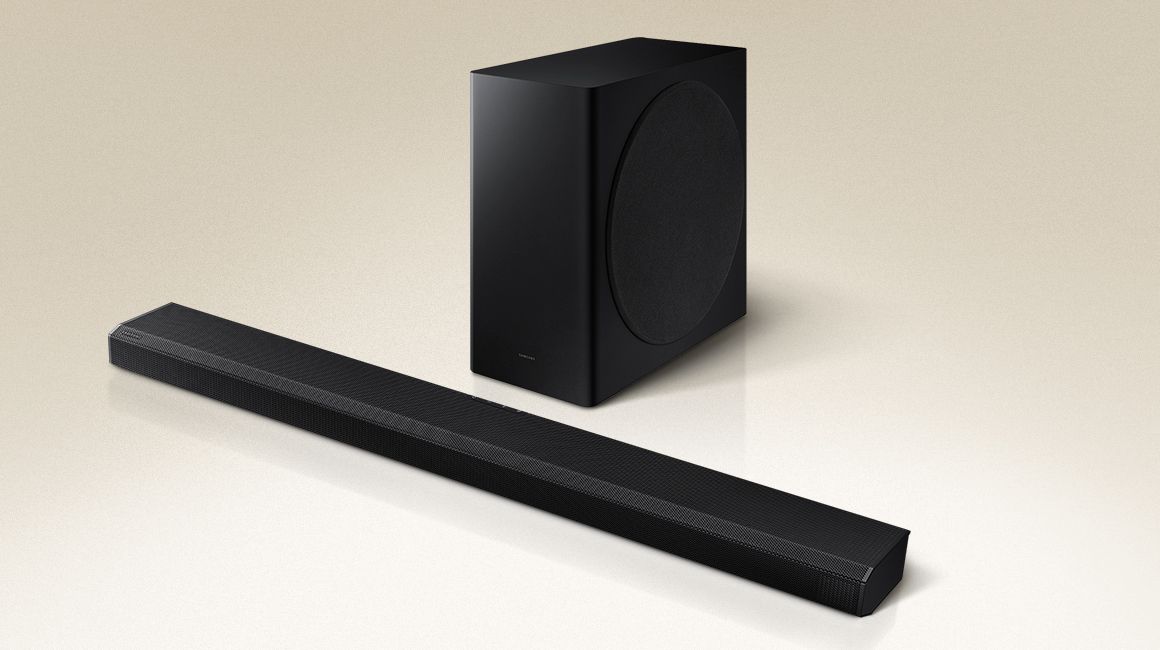
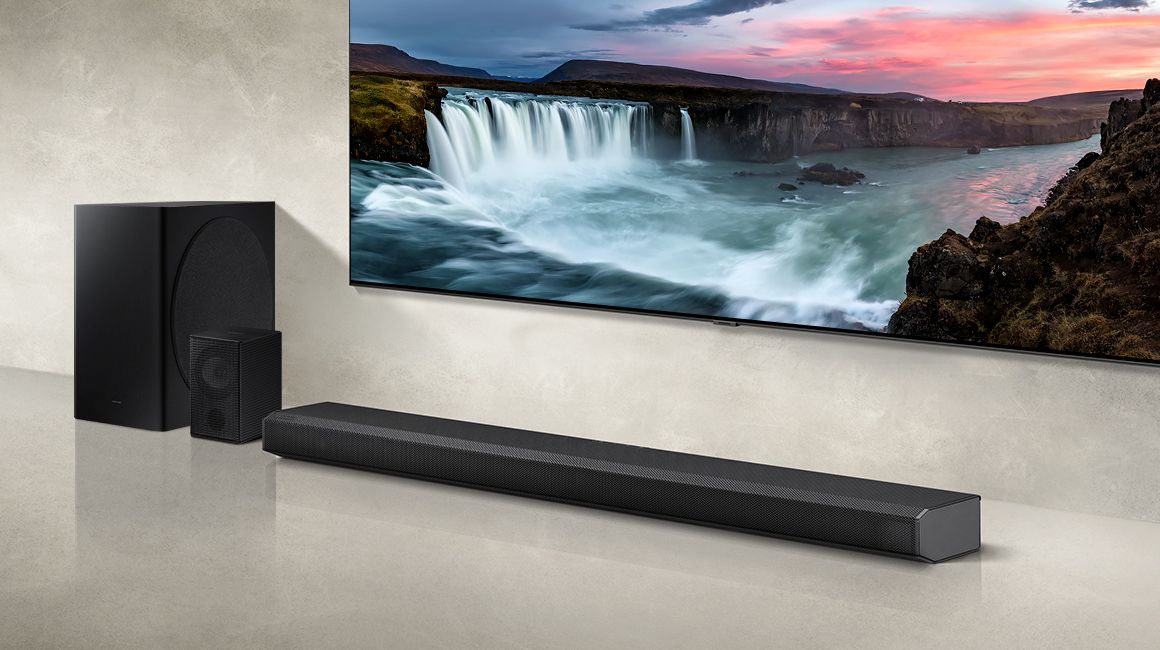
A:AnswerHi diane! The HW-Q850A is a great choice to pair with your new Q80A TV. Providing immersive surround sound featuring 5.1.2 Dolby Atmos support with the wireless rear speaker kit included. Your system will also be compatible with Q Symphony allowing the TV speakers to work together with the soundbar for our most immersive experience yet. To make your experience easy, you can connect the soundbar to your TV with the included cable, and control the whole system with one remote. ^Tim